

Explore the key product updates across Evoto Desktop, App, Video, and Asset Hub after the Evoto Launch Event 2026.
NEW YORK CITY, September 22, 2026. Evoto, the company behind software that streamlines professional creator workflows, hosted Evoto Launch Event 2026 at Blender Space in New York, with a global YouTube livestream. At Evoto product launch 2026, the company debuted Evoto Desktop 8.0 and showed how creators keep ownership of style while handing off repeat production work.
Desktop 8.0 led the keynote with story-aware culling, all-new workflows, and a deeper retouch toolkit for nights when image quality has to scale. The suite story continued across the same four pillars highlighted on Evoto Product Launch: Evoto App 3.3.0 when work moves beyond the desk, Evoto Video 1.6.0 when video needs a consistent look, and Asset Hub when the right finishing asset has to fit right in. Evoto Instant remains available for high-volume on-site delivery and is noted only briefly here.
The night’s theme was clear: Creator Powered, Evoto Redefined. The slogan: Built for Creative Flow. Featured figures included Peter Hurley, Mark Wallace, Lindsay Adler, and Francisco Joel Hernandez.
“Our customers asked for tools that cover more of the job without taking away their eye,” an Evoto spokesperson said. “Desktop 8.0 and our all-new workflows let creators set the look. The system carries the labor they already designed, across the devices they already use.”
Replay the keynote anytime on Evoto Product Launch.
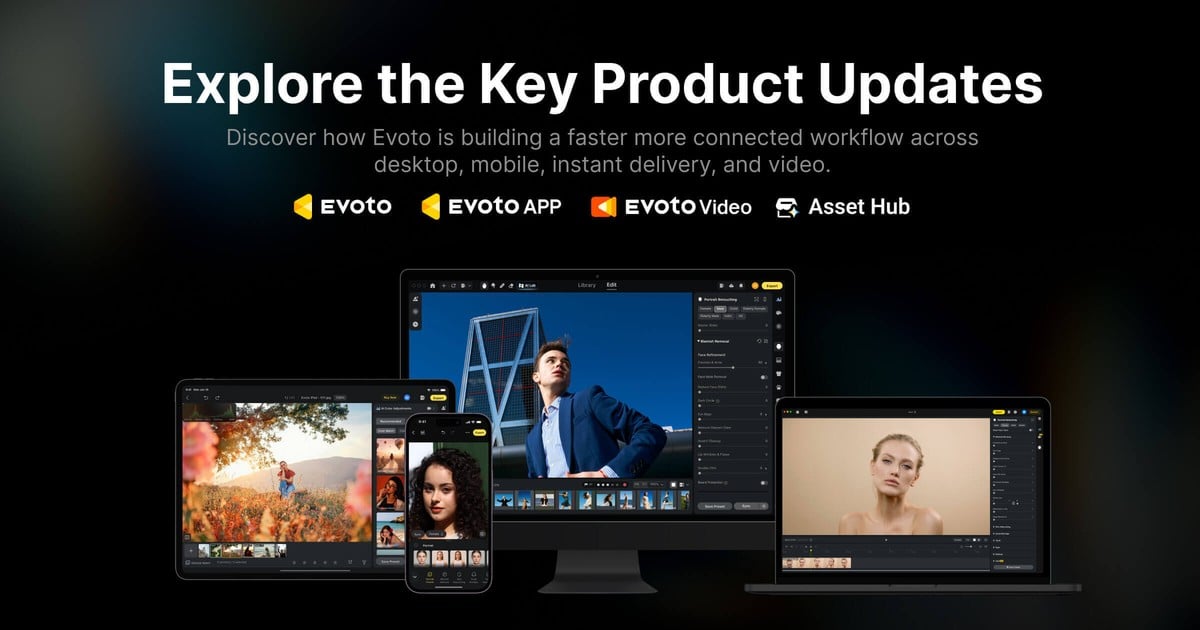
Evoto Product Launch 2026 Highlights on Desktop 8.0
Evoto’s flagship desktop software reaches its most ambitious version yet. Evoto Desktop 8.0 is the centerpiece of Evoto product launch 2026, built for photographers who need selection, batch finishing, and natural-looking detail work in one production home.
Selection and All-New Workflows
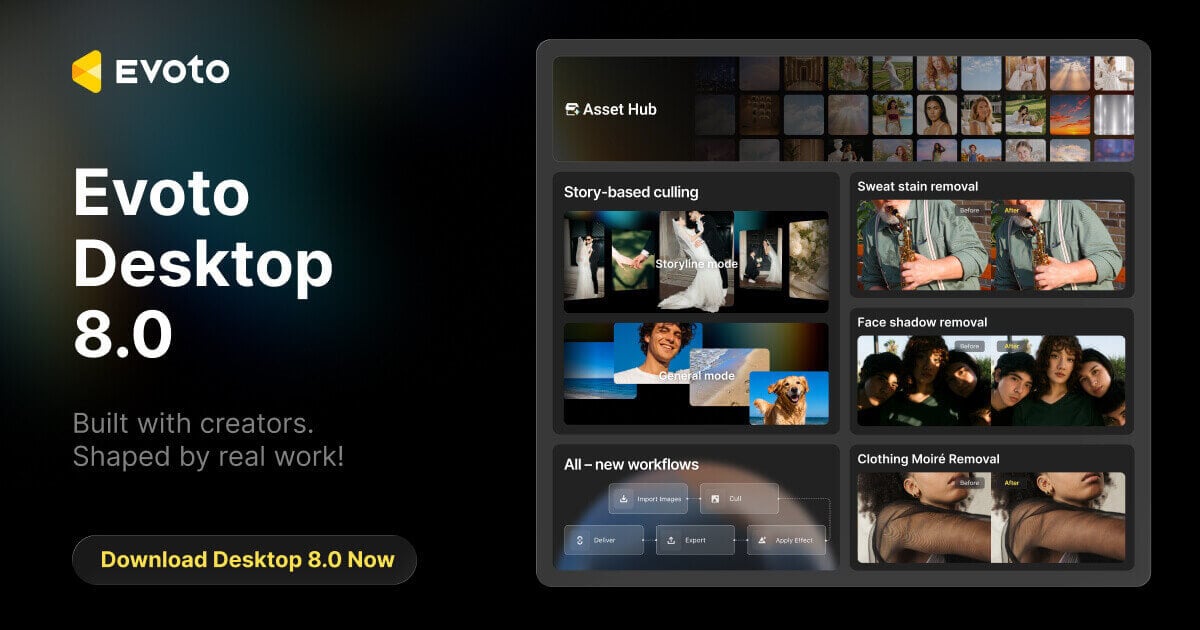
- Story-aware Culling: Organize a shoot like a narrative. Use Storyline chapters for weddings, visual grouping for general jobs, or build Manual segments yourself so selection feels like storytelling, not endless scrolling.
- Search by Text: Find frames with natural language, such as a color or garment cue, when the timeline is huge.
- Custom Tags: Combine auto tags, manual labels, and search so picks stay findable across projects.
- All-New Workflows: Reuse official templates that move from import to cull, apply effect, export, and deliver. Connect local folders, Evoto projects, or Lightroom Classic when that is already part of your pipeline. Save your own recipes for wedding, portrait, headshot, school, family, and fashion-style batches so the next job starts closer to done.
- Delivery that keeps the story: Export folders from segments, or publish a Story into Instant Online Gallery so clients review by chapter. Instant remains the delivery lane. Desktop remains the production desk.
Portrait Precision and Creative Finishing
- De-blemish Clothing: Clear sweat stains and lint under one clothing cleanup family, with optional Sweat Stain Masking when only part of a shirt needs work. Fabric moiré cleanup stays available for textured garments under event lighting.
- Body Detail Tools: Address foot vein cleanup and other fine retouch needs that used to stall delivery.
- Outpainting (Generative Expand): Expand canvas for delivery crops while keeping structure readable, with multiple results to choose from when the client asks for a different aspect ratio after the shoot.
- Sky Replacement and Lawn Fill: Rebuild outdoor atmosphere with light that feels consistent across a set.
- Face Shadow Balancing: Even harsh patches while keeping dimension, so skin reads clean without looking flattened.
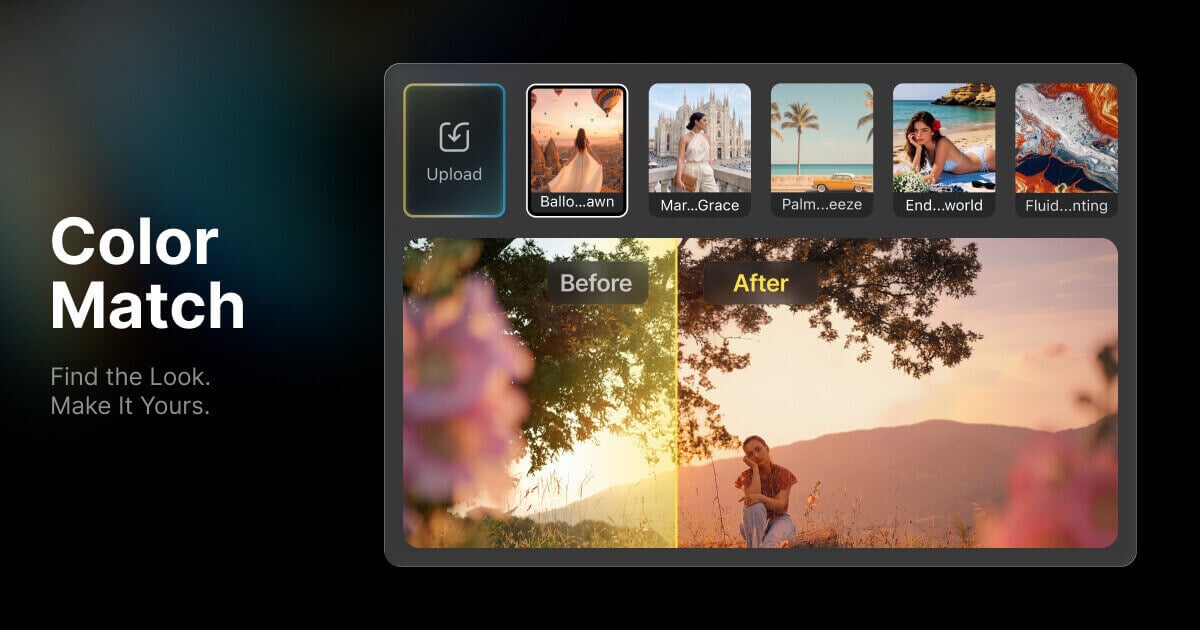
- Color Match: Find a reference look, apply it across frames, then refine until the set still feels like yours with the color match.
- Portrait and Masking Upgrades: Cleaner freckles and acne separation, more natural cutouts with Auto, Natural, and Precise modes, split clothing-wrinkle control, and smarter crop with Apply Rules by Orientation for mixed landscape and portrait batches.
- Liquify Background Repair: After reshape work, restore walls and lines that warped behind the subject.
Easier to Start, Faster to Find
- Home: Land on create project, tethered shooting, workflows, hot features, and recent projects in one place.
- Ask Me / Evobot: Describe what you need in plain language and jump straight to the tool, with less time hunting menus when a new capability ships.
Evoto Desktop is free to download Evoto on macOS and Windows. Learn more on the Desktop page on the official site.
Creation on the Go with Evoto App 3.3
Evoto App 3.3 is Evoto’s mobile product for creators who need serious quality when work moves beyond the desk. It is not the same product as Evoto Instant.
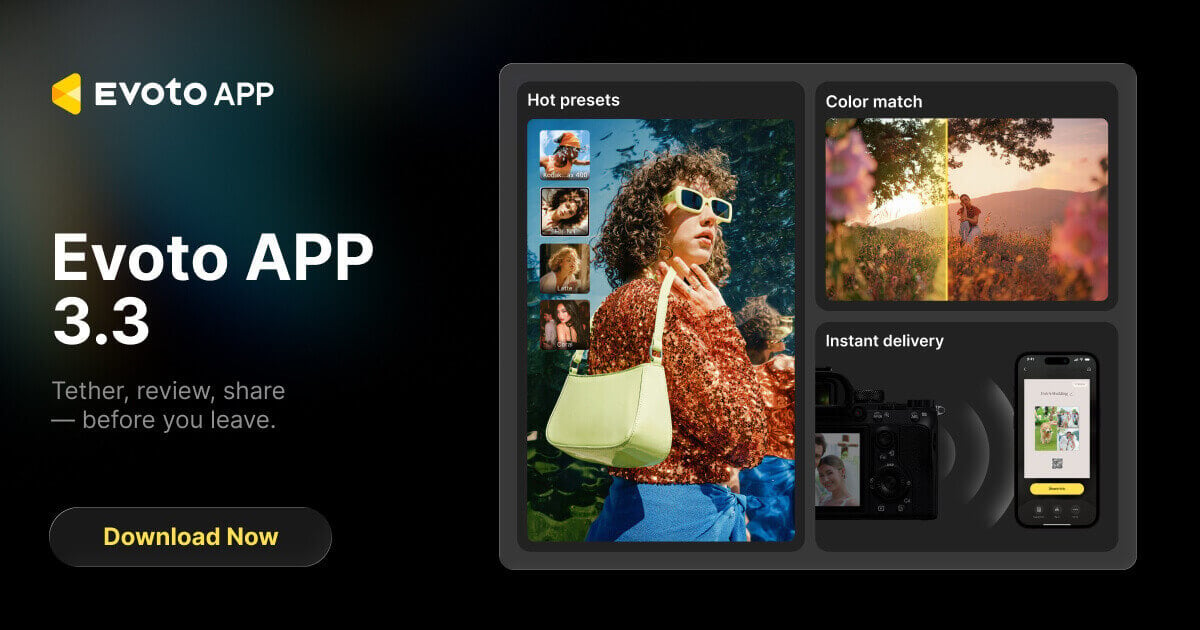
At Evoto product launch 2026, App v3.3 put sharing and easier finishing on stage alongside phone-side portrait craft:
- Share via Online Gallery: Export finished selects and optionally publish an Instant Online Gallery with a shareable link and QR card. Recipients can browse, pick, and download on the web, then use Edit in Evoto to send frames back for more work. Manage past galleries under Settings > Online Galleries.
- Easy Mode and Pro Mode: New photographers can pick result-first effect cards with a simple Amount control. Pros keep the full slider layout. Switch anytime without losing applied edits.
- Enhance (HD): Raise fine detail clarity inside the retouch page while keeping the original resolution.
- Custom backdrops with Retain Shadow: Upload your own backdrop and keep a matching cast shadow so composites feel grounded, not pasted.
- 3D Lip Plumper and Shapely Arms: Add lip volume with dimensional shading, and slim arms with left/right control aligned to the Desktop approach.
Photographers still tether from supported cameras, adjust color, and run portrait finishing on the phone. Same-day edits stay closer to Desktop taste when the job continues on a larger screen.
Find current downloads on Evoto’s mobile product page: Evoto App
Expanding into Cinematic Retouching with Evoto Video 1.6
Evoto built its name on portrait finishing. At Evoto product launch 2026, Evoto Video 1.6 carries that craft further into motion for wedding films, shorts, commercial, and beauty work.
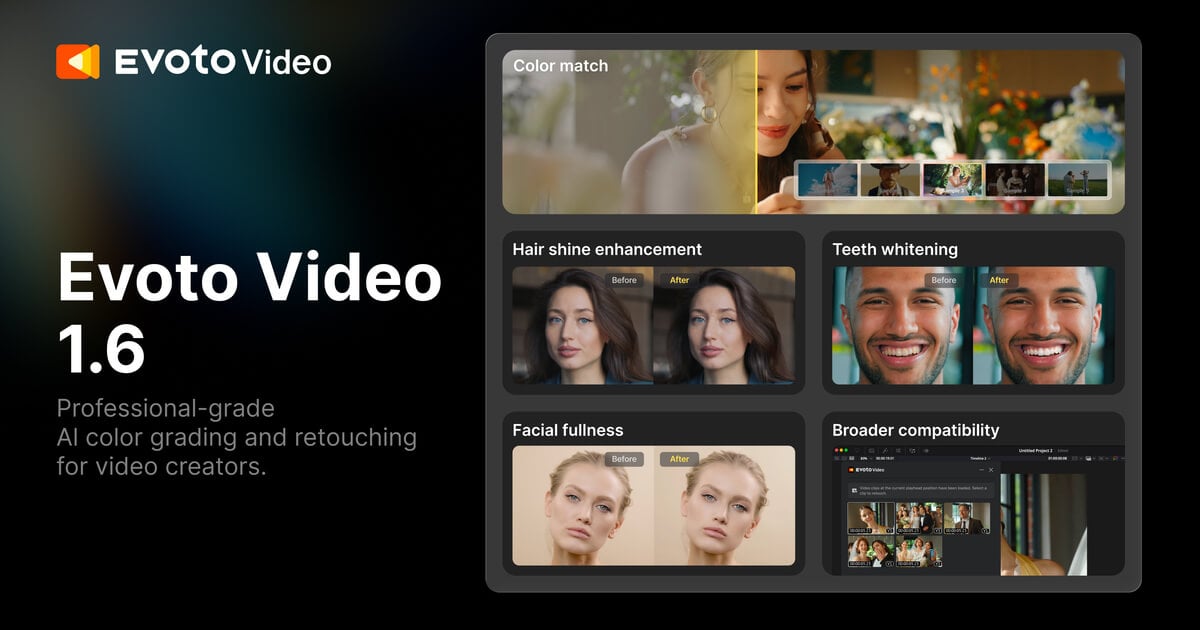
New and deepened in Evoto Video 1.6:
- Manual Color Tools and Scopes: Check brightness and color objectively, then refine white balance, tone, sharpening, and noise reduction. Advanced controls include levels, HSL, calibration, RGB and HSL curves, and color wheels after a match or look is in place.
- Stylized LUTs: Ten built-in looks for night city, film-inspired, seasonal, and cinematic moods when you need a fast starting point.
- Fairer Export Billing: High-frame-rate double charging is removed. Re-exporting the same source video only bills newly used portions, which lowers the cost of iterate-and-deliver workflows.
- NLE Plugins: Lightweight portrait retouch plugins for Adobe Premiere Pro and DaVinci Resolve Studio let you adjust and preview a single clip inside the timeline, then send results back without a full round trip through another app. Deeper color, presets, and batch work still live in the Evoto Video client.
- Portrait Retouching Continuity: Skin cleanup, advanced smoothing, facial adjustments, and complexion consistency across frames.
Color Matching, presets, face recognition, batch sync, 4K import, and MP4 or MOV export remain part of the Video toolkit that studios already rely on. Evoto Video can stand alone or sit beside a stills workflow when multimedia clients want one visual language. Learn more and download at Evoto Video.
Discover Creative Assets with Asset Hub
Asset Hub is Evoto’s home for professional creative assets on the web and inside Evoto Desktop 8.0.
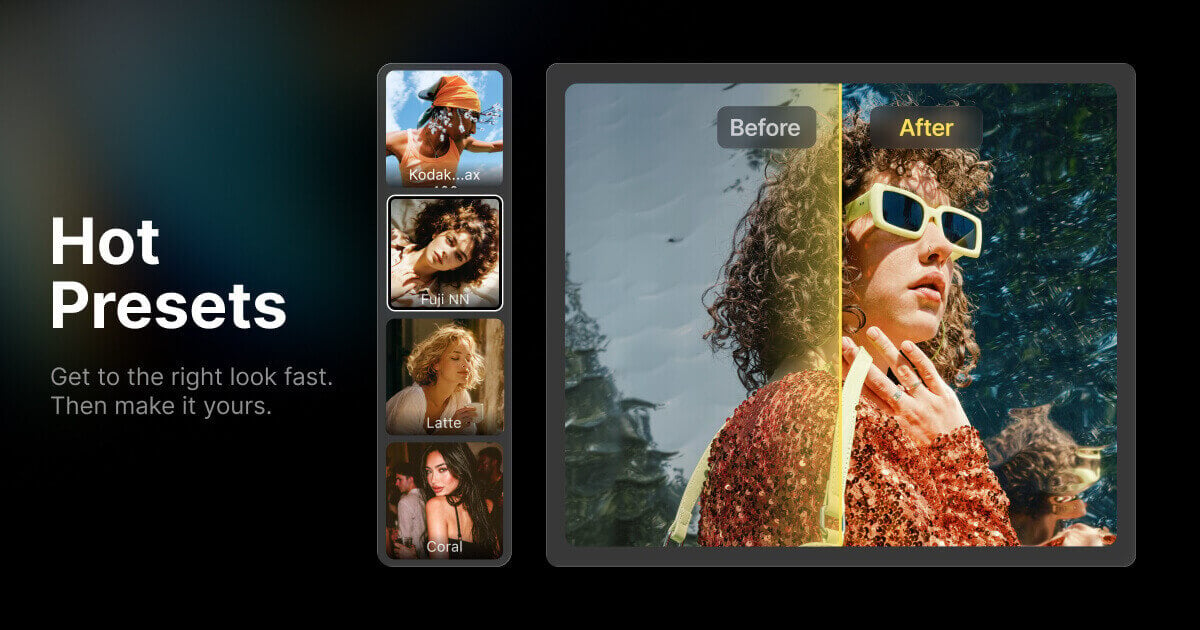
- Five asset types: Browse Preset, Look, Backdrop, Sky, and Background Fusion when a shoot needs a finishing ingredient fast.
- Discover where you work: Search and browse on the web, or open Asset Hub from Desktop Home and from matching edit panels without leaving the project.
- Try First: Preview and adjust an asset on your image before you buy or unlock membership access.
- Keep favorites close: Reopen favorites, purchased items, and recent trials when the next job asks for the same look.
- Become a Creator: Apply, submit work, and reach photographers already editing inside Evoto.
Asset Hub closes the suite story for Evoto product launch 2026: Desktop sets the production standard; App 3.3.0 keeps work moving beyond the desk; Video 1.6.0 extends a consistent look into motion; Asset Hub keeps ready-to-use assets within reach. Start from evoto.ai after you watch the keynote playback.
For deeper stills craft on Desktop, keep practicing in the portrait retouching hub and your photo editing software workspace.
Watch the Playback and Claim Launch Perks
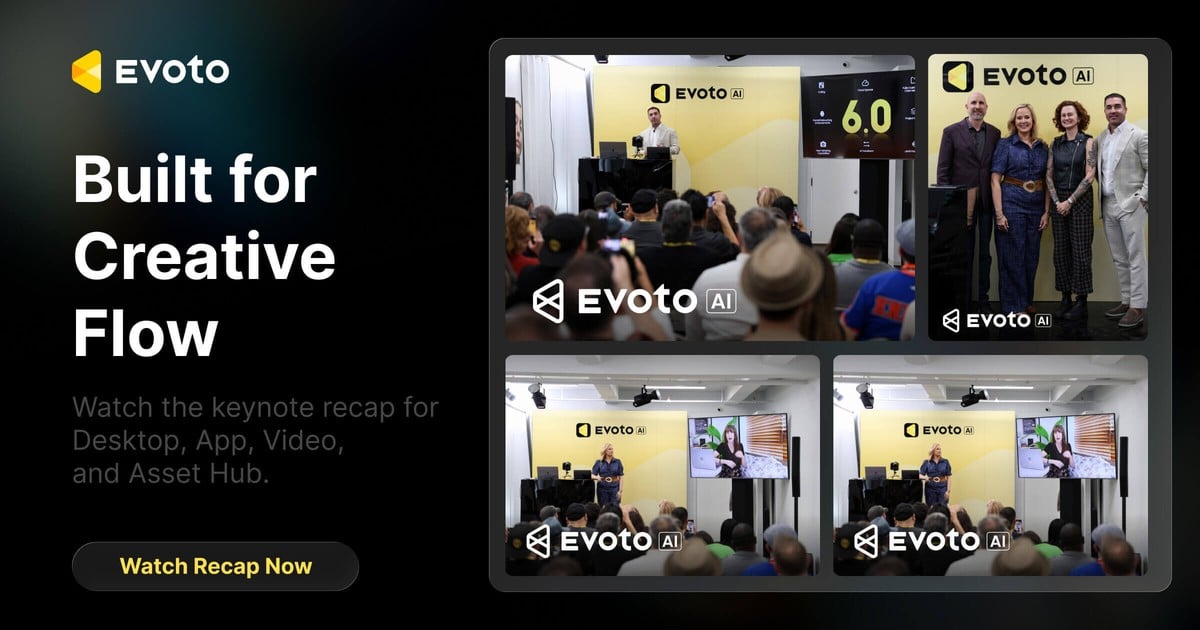
Missed the live keynote? Return to Evoto Product Launch for playback and product update highlights across Desktop, App, Video, and Asset Hub.
- Launch perks follow the official landing-page path. Exact bonuses vary by plan. Eligibility and claim timing appear on the page or after a successful purchase. Bonus items that apply to your plan are issued to your account after checkout completes.
- Evoto product launch 2026 is built for creative flow. Watch the show on Evoto Product Launch. Try Desktop 8.0 first. Then continue the same standard on App 3.3.0 and Video 1.6.0, and pull assets from Asset Hub when the set needs them.
About Evoto
Evoto develops software that powers and streamlines professional creator workflows. Core products include Evoto Desktop and Evoto for iPad, with continued expansion through Evoto App, Evoto Instant, cloud collaboration, Asset Hub, and Evoto Video. Creators in 158 countries use Evoto, from small businesses to enterprises. Founded in 2022 by researchers and graphics engineers, Evoto has a team in Singapore and offices in the United States, Japan, and South Korea. For more information: www.evoto.ai.
Media Contacts: support (at) evoto.ai



