

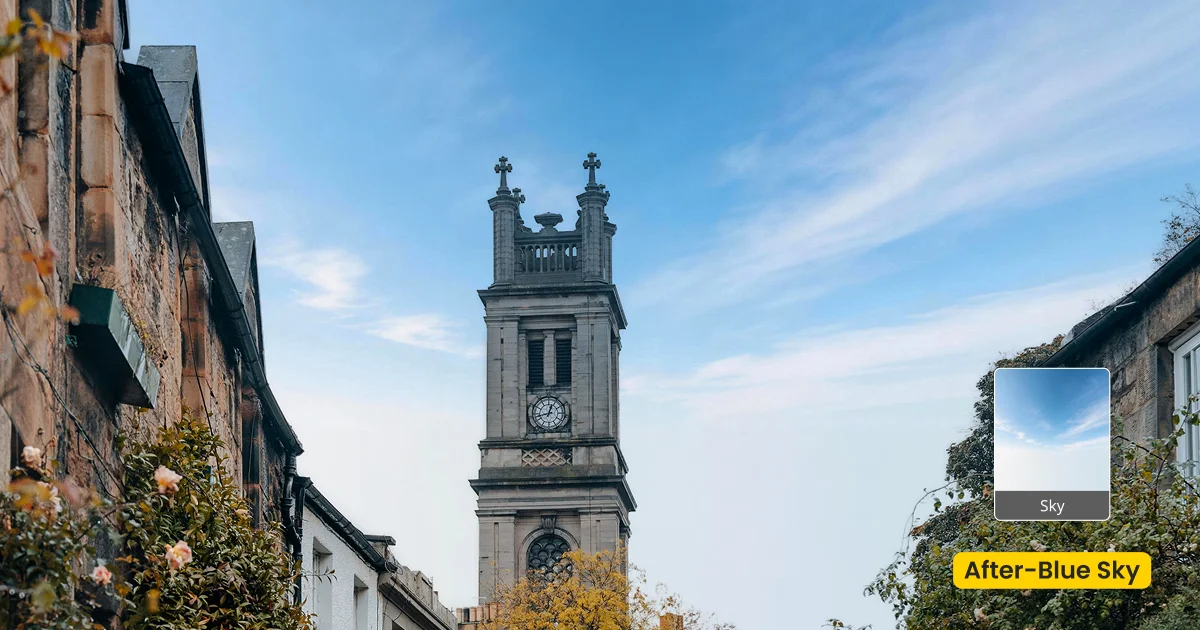
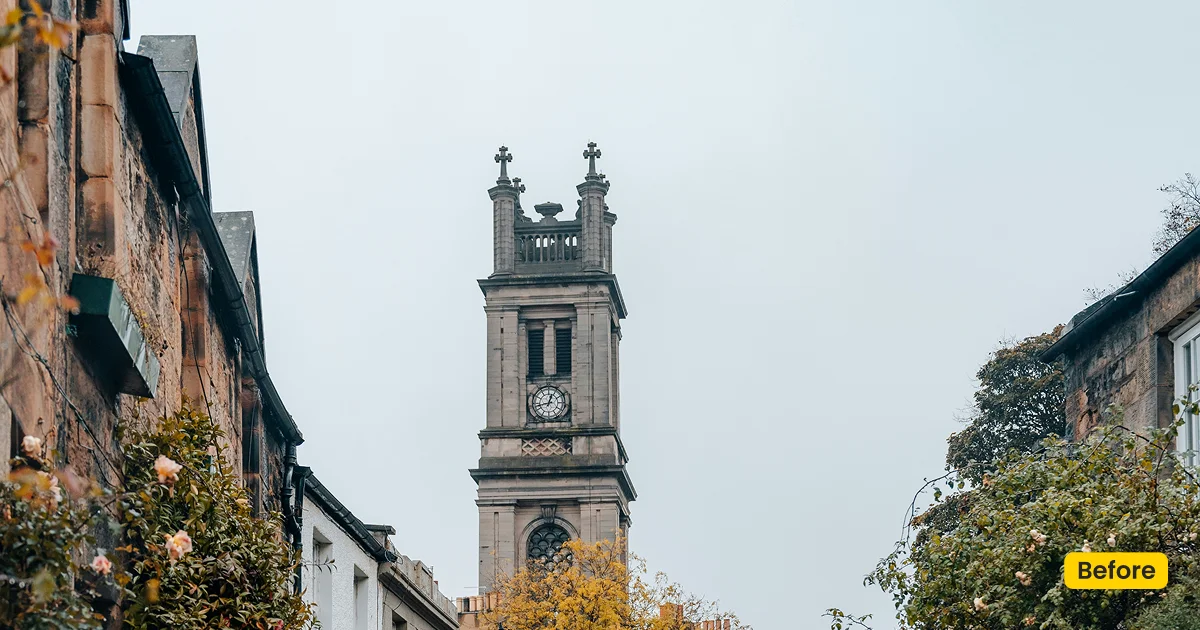
This sky asset replaces dull or overexposed skies with a natural daylight blue, including soft cloud structure, not a cloudless plate. Built for outdoor portraits, weddings, and events. It is a Sky Replacement asset, not a wallpaper download.
| Style | Sky / Daylight Blue with Clouds |
|---|---|
| Best for | Outdoor portraits, Weddings, Graduations, Events |
| Format | Evoto Asset Hub sky asset |
| Price | Free |
See the Look in Action
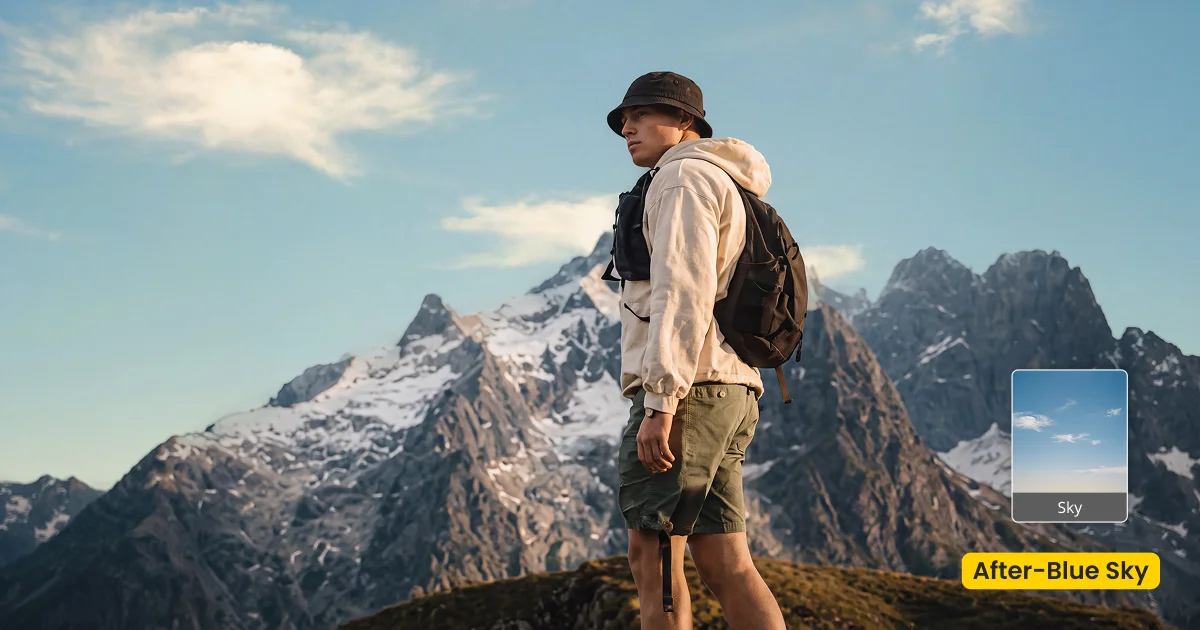
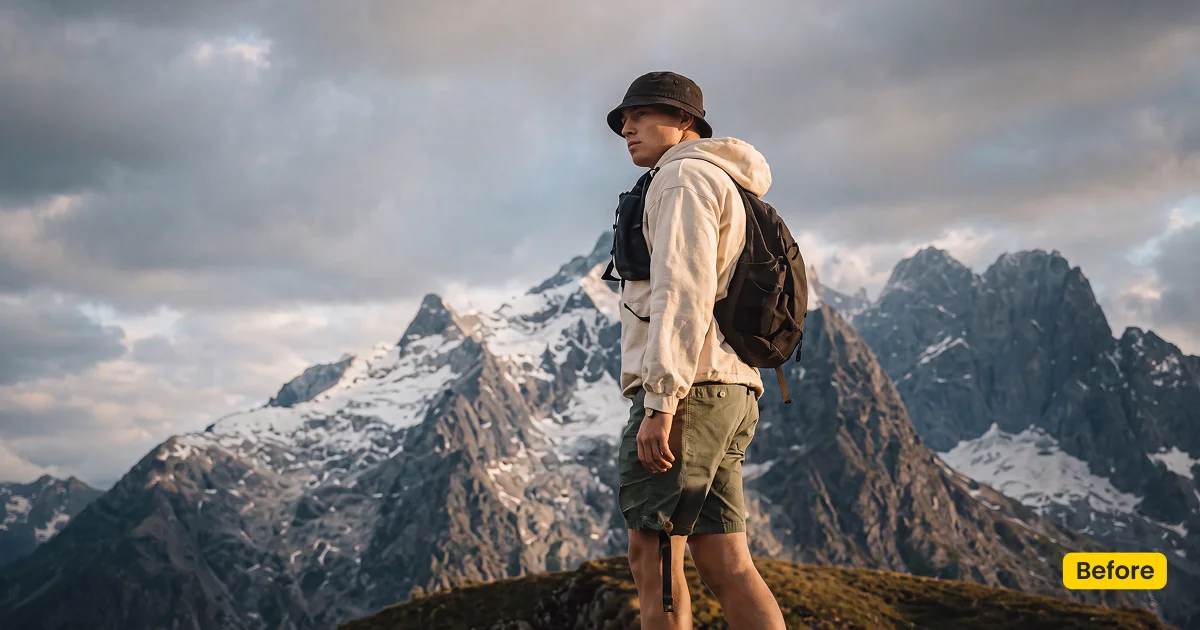
A natural blue sky with light cloud keeps outdoor portraits honest, not CGI-empty.
What This Asset Does
Blue Sky is a free blue sky background for outdoor rescue work in Evoto. The four Asset Hub plates (Blue Sky 01-04) keep a natural daylight blue with cloud structure. They are not cloudless. Apply them with Sky Replacement. This page is not a desktop wallpaper download.
Overcast lawn portraits gain a usable ceiling while skin stays honest. Harsh noon blowouts get a blue with a soft edge around hair and trees. Outdoor groups keep one consistent sky so the set does not jump. Pick the variant whose cloud weight matches the rest of the gallery; mixing a heavy cloud plate with an emptier one is visible in a spread.
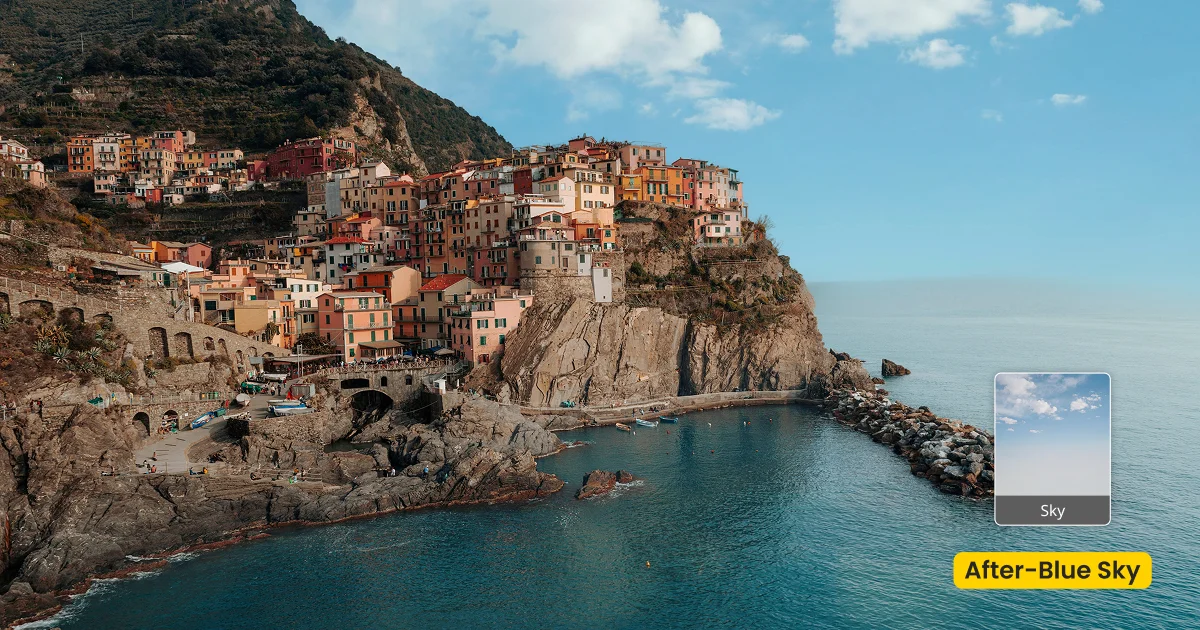
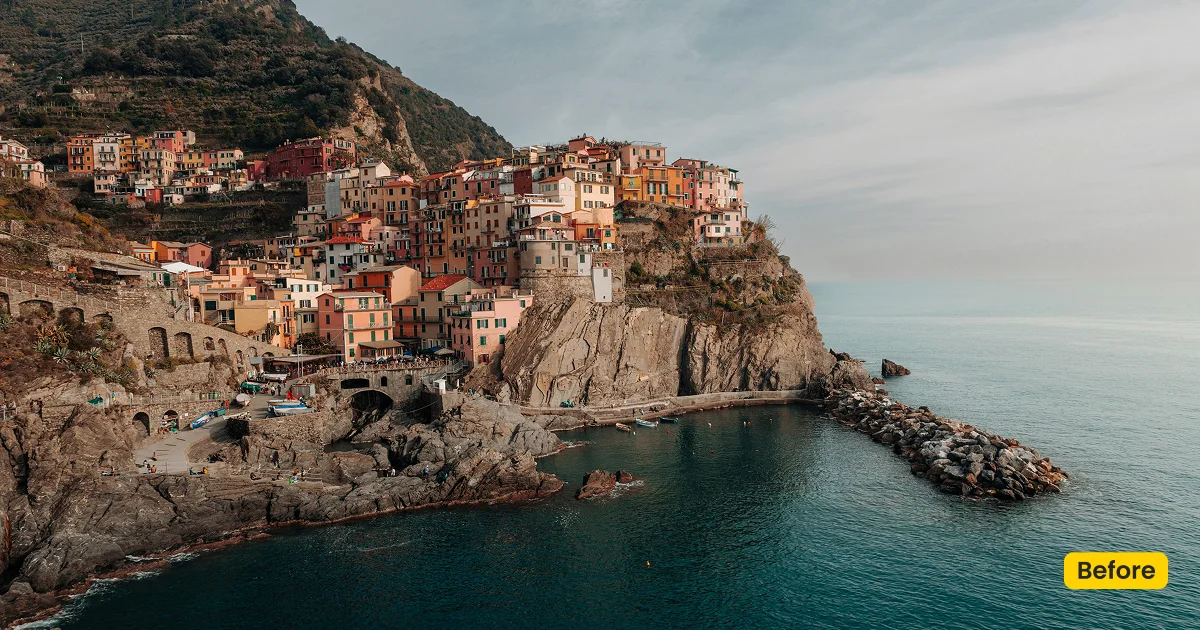
Get a Blue Sky plate from Asset Hub. Apply it in Evoto’s Background Adjustment → Sky Replacement. Download Evoto if the desktop app is not installed. The panel works when a sky is detected.
Best For / Not For
Best for
- Overcast wedding lawns and garden portraits
- Graduation groups with a grey or blown sky
- Outdoor events that need even daylight blue
- Frames that still show a real horizon and sky
Not for
- Indoor studios with no sky detected
- Desktop wallpaper or phone background downloads
- Sunset drama (use a sunset sky asset)
- Full location swaps (use Wedding Garden or Maternity Field)
Photographer Sky Asset vs Wallpaper Download
The term `blue sky background` is a high-volume phrase, and stock wallpaper sites rank for it. Evoto’s Blue Sky on this page is a Sky Replacement plate you blend into a photograph. If someone wants a lock-screen image, they are in the wrong place.
| Blue Sky in Evoto | Wallpaper/stock sky JPG | |
|---|---|---|
| Intent | Sky Replacement in a photo | Desktop or phone background |
| Clouds | Soft daylight cloud in the 01-04 plates | Often empty or illustration-heavy |
| Blend | Edge, match, opacity, position | None |
| Apply in | Sky Replacement | OS wallpaper settings |
How Blue Sky Sits in the Frame
After you pick a plate, spend time on the horizon and hair edge. A believable blue sky background is a blend problem, not a one-click wallpaper drop.
- Color: Daylight blue, not navy night. Keep it in the same season as the lawn.
- Clouds: The official plates include clouds. Do not describe the look as cloudless.
- Edge transition: Soften hair, trees, and architecture, or the swap will halo.
- Match: Human and scenery matching keeps skin from going cyan.
- Caution: If Evoto shows no sky detected, pick another frame or a fusion scene instead.
Tips for Overcast and Blown Skies
Sky Replacement is a rescue for a sky that already exists in the file. Fix exposure first, then stay on one Blue Sky variant for the lawn set.
- Fix exposure first: Sky Replacement is not a full raw recovery. A three-stop blowout still needs a better file.
- Brush the trees: Use brush or Smart Edge around branches so cloud does not sit inside foliage.
- Stay consistent: Reuse the same Blue Sky 01-04 variant across the set. Switching plates mid-gallery shows in a spread.
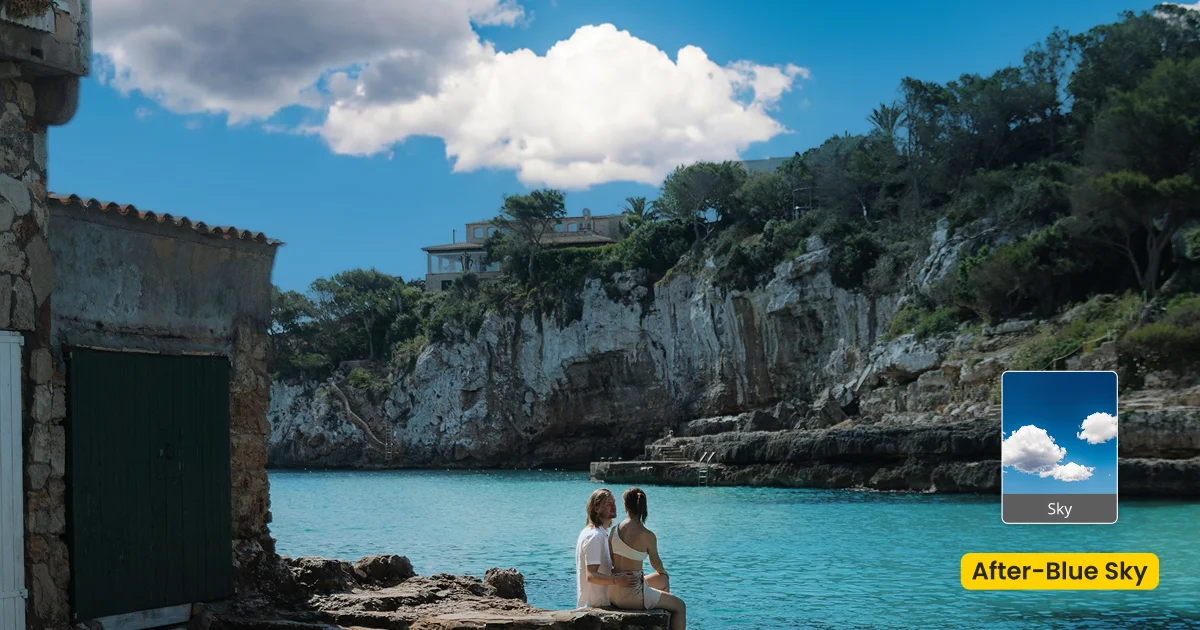
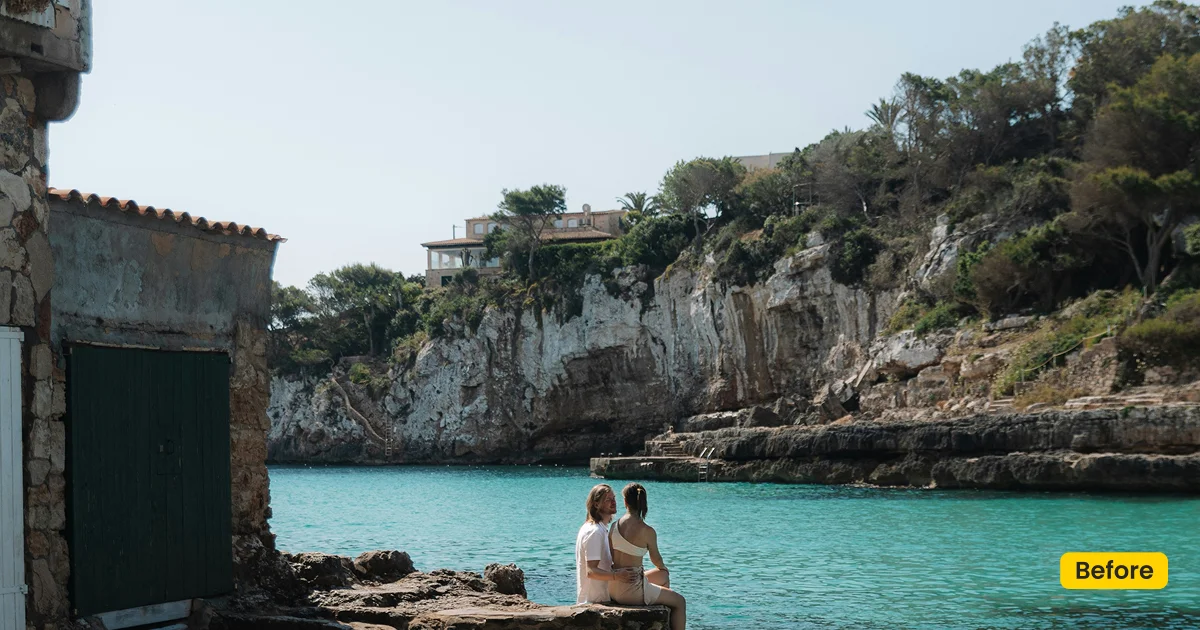
How to Get and Apply Blue Sky
Step 1. Get Blue Sky
Click Get Backdrop in Evoto on this page. Sign in. Get/sync the Blue Sky plate you need. Four official variants live in Asset Hub, named to match the reference files:
Step 2. Select a New Sky
Open Evoto Desktop and load an outdoor frame that still contains sky. Go to Background Adjustment > Sky Replacement. Choose the synced Blue Sky plate.
Step 3. Adjust and Fine-Tune Sky
Use Sky Adjustments for angle, colors, and reflections so the new sky matches the scene.
Step 4. Export the Photo
When the sky looks natural, export from Evoto Desktop.
FAQ
Is this a free wallpaper?
No. Blue Sky is a blue sky background for photo editing in Evoto, applied with Sky Replacement.
Is it cloudless?
No. The official Blue Sky 01-04 plates include cloud structure. Use them when you want a natural daylight sky, not an empty CGI dome.
Is it a Lightroom sky overlay pack?
No. Get it from Asset Hub and apply it with Sky Replacement.
Can I use it indoors?
Only if the photo contains a detected sky.
Which link should I open?
The page CTA uses Blue Sky 01-04, and you can click any one of them on this page to get the blue sky background.
Try Evoto AI Photo Editor
Retouch photos with Evoto AI and make your photos best! Available on Windows, MacOS and iPadOS.


