

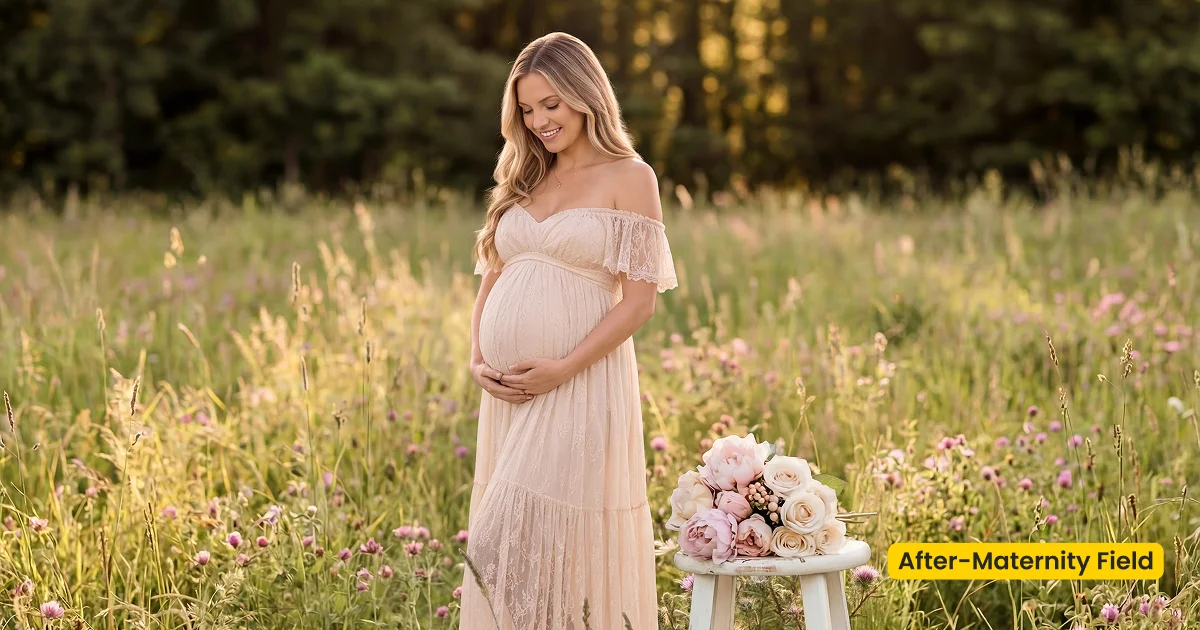
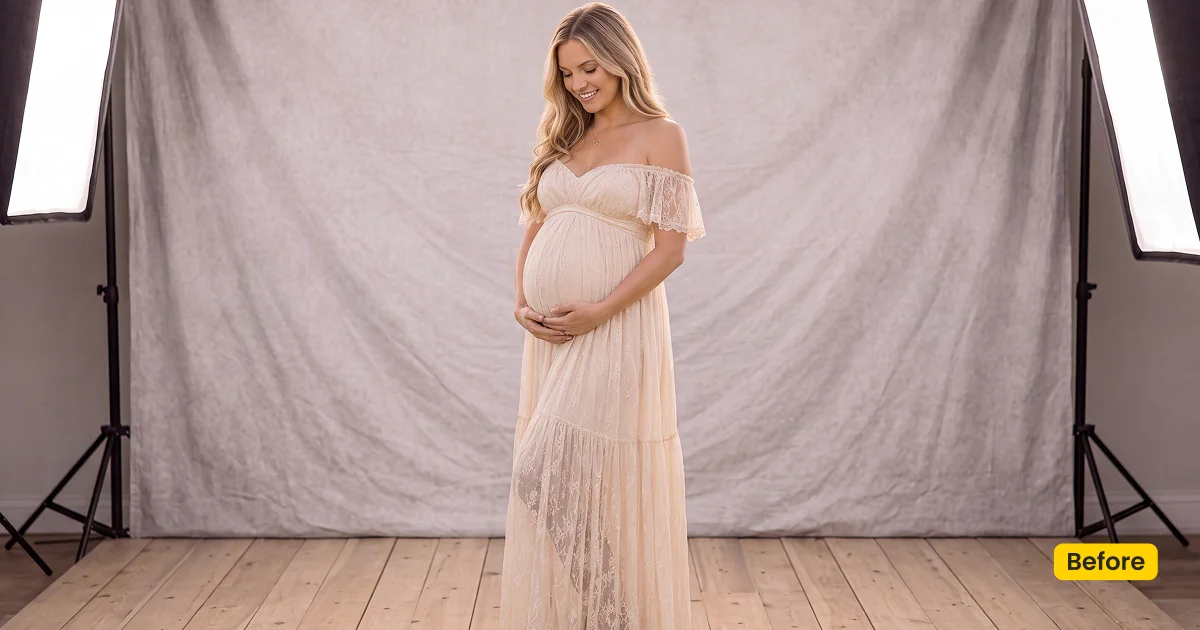
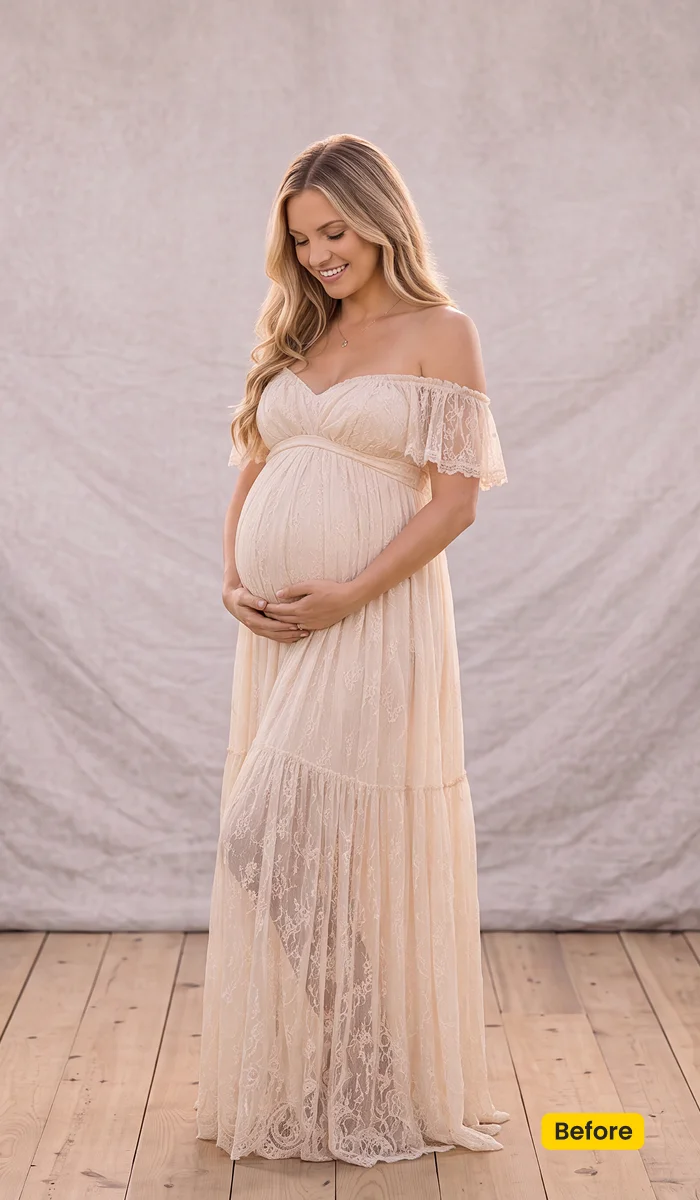
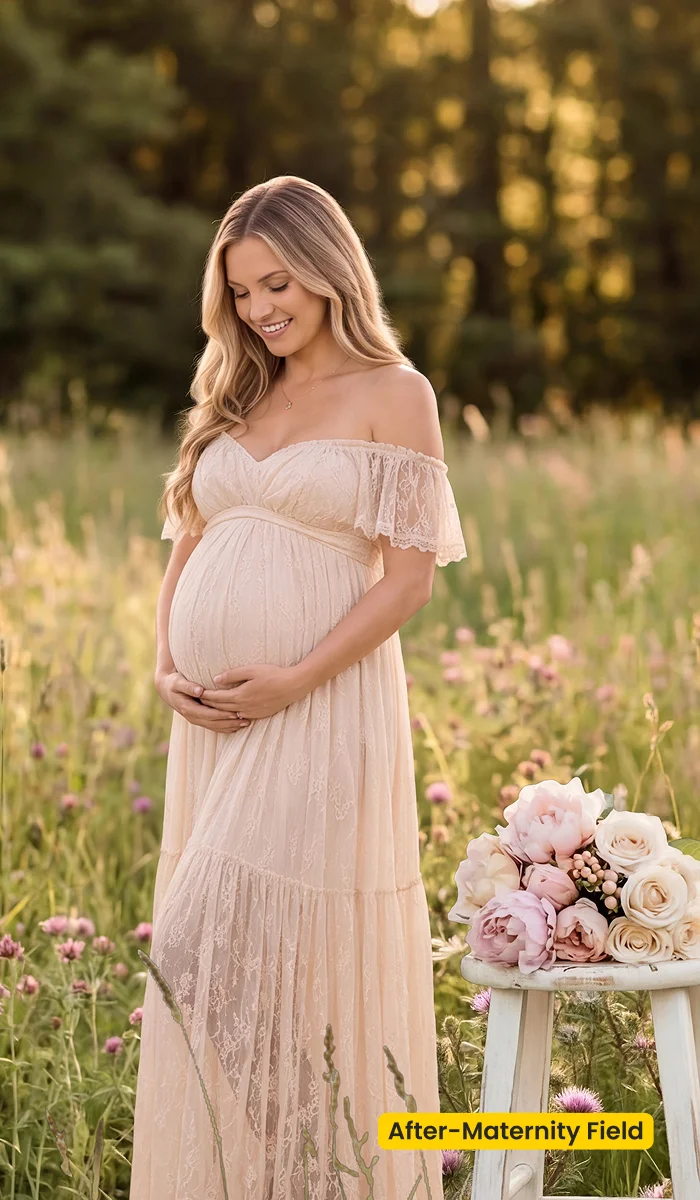
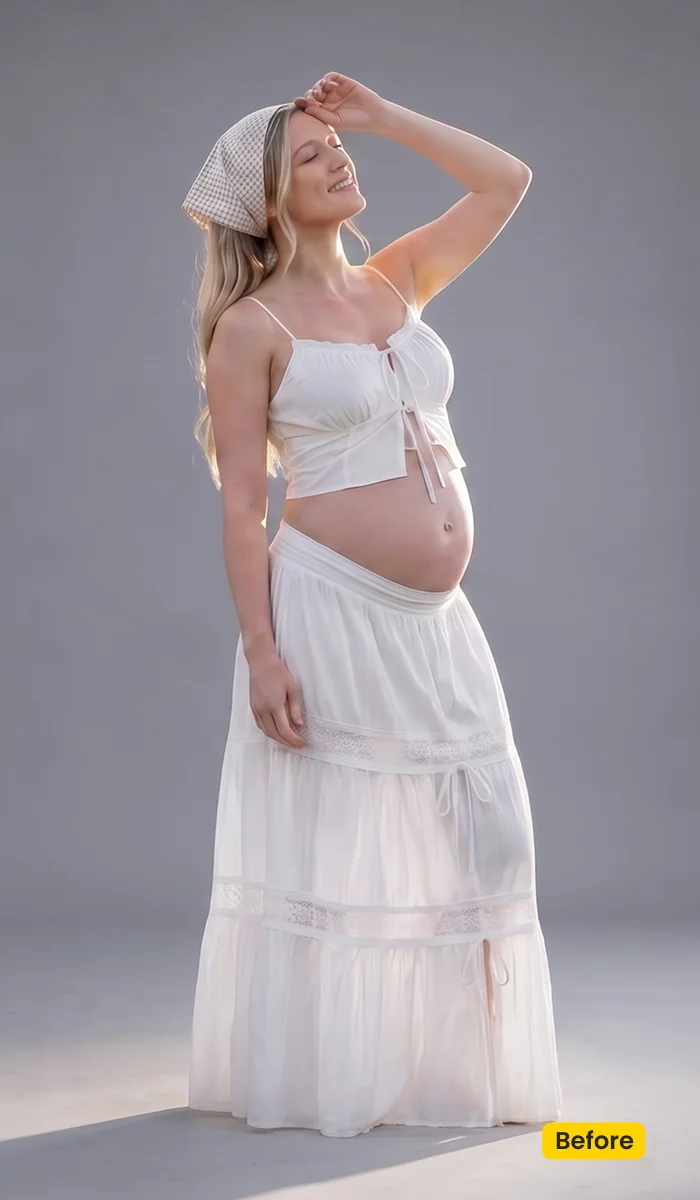
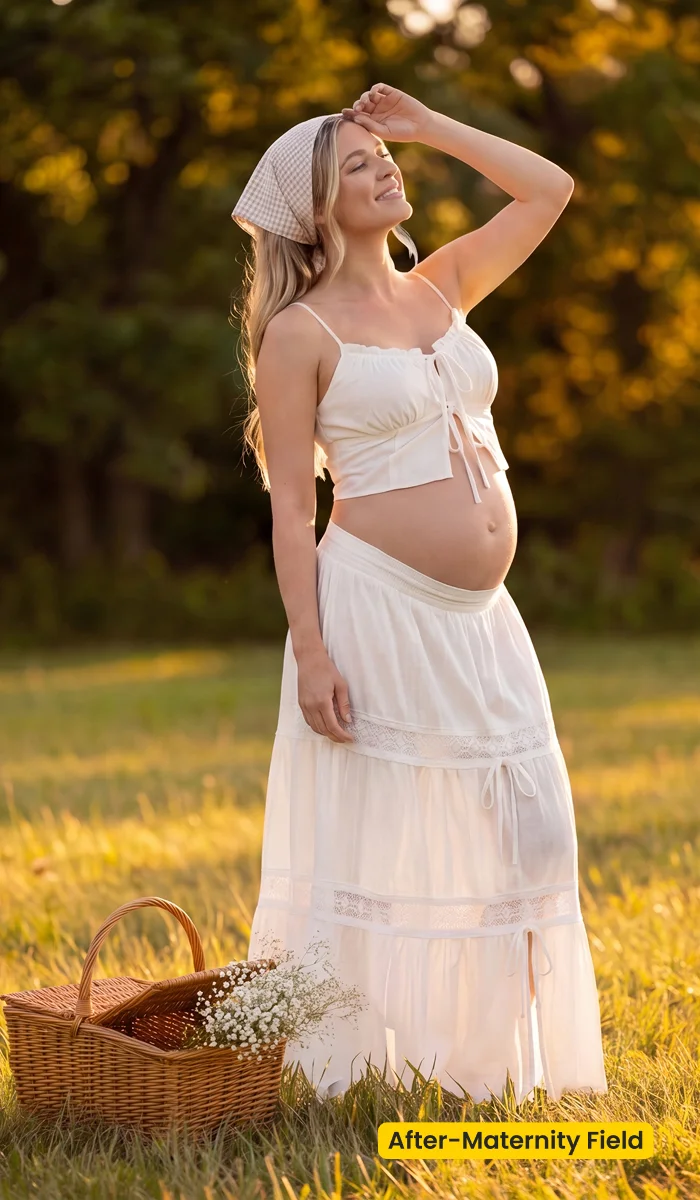
This AI background creates a sunlit Maternity Field look with golden grass, soft greenery, and relaxed outdoor textures. Perfect for maternity portraits that need a warm, natural, and gently rustic seasonal feel.
| Style | Maternity / Golden Field Fusion |
|---|---|
| Best for | Bump portraits, Seasonal couples, Rustic outdoor maternity |
| Format | Evoto Asset Hub AI Background Fusion |
| Price | Free |
See the Look in Action
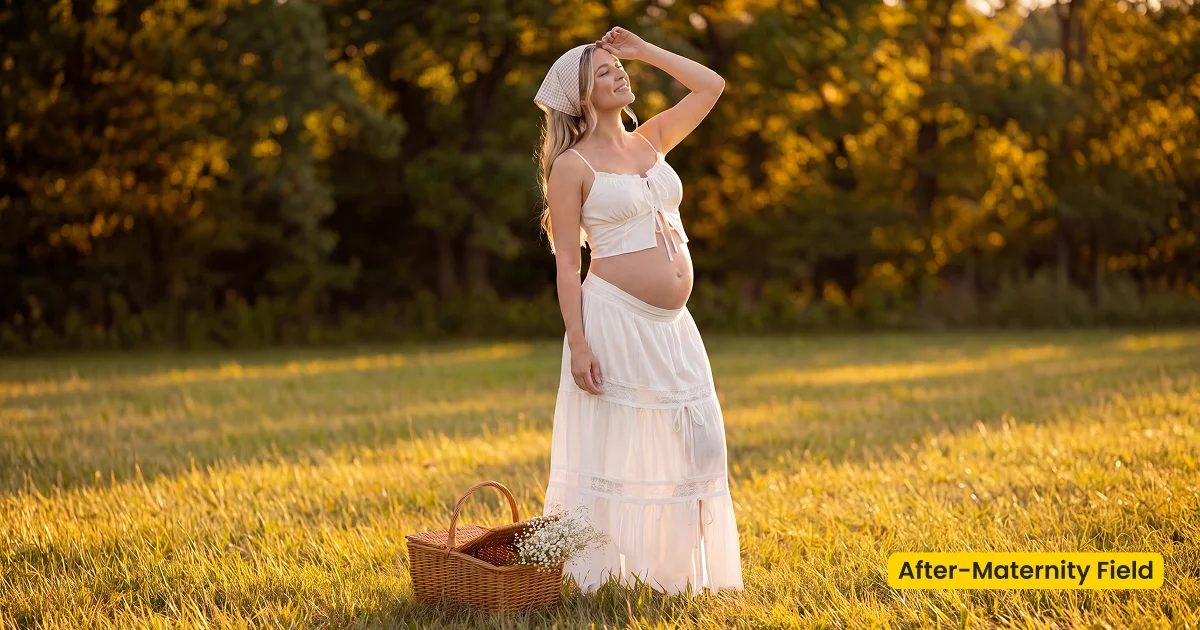
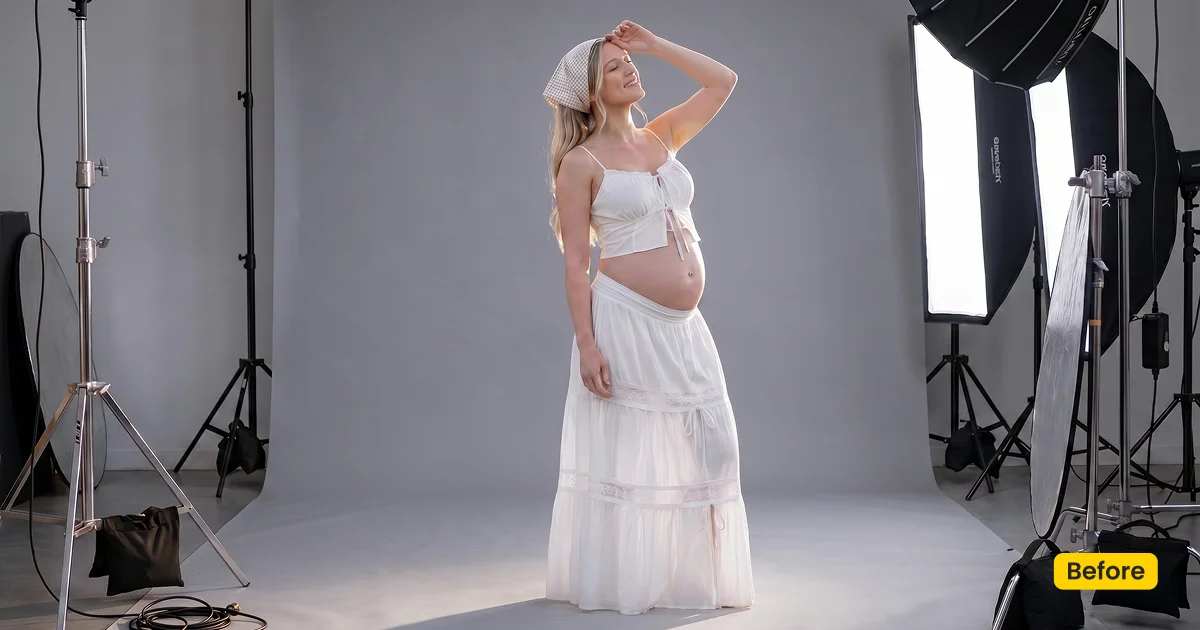
Late-day grass wraps the bump without turning the gown neon.
What This Scene Does
Maternity Field is a free maternity photography scene for bump portraits in Evoto. It is an AI Background Fusion asset: sunlit golden grass, soft greenery, and relaxed outdoor texture for a warm, gently rustic season, not a printed meadow drop and not a color preset.
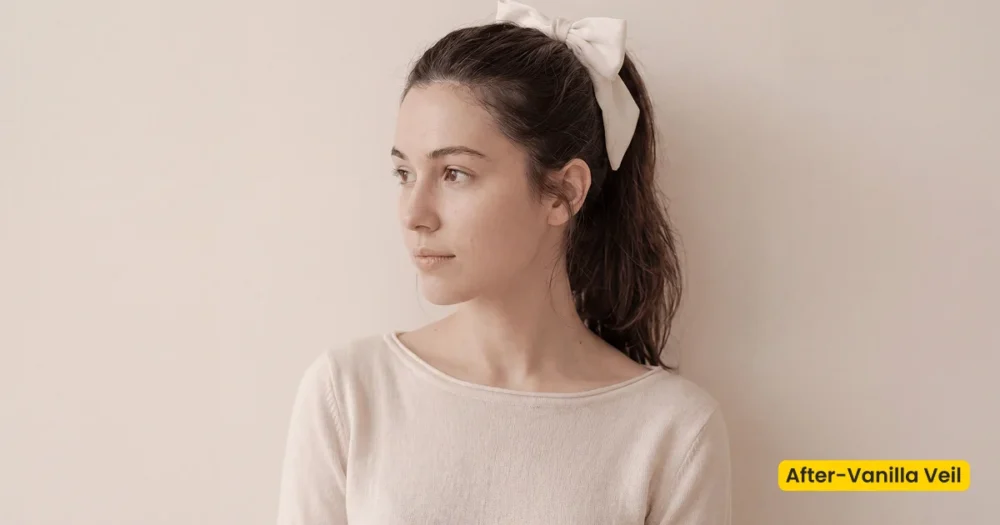
Golden grass wraps the bump in late-day color. Soft greenery keeps full-length gowns from sitting on paper grey. Partner frames get outdoor context without a location scout. Keep the belly contour consistent with the field light so the composite stays honest. Vanilla Veil can finish creamy skin afterward; Infant Seashell continues the story after birth.
Get Maternity Field for Free. Apply it with Evoto’s AI Background Fusion. Download Evoto to batch the bump set.
Best For / Not For
Best for
- Outdoor-looking maternity portraits shot in a simple studio
- Golden-hour bump frames that need grass and meadow context
- Seasonal couple sessions with a rustic, natural brief
- Albums that later connect to an Infant Seashell newborn scene
Not for
- Clinical medical or hospital lighting briefs
- Urban rooftop fashion maternity
- Physical meadow backdrop purchases
- Posed newborn composites (use Infant Seashell)
Field Fusion Scene vs Studio Paper for Maternity
Clients often say “maternity backdrop” when they mean a printed drop. Maternity Field is a fusion scene: it rebuilds a sunlit field around a bump portrait you already made. Studio paper stays even and clinical, without an outdoor story.
| Maternity Field (Fusion scene) | Studio paper / printed meadow | |
|---|---|---|
| Job | Composite into golden grass and soft greenery | Even seamless or a shipped cloth |
| WP category | AI Background Fusion → maternity-scene | Studio Backdrop or a rental house |
| Best for | Seasonal rustic bump portraits | Clinical, catalog, or on-set styling |
| Apply in | AI Background Fusion | The studio or Backdrop Changer |
What Is In This Maternity Scene
After Generate, check the bump edge against the grass. These notes describe the field, not a locked grade.
- Grass: Sunlit golden field texture. It should wrap the gown, not stain it neon yellow.
- Greenery: Soft, not neon. Full-length frames need depth behind the couple.
- Light: Warm outdoor wrap. Character Lighting should agree with hair backlight if you shot it.
- Texture: Gently rustic and relaxed, seasonal rather than fashion-hard.
- Overall finish: Natural maternity photography scene, delivery-ready for bump galleries.
Tips for Wardrobe and Season
A golden field is forgiving on cream and earth tones, and unkind to neon. Plan wardrobe and the newborn follow-up before you batch the set.
- Choose earth or cream wardrobe: It sits in golden grass more cleanly than saturated fashion color.
- Match backlight: If hair is backlit in the capture, keep the field light consistent with Character Lighting.
- Plan the newborn follow-up: Infant Seashell continues a soft, natural family story after the bump chapter.
How to Get and Apply Maternity Field
Step 1. Add Maternity Field to your scene library
Click Get Scene Asset for Free on this page. Sign in on Asset Hub, then sync Maternity Field. You are collecting a maternity photography scene for AI Background Fusion, not a color preset.
Step 2. Start Fusion on a bump frame that already holds shape
Open the session in Evoto Desktop. Click AI Lab, then AI Background Fusion. Begin with a file where the belly contour is sharp and the gown hem is visible. Fusion will not invent a bump that was cropped off.
Step 3. Seat her in the golden field
In the right panel, open Featured, then the “Maternity” category, and select Maternity Field. Scale so the grass meets the hem, not mid-torso. Use Subject Only unless a partner or fabric should travel with her. Use Custom only if you are uploading a different plate. Click Generate, then check that the bump edge still reads as hers.
Step 4. Match late-day light and save for the partner frames
Open Character Lighting and match hair backlight to the field. When one frame is honest, click Save, then reuse this maternity photography scene on the couple set so grass color does not jump.
FAQ
Is this a Lightroom maternity preset?
No. Maternity Field is an AI Background Fusion scene, not a color preset. Vanilla Veil is the creamy color preset.
Is this a printed meadow drop?
No. It is a digital maternity photography scene in Evoto, not a printed meadow drop.
Can I use it for newborns?
Use Infant Seashell for posed newborns.
Does fusion work in a batch?
Yes. Save the scene preset and apply it across the bump set.
Where do I get it?
Get it from Asset Hub. In Evoto Desktop: AI Lab → AI Background Fusion → Featured → Maternity Field → Generate → Character Lighting → Save.
Related Assets
Try Evoto AI Photo Editor
Retouch photos with Evoto AI and make your photos best! Available on Windows, MacOS and iPadOS.



