

Editorial wedding presets with a documentary outdoor feel: vintage color, lifted light, and subtle film texture for forest, countryside, and garden editorials.
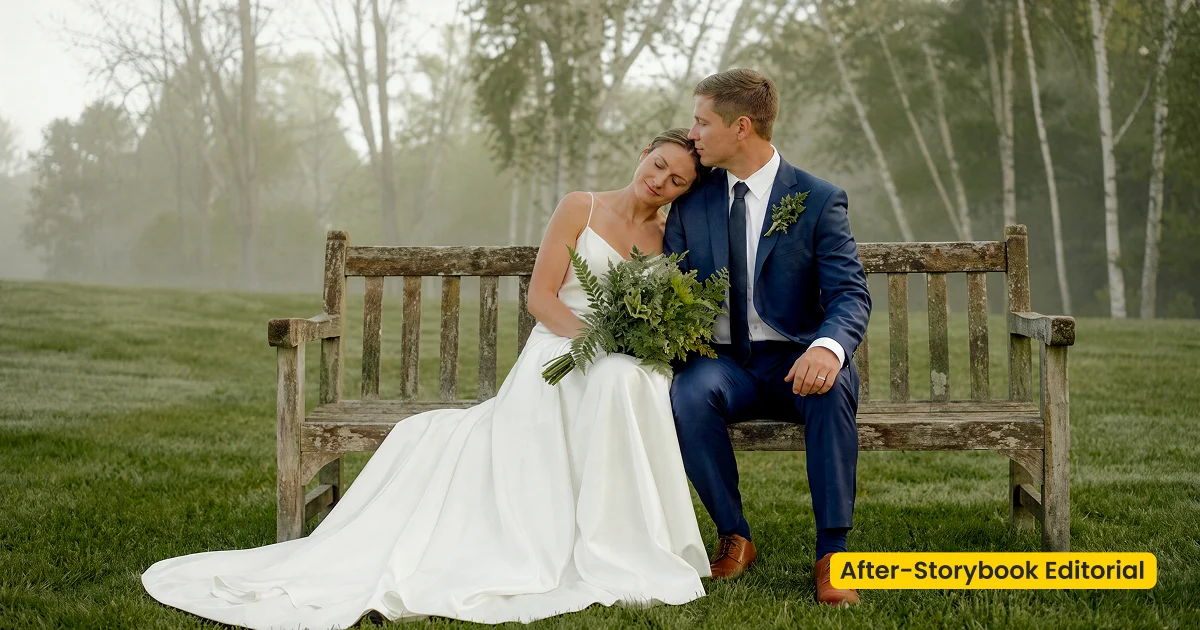
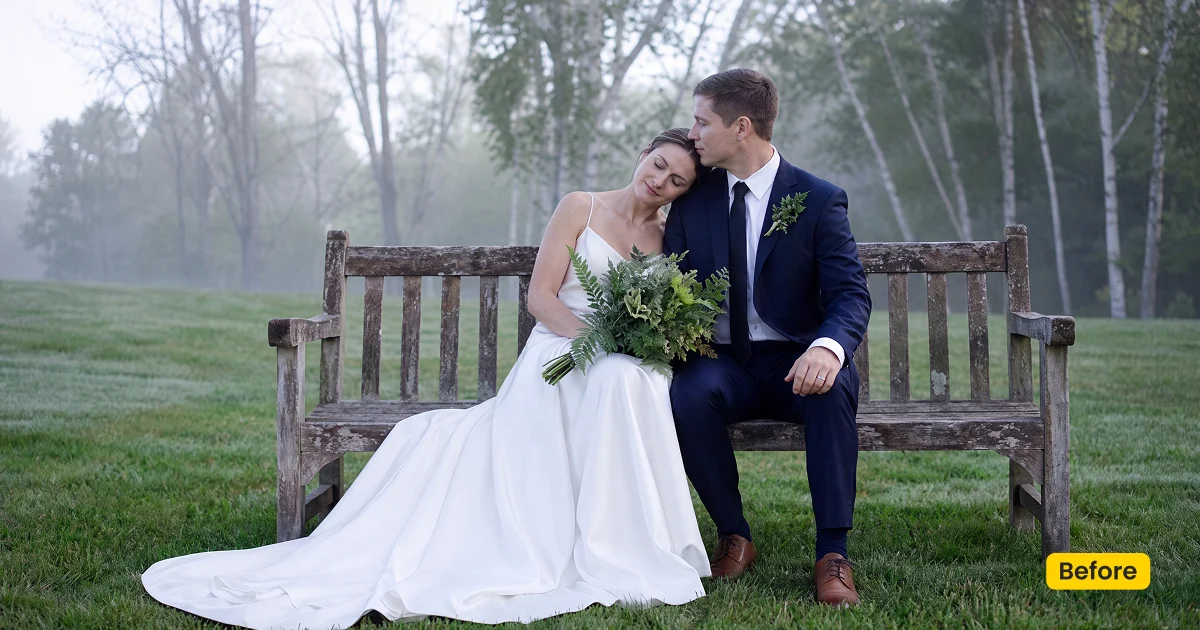
| Style | Wedding / Documentary Vintage |
|---|---|
| Best for | Forest weddings, Countryside editorials, Garden ceremonies |
| Format | Evoto Asset Hub preset |
| Price | Free |
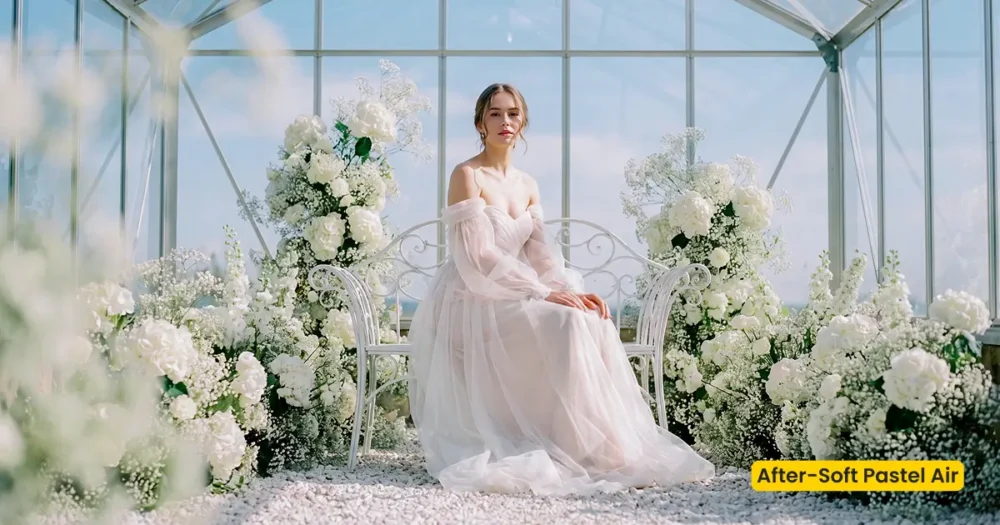
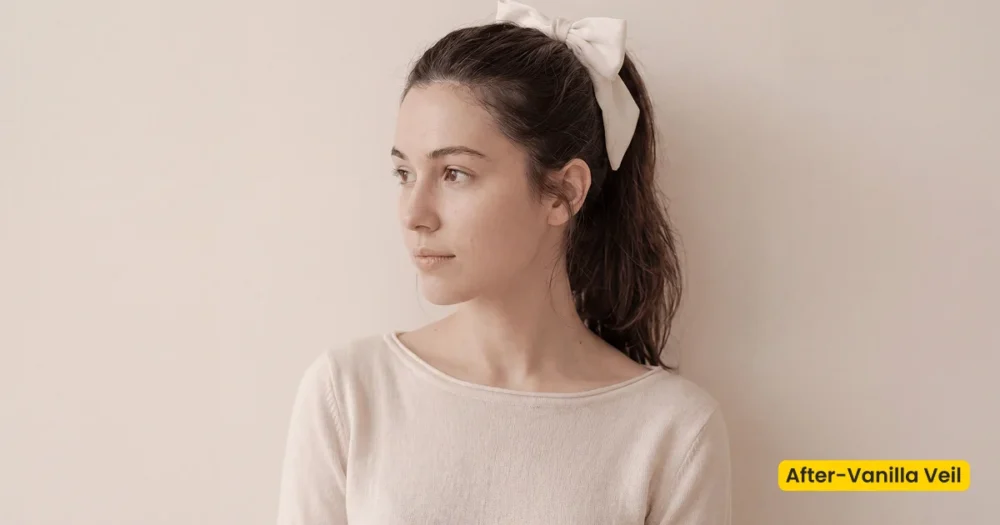
See the Look in Action
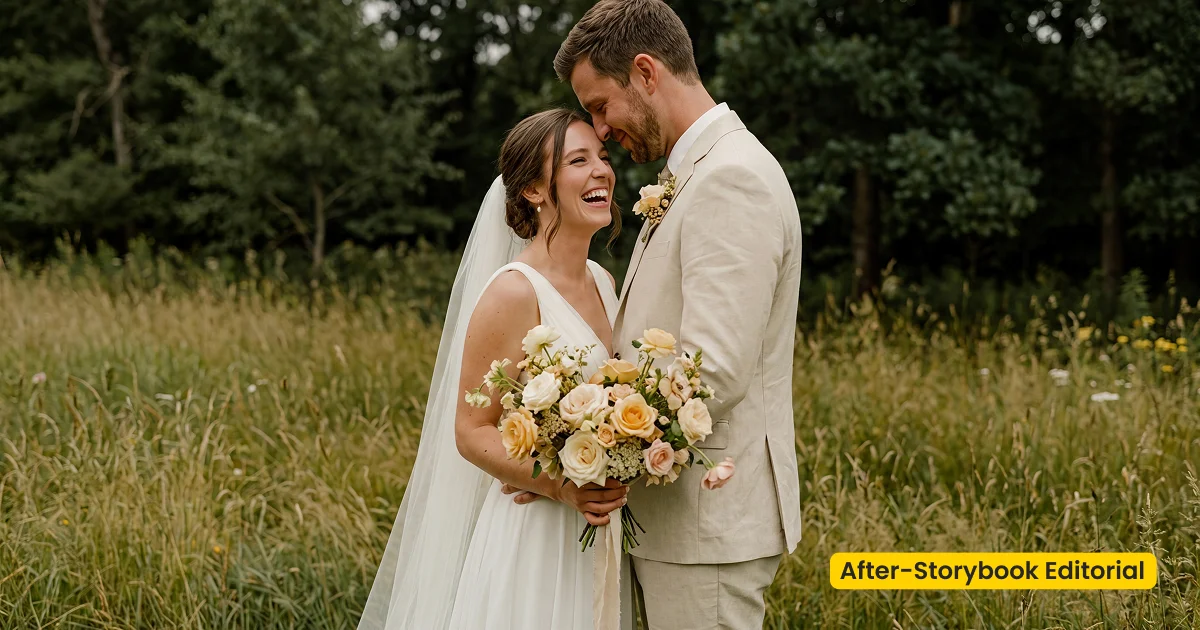
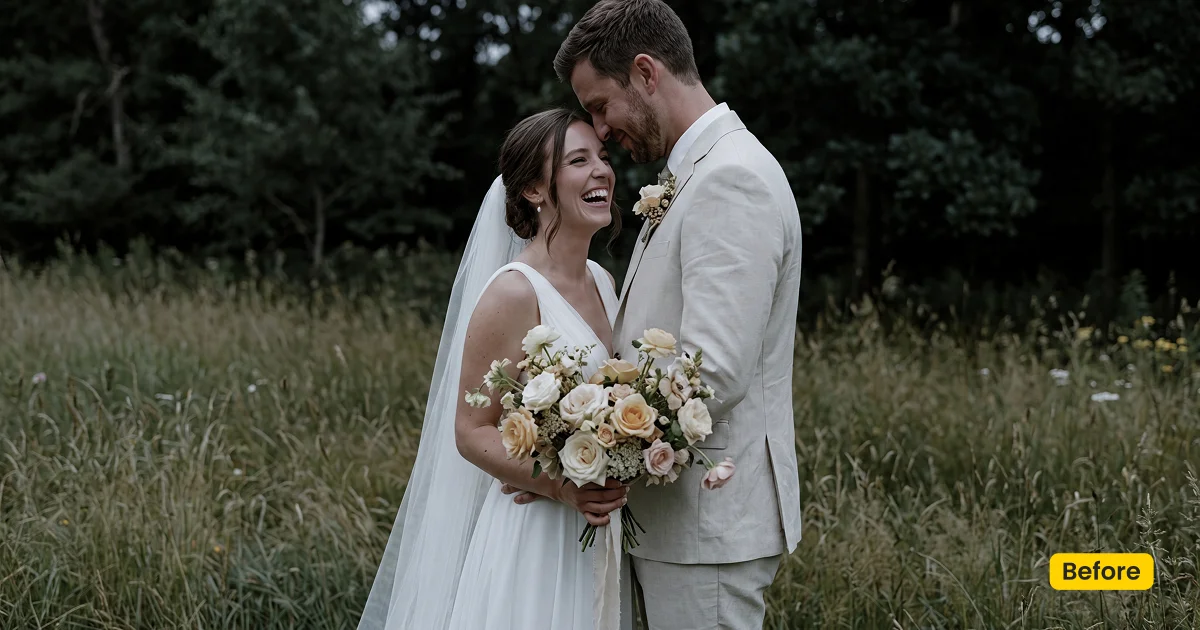
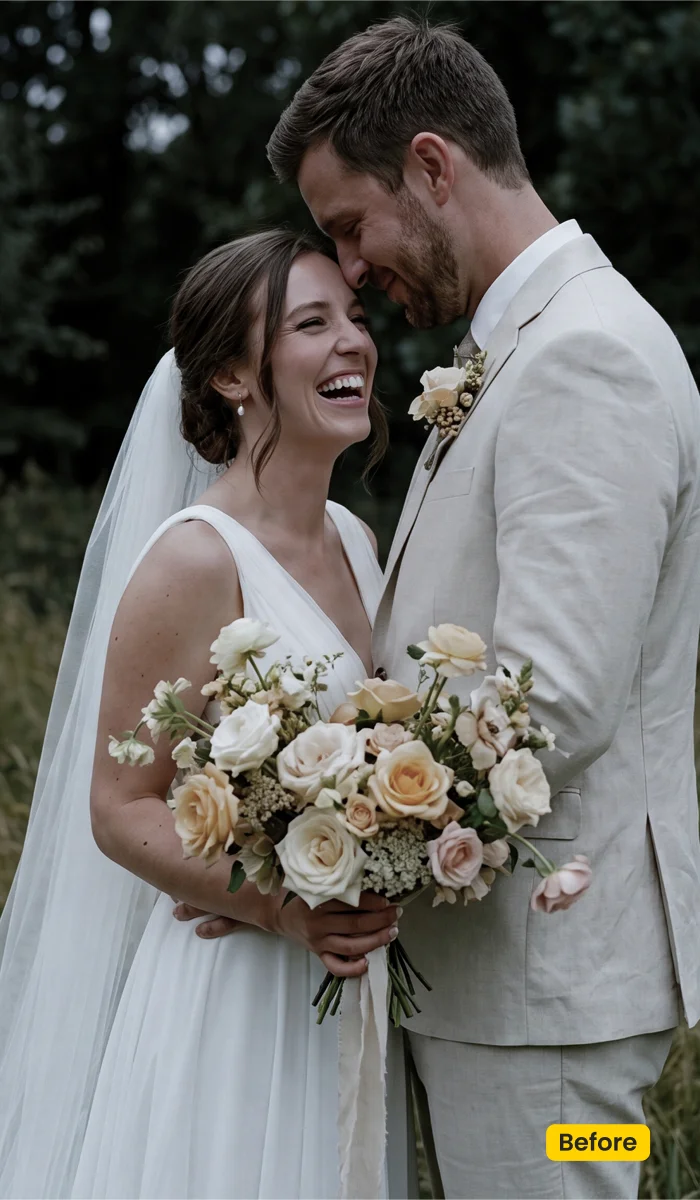
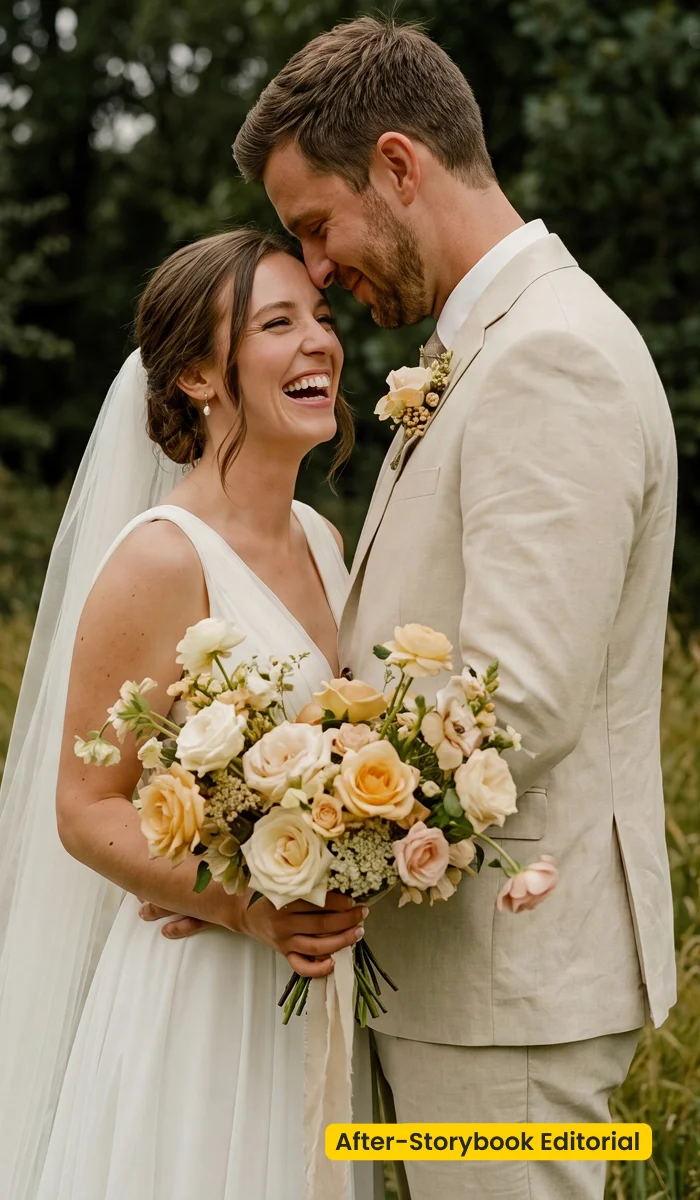
Lifted light keeps tree shade readable while vintage color stays intimate, not muddy.
What This Preset Does
Storybook Editorial is a free set of editorial wedding presets for outdoor documentary work in Evoto. Soft Pastel Air already covers the light-and-airy estate look. This preset is the other outdoor lane: vintage color, lifted shade, and a quiet film texture so forest and countryside frames feel unscripted instead of campaign-glossy.
On a woodland path, lifted light opens the canopy so faces stay readable without bleaching the bark. Grass and foliage pick up a nostalgic roll rather than neon green. Garden vows keep an intimate tint, closer to a Storybook Editorial mood than a teal-orange fashion grade. Skin stays natural on candid walking frames, which is the point of a documentary wedding day.
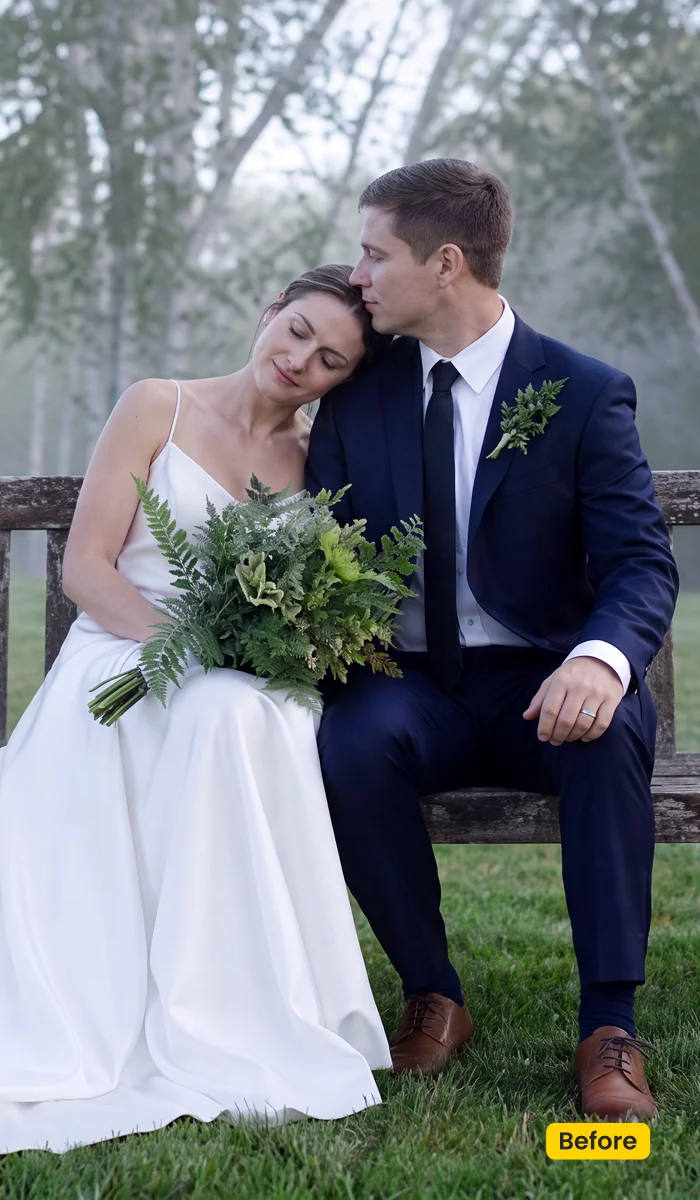
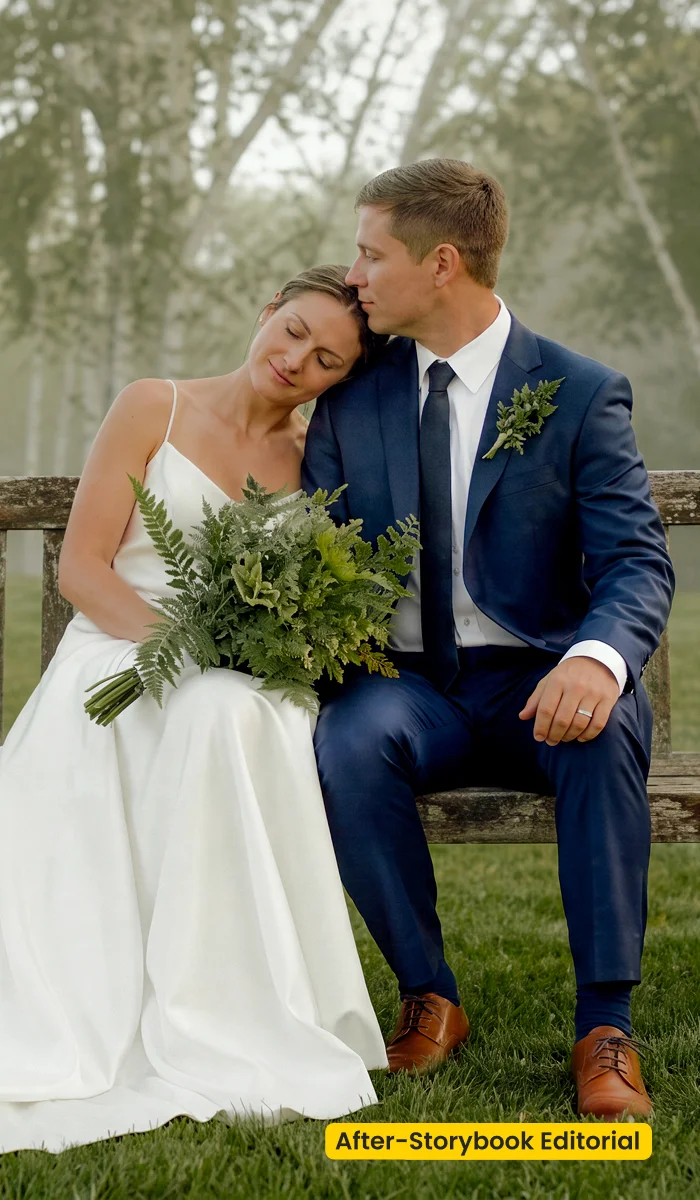
Use Storybook Editorial when the album should feel beautifully unscripted. Get it from Evoto, then apply it from your synced presets in Evoto Desktop. If you already download Evoto, sync once and reuse it across every outdoor gallery.
Best For / Not For
Best for
- Forest and woodland ceremonies with mixed shade
- Countryside and farm editorials that need a nostalgic documentary read
- Garden vows where vintage color should stay intimate, not punchy
- Peak-season outdoor galleries that need one consistent film-leaning base
Not for
- Dark reception halls that need crushed blacks and teal-orange drama
- High-key indoor flash that should stay clinical and bright
- Cases that need a new location: use a scene asset such as Wedding Garden
- Campus or branding headshots that need a clean school-portrait grade
Editorial Wedding Presets vs Glossy Color
The comparison below is not a ranking of wedding styles. It shows when editorial wedding presets like Storybook Editorial fit the brief, and when a glossier cinematic grade will fight it.
| Storybook Editorial (this preset) | Glossy/cinematic wedding look | |
|---|---|---|
| Light | Lifted shade, readable faces under canopy | Often contrasty, held-back highlights |
| Color | Soft vintage roll, nostalgic greens | Teal-orange or high-fashion punch |
| Texture | Subtle film grain that still holds lace and wool | Smoother, more retouched finish |
| Best scene | Forest, countryside, unscripted garden editorial | Night reception, dramatic weather, campaign stills |
How Storybook Editorial Shapes the Image
These notes describe the direction of the look after you apply the preset. They are not literal slider values; tune a frame if the canopy is darker or the gown is already warm.
- Temperature / Tint: Mild vintage warmth. Greens stay nostalgic instead of neon, so woodland foliage still reads like the day you shot.
- Shadows / Highlights: Shadows lift just enough for faces in mixed shade. Highlights stay gentle so veil and shirt fronts do not blow.
- Contrast: Soft documentary contrast. Avoids the hard fashion punch that makes an unscripted walk feel staged.
- Texture: Subtle film texture. It should sit on the image, not bury lace, suit weave, or leaf detail.
- Overall finish: Intimate, unscripted, delivery-ready outdoor editorial, storybook, not campaign.
Tips for Forest and Garden Editorials
A vintage editorial grade still depends on the file you start with. These three habits keep Storybook Editorial consistent across a peak-season outdoor set.
- Expose for faces in shade: Lifted light helps, but a face that is a stop under the canopy will still look tired. Meter skin first, then let the preset open the trees.
- Reuse across walking frames: Apply Storybook Editorial from your synced presets so the film texture does not jump between consecutive candid frames.
- Pair scenes later: This is a color preset. For a villa garden location swap, add the Wedding Garden fusion scene after the grade, not this preset alone.
How to Get and Apply Storybook Editorial
Step 1. Get the outdoor editorial look
Click Get Preset for Free on this page. Sign in on Asset Hub and sync Storybook Editorial. These editorial wedding presets land in your Evoto library for documentary outdoor work, not reception flash.
Step 2. Test on a canopy walking frame
Open Evoto Desktop. In Preset Management, select Storybook Editorial from your synced presets, then click Apply on a frame shot (e.g., a portrait under trees). Confirm faces stay readable and greens stay nostalgic, not neon. If the gown is already warm, cool that file a notch before you batch.
Step 3. Sync outdoor galleries only
Reuse the look from Preset Management across forest, countryside, and garden walking sets. Skip dark flash receptions. If a second editor needs the same outdoor grade, open Share Preset(s) after you lock the canopy test.
FAQ
Are these free wedding presets a Lightroom XMP pack?
No. Storybook Editorial is an official Evoto preset from Asset Hub. It is not an off-site XMP file. You can still import your own Lightroom presets into Evoto via Preset Management.
Do I need a physical backdrop?
No. This is a color preset for photos you already shot in forests, countryside, or gardens.
Can I use it indoors?
Only if the room still reads as soft daylight documentary. Skip it for dark flash receptions.
Where does it live after I get it?
Get these editorial wedding presets from Asset Hub. In Evoto Desktop, test a canopy frame first, then sync outdoor galleries only.
Is it the same as Wedding Garden?
No. Storybook Editorial grades color. Wedding Garden is an AI Background Fusion scene.
Related Assets
Try Evoto AI Photo Editor
Retouch photos with Evoto AI and make your photos best! Available on Windows, MacOS and iPadOS.



