

This style creates a clean, luminous wedding editorial look with soft pastel tones, airy highlights, and gentle film-inspired contrast, perfect for French estate weddings, bridal portraits, and romantic outdoor scenes.
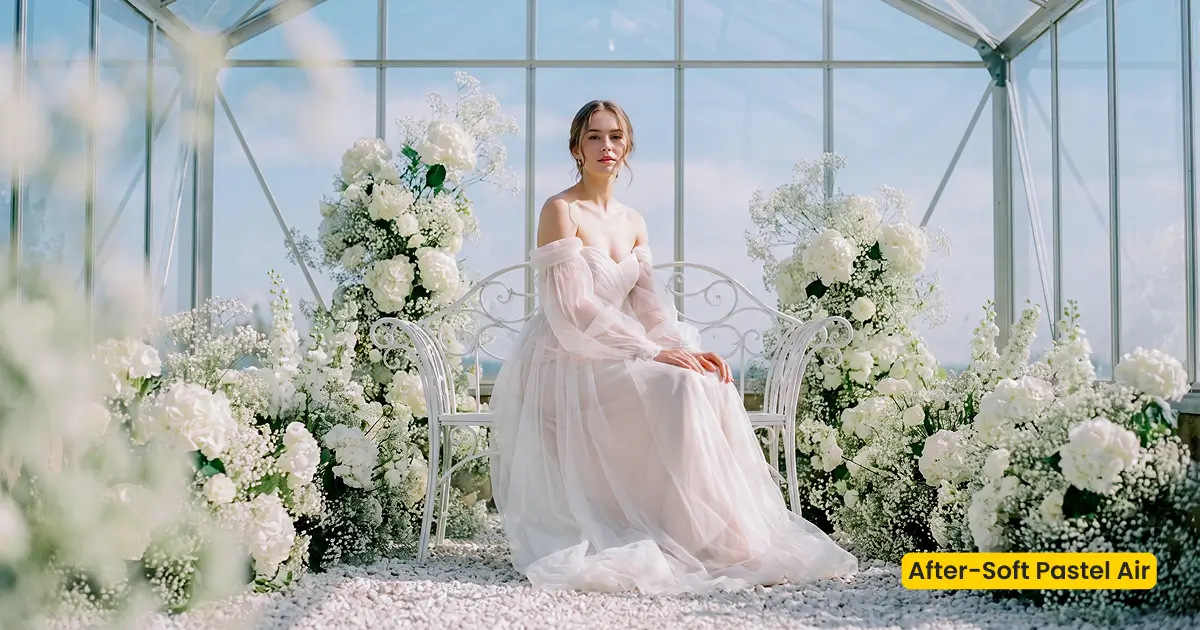
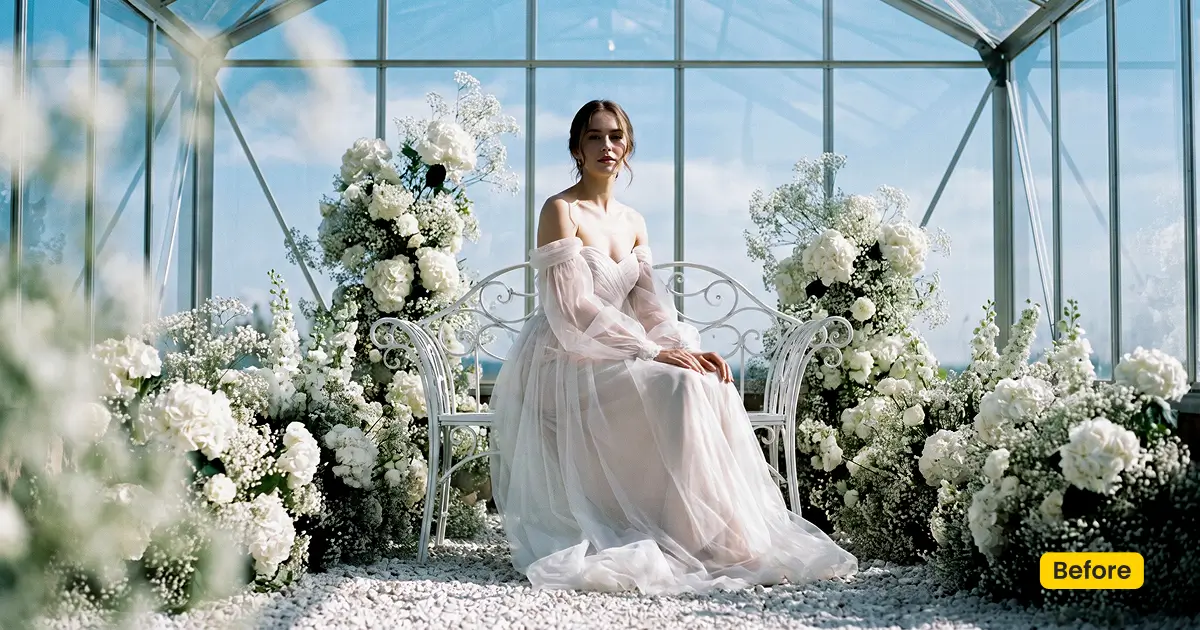
| Name | Soft Pastel Air |
|---|---|
| Style | Wedding / Light & Airy |
| Best for | French estate weddings, Bridal portraits, Romantic outdoor scenes |
| Format | Evoto preset code |
| Price | Free |
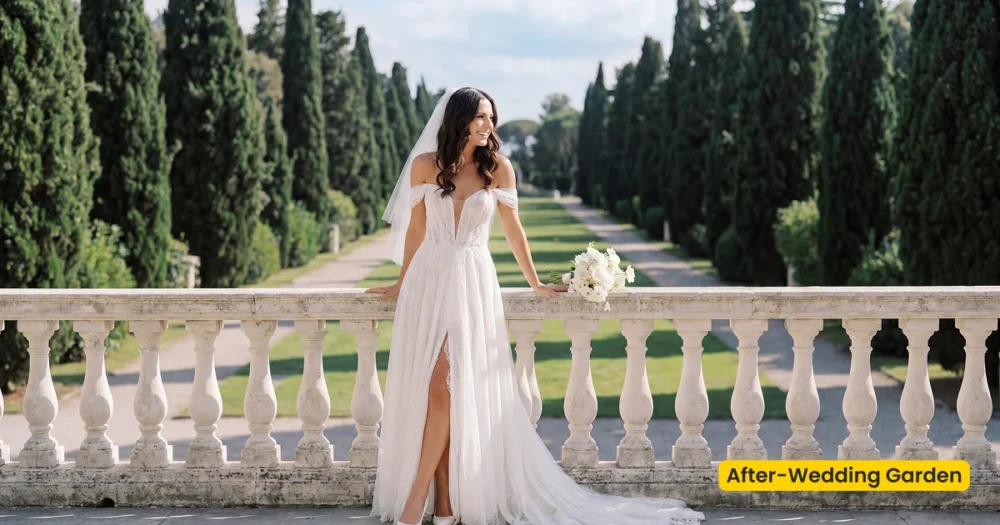
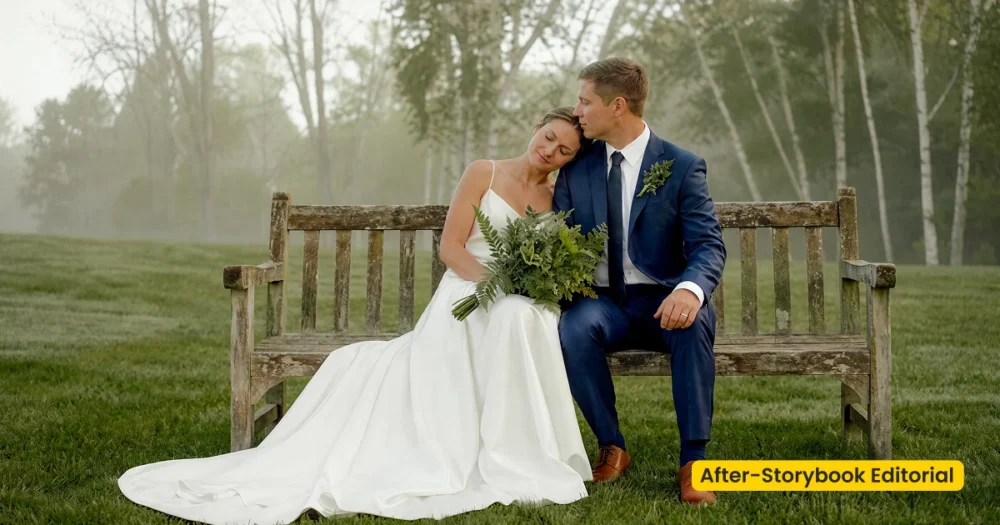
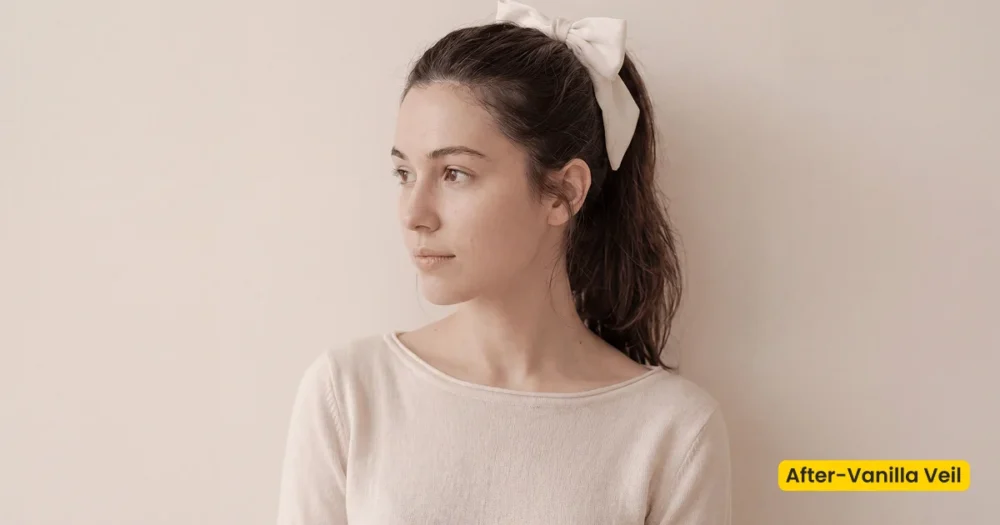
See the Look in Action
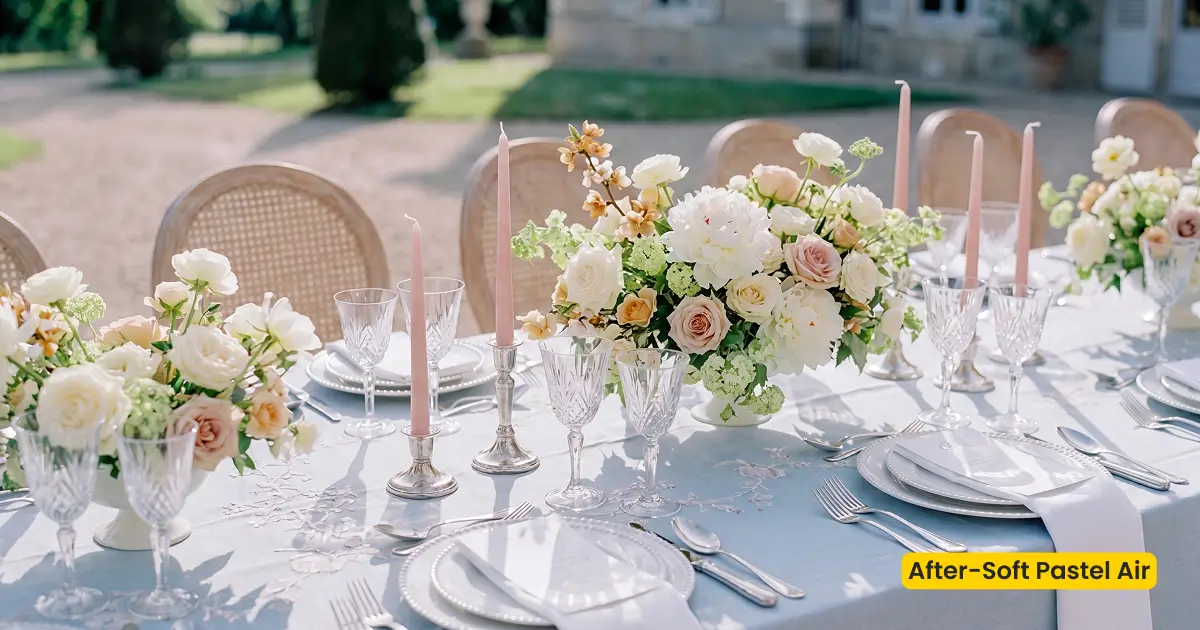
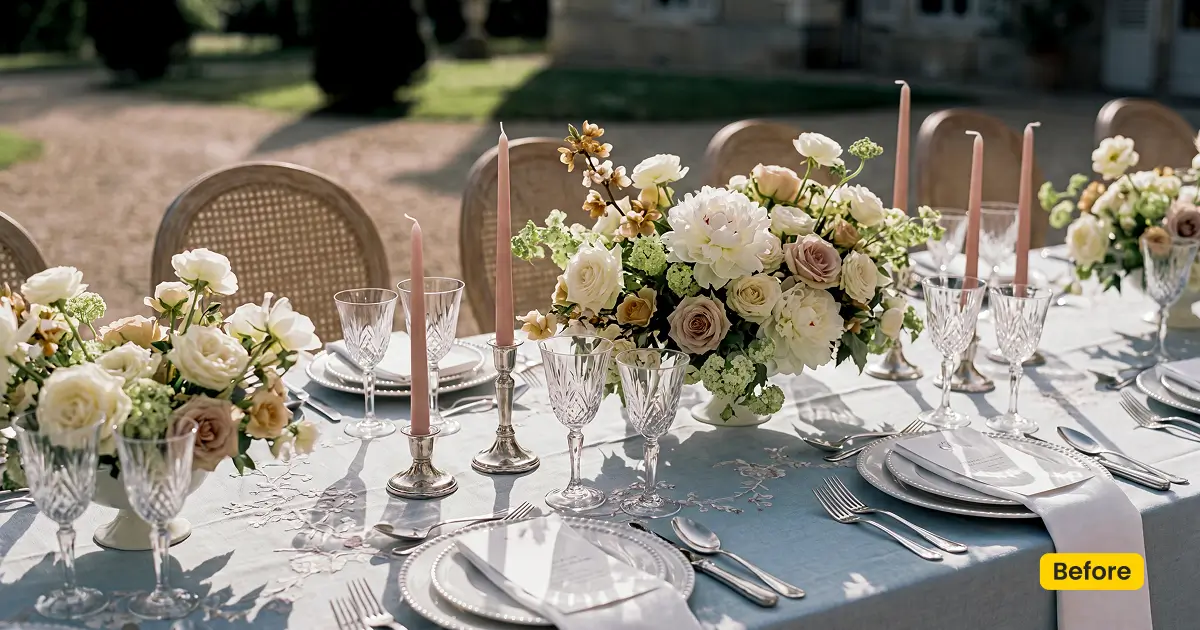
Soft pastel colors and airy highlights suit estate gardens and romantic outdoor vows.
What This Preset Does
Soft Pastel Air is a free light and airy preset built for wedding and bridal work in Evoto. It pushes the frame toward a clean, luminous editorial finish: soft pastel tones, airy highlights, and gentle film-inspired contrast, without the heavy teal-orange grade or crushed blacks common in moody wedding looks.
On bridal portraits, the look warms skin slightly while lifting shadows so lace, tulle, and off-shoulder sleeves stay bright but still hold texture. Greenhouse and estate window light turns creamier; cool grey casts in the dress and background ease into a softer pastel balance. The result reads romantic and refined—closer to a French estate wedding album than a high-contrast fashion editorial.
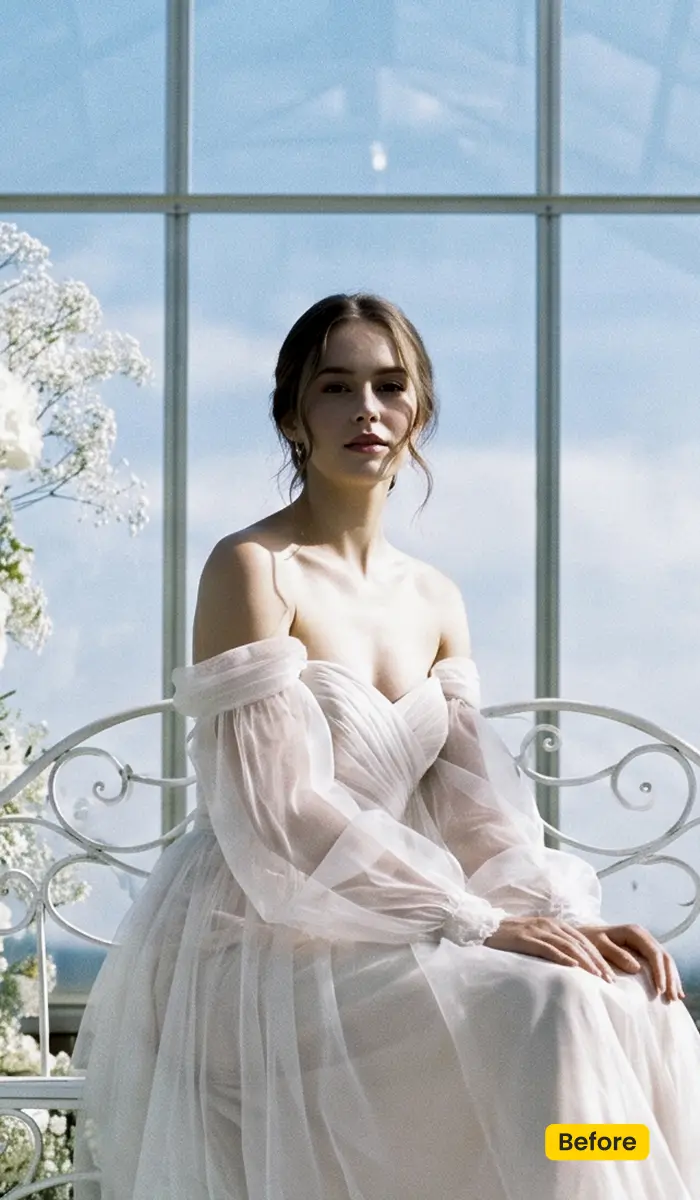
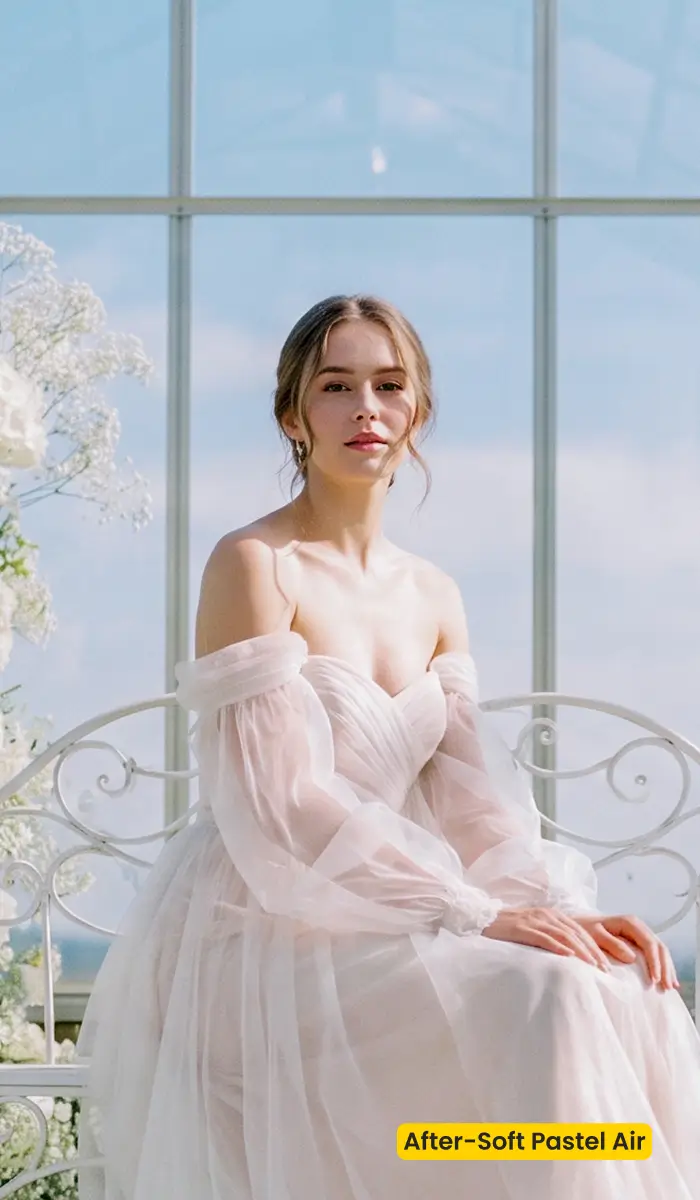
Use Soft Pastel Air when you need a consistent light and airy finish across a bridal session or outdoor vow set. After you get it, apply and reuse it through the Preset Management of Evoto Desktop.
Best For / Not For
Best for
- French estate and garden weddings with soft daylight
- Bridal portraits that need luminous whites and natural skin
- Romantic outdoor couples and engagement sessions
- Peak-season wedding galleries that need a fast, consistent light and airy base look
Not for
- Dark, moody reception halls that need deep blacks and teal-orange drama
- High-contrast night flash documentary looks
- Heavy cinematic teal-orange grading as the primary style
- Cases where you need a physical backdrop or scene replacement
Light and Airy vs Moody Wedding Looks
| Soft Pastel Air (this preset) | Moody/cinematic wedding look | |
|---|---|---|
| Highlights | Airy, lifted, luminous | Often held back / contrasty |
| Shadows | Soft, film-inspired lift | Deeper, more crushed |
| Palette | Soft pastels, creamy whites | Teal-orange / cool shadows |
| Best scene | Estate, garden, bridal portrait | Night reception, dramatic weather |
How Soft Pastel Air Shapes the Image
- Temperature/Tint — Slight warmth toward creamy whites; cool grey dress casts ease into softer pastels.
- Shadows/Highlights — Shadows lift for an airy bridal read; highlights stay luminous without clipping lace detail.
- Contrast — Gentle, film-inspired; avoids hard, punchy contrast.
- HSL/Pastels — Greens and background tones soften; skin stays natural and radiant.
- Overall finish — Clean wedding editorial, dreamlike but still delivery-ready.
Tips for Garden and Estate Weddings
- Expose for skin first — Soft Pastel Air lifts shadows; start with a clean bridal exposure so airy highlights do not blow the gown.
- Reuse across the bridal set — After Soft Pastel Air is in your library, apply it again from Preset Management so the whole portrait set stays consistent.
- Pair, don’t replace scenes — Soft Pastel Air is a color preset. For beach or sky replacement, combine later with a Scene/Backdrop asset from Asset Hub—not this preset alone.
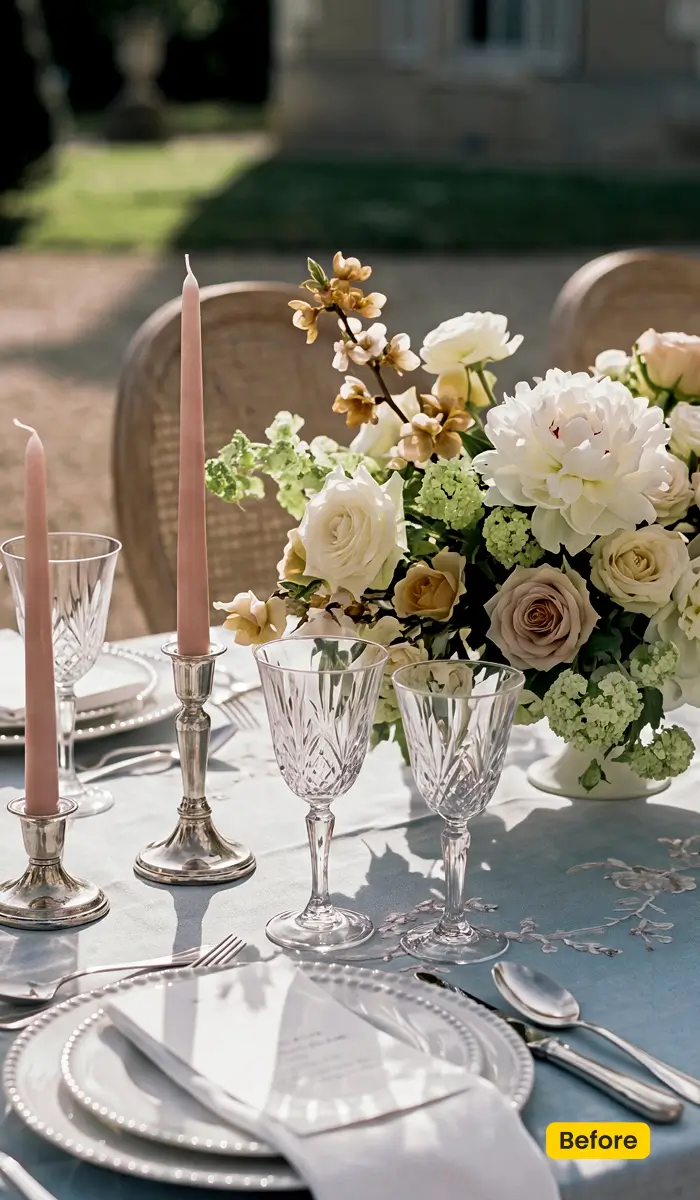
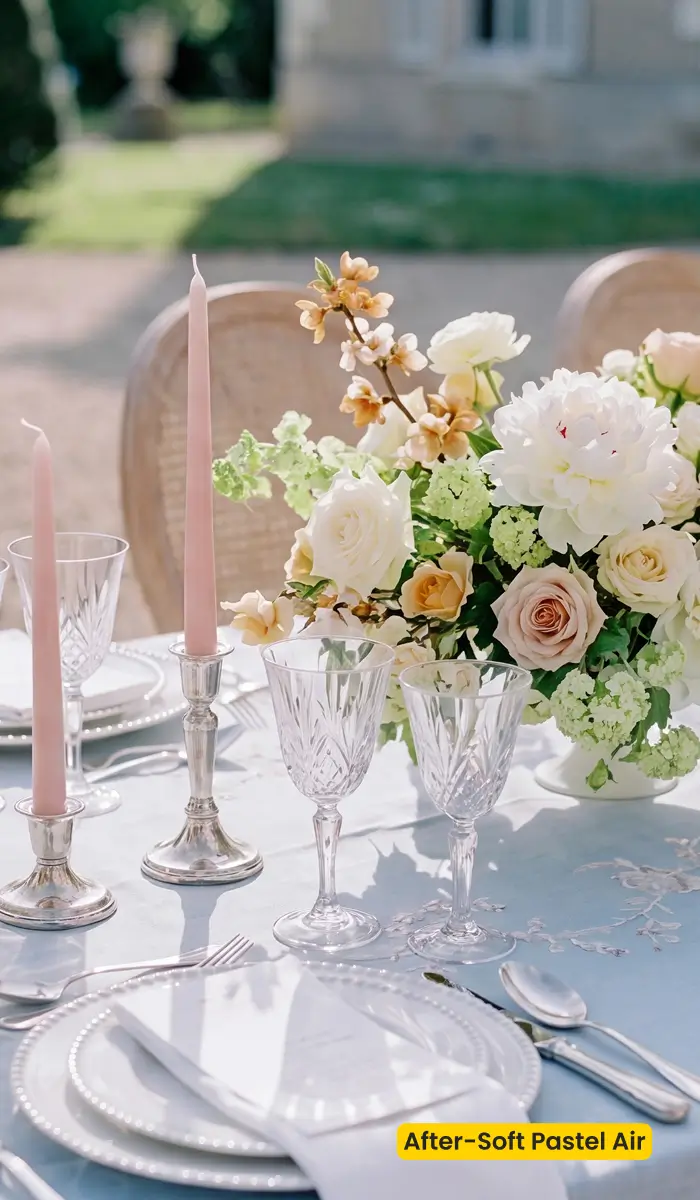
How to Get and Apply Soft Pastel Air
Step 1. Get Soft Pastel Air
Click Get Preset in Evoto, and open the Evoto Asset Hub detail page for Soft Pastel Air. Sign in with your Evoto account. Get/sync Soft Pastel Air so the official preset is available in your Evoto library.
Step 2. Apply Soft Pastel Air with Preset Management
Open Evoto Desktop and import (or open) your wedding/bridal images. Open Preset Management. Find Soft Pastel Air among your available/synced presets. Apply Soft Pastel Air to the current photo, then reuse it across the set for consistent gallery delivery.
FAQ
Is Soft Pastel Air a free Lightroom XMP download?
No. Soft Pastel Air is an official Evoto preset from Asset Hub. It is not an off-site XMP package. You can still import your own Lightroom presets into Evoto via Preset Management for other looks.
Do I need a physical backdrop?
No. This is a color preset for photos you already shot, not a printed fabric backdrop.
Can I use it for non-wedding portraits?
Yes, for romantic outdoor and soft-daylight portraits that need a light and airy finish.
Where does Soft Pastel Air live after I get it?
Get it from Asset Hub, then apply and reuse it in Preset Management. You can also browse Soft Pastel Air again inside in-app Asset Hub.
Related Assets
Try Evoto AI Photo Editor
Retouch photos with Evoto AI and make your photos best! Available on Windows, MacOS and iPadOS.



