

Forest wedding presets for overcast woods: toasted browns, softened greens, creamy skin, and a little grain.
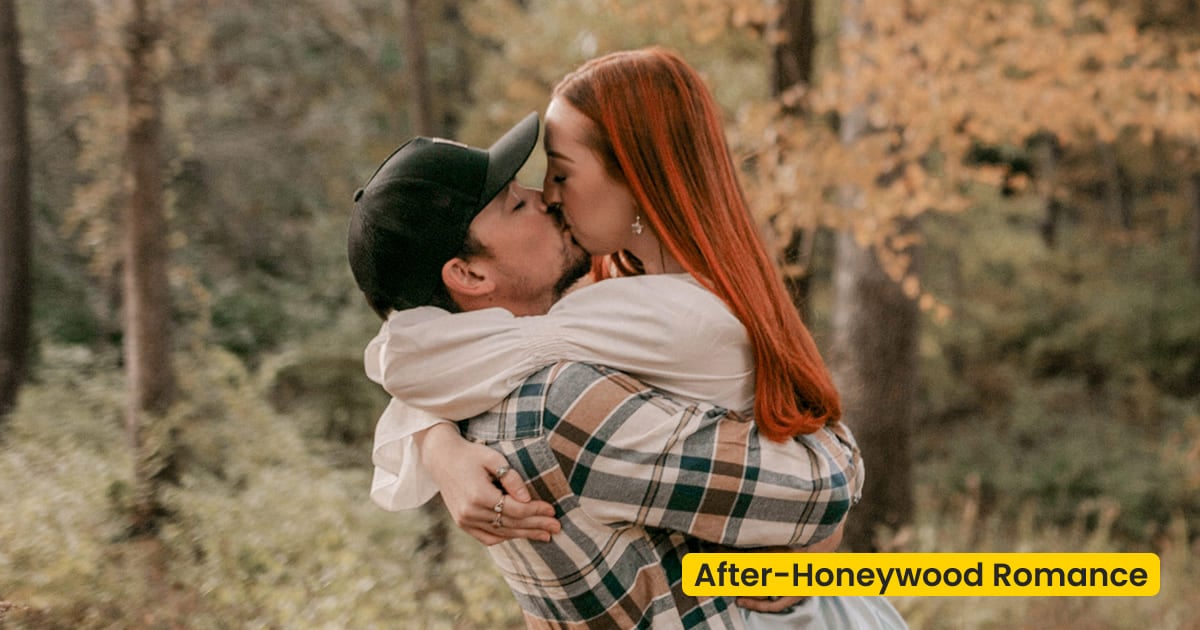
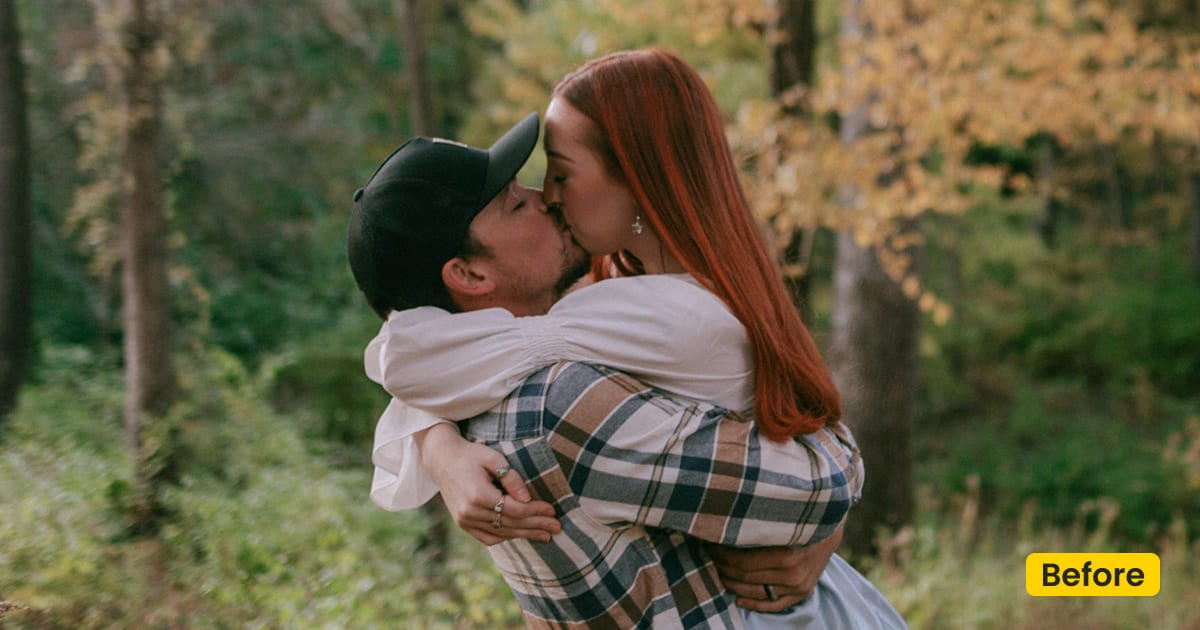
| Name | Honeywood Romance |
|---|---|
| Style | Wedding Preset / Toasted Forest |
| Best for | Woodland weddings, Overcast engagements, Forest elopements, Ceremony details |
| Format | Evoto Asset Hub preset |
| Price | Free |
See the Look in Action
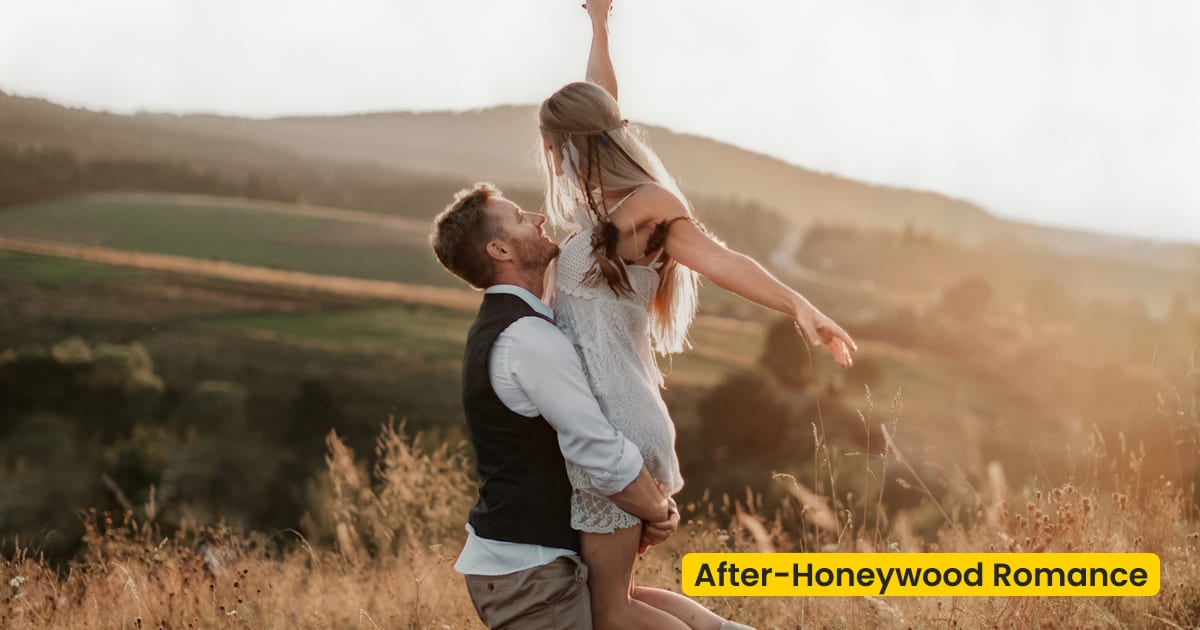
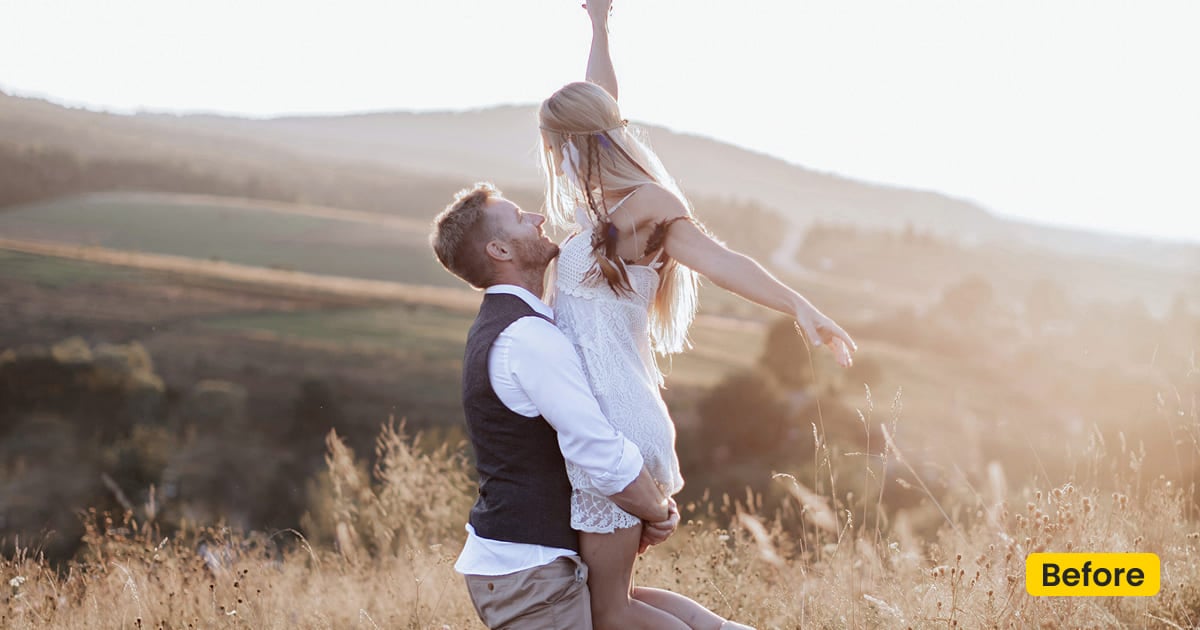
Toasted brown on a detail frame, with the veil highlight still smooth.
What This Wedding Preset Does
Honeywood Romance is a free wedding preset for a forest wedding made under cloud. Woods and countryside go olive when the sky is flat. This grade puts toasted brown back into the trees, softens the green, and keeps skin creamy, with only a little grain. A veil should still show its weave, and the highlight on the dress should stay smooth.
It does not build a new location. Fall Wedding and Pumpkin Patch do that. This one is for the trees you already stood under. Sync it from Asset Hub, then apply it in Preset Photo Editor.
Engagements, elopements, a close portrait, and the small ceremony details can share the same brown. If the rings stay gray, the set looks like two days.
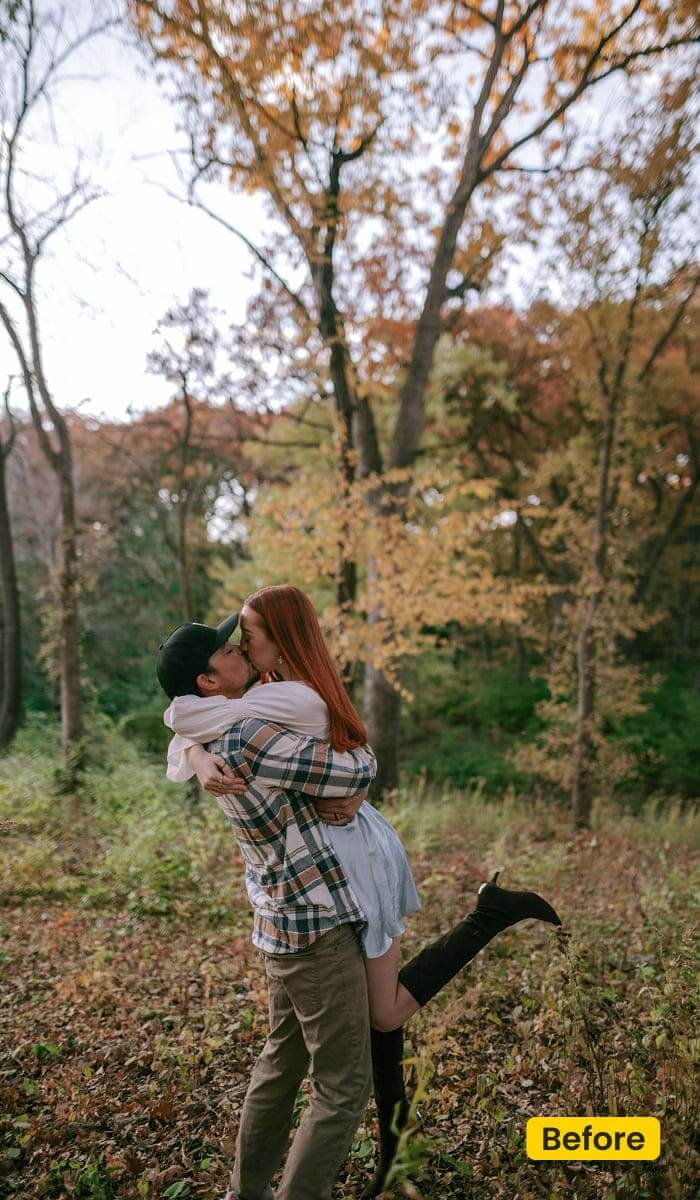
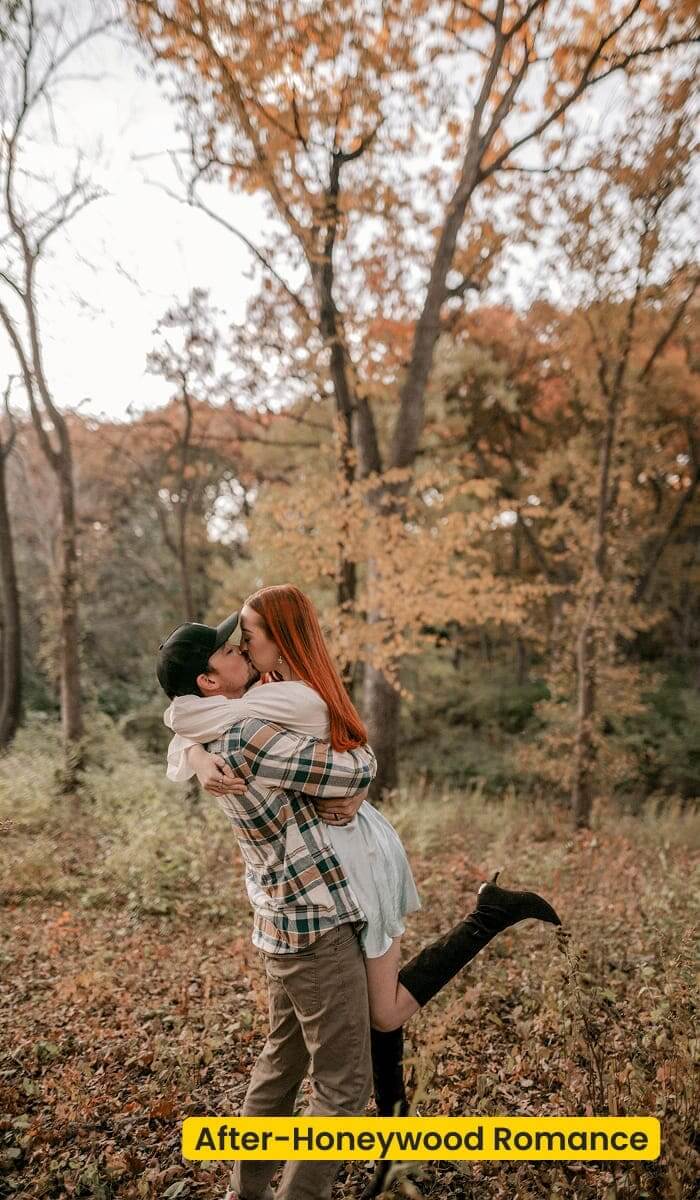
A woodland wedding under cloud is the file this grade is for. The light is soft, and the camera still reads it blue-gray. A forest elopement shot late in the day has even less of that light left, so the canopy cast matters more. Honeywood Romance keeps one toasted brown on the couple and the details. When the venue had no trees, Fall Wedding is the autumn plate.
Download Evoto and try this preset on Evoto Desktop.
Best For / Not For
Best for
- A cloudy woodland wedding, or a forest elopement under the canopy
- Elopements where the green went olive
- Close couple frames that need quiet contrast
- Bouquets, rings, and place cards from the same cloudy hour
Not for
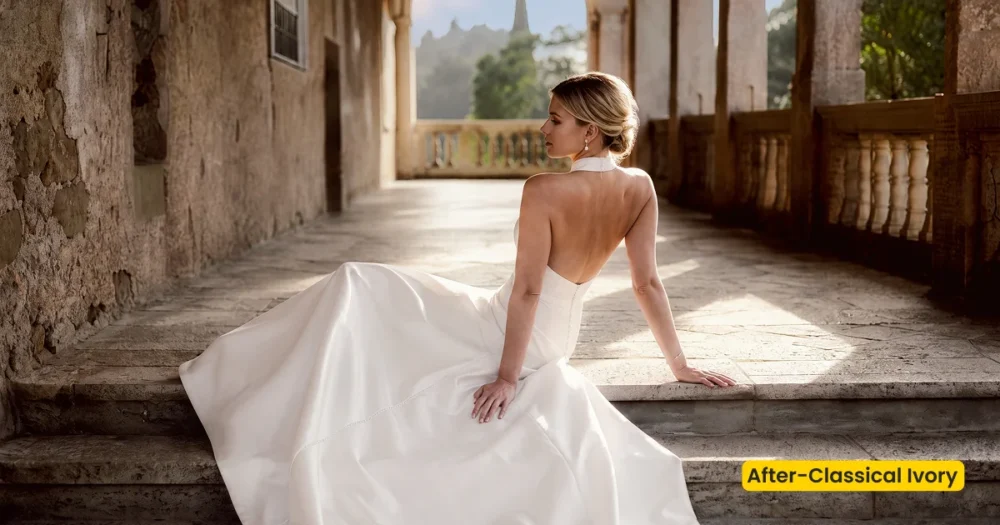
- Hard sun on a villa lawn (use Classical Ivory)
- Open-shade cafés and home portraits (use Pumpkin Latte)
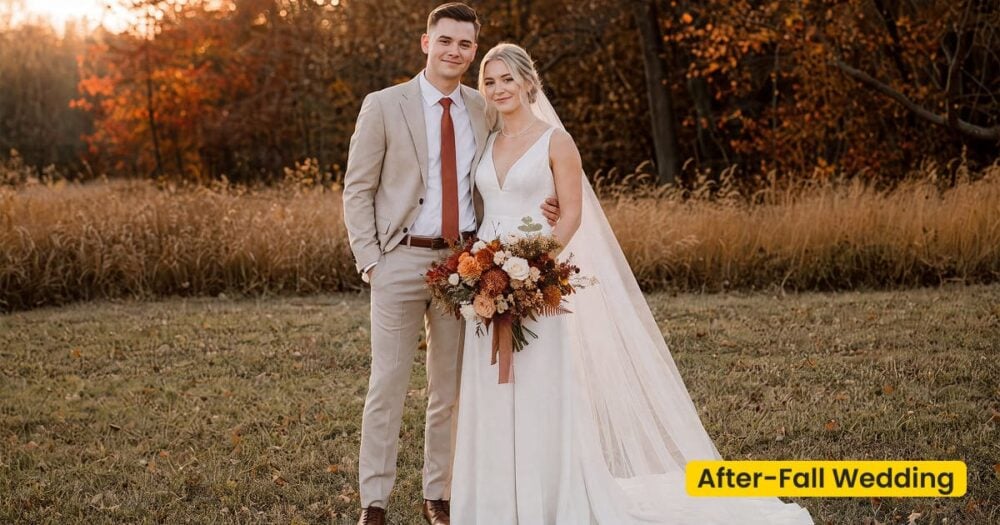
- A new autumn field behind the couple (use Fall Wedding or Pumpkin Patch)
- High-contrast flash editorials
Forest Wedding Presets vs a Bright Ivory Day
Classical Ivory is a bright wedding day. Honeywood Romance is the cloudy one in the trees. The table is for the brief that says “warm wedding” and never says whether the sun was out.
| Honeywood Romance (this preset) | Classical Ivory | |
|---|---|---|
| Sky | Cloud cover, woods and countryside | Bright, open wedding light |
| Color | Toasted brown, softened green | Ivory and a cleaner neutral warmth |
| Texture | A little grain; veil weave stays visible | Smoother, less grain |
| Apply in | Preset Management | Preset Management |
What Honeywood Romance Shifts
Apply it, then look at the canopy frame before you touch the details.
- Greens: Pulled back from olive. They should not flip to mint.
- Browns: Toasted and quiet, in bark, hair, and the ground.
- Skin: Creamy and lightly golden. Not orange, and not gray from the cloud.
- Grain: Present, but light enough that a veil does not look noisy.
- Highlights: Smooth on the dress. The forest wedding should feel low contrast, not flat.
Tips for Cloud Cover in the Trees
The dullest file is the proof. If that one turns honest, the rest of the card can follow.
- Start where the green failed: The canopy frame tells you if Honeywood Romance is the right forest wedding preset. A sunny frame will not.
- Watch the veil, not just the trees: Grain that looks fine in the leaves can chatter on tulle. Ease it on that frame only.
- Keep one brown on the details: Rings and the bouquet get the same preset. A gray detail next to a warm couple reads as a second grade.
- Correct the blue-gray before the woods go dark: On a dim woodland wedding, grade the canopy file first. Blue-gray skin is the overcast tell. Toasted brown is the correction. Leave the trees where they are.
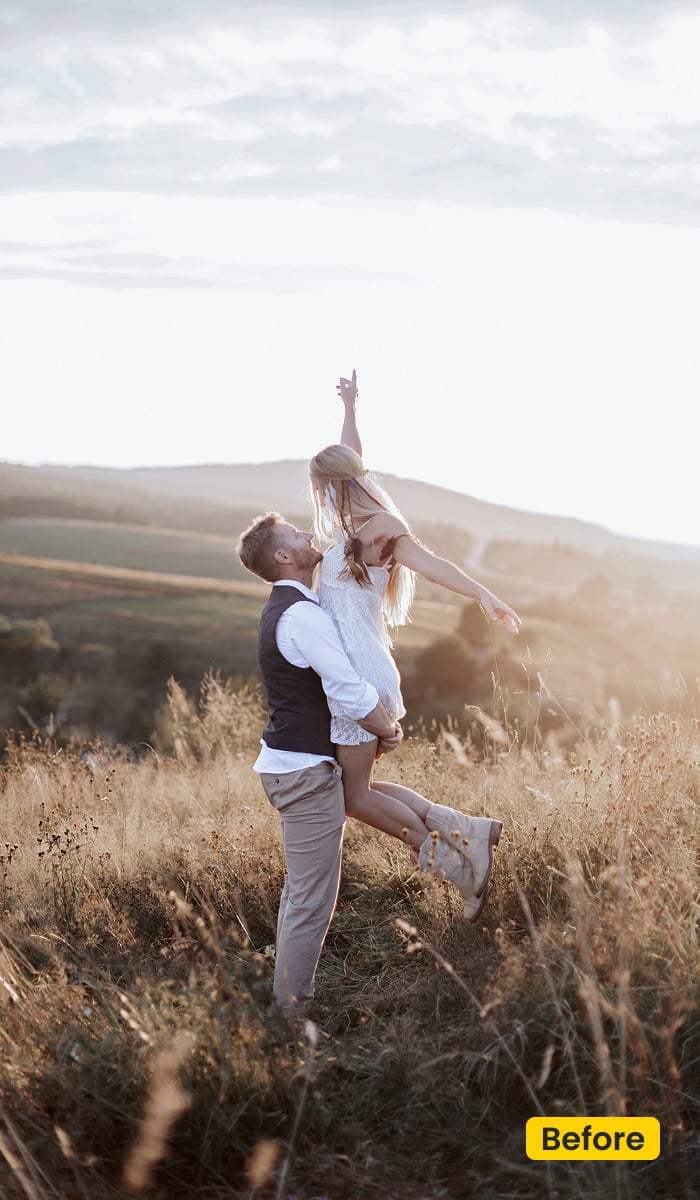
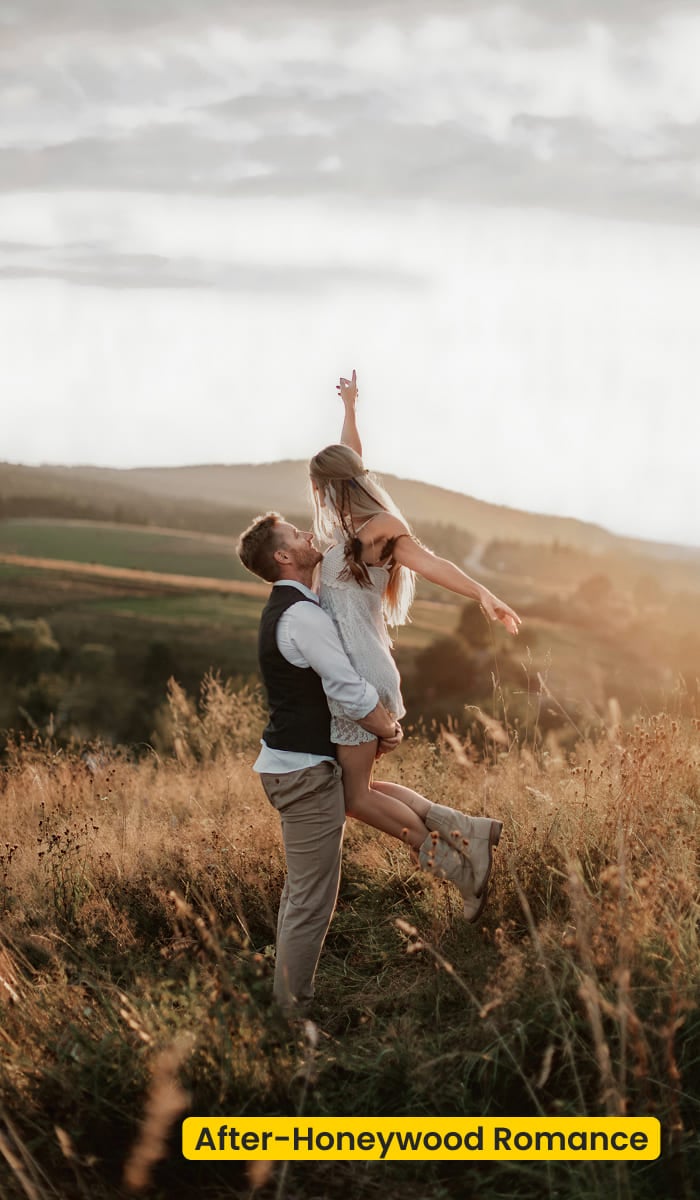
How to Get and Apply Honeywood Romance
This is a color pass on photographs you already have. The canopy file leads. The details follow. A second editor only gets a token if they are finishing the same set.
Step 1. Have the grade waiting before the card opens
On this page, click Get Preset for Free. After you sign in on Evoto, sync Honeywood Romance. The forest wedding preset then sits in Preset Management.
Step 2. Apply it on the olive canopy, and stop there
The canopy file is the only one open for now. In Evoto Desktop, go to Preset Management, choose Honeywood Romance, and click Apply. Stop once the cheek and the veil highlight look honest.
Step 3. Bring the rings and the bouquet up to that brown
Put the same preset on the close portrait, then on the ceremony details. If the bouquet is still gray, the forest wedding was graded twice.
Step 4. Pass a token only to the editor who is finishing it
When the brown needed a nudge, save that version in Preset Management. Open Share Preset(s) if another desk has to match this set. Otherwise leave the token alone.
FAQ
Is Honeywood Romance free?
Yes. Sync it in Asset Hub and apply it in Evoto.
Will the veil pick up too much grain?
It can, on a tight crop. The grain is meant to stay light. If tulle looks noisy, ease that frame and leave the canopy as it is.
Should I use this on a sunny lawn?
No. Hard sun wants a brighter wedding preset, such as Classical Ivory. Honeywood Romance is for cloud cover in the trees.
How is it different from Pumpkin Latte?
Pumpkin Latte is fall portraits in open shade: a porch, a café, home. Honeywood Romance is forest wedding color.
Is a cloudy woodland wedding the same job as Fall Wedding?
No. Honeywood Romance grades a forest wedding you already photographed, including a forest elopement whose greens went olive. Fall Wedding builds copper leaves and dry grass when the venue never had the trees.
Where do I apply it?
From Asset Hub into Preset Management. In Evoto Desktop, select Honeywood Romance and click Apply.
Related Assets
Try Evoto AI Photo Editor
Retouch photos with Evoto AI and make your photos best! Available on Windows, MacOS and iPadOS.



