

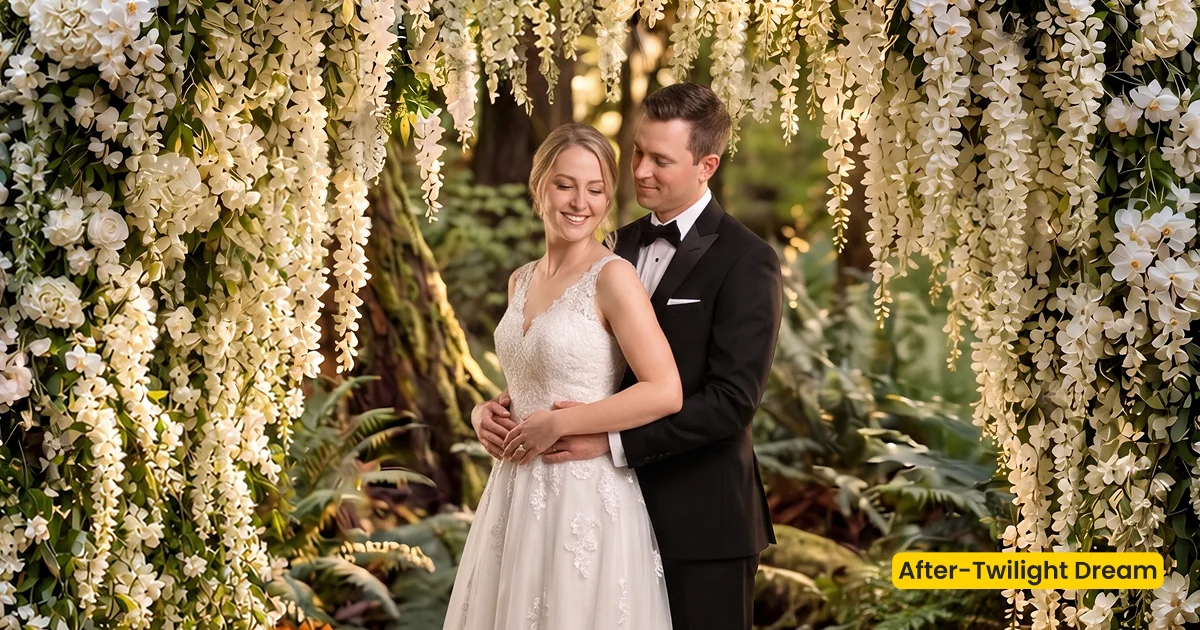
A romantic twilight wedding scene with forest paths, floral arches, and warm evening light—cinematic, intimate, and slightly enchanted for couple portraits.
| Style | Wedding / Twilight Forest Fusion |
|---|---|
| Best for | Couple portraits, Evening vows, Enchanted outdoor editorials |
| Format | Evoto Asset Hub AI Background Fusion |
| Price | Premium |
See the Look in Action
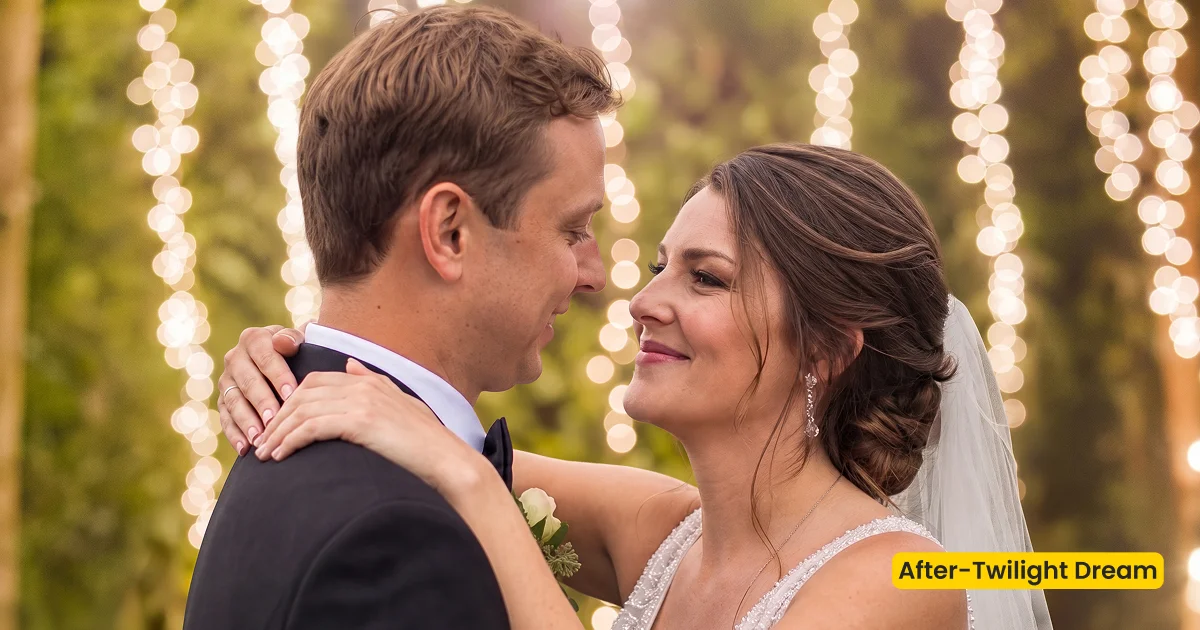
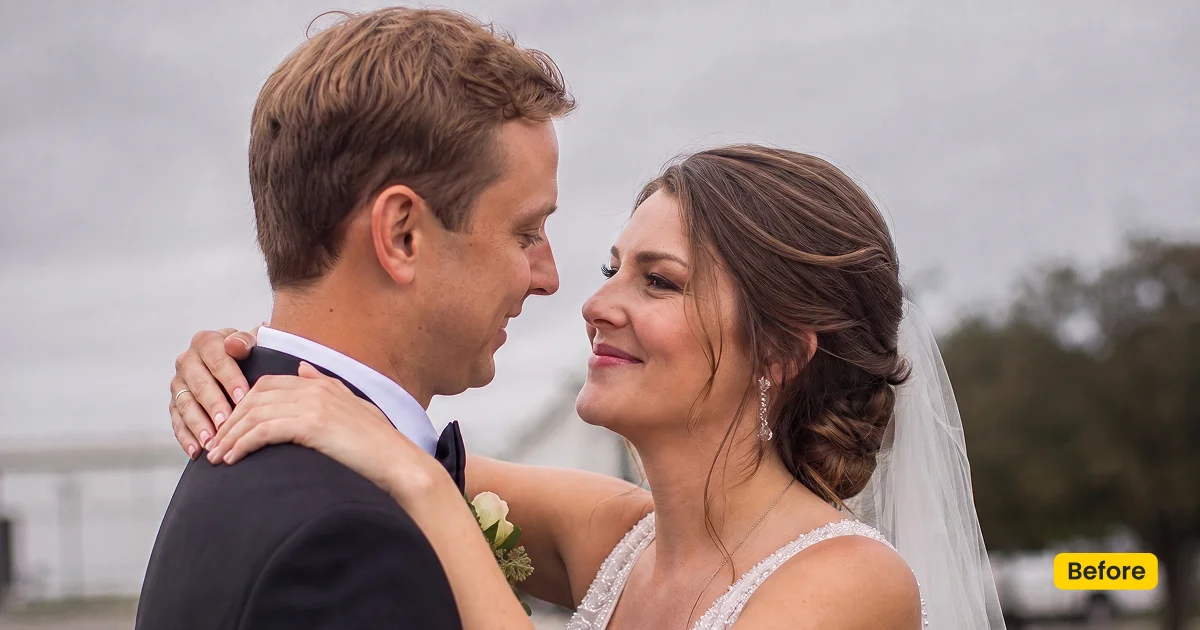
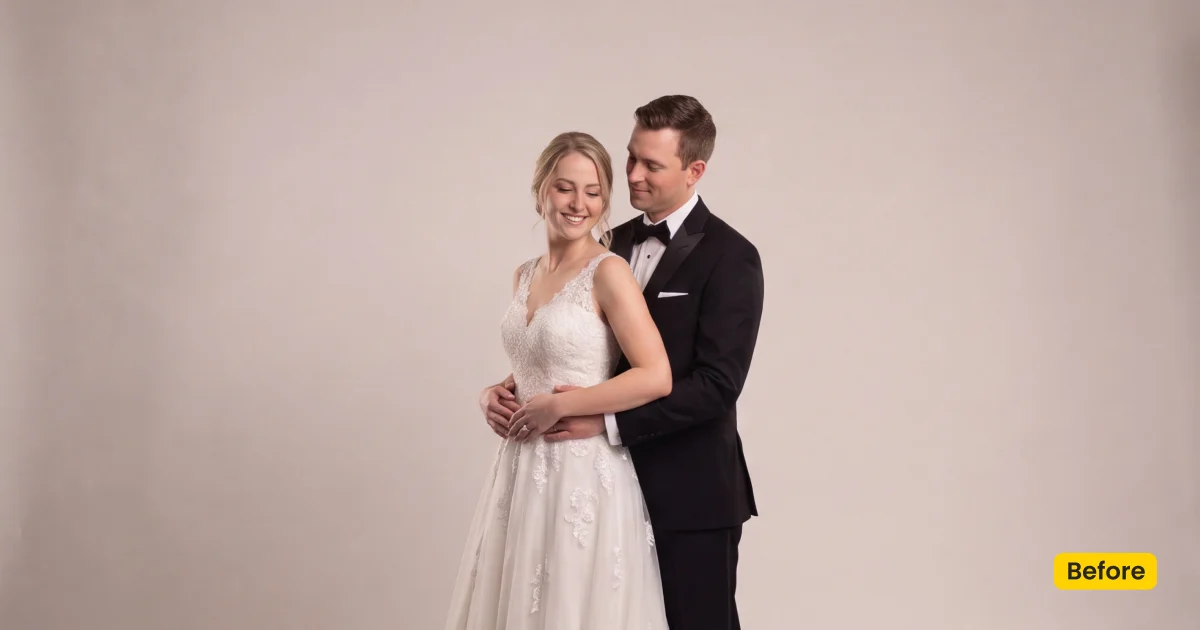
Warm evening light wraps the couple while the arch stays scaled to full-length gowns.
What This Scene Does
Twilight Dream is a Premium twilight wedding scene for intimate couple portraits in Evoto. Unlock it in Evoto Asset with an Evoto plan. It is an AI Background Fusion asset: forest paths, floral arches, and warm evening light—cinematic, intimate, and slightly enchanted. Soft Pastel Air and Storybook Editorial only grade color; Wedding Garden is a daytime villa garden. This page rebuilds a dusk forest location.
Forest paths give the couple a place to stand. Floral arches need honest scale, so full-length gowns do not dwarf the frame. A warm evening wrap should agree with hair backlight. Keep the mood intimate, not neon fantasy.
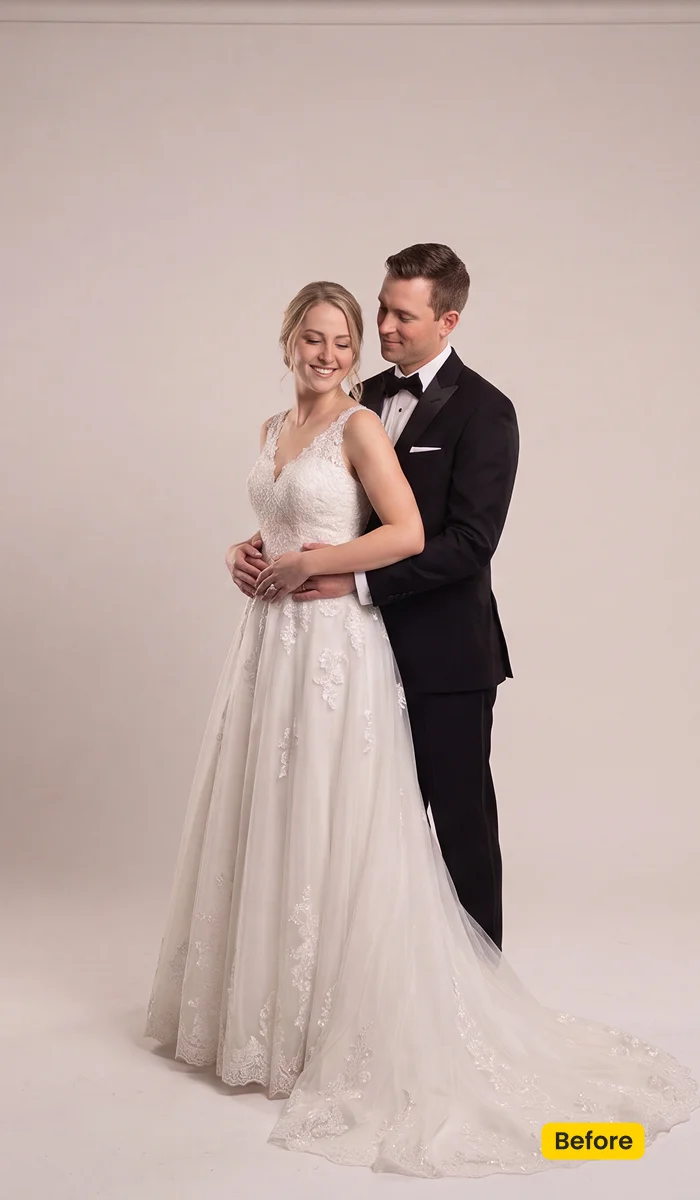
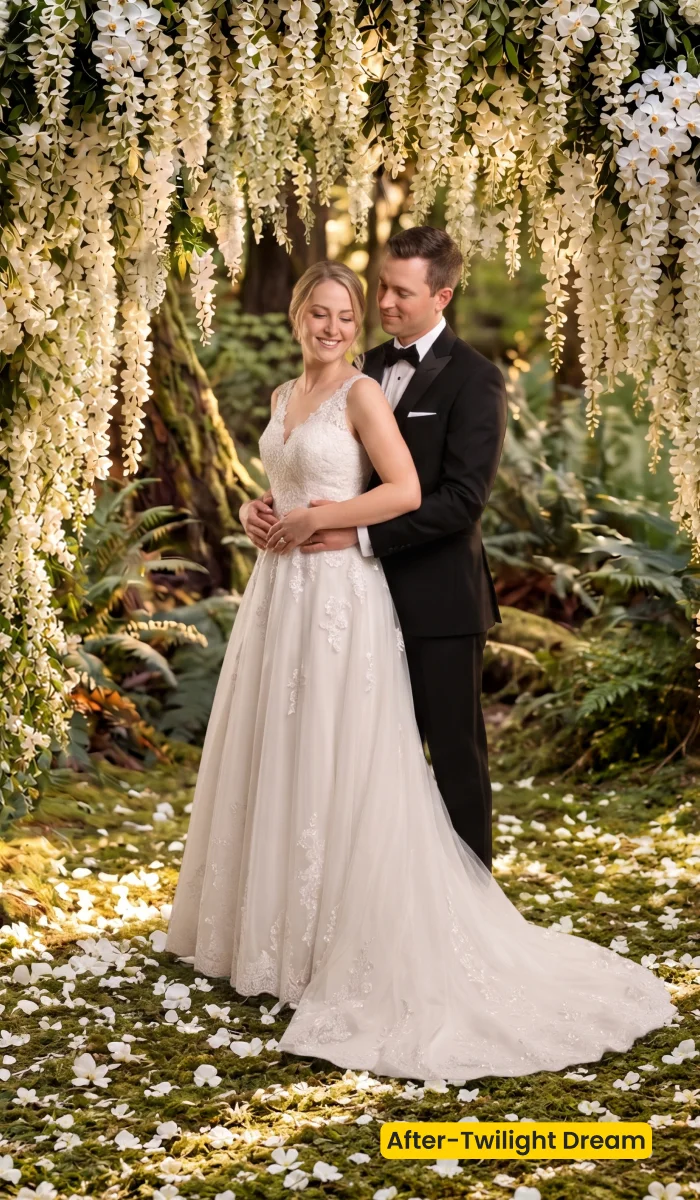
Unlock this twilight wedding scene from Asset Hub with your plan, then apply Twilight Dream with AI Background Fusion. Download Evoto to run fusion on the couple set.
Best For / Not For
Best for
- Couple portraits that need a cinematic dusk forest path
- Evening vow looks with floral arches and warm wrap
- Enchanted outdoor editorials shot in a simple studio
- Albums that want intimate twilight without a location scout
Not for
- Daytime villa garden briefs (use Wedding Garden)
- Color-only grades (use Soft Pastel Air or Storybook Editorial)
- Maternity field composites (use Maternity Field)
- Studio Backdrop fabric jobs (use Fabric)
Twilight Wedding Scene vs Day Garden and Color Presets
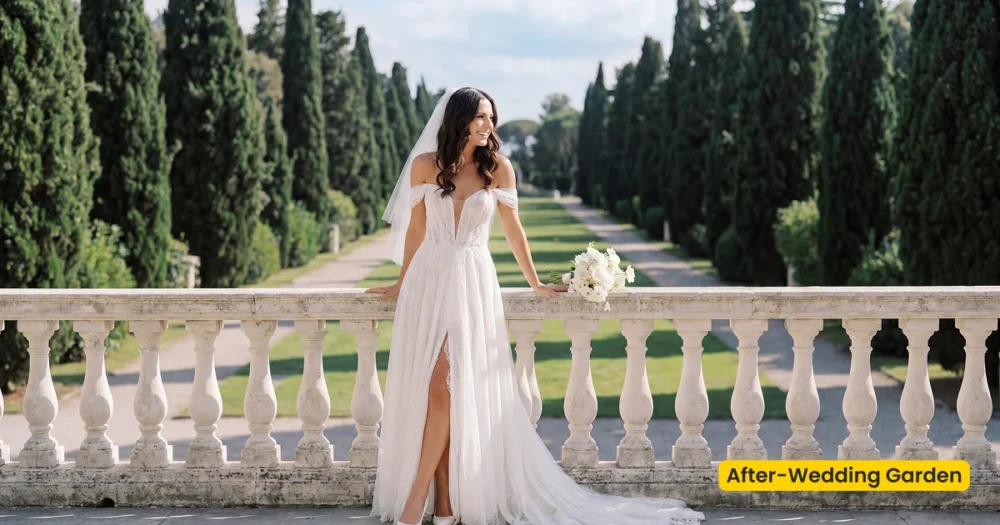
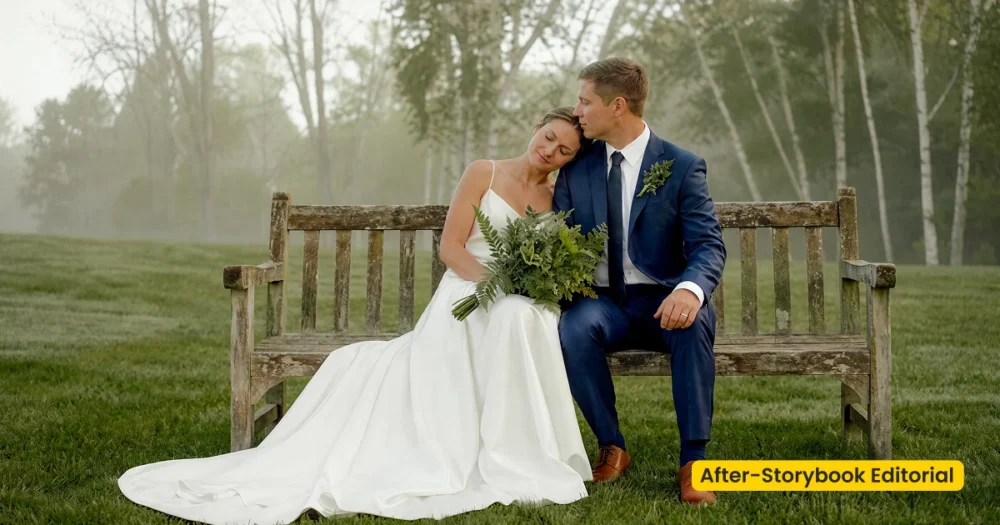
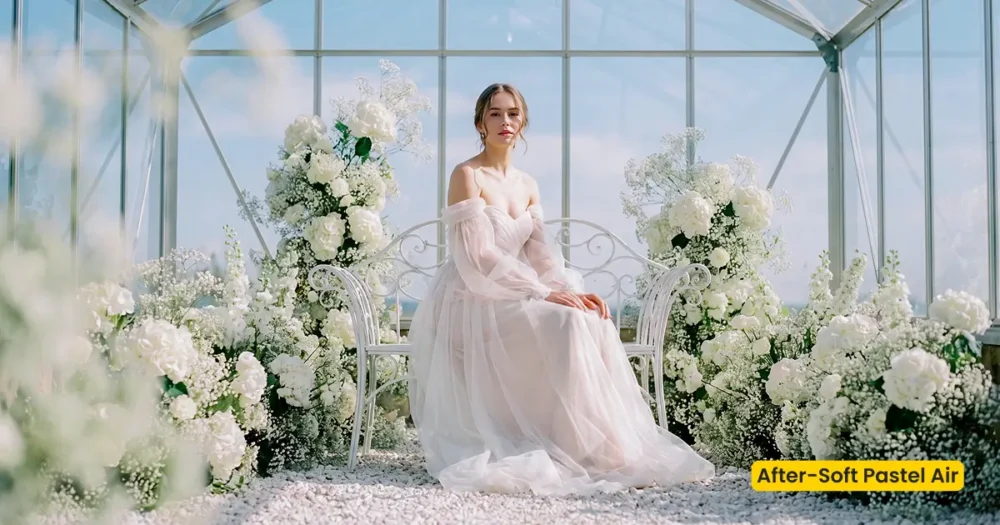
Twilight Dream rebuilds place and hour. Wedding Garden is a bright villa garden. Soft Pastel Air and Storybook Editorial only change color on files you already shot.
| Twilight Dream (this scene) | Wedding Garden / Soft Pastel Air · Storybook | |
|---|---|---|
| Job | Composite into forest path + floral arch + dusk light | Day garden fusion · or color presets only |
| WP category | AI Background Fusion → wedding-scene | wedding-scene · or wedding-preset |
| Best for | Intimate twilight couple portraits | Day garden editorials · light-airy / vintage documentary color |
| Apply in | AI Background Fusion | Fusion · or Preset Management |
What This Twilight Wedding Scene Contains
After Generate, walk the arch scale and path edges before you save. These notes describe the dusk forest, not a locked grade.
- Path: Forest walkway under the couple. Feet should meet the path, not float above it.
- Floral arch: Scale to full-length gowns. An undersized arch is the first tell.
- Light: Warm evening wrap. Character Lighting should agree with hair backlight if you shot it.
- Atmosphere: Cinematic, intimate, slightly enchanted—not carnival neon.
- Overall finish: Delivery-ready twilight wedding scene for couple galleries.
Tips for Evening Forest Composites
A twilight wedding scene still has to match the couple you photographed. Evening key light and a saved scene preset keep the set coherent.
- Match evening key: Keep key light on the same side as the dusk wrap. A noon left-key against a right-lit twilight path is obvious.
- Scale the arch first: Resize so florals frame heads and shoulders without crushing the gown hem.
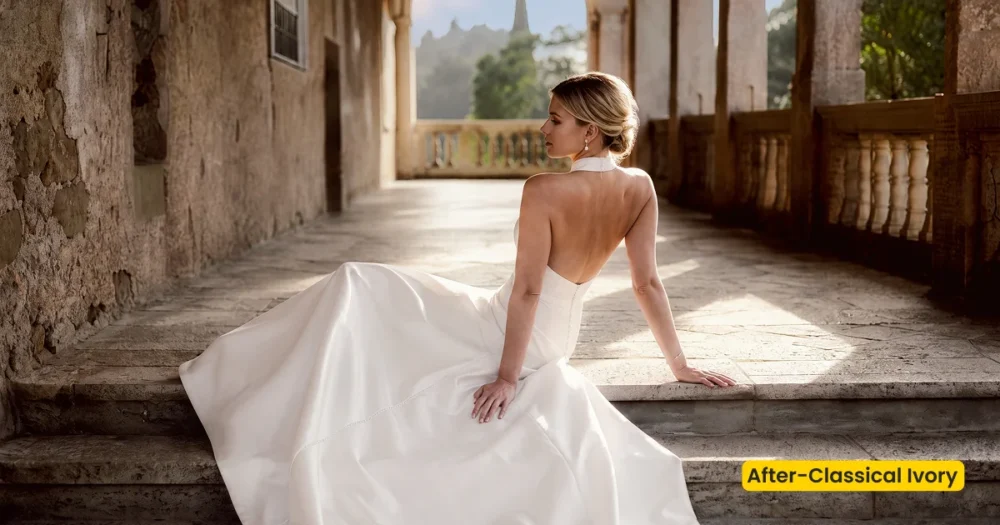
- Grade after fusion: Pair Classical Ivory or Soft Pastel Air only if you still want clean ivory or light-airy color on the new location.
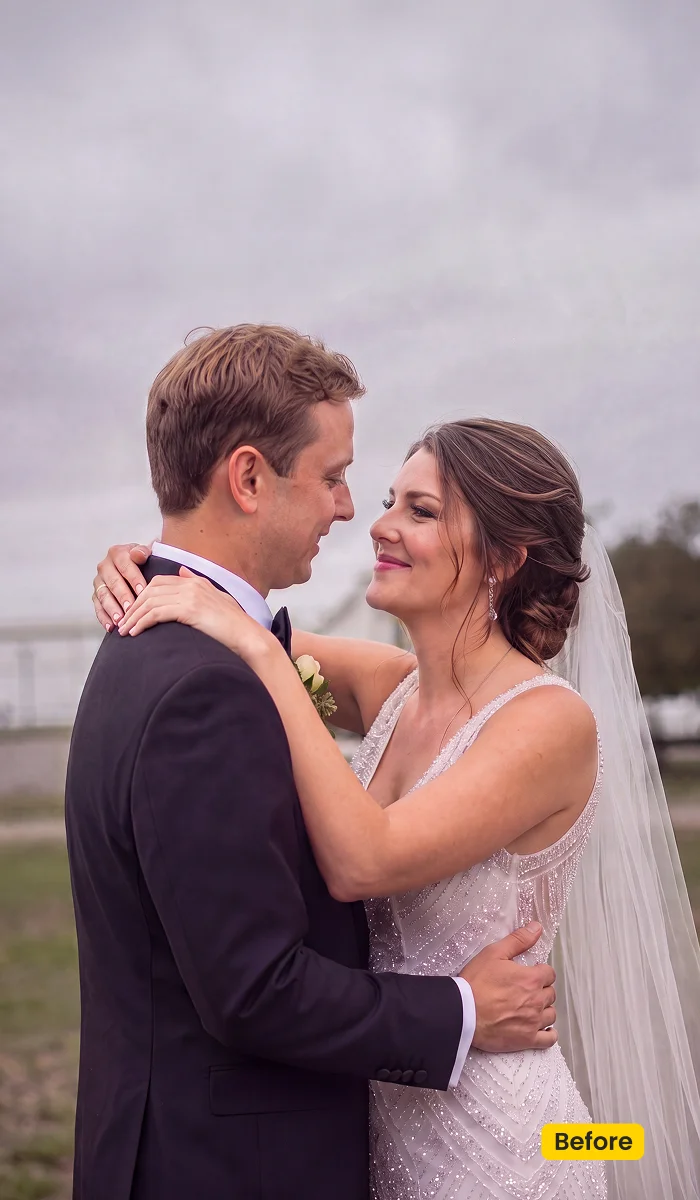
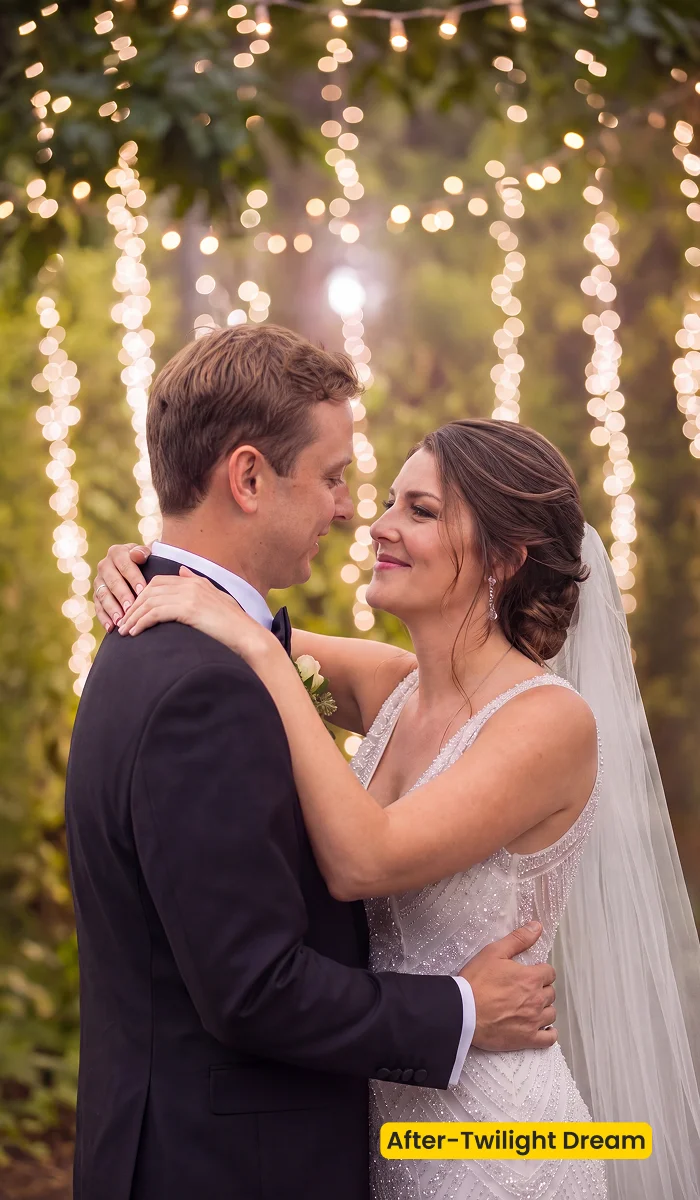
How to Get and Apply Twilight Dream
Twilight Dream is a dusk twilight wedding scene. Evening light match, floral-arch scale, and couple placement on the forest path matter more than a generic location click. Spend extra time on the first intimate frame; the rest of the set can reuse the saved scene.
Step 1. Unlock Twilight Dream with an Evoto plan
Click Get Scene Asset in Evoto on this page. Sign in on Asset Hub with an account that has an Evoto plan (purchased subscription), then unlock/sync Twilight Dream. Without a plan, it stays locked. You are collecting a twilight wedding scene for AI Background Fusion, not a color preset.
Step 2. Open Fusion on a couple frame that shows the path
Open the session in Evoto Desktop. Click AI Lab, then AI Background Fusion. Start with a full-length couple file where the hem, shoes, and enough ground are visible. A tight crop hides how tall the floral arch should sit on the forest path.
Step 3. Seat the couple on the path and scale the floral arch
In the right panel, open Featured, then the “Wedding” category, and select Twilight Dream. Resize so feet meet the path, and the arch frames the couple without floating mid-air. Keep bouquets with Subject and Related objects when flowers should travel. Use Custom only if you are uploading a different plate. Click Generate, then check gown edges against foliage.
Step 4. Match warm evening light and lock the intimate set
Open Character Lighting and match hair backlight to the warm evening wrap. When one frame is honest, click Save, then reuse this twilight wedding scene across the remaining couple portraits so arch color and path tone do not jump.
FAQ
Do I need an Evoto plan?
Yes. Twilight Dream is Premium (Asset Hub may show Free for Subscribers). Purchased Evoto plan holders can unlock it. Without a plan it stays locked.
Is this a Lightroom wedding preset?
No. Twilight Dream is an AI Background Fusion scene, not a color preset. Soft Pastel Air and Storybook Editorial are wedding color presets.
Is this the same as Wedding Garden?
No. Wedding Garden is a daytime villa garden. Twilight Dream is a twilight wedding scene with forest paths and floral arches.
Does fusion work across a couple set?
Yes. Save the scene preset and apply it across the intimate portraits.
Where do I get it?
Unlock this twilight wedding scene from Asset Hub with an Evoto plan. In Evoto Desktop: AI Lab → AI Background Fusion → Featured → Twilight Dream. Seat the couple on the path, Generate, then Character Lighting.
Related Assets
Try Evoto AI Photo Editor
Retouch photos with Evoto AI and make your photos best! Available on Windows, MacOS and iPadOS.



