

Bright soft ivory wedding presets with neutral-warm color, clean ivory whites, and natural skin—built for the full wedding day: ceremony, groups, indoor and outdoor portraits.
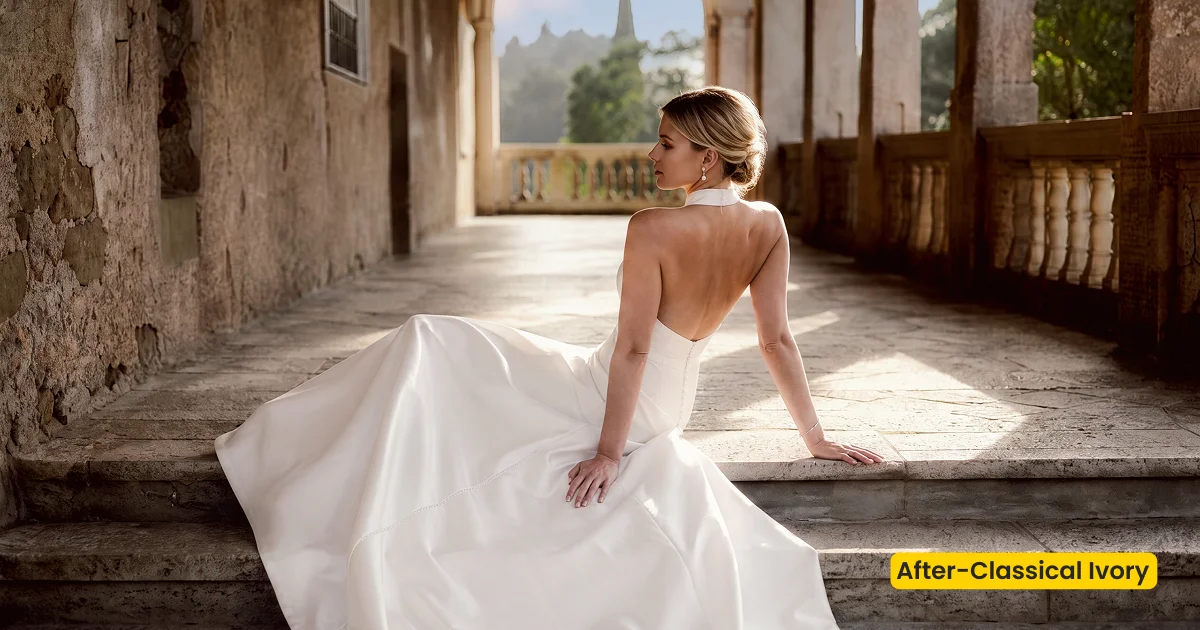
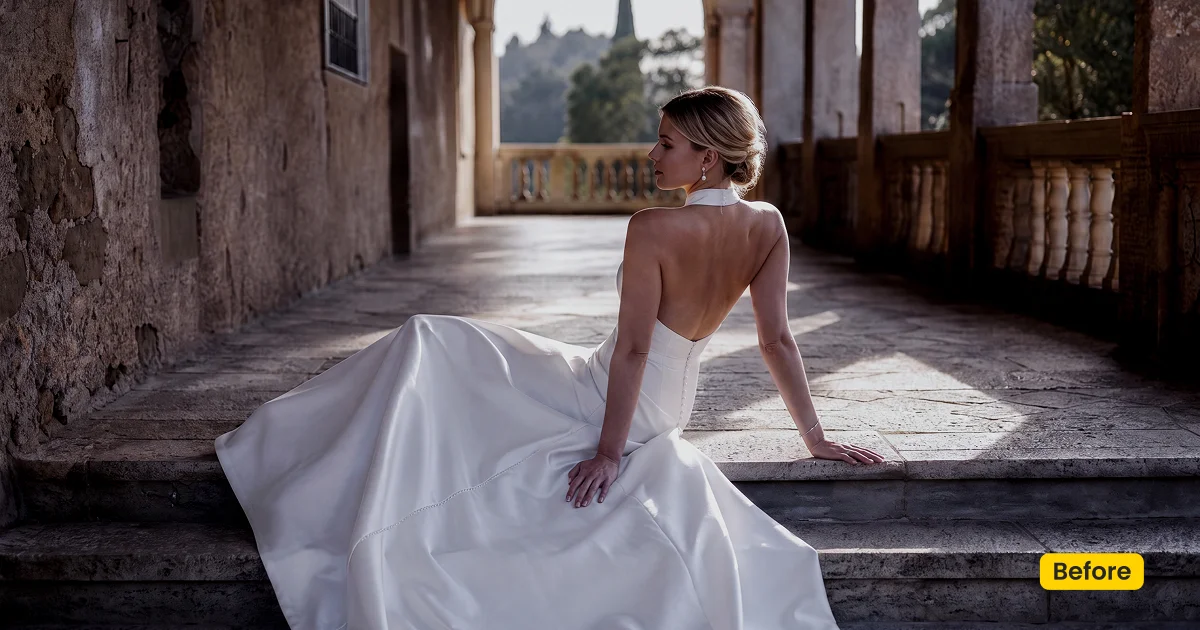
| Style | Wedding / Bright Soft Ivory |
|---|---|
| Best for | Ceremony whites, Group photos, Indoor & outdoor wedding day |
| Format | Evoto Asset Hub preset |
| Price | Premium |
See the Look in Action
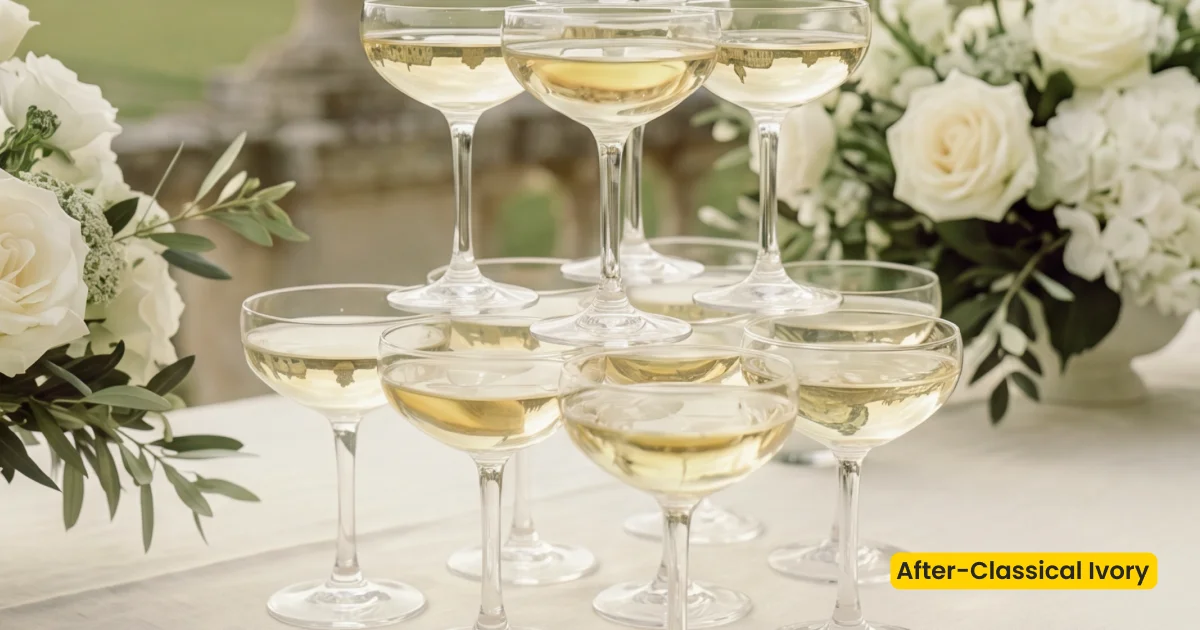
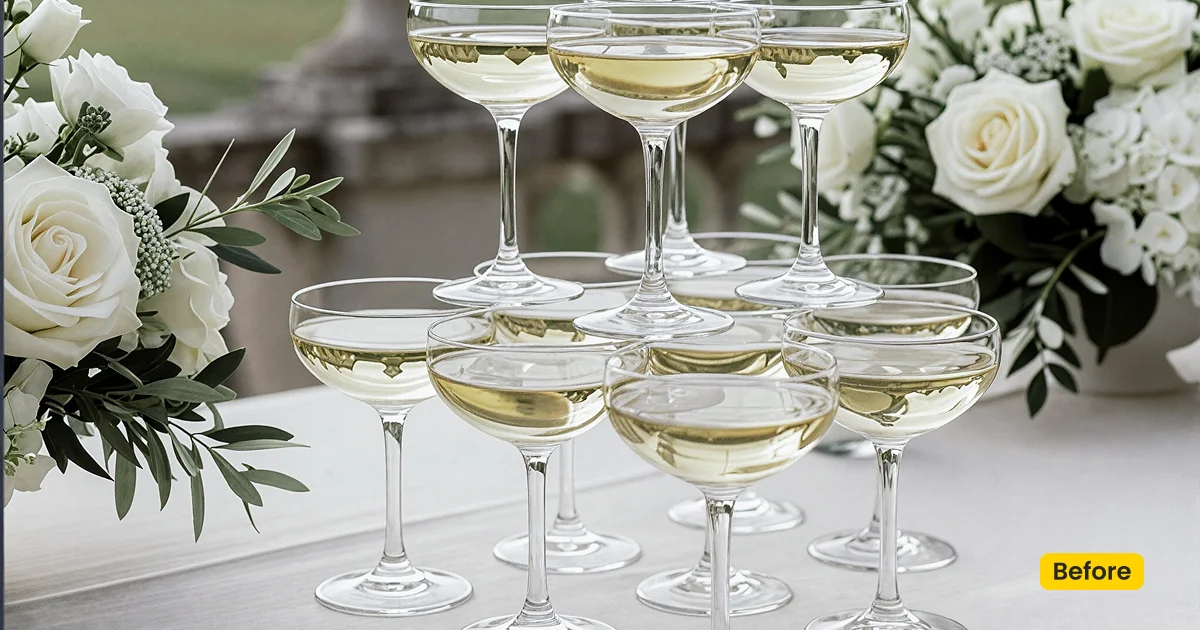
One bright soft base keeps scene consistent across the wedding day.
What This Preset Does
Classical Ivory is a Premium set of ivory wedding presets in Evoto. Unlock it in Evoto Asset with an Evoto plan. It delivers a bright, soft wedding style: neutral-warm color, clean ivory whites, and natural skin across ceremony, groups, and indoor/outdoor portraits—not pastel light-and-airy, and not vintage documentary.
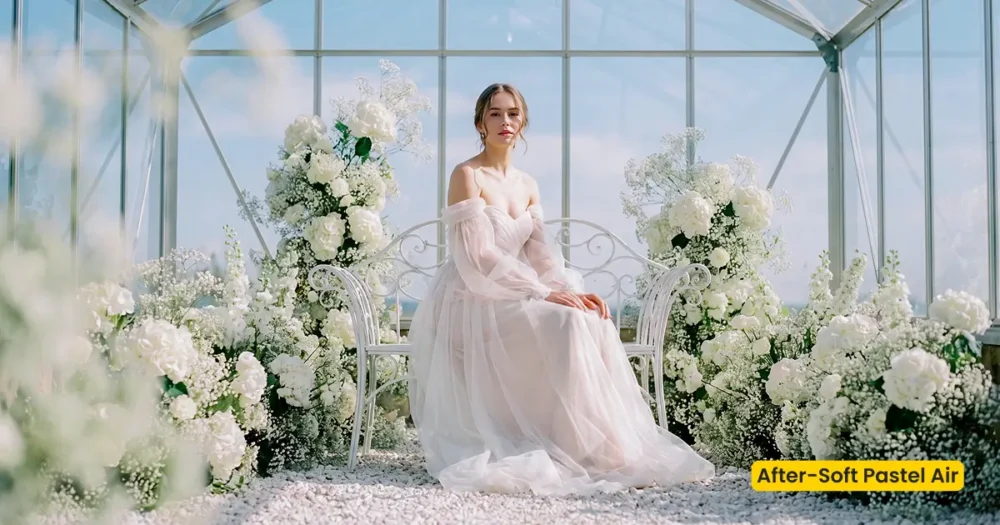
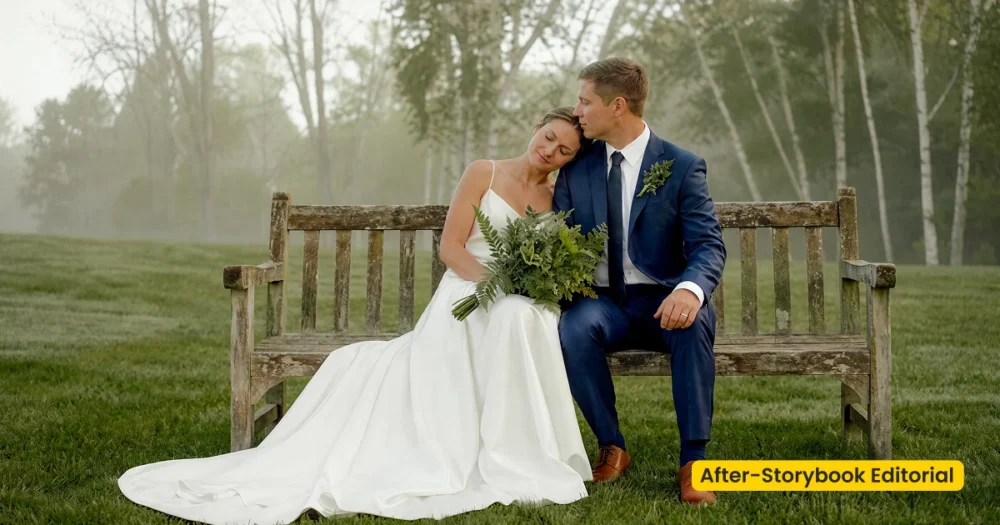
Ceremony gowns stay ivory without chalk. Skin stays honest instead of orange. Groups share one clean base so suits and dresses do not jump between frames. Soft Pastel Air is for pastel airy estates; Storybook Editorial is for forest documentary color. Classical Ivory is the classic bright wedding-day lane.
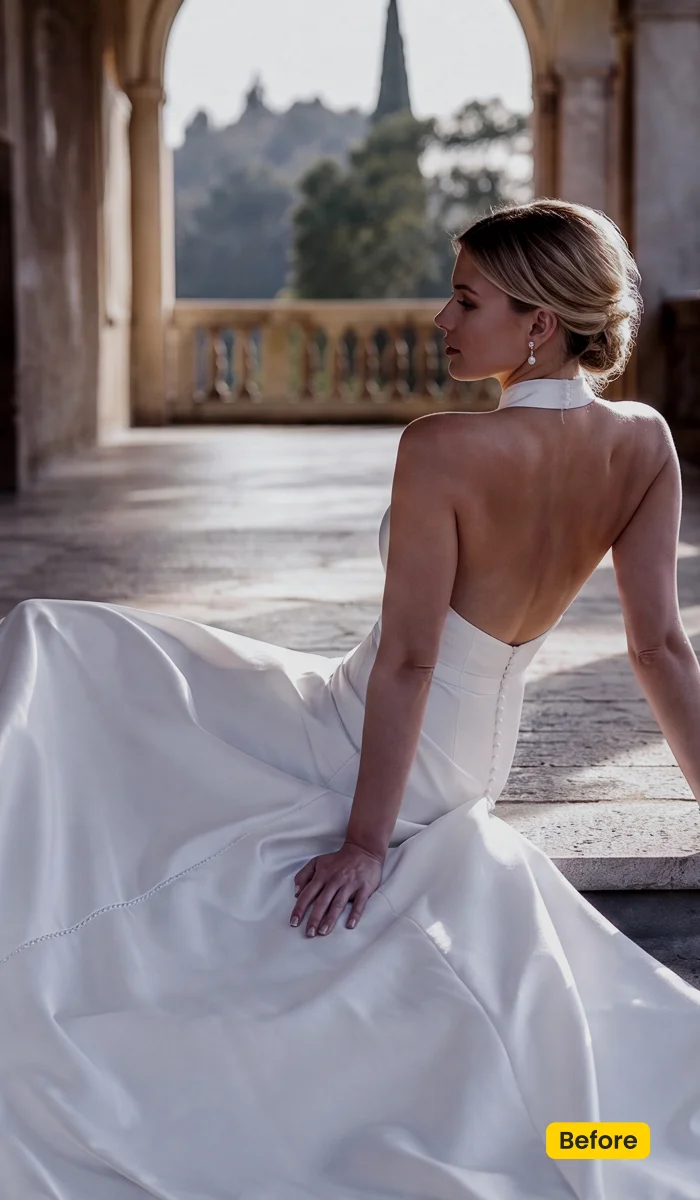
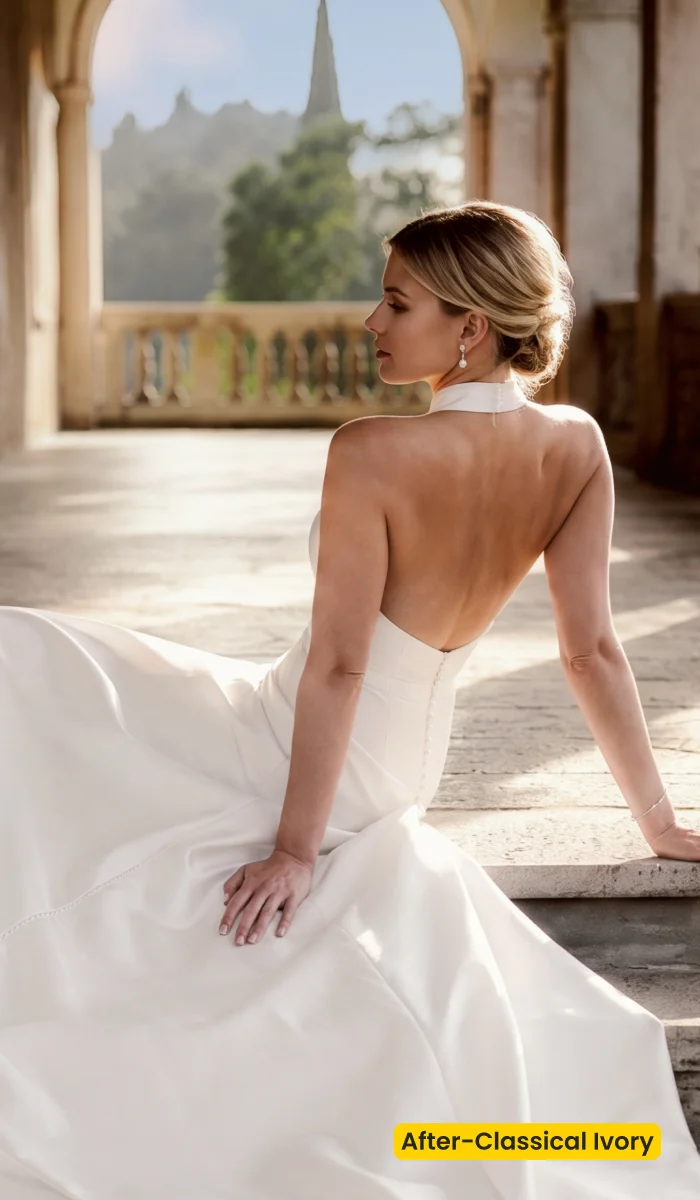
Unlock Classical Ivory from Evoto Asset with your plan, then apply these ivory wedding presets from your synced library in Preset Management. After you download Evoto, sync once and reuse the same bright soft base across the day.
Best For / Not For
Best for
- Ceremony frames that need clean ivory whites and natural skin
- Group photos that should share one bright soft wedding base
- Indoor and outdoor portraits across a full wedding day
- Classic neutral-warm albums that stay delivery-clean
Not for
- Pastel light-and-airy estates (use Soft Pastel Air)
- Vintage documentary forest grades (use Storybook Editorial)
- Dark moody reception teal-orange drama
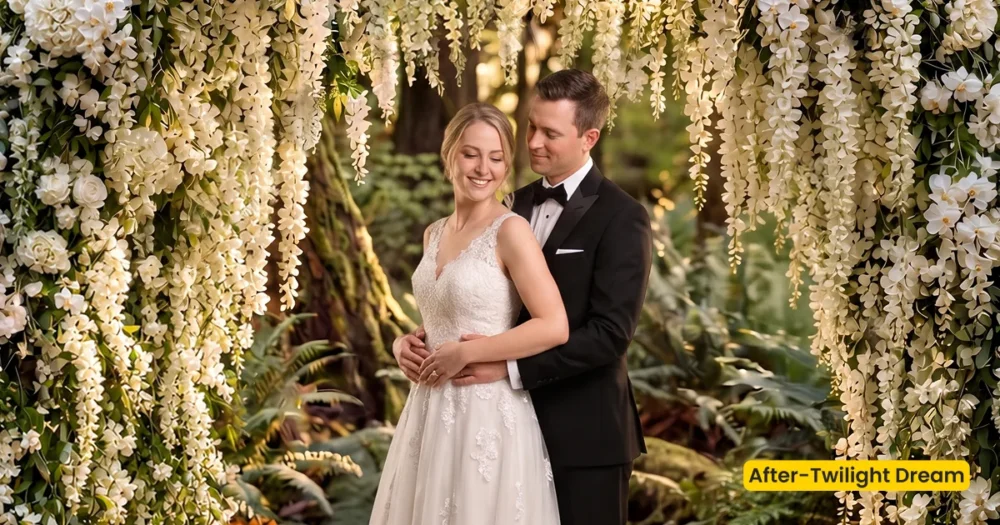
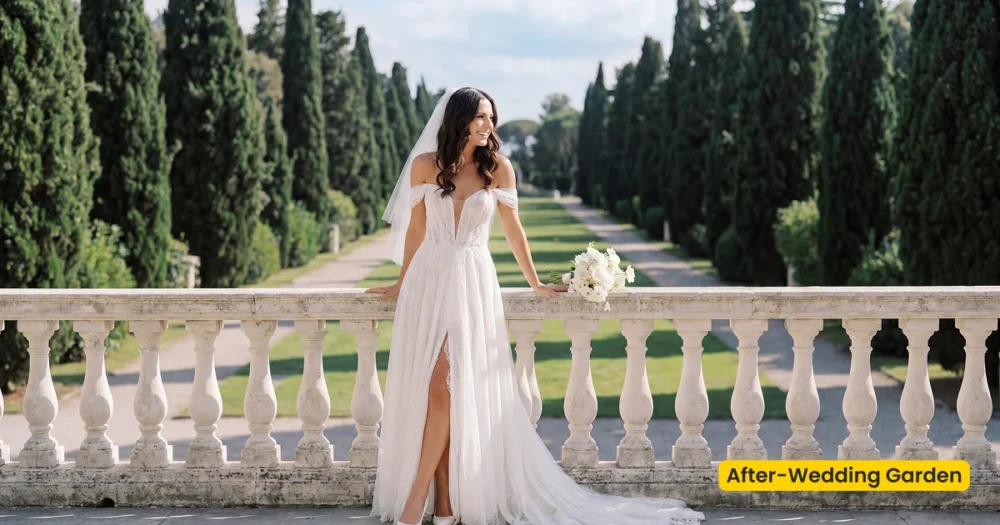
- Location swaps (use Twilight Dream or Wedding Garden)
Ivory Wedding Presets vs Pastel Airy and Storybook Color
Classical Ivory is the clean bright ivory / neutral-warm classic wedding day. Soft Pastel Air lifts pastel airy estates. Storybook Editorial leans vintage documentary outdoors.
| Classical Ivory (this preset) | Soft Pastel Air / Storybook Editorial | |
|---|---|---|
| Finish | Bright soft ivory, clean whites | Pastel luminous · or vintage documentary |
| Skin | Natural, neutral-warm | Creamy airy · or lifted shade vintage |
| Best day | Ceremony, groups, full wedding day | Estate light-airy · forest candid editorial |
| Apply in | Preset Management | Preset Management |
How Classical Ivory Shapes the Image
Apply on ceremony whites first, then nudge a frame if the church is cooler or the gown is already champagne. These notes describe the ivory direction, not a locked recipe.
- Whites: Clean ivory. Lace and veil should hold texture, not turn to paper.
- Skin: Natural and neutral-warm. The goal is flattering, not bronze.
- Contrast: Soft enough for groups, bright enough for classic albums.
- Palette: Neutral-warm wedding day, not pastel greens or film nostalgia.
- Overall finish: Ivory wedding presets, delivery-ready from ceremony through portraits.
Tips for Bright Soft Wedding Days
These ivory wedding presets unify a day that already has usable exposure. Start with ceremony whites, then sync groups before you chase reception flash.
- Expose for ceremony skin: Clean ivory highlights still clip. Keep faces readable before you apply.
- Lock ceremony whites, then sync groups: Reuse Classical Ivory from Preset Management so the wedding party matches the aisle set.
- Grade color, then fuse a scene if needed: Classical Ivory does not replace a location. Pair Twilight Dream or Wedding Garden only when the brief needs a new outdoor place.
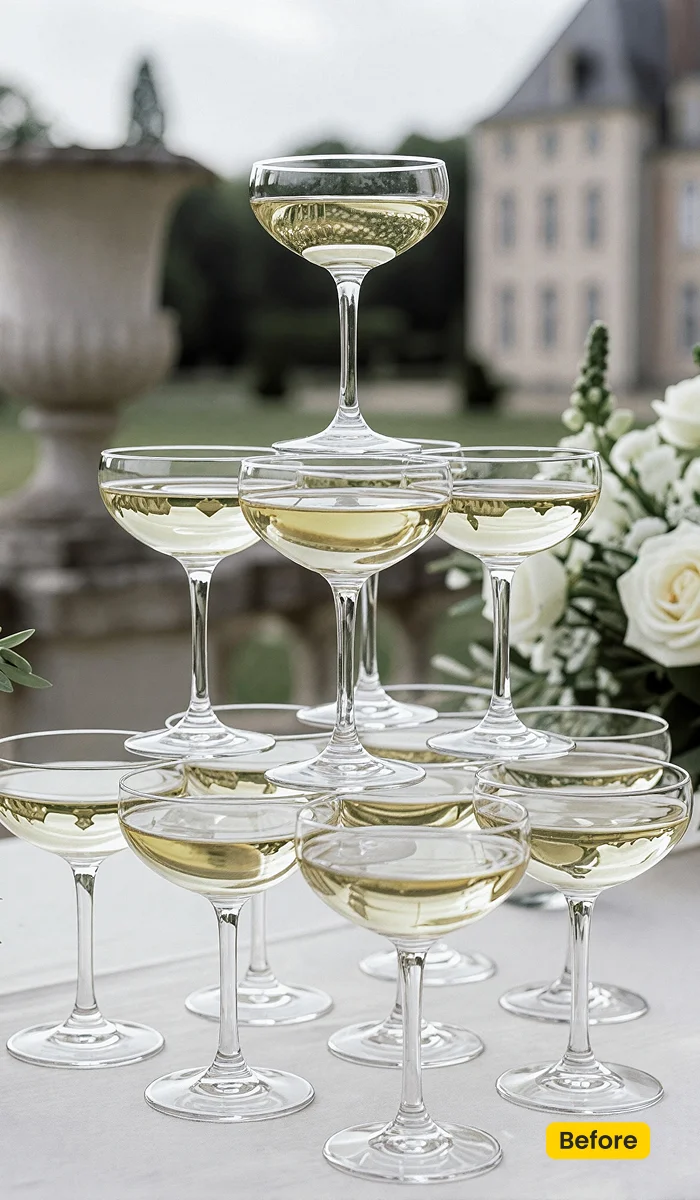
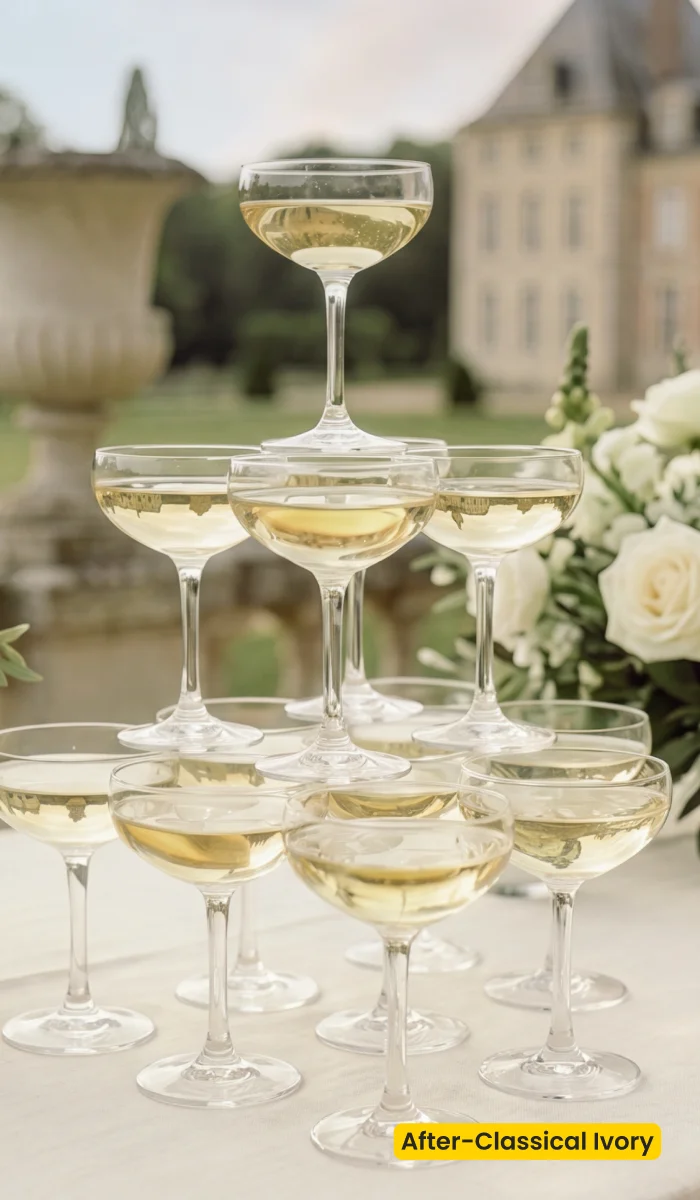
How to Get and Apply Classical Ivory
Step 1. Unlock Classical Ivory with an Evoto plan
Click Get Preset in Evoto on this page. Sign in on Asset Hub with an account that has an Evoto plan (purchased subscription), then unlock/sync Classical Ivory (Hub may show Classic Ivory). Without a plan, it stays locked. After sync, these ivory wedding presets sit in your Evoto library, not as an off-site XMP pack.
Step 2. Apply on ceremony whites first
Open Evoto Desktop. In Preset Management, start with a ceremony or aisle frame where the gown whites are honest. Select Classical Ivory from your synced presets and click Apply before you touch groups. Check that lace still holds weave, and that skin did not go orange.
Step 3. Sync groups and the rest of the wedding day
If the ceremony hero reads well, reuse Classical Ivory from Preset Management across family groups, indoor portraits, and outdoor portraits from the same day. If one reception file is tungsten-warm or a stop darker, tweak brightness or color on that frame only, then keep the bright soft ivory base.
Step 4. Optional: Share Preset(s) with a second editor
When a sitting needs a slightly cooler or warmer Classical Ivory, save that version in Preset Management. Open Share Preset(s) and generate a Preset Token only if another editor must match the same ivory wedding presets on another desk.
FAQ
Do I need an Evoto plan?
Yes. Classical Ivory is Premium (Asset Hub may show Classic Ivory / Free for Subscribers). Purchased Evoto plan holders can unlock it. Without a plan, it stays locked.
Is Classical Ivory a Lightroom XMP download?
No. It is an official Evoto preset from Asset Hub. Import your own Lightroom presets in Preset Management if you need other looks.
How is it different from Soft Pastel Air or Storybook Editorial?
Classical Ivory is clean bright ivory / neutral-warm classic wedding day. Soft Pastel Air is pastel light and airy. Storybook Editorial is vintage documentary outdoor color.
Do I need a physical backdrop?
No. This is a color preset for photos you already shot.
Where do I apply it?
Unlock Classical Ivory from Asset Hub with an Evoto plan. In Evoto Desktop → Preset Management, Apply these ivory wedding presets on ceremony whites first, then sync groups.
Related Assets
Try Evoto AI Photo Editor
Retouch photos with Evoto AI and make your photos best! Available on Windows, MacOS and iPadOS.



