

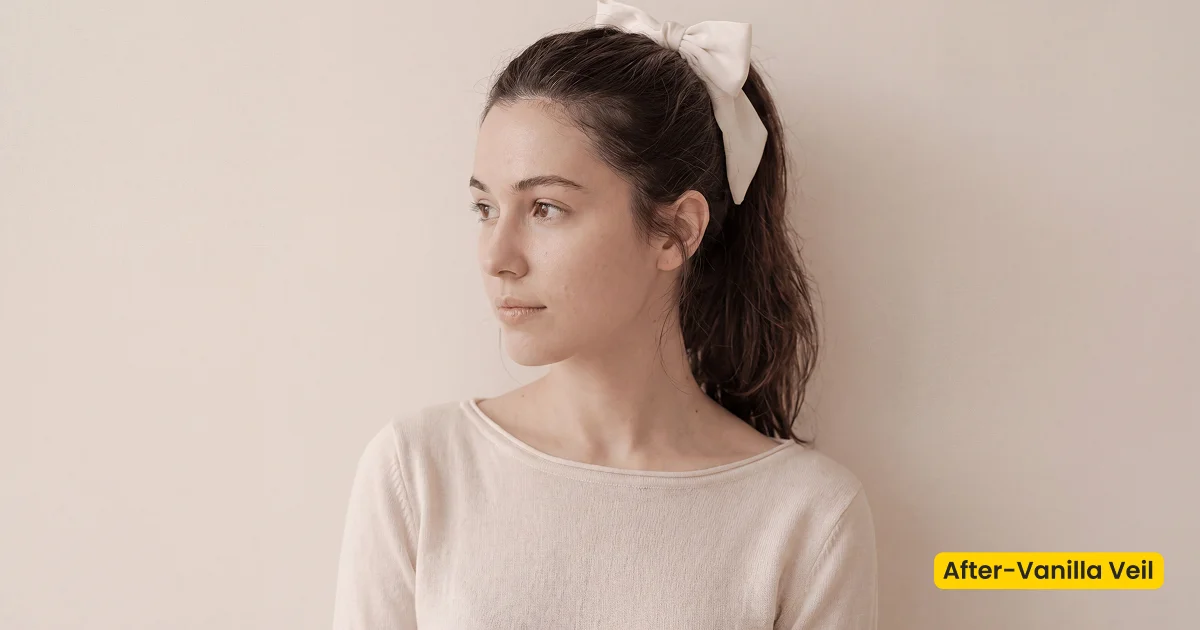
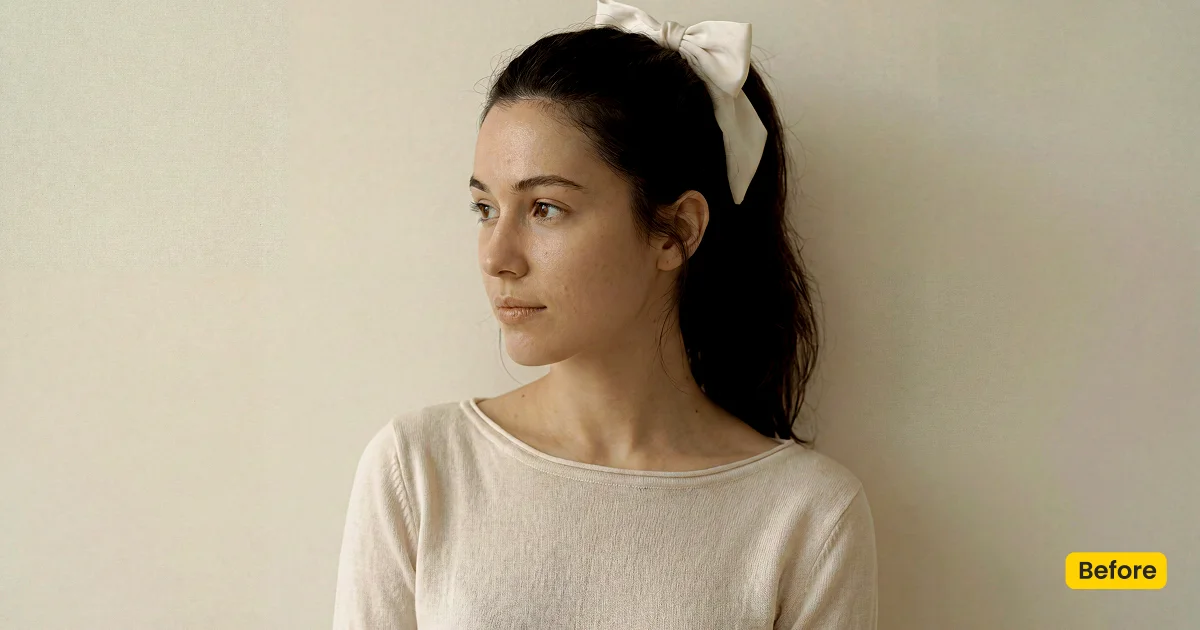
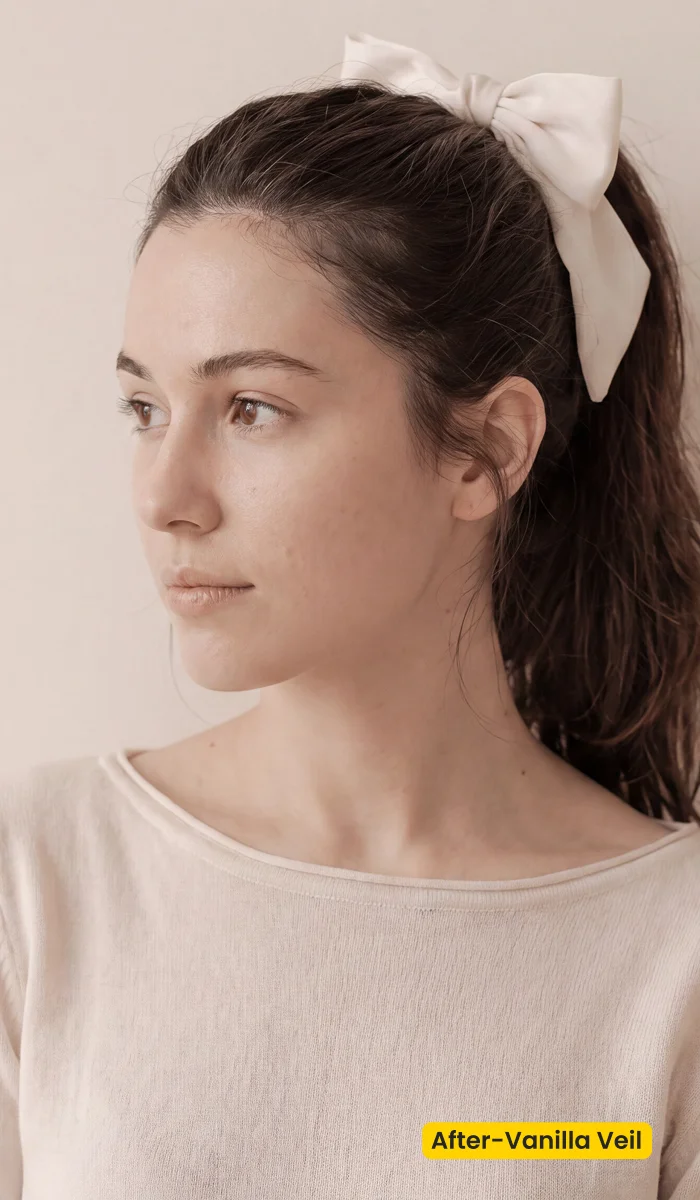
This style creates a creamy, low-contrast look with soft highlights, gentle skin tones, and clean shadows. Perfect for feminine portraits, couples, maternity, family sessions, and indoor window light where the mood should feel delicate and flattering.
| Style | Portrait / Creamy Low Contrast |
|---|---|
| Best for | Window-light portraits, Couples, Maternity, Family sessions |
| Format | Evoto Asset Hub preset |
| Price | Free |
See the Look in Action

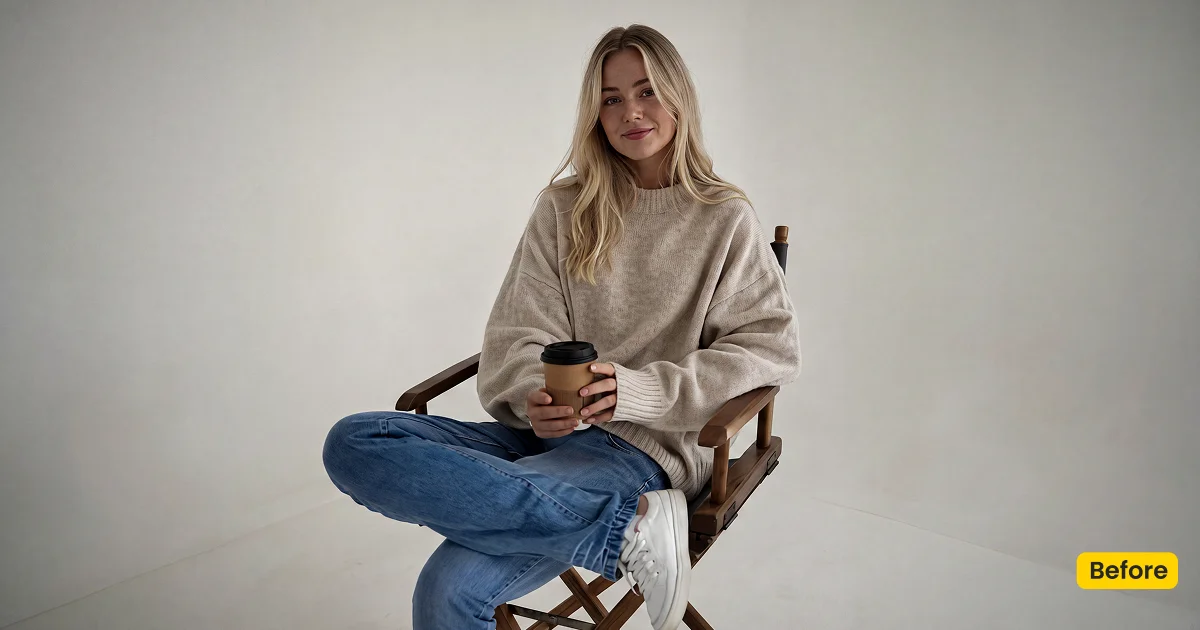
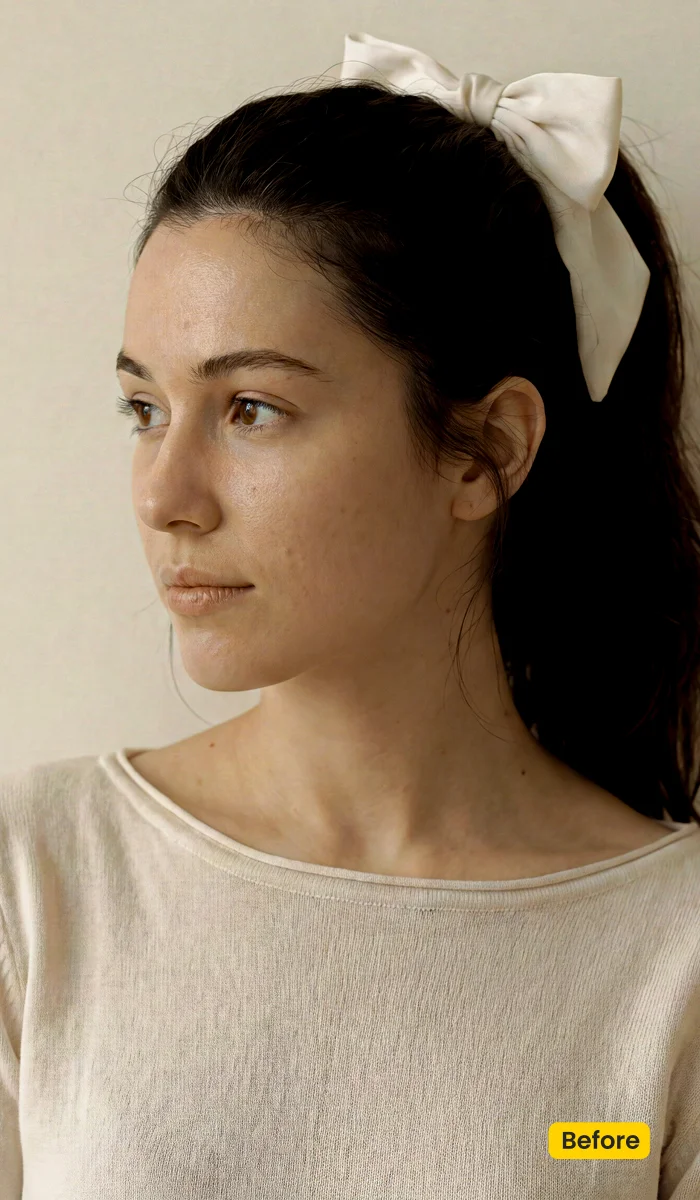
Low contrast holds fabric texture while skin stays creamy.
What This Preset Does
Vanilla Veil is a free set of creamy photography preset in Evoto. The look is low-contrast on purpose: soft highlights, gentle skin, and clean shadows so feminine portraits, couples, maternity, and family frames all share one delicate finish, without locking the page to a single family-session brief.
Window light turns creamier instead of chalky. Fabric keeps texture because contrast never hardens the folds. Couples and maternity sessions pick up the same flattering skin read, which is why the official description lists those sittings together. If the brief is punchy strobe fashion, this is the wrong lane.
Get Vanilla Veil for Free. Then apply the portrait asset from your synced presets in Evoto Desktop. After you download Evoto, sync once and reuse the same creamy base across the session.
Best For / Not For
Best for
- Indoor window-light portraits that need a delicate, flattering read
- Couples and engagement frames in soft interiors
- Maternity sittings that should stay creamy rather than clinical
- Family sessions where skin and linen should feel gentle, not punchy
Not for
- High-contrast strobe fashion or beauty campaigns
- Dark cinematic grades with crushed blacks
- School-volume headshots that need Campus Bright energy
- Location swaps (use Maternity Field or another fusion scene)
Creamy Low Contrast vs Punchy Portrait Color
Vanilla Veil is built for files that already have soft light. The table is a briefing tool: if the sitting is creamy and close, stay here; if the sitting is strobe-hard, pick another grade.
| Vanilla Veil (this preset) | Punchy portrait grade | |
|---|---|---|
| Contrast | Low, clean shadows, fabric still holds | Harder highlights, fashion snap |
| Skin | Gentle, creamy, flattering | More separated, sometimes drier |
| Light | Window and interior softness | Strobe or hard sun |
| Best sitting | Feminine, couple, maternity, family | Editorial flash, beauty, sport |
How Vanilla Veil Shapes the Image
Apply the preset first, then nudge a frame if the window is cooler or the wardrobe is already ivory. These notes describe the creamy direction, not a locked recipe.
- Highlights: Soften so window light stays luminous without turning linen into paper.
- Shadows: Stay clean and low-contrast so interiors feel delicate instead of muddy.
- Skin: Gentle warmth. The goal is flattering, not orange.
- Cloth: Contrast stays low enough that dresses and wraps keep weave.
- Overall finish: Creamy, low-contrast, delivery-ready for soft portrait sittings.
Tips for Creamy Window-Light Sessions
A low-contrast preset will not rescue a file that is a stop under or blasted against the window. Start with a usable exposure, then let Vanilla Veil unify the sitting.
- Expose for skin near the window: Creamy highlights still clip. Keep the face readable before you apply the preset.
- Sync the whole sitting: Reuse Vanilla Veil from your synced presets so parents, couples, and bump frames share one creamy base.
- Grade color, then fuse a field if needed: Vanilla Veil does not replace a location. Pair Maternity Field only when the brief needs an outdoor meadow scene.


How to Get and Apply Vanilla Veil
Step 1. Unlock Vanilla Veil on Asset Hub
Click Get Preset for Free on this page. Sign in on the Assets Hub of the Evoto official site, then get/sync Vanilla Veil. After sync, these creamy photography presets sit in your Evoto library, not as an off-site XMP pack.
Step 2. Grade the window-light hero first
Open Evoto Desktop. In Preset Management, start with the frame where skin is closest to the window. Select Vanilla Veil from your synced presets and click Apply before you touch the rest of the sitting. Check that linen still holds weave and that the face did not clip.
Step 3. Carry the look through the sitting
If that hero frame reads well, reuse Vanilla Veil from Preset Management across parents, couples, and bump frames from the same window. If one file is tungsten-warm or a stop darker, tweak brightness or color on that frame only, then keep the creamy base.
Step 4. Save a session version if you tweaked it
When a sitting needs a slightly cooler or warmer Vanilla Veil, save that version in Preset Management. Open Share Preset(s) and generate a Preset Token only if a second editor must match the same creamy photography presets on another desk.
FAQ
Is Vanilla Veil a Lightroom XMP download?
No. It is an official Evoto preset from Asset Hub. Import your own Lightroom presets in Preset Management if you need other looks.
Is it only for family sessions?
No. The creamy, low-contrast look also suits feminine portraits, couples, maternity, and indoor window light.
Do I need a physical backdrop?
No. This is a color preset for photos you already shot.
Where do I apply it?
Get it from Asset Hub. In Evoto Desktop, apply it from your synced presets, adjust if needed, then sync the look across the set.
How is it different from Storybook Editorial?
Vanilla Veil is creamy indoor portrait color. Storybook Editorial is vintage documentary wedding color.
Related Assets
Try Evoto AI Photo Editor
Retouch photos with Evoto AI and make your photos best! Available on Windows, MacOS and iPadOS.



