

Fall portraits presets for open shade: cinnamon browns, muted greens, and peachy skin.
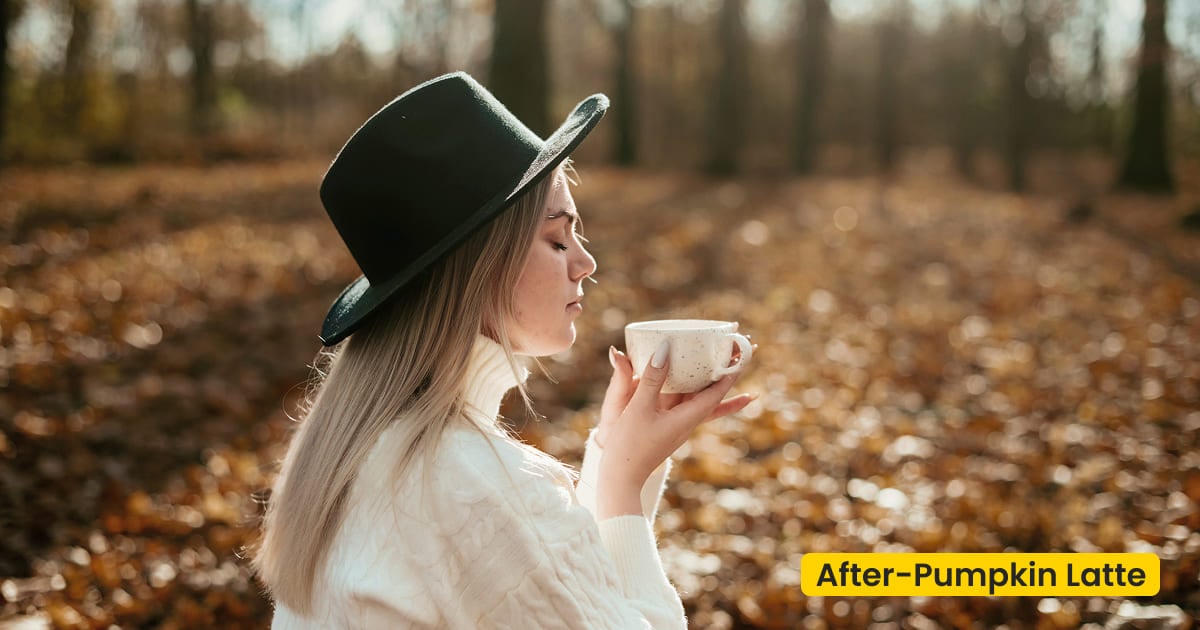
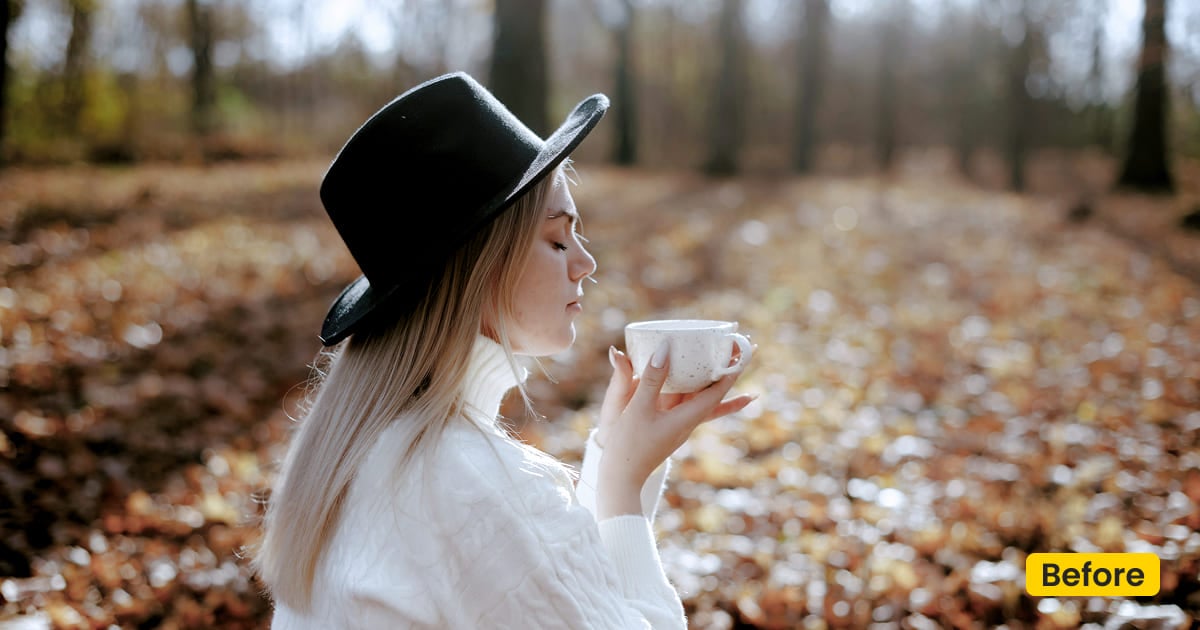
| Name | Pumpkin Latte |
|---|---|
| Style | Portrait Preset / Autumn Open Shade |
| Best for | Thanksgiving porch portraits, Café moments, Market strolls, Portraits at home |
| Format | Evoto Asset Hub preset |
| Price | Free |
See the Look in Action
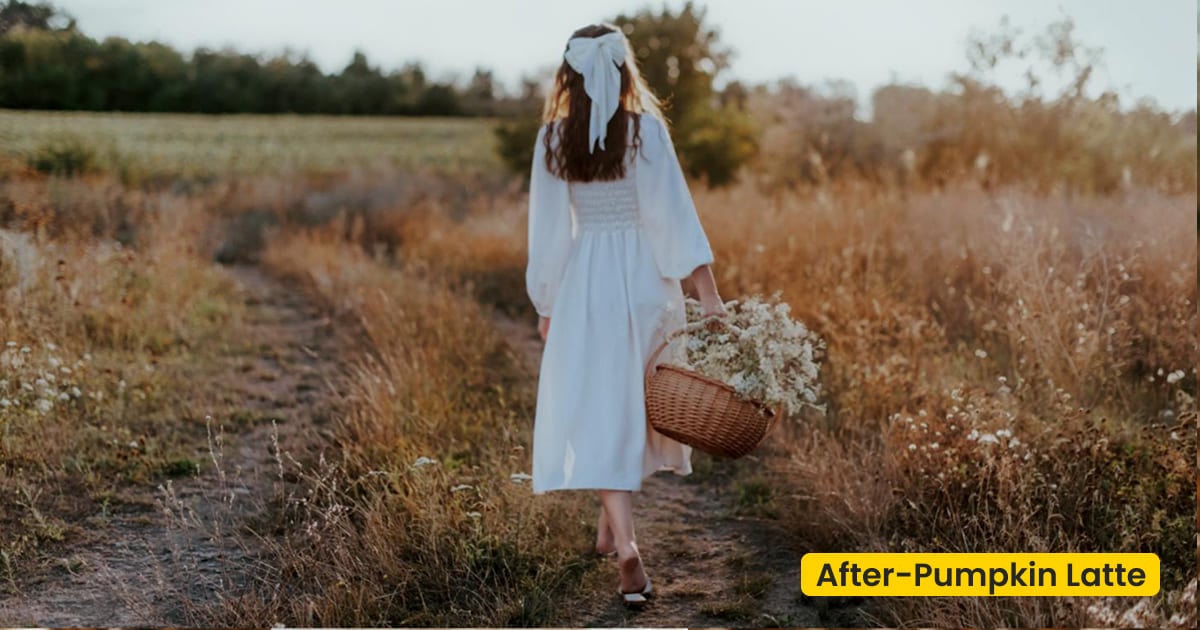
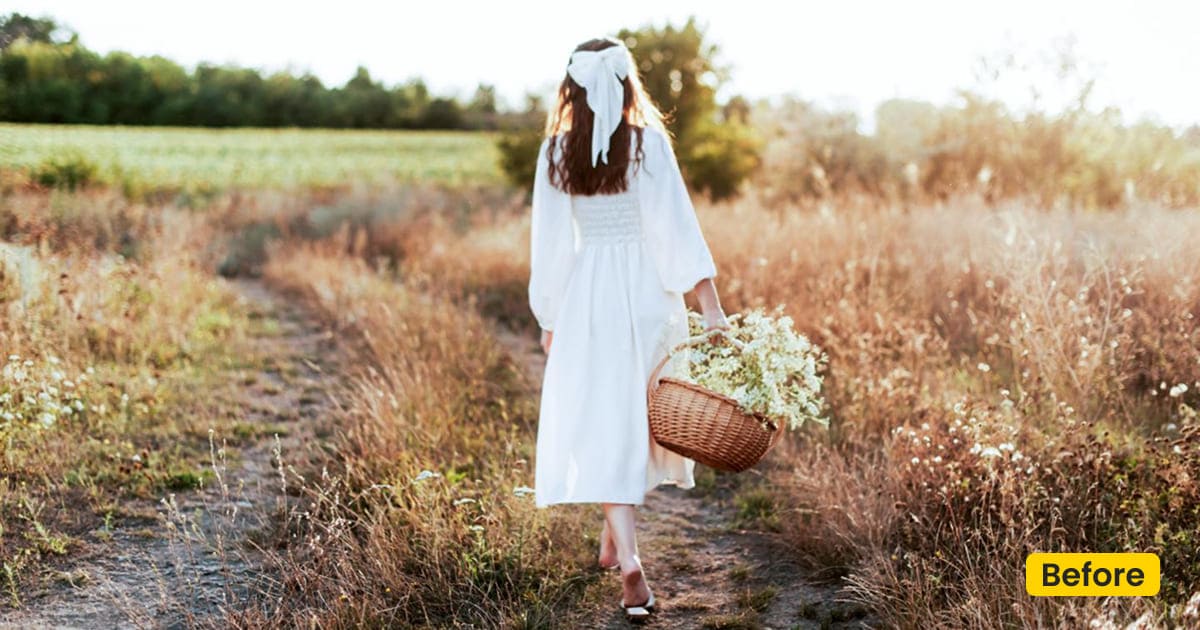
Knitwear and wood pick up warmth while skin stays peachy.
What This Portrait Preset Does
Pumpkin Latte is a free Evoto portrait preset for fall portraits made in open shade. Cinnamon brown, muted green, and a creamy highlight sit on skin that stays peachy. Knitwear, denim, and wood pick up warmth. The file should not look baked.
Nothing behind the person changes. A missing pumpkin field is the Pumpkin Patch family scene. Cloud under the trees is Honeywood Romance. Sync Pumpkin Latte from Asset Hub, then apply it in the Preset of Evoto Photo Editor.
A porch, a market, and a portrait at home can share it. A café with tungsten lamps may need its own saved version, because those lamps are warmer than shade.
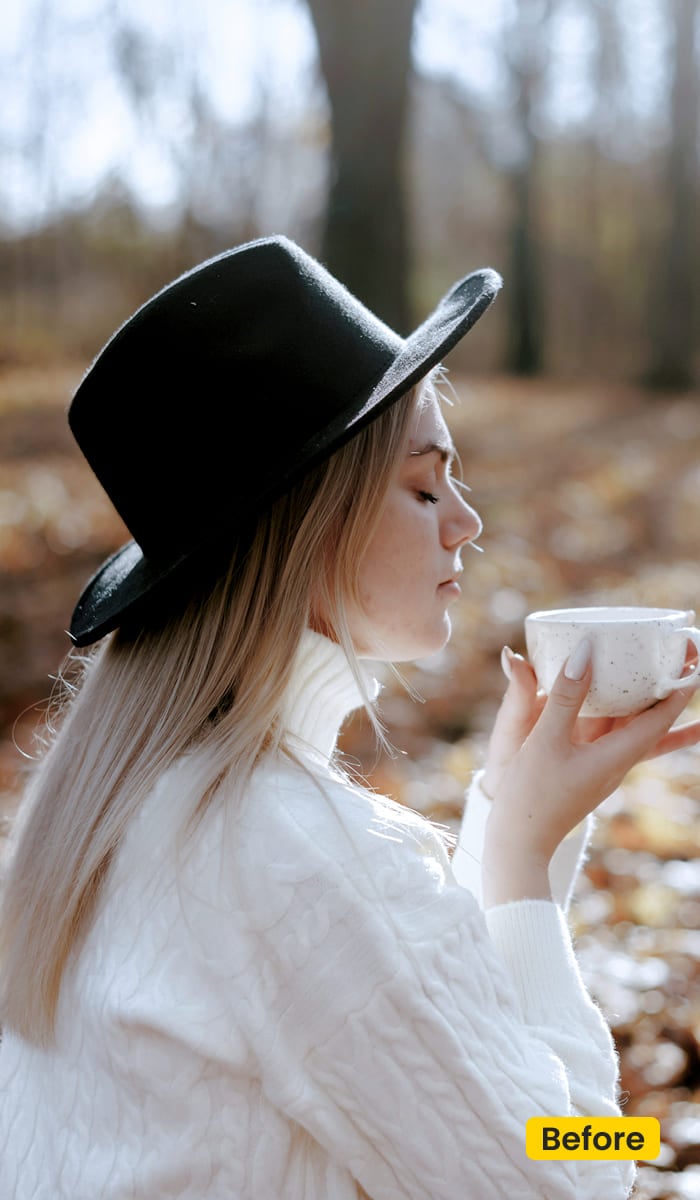
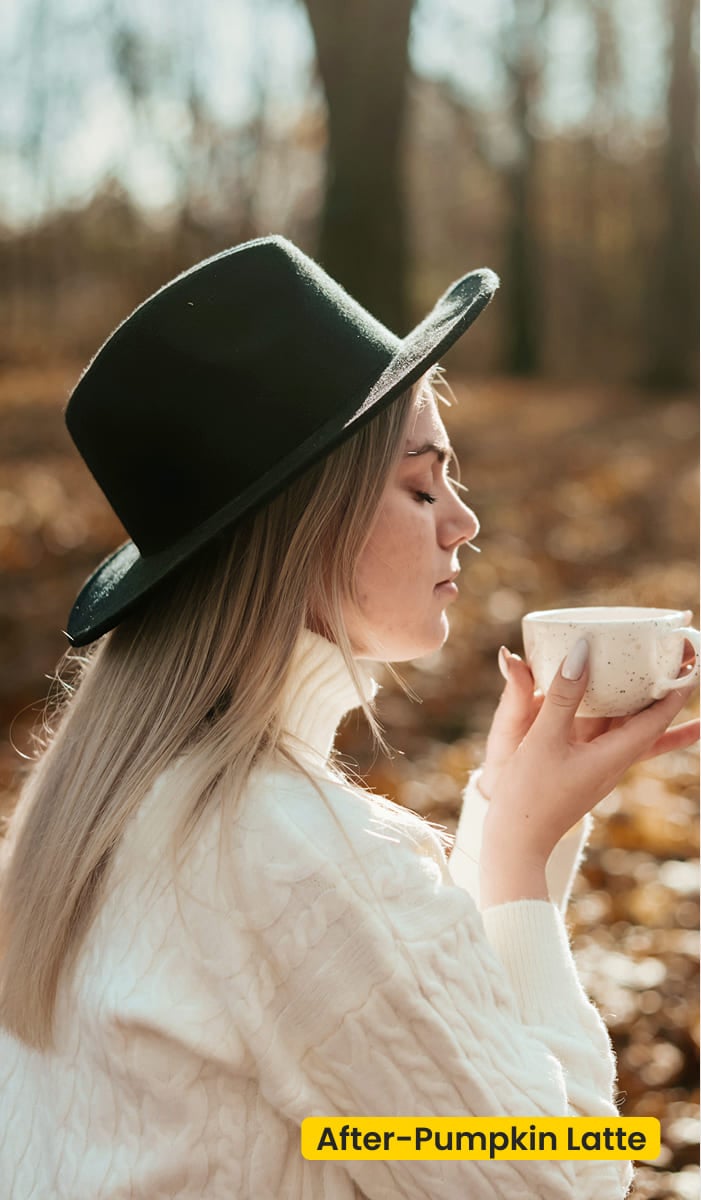
Thanksgiving family photos often happen on that porch, or in the open shade beside the house, before anyone sits down. Sweaters go cold there. Pumpkin Latte warms those fall portraits and keeps the skin peachy. The long table indoors is a lighting problem. A Halloween costume that needs a new field belongs on the Pumpkin Patch family scene.
Best For / Not For
Best for
- Open-shade portraits with a knit, denim, or wood in the frame
- A patch visit you already photographed, when only the color is cold
- Thanksgiving family photos on a porch, then the market stroll and the portrait at home
- An afternoon that has to look like one season
Not for
- Overcast forest weddings (use Honeywood Romance)
- Building a hay field that was never there (use Pumpkin Patch)
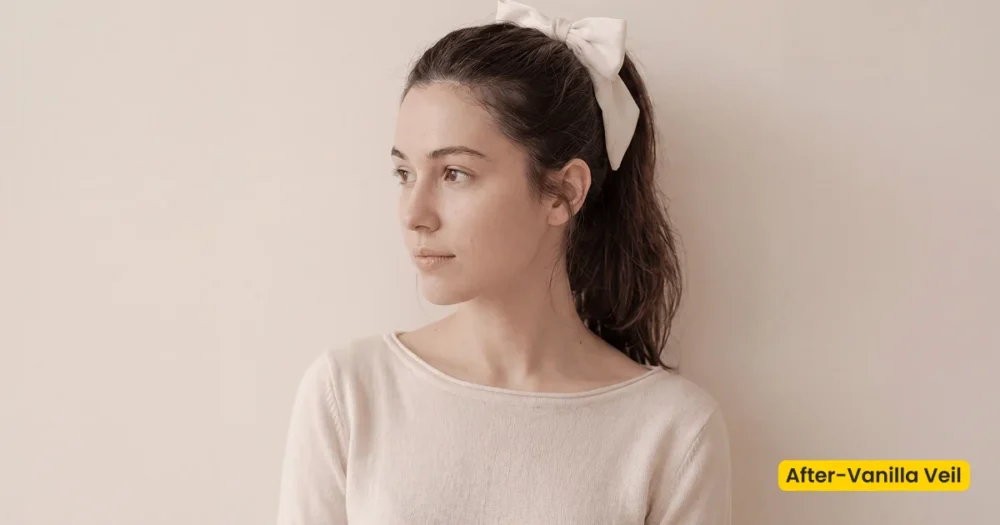
- Bright window light that should stay creamy (use Vanilla Veil)
- Hard-sun bridal editorials
Fall Portraits Presets vs a Forest Grade
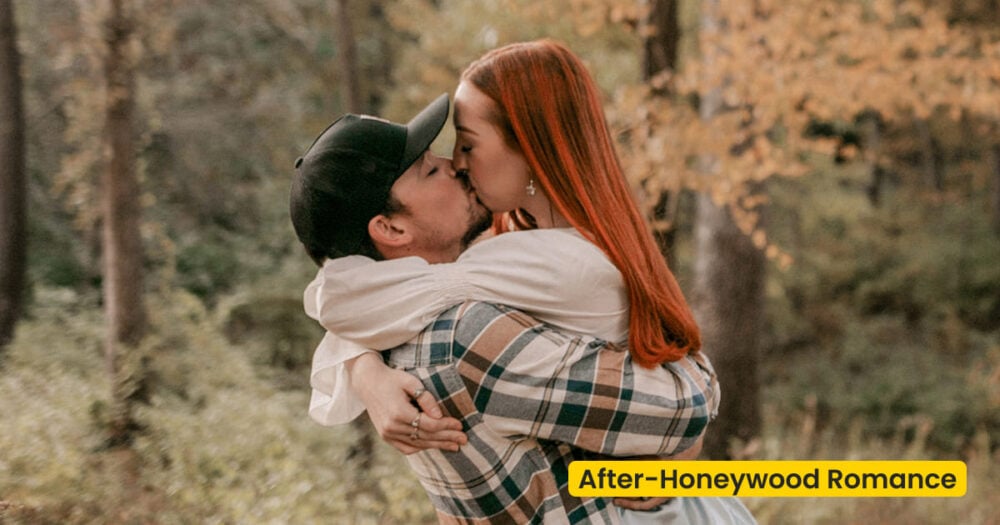
Honeywood Romance fixes olive trees. Pumpkin Latte warms people who were already standing in shade. Use the table when both files are “autumn,” and the light is not the same.
| Pumpkin Latte (this preset) | Honeywood Romance | |
|---|---|---|
| Light | Open shade, a porch, a soft café | Cloud cover under trees |
| Subject | Fall portraits, knitwear, everyday stops | A forest wedding: couple, veil, details |
| Skin | Peachy, with cinnamon in the shadows | Creamy and lightly golden against green |
| Place | Stays the place you shot | Stays the woods you shot |
What Pumpkin Latte Touches
Look at a shade portrait after you apply it. The background should still be the one you photographed.
- Shade: Open shade warms up. Hard sun is the wrong starting point.
- Cloth and wood: Knits, denim, and tables gain depth without turning plastic.
- Skin: Peachy. If cheeks go orange, the frame was already warm.
- Greens: Leaves already in the photo go muted, not neon.
- Finish: Gentle contrast for fall portraits. Not a new location.
Tips for an Afternoon of Stops
Shade, market, and home can share one grade. The café often cannot. On Thanksgiving, proof the porch portrait before anyone moves inside.
- Proof the porch, not the window: Pumpkin Latte is for open shade. A bright window is closer to Vanilla Veil.
- Do not invent the patch: If the wall behind them is wrong, switch to the Pumpkin Patch family scene. This preset will not paint hay.
- Split the café if the lamps are tungsten: Save that warmer tweak for the indoor frames. Leave the shade portraits on the first version.
How to Get and Apply Pumpkin Latte
Grade the shade file first. Walk that color through the outdoor stops. Give the café its own saved version only if the lamps disagree.
Step 1. Put Pumpkin Latte in the library before the upload
Click Get Preset for Free and sign in on Asset Hub. Sync Pumpkin Latte so these fall portrait presets are already in Preset Management on Evoto Desktop when the files land. (No software installed? Click to download Evoto.)
Step 2. Judge it on a porch portrait
Skip the window-lit frame. On a porch portrait in Evoto Desktop, open Preset Management, select Pumpkin Latte, and click Apply. Peach on the cheek and cinnamon in the knit are the two checks.
Step 3. Carry that proof through the market and the sofa
Apply Pumpkin Latte to the stroll and the portrait at home. Those stops should not invent a new season.
Step 4. Save a café version, and keep it indoors
When the lamps run warmer than the porch, save that tweak in Preset Management and leave it on the indoor frames. Do not push the café version back onto the shade portraits.
FAQ
Is Pumpkin Latte free?
Yes. Get it in Asset Hub and apply these fall portraits in Evoto.
Does it add pumpkins behind someone?
No. It only grades color. Use the Pumpkin Patch family scene when the place itself has to change.
Can a forest elopement use it?
Use Honeywood Romance for overcast woods. Pumpkin Latte is for shade, cafés, markets, and home.
How is it different from Vanilla Veil?
Vanilla Veil is creamy light next to a window. Pumpkin Latte is warmer autumn shade, with cinnamon in the cloth and peach on the skin.
Will it carry Thanksgiving family photos?
Yes, when they were made in open shade or on the porch. It warms the knit and keeps skin peachy. A living room with mixed bulbs, or a big group at the table, still needs the light solved in camera. A costume that needs a pumpkin field uses Pumpkin Patch.
Where do I apply it?
Sync it from Asset Hub. In Evoto Desktop, open Preset Management, select Pumpkin Latte, and click Apply.
Related Assets

Try Evoto AI Photo Editor
Retouch photos with Evoto AI and make your photos best! Available on Windows, MacOS and iPadOS.