

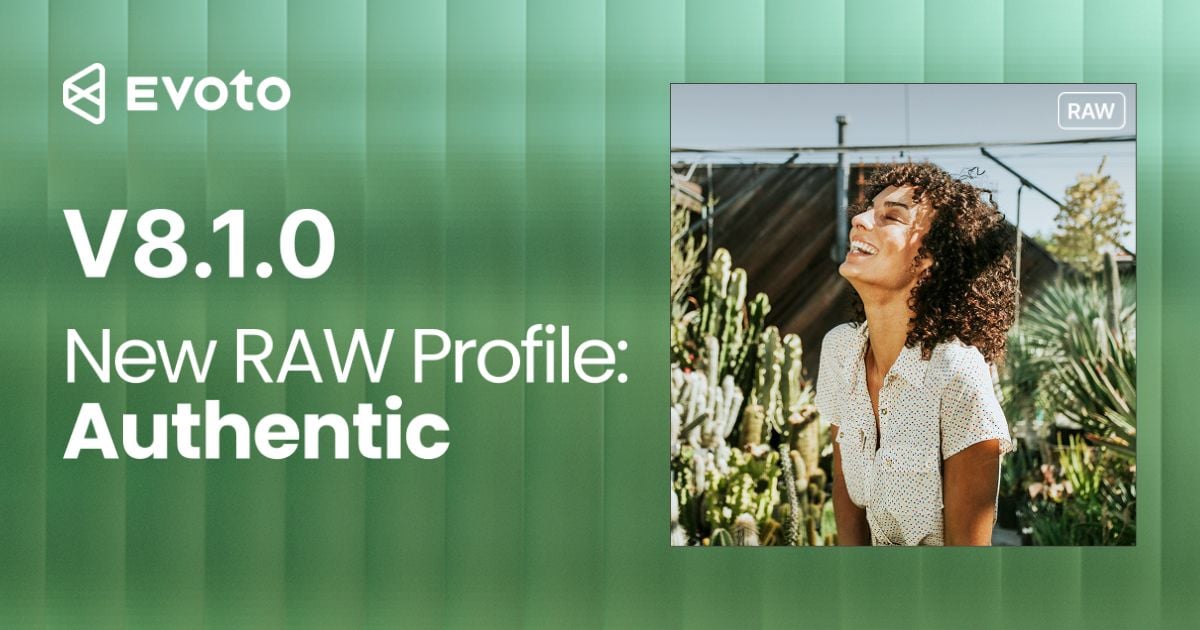
WILMINGTON, Delaware, November 13, 2026. Evoto has released Evoto Desktop 8.1.0 for Windows and macOS. The update centers on Authentic Profile, a new RAW color profile for richer color and smoother tonal transitions. The same build also adds Nail Touch-Up, Clothing Recolor, Mannequin and Hanger Removal, and Asset Hub browsing updates. Authentic Profile works on Desktop RAW files only. It does not apply to JPEG files.
Desktop 8.1.0 follows the Desktop 8.0.0 line with a sharper focus on how a RAW file looks before portrait tools and presets begin. Photographers who already edit on Evoto Desktop can update in place. New users can download Evoto for Desktop and open a RAW set to compare Standard and Authentic side by side.
Alongside the software release, Evoto is running a timed creative gift for qualifying paid Desktop plans from 13 through 22 November, local time. The pack lands in Asset Hub under gifted items and is built to sit on an Authentic Profile base. Details and eligibility follow live Pricing and in-product notices.
Authentic Profile: The Focus of Desktop 8.1.0
Authentic Profile (also called Authentic look in some Color and offer copy) is Evoto’s new look mode for RAW in Color. In Color Adjustments, Profile sits next to Standard. Switching profiles changes the base rendering of the file. It is not a warmth slider and not a preset stacked on top of a finished JPEG.
Indoor portraits under tungsten or mixed window light often show the gap first. A flat develop can leave necks chalky and walls dull before any retouch starts. Authentic Profile is meant to give that first preview a cleaner color start, so later skin, clothing, and grade work sit on a stronger unwrap.
According to Evoto’s product page, Authentic Profile aims for:
- Richer shadows and true-to-life skin, so dark hair, fabric folds, and backlit skin stay distinct
- Gentler highlight-to-shadow roll-off, so faces keep natural contours and dimension
- More faithful color on skin, clothes, and scene tones, with cleaner edges and finer detail
- Live preview on tethered shoots, so incoming RAW frames can be reviewed in Authentic Profile in real time
Photographers can open a RAW file, choose Authentic under Profile, and switch back to Standard at any time. Slider work carries across the switch because the change is the profile itself, not a separate grade. To make Authentic the default for later imports, use Settings, then Effect Settings, then Color Profile Settings. The default applies to new imports and new projects. Existing frames on the board do not silently re-develop.
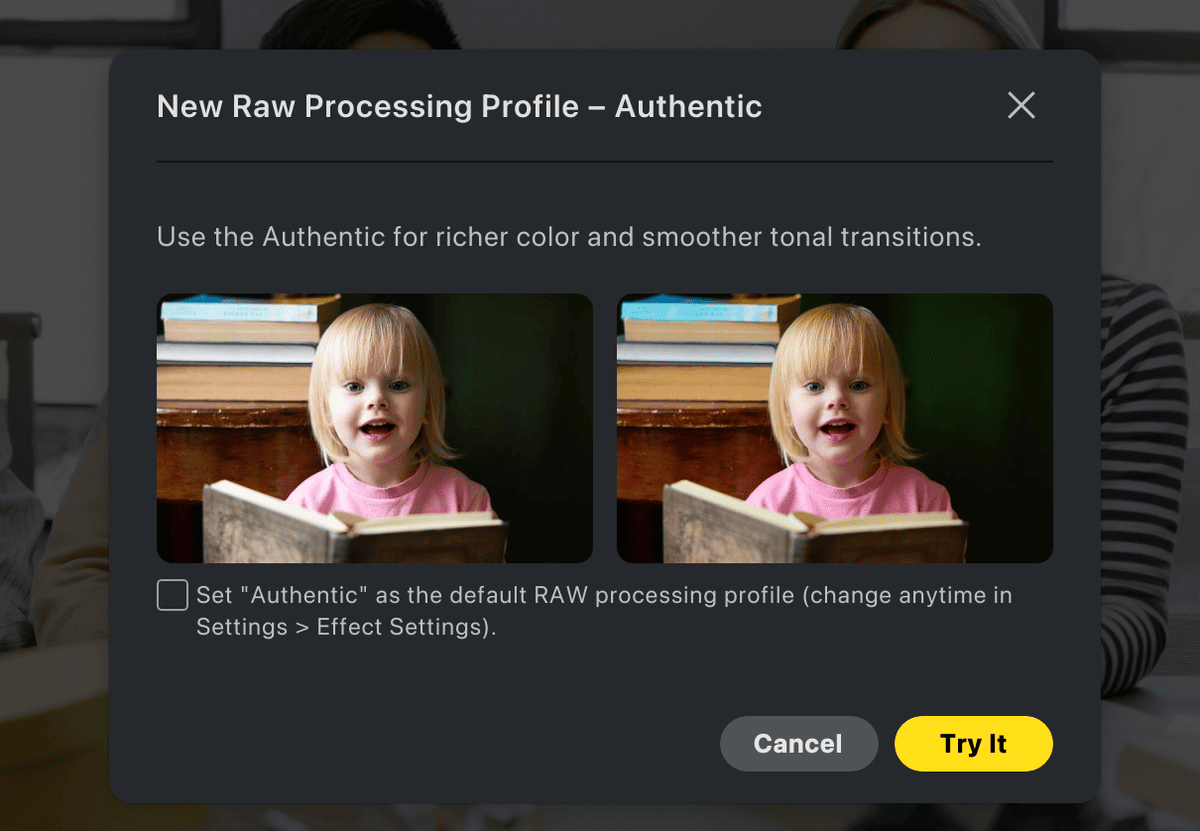
Authentic Profile is available in the Evoto desktop app for Windows and macOS. It does not run on JPEG. Previewing Authentic Profile does not use credits. Credits apply when you export a photo edited with Authentic Profile, per Evoto’s published FAQ on the feature page.
For a studio walkthrough when Adobe Color imports look gray, and the unwrap needs a closer look first, read how to edit raw photos when Adobe Color looks gray on the Evoto Blog.

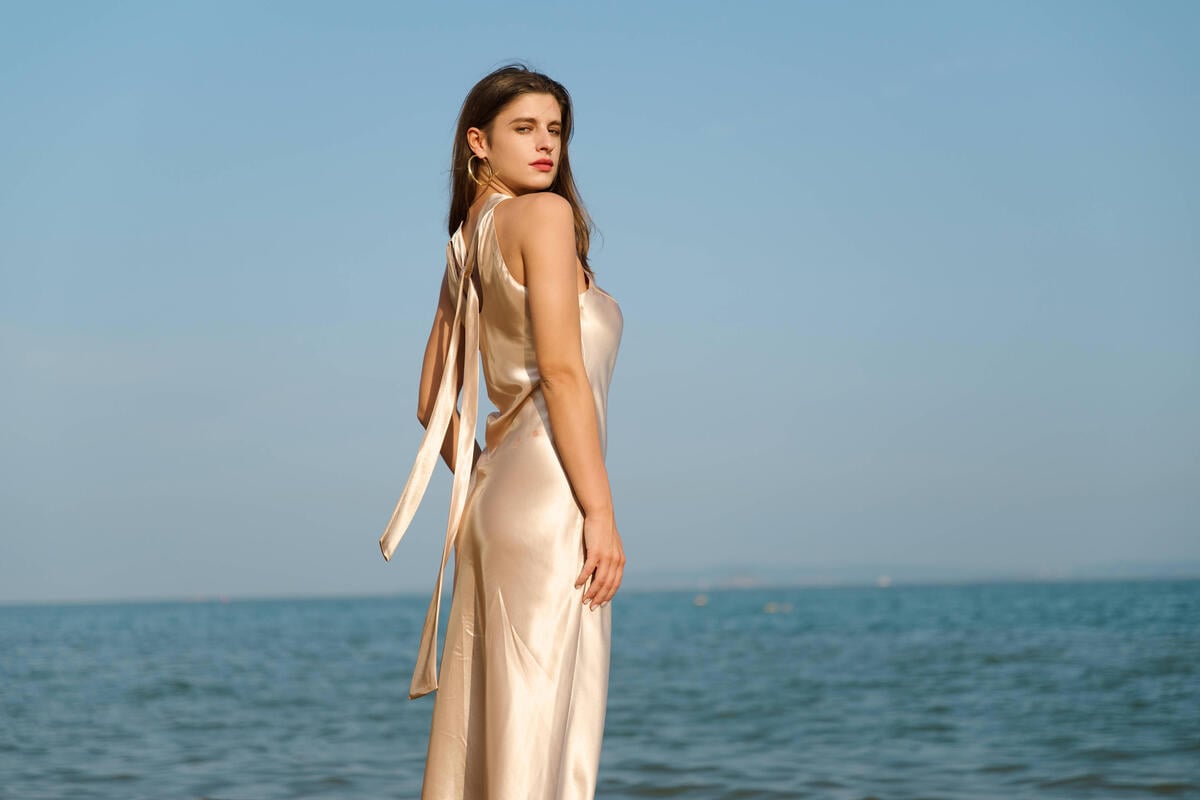
Zoom in and use the Left/ Right key to view the comparison effect
What Else Ships in Desktop 8.1.0
Authentic Profile leads the release. The same Desktop 8.1.0 package, as listed on Evoto’s release notes, also includes finishing tools for portrait and clothing work on the same desk.
- Nail Touch-Up smooths minor nail imperfections and refines small details for a clean, natural finish in portraits and close-ups, including tight hand and ring frames.
- Clothing Recolor recolors selected garments and builds multiple color variations from one photo so teams can compare looks without a reshoot or a second wardrobe pull.
- Mannequin and Hanger Removal removes mannequins, hangers, and hooks from clothing photos while aiming to preserve garment shape and fabric detail for catalog and lookbook delivery.
- Asset Hub updates let users browse favorite, purchased, and gifted assets in groups, share favorites, and request assets they want to see. That gifted group is also where the November timed pack appears after a qualifying Desktop purchase.
These tools sit beside Authentic Profile for studios that finish people and product frames in one Desktop session. Full release wording stays on the official release notes page.
Seasonal Gift Window for Desktop Plans
From 13 through 22 November, local time, qualifying paid Evoto Desktop plans can unlock a creative gift pack valued at $180. The pack includes holiday sets for indoor festive frames plus RAW texture looks designed to sit on Authentic Profile. Files arrive in Asset Hub under gifted items. A login without a qualifying purchase in that window does not fill the gifted shelf. After 22 November, this paid gift window closes.
Turn on Authentic Profile for new RAWs first, then try the gifted looks on a living-room or church-hall frame before you lock a gallery. Confirm current rules on live Pricing and inside Desktop after you update to 8.1.0.
Availability
Evoto Desktop 8.1.0 is available now for macOS and Windows. Download Desktop from evoto.ai, review Authentic Profile on the Authentic Profile feature page, and confirm the full 8.1.0 list on Evoto Release Notes.
Authentic Profile remains a Desktop RAW capability. For gray-skin import diagnosis and step-by-step RAW workflow notes, use the Blog guide on how to edit RAW photos. For the November gift dates and Asset Hub claim path, follow Pricing and the gifted group in Desktop.
About Evoto
Evoto develops software that powers and streamlines professional creator workflows. Core products include Evoto Desktop and Evoto for iPad, with continued expansion through Evoto App, Evoto Instant, cloud collaboration, Asset Hub, and Evoto Video. Creators in 158 countries use Evoto, from small businesses to enterprises. Founded in 2022 by researchers and graphics engineers, Evoto has a team in Singapore and offices in the United States, Japan, and South Korea. For more information: www.evoto.ai.
Media Contacts: support (at) evoto.ai