

Ever lost your favorite photos due to a phone crash? With smartphones, DSLRs, and computers capturing thousands of images, data loss from accidental deletion or hardware failure is increasingly common.
In this guide, we’ll explore the best ways to backup photos securely and efficiently, ensuring your memories are never lost again.

Who Needs Photo Backup and How It’s Done
From photographers and travelers to families and content creators, everyone needs a dependable photo backup system. Among modern solutions, the best ways to backup photos fall into two main categories:
- Cloud-based backup: Online systems that automatically save your photos and let you access them anytime, anywhere.
- Physical storage: Offline devices like hard drives and SD cards that offer private, hardware-based security.
In the following sections, we’ll explore both approaches in depth, helping you find the best way to store digital photos long term based on your workflow and budget.
Online Cloud Storage: Secure, Accessible, and Smart
Cloud storage is now one of the best places to store digital photos, offering easy access, automatic syncing, and off-site protection, albeit with some risks, such as service outages, subscription costs, or privacy concerns. Here are five top solutions to consider.
1. Google Photos
Google Photos is one of the best ways to backup photos for everyday users. It automatically syncs from Android, iPhone, and the web. It’s ideal for managing and organizing photos effortlessly. It is a great choice for casual photographers and families needing quick automatic photo backup.

- Pros: Simple interface, free tier (with compression), AI-powered search, seamless Google Drive for photographers integration.
- Cons: Limited free storage (15GB shared with Gmail/Drive); professionals may prefer more control over their privacy.
2. Dropbox
Dropbox is a reliable, multi-purpose cloud-based solution for files and photos. You can easily store photos in Dropbox, organize folders, and share them with others. It is perfect for businesses or freelancers who need versatile cloud storage across multiple devices.

- Pros: Cross-device sync, version history, robust team collaboration, and support for all file types.
- Cons: Lacks dedicated photo tools or RAW previews.
3. Evoto Cloud
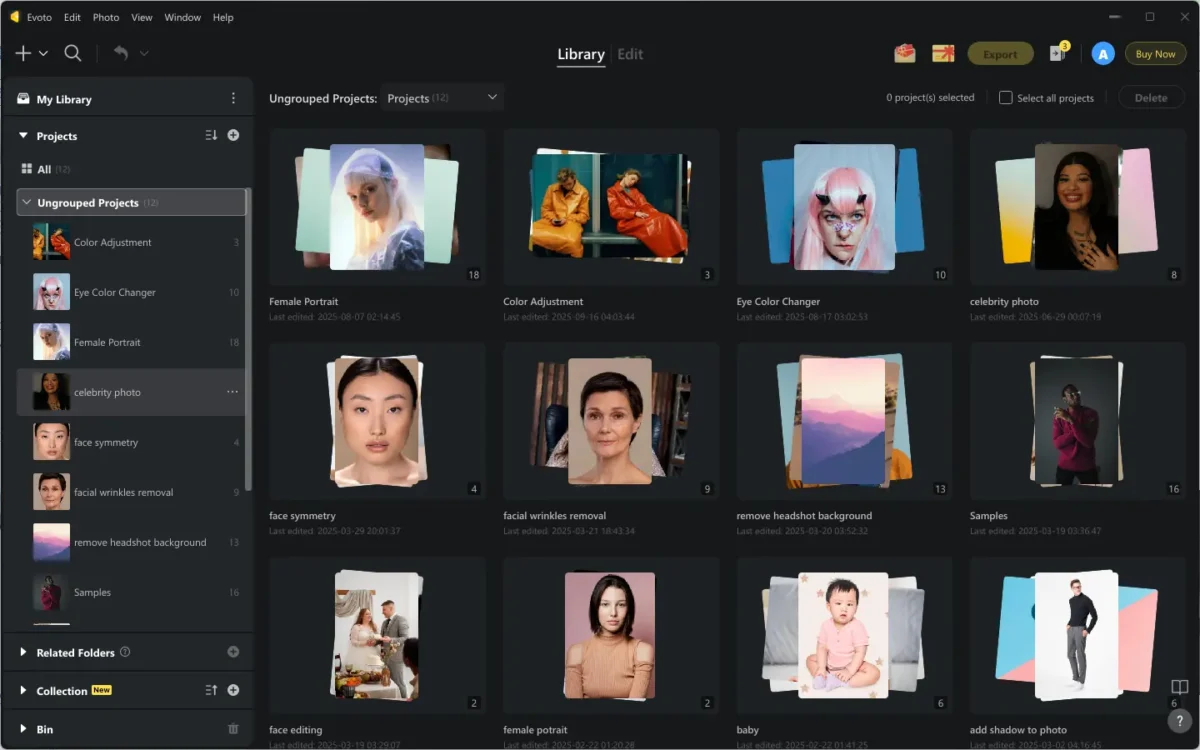
Among the best ways to backup photos, Evoto Cloud is the highly recommended place to store photos for professional photographers seeking security, scalability, and an integrated photo cloud workflow. It goes beyond simple backup because it’s a complete creative ecosystem.
Ideal for product photographers, studios, and agencies, Evoto AI streamlines every stage of your photo workflow.
Key Features:
- Centralized Photo Management: Organize and access large image libraries efficiently.
- Sync & Backup: Real-time upload and version tracking for ongoing projects.
- Privacy & Security: End-to-end encryption with customizable user access controls.
- Workflow Integration: From import to editing, AI retouching, proof selection, and client delivery, all within one system.
- Personal vs. Team Workspaces: Keep your private workspace exclusive to you, and accessible from your other devices; while team spaces enable real-time collaboration and approvals.
- Device & Format Support: Compatible with RAW, JPG, PNG, and TIFF; works seamlessly across desktop/ laptop and cloud.
- Storage Plans: Flexible upgrades—just check your account or contact the Evoto business manager.


Powerful AI Photo Editor
Combined with its tethered shooting feature to capture instant images while shooting, the auto import/ export features for fast and batch photo transferring, and the AI culling and organizing feature to easily sort and find projects, and its online/offline photo editing, you can get an effective, smooth workflow.
From shooting, saving, organizing, team management, editing, to backup, this all-in-one professional platform is always your first and best method.
Read More:
- [Review] Online Backup Services Comparison: Evoto AI vs Imagen AI
- How to Save Photos to the Cloud: A Complete Guide to Evoto AI Cloud Storage
4. iCloud
When it comes to the best ways to backup photos for Apple device users, iCloud automatically stores photos from iPhone, iPad, and Mac into one library. It is the best phone photo storage option for iOS users wanting automatic cloud backup.
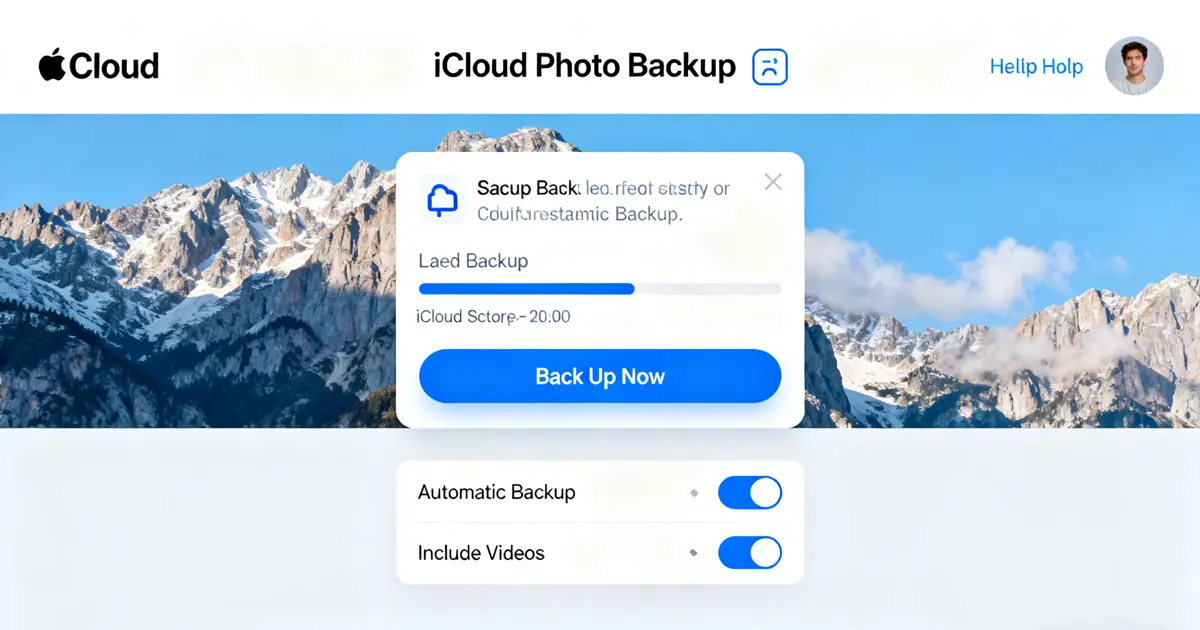
- Pros: Seamless cross-device sync, supports Live Photos, excellent for cloud photo storage for iPhone users.
- Cons: Limited free storage (5 GB); less ideal for Android or PC users.
5. NAS
NAS offers a hybrid backup solution, which has local storage with online access. Brands like Synology, one of the NAS backup choices, allow users to build private clouds for personal or business use. This is great for studios needing NAS storage for photographers or backing up NAS to the cloud for redundancy.
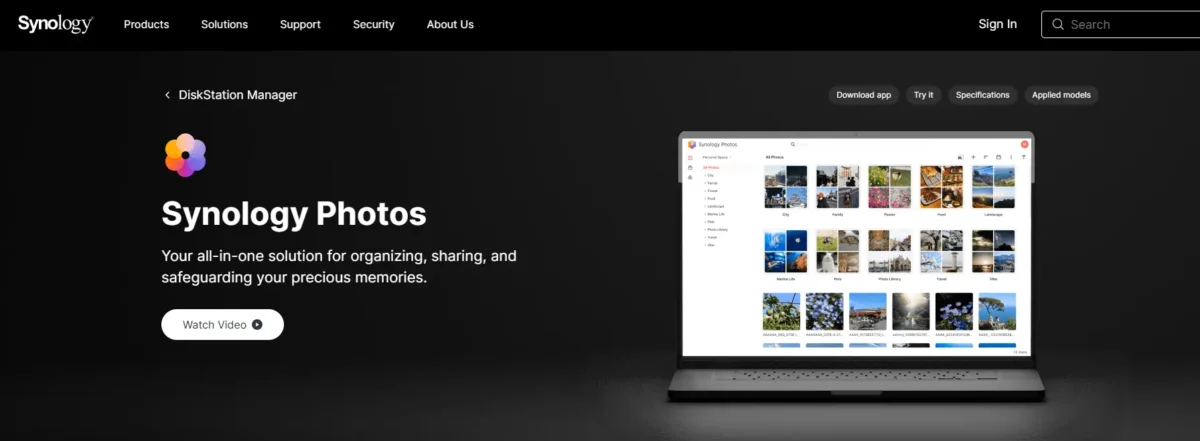
- Pros: High privacy, scalable capacity, multi-user collaboration.
- Cons: Higher upfront cost, setup complexity.
Cloud platforms like Evoto, Google Photos, and Dropbox remain the best places to store photos online for accessibility and security. Always select a trusted provider with solid privacy and long-term support to ensure safe storage.
Physical Storage: Traditional but Reliable
Besides the best ways to backup photos online, physical storage offers offline control and freedom from subscription fees. However, it may require specific viewers for certain photo formats and can be prone to hardware failure.
1. External Hard Drives
Many photographers use an external hard drive for photographers alongside cloud backup for redundancy. The Western Digital My Passport is a popular external hard drive among professionals. It offers key features like high capacity, reliability, and portability for easy file storage and transport. It is ideal for maintaining large photo libraries.
- Pros: It is an affordable solution providing a very large storage space.
- Cons: Being a mechanical device, it is prone to physical damage from impacts, which can lead to complete data loss if dropped.
2. USB Flash Drives
USB Flash Drives are best for short-term transfers or sharing select images. The SanDisk Ultra Fit is a convenient choice for fast transfer speeds. Its key features include a compact, plug-and-play design and fast data transfer speeds.
- Pros: Extremely small, highly portable, and ideal for easy sharing.
- Cons: Offers limited storage capacity compared to hard drives and is not recommended for long-term data preservation.
3. SD Cards or Memory Cards
SD Cards or Memory Cards are the most basic, initial, and best ways to backup photos. They are handy for on-the-go photo backup during shoots. The SanDisk Extreme Pro is a popular choice for photographers, serving as a primary storage medium in cameras. It offers high-speed data writing, substantial capacity, and consistent performance.
- Pros: Compact and easy to swap between devices or store; fully supports large RAW image files.
- Cons: The cards are physically fragile, can be easily lost due to their small size, and have a finite number of write cycles, limiting their long-term durability.
4. Optical Discs (DVD/Blu-ray)
DVD/Blu-ray is good for creating offline archives of finished projects. Brands like Verbatim discs are a traditional choice for long-term, cold storage backup. Their key feature is using laser-etched media to physically store data, making it stable and inaccessible to network threats.
- Pros: Provides offline storage, rendering it immune to malware or remote hacking.
- Cons: Offers limited storage capacity compared to modern solutions and requires a compatible optical drive to read or write the data.
That’s all about the best ways to backup photos, no matter the online cloud storage option or the physical storage picks. While physical devices like hard drives for photographers, SSDs, and NAS systems are reliable, combining them with cloud solutions provides the best way to store digital photos long-term. Always invest in verified, high-quality storage brands to reduce data loss risks.
Photo Backup Tips and the 3-2-1 Backup Rule
It’s not enough to learn about the best ways to backup photos. If you combine the best way with smart backup tips and practices, you can ensure photo safety 99%:
- Name Files Consistently: Keep folders organized by date or project.
- Verify Backups Regularly: Check for corrupted or missing files.
- Schedule Automatic Syncs: Let your cloud handle daily backups.
Follow the 3-2-1 Backup Rule:
- Keep 3 copies of your photos (original + 2 backups).
- Store on 2 types of media (cloud + physical).
- Keep 1 copy off-site for disaster recovery.
Powerful AI Photo Editor
Conclusion
The best ways to backup photos combine the convenience of cloud tools with the reliability of physical storage. For professionals, Evoto AI Cloud stands out as a secure, AI-powered ecosystem that streamlines every step of your workflow.
Start protecting your memories today



