Fashion photography is not only about beautiful clothes. It is about making the model, styling, light, pose, and background all work together to create a clear visual mood. That is why the strongest fashion photography tips are often simple, repeatable techniques you can use on almost any shoot.
If you are trying to improve your fashion portraits, here are eight practical tips inspired by classic editorial shooting methods.
What Fashion Photography Really Requires
Unlike a standard portrait, fashion photography needs to show both the person and the styling. The clothes, accessories, hair, makeup, and location all shape the final image. Before you start shooting, make sure you know what feeling the images should communicate.
1. Confidently Direct Your Model
A model usually reflects the energy and clarity of the photographer. If your direction feels unsure, the final images often look unsure too. Start the session by explaining the mood, the pace, and the type of poses you want.
As you shoot, keep talking. Give clear feedback, praise what works, and make small adjustments instead of changing everything at once. Simple instructions like “turn your shoulders slightly,” “relax your hands,” or “lift your chin a little” are often more useful than vague comments.
2. Determine an Overall Theme Before You Shoot
The best fashion images usually have a clear theme. That could be polished and minimal, dark and dramatic, soft and romantic, or bold and urban. Once you choose that direction, let it guide the wardrobe, makeup, background, props, and lighting.
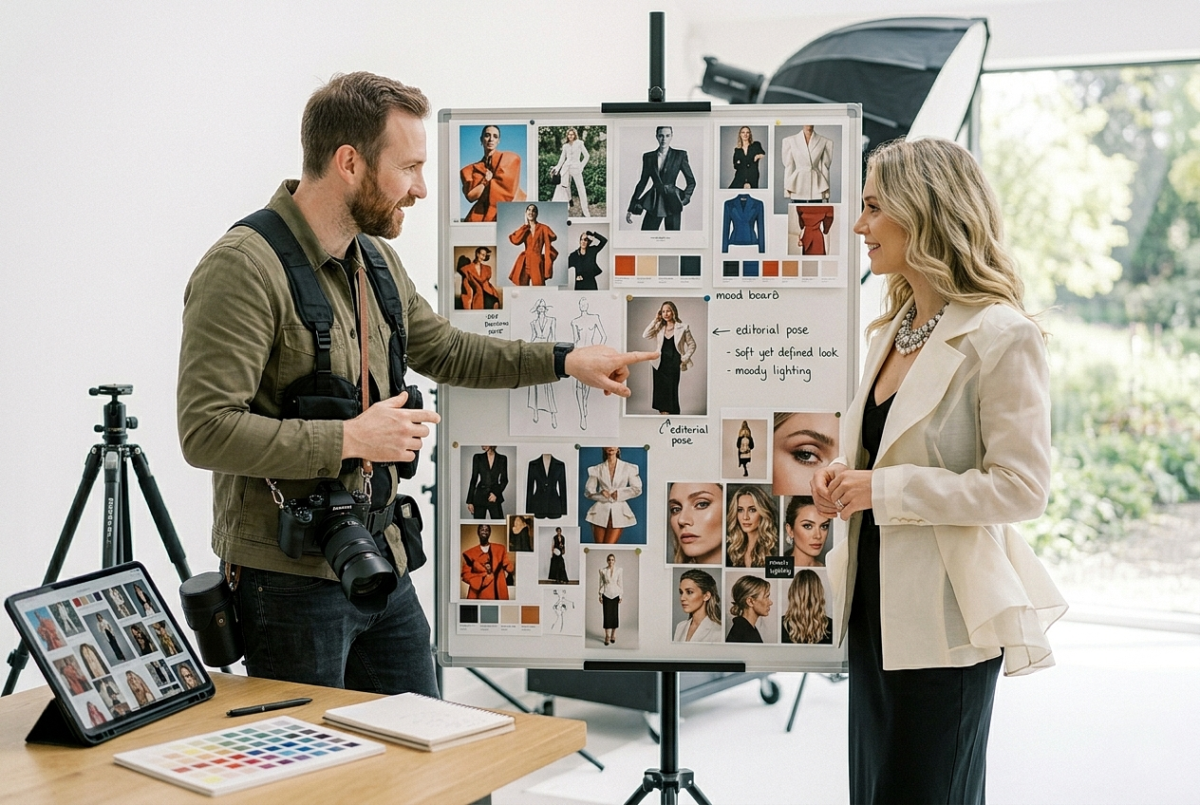
This is where a simple mood board helps. Pull a few reference images before the shoot so the whole team understands the visual goal. A clear theme makes your final images feel far more intentional.
3. Save Pose References Before the Session
Posing is one of the hardest parts of fashion photography, especially when the model is not highly experienced. One easy solution is to collect pose references ahead of time.
Keep a folder on your phone with poses you like from magazines, lookbooks, or fashion campaigns. During the session, use those references as reminders. Pay attention to hand placement, body angles, neck length, and how the clothes fall in each pose.
4. Work in a Controlled Space When Possible
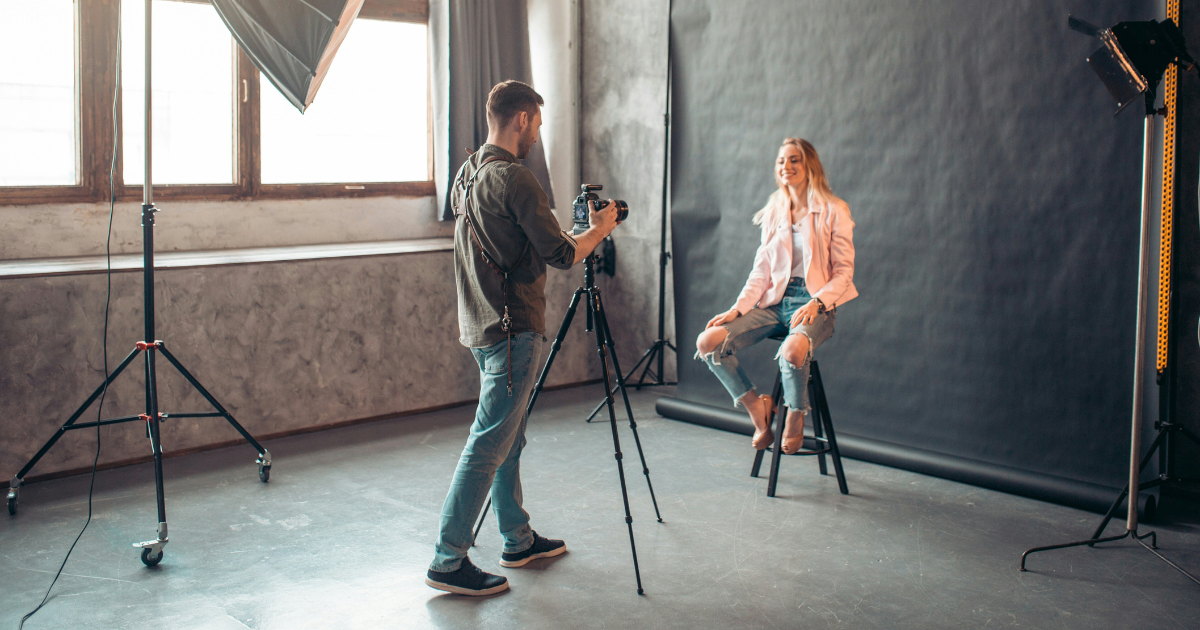
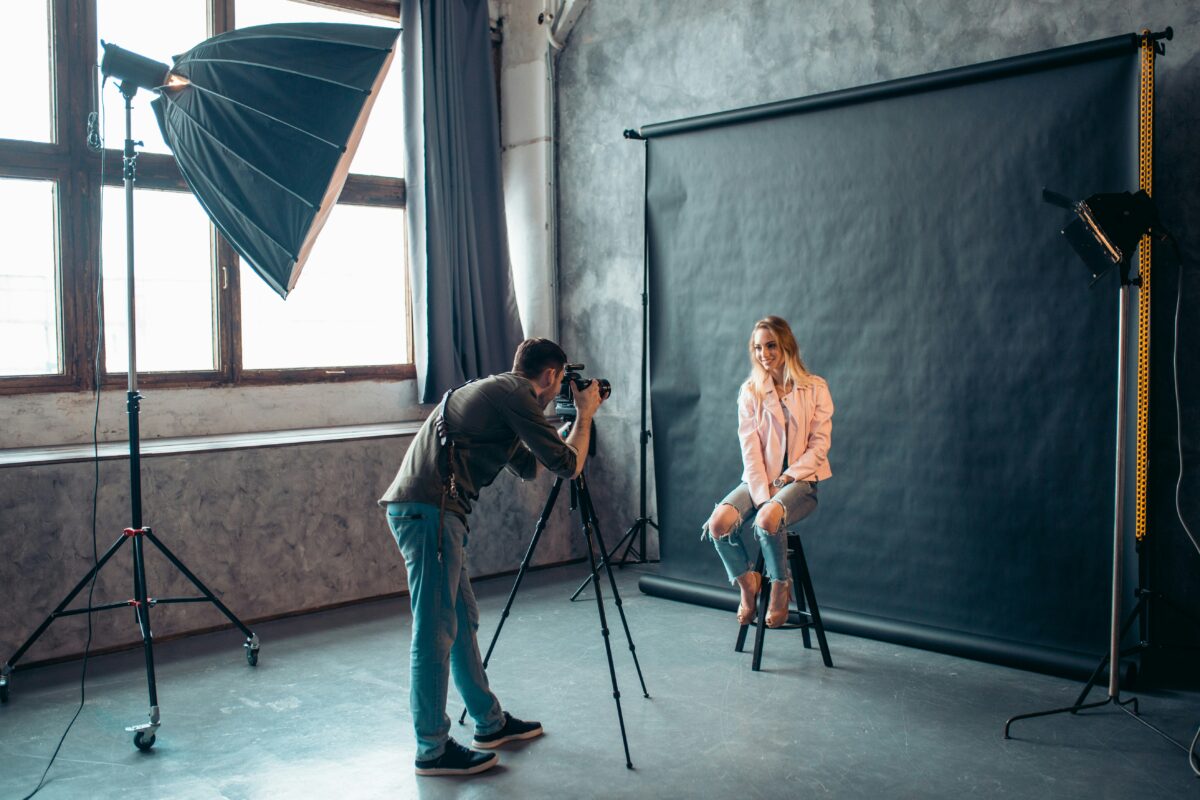
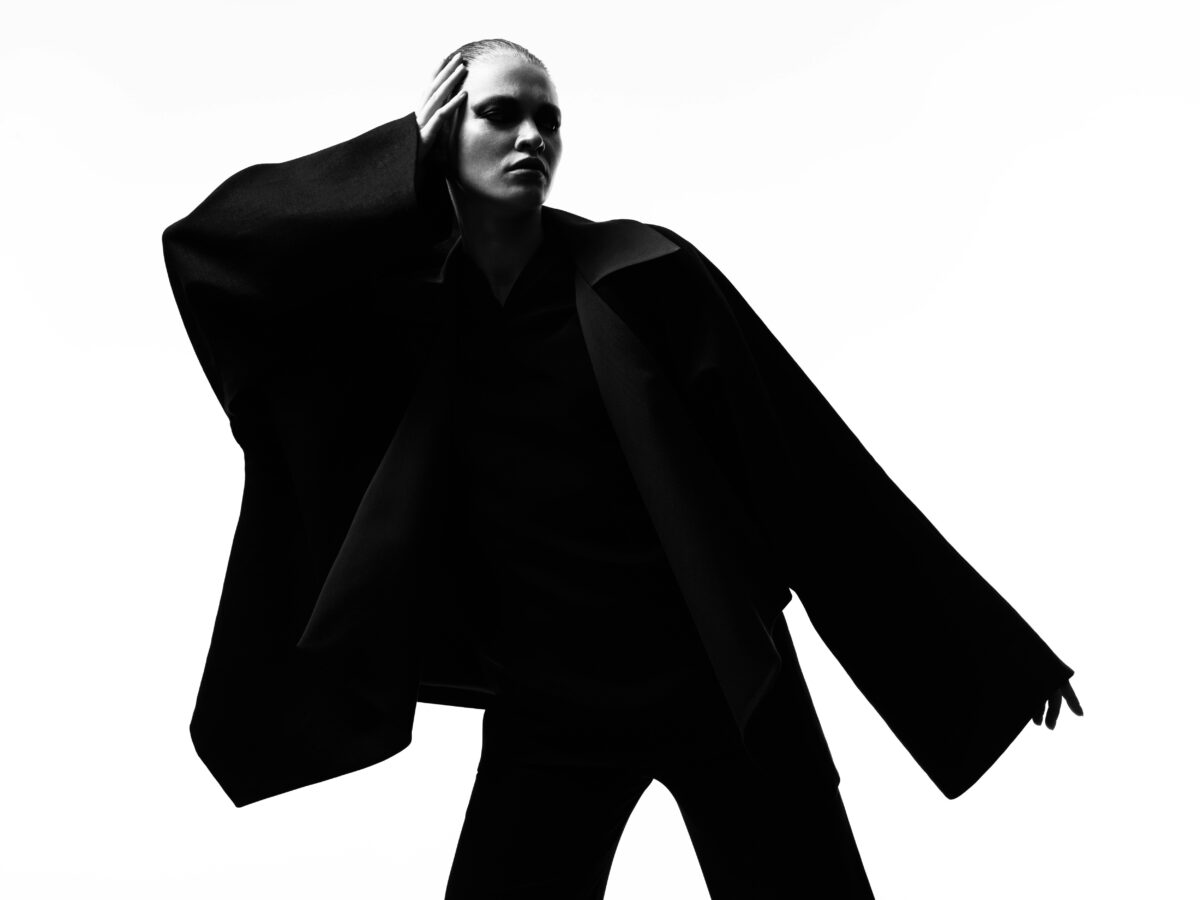
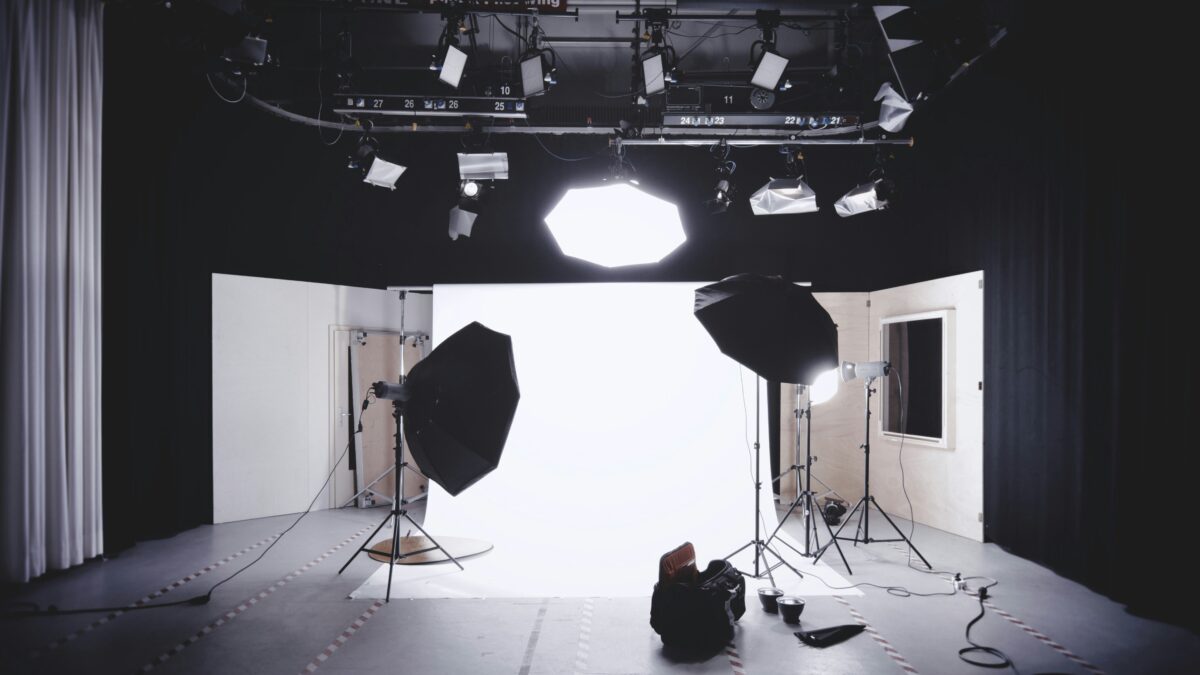
Outdoor fashion shoots can look amazing, but a controlled space is easier when you want consistent results. A studio, home setup, or any simple indoor area gives you more control over light, background, and pace.
You do not need a huge production. A plain backdrop, a clean wall, or a room with a large diffused window can already work well. Controlled conditions help you spend less time fighting the environment and more time refining the image.
5. Build Your Lighting From One Key Light
When in doubt, start with one light. Place your key light first, then test and build from there. A large soft source slightly above eye level and off to one side is a reliable setup for many fashion portraits because it gives flattering skin and good clothing detail.
After that, decide whether the image really needs more fill or separation. Do not add extra lights just because you have them. If one light already supports the look, keep it simple.
6. Use Props With Purpose
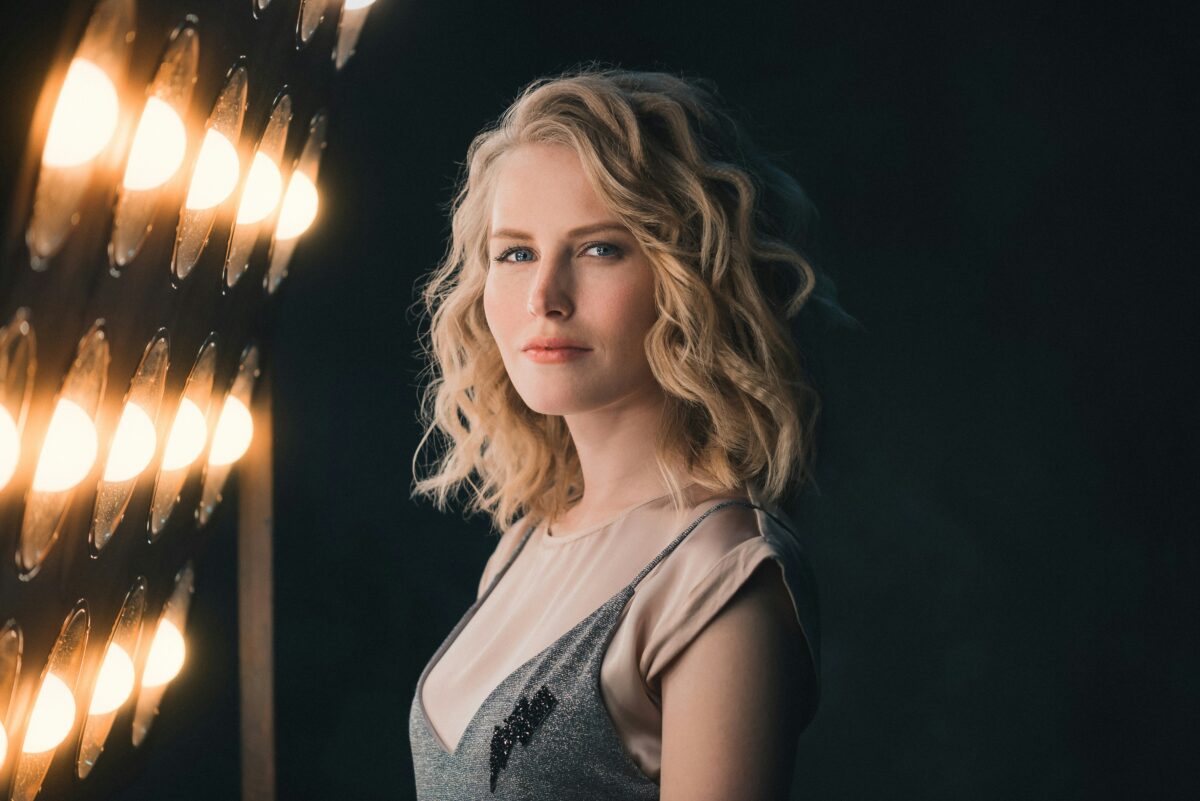
Props can help a fashion image feel more editorial, but only when they support the styling. A chair, fabric, sunglasses, bag, or mirror can add shape and story without taking attention away from the clothes.
A mirror is especially useful because it can create layered compositions and show more than one side of a look. Just be careful with reflections. Check that you are not accidentally photographing your light stand, camera, or laptop in the shot.
7. Match the Background to the Styling
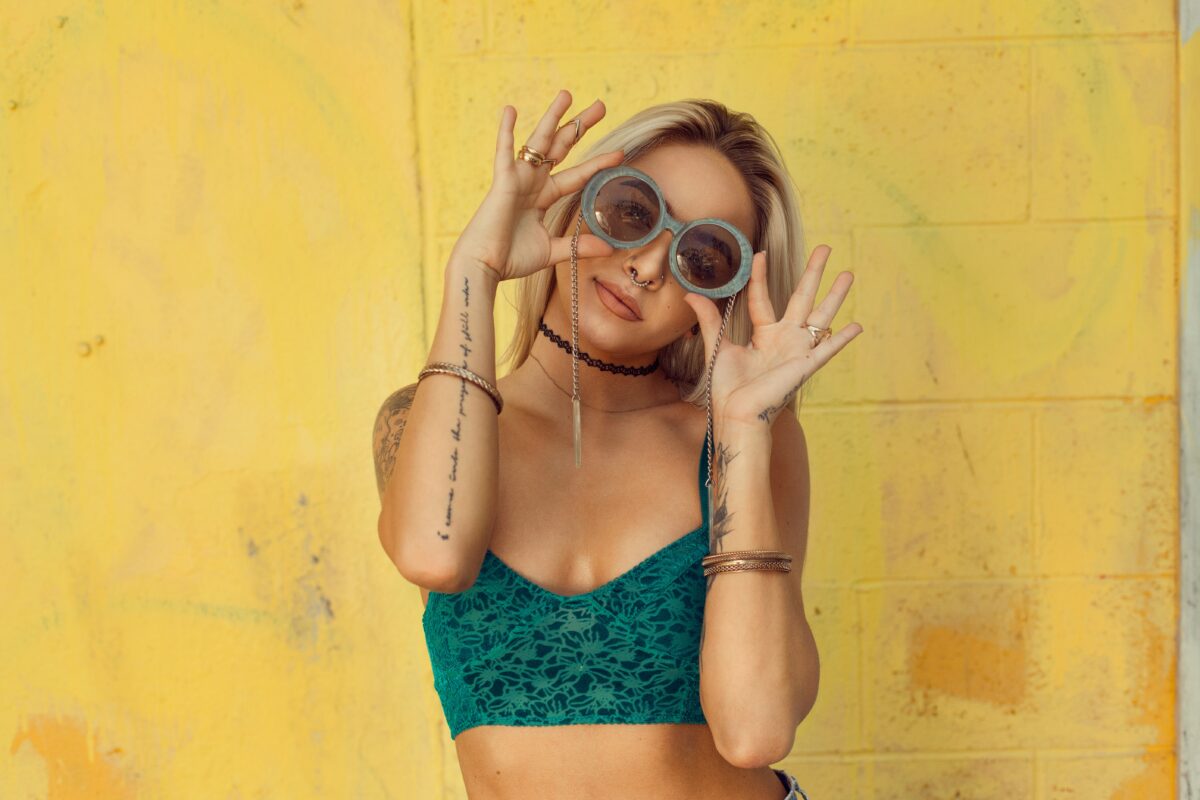
A background should strengthen the image, not compete with it. If the clothing is bold and structured, a simple backdrop often works best. If the styling is softer or seasonal, an outdoor location may make more sense.
Always ask whether the background helps the outfit stand out. A good location or backdrop supports the colors, shapes, and mood of the styling. A bad one makes the image look busy or confused.
8. Change Your Angle and Work the Frame
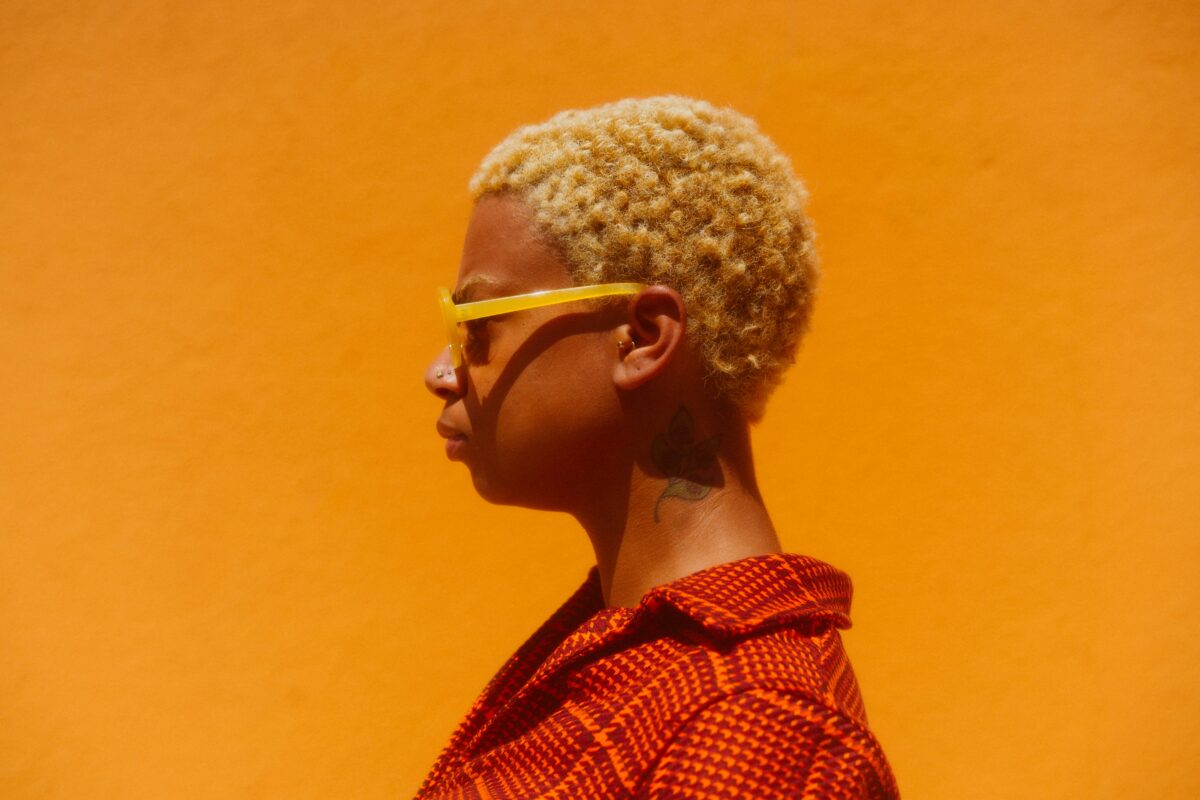
A small change in camera height or position can completely change the feel of a fashion image. Shoot at eye level, then go lower for a stronger editorial look or higher for a softer, more graphic composition.
Do not take one frame and move on. Once you find a good angle, work it. Step closer, step back, shift left or right, and try both vertical and horizontal crops. That is often where the best image appears.
The Final Polish: Bringing the Vision to Life with Evoto
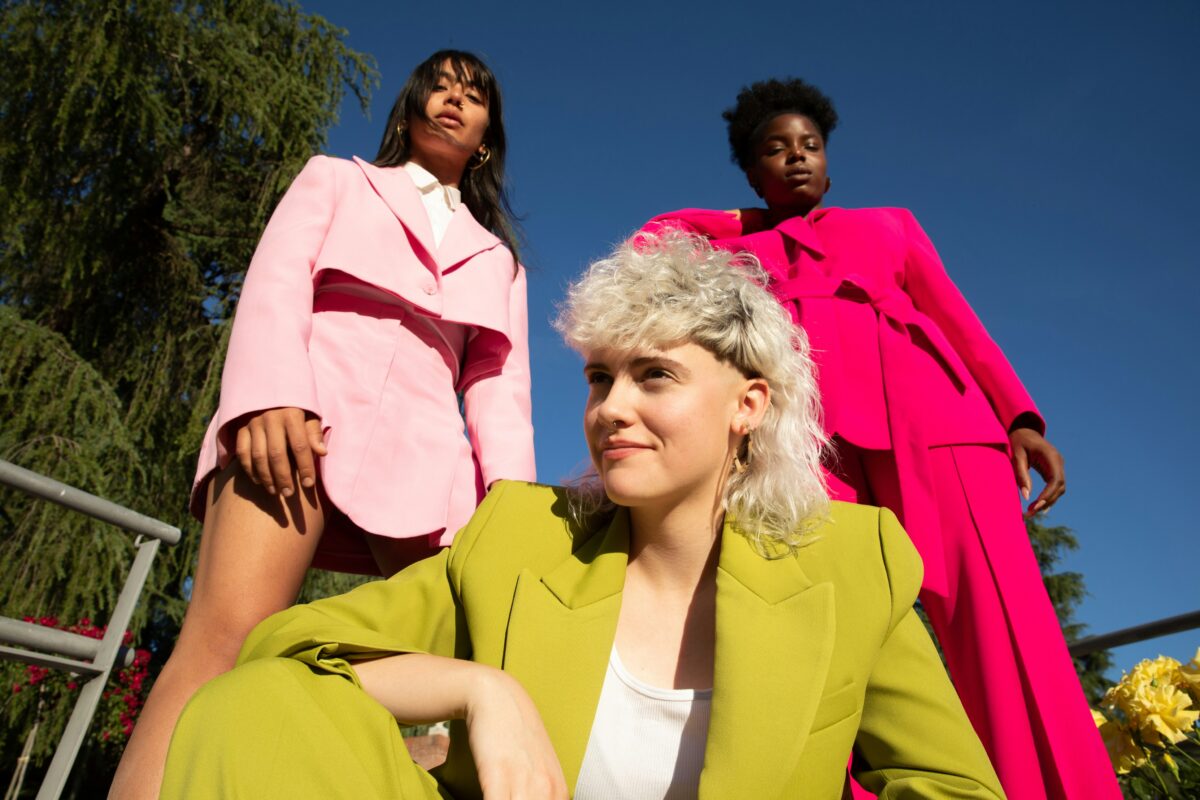
Following these eight tips will significantly raise the quality of your raw captures. However, in the high-stakes world of editorial and e-commerce photography, the “Final Look” is truly defined in the post-production phase. This is where professional vision meets the precision of Evoto.
Designed specifically for the rigorous demands of fashion photography, Evoto bridges the gap between a successful shoot and a high-fashion masterpiece.


Powerful AI Photo Editor
1. Flawless Skin While Safeguarding Fabric Texture
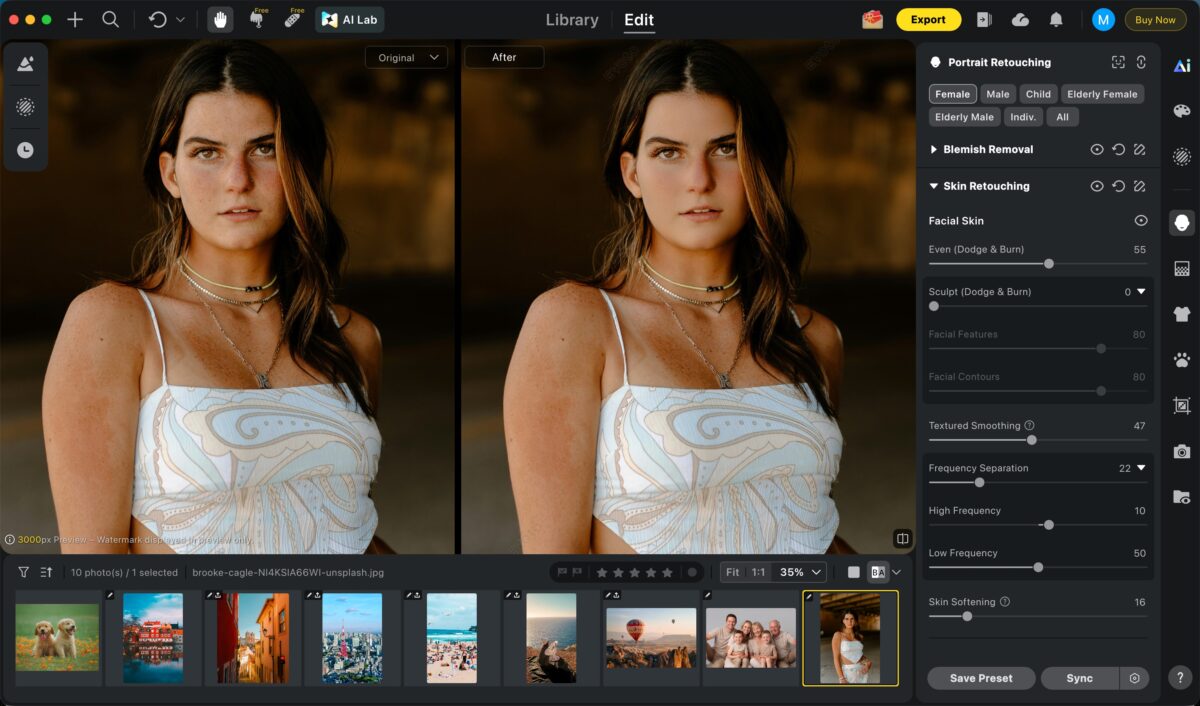
As we discussed in Tip 5, texture is everything. Traditional retouching often results in a “plastic” look that ruins the premium feel of the clothes. Evoto’s AI-driven retouching is different—it achieves flawless skin and body shaping while safeguarding every fiber of the original fabric. Whether it’s the intricate weave of lace or the rugged grain of denim, the texture remains sharp and authentic.
2. Intelligent Environment & Background Cleanup
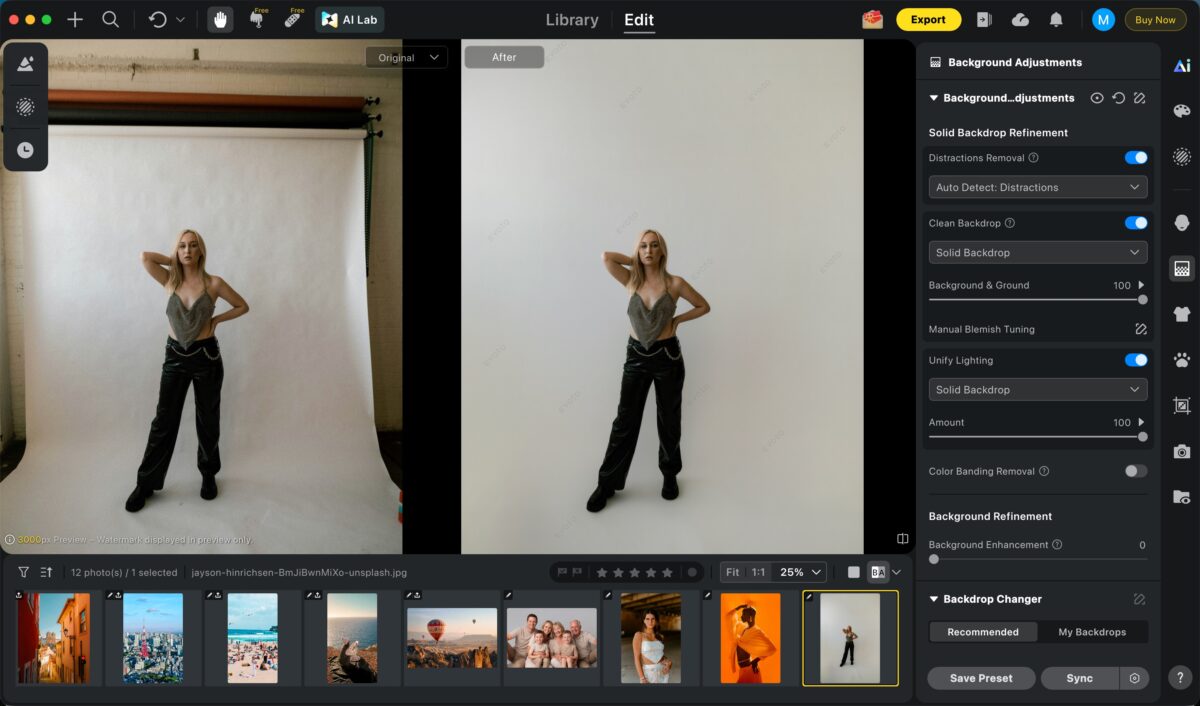
If your background (Tip 7) isn’t perfect, Evoto provides a seamless fix. From cleaning up studio floors and removing distracting wrinkles in backdrops to sophisticated sky replacement for outdoor editorials, you can ensure the setting always elevates the styling. The AI automatically adjusts lighting and shadows to ensure the model feels naturally integrated into the refined space.
3. Batch Editing for Seamless Collection Consistency
Maintaining a clear theme (Tip 2) across hundreds of images can be an operational nightmare. Evoto’s Batch Processing allows you to apply professional ghost mannequin effects, skin retouching, and color grading to an entire session at once. Perfect for Shopify or Amazon sellers, it delivers studio-quality results in a fraction of the time, ensuring every SKU in your collection looks perfectly synced.
Final Thoughts
Fashion photography is a pursuit of perfection. By combining confident direction and thoughtful lighting with the cutting-edge speed of Evoto, you can reclaim your time without compromising your artistic vision.
Try Evoto AI Photo Editor
Retouch photos with Evoto AI and make your photos best! Available on Windows, MacOS and iPadOS.