

Across Europe, the 2026 heat dome has parked itself over the continent again — and freelance photographers are once more living the same two-act exhaustion: a brutal day shoot, then a sleepless night of editing in a flat that won’t drop below 30°C. A TikTok by freelance photographer Selin Hatay made the rounds last week — her laptop fan howling at “300°,” iced coffee already lukewarm, sweat dripping onto a culling deck of European heatwave 2026 wedding portraits. Every comment was a variation of “same.”
For outdoor photographers covering weddings, festivals, sports, and travel, the heat dome isn’t just a comfort problem — it’s a workflow problem. The heat dome day shoot is hard, but the heat dome edit room afterwards is what actually breaks people.
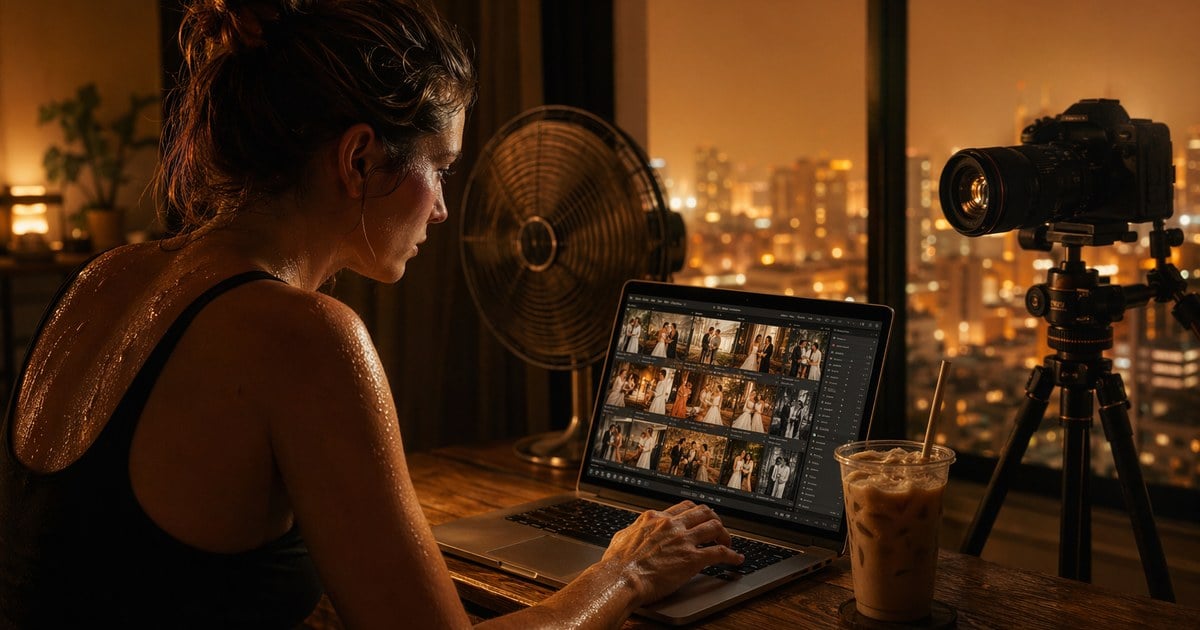
The fix isn’t a colder air conditioner. It’s a shorter pipeline. Heat dome conditions reward whoever can compress “ingest → cull → first pass → export” the most aggressively, ideally so that the bulk of post-production happens while you’re still on location and the tropical night becomes a short close-out instead of an all-nighter.
This guide walks through that pipeline — tethered capture into Lightroom-aware ingest, live preset application during the shoot itself, and how to leverage your existing Lightroom Catalog so a busy week doesn’t mean restarting your project structure from scratch.
Why Heat Dome Edit Rooms Still Feel Like a Sauna After the Shoot
The first thing every freelance photographer learns about the European heatwave 2026 conditions is that the cool relief promised by “evening” never arrives.
The heat dome traps warm air against the ground, and the tropical night uk phenomenon — nights where temperatures refuse to drop below 20°C — has spread well past London. Paris, Madrid, Berlin, Milan, and even Stockholm have logged tropical nights during recent events. A studio flat that climbs to 38°C at 2 p.m. is still sitting at 30°C at 11 p.m., and your laptop is heat-soaked from the moment you open it.
Three things go wrong in a late-night edit session:
- Laptop thermal throttling. Above 35°C ambient, every modern laptop throttles its CPU and GPU within minutes. Lightroom Catalog imports, smart preview generation, and AI culling all crawl. A job that takes 20 minutes in winter takes 90 minutes during a heat dome night.
- Decision fatigue. You spent the day in 38°C direct sun. Your judgment is degraded. Every additional editing decision compounds the error rate.
- Cooling cost. Cranking the AC for a 6-hour edit during a heatwave burns electricity that’s already priced at surge tariffs across most European grids.
The structural answer is the same one studio commercial photographers solved years ago: do the editing during the shoot, not after. A persistent heat dome forces freelancers to adopt that same posture — and that’s where tethered capture, Lightroom Catalog import, and live preset application during a heat dome shoot stop being niche features and become survival gear.
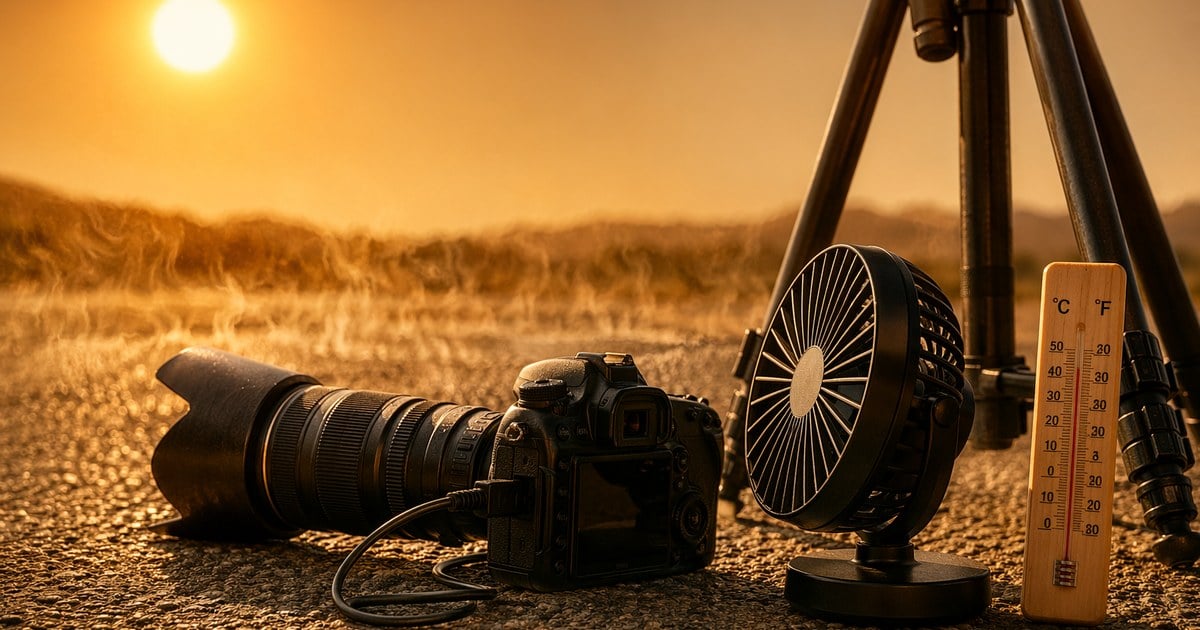
Workflow Layer 1: Tethered Capture That Edits Itself
The single biggest workflow change a freelancer can make during a heat dome week is moving from “shoot now, ingest later” to tethering shooting with live ingest. Every frame lands on your laptop or iPad as it’s captured, and your culling and color decisions happen in parallel with the heat dome shoot itself.
Evoto tethering shooting software covers the modern reality of a heat dome shoot day:
- Wired and wireless tethering over USB-C, Micro-B, Mini-B, or Wi-Fi adapter — useful when your wired second body is fixed, and your roaming first body needs to stay un-cabled. Multi-camera connectivity supports Nikon, Sony, Canon, and Fujifilm bodies on the same project.
- iPad-as-tether-monitor outperforms the camera’s rear LCD for outdoor viewing under direct heatwave glare — the iPad’s brightness and color accuracy actually let you trust what you’re seeing in midday sun. Lighter to carry, easier to hand to a client for instant review.
- Automated batch file naming means RAW + JPEG pairs land with the right slug from the moment they’re captured. No 11 p.m. rename pass after a heat dome day.
- Live tethered previews to clients on a second screen — particularly valuable for wedding photographers working a long heat dome day where the bride wants to confirm the table-detail shot before sunset.
The compound effect during a heat dome shoot: by the time you pack up gear, 60–80% of the gallery is already culled, named, and roughly graded. The heat dome evening edit room becomes a 90-minute close-out, not a 6-hour suffer-fest.
Learn more about the AI photo editor by Evoto:


Powerful AI Photo Editor
Workflow Layer 2: Lightroom Catalog Import Without Restarting
Most freelance photographers walked into the 2026 heat dome season with a Lightroom Classic catalog already managing months or years of project structure. Throwing that catalog away to use a new ingest tool isn’t an option.
Evoto’s Lightroom Classic integration solves this by accepting .lrcat files directly, so heat dome week capture doesn’t fragment your existing project taxonomy.
Two specific things matter during a heat dome week:
- Drag-and-drop .lrcat import. Drop your Lightroom Catalog file into Evoto, or use the New Project dialog to point at it. Evoto reads the existing project structure — collections, filtered sets, smart collections — and lets you choose what to bring in. No re-import of RAWs, no re-cull from scratch.
- Optional sync of Lightroom color parameters. The import dialog includes a checkbox to bring your existing Lightroom develop settings across — white balance, exposure, contrast, tone curves. Your heat dome shoot starts pre-graded with whatever look you’ve been refining all summer, instead of cold from defaults.
That second point matters more than it sounds. Heat dome conditions distort color perception in two directions: harsh midday sun pushes everything toward orange-magenta, while late-afternoon haze under the cap-rock pulls things desaturated.
If your Lightroom Catalog already encodes the color choices you’ve made for similar lighting, importing those settings into Evoto means every new tethered frame lands with the right starting point. Day-of post becomes “verify and nudge,” not “rebuild.”
After your heat dome shoot wraps, exporting the Catalog from Evoto preserves the structure — you can return to Lightroom Classic for final delivery without losing the editing context. The round-trip works for either a single image (Edit in > Edit in Evoto for a one-off portrait retouch) or the full catalog when you’re processing an entire wedding gallery.
Read More:
- Adobe Lightroom vs Luminar Neo vs Evoto: Best Photo Editor in 2026
- A Complete Guide to Perfecting Color Grading in Lightroom
Workflow Layer 3: Live Preset Application During Capture
The third leg of the shorter pipeline is applying your color preset as frames arrive, not three hours later in the edit room. Evoto AI tethered ingest lets you pin a preset (skin retouch + color grade) to the project; every new tethered frame from your camera lands with that preset already applied in the preview, and the batch can be processed automatically as the heat dome shoot continues.
| Workflow Step | Old Pipeline | Tethered Pipeline |
| Capture | Card-based capture; no preview beyond camera LCD | RAW + JPEG auto-routed into the active Lightroom Catalog project, live preview on laptop/iPad |
| Cull | Done at 11 p.m. in a 30°C flat | Done in shaded base between shooting blocks; client can mark favorites on second screen |
| Color/Tone | Manual per-image grade after ingest | Saved preset (Looks) applied automatically to every tethered frame as it arrives |
| Skin retouch | Per-frame work in the edit room after wrap | AI retouch applied in batch as part of the live preset chain |
| Approval | Sent days later, hoping the client still likes the work | Approved on-set during the shoot itself |
| Tropical night | 6 hours of laptop-throttled editing in 30°C heat | 60–90 minute close-out: verify, final export, deliver |
Heat Dome Day Schedule for the Compressed Pipeline
The tethered + Lightroom Catalog workflow only saves you from misery if you schedule the day to make use of it. The shoot day itself needs to absorb the editing work, which means longer location windows with built-in shaded base stations.
| Time Block | Shoot Activity | Edit Activity (Concurrent) |
| 05:00–08:00 | Golden-hour outdoor capture; tether to laptop in cooler bag | Preset auto-applies to every frame; nothing manual yet |
| 08:00–11:00 | Shaded portrait work; tether to laptop in shade tent | Cull morning take with client present; mark favorites on the device |
| 11:00–16:00 | Indoor / break; laptop in AC space | Heavy lift: AI skin retouch batch on morning gallery, color verify |
| 16:00–19:00 | Second golden hour; resume tethered capture | Preset auto-applies; client previews second-half take live |
| 19:00–22:00 | Evening events under tropical-night conditions | Same live preset chain; gallery is ~80% finished by wrap |
| 22:00–23:30 | Wrap | 60–90 min close-out at home: final export, deliver, close laptop |
That last column is the point. The tropical night used to mean an unpredictable 4–7 hour edit session in a hot room. With tethered ingest into a live-preset Lightroom Catalog, it collapses to a known 60–90 minutes, and the rest of the night, you’re actually off the clock.
Heat Dome Selling Points Worth Bookmarking
If you’re a freelance photographer about to head into a heat dome week, three Evoto capabilities are worth knowing the exact shape of before you set up:
- Dual-body tether (one wired + one wireless) with second-screen client marking. Heat dome weddings frequently use a primary body on a tripod plus a roaming second; this setup is supported in a single project.
- Lightroom Catalog import with the “sync color parameters” checkbox. If your project structure is in Lightroom, your heat dome shoot doesn’t have to leave it. Check the box in the import dialog, and your existing development settings will come across.
- Looks-to-preset batch automation. Once you’ve graded one heat dome scene to taste, save it as a Look, then a preset, and apply it across the entire batch — and across every new tethered frame for the rest of the heat dome day.
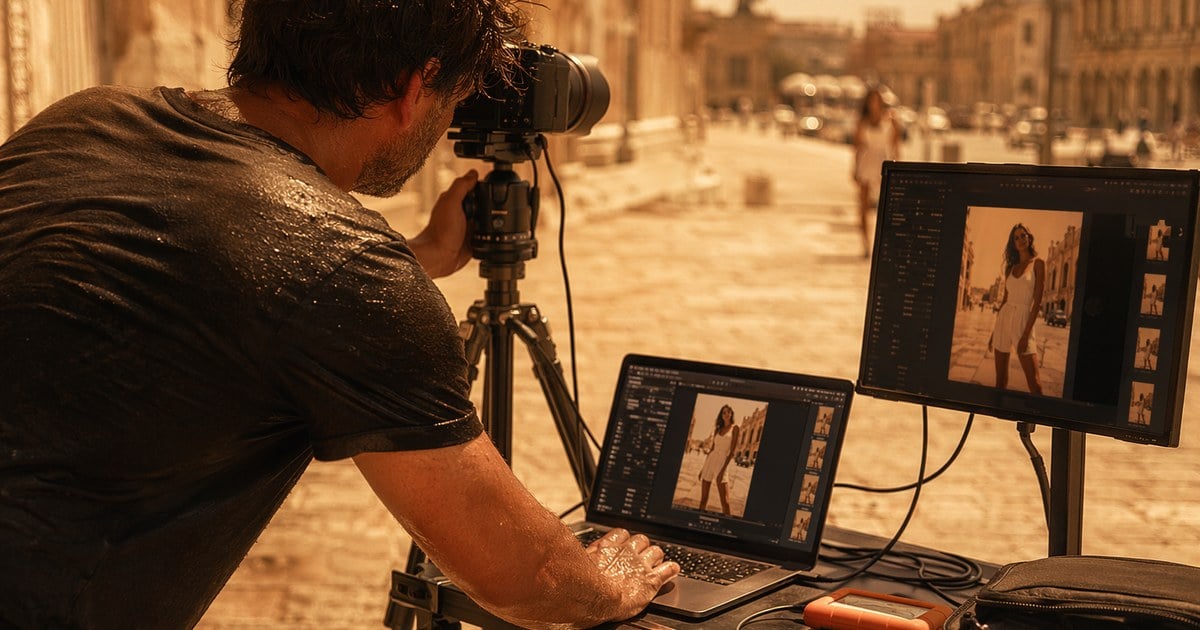
What to Pack for a Heat Dome Shoot Day
- Insulated cooler bag (20–30L) with reflective interior for laptop and second body — keeps gear in operating range during midday peaks
- Phase-change cooling packs (15°C or 21°C, not ice) — won’t shock gear with condensation when the laptop comes out for tethered review
- Laptop cooling pad with active fans — extends thermal headroom by 20–40 min per session
- USB-C tether cable + Wi-Fi adapter for the wireless second body
- iPad with the Evoto mobile tether — better outdoor viewing than the laptop screen under direct sun
- Silica gel desiccant packs for the bag — manage humidity when warm gear briefly enters a cool environment
- Pre-loaded Lightroom Catalog with the project structure already built, plus the saved preset for the day
What Heat Dome Week Actually Costs You Without the Pipeline
The 2025 European heatwave season ran 11 declared heat dome days across Western Europe (UK Met Office and DWD data). Each heat dome day for a typical event freelancer translates to:
- ~8 hours of shoot time
- ~5 hours of post-shoot editing in a hot flat, in old workflows
- ~€8–14 in additional electricity cost for AC + laptop fans during peak tariffs
- An undefinable amount of next-day fatigue that propagates into the next shoot
Compressed pipeline math, conservatively: 11 heat dome days × 3.5 hours saved per night = ~38 hours of recovered evening per heatwave season. That’s the difference between burning out by mid-August and finishing your busy season with energy intact.
Workflow Principles
- Do the editing during the shoot, not after. Tethered ingest + saved preset is the single biggest lever during a heat dome week.
- Don’t fragment your Lightroom Catalog. Import the existing project structure into Evoto, and keep your taxonomy intact through the season.
- Pin a preset for the day at the start. Don’t grade on a per-frame basis during a heat dome shoot — you’ll over-correct, and the gallery will feel inconsistent.
- Give the client a second screen. On-set approval during the day removes the entire revision cycle that usually steals the next night.
- Schedule the night to be short. If your pipeline still requires 5 hours of post, the pipeline is wrong, not the heat.
Powerful AI Photo Editor
The End — and the Iced Latte
What the heat dome steals isn’t your creative drive. It’s the time you could spend away from the screen. Evoto uses tethering shooting, Lightroom Catalog import, and live preset application to turn batch retouch from “sitting through the night” into “edit and walk.” Your iced latte gets to be an actual cool-down — not a desperation cup at 11 p.m. with the laptop running at 300°.
For freelance outdoor photographers heading into the rest of the European heatwave 2026 season, the heat dome doesn’t have to keep stealing your nights. Tether your camera, import your Lightroom Catalog, pin your preset, and leave the edit room before midnight.



