

TL;DR
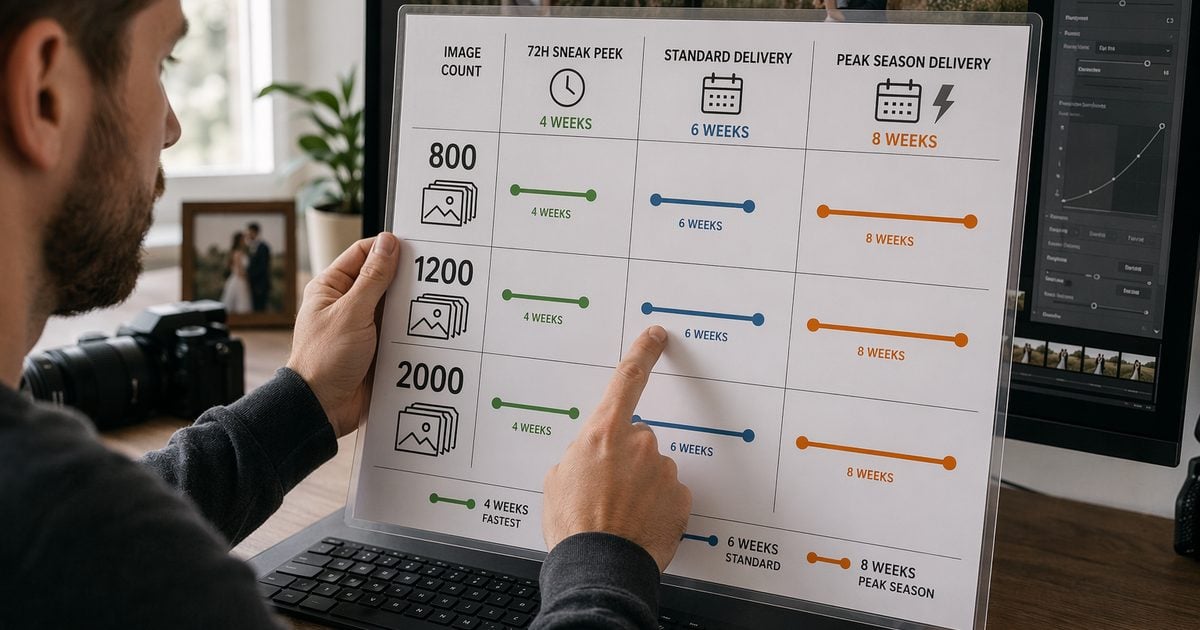
- How long do wedding photos take to get back is not one number—it is image count × post-hours × season. Market talk is often 4–8 weeks off-peak and 8–12 weeks in peak (Mackey Photo); your contract should still name a tier.
- Run a wedding gallery turnaround checklist before ingest: backup → cull → color lock → export. Skip a gate, miss the date.
- Pipeline-optimized ~6–10 post-hours per 1,000 deliverables (illustrative studio log · light retouch) compares with ~15–22 manual-heavy on the same scope—log your own wedding before you promise four weeks.
- Hybrid (72h preview + 4–6 week full gallery) is what most summer couples actually need—not a vague “about a month.”
“Hi—how long do wedding photos take to get back? Our planner said six weeks. Pinterest said four. Your contract says eight. Which one is real?”
If you shoot weddings, you know that email. It lands between “still exporting sneak peeks” and “why is Lightroom beachballing again.” The honest answer is not a forum thread—it is a wedding gallery turnaround checklist you can point to when someone pushes on dates.
Picture this: in Munich in June, appliance stores sold out of Midea’s PortaSplit portable AC units within days—shoppers queued for anything that could cool a bedroom (CNN, citing IEA figures that only about one in five European homes has fixed AC). Your couple is hunting for cold air for the honeymoon suite. You are hunting post-hours in a room that feels like a tiny sauna, with 2,800 raws from Saturday still waiting on Gate 3.
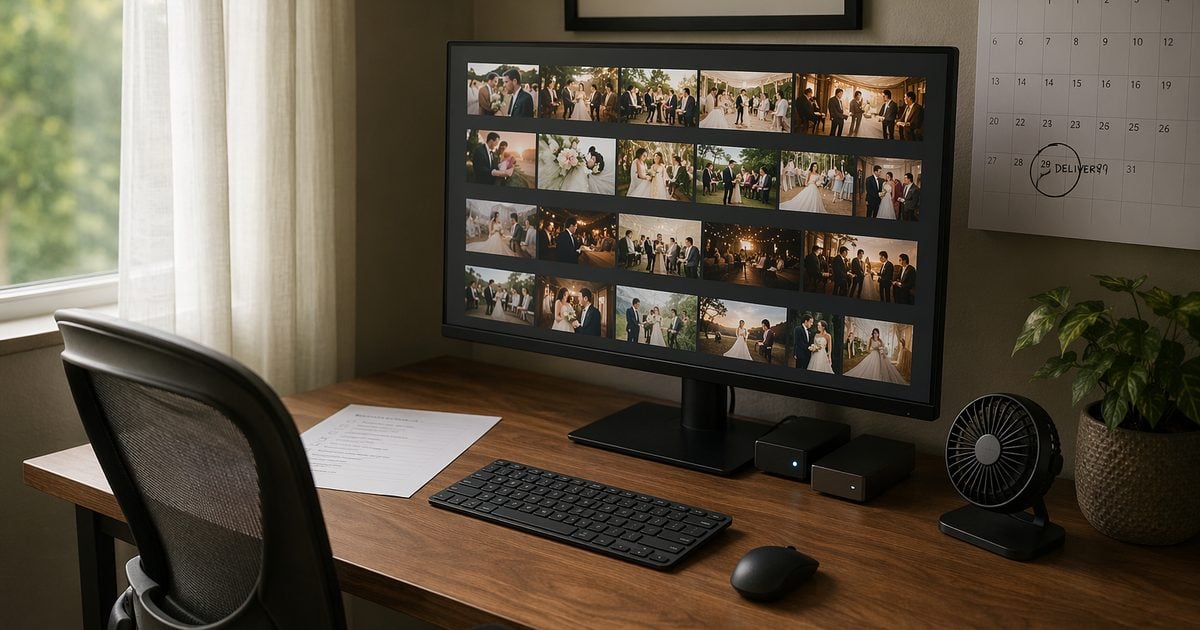
Different product, same panic—but you cannot return a wedding gallery the way you return a box fan.
Contract gate: If your contract promises a date your post-hours cannot support on a cool day, you will miss it on a heatwave week. Write the SLA from math, not optimism.
We run full galleries on Evoto when the question is folder consistency—not because we love another app, but because cull → color lock → exception retouch is boring work that punishes you when it is slow.
How Long Do Wedding Photos Take to Get Back? SLA Benchmarks by Image Count
Couples swap numbers at the brunch table. Your job is to translate how long it takes to get wedding photos back into something signable.
Baseline scope (before you quote anyone):
- Deliverable = culled, color-graded, light portrait retouch—not beauty retouch on every frame.
- 800–1,200 edited often comes from ~2,500–4,000 raws on a 6–8 hour day (Pix Wedding aggregates ranges; treat as a guide, not gospel).
- 1 lead retoucher + Desktop batch · illustrative · June 2026.
| Delivery type | What couples read online | What we put in the contract | Notes |
|---|---|---|---|
| Sneak peek | 48–72h when offered | 48–72h · 30–50 previews | Shoot+1 must be clear for cull |
| Full gallery · 800–1,200 | 4–8 weeks off-peak | 4–6 weeks | Light retouch scope |
| Full gallery · peak | 8–12 weeks in busy season | 6–8 weeks + rush option | Calendar weeks from wedding date |
| Hybrid | Mixed advice | 72h preview + 4–6w full | Our May–October default |
Mackey Photo & Video lists 4–8 weeks as a common full-gallery window. That is market noise—useful context for client calls, not a substitute for your signed tier.
Scene — Sofia & Marco, Tuscany villa, 2,847 raws:
They booked hybrid delivery. Sneak peek owed in 72h; full gallery in five weeks. Your math said ~24 post-hours for ~900 deliverables—tight but doable until a 38°C heatwave hit the spare bedroom you use as an edit suite. You did not buy a PortaSplit; you re-tiered: sneak peek held, full gallery +1 week in writing, proactive email on day two. The checklist did not change—the calendar did.
How Long Does Wedding Editing Take? Hours-per-1,000 (Manual vs Pipeline)
Bark’s wedding hub repeats a rule we all quote at coffee: total post often runs 3–4× shooting hours—24–32 hours behind an 8-hour wedding. That is the whole job. The table below is only the 1,000-deliverable slice you multiply against the contract count.
| Stage | Manual-heavy | Pipeline on Desktop | What changes |
|---|---|---|---|
| Ingest + backup | 60–90 min | 45–60 min | 3-2-1 before cull (see checklist) |
| Cull | 180–240 min | 90–120 min | AI flag + human pick |
| Color lock | 300–450 min | 120–180 min | Reference still + batch match |
| Portrait QA | 200–350 min | 80–140 min | Exception queue only |
| Export | 45–60 min | 45–60 min | Manifest match |
| Total / 1,000 | ~15–22 h | ~6–10 h | Illustrative studio log · June 2026 · light retouch · not industry median |
Our June timer test: ~3,200 raws → 1,000 deliverables · 8.5 post-hours on Desktop. Your ratio and skin standard will move that number—run your own stopwatch once before you underbid.
If you are still north of 10 hours per 1,000 and the contract says four weeks, something has to give: tier, price, or the booking. Silent crunch helps nobody—the couple still asks how long do wedding photos take to get back on day 29.
Wedding Gallery Turnaround Checklist: Nine Gates We Actually Use
This is the wedding gallery turnaround checklist we print beside the desk—not inspiration quotes, pass/fail gates.
| # | Gate | Pass | Owner |
|---|---|---|---|
| 1 | Contract SLA signed | Weeks + sneak peek in writing | Lead |
| 2 | Backup complete | 3 copies · 2 media · 1 offsite | Ingest |
| 3 | Cull ratio logged | ~2.5–3.5:1 raw→deliverable | Lead |
| 4 | Reference still locked | One hero approved | Color |
| 5 | Gallery color pass | Exception queue <5% | Color |
| 6 | Skin spot-check | Three skin tones | Retouch |
| 7 | Rain-day flag | Dull outdoor set tagged | Lead |
| 8 | Export manifest | Names match spec | Export |
| 9 | Delivery email | Timeline FAQ sent | Comms |
Gate 2 — do not skip: Wedding raws do not touch cull until backup passes the 3-2-1 backup rule—three copies, two media types, one offsite. One corrupted card without redundancy is how careers end; backup is the cheapest insurance on the list.
Build Your SLA Sheet in Five Minutes
Copy these headers into Google Sheets or Notion—most studios have a live tracker before the next coffee cools.
Wedding ID | Raw count | Deliverable count | Contract weeks | Sneak peek due | Full gallery due | Post-hours budget | Backup pass | Cull pass | Color pass | Sign-off
Handy formulas: Post-hours budget = ROUND(deliverable/1000*8.5,1) · Full due = wedding date + (weeks×7) · Sneak peek = wedding date + 3 for 72h hybrid.
Dropdown Yes/No/N/A on pass columns. One row per wedding. Print when you want paper on the wall.
Where Evoto Saves Clock (Without Replacing Your Eye)
We are not saying “press the magic button, go to the beach.” We are saying: these three tools cover the stages that eat calendar weeks when you do everything by hand.
Cull: shrink the pile before you fall in love with the wrong frames
What it does: Flags blur, duplicates, closed eyes, and exposure misses so you are not arrow-keying through 3,000 files like it is 2014.
Quick steps:
1. Import the wedding folder on Desktop.
2. Run AI culling on the full set.
3. Human lead confirms keepers—especially “only photo with grandma.”
4. Log raw→deliverable ratio on the checklist (Gate 3).
Manual vs pipeline: Photography Life is right that cull often eats more time than polish. In our illustrative June 2026 logs, AI-narrowed review often lands ~90–120 min vs ~180–240 min per 1,000 deliverables on the same scope—that sitting time goes back to color work, not to a guaranteed industry average.
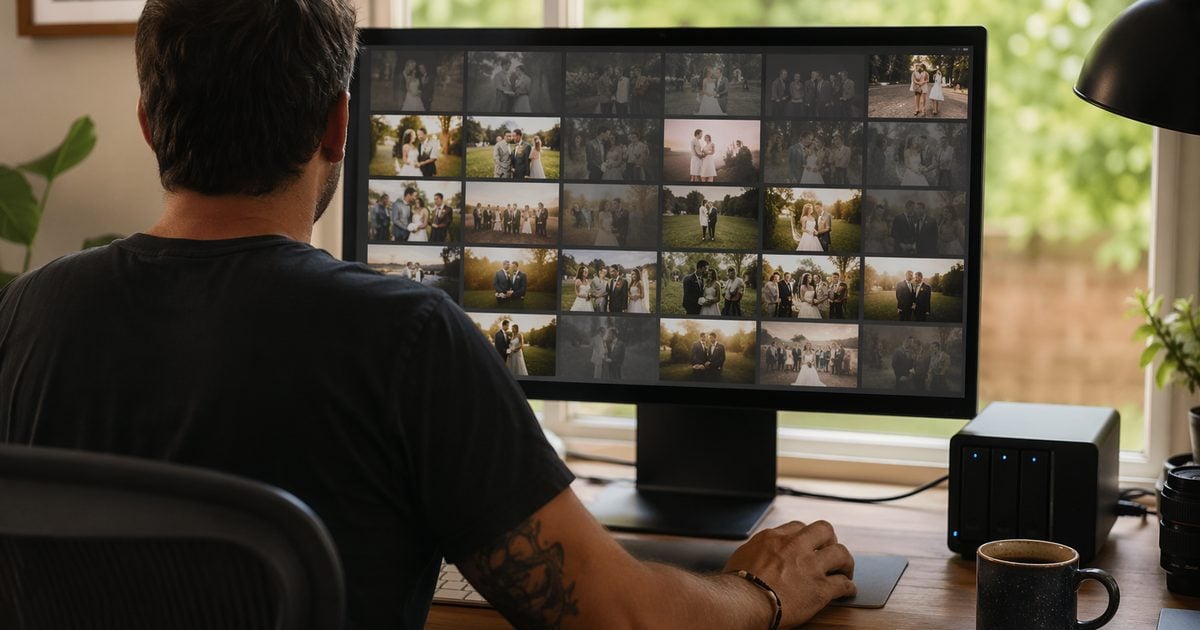
Color look: one hero still, whole gallery in the same light
What it does: AI Color Transfer matches exposure, white balance, and skin drift from a reference still; AI Color Looks lets you preview a look before you batch the folder.
Quick steps:
1. After cull, pick one hero (outdoor + indoor check).
2. Grade the hero; preview the look.
3. Match the gallery to that reference still across the keeper set.
4. Park stragglers in an exception queue—manual only, no sync guilt.
Manual vs pipeline: Hand-matching 1,000 frames frame-by-frame is often a multi-day job. Our illustrative color-lock slice runs ~300–450 min manual-heavy vs ~120–180 min pipeline-optimized per 1,000 when a reference still workflow is disciplined—not because software chooses taste for you, but because you are not re-solving white balance on every file.
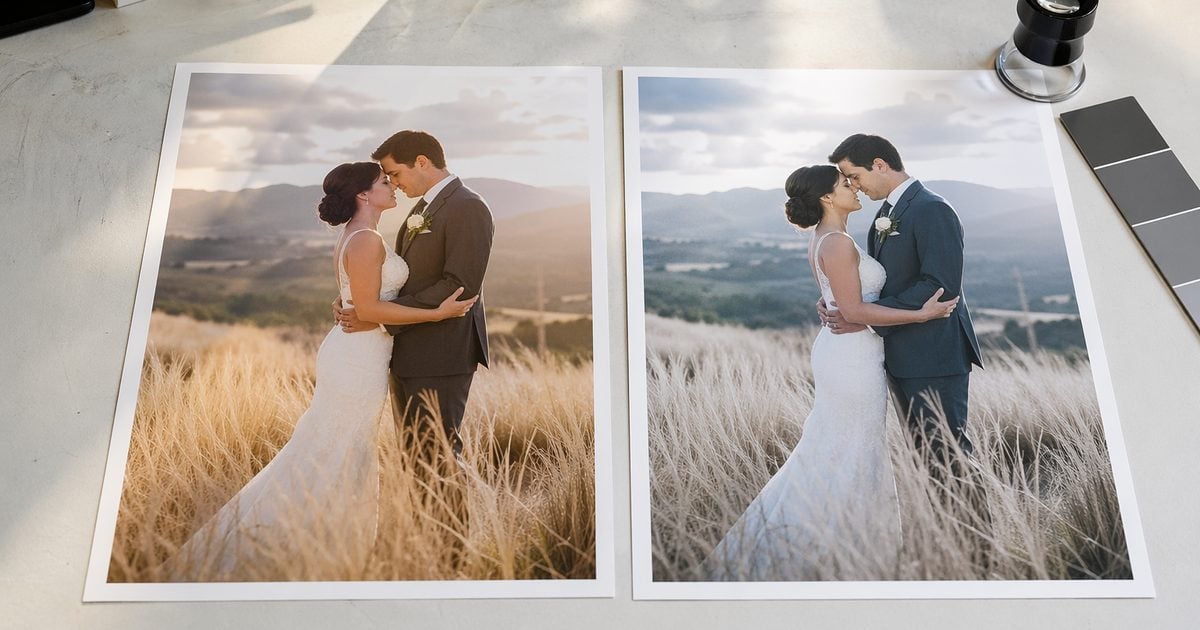
Portrait QA: sync skin on the same faces, not every pixel
What it does: Portrait retouching with group/individual sync—even skin and stray hair on the exception queue, not another full pass on the whole gallery.
Quick steps:
1. After color lock, sample three skin tones.
2. Run portrait stack on flagged frames only.
3. Sync skin finishing on the same person across their selects.
4. Gate 6 pass → export.
Manual vs pipeline: Beauty retouch on every frame is how how long does it take to edit wedding photos turns into Bark’s 24–32 hour horror story. Light retouch on outliers keeps portrait QA in the ~80–140 min per 1,000 band instead of 200–350.
For the full tool map, see the AI Photo Editor hub.


Powerful AI Photo Editor
Tiered Delivery: What to Promise When They Push on Dates
| Tier | They get | Calendar | When we use it |
|---|---|---|---|
| Standard | Full gallery only | 4–6 weeks | Off-peak · ≤1,500 images |
| Hybrid | Preview + full | 72h + 4–6w | Most summer weddings |
| Rush | Compressed full | 2–3 weeks | Rush fee · math must clear |
Default to Hybrid unless they opt out of previews in writing. Name the tier, the weeks, and what happens if heat forces +1 week on the full gallery—not the sneak peek.
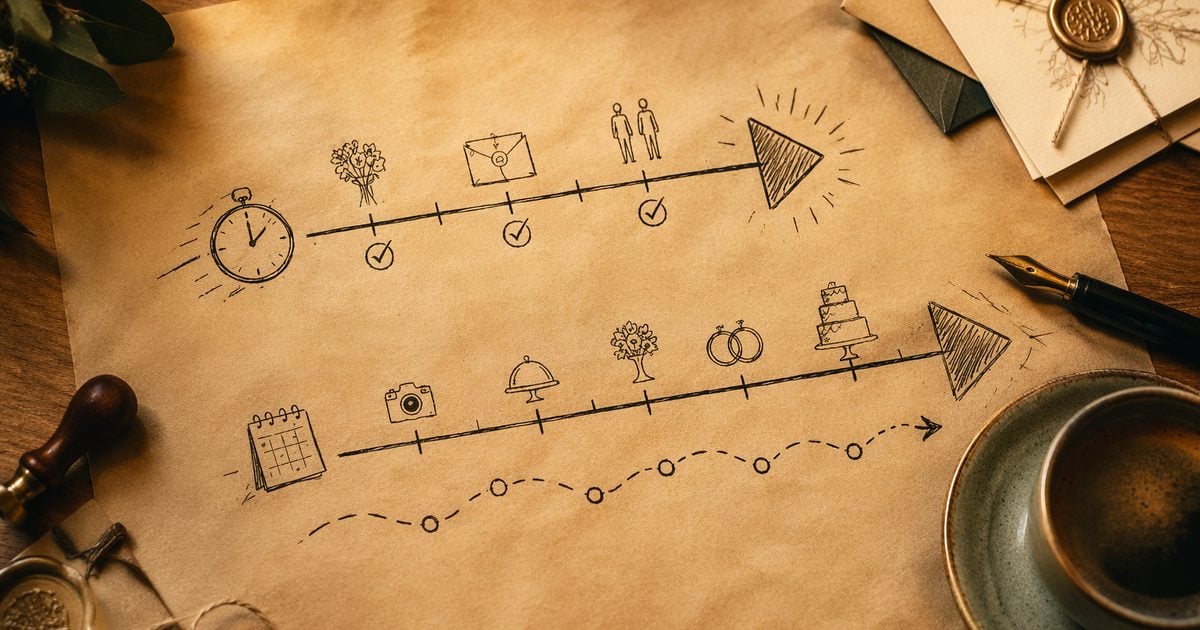
Rain-Day Preview Without Blowing the Clock
Grey skies are not an automatic “add two weeks”—if hybrid preview is sold. Flag dull outdoor sets at cull; sneak peek frames may need outdoor rescue on sky-detected files only. Full gallery still follows Gates 4–6.
If preview week turns into a rescue marathon, see our rain-day wedding photography editing workflow guide for sky vs scene decisions, the 50-image preview path, and client scripts.
When Your Edit Room Runs Hotter Than a PortaSplit Queue
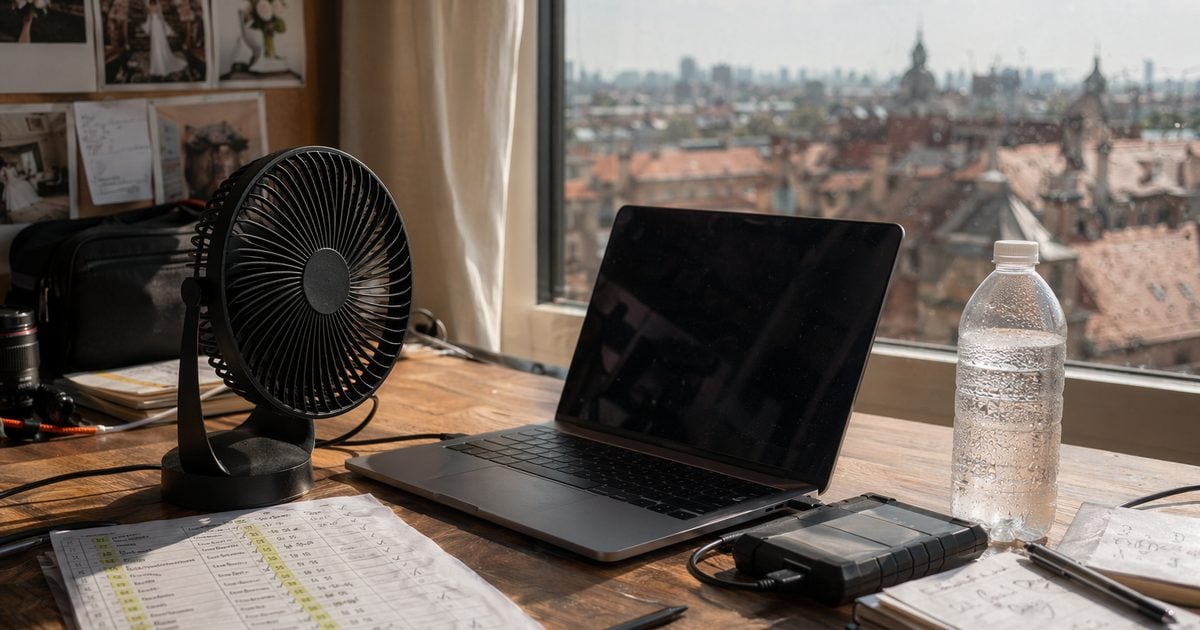
The PortaSplit line wraps around the block, so bedrooms stop feeling like ovens. Your edit bay is the same physics in miniature: GPU fans screaming, export ETA drifting, you wondering if how long do wedding photos take to get back should include “…after my laptop throttles.”
| Signal | What Changes in the SLA | Tactic |
|---|---|---|
| No fixed AC (common in EU) | −15–20% post-hours that week (studio planning assumption) | Batch in the morning · smaller slices |
| Back-to-back heatwaves | Sneak peek holds · full +1 week | Proactive email day 2 |
| Thermal throttle | Same deliverables, longer wall-clock | Night exports · pause between batches |
Think of it like this: shoppers are optimizing sleep. You are optimizing sitting time. A wedding gallery turnaround checklist does not cool the room—it stops you from pretending a 38°C week is the same as a 22°C week when you signed the contract.
Email we send when heat shifts the full gallery (adapt):
“Quick note on timing: your sneak peek is still [date]. The full gallery moves from [old] to [new] because our edit suite is running slower in this heat—same scope, one extra calendar week. Reply if you want rush options.”
Sign the SLA from hours/1,000 × deliverables + tier—not from “we’ll try our best.” The whole point of asking how long do wedding photos take to get back before the wedding is so nobody is surprised after it.
If you have not batch-tested a wedding folder on Desktop yet, download Evoto and run one hundred frames end-to-end before you promise a 1,000-image SLA.
Powerful AI Photo Editor
If you are standardizing batch cull and color this summer, Evoto pricing lists current Desktop plans.
FAQ
1. How long do wedding photos take to get back for an 800–1,200 image gallery?
Market sources often cite 4–8 weeks off-peak (Mackey Photo); peak public ranges stretch 8–12 weeks. Our studio contracts for 800–1,200 light-retouch deliverables usually promise 4–6 weeks off-peak or 6–8 weeks in peak—calendar weeks from the wedding date, plus 72h hybrid preview when sold.
2. How long does it take to get wedding photos back during May–October?
Buffer the full gallery: 6–8 weeks or 72h preview + 4–6 week full. Quote +1 week before you sign if July is already stacked—not after the toast.
3. What is a realistic how long it takes to edit wedding photos scope for a 4-week contract?
Usually ≤1,000 deliverables, light retouch, ~6–10 post-hours per 1,000 pipeline-optimized, and no second wedding cull that week. Full beauty on every frame blows the Bark 24–32h full-job range—reprice.
4. Standard vs hybrid vs rush—which default?
Hybrid for summer. Standard when previews are declined. Rush only when post-hours math and capacity are both clear.
5. How many post-hours per 1,000 deliverables before signing?
Illustrative June 2026: ~15–22 h manual-heavy vs ~6–10 h pipeline. We logged 8.5 h once on the desktop. Add 15–20% in heat weeks without AC.
6. Should a sneak peek (48–72h) be guaranteed?
Only if shoot+1 is protected and preview count is capped (30–50). Otherwise, best effort + indoor fallback—priced accordingly.
7. When to outsource cull?
When you trust the brief and still own keeper’s sign-off. Keep in-house for same-week preview promises or strict venue data rules.
8. Full vs light retouch—impact on timeline?
Light retouch fits the hours table. Full beauty on most frames pushes toward full-job 24–32h territory.
9. Can the online trial handle a 2,000-image wedding?
Not for production. Folder cull, color sync, and batch export are Desktop work. Preview one hero in the browser; do not promise a gallery SLA there.
10. Does Evoto use my wedding photos for AI training?
Evoto’s Privacy Policy states that Your Content is not used to train generative AI models without your explicit opt-in consent, and that service-improvement opt-ins still exclude model training. Personalized / Lite AI Look training uses images you choose to upload for your own Look; product documentation states that training data is not used for public models. Wedding raws you import for culling or color sync are not generative training fodder by default.
11. Is batch wedding gallery editing ethical for clients?
You keep creative control: which frames sync, export, and reach the couple. Automated culling sorts and flags—it does not rewrite pixels. Generative tools (scene compositing, sky rescue) change backgrounds only where your contract and client disclosure allow. Obtain portrait and venue permissions your jurisdiction requires (GDPR/CCPA, where applicable). Disclose when previews include background enhancement beyond standard color work.
12. Is AI culling safe for wedding client privacy?
Culling is sorting and flagging—not pixel-level manipulation. If a venue or corporate client contract restricts cloud processing, read Evoto’s privacy terms and your agreement before upload. When in doubt, cull locally and grade only the keeper set in the approved environment.
13. Does AI Color Transfer replace a reference workflow?
It accelerates it. You still pick the hero and own the exception queue.
Methodology & Author
Author: Evoto Editorial Team — wedding workflow editors
Experience basis: illustrative SLA model · June 2026 timer test · Sofia & Marco scene composite for decision framing
Market context: Mackey Photo delivery ranges; Bark post multiples; Pix Wedding image counts (secondary); Photography Life culling; CNN Jun 2026 heat/AC reporting
Limitations: production galleries require Evoto Desktop; heat-week −15–20% is a studio planning assumption; rain rescue detail in companion rain-day post
Last reviewed: 2026-06-28



