

TL;DR
- Government heat action plan documents focus on outdoor risk; photographers still need a post-production HAP that limits dangerous shoot hours and protects delivery.
- When forecasts are brutal, shoot a simple indoor or solid backdrop once, then use AI background fusion in Evoto to fuse professional backgrounds and foregrounds without a reshoot.
- Batch scene fusion (up to about 1000 images per run in Evoto Desktop) plus regular batch retouch keeps peak season from becoming peak screen time.
South Asia’s 2026 heat headlines made “extreme heat action plan” a household phrase. Governments publish extreme heat action plan checklists: hydration, work-hour limits, shade, early warnings. That is public health logic—and it matters on location.
But freelance and studio photographers still face a gap the PDFs rarely cover: what do you do when the client wants four looks, the forecast says 43°C, and you cannot safely scout three outdoor venues in one afternoon?
This article gives a photographer-side summer shoot safety plan with verifiable public-health context, then a concrete Evoto workflow built around AI background fusion (AI background fusion in the Creative Module / AI Lab).
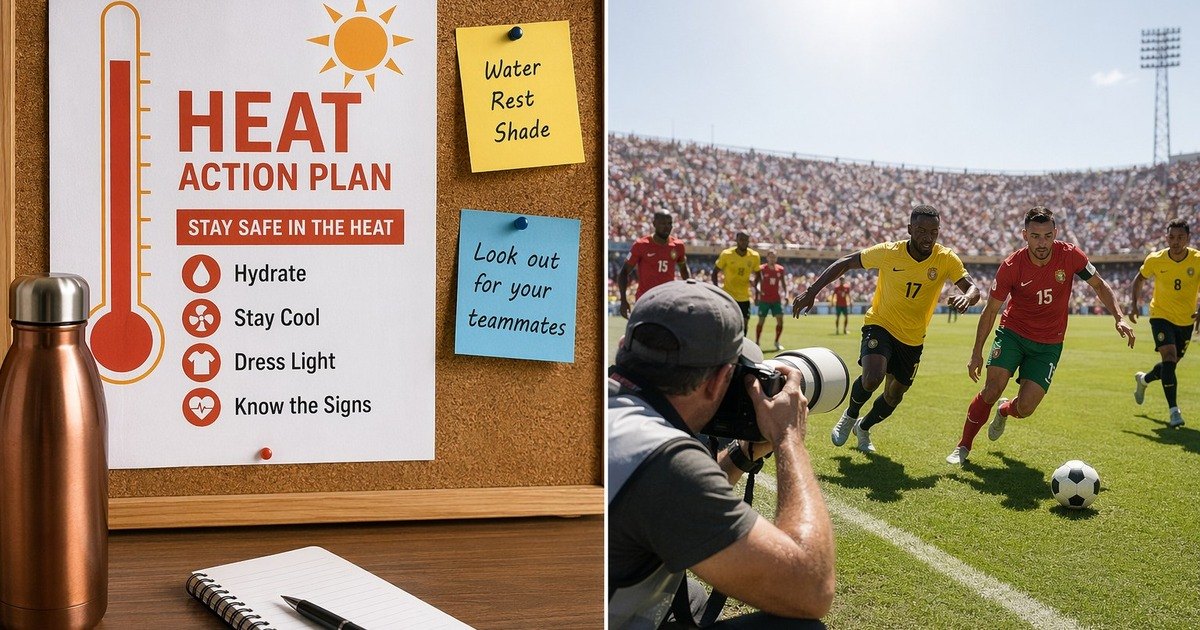
Your Task Map: Shoot Risk vs Delivery Promise
| Question | What clients ask | What heat constrains | What “done” looks like |
|---|---|---|---|
| Safety | “Can we still shoot Tuesday?” | Wet-bulb stress, crew fatigue | No heat illness on set |
| Variety | “We need gym + field + studio looks” | Driving between hot locations | Three believable scenes delivered |
| Speed | “Can we preview this week?” | You melt in a closed edit room | Batch fusion + retouch without reshoot |
If your page only repeats government bullet points, AI search can summarize it in one paragraph. If your page connects forecast logic → shoot plan → fusion workflow → batch QA, you become task material—not filler.
What Heat Action Plans Actually Cover (and What They Miss)
National and city extreme heat action plan frameworks usually include:
- early warning triggers tied to temperature or heat index;
- guidance for outdoor workers (rest breaks, shade, hydration);
- public messaging for vulnerable groups.
Reporting on South Asia’s record 2026 heatwave and India’s regional HAP rollout (see Al Jazeera’s South Asia heatwave coverage) is a fair anchor when you explain why you moved a sports league shoot indoors—without turning the blog into a news recap.
What HAPs typically do not specify:
- how to deliver three background styles after a single safe session;
- how to batch-fuse 600 school portraits without a second sports day;
- how to keep skin tone credible when you replace environments in post.
That is where your photographer delivery plan starts.
A Post-Production Heat Action Plan for Photographers
Think of two linked plans:
1. Field HAP (safety): move call times, shorten outdoor segments, add shade and water, cancel when indices exceed your studio policy.
2. Post HAP (delivery): capture once on a controlled backdrop, fuse scenes in Evoto photo editor‘s AI Lab, batch retouch, export on a cooler schedule.


Powerful AI Photo Editor
Example: a rainy-season wedding week turns into a heatwave. Couples still want “garden,” “church interior feel,” and “sunset warmth.” You shoot formal portraits on gray seamless in air-conditioned space, then fuse environments in Evoto’s AI Background Fusion instead of marching between three hot locations.
This is not laziness—it is exposure budgeting. The creative decision moves from “where can we stand today?” to “which scene families match the couple’s story?”
Shoot Simple Indoors When the Forecast Is Brutal
Your capture checklist when heat index is high:
- Backdrop: gray, white, or brand-color seamless—high edge contrast for cutout.
- Light: one dominant direction; avoid mixed color chaos you cannot reproduce in fusion.
- Wardrobe: separate shiny fabrics that confuse matting; keep a lint roller on set.
- Pose bank: shoot expressions and stances that read in multiple scene types (sports action vs formal).
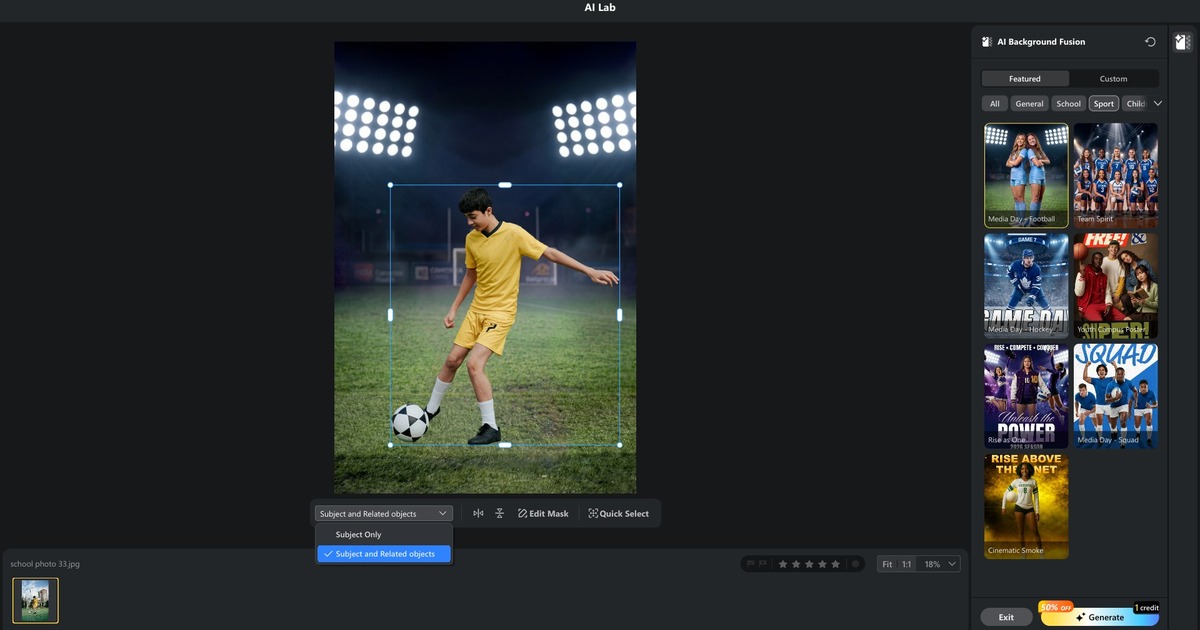
Skip the myth that “simple” means “boring.” Simple means fusion-ready. Evoto’s AI background fusion pipeline auto-cutouts the subject after entry, lets you refine with brush tools, and supports “Subject Only” vs “Subject and Connectors” ranges when props attach to the body.
If exposure discipline is weak before fusion, fix capture first—see best metering mode for portraits so you are not compensating for blown highlights in every scene variant.
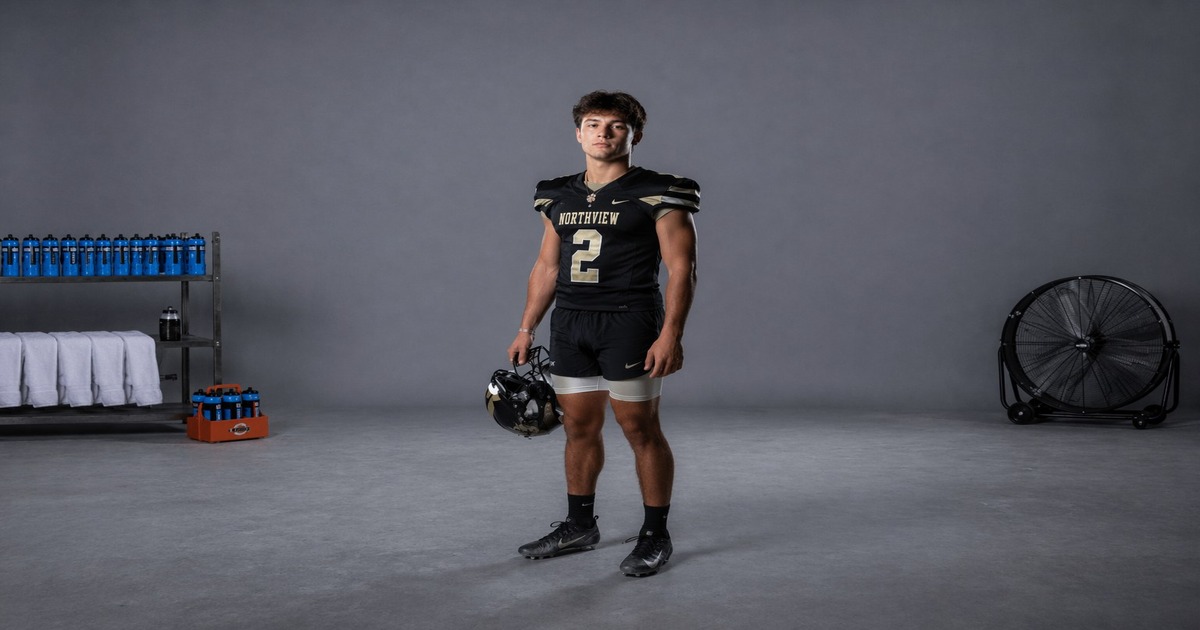
AI background fusion: Fuse Professional Backgrounds Without a Reshoot
In Evoto Desktop, open the AI Lab and choose AI Background Fusion. Core capabilities from product documentation:
- intelligent subject cutout with manual brush correction;
- official scene kits filtered by style (student, sports, kids, outdoor, indoor, etc.);
- custom background upload (JPG/PNG/WebP) plus foreground overlays (up to ~50 layers per image, with ordering controls);
- Character Lighting slider to help subject lighting blend with the replaced background;
- Generate to preview results, then Save into your gallery for standard retouch/export.
Why photographers care in heat season: you trade unsafe travel time for controlled compositing time. Compositing still takes skill—perspective, shadow direction, and skin warmth must match—but you are not asking children to run drills on asphalt at noon.
Powerful AI Photo Editor
Step 1 — Enter AI Background Fusion and verify cutout
Load the hero frame. If flyaway hair or jersey mesh fails, fix mask edges before scene shopping. Bad edges waste Generate credits and overheat your GPU on retries.
Step 2 — Choose scene family
Match camera height and light direction before picking decorative style. A low-angle sports kit on a standing senior portrait often looks pasted.
Step 3 — Add foreground with restraint
Official kits can auto-apply paired foregrounds. Treat foreground as depth, not clutter—one hero element near the floor, accents away from eyes.
Step 4 — Generate, review, Save
Adjust subject scale/rotation before Generate. After a believable result, Save before exiting; unsaved AI background fusion work is lost on exit per Evoto notes.
Step 5 — Hand off to batch retouch
Saved images re-enter your normal portrait pipeline (skin, color, export). Fusion is not the final deliverable—consistency still is.
For feature-level marketing copy and use cases, see AI Background Fusion.
Batch Scene Fusion for School, Sports, and Event Workflows
Volume is where heat season hurts most. Evoto documents batch scene processing up to roughly 1000 images in one run, so plan credits and QA accordingly.
Batch pattern that survives client review:
| Phase | What you standardize | QA sample |
|---|---|---|
| Pre-group | pose direction, lens height, jersey vs formal | 5 frames per group |
| Scene lock | one kit or custom background per group | edge + shadow check |
| Generate batch | same scene family per folder | 3 full-size checks |
| Retouch pass | skin + color consistency | histogram + skin neutrals |
School photography example: spring portraits shot on white seamless Monday; heatwave cancels outdoor “second look” Thursday. You batch-fuse a blue studio gradient and a soft outdoor bokeh kit from the same captures, then run portrait retouch once.
Sports example: team day moves indoors. You fuse locker-room and stadium kits without re-scheduling 40 athletes in sun.
Common mistakes
- Mixing light directions across a batch. Fix: split folders by capture lighting.
- Foreground covering faces. Fix: cap overlays at one depth cue + one accent.
- Starting batch before hero approval. Fix: one approved Generate settings card per scene family.
Sometimes you just gotta try it out for yourself. Fuse one indoor sports set in AI background fusion before the next heat advisory, and compare delivery time against scheduling another outdoor day. To run the workflow on desktop or mobile, download Evoto.
Powerful AI Photo Editor
Checklist: Your Summer Shooting + Editing HAP
Field (before shutter)
- [ ] Check heat index, not only air temperature
- [ ] Move talent to shade or AC when index exceeds policy
- [ ] Shoot fusion-ready backdrop + consistent key light
- [ ] Capture reference gray card or neutral skin frame
Post (after import)
- [ ] Group by lighting and outfit type
- [ ] Approve cutout on hero frame
- [ ] Lock AI Background Fusion kit per group; document settings
- [ ] Batch Generate; spot-check edges and shadows at 100%
- [ ] Retouch + export during cooler hours if possible
Business (client communication)
- [ ] Explain heat-adjusted schedule in writing
- [ ] Show indoor capture + fused preview instead of risky location scouting
- [ ] Deliver scene variety without extra outdoor days
Related Reads in This Heatwave Series
- Super El Niño 2026: train style before peak season
- Heat dome Europe: tether on set to cut overnight rework
Conclusion
A government heat action plan tells people when to rest. Your studio delivery plan tells your business how to keep promises without extra sun exposure. When you pair safe, simple capture with AI background fusion fusion and disciplined batch QA, you trade dangerous location miles for controlled screen time—and you still deliver variety.
Heat season is not asking you to abandon outdoor craft. It is asking you to stop treating “another outdoor day” as the only path to another look.
Explore the broader toolset in AI Photo Editor. Ready to test fusion on a real folder? Use download Evoto.
Powerful AI Photo Editor
FAQ
1. Is a heat action plan only for cities in South Asia?
No. The term is global public-health language. US photographers can borrow the framework for any extreme heat action plan week—especially when sports schedules and school portrait days collide with heat advisories.
2. Does AI Background Fusion replace location scouting entirely?
No. It replaces unnecessary scouting when heat risk is high or clients need style variety from one safe session. You still judge perspective, shadow, and skin credibility.
3. How many images can batch scene fusion handle?
Evoto Desktop documentation cites up to about 1000 images per batch run. Plan credits; batch jobs cannot be canceled mid-run without losing processed credits.
4. What file types work for custom backgrounds?
Evoto lists JPG, PNG, and WebP for uploads, with size limits per product notes. Keep resolution reasonable to avoid slow Generate retries.
5. Where does this fit with tethered on-set workflows?
Tethering reduces overnight rework; AI Scene reduces outdoor location count. Many studios use both—see the heat dome article in this series.



