

Lighting is one of the fastest ways to separate a controlled professional frame from a frame that only looked good in the moment. It affects shape, color, texture, subject separation, editability, and how repeatable the setup is across a full job.
This guide is for photographers who need more than broad lighting advice. It focuses on practical photography lighting tips you can use in paid work: how to evaluate light quality quickly, how to protect exposure and dynamic range, how to shape a scene with simple tools, when to keep available light and when to replace it, and how to keep the final set coherent instead of repairing every frame separately in post.
Learn the Three Things Light Changes First
The first is direction. Direction decides where the subject gets shape and where it loses it. Front light tends to flatten. Side light usually adds volume. Backlight can look attractive, but it can also weaken subject dominance if the background gets brighter than the face.
The second is quality. This is the size and hardness of the source relative to the subject. A larger or closer source usually gives smoother transitions and lower apparent contrast. A smaller or more direct source gives a harder shadow edge and more texture. That is useful when you want structure, but expensive when the client needs cleaner skin or softer surfaces.
The third is color. Light that looks acceptable to the eye may still produce unstable files if daylight, practical bulbs, LEDs, and screen spill are all mixing together. A working photographer should judge color contamination as early as light direction, because mixed color usually becomes a time problem later. If you need a dedicated refresher on neutralizing those shifts before the set starts drifting, see White Balance in Photography: What It Is and How to Adjust It.
Do not treat those three qualities as theory. They are the fastest way to predict whether a scene will be easy to shoot and easy to finish.

Protect Exposure and Dynamic Range Before You Chase Mood
Many lighting mistakes start because the photographer falls in love with the mood before checking whether the file will hold. A scene can look cinematic on set and still be a bad production choice if highlights clip too early, the shadow side dies too far, or the subject sits against a background that is impossible to control consistently.
The first check is the brightest area in the frame. If it is not the subject, ask whether it will compete with the subject once the file is processed. The second check is the shadow side. If the face or product detail is already too far gone, no later correction will be as clean as fixing the light before capture.
This matters even more in client work because one difficult frame is manageable, but a whole sequence of highlight drift and crushed shadows turns into a consistency problem. Protecting dynamic range is not only about technical quality. It is about not creating unnecessary post-production debt.
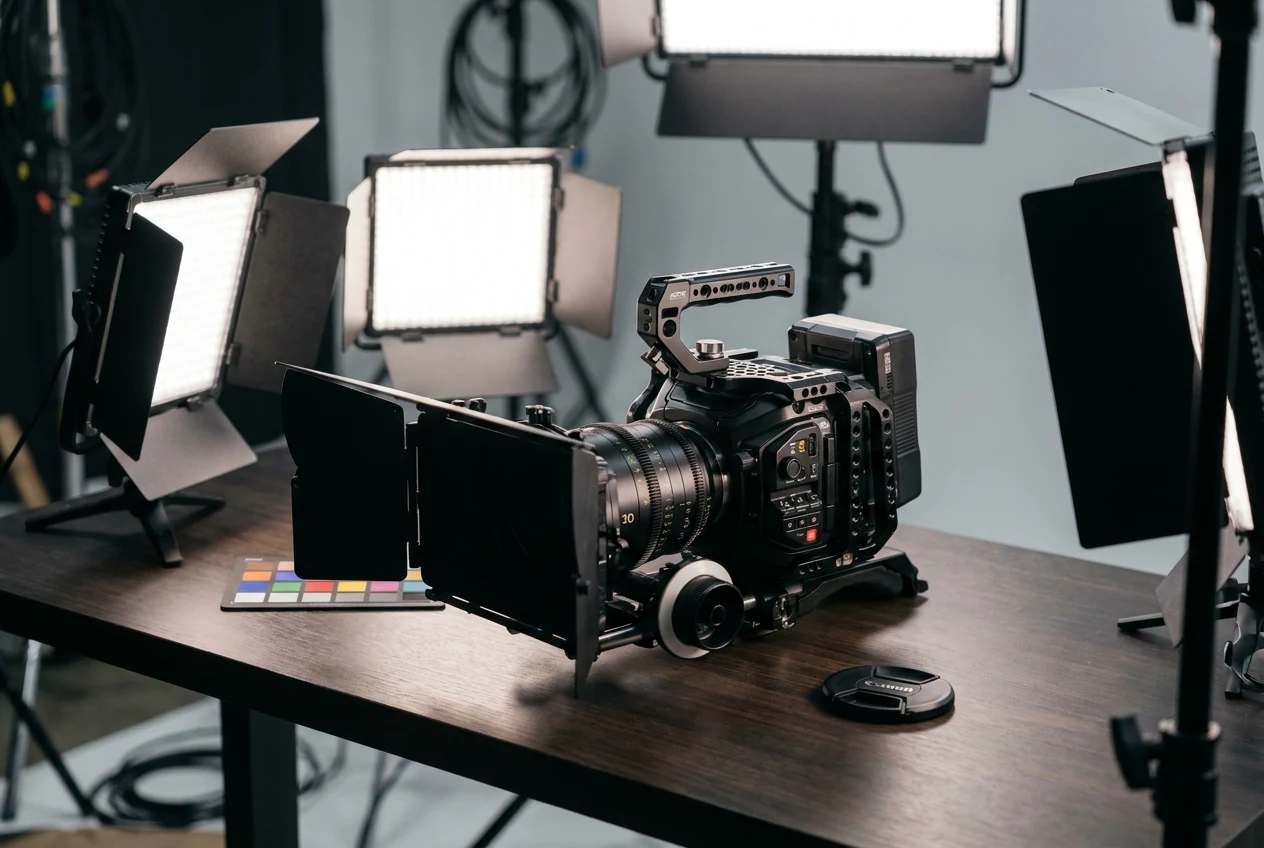
Reflect, Diffuse, or Reduce Light Before Adding More Lights
One of the most practical photography lighting tips is that you do not always need to add a new source. Often you need to control the one you already have.
Reflect light when the scene is close to usable but the shadow side needs to open slightly. Diffuse light when the source is too hard and the shadow edge is becoming the main subject. Reduce light when the scene is too flat or when stray fill is killing shape. Negative fill, flags, and simple blocking often solve more than another light stand does.
This is why working photographers improve faster when they think in problems instead of in setups. If the shadow side is dead, solve that. If the key is too hard, solve that. If the background is too bright, solve that. Do not jump to a bigger rig before you know which variable is actually wrong.
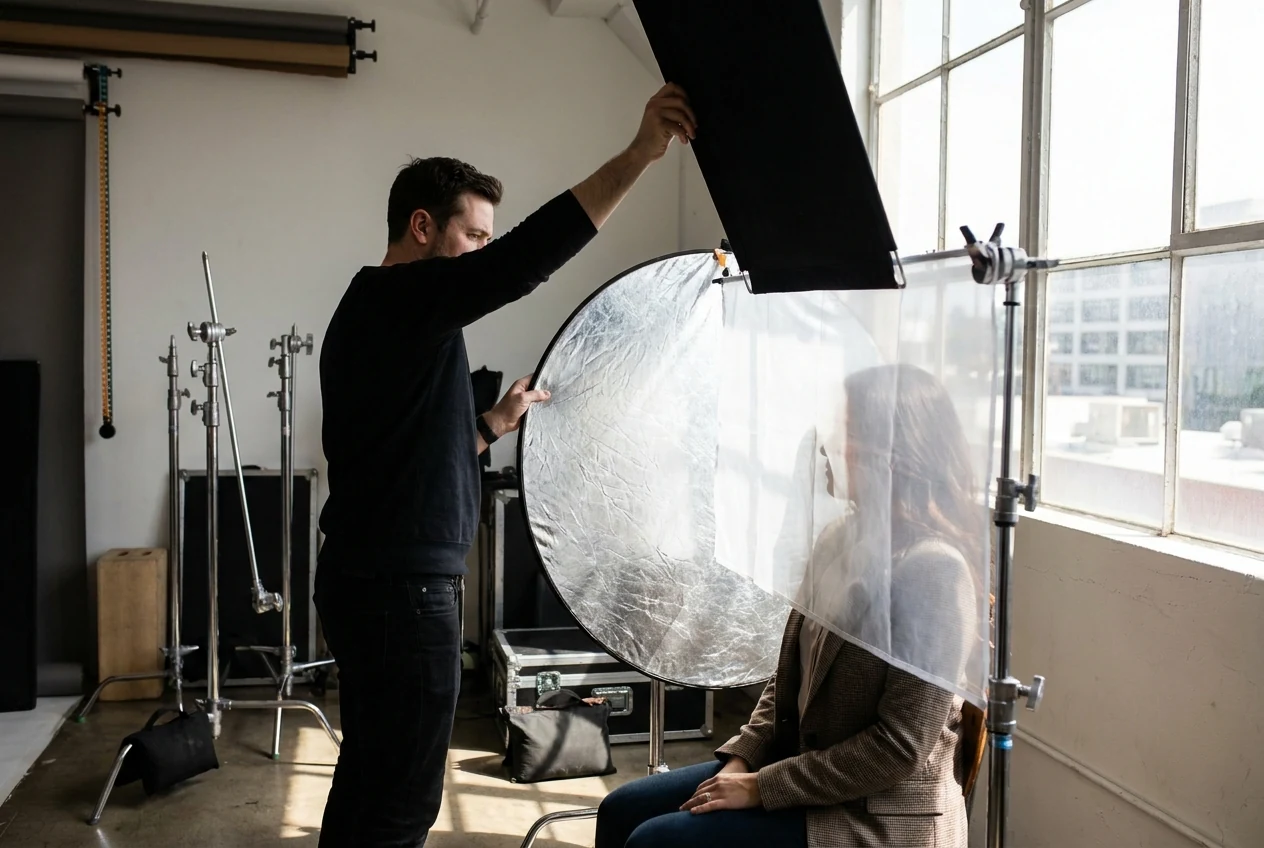
Use Available Light Only When It Is Stable Enough to Trust
Available light is useful when it is directional, clean in color, and stable for more than a few frames. Window light, open shade, a predictable doorway, or one controlled outdoor pocket can all work well when the subject can stay inside the usable zone.
Available light becomes inefficient when the usable area is too narrow, the cloud cover keeps shifting, the subject drifts out of the pocket, or the room introduces color contamination that changes from one angle to another. At that point, what looks natural on set often becomes expensive in post. If that available-light pocket is coming from late-day sun, Golden Hour Photography is the more specific follow-up on keeping that window usable instead of romanticizing it.
The real question is not whether available light looks authentic. The question is whether it is reliable enough for the assignment. If it is not, replacing it is usually the more professional decision.
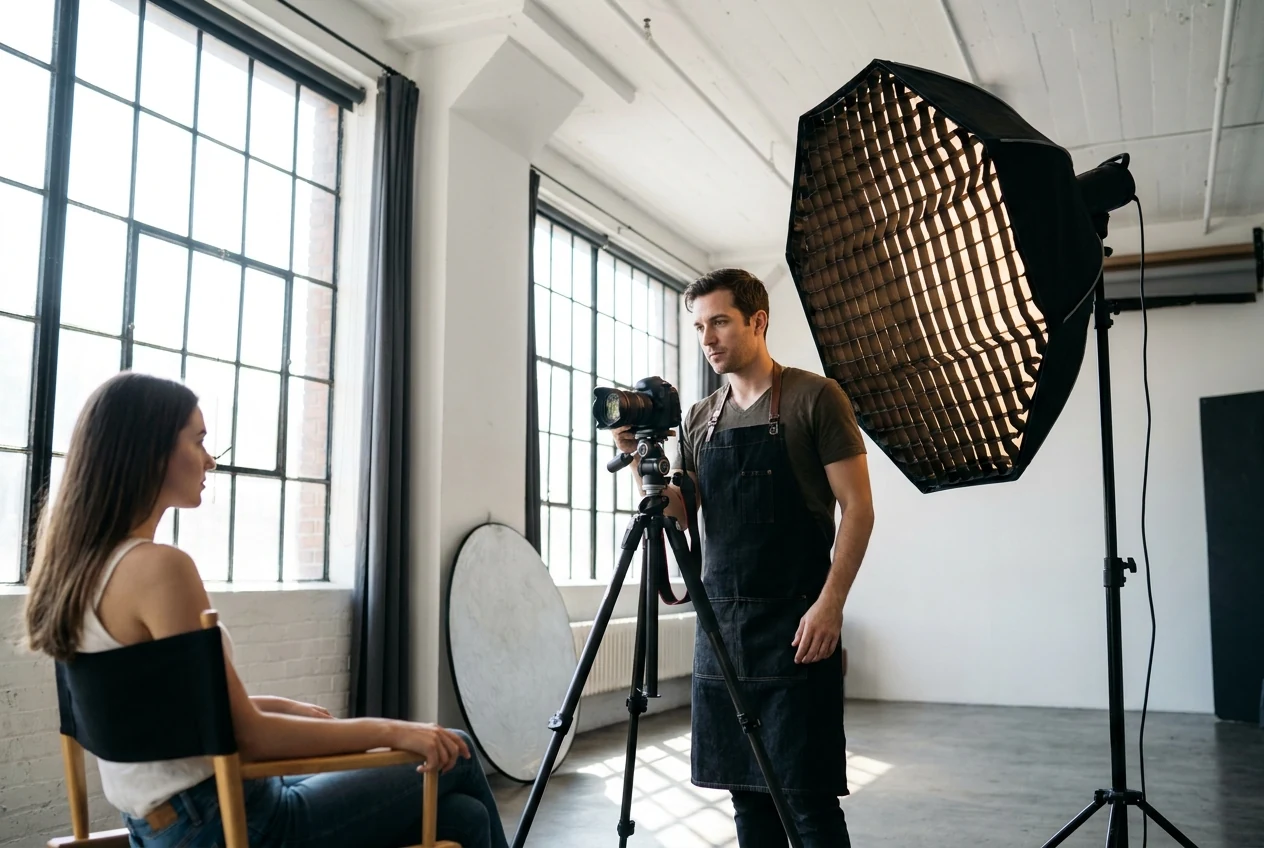

Build One Reliable Key Light Before You Complicate the Setup
If you are using artificial light, start with one key that does the main job. Get the key placement right, then judge the shadow side, separation, and background relationship. If those three elements still do not work, more lights will usually make the setup busier before they make it better.
This matters because a working setup should be repeatable. The key should tell you where the subject stands, where the face turns, and how the light falls. Once that foundation is right, fill becomes optional instead of automatic. Rim light becomes a separation tool instead of decoration. Background light becomes a choice instead of a reflex. If the setup is portrait-heavy and you still need the finished files to stay coherent after capture, tools like AI Camera Profile Matching can help preserve a more consistent starting point across the set.
Many photographers lose efficiency because they build a multi-light setup before they have proven that the key is correct. In client work, one predictable light is often more valuable than four lights that keep changing the job.

Use Modifiers to Solve Specific Problems
Modifiers only matter if they change the problem you actually have. A softbox or diffusion panel matters because it changes source size and transition quality. Bounce matters because it broadens and softens the return. Grids matter when spill control is the real issue. Negative fill matters when the frame has gone too open and lost structure.
That is why lighting decisions should stay result-first. Do not choose the modifier because it sounds more advanced. Choose it because it solves the exact issue in front of you more cleanly than the alternatives.
For portraits, that may mean smoothing the transition across the face while protecting enough shadow shape to keep dimension. For product or commercial work, it may mean controlling reflections and edge definition. For branding or editorial, it may mean preserving a mood without making the files fragile. If you want a related breakdown of how stronger or gentler tonal separation changes the read of a frame after the light decision is made, see High Contrast Images vs Low Contrast Images.
The point is not to make the setup look impressive on set. The point is to make the result easier to repeat.
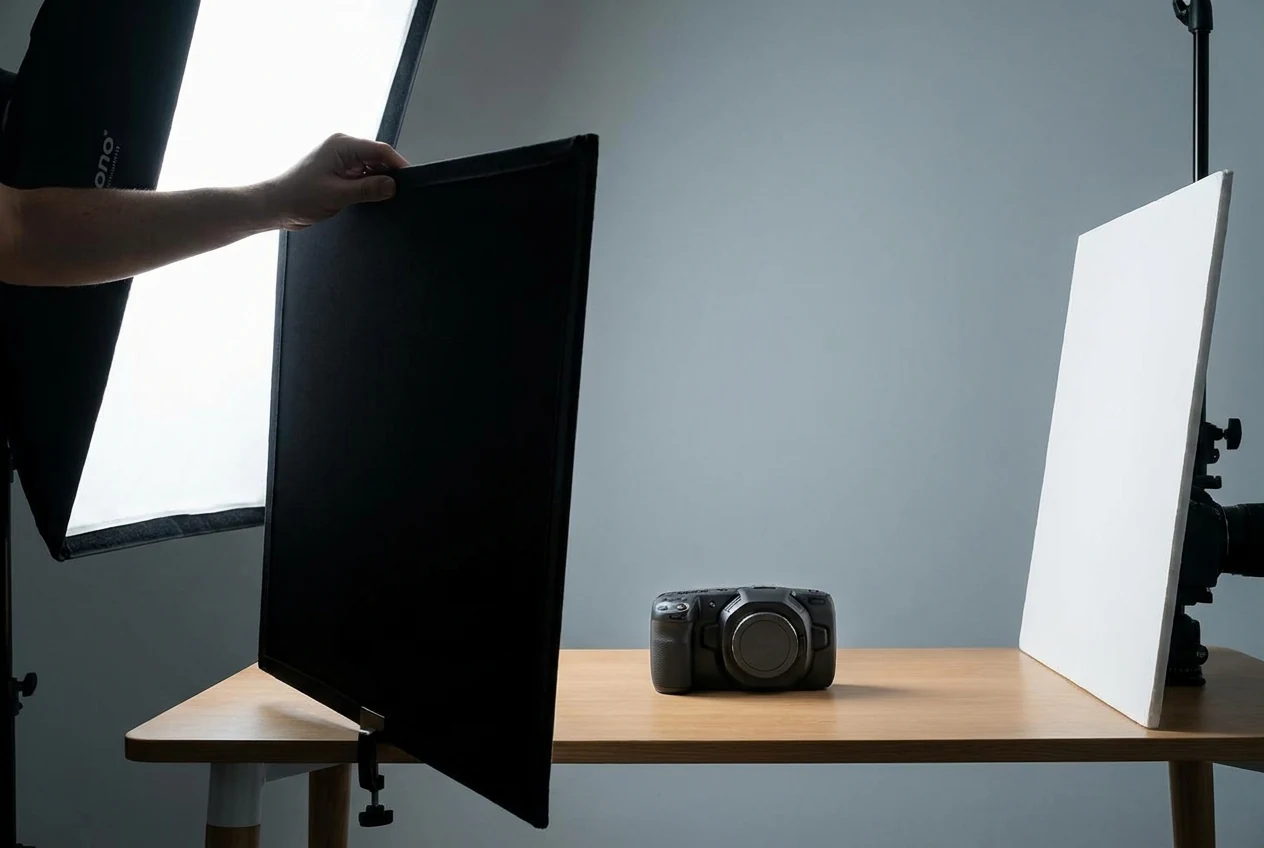
Common Lighting Errors That Create Post Problems
The first error is choosing a location before choosing a workable light direction. A visually attractive space with unstable light is still a weak setup.
The second is ignoring mixed color because the exposure looks close enough. A file can be bright enough and still be inconsistent if daylight, practical bulbs, and LEDs are all fighting for control.
The third is letting the background determine the frame. If the brightest part of the scene is not also the most important, the image usually becomes harder to stabilize across a set.
The fourth is building unnecessary complexity. A setup with too many lights, too much spill, or too many changing variables slows the shoot and rarely makes post easier.
These are not only aesthetic mistakes. They are workflow mistakes, because they multiply correction time after the shoot.
Post Should Reinforce the Lighting Decision, Not Invent One


Powerful AI Photo Editor
Post works best when the lighting logic is already present in the raw files. Start with exposure and white balance, then check whether the selected set still feels like it came from the same lighting strategy. When working with large batches, maintaining this consistency manually becomes inefficient—this is where AI-powered culling and batch organization tools become essential for quickly identifying the strongest frames without breaking the visual flow.
This is the real standard for client work. Not whether one hero frame looks good, but whether the surrounding images still hold together without feeling like separate shoots stitched together. For high-volume shoots, this consistency needs to scale across dozens or hundreds of images, making batch editing workflows critical rather than optional. If the key light direction drifts, shadow depth changes too much, or color temperature moves from frame to frame, the gallery starts losing trust.
For portrait-heavy jobs, Portrait Retouching should come after the lighting and color are already believable. Once a consistent base is established, batch retouching ensures that skin tones, textures, and facial details remain uniform across the entire set without repetitive manual work. For the broader set, AI Color Match makes the most sense after you have locked one strong hero frame and need the rest of the files to stay inside the same visual family. Instead of adjusting images one by one, batch color matching allows you to instantly extend that visual standard across the entire shoot.
Good post does not rescue a bad lighting strategy. But with the right batch editing workflow, it ensures that a strong lighting setup translates consistently across every image in the final delivery.
Final Thoughts
The most useful photography lighting tips for working photographers are usually the ones that reduce variables: read the scene faster, protect dynamic range earlier, choose controllable light sooner, build one reliable key before adding complexity, and treat post as consistency support instead of emergency repair.
Once you approach lighting as a repeatable control system, the shoot gets faster, the files get cleaner, and the final delivery becomes more predictable.
Try Evoto AI Photo Editor
Retouch photos with Evoto AI and make your photos best! Available on Windows, MacOS and iPadOS.



