

Golden hour photography is not just about beautiful light. It is a short window where sun angle, background brightness, skin warmth, flare risk, and subject direction can all shift within minutes. That is why golden hour portraits can feel easy at the start and unstable a few frames later.
This is not a beginner explainer or a gear roundup. It is a photographer-facing field guide on how to prepare for a short light window, use that light without losing control, and keep the set consistent in post before moving the keepers through a cleaner workflow.
Before the Shoot: Prepare for a Short Light Window
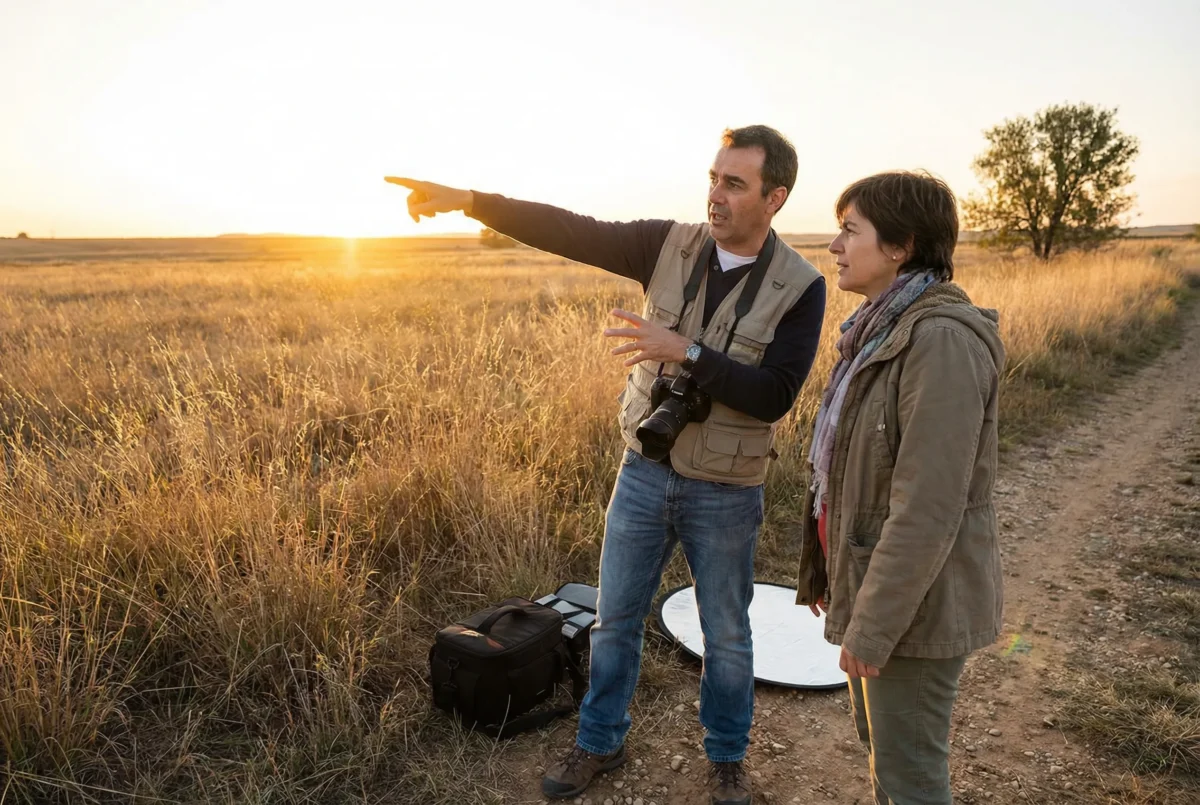
Start by locking sunset timing before you arrive. You need to know when the light starts turning usable, when it becomes strongest, and when it falls off too far to trust. Golden hour timing is not just about the official sunset number. It is about how quickly the scene changes once the sun drops toward the horizon. If you are wondering about the best time for golden hour photography, the answer is the narrower stretch when the sun angle actually works for your location, not a generic clock time pulled from an app.
Then check the sun angle and pick one fallback spot. If your first background stops working because the light gets too flat, too contrasty, or too crowded, you need a second option that keeps the session moving. A short light window does not give you much room to improvise.
Choose subject direction before the light starts moving frame to frame. If you already know where the subject should face for clean side light, soft backlight, or a controlled rim light setup, you waste less time once the best minutes begin.
It also helps to divide the light window before you start shooting. Use the earlier, safer minutes for the clean frames you cannot afford to lose. Save the riskier moments for stronger backlight, flare, or silhouettes once the secure set is already done.
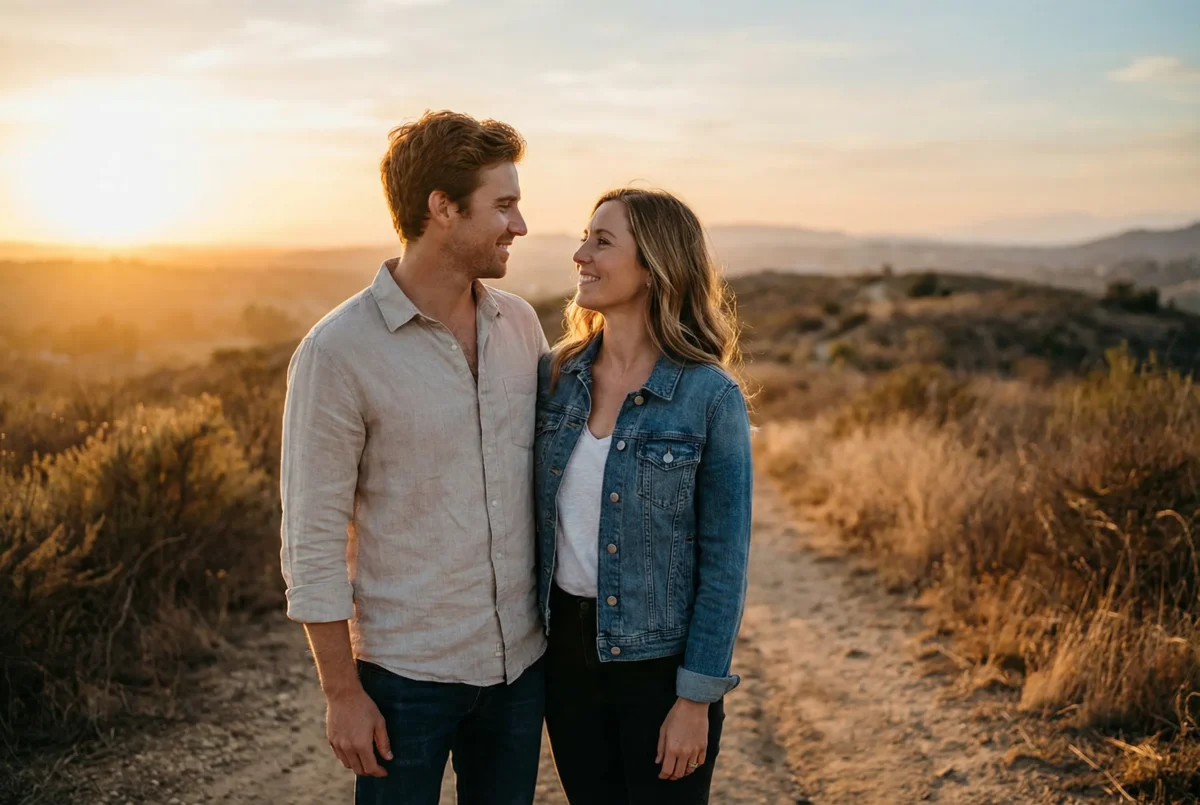
This is also where the RAW and white-balance mindset belongs. Golden hour photography looks warm by default, but if you do not think about white-balance flexibility early, the set gets harder to match later. The goal is not to lock the final color before shooting. The goal is to protect enough information that the warmth stays beautiful instead of turning orange or muddy in post. Among the most useful golden hour photography tips, this one is easy to underestimate because it feels less dramatic than the light itself, but it matters later when the color starts drifting.
During the Shoot: How to Use Golden Hour Light Without Losing Control
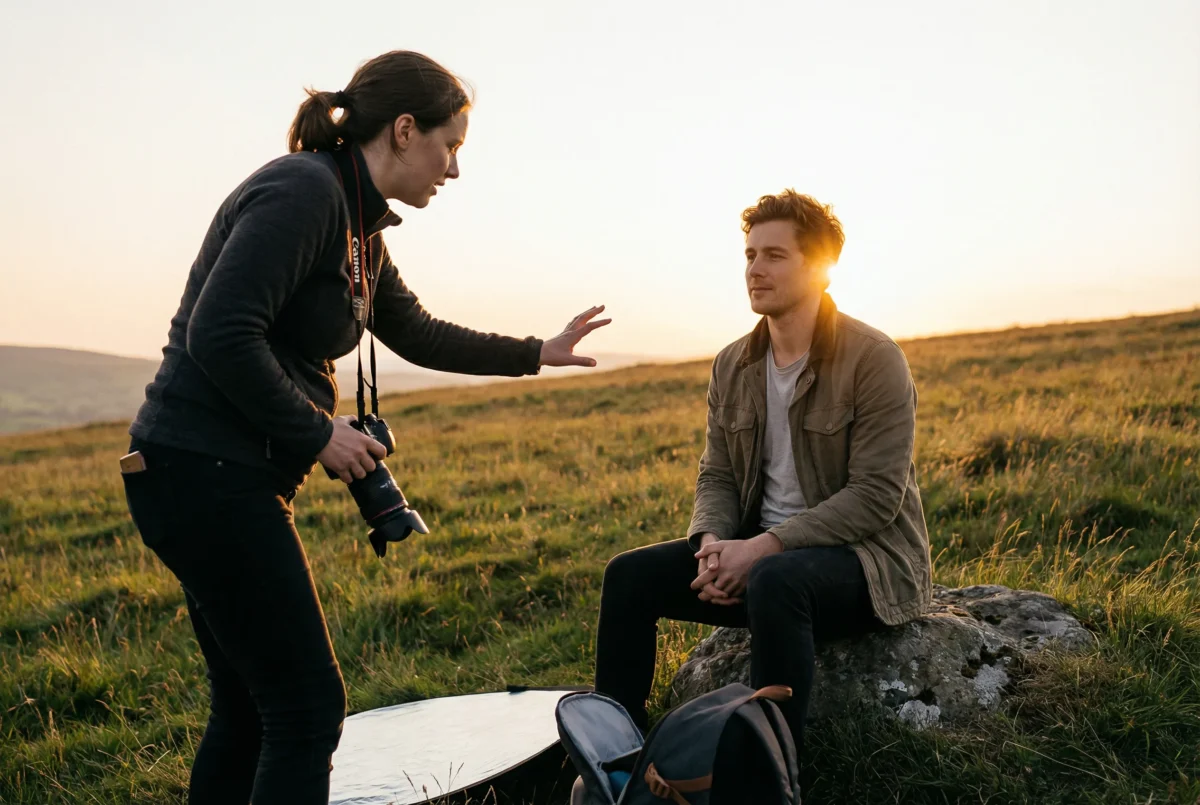
Start with the safest clean frame first. Get one portrait where the light is readable, the skin looks clean, and the background supports the subject instead of fighting for attention. If you skip this and go straight to the dramatic frames, the session can end with nothing solid to anchor the set.
Once the secure frame is locked, move into stronger backlight and rim light. This is where golden hour portraits often start to feel more atmospheric, but only if the foundation is already there. If the light is dropping fast, the stronger frame should come after the reliable one, not before it.
Add movement while the light is still readable. A slow walk, a turn, or a small pause-and-look-back can make the set feel more alive, but only if the face and body are still easy to read. Movement is not useful if it pushes the frame into exposure chaos.
Leave silhouettes and sun-in-frame flare for the last layer. These are the lowest-risk extras once the core set is already secure. If the flare gets too heavy, if contrast drops too fast, or if the subject gets swallowed by the background, you can walk away without losing the stronger base portraits.
Golden hour lighting decisions should feel minute by minute, not static. If the subject angle is no longer clean, change it. If the background is getting too bright, rotate the setup. If the flare starts taking over, simplify the frame. The best golden hour photos usually come from small live decisions, not from forcing the original plan after the light has already changed.
Exposure control matters here too. Do not meter once and assume the next ten frames will match. The light is moving. The background is shifting. Skin tone can change from one short sequence to the next. Treat the session like a moving target, not a fixed recipe.
After the Shoot: Keep the Set Consistent in Post

Start by culling near-duplicates first. A golden hour session usually creates more similar frames than you think because the light changes every few minutes and the pose changes are often small. If you do not reduce the duplicates early, the rest of the post workflow gets slower immediately.
Then group the keepers by light bucket. Separate clean side light, soft backlight, heavy flare, and silhouette frames instead of trying to correct the whole set as one visual block. Golden hour photo editing gets messy fast when too many light phases are treated like the same problem.
Lock one hero frame in each bucket before you move into broader adjustments. Set warmth, skin tone, highlight control, and general color direction there first. This is where you protect color consistency before the set starts drifting from one version of golden hour to another.
The key is to keep the warmth without pushing skin too far. Golden hour photos should feel warm, but warm is not the same as orange. Once the skin starts turning muddy or oversaturated, the portraits stop feeling natural and the whole set gets harder to trust.
You also need to watch highlight control carefully. Hair edges, dress fabrics, and brighter backgrounds can clip faster than they seem during the shoot. If the highlight handling is inconsistent, the gallery will feel unstable even if each frame looks good on its own.
If you want a deeper refresher on keeping color neutral before you warm a set creatively, see White Balance in Photography: What It Is and How to Adjust It.
Workflow: Move the Keepers Through Culling, Matching, and Delivery

The real bottleneck starts here. A short window creates many near-duplicates, fast color drift, and delivery pressure all at once. You are not just editing golden hour photos. You are trying to turn a moving light sequence into a gallery that still feels coherent.
Start by culling the keepers first. Get the selected set small enough that you are only finishing the frames that matter.
Then group those keepers by light phase and lock the hero frame for each bucket. Once the color direction is stable, the rest of the finishing work has a cleaner base.
This is where Evoto can fit naturally into the workflow. After the cull and hero-frame decisions are already made, AI Culling can reduce the near-duplicate load, and AI Color Match and Batch edit can help keep the selected set from drifting as the light changes from soft gold to deeper orange. If the set is portrait-heavy and still needs a light finishing pass, Portrait Retouching makes the most sense only after those earlier decisions are already locked.
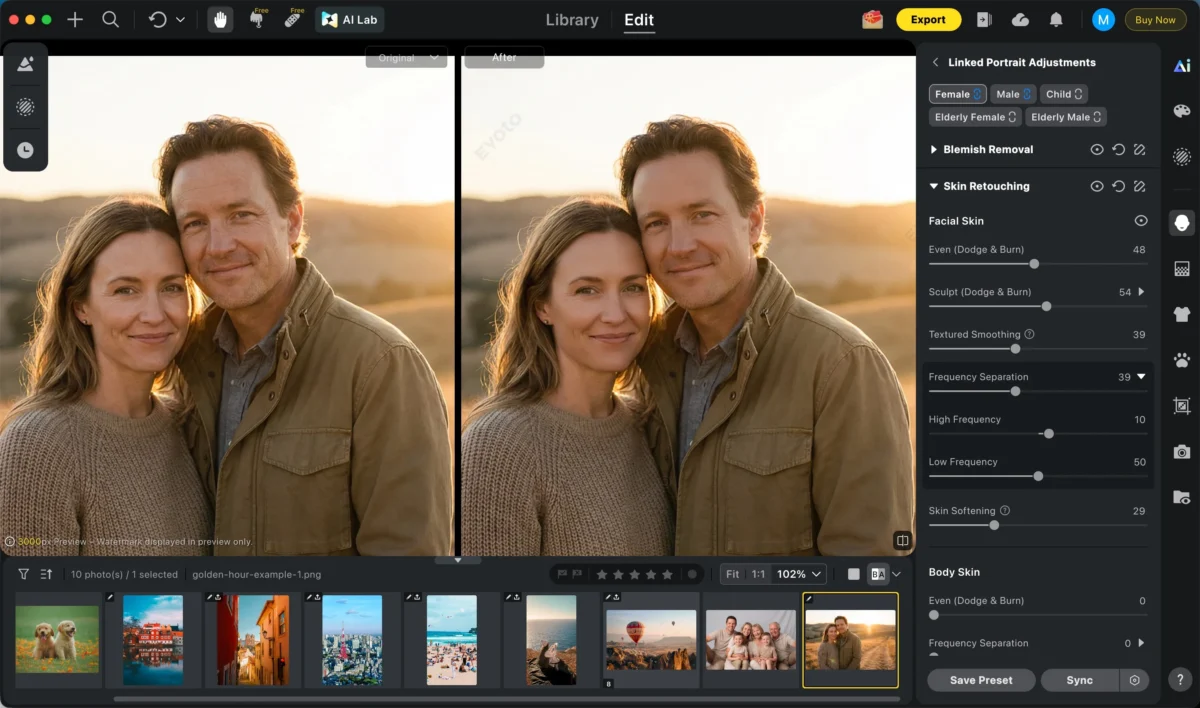
That workflow matters in golden hour photography because the same session can contain clean side light, warmer backlight, flare-heavy frames, and low-contrast late frames in one short sequence. The challenge is not only making one frame look good. It is helping the selected set hold together.
After the batch consistency pass, spot-check manually. Review faces, highlights, flare-heavy frames, and any image where the warmth may have pushed too far. Then move into export and delivery.


Powerful AI Photo Editor
Final Thoughts
Golden hour photography works best when the light window is planned, the safe frames come first, and the post workflow is tighter than the sunset itself. If the session starts with control, the stronger backlit and flare-heavy portraits become easier to take without losing the whole set.
When the keepers are selected early, matched carefully, and delivered with consistent warmth, the final gallery feels intentional instead of rushed.
Try Evoto AI Photo Editor
Retouch photos with Evoto AI and make your photos best! Available on Windows, MacOS and iPadOS.



