

Contrast is not just about how bright or dark a photo looks. It directly changes whether an image feels bold and dramatic or soft and quiet, which is why two photos with similar subjects can feel completely different.
This guide explains the real difference between high contrast images and low contrast images, how contrast changes mood and subject separation, when each look works best, how to tell if a photo has gone too harsh or too flat, and how to shape that direction more cleanly in camera and in editing.
What Is Image Contrast?
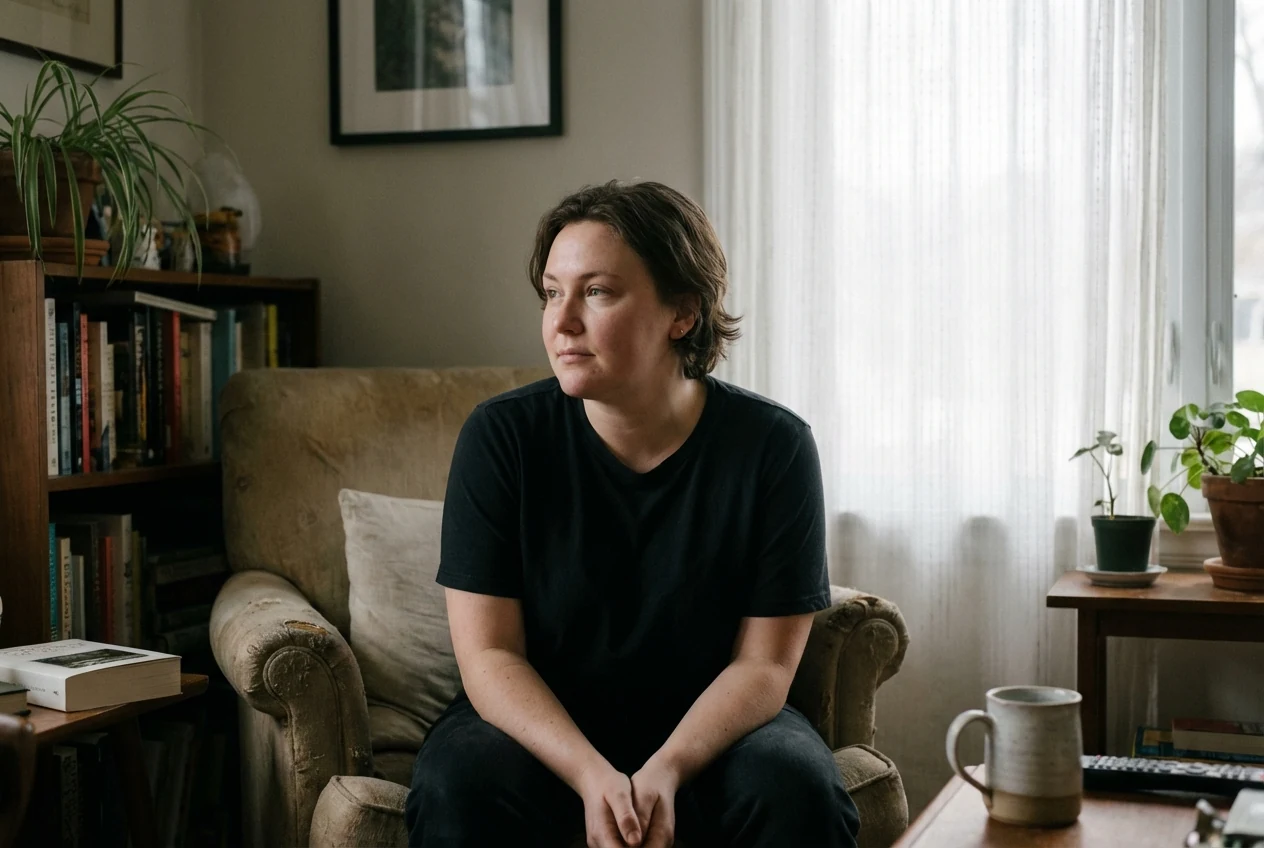
Image contrast is the visible difference between lighter and darker parts of a photo. The bigger that difference feels, the stronger the contrast looks. The smaller and softer the difference feels, the lower the contrast looks.
You do not need to think about this like a technical diagram. What matters in a real image is what your eye sees. Are the shadows deep and the bright areas clearly separated? Or do the tones move into each other more gently?
That is where shadows, highlights, and midtones matter in practical terms. If the darker parts drop lower, the brighter parts stay brighter, and the middle tones are less dominant, the image usually feels harder and more separated. If those areas sit closer together and transition more gently, the image usually feels softer and calmer.
High Contrast Images vs Low Contrast Images: What Is the Difference?
A high contrast image usually has deeper shadows, brighter highlights, and stronger separation between the light and dark parts of the frame. That gives the photo more punch, more shape, and a more dramatic look.
A low contrast image usually has a narrower tonal range. The shadows are not as deep, the highlights are not as intense, and the transitions between tones feel smoother. That creates a softer, quieter, and often more relaxed look.
This is why high contrast vs low contrast images are not just a brightness question. The real difference is how far the tones feel from each other and how strongly the subject separates from the rest of the frame.
How Contrast Changes Mood, Detail, and Subject Separation
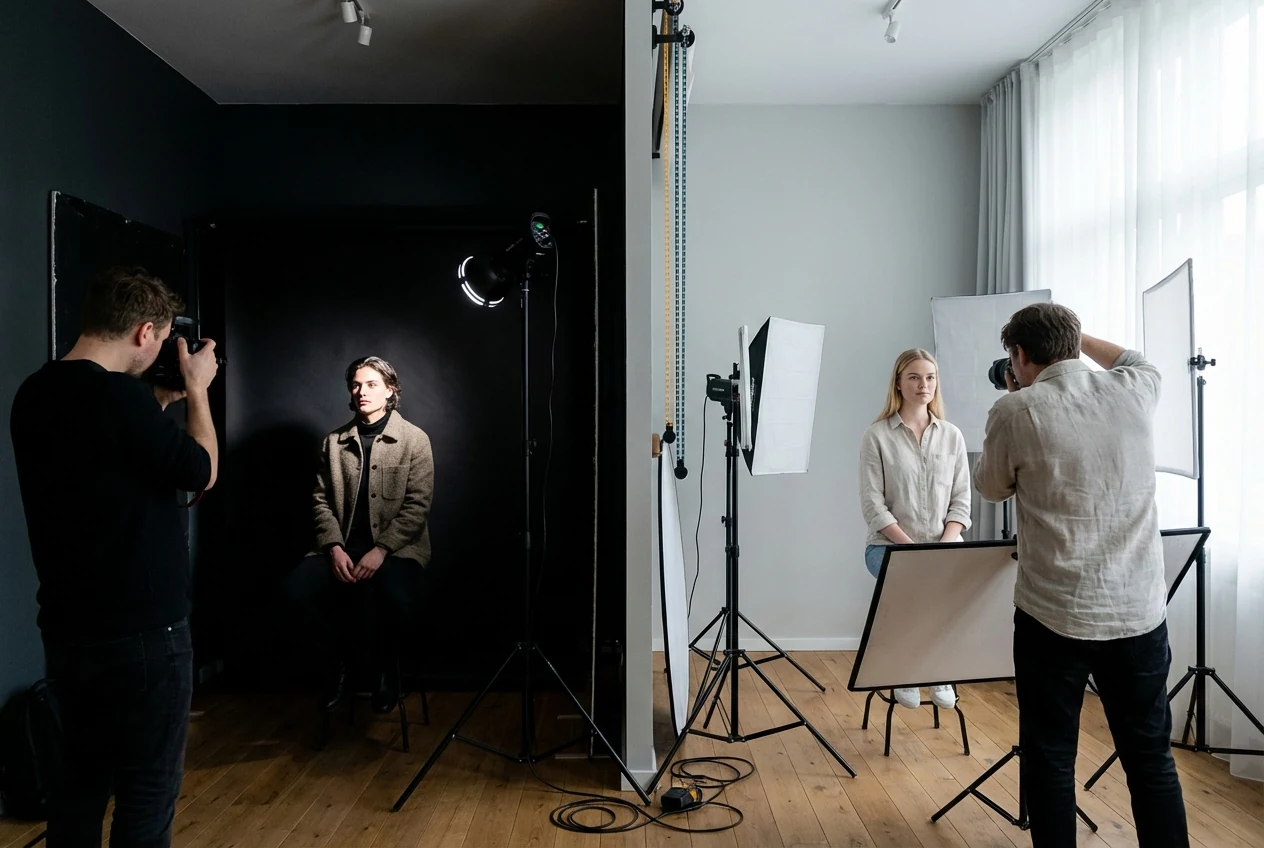
High contrast photography tends to feel bolder because the subject stands out more clearly. Edges look stronger, shapes feel more graphic, and the image often has more visual energy.
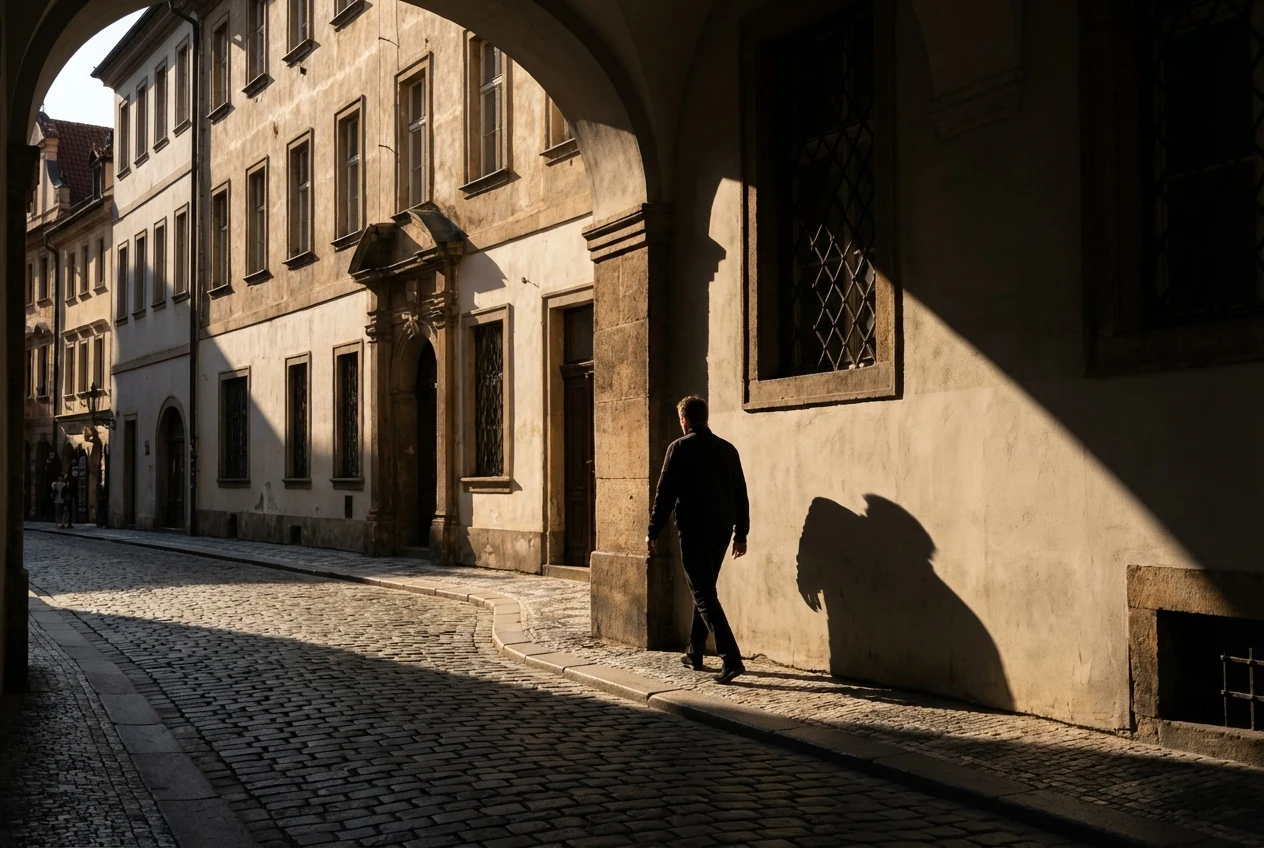
That can help a photo feel dramatic, sharp, or intense. It is one reason high contrast often works well in street photography, architecture, black-and-white work, and portraits where you want stronger mood.
Low contrast photography changes the feeling in the opposite direction. The transitions are softer, the mood is calmer, and the frame often feels gentler or more atmospheric.
This matters for more than mood. Contrast also changes how texture, skin, and background separation read. Higher contrast usually brings out more texture and makes skin look more defined, but it can also make skin feel harsher if pushed too far. Lower contrast softens those transitions, which can feel flattering or dreamy, but it can also reduce separation if the image loses too much structure.
When High Contrast Works Best
High contrast works especially well when the scene already has strong shape, strong light, or a subject that benefits from a more dramatic look.
Street scenes and architecture are common examples because the lines, shadows, and structure often become more graphic when contrast is higher. Night scenes also benefit because the light-dark separation is already part of the atmosphere.
Dramatic portraits can work well with higher contrast too, especially when the goal is stronger mood, deeper shadows, or clearer subject separation from the background.
Black-and-white images also often respond well to stronger contrast because the image depends more heavily on tonal structure once color is removed.
When Low Contrast Works Best
Low contrast works better when the image is supposed to feel soft, open, and less forceful.
Lifestyle images, dreamy portraits, and soft editorial-looking frames often benefit from lower contrast because the gentler tonal transitions support a quieter mood. Foggy scenes, overcast light, and pastel color palettes also tend to look more natural with a softer tonal treatment.
This is especially useful when you want skin to stay gentle, backgrounds to feel less aggressive, or the overall mood to lean calm instead of bold. If you want a related example of how naturally soft light changes a frame before heavy editing even begins, see Golden Hour Photography.
The key is that soft should still feel intentional. A low contrast image should feel controlled, not unfinished.
How to Tell If an Image Is Too Harsh or Too Flat
A high contrast image starts looking too harsh when the shadows feel blocked, the highlights feel too hard, or texture becomes distracting instead of useful. Skin can start to look rough, color can get dirtier, and the whole image can feel over-pushed.
A low contrast image starts looking too flat when the subject stops separating clearly from the background. Edges feel weak, the frame loses shape, and the image starts looking gray instead of soft.
This is the real difference between soft and flat. Soft still has structure. Flat usually feels like the photo has lost too much tonal direction.
A useful question is simple: does the subject still read clearly? If the answer is yes, the softer look may still be working. If the eye has nowhere firm to land, the image may have gone too far.
How to Shoot for a High-Contrast or Low-Contrast Look
If you want a high-contrast look, start with scenes that already give you stronger tonal separation. Harder light, stronger shadows, darker backgrounds, and clear subject edges all help. Side light, direct light, and night scenes with defined highlights can naturally push the image in that direction.
If you want a low-contrast look, softer light usually helps more. Overcast weather, fog, softer backlight, and lighter backgrounds can all reduce the harshness of tonal separation before you even start editing.
Background choice matters too. A subject against a darker or cleaner background often feels more separated and higher in contrast. A subject placed in an already soft, low-drama environment usually supports a lower contrast result.
Exposure choices also affect how the final image will feel. If you expose in a way that protects a lot of highlight and shadow separation, the image may hold more natural contrast. If the scene itself is softer and flatter, it may already be moving toward a low contrast look before editing begins.
The easiest way to control this is to look at the scene before you shoot and ask what kind of mood the light already suggests. That usually gives you the right contrast direction faster than trying to force the opposite later. If your softer frames also need color direction after the tonal choice is set, Color Matcher is a better follow-up than pushing contrast alone.
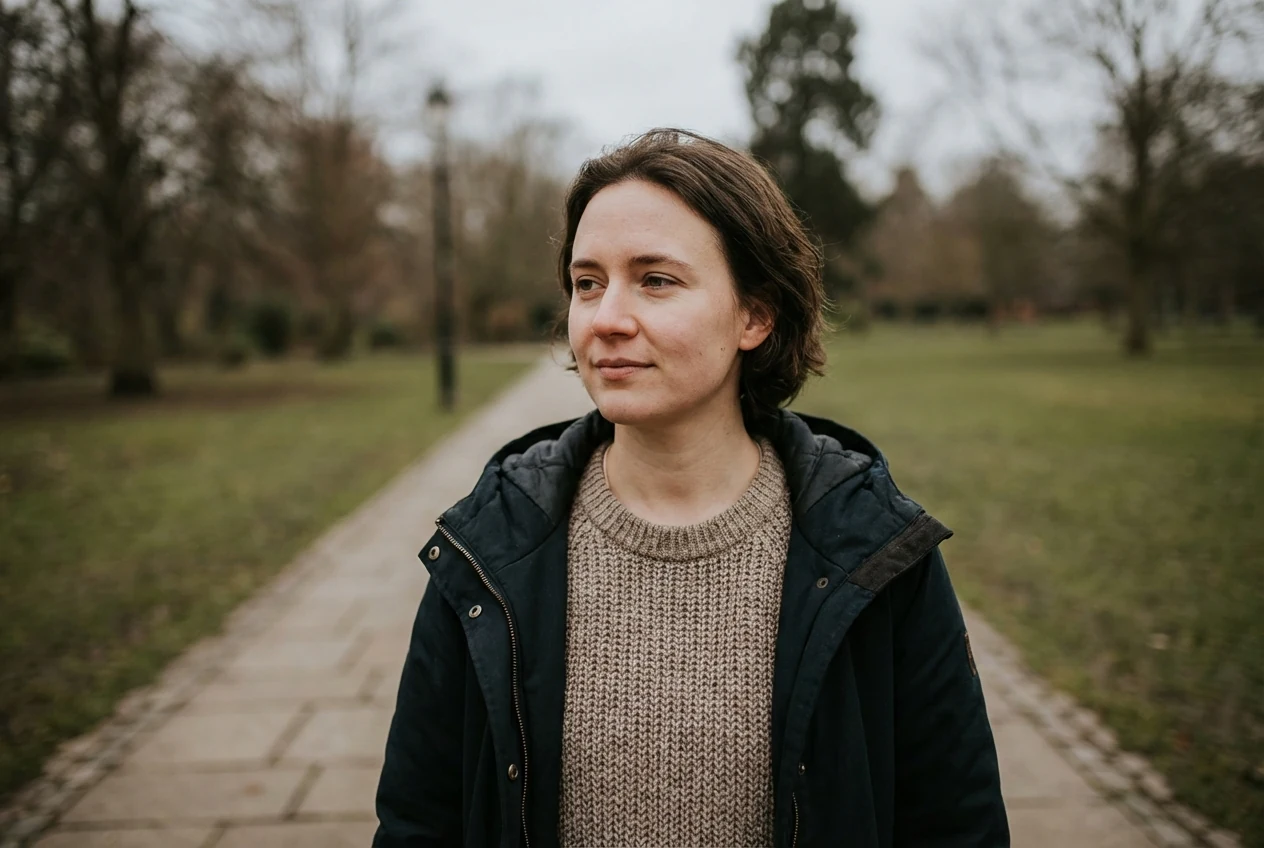
How to Edit High Contrast and Low Contrast Images in Evoto


Powerful AI Photo Editor
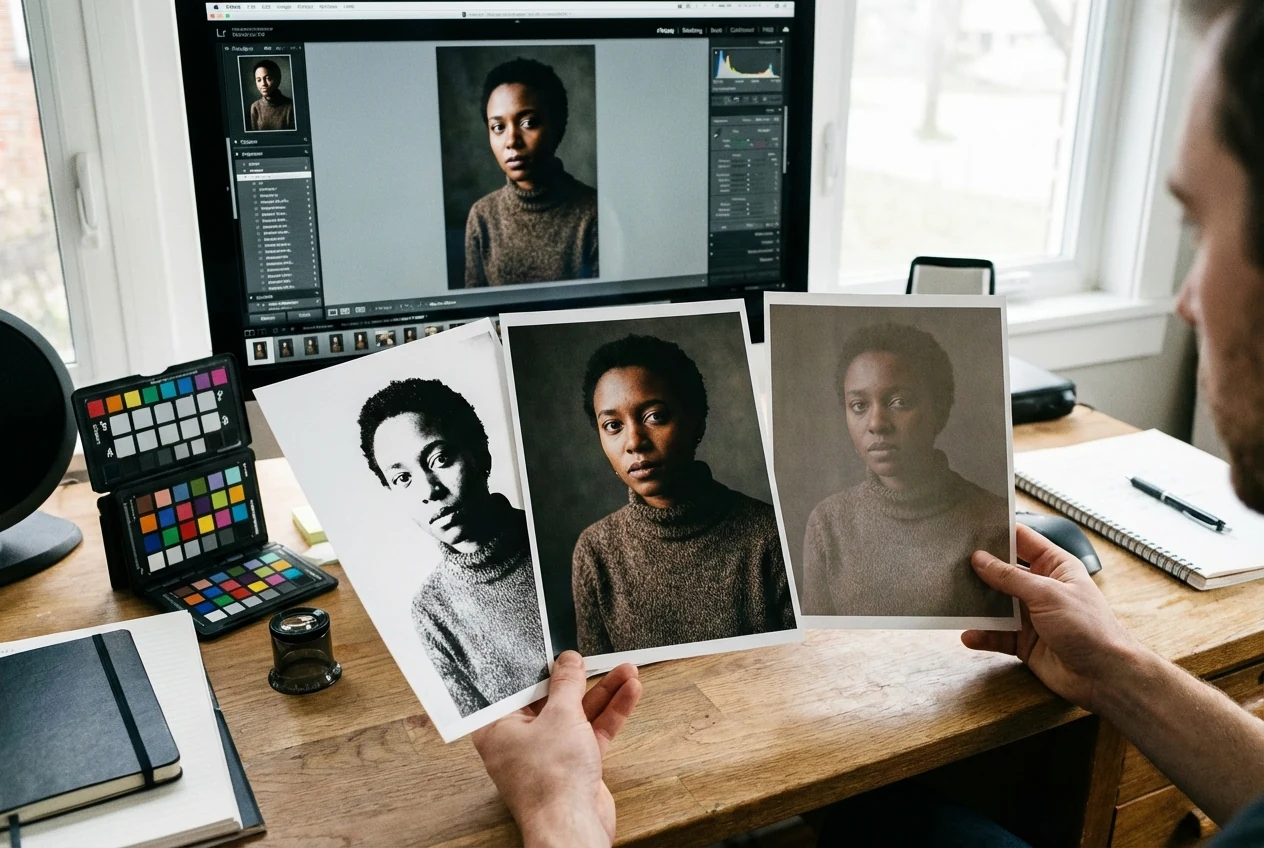
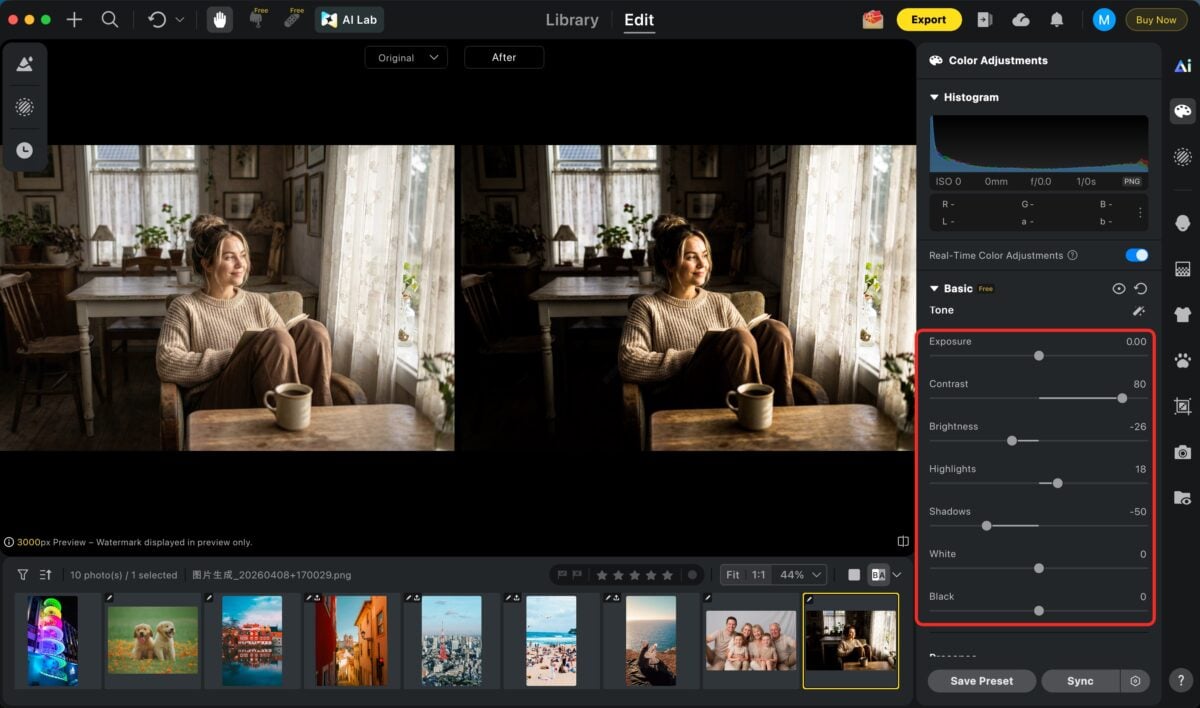
Start by deciding what kind of image you actually want. This matters because contrast editing becomes much easier once you know whether the photo should feel bold and separated or soft and calm.
From there, use the main contrast control to quickly establish the overall tonal foundation of the image. Think of this as setting the global strength of the photo first. Once that base feels right, use highlights, shadows, and midtones as refinement tools to recover detail, shape depth, and personalize the mood with more precision.
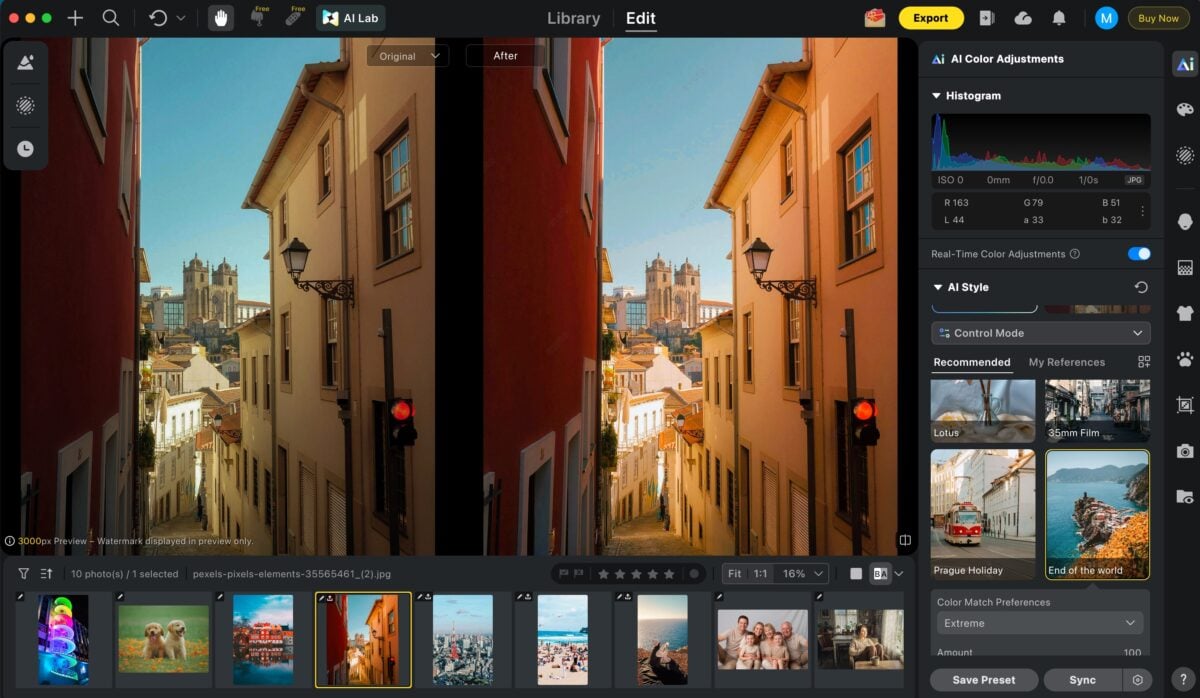
Once the tonal direction is locked in, the next step is color. This is where the image starts to feel more intentional and emotionally aligned with the style you want.
Evoto’s AI Color Looks makes this stage much faster by letting you apply professionally designed color styles in one click, helping you quickly build a polished visual mood without manually balancing every color channel. For more personalized results, AI Color Match lets you upload a custom reference image, then automatically analyzes its tones and color atmosphere before transferring that look onto your photo.
If the image belongs to a wider set, this is also the ideal point to use Batch Edit. Once your color and tonal style is finalized on the hero frame, Batch Edit can instantly sync the same adjustments across the full gallery, making it much easier to maintain speed, consistency, and a clean signature look from image to image.
Final Thoughts
The difference between high contrast images and low contrast images is not just style language. It changes how the photo feels, how the subject separates, how texture reads, and whether the image feels dramatic or quiet.
If you can read when an image needs stronger separation, when it needs softer transitions, and when it has already gone too harsh or too flat, contrast becomes much easier to control.
The best editing workflow starts after that judgment is clear. Decide the tonal direction first, shape the contrast with intention, and only then polish the image so the final result feels clean instead of accidental.
Try Evoto AI Photo Editor
Retouch photos with Evoto AI and make your photos best! Available on Windows, MacOS and iPadOS.



