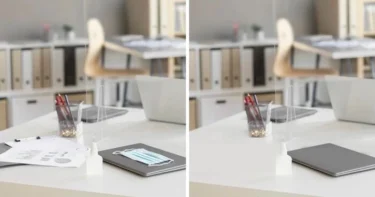
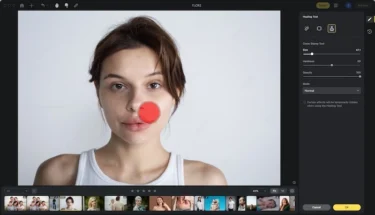
Photographers, designers, and content creators often face the challenge of removing unwanted objects—such as stray people, shadows, or distracting items—from their photos. Whether it’s perfecting wedding shots, polishing e-commerce product images, or cleaning up travel photography, the goal is to create flawless visuals that draw attention to the subject.
Traditional object removers like Photoshop’s clone stamp or healing brush can be manual, time-consuming, and prone to visible marks. This is where AI eraser tools come in. These advanced solutions automatically detect and erase unwanted elements while preserving natural textures, lighting, and depth—delivering professional results in just one click.
How AI Eraser Tools Work
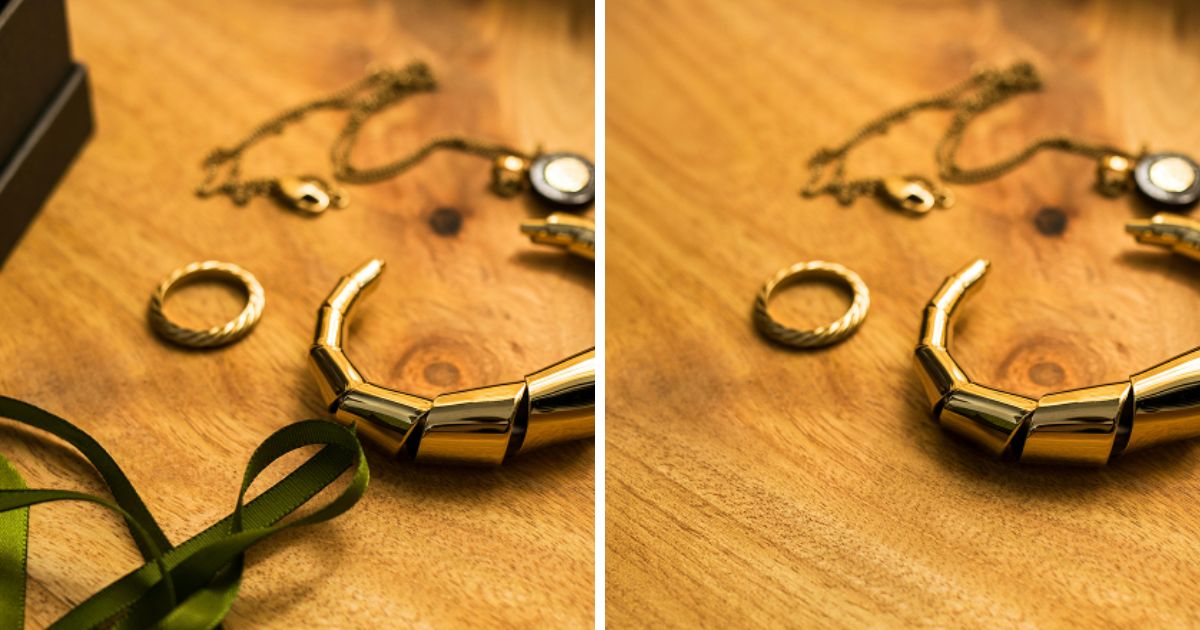
An AI eraser utilizes advanced inpainting technology, where machine learning models analyze surrounding pixels to fill in removed areas intelligently. Unlike traditional content-aware fill for removing objects in Photoshop, modern AI tools ensure seamless blending that preserves texture and lighting. They can remove people, text, or objects with high precision. Common methods include:
- Manual brush masking – users select areas to remove with a brush.
- Automatic object detection – AI identifies and erases unwanted elements automatically.
- Text-based prompts – guiding the AI to remove objects using descriptive instructions.
With such versatility, the photo editor with a magic eraser feature has become a must-have for professionals.
Now, let’s explore the 10 best online AI object remover tools of 2025.
10 Best AI Eraser Tools for Removing Objects
Looking to clean up your photos effortlessly? The following 10 powerful AI object remover tools make removing unwanted objects fast, natural, and professional. Compare their features and pick one you prefer to use.
1. Evoto
Evoto is a professional-grade online AI eraser designed for portrait, commercial, and fashion photography. Key features include:
- AI Object Eraser – removes people, props, or unwanted elements seamlessly.
- Precision Retouching – maintains natural textures and lighting for realistic results.
- Automatic Masking – ensures non-destructive editing for high-quality output.
- Free Trial with No Watermark – perfect for beginners and professionals alike.
- Easy and Fast Workflow – delivers studio-quality results in just one click.
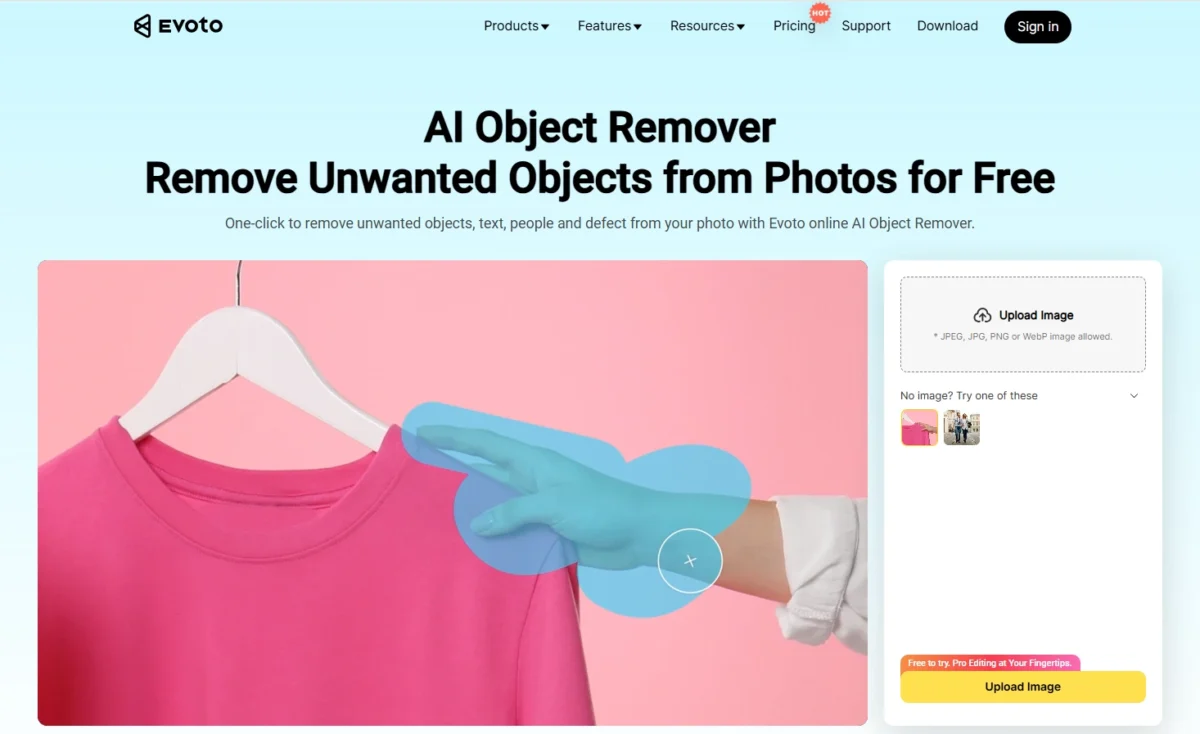
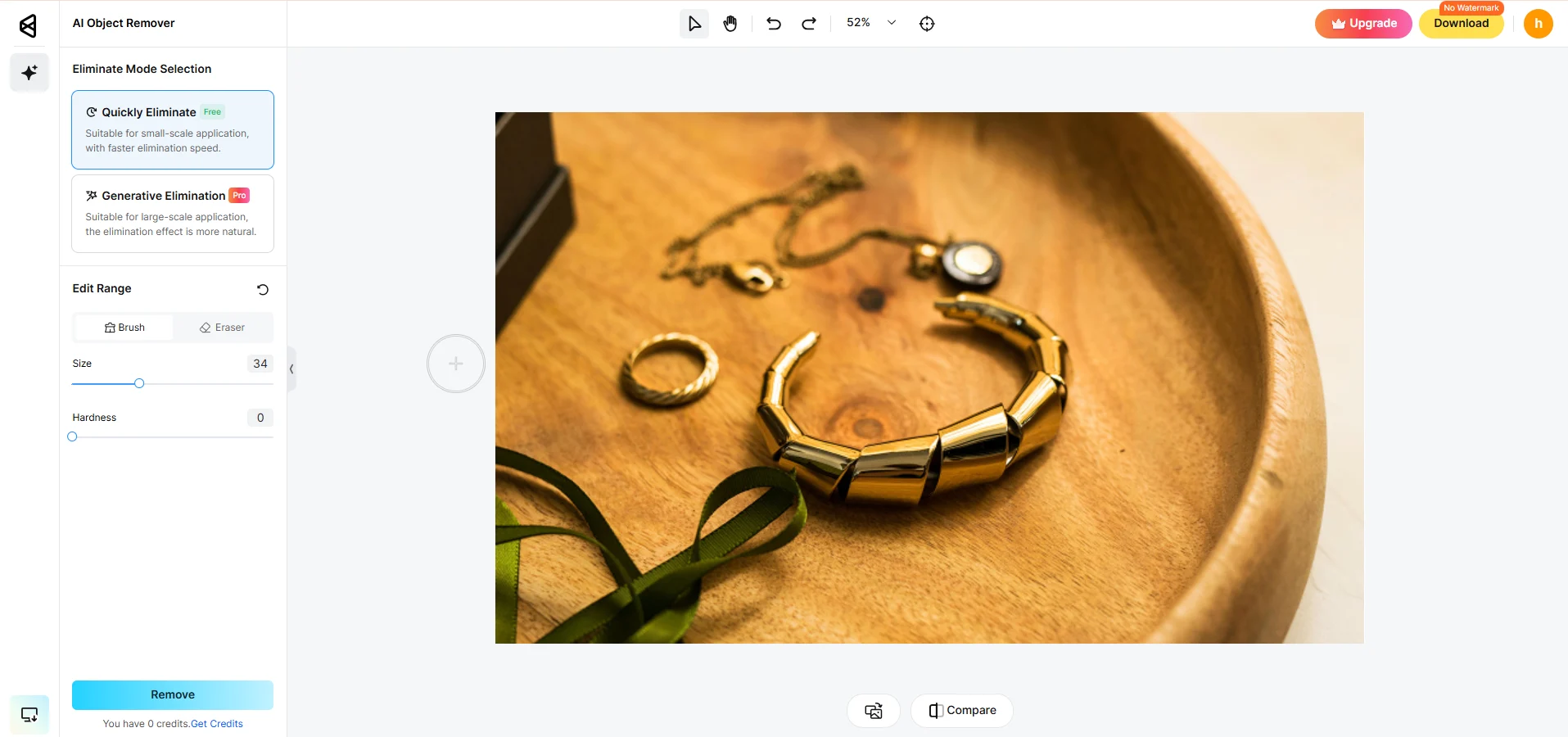
Using Evoto is straightforward and efficient. Follow these simple steps to remove unwanted objects from your images:
Steps to use Evoto AI Eraser:
- Open the online AI object remover and upload your photo.


- Adjust the brush size and highlight the area or object you want to remove. Then, click “Remove” to erase unwanted objects.

- Review the before-and-after result by clicking the “Compare” icon. Download the object erased result for free from the upper right corner.

2. AI Ease
AI Ease is a user-friendly online AI magic removal app that lets you remove objects or people in just a few clicks. Simply upload your photo, mark the areas you want gone, and the AI automatically cleans up the image. Its picture eraser tool ensures natural-looking results without any blurring. While the free plan includes watermarks, the premium option allows HD exports. This tool is perfect for anyone who wants a quick, browser-based photo eraser tool for everyday edits.

3. Eraser
Eraser features a simple drag-and-drop interface that makes AI eraser editing accessible even for beginners. It combines manual brush masking with automatic AI fill, giving you the flexibility to erase unwanted objects or text exactly how you want. While it works best for smaller edits, it’s fast and reliable for cleaning up watermarks or logos. Free users have limited exports, and the paid version has no watermarks on the results. A straightforward and efficient eraser tool for photos, it’s ideal for light retouching.

4. Magic Eraser
Magic Eraser is a well-known magic photo eraser designed to erase unwanted objects from your photos effortlessly. Highlight the item you want removed, and the AI eraser handles the rest instantly. Its fast and intuitive workflow makes it especially popular among beginners and social media creators. The online version is free, while HD downloads require a premium plan. If you’re looking for the best eraser app for casual editing, Magic Eraser is a solid and magic removal choice.

5. MyEdit
MyEdit merges AI-powered object removal with background fixing in one platform. It works beautifully on portraits, travel photos, and product images, thanks to its smart fill algorithm that blends edits seamlessly. High-resolution files are fully supported, delivering professional-quality results. The free version allows limited edits, and premium plans remove watermarks. If you want a reliable AI removal app for fast, consistent results, MyEdit is a great option.

6. Magic Studio
Magic Studio offers advanced AI eraser technology with superior inpainting accuracy. It intelligently restores missing details to ensure removed areas look completely natural. Known for realistic texture reconstruction and consistent lighting, this magic photo eraser is perfect for creative professionals. It also supports transparent backgrounds, making it ideal for product photographers. Available in both free and pro plans, Magic Studio is a versatile photo editor with magic eraser capabilities.

7. Pixelcut Magic Eraser
Pixelcut Magic Eraser provides both manual and AI-assisted magic removal options, making it one of the most adaptable AI object removers. It can remove reflections, logos, or dust from product images quickly and efficiently. With mobile app integration, you can edit anywhere on the go. Its picture eraser tool maintains excellent color consistency, and the free basic plan makes it accessible for small businesses. For those looking for the best eraser app to enhance branding images, Pixelcut is a strong choice.

8. Picsart
Picsart is a versatile creative suite featuring an AI eraser for instant removal of people, objects, or text. Its AI Remove function ensures smooth, natural results even for quick mobile edits. User-friendly and fast, it’s a favorite among influencers and social media editors. The free version includes watermarks, while the Gold plan unlocks HD exports and additional AI tools. One of the most widely used eraser tools for photos, Picsart is ideal for mobile creators who want convenience without compromising quality.

9. Clearoff
Clearoff is a lightweight AI eraser designed for precise, one-click object removal. It automatically detects unwanted items and fills in spaces with consistent textures. Its clean interface and fast processing make it an ideal photo eraser tool for beginners. While it doesn’t support batch editing, it’s perfect for quick touch-ups. Users can try a free trial before upgrading to access full features, making Clearoff a practical and efficient choice.

10. Fotor
Fotor is an all-in-one online editor equipped with a powerful AI eraser. It merges an AI object eraser with advanced edge detection, background reconstruction, and other creative features. Professionals appreciate its batch-editing support and HD export options, which maintain natural blending even in complex scenes. With both free and Pro plans available, Fotor is one of the most complete photo editors with magic eraser platforms, perfect for users seeking professional results without complicated workflows.

Comparison Table
Here’s a quick overview comparing each AI eraser tool’s performance, speed, and ideal use case to help you choose the best fit for your editing needs.
| Tool | Operation Type | Removal Quality | Speed | Price | Recommendation |
|---|---|---|---|---|---|
| Evoto | AI + Manual | ★★★★★ | Fast | Free/Credits | Best for professionals |
| AI Ease | AI Auto | ★★★★☆ | Fast | Free/Paid | For general use |
| Eraser | Manual + AI | ★★★☆☆ | Medium | Free/Paid | For simple edits |
| Magic Eraser | Auto | ★★★★☆ | Very Fast | Free/Paid | Great for beginners |
| MyEdit | AI Auto | ★★★★☆ | Fast | Free/Paid | For portrait edits |
| Magic Studio | AI Inpainting | ★★★★★ | Fast | Free/Paid | Best for realistic fill |
| Pixelcut | Manual + AI | ★★★★☆ | Fast | Subscription | For e-commerce |
| Picsart | Auto | ★★★★☆ | Very Fast | Free/Paid | For mobile creators |
| Clearoff | Auto | ★★★☆☆ | Medium | Free/Paid | For quick cleanup |
| Fotor | AI + Manual | ★★★★★ | Fast | Free/Paid | Best all-in-one editor |


Powerful AI Photo Editor
Summary
An AI eraser streamlines photo editing by removing unwanted objects from your photos effortlessly and preserving image realism. From portraits to product photos, these 10 tools—especially Evoto—deliver professional-quality cleanup without advanced Photoshop skills. Whether you need a magic photo eraser or an AI magic removal app, these platforms make perfection effortless.