

Shutter speed controls two of the first things people notice in a photo: whether motion looks frozen or blurred, and whether the frame looks brighter or darker. That is why it is one of the camera settings that changes the look of an image fastest.
This guide is not a glossary or a full exposure triangle lecture. It explains what shutter speed actually does, how fast and slow shutter speeds change motion and light, and how to choose the right setting for common real shooting situations.
What Is Shutter Speed?
Shutter speed is the amount of time your camera sensor is exposed to light when you take a photo. A faster shutter speed keeps that window very short. A slower shutter speed keeps it open longer.
That sounds technical, but the result is simple. The longer the shutter stays open, the more light enters the frame and the more motion can blur. The shorter it stays open, the less light enters and the more motion can be frozen.
Shutter speed is usually written as a fraction of a second, such as 1/1000, 1/250, 1/60, or 1/15. The top number is not always shown, so your camera may display 250 when it means 1/250 of a second.
The larger the bottom number, the faster the shutter speed. So 1/1000 is much faster than 1/60. Once you move to slower settings like 1" or 2", the shutter is staying open for full seconds instead of fractions.
How Shutter Speed Changes Motion and Exposure
Shutter speed changes motion and light at the same time. That is why it matters so much.
A fast shutter speed freezes more motion because the camera captures a very short slice of time. It also lets in less light, which makes the frame darker unless you raise ISO or open the aperture.
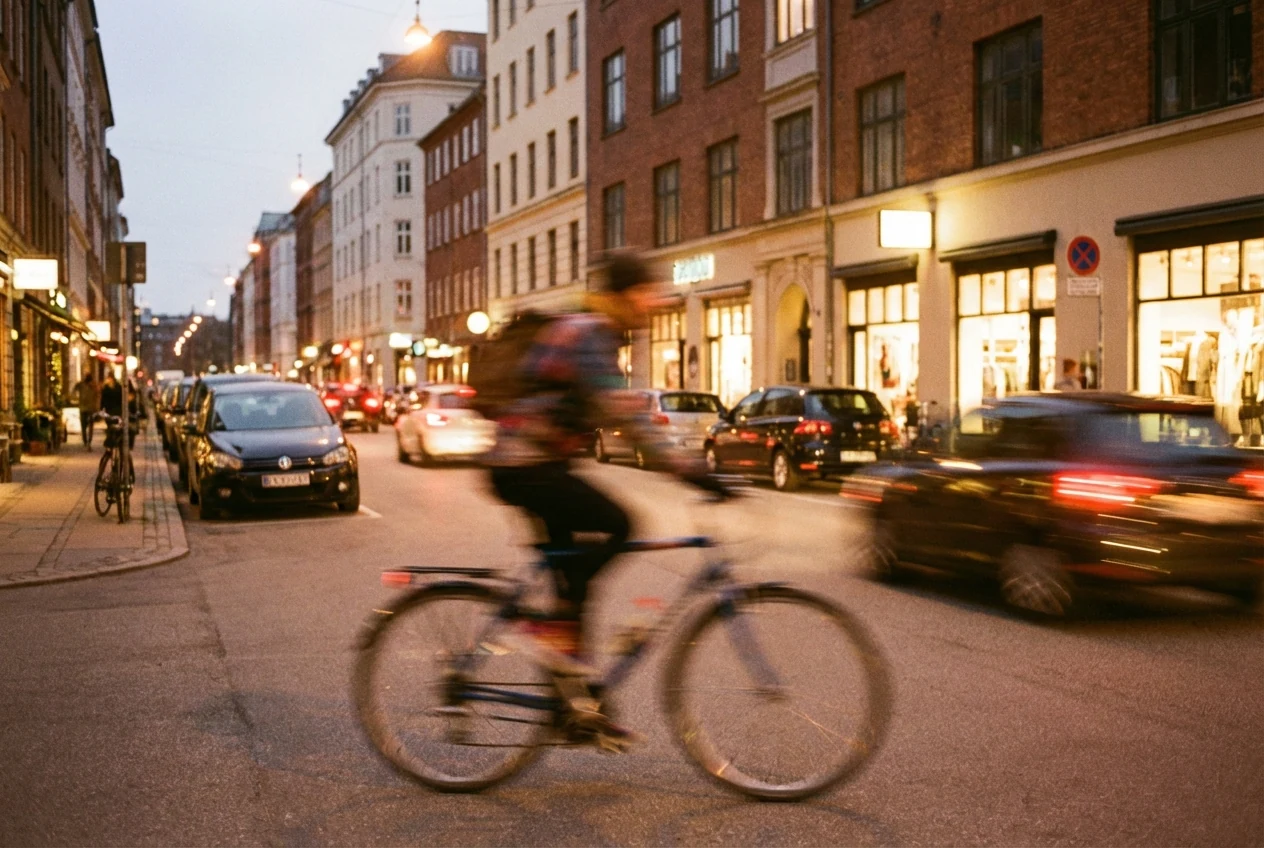
A slow shutter speed does the opposite. It keeps the exposure open longer, so more light reaches the sensor, but any movement during that time has a greater chance of turning into blur.
This is why shutter speed affects more than brightness. It changes the character of the image. The same scene can look crisp and frozen at one setting, or soft and full of motion at another.
It also helps to separate three common reasons a photo looks blurry:
- Camera shake: the camera moved while the shutter was open
- Subject motion: the subject moved while the shutter was open
- Focus error: the camera focused on the wrong place, or focus missed entirely
Shutter speed can help with camera shake and subject motion. It cannot fix a focus error. If the subject is out of focus, a faster shutter speed will not suddenly make the focus accurate.
Fast vs Slow Shutter Speed
A fast shutter speed is useful when you want motion to look sharp and controlled. That is why it is common in sports, active children, wildlife, and many handheld situations.
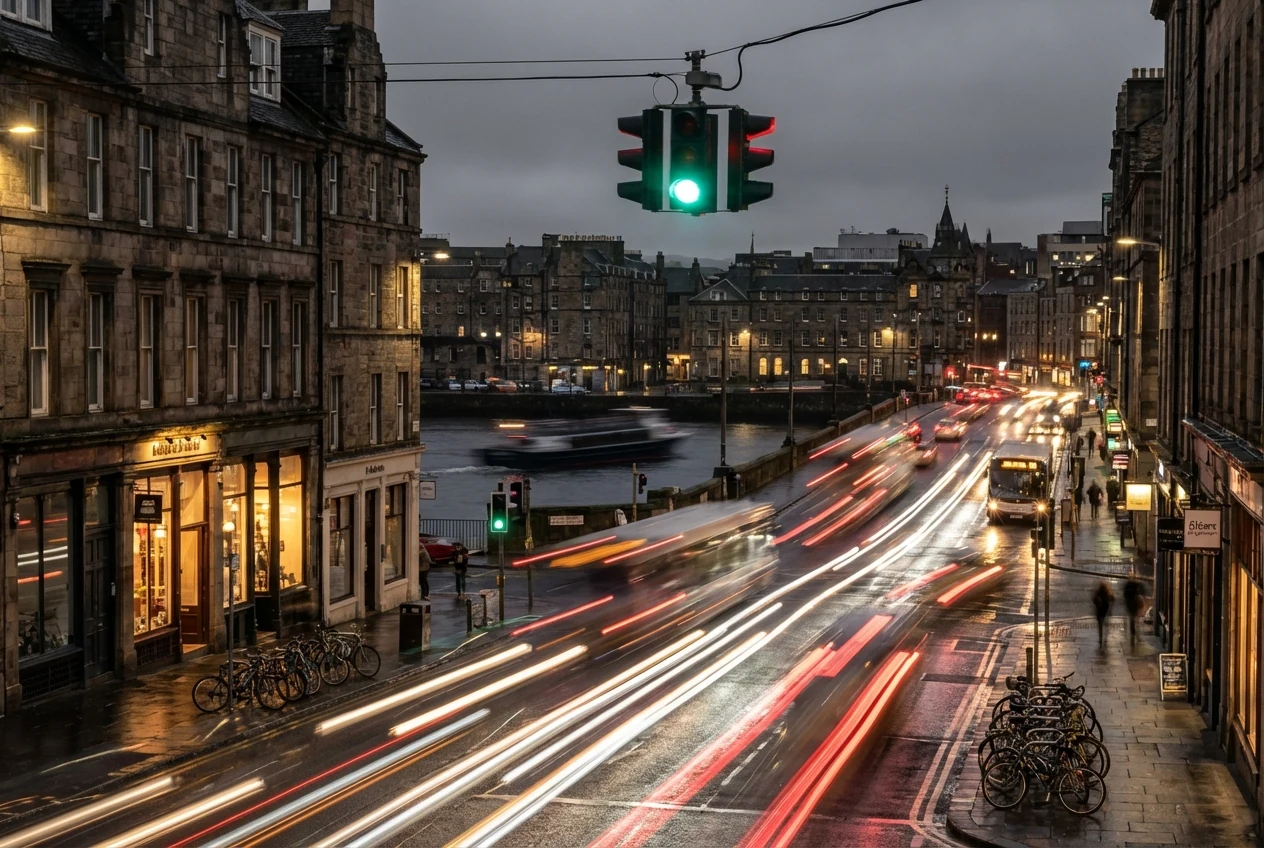
A slow shutter speed is useful when you want more light or when motion blur is part of the image you want to create. That is why it shows up in panning, moving water, traffic at night, and low-light scenes where you want atmosphere.
Neither one is automatically better. The right shutter speed depends on what is moving, how much light you have, how steady you are, and whether you want blur to disappear or become visible on purpose.
When to Use a Fast Shutter Speed
Sports and Fast Action
Sports usually need a fast shutter speed because the subject is moving quickly and unpredictably. If the goal is to freeze a runner, player, or jump at the cleanest moment, you often need to work much faster than everyday shooting.
The exact number depends on the sport, but the principle is simple: if the action still streaks or softens, go faster. If you want a deeper look at autofocus, timing, and burst control around fast action, see Sports Photography Guide: Camera Settings and Timing Tips.
Kids Who Will Not Stay Still
Children often move in short bursts, change direction without warning, and create small gestures that still blur at moderate settings. A faster shutter speed gives you a better chance of keeping eyes, hands, and expressions sharp.
This matters even more indoors, where the light is lower and many people accidentally drift into shutter speeds that are too slow to hold active kids cleanly.
Handheld Portraits When You Want Sharper Frames
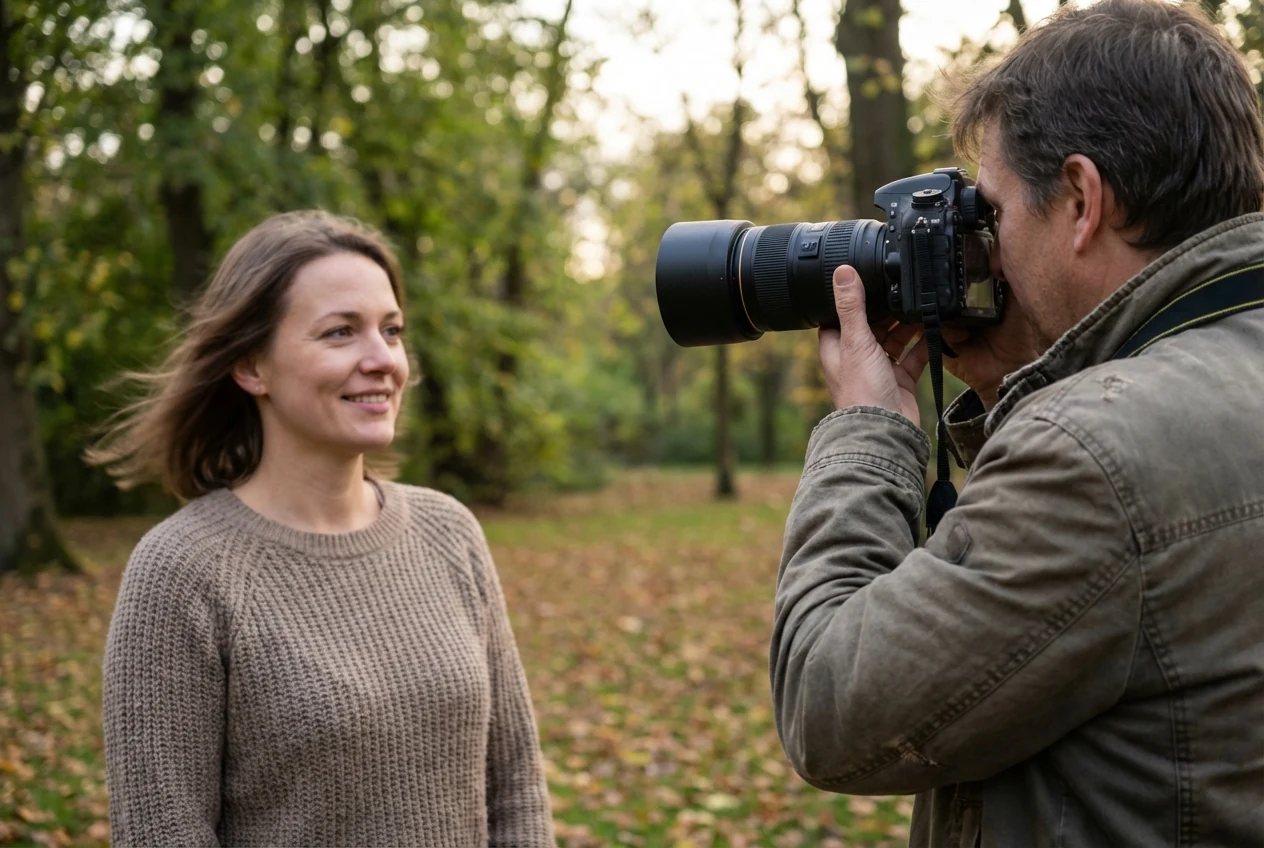
Handheld portraits do not always need an extremely fast shutter speed, but they do need enough speed to control small movement from both the photographer and the subject. Even a calm subject can soften if your shutter speed is too low for your focal length.
A useful starting point is the 1 / focal length rule. If you are shooting at 85mm, start around 1/85 or faster. If you are at 200mm, start around 1/200 or faster. This is only a starting point, not a guarantee. If your subject moves or your hands are less steady, go faster.

When to Use a Slow Shutter Speed
Panning for Motion With a Moving Subject
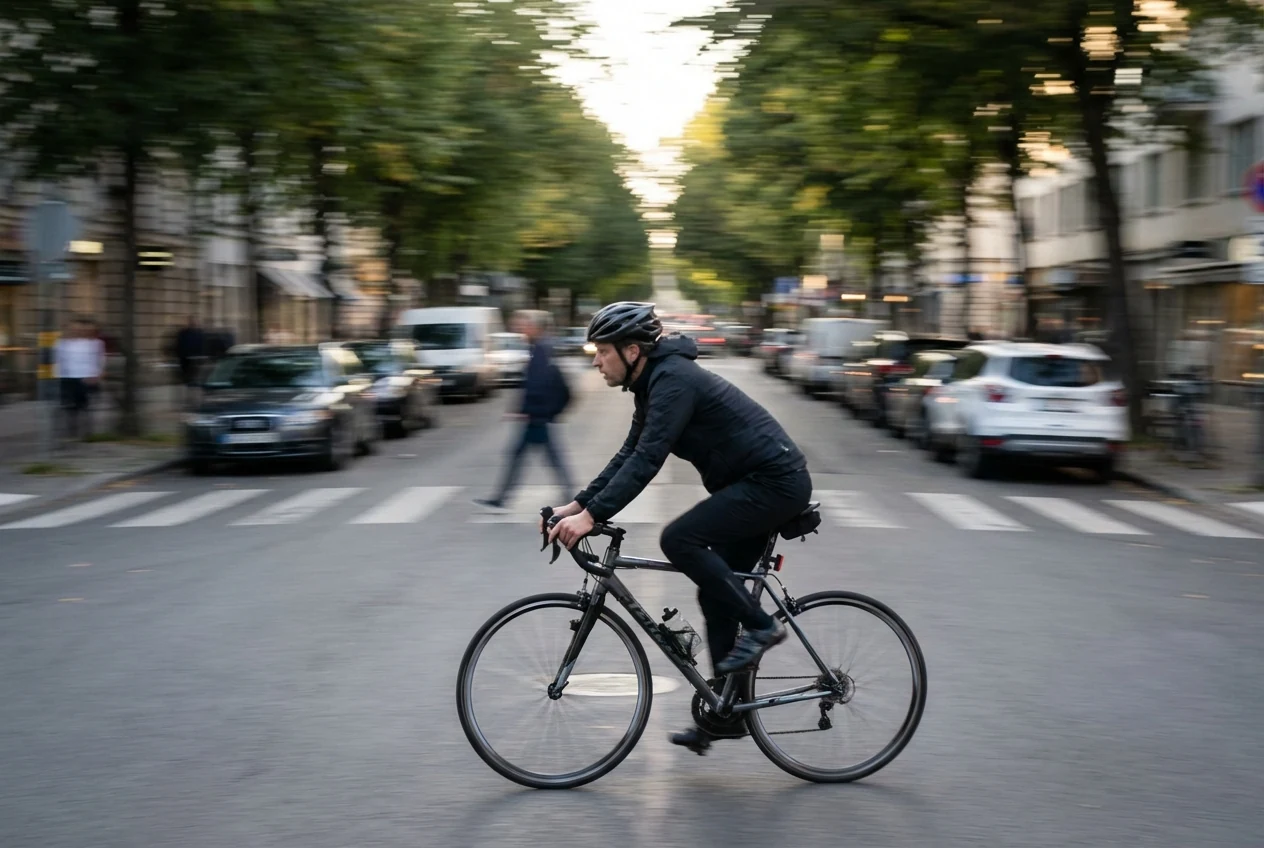
Panning uses a slower shutter speed on purpose. Instead of freezing everything, you move the camera with the subject so the subject stays more readable while the background stretches with motion.
This is one of the clearest examples of shutter speed changing style, not just exposure. You are choosing blur because it tells the story better.
Low-Light Scenes When You Need More Light
In low light, a slower shutter speed can help you keep ISO lower or avoid opening the aperture more than you want. The tradeoff is that the slower you go, the more likely you are to see blur from camera shake or subject movement.
That is why low light is not only about light. It is also about deciding how much blur risk you can accept.
Water, Traffic, or Night Scenes Where Blur Is Part of the Effect
Slow shutter speed is often the setting behind soft waterfalls, smooth water surfaces, light trails, and night scenes with visible movement. In these cases, the blur is not a mistake. It is the point.
The key is to use a slower shutter speed when the scene benefits from motion being recorded over time, not when you are simply hoping a shaky frame will still come out sharp.
How to Choose the Right Shutter Speed for Different Scenes
Start with one question: what is moving? If the answer is fast action, your shutter speed decision starts there. If the subject is mostly still but the light is low, you may have more room to slow down.
Then check whether the blur risk is coming from camera shake, subject motion, or focus. If you are using a long lens, handheld shake becomes a bigger risk. If the subject is active, subject motion may be the bigger issue even if your own hands are steady.
Use 1 / focal length as a practical handheld starting point. It is not a law, but it gives you a useful baseline before you test. From there, go one step faster if the frame still softens, or one step slower if the scene is steady and you need more light.
For real scenes, the decision usually looks like this:
- Sports: start fast and increase speed until motion is clean enough
- Kids: use a fast enough shutter speed to protect expressions and quick movement
- Handheld portraits: start from 1 / focal length, then go faster if the subject moves
- Panning: slow down enough to show background motion while tracking the subject smoothly
- Low light: lower the shutter only as far as you can without ruining sharpness
- Water or night scenes: slow the shutter when blur is part of the visual effect, not an accident
The fastest way to learn shutter speed is to compare frames. Shoot the same scene at one setting, then one step faster and one step slower. The difference becomes clear very quickly when you look at motion and brightness side by side.
Common Shutter Speed Mistakes
One of the most common mistakes is using too slow a shutter speed for handheld shots and blaming the softness on focus. In many cases, the problem is actually camera shake, especially with longer lenses.
Another mistake is trying to freeze everything by default. Some scenes look better with motion blur, not worse. Panning, water, and traffic are all examples where a slower shutter speed creates the image instead of ruining it.
A third mistake is assuming editing can rescue a photo that was blurred by the wrong shutter speed. Post-processing can help finish a good frame, and tools like Photo Enhancer can support a cleaner final result, but they do not replace choosing the right shutter speed when the photo is made. If you want a separate look at what blur can and cannot be improved later, read How to Unblur an Image.
Final Thoughts
Shutter speed matters because it changes two visible parts of a photo immediately: motion and light. Once you understand that, the setting becomes much easier to control.
If you learn to read the numbers, separate camera shake from subject motion and focus error, and use scene-based starting points like 1 / focal length, shutter speed stops feeling abstract and starts feeling practical.
Editing can help polish a sharp photo, but it is not a substitute for getting shutter speed right in camera.
Once the frame is already sharp enough, the post side becomes more about keeping the selects organized and consistent than trying to rescue the wrong capture. That is where tools like Photo Organizer, AI Color Match, and Portrait Retouching make more sense as workflow support after the shutter-speed decision is already correct.
Try Evoto AI Photo Editor
Retouch photos with Evoto AI and make your photos best! Available on Windows, MacOS and iPadOS.



