

The bokeh effect is one of the most recognizable looks in photography, but it is also one of the easiest to misunderstand. Many people use the term for any blurry background, even though real bokeh is not just blur. It is the quality of the out-of-focus areas, especially the way light, shape, and separation render behind the subject.
That is why add bokeh effect to photo is not only about making the background softer. You also need the right subject separation, the right kind of background highlights, and enough restraint that the result still feels photographic instead of fake. This guide breaks down what creates bokeh, how to shoot for it more intentionally, what usually goes wrong, and how to finish the look faster in Evoto.
TL;DRIf you want to add a bokeh effect to a photo, the best result starts before editing. Lens choice, aperture, background highlights, and subject-to-background distance all shape whether the blur looks soft and pleasing or just messy. If the image already supports the look, Evoto can help you reinforce the background softness faster, but the strongest bokeh still starts with real separation in the original photo.
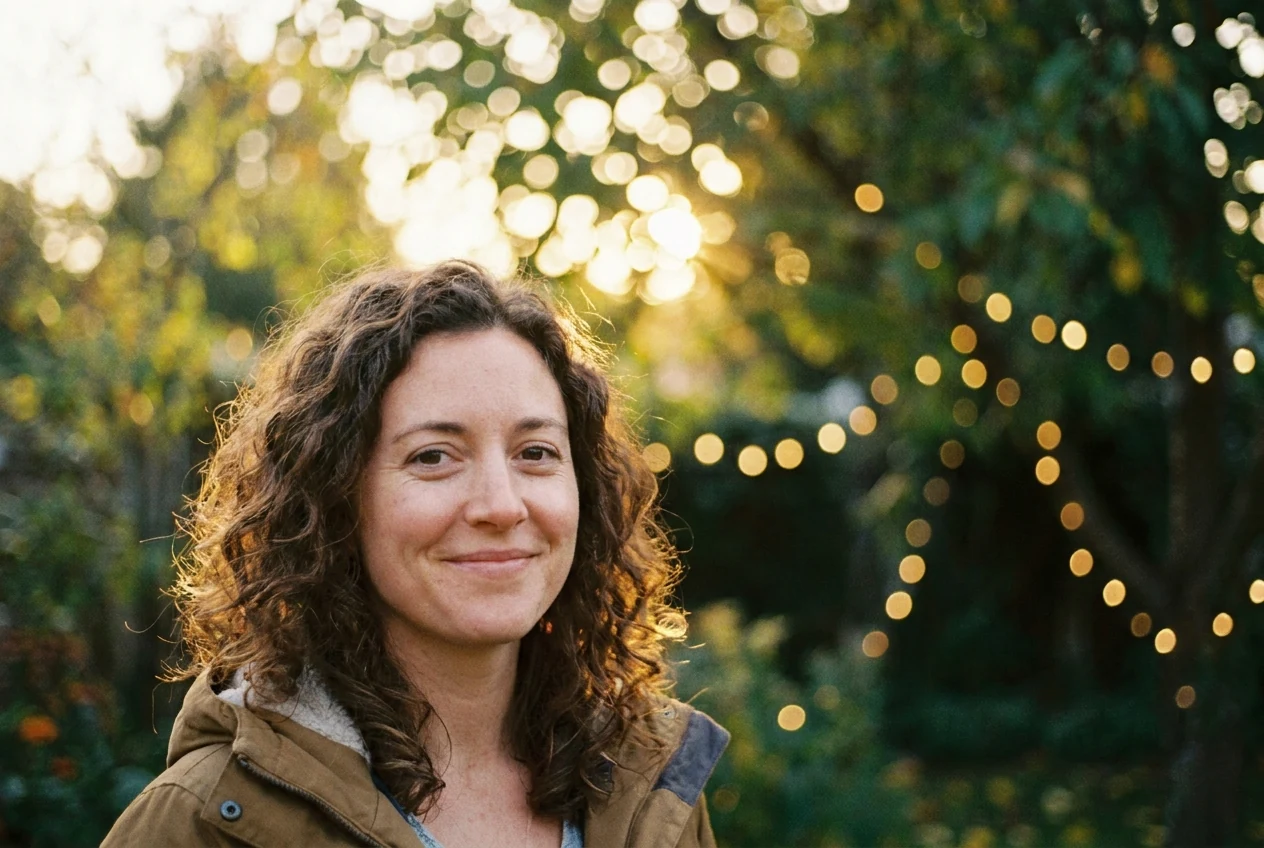
What Is a Bokeh Effect in a Photo?
Why bokeh is not the same as any blurry background
Bokeh is the look of the out-of-focus parts of a photo. That means it is not only about whether the background is blurred. It is also about how that blur feels.
Some out-of-focus backgrounds look smooth, soft, and visually pleasing. Others look nervous, busy, or distracting. That difference is what people are really noticing when they talk about bokeh.
What people usually mean when they want to add a bokeh effect
In practical terms, most people want stronger subject separation and a softer background that helps the main subject stand out. Sometimes they also want those rounded highlight shapes that appear when small light sources blur behind the subject.
So when someone says they want to add a bokeh effect to a photo, the real goal is usually not blur by itself. It is a more attractive kind of background blur.
What Actually Creates a Bokeh Effect?
Use the right lens when you want more natural separation
Lens choice matters because different lenses render out-of-focus areas differently. Focal length also changes how strongly the subject separates from the background in the frame.
Longer lenses often make background separation easier to see, especially in portraits. If you are still deciding which kind of lens behavior fits the way you shoot, Prime vs Zoom Lenses is the better nearby comparison.
Open the aperture, but do not expect aperture to do all the work
A wider aperture helps create shallower depth of field, which makes the background fall out of focus more easily. That matters, but it is not enough by itself.
If the background sits too close to the subject or the scene has no useful highlights, opening the aperture alone may still produce a background that looks ordinary instead of beautifully soft.
If you want the depth side of this to feel less abstract, Depth of Field Explained is the clearest nearby breakdown of why blur strength changes from one setup to another.
Increase the distance between the subject and the background
This is one of the biggest factors people underestimate. When the subject stands well away from the background, the blur usually becomes more obvious and more useful.
If the background is too close, the photo may still have some blur, but the bokeh effect often feels weaker or less distinct.
Look for background highlights, not just background blur
Bokeh becomes much easier to notice when there are small bright points behind the subject, such as distant lights, reflections, or sunlit highlights through leaves. Those highlights often become the shapes people associate with bokeh.
Without those highlights, a photo can still have a soft background, but the effect usually feels quieter.
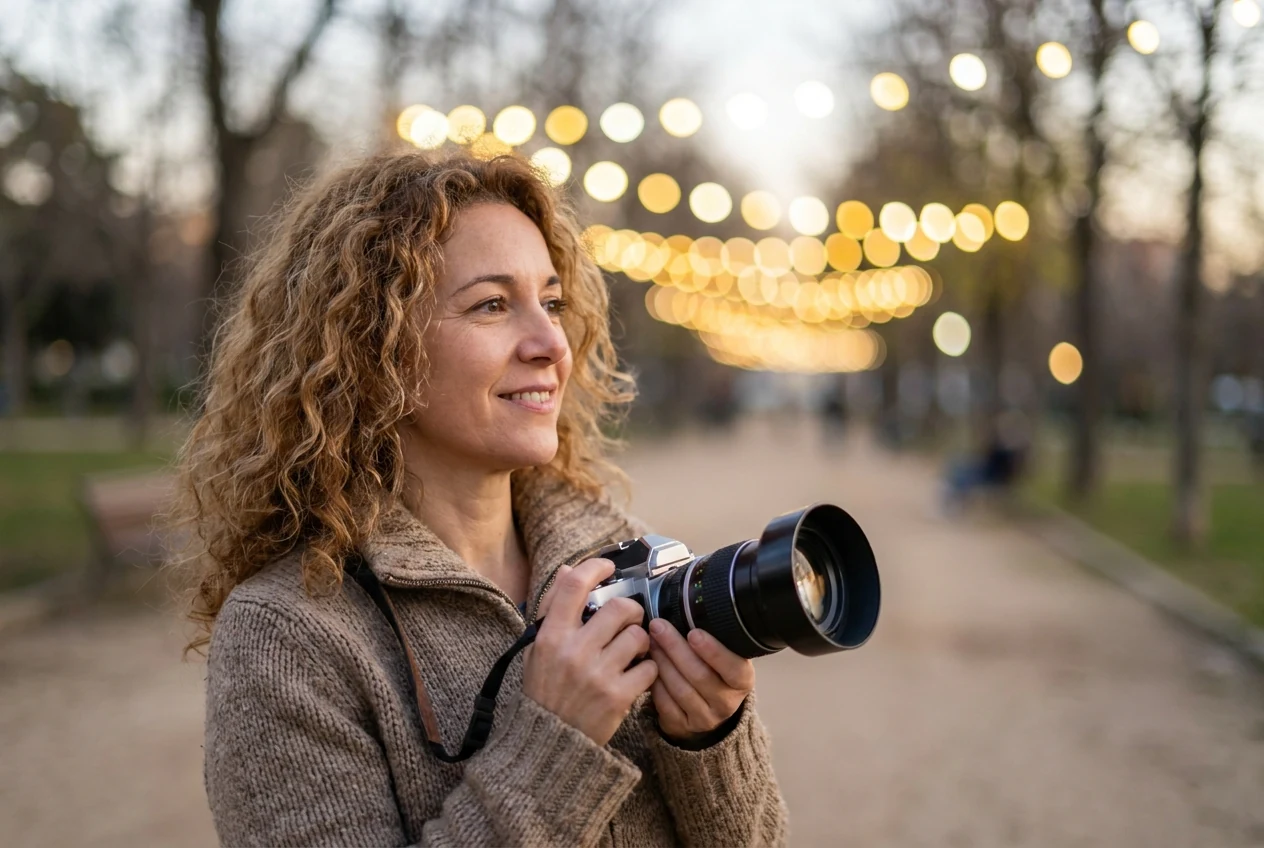
How to Add a Bokeh Effect to Photo More Intentionally
Choose a subject that benefits from separation
Bokeh works best when the subject needs to stand out clearly from the background. Portraits, close-up details, food, product shots, and scenes with bright background lights are some of the easiest places to use it well.
If the background is supposed to carry a lot of story or location detail, strong bokeh may actually weaken the image instead of helping it.
Position the subject away from the background first
Before changing settings, move the subject away from the background if the scene allows it. This usually does more for the final look than people expect.
It also makes the effect feel more believable because the depth separation is real, not forced.
Frame the background on purpose
Do not only look at the subject. Look at what sits behind the subject too. Background lights, reflective surfaces, or small bright shapes often make the bokeh more visible and more attractive.
If the background is cluttered in a bad way, blur alone may not save it. Sometimes stronger photography lighting tips or a cleaner angle matter more than any setting change.
Shoot for the effect first, then use editing as reinforcement
The cleanest workflow is simple: build real separation in-camera, then use editing only to clean and strengthen what is already working.
That usually produces a better result than trying to invent the entire effect later.
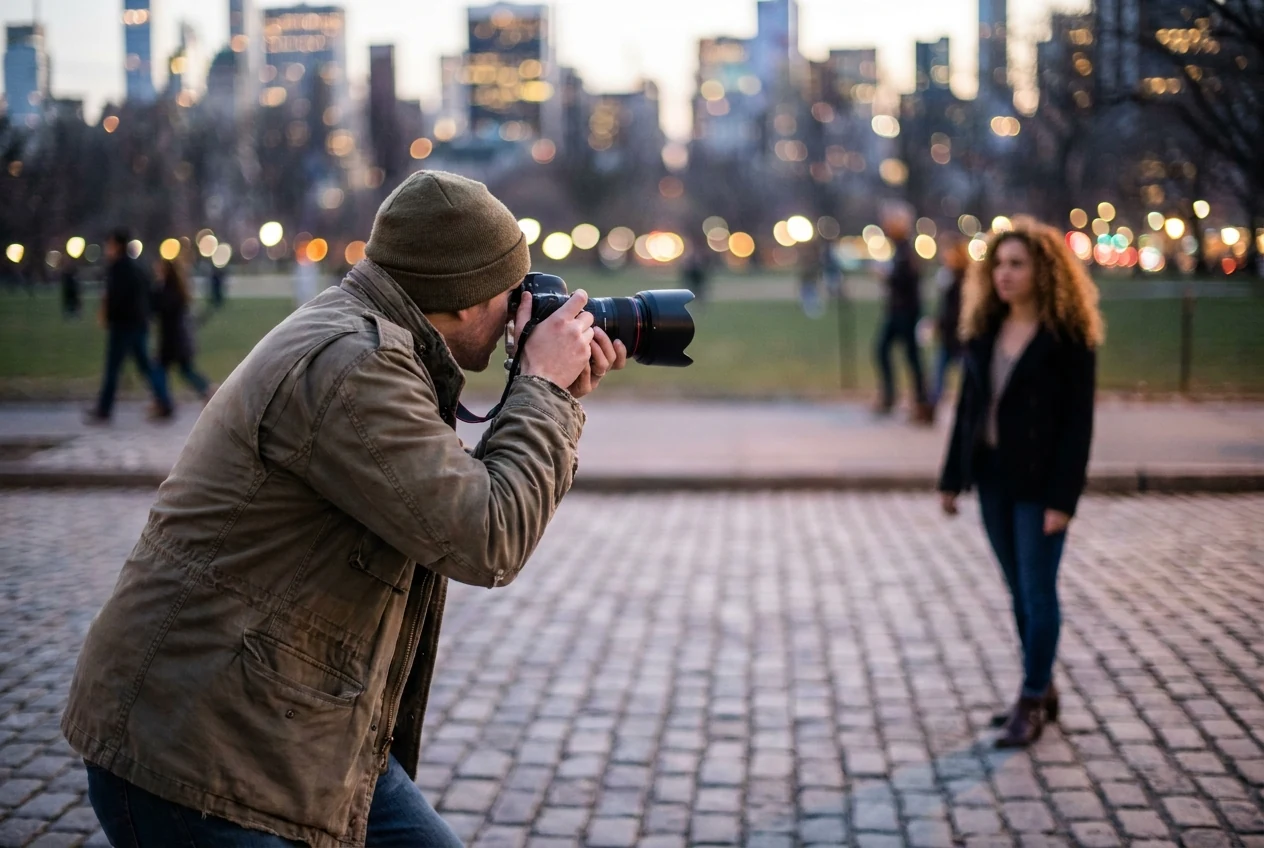
Common Mistakes When Trying to Add Bokeh Effect in Photo
Calling every blurred background bokeh
A background can be out of focus without having especially pleasing bokeh. If the blur is dull, muddy, or visually nervous, the image may still have shallow depth of field without actually having beautiful bokeh.
The quality of the blur matters, not just the amount.
Relying on blur to rescue a weak composition
Some photos lean too hard on bokeh because the frame itself is not strong enough. If the subject placement, light, or timing is weak, softer background blur usually will not fix the real problem.
Good bokeh supports a good photo. It does not replace one.
Letting the highlights become distracting instead of beautiful
Background lights can help, but they can also hurt. If the highlights become too harsh, too busy, or too dominant, the image may feel more chaotic instead of more polished.
This is where restraint matters. A believable effect usually feels quieter than people expect.

A Faster Way to Add Bokeh Effect to Photo in Evoto
If the photo already has decent subject separation and you mainly want to refine the background faster, the Evoto Bokeh Effect Editor can work as a practical finishing option instead of a full manual rebuild.
Step 1: Open the image
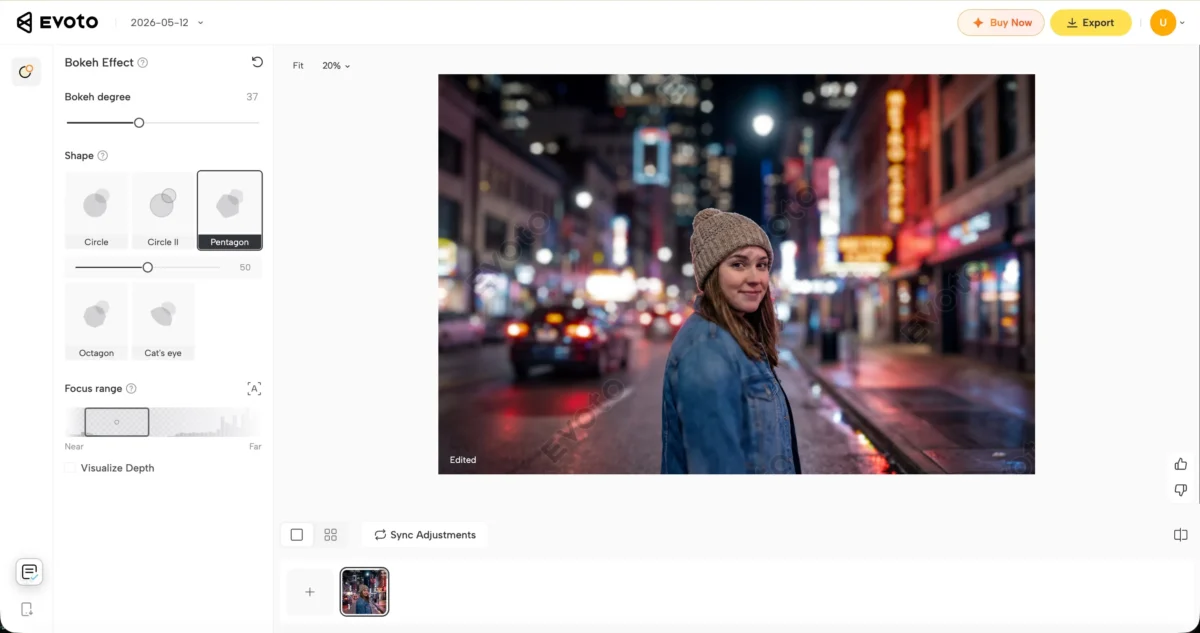
Go to the Evoto Bokeh Effect Editor and open your photo. The AI automatically detects and separates the subject from the background, so you can start building a shallower-looking depth-of-field effect immediately without manual masking or cutout work.
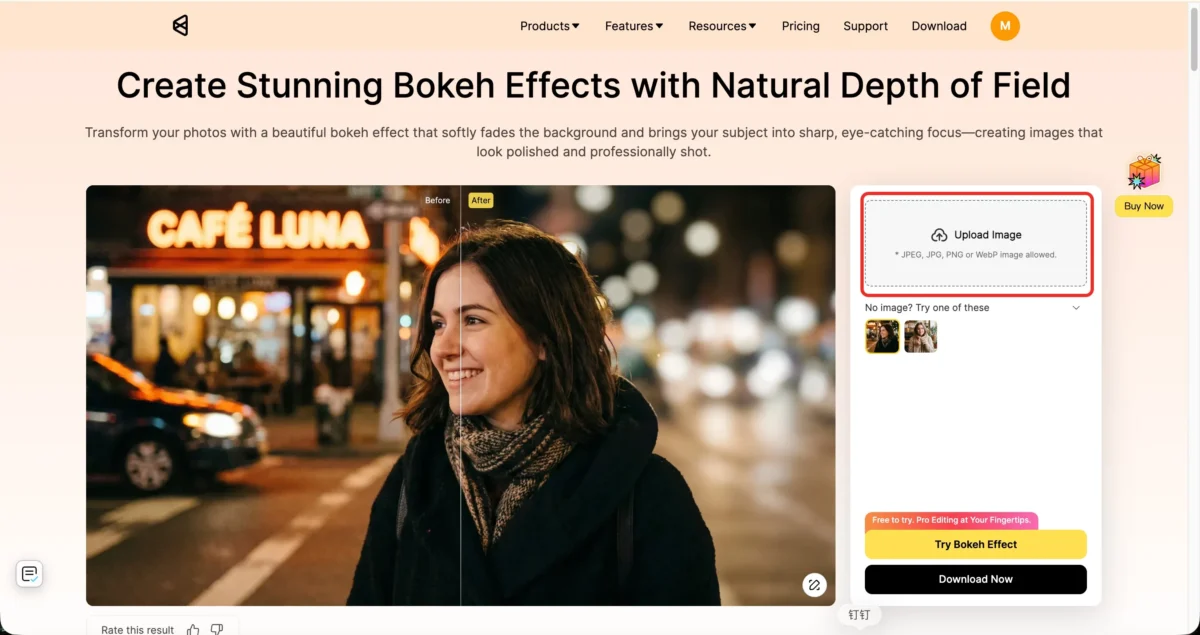
Step 2: Adjust the bokeh degree, bokeh shape, and focus range with restraint
Increase the background softness gradually, then fine-tune the bokeh shape and focus range until the subject still looks clean and the blur stays secondary to the photo itself.
If you want a broader practical reference on background softening, see How to Blur Background of a Photo. The same judgment applies here too: stronger subject separation matters more than pushing the blur slider harder.
Step 3: Export the image
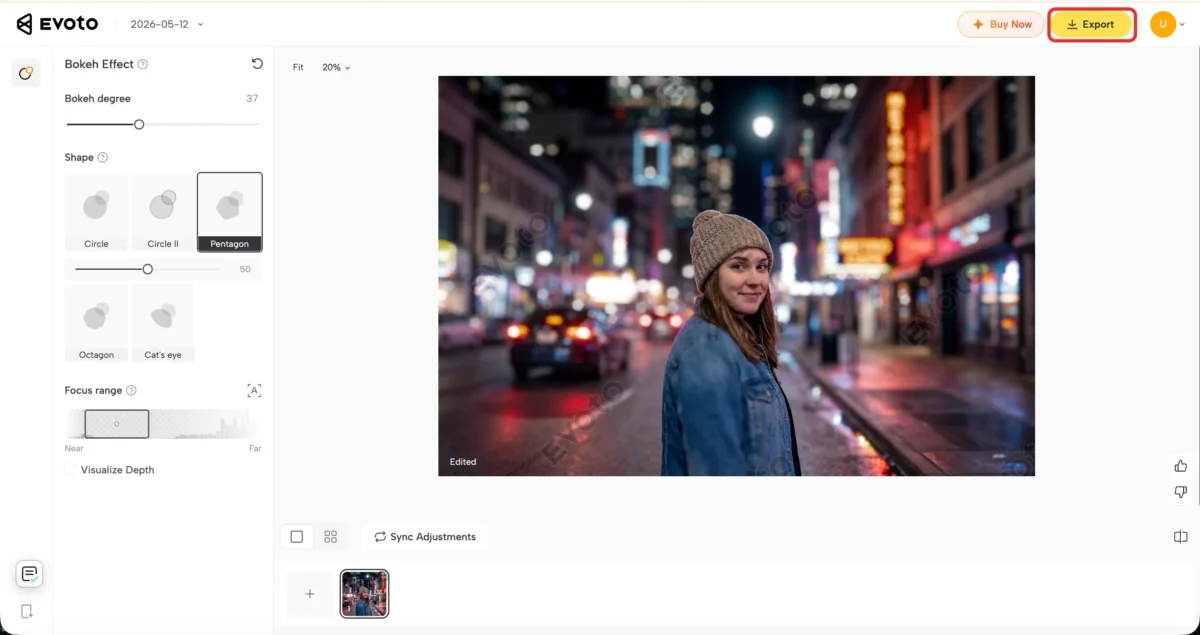
Before exporting, zoom back out and make sure the blur still feels natural in the full frame. If the background starts calling more attention than the subject, pull it back slightly and then export the final image.
If you want the adjacent tool page for simpler background softening, see Evoto Background Blur.
When a Bokeh Effect Looks Best
Portraits, close-ups, and scenes with controlled lights
Bokeh works best when the subject needs clear visual priority and the background can support a softer role. Portraits, detail shots, food, product scenes, and night photos with small light sources are some of the easiest places to use it well.
In those situations, the blur is not only decorative. It helps the eye land where it should.
When the background is meant to support the subject, not compete with it
The effect also works best when the background should stay secondary. If the background is part of the story, you may need more of it to remain readable instead of pushing it too far out of focus.
That is where judgment matters more than trend. The strongest result is the one that fits the image goal.

Final Thoughts
The best bokeh effect starts before the edit
The strongest bokeh does not come from software alone. It comes from a photo that already has the right separation, light, and background structure to support the effect.
Editing can make that result cleaner and faster, but it works best when the image already gives you something real to build on.
A believable result always matters more than a stronger blur
If the blur feels soft, natural, and supportive, the photo usually gets stronger. If it feels forced, too even, or too obvious, the effect starts working against the image.
That is the real standard to use: not how much blur you can add, but whether the final photo still feels convincing.
Try Evoto AI Photo Editor
Retouch photos with Evoto AI and make your photos best! Available on Windows, MacOS and iPadOS.



