

TL;DR
- Lock five stages every volume week: ingest → cull → portrait retouching → background → export.
- Stage order beats shortcuts—cutout before grade on seamless white/grey; skin before background swap on corporate batches.
- About 10–15 post-hours (illustrative, two editors, basic headshot scope) is a realistic Desktop pipeline target for about 1,000 deliverables—not magazine retouch.
- Full-folder cull, sync, and bulk cutout run on Evoto Desktop; browser trial is hero-frame preview only.
Your studio just landed a 500–2,000-image studio portrait photography week—corporate headshots, school volume, or both. The contract says 48–72 hours to client-ready files, not “when we catch up.” This batch portrait editing workflow is the order of operations we use: ingest → cull → portrait retouching → background → export—without treating every folder like a one-off wedding gallery.
Throughput gate: If your slowest stage cannot sustain ~6–10 finished basic headshots per hour per editor (not full beauty retouch), a 1,000-image block will miss a 48–72h SLA before QA—not on export day.
If you already run volume blocks and need a fixed portrait retouching pipeline, this guide is for you.
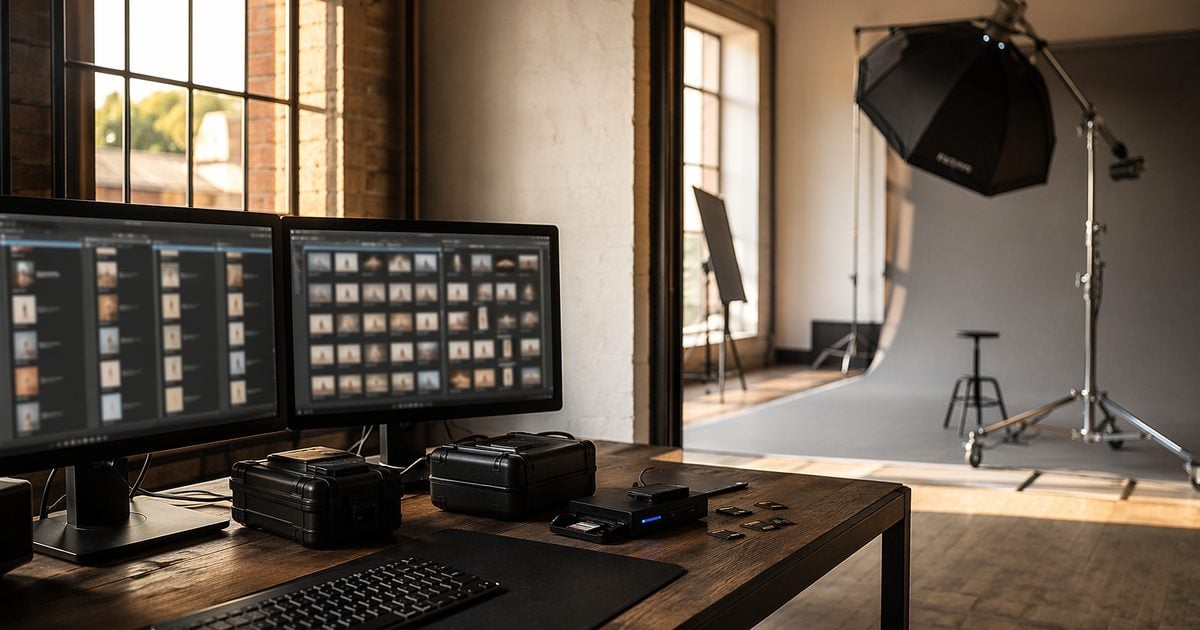
We run volume batches on Evoto Desktop when folder consistency matters more than one perfect frame—not because every slider needs a name, but because stage order does.
Batch Portrait Editing Workflow: Five Stages (Ingest Through Export)
A volume photography workflow only works when every batch follows the same five stages. Skip a stage or swap the order without a reason, and headshot retouching turns into a thousand one-offs.
| Stage | You do | Output |
|---|---|---|
| 1. Ingest | Copy cards, backup, rename, basic metadata | One master folder per job |
| 2. Cull | Reject duplicates, closed eyes, soft focus | Keeper set with written ratio |
| 3. Retouch | Even skin, stray hair, glasses glare—one stack | Synced look + exception queue |
| 4. Background | Cutout, uniform color, or theme upgrade | Same halo standard across folder |
| 5. Export | Size, sharpen once, sRGB, client naming | Delivery folder + manifest row |
Stage 1 — Ingest. Copy to two drives before anyone rates a frame. Photo Mechanic’s workflow tour is a useful reference for photo mechanic culling habits: ingest with stars or color labels so you are not hunting inside Lightroom later. In Evoto, create a project and import the folder—or an existing catalog—through the photo organizer library so ratings and batches stay in one place.
Stage 2 — Cull. Photography Life’s culling guide reminds you that selection often eats more clock than polish on high-volume days. Pair a photo culling software pass with human review: run AI photo culling to flag blur, exposure issues, closed eyes, and near-duplicates—then a human lead confirms keepers. Culling sorts; it does not replace your pick on class officers, VIPs, or awkward blinks you still need for compliance.
Stages 3–5 depend on batch type. The next two sections lock stage order and hours per 1,000.
Cutout Before Grade—or the Other Way Around?
Most batch portrait editing workflow fights are not about talent—they are about doing background work before skin is stable, or grading before a white background portrait halo is visible.
| Batch type | Order | Why |
|---|---|---|
| White/grey seamless studio | Cull → cutout/clean plate → grade → export | Halos show first on solid fields |
| Grey capture, new delivery color only | Cull → grade → change backdrop color | Skin locked before the plate shifts |
| Corporate headshot + swapped scene | Cull → skin retouch → background swap → color match | Edges survive after the skin stack |
| Minimal capture → Tropical delivery | Cull → retouch → scene composite → color match | Theme applies after repeatable skin |
On seamless volume, Westcott’s backdrop education is a practical reminder: physical grey backdrop photography and seamless backdrop wrinkles are not the same problem as digital edge halos—QA both.
For folder-level cutout, we run a batch cutout pipeline after cull when the client spec is a clean plate. When the brief is “same pose, new headshot white background,” we often change backdrop color after a locked grade instead of re-cutting every edge.
Photo color grading in this context is light work—exposure unity, not a look book. If you need a gallery-wide color lock across wedding and portrait folders, see the peak season photography workflow guide; here we only ask: Does this batch need grade before or after the plate change?
To sync exposure and retouch adjustments across the folder after you nail one hero frame, grade the hero, apply the stack to the set, then walk the exception queue—the same sync order we detail in the retouch steps below.
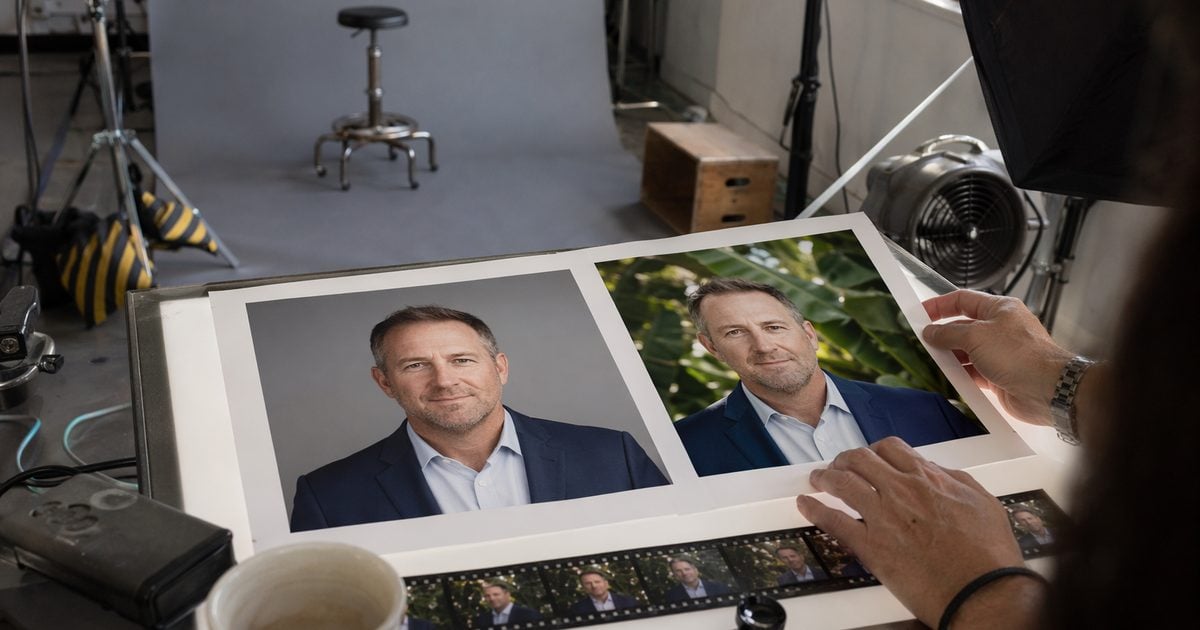
Hours per 1,000: Where the Week Actually Breaks
Baseline Assumptions:
- 1,000 = deliverable basic headshots—even skin, stray hair, clean backdrop—not magazine beauty or frame-by-frame compositing.
- Assume ~2,800 raws → ~1,000 keepers (~2.8:1). Two experienced editors. Desktop batch tools and an existing preset or Look.
- 48–72h is a studio contractual choice common on rush corporate work—not a universal industry standard. LinkedIn’s corporate imagery guidance reflects why enterprise clients push uniform headshot retouching and fast turnaround; your contract still defines the clock.
- Heavy skin or custom composites: plan ×1.5–2.5 post-hours and reprice before you sign the rush fee (see our mini sessions for photography profit guide for margin math).
| Stage | Manual / LR-heavy | Pipeline-optimized (Desktop) | Notes |
|---|---|---|---|
| Ingest + backup | 45–60 min | 30–45 min | Parallel copy; project import |
| Cull | 150–210 min | 75–120 min | AI cull + human confirm |
| Retouch stack | 500–750 min | 240–420 min | Preset / Look + portrait stack |
| Background | 350–600 min | 120–240 min | Bulk cutout + spot QA |
| Export + manifest | 60–90 min | 45–60 min | Scripted naming |
| Total | ~20–32 h | ~10–15 h | Tight for 48–72h with two editors |
Numbers are illustrative · June 2026 timer test—log your own job before you promise dates. A batch edit lightroom path can work; the hidden cost is rework when the stage order is undefined, not the sync button itself.
Our Retouch Stack:
- Grade one hero headshot retouching frame—skin, tone, crop if the client spec requires it.
- Apply a saved preset (.XMP/.CUBE) or a Personal AI Preset if you already trained a Look from past edited sets (minimum sample count per product FAQ).
- Sync adjustments across the folder; park outliers in an exception queue.
- Run portrait retouching passes on the queue only—not another full pass on every file.
Illustrative Walkthrough: 2,800 raws → 1,000 deliverables · two editors · ~12.5 post-hours total on Desktop with an existing Look and bulk cutout—your ratio, skin standard, and exception queue will move that number.
For the wider color, cull, and portrait tool map, see the AI Photo Editor hub.
Where Volume Pipelines Break (Common Fixes)
| Symptom | Likely cause | Fix |
|---|---|---|
| Halos on every white frame | Cutout after heavy grade | Re-run stage order: plate cleanup before final grade |
| Skin drift mid-batch | No reference still | Lock hero frame; use color match on stragglers |
| Missed SLA on export day | No hours/1,000 test | Timer one batch before you sign the contract |
| Offshore rework loop | Vague skin spec | Written exception queue + sample set |
If you have not batch-tested a volume folder on Desktop yet, download Evoto and run one hundred frames end-to-end before you promise a 1,000-image week.
Build In-House, Outsource, or Hybrid?
| Path | When it fits | Risk | Cost signal |
|---|---|---|---|
| In-house pipeline | ≥2 volume blocks/week · fixed background spec | Off-season labor | Software + lead time |
| Offshore bulk retouch | Written skin spec · QA checklist in-house | Style drift · rework | Per-thousand quote |
| Freelance specialist | Single batch under ~800 frames · hard skin | Onboarding | Hourly or per image |
| Hybrid | Vendor does first pass · you own halo QA | Handoff lag | Split hours |
If cull + sync already live in your studio, outsource only the exception queue—not the whole folder. If the SLA is under 72 hours and you do not have a second editor, fix software pipeline before you fix headcount. For weekly ceilings and decline rules, see our peak season photography workflow guide (capacity math—not ingest pipeline detail).
Professional Photographers of America’s resources on running a studio portrait photography business are a useful sanity check: volume is an operations problem, not a hero-edit problem. When you keep QA in-house, sync the same retouch stack across hundreds of files on Desktop so offshore work only touches what you document.


Powerful AI Photo Editor
QA Rules Before You Hit Export
Six checks we do not skip on white background portrait and headshot white background batches:
- Edge halo — 200% zoom on five frames per hundred; one on white, one on grey if both deliver.
- Background drift — same batch should look like one photographer, not one folder per intern.
- Skin tone — deepest and lightest skin in the set each get a human pass in the exception queue.
- Seam line — tell physical seamless backdrop creases from bad matting.
- File naming — client manifest row matches disk names character for character.
- Export profile — sRGB, long-edge pixels, sharpen once.
Before sign-off, match skin and backdrop across the folder with a reference still on stragglers—then Control Mode only where skin still drifts.
How to Build Your Live QA Tracker:
Static PDFs get lost. We recommend building a live tracker in Notion or Google Sheets. Set up a board with these columns:
- Batch ID: Share this with your weekly capacity sheet so post and booking use the same key.
- Sample set (5/100): Use a Pass/Fail dropdown to log halo spot-checks.
- Exception queue: Note any deep/light skin tones or glasses glare that need manual review.
- Background spec: Log the exact HEX code or preset name.
- Sign-off: Lead editor’s name and timestamp.
Row 1 headers (Google Sheets or Notion database):
Batch ID | Sample set (5/100) | Exception queue | Background spec | Sign-offDuplicate one row per active volume block. Filter the sample column for Fail before you release the delivery folder—that is your last gate before export.
Example manifest naming:
BATCH-2026-0628-A | 1000 deliverables | BG-HEX-#F5F5F5 | QA-Lead-JM | 2026-06-30T14:00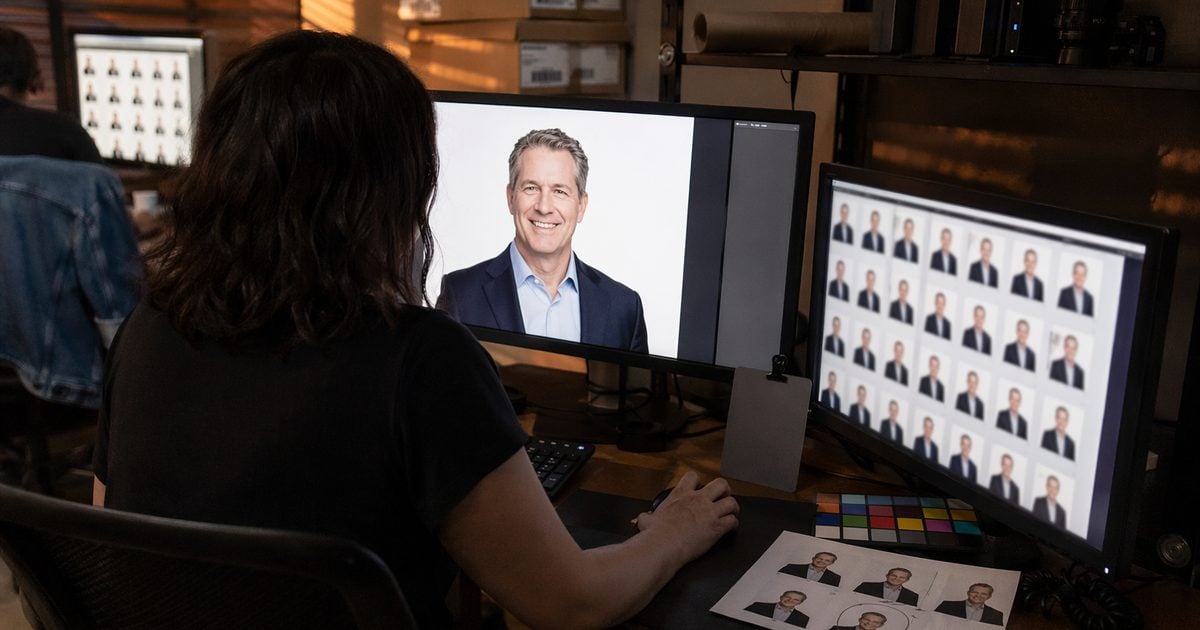
Volume Looks: Minimal Base, Tropical Upgrade
Minimal Clean Studio is our volume capture default: one grey backdrop photography roll, one key light, hundreds of faces. Some buyers still want tropical background for photos or golden hour portrait warmth in the delivery set—not a second shoot day.
After the skin stack is synced on grey masters:
- Pick a named summer scene that matches your Build For Your Peak Season menu (Tropical pack names align with the summer scene release—full offer terms Coming Jul 9).
- Run volume theme upgrade from a single grey capture on Desktop in controlled batches (test your hardware on a hundred-frame slice first).
- Spot-check three skin tones, then export.
Mini-session look menus and Friday batch habits are a different scale—see our summer mini photoshoot sessions workflow post for those details. This section is for thousand-frame blocks only.
Handoff When the Batch Touches Mini or Wedding Work
| If this week also includes… | Pipeline adjustment |
|---|---|
| P1 wedding gallery | Outsource cutout if you must; keep halo QA in-house |
| Mini block | Clear the Friday mini folder before you open volume raws |
| Over capacity ceiling | Defer new volume deposits—do not cut QA sample rate |
Pin this table in your tracker tab next to Batch ID. When wedding, mini, and volume land the same week, the first thing teams cut is QA sample rate—hold five frames per hundred even if export slips by hours, not days.
Lock five stages, stage order, and hours-per-1,000 in writing before the next corporate or school block lands. QA fields belong in your CRM—not in someone’s memory.
Build For Your Peak Season starts with a pipeline you can repeat. Summer scene packs and subscription details go live on July 9 on Evoto pricing.
Related reads: Why some studios feel peak season stack earlier (climate context—not a repeat of this pipeline).
Batch portrait editing workflow wins when stage order is in the SOP, not when export day becomes an all-nighter.
Powerful AI Photo Editor
FAQ
1. What is a realistic batch portrait editing workflow for 500–2,000 studio portrait photography images?
Same five stages every time: ingest → cull → portrait retouching → background → export. Split folders by lighting setup or client spec, not by whoever is free. 500–800 frames can be one editor in a tight 48h window if the stack is pre-built; 1,500–2,000 usually needs two editors or a hybrid vendor pass.
2. Should you remove background on a batch before or after portrait retouching?
On white/grey seamless, cutout or plate cleanup before final grade. On skin-heavy corporate files, retouch first, then swap or recolor background. Use the decision table above—not habit.
3. How many hours does it take to edit 1,000 basic headshots—and what changes the math?
Our scoped illustrative range is ~20–32 hours manual-heavy vs ~10–15 hours pipeline-optimized on Desktop, assuming ~2,800 raws and basic headshot finish. One June 2026 timer test landed at ~12.5 post-hours with two editors and an existing Look—your exception queue will add time. Beauty retouch, glass-glare hero sets, or composite themes push toward ×1.5–2.5—price that in the contract.
4. When should a studio choose bulk photo editing overseas vs keeping QA in-house?
Offshore when the written spec is tight and you still own halo and naming QA. Keep cull and sync in-house when the client audits consistency or turnaround is under 72 hours.
5. In-house pipeline vs hybrid: at what weekly volume does software batch work beat a second retoucher?
Rough rule: two or more similar volume blocks per week with the same background spec—software amortizes. One odd batch a month may be cheaper with a freelance specialist than a second salary.
6. Should you train a Personal AI Preset or stick to XMP presets for school/corporate volume?
XMP/CUBE presets ship faster if you already have a stable grade. Personal AI Preset training is for when your global color logic is consistent but hard to capture in a single preset—upload only edited sets you are willing to use as training sources, per product FAQ. Neither replaces skin QA on outliers.
7. What QA checks matter most for white background portrait deliveries?
Halo at 200% zoom, background drift across the folder, and two skin-tone anchors in the exception queue. Naming and export color profile are batch killers when rushed.
8. Can grey backdrop photography deliver tropical background for photos without a reshoot day?
Yes—when capture is neutral and the skin stack is locked first. Theme work is a delivery upgrade, not a rescue for bad key light. Test a slice before you run the full folder.
9. Can the online trial handle a full volume folder?
No for production. Folder cull, sync, bulk cutout, and theme batches belong on Evoto Desktop. Use the browser trial to preview a hero frame—not to promise a 1,000-image SLA.
10. Does AI photo culling replace your lead’s final pick?
No. It narrows blur, exposure failures, closed eyes, and duplicates. Humans keep compliance frames, VIPs, and awkward expressions that the client still expects.
11. Does Evoto use my client photos for AI training—and is batch portrait editing ethical?
Evoto’s Privacy Policy states that Your Content is not used to train generative AI models without explicit opt-in consent, and that service-improvement opt-ins still exclude model training. Personal AI Preset training uses images you choose to upload for your own Look; product FAQ states training data is not shared with third parties for public models. For ethical AI in professional retouching, you keep creative control: which frames sync, export, and reach the client—batch tools assist sorting and consistency; they do not replace your QA sign-off. Some features use secure cloud inference—review retention and consent in-app. Obtain permissions your jurisdiction requires for student and employee portraits.
12. Is AI culling safe for student or employee headshot batches?
Culling is sorting, not generative manipulation—it does not rewrite pixels. If a school or employer contract restricts cloud processing, read the privacy policy and your contract before upload. When in doubt, cull locally and retouch only the keeper set in the approved environment.
Methodology & Author
Author: Evoto Editorial Team — studio operations editors
Experience basis: illustrative volume-studio pipeline · June 2026 timer test · basic headshot scope (not beauty/composite)
Market context: culling effort cited from Photography Life; corporate turnaround expectations from public employer-brand guidance; studio SLAs are contractual choices
Limitations: full-folder batch work requires Evoto Desktop; browser trial is single-frame exploration; school and yearbook delivery SLAs are a separate planning topic—this post covers corporate and school headshot volume blocks only
Last reviewed: 2026-06-26



