

Beach photography looks easy from a distance. The scenery is beautiful. The light is bright. The ocean gives you constant motion, reflections, color, and mood. But step onto the sand, and everything fights you: glare, wind, salt spray, blowing sand, crowded backgrounds, shifting tides, tilted horizons, harsh shadows, and blown highlights you don’t even notice until you’re back editing.
That’s why great beach photos aren’t just about finding a pretty shoreline.
They’re about reading conditions fast, matching your subject to the light, keeping you and your gear safe, and shooting files you can actually clean up later. This guide covers real, usable tips for landscapes, portraits, waves, water motion, minimal seascapes, travel scenes, and editing. The goal isn’t to make every shot dramatic. It’s to make the beach work for your image — not take it over.
Start With Safety & Tide Conditions — Not Gear
The most important beach photography tip has nothing to do with cameras.
It’s staying safe. Tides, surf, slippery rocks, wet sand, and sudden “sneaker waves” can change a spot faster than you think. A beach that feels calm at low tide can become dangerous as water rises. A rock shelf that looks dry from far away might already be slick with spray, algae, or salt.
Before you set up, check:
- the tide chart for your exact location
- whether the tide is rising or falling
- surf conditions and swell direction
- cliffs, caves, tidal islands, or rock platforms nearby
- your escape route if water comes in quickly
- whether the spot is safe for a tripod, portrait subject, or family
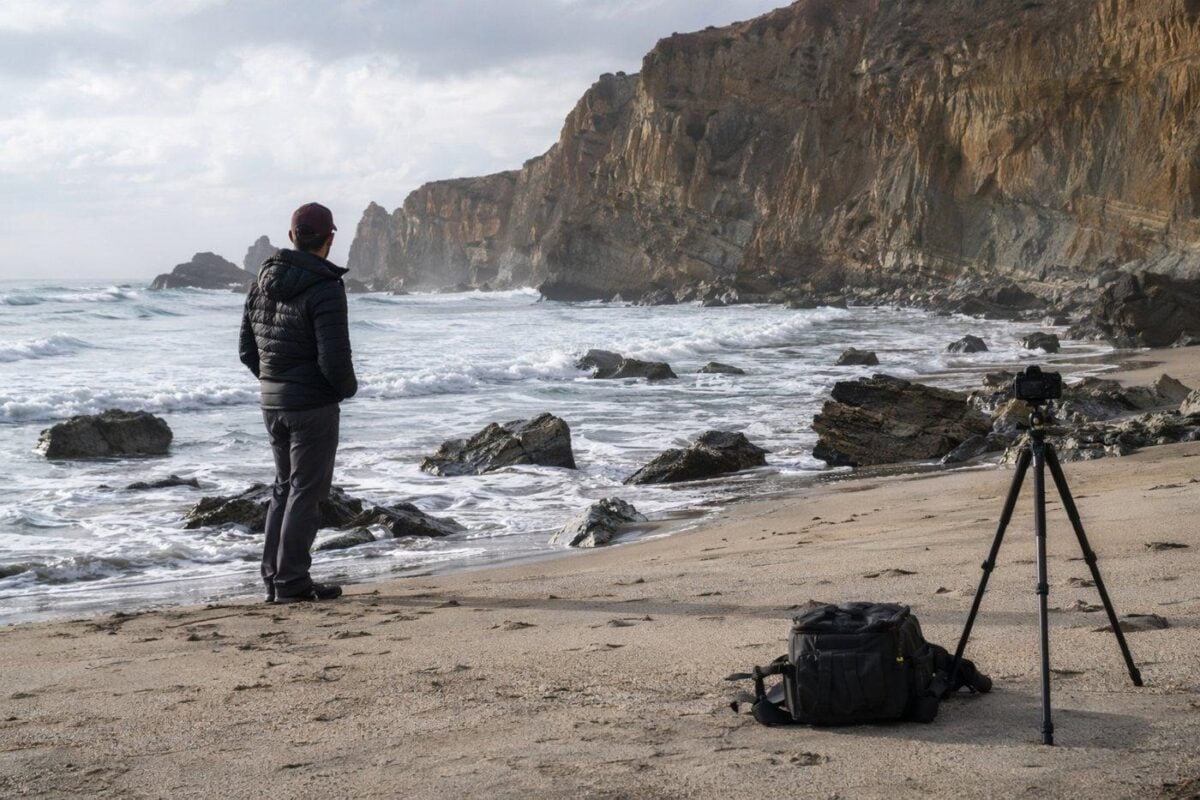
Never turn your back on the open ocean. Don’t stand on wet rocks just because the current wave looks small. If the ground is wet, the ocean has already reached it.
This also changes your composition.
Low tide reveals ripples, sandbars, tide pools, reflections, rocks, and foreground patterns. A rising tide brings drama and wave movement. High tide can wipe out the busy beach and leave you with clean, minimal frames.
Safety and composition go together. Plan both before you chase the light.
Choose Light That Matches The Beach Photo You Want
Beach light makes or breaks the shot. Early morning is usually the easiest time to shoot. The beach is quiet, light is low and soft, sand is cool. Water catches sunrise colors gently, not harshly. Portrait subjects don’t squint as much. Landscapes feel cleaner without crowds.
Late afternoon and golden hour are ideal for portraits, lifestyle, silhouettes, and warm travel shots. Low sun creates shape and direction. Faces are easier to light. Shadows stretch long. Water and wet sand reflect light naturally, not like shiny metal.
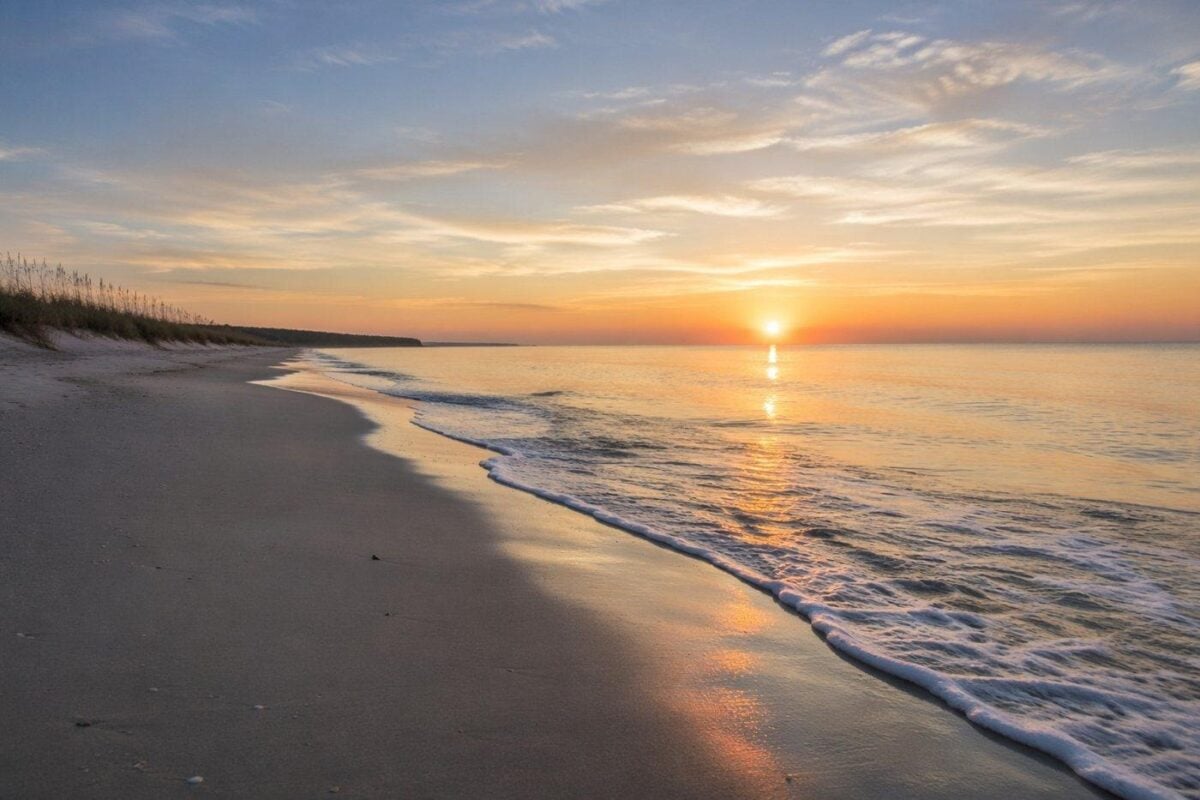
Blue hour is underrated for seascapes. Light is soft, water calms down, and the sky holds gentle tone. If you’re doing long-exposure beach shots, don’t pack up right after sunset.
Midday is tough — but not worthless.
Bright sun pumps up tropical water hues, deep blue skies, crisp shadows, and clean patterns from umbrellas or structures. It also works for top-down drone shots, graphic beach details, and bright commercial travel images.
The mistake is using the same light for every subject. Use soft light for faces and quiet seascapes. Use hard light for color, shape, and contrast.
Control Glare Before It Wrecks Your Image
Sand, water, wet rocks, and white clothes all reflect light like crazy.
That’s why beach photos often look washed out even if your exposure looks right. Glare flattens color, kills texture, and makes the whole image feel hazy. It also makes skin look shiny and water lose all detail.
A circular polarizing filter is your best fix for serious glare. It cuts reflections on water and wet sand, deepens blue sky, and adds separation in the scene. Great for landscapes, travel shots, water details, and portraits with bright backgrounds.
But it’s not a one-click fix. A polarizer can darken the sky unevenly with wide lenses. It also reduces incoming light, which affects your shutter speed. Twist it slowly and watch the whole frame — not just the sky.
If you’re shooting people, a reflector, scrim, or small fill flash often works better than a filter. The beach has almost no shade, so you’ll need to lift shadows on faces instead of only fighting background glare.

Ask yourself one simple question: Is the glare hurting the subject?
If yes, reduce it. If not, let the sparkle stay.
Keep Horizons Clean & Intentional
Beach horizons are impossible to hide.
If it’s tilted, the whole photo feels like it’s sliding. If it cuts through someone’s head, neck, or shoulder, the portrait feels off — even with a great expression. If you split the frame exactly in half for no reason, the image feels flat and static.
Before you press the shutter, fix the ocean line.
For landscapes: decide what the photo is really about — sky, water, sand, or reflection. A low horizon emphasizes the sky. A high horizon emphasizes foreground texture. A centered horizon works only if you’re going for symmetry, reflection, or minimalism.
For portraits: just move your height. Crouch a little or step up the beach. Often that small shift keeps the horizon from slicing through your subject.
For travel and lifestyle: use the shoreline as a guide. Curved beaches, foam lines, piers, boardwalks, or rows of umbrellas pull eyes through the frame.
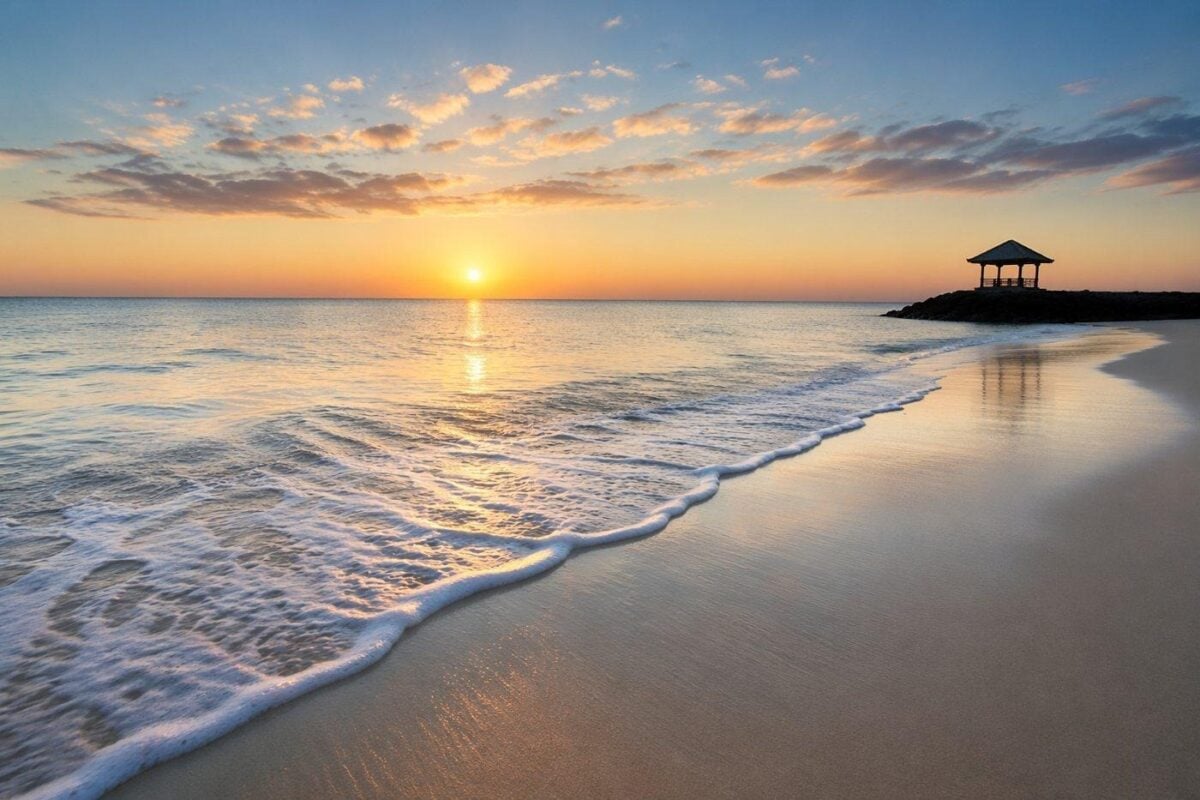
The beach gives you huge, simple lines. Treat them like structure, not just background.
Use Foreground Texture To Fix Empty Beach Photos
Most weak beach shots have the same problem: too much empty water and sky, nothing to hold attention.
Foreground texture fixes that.
Look for:
- wave foam
- wet sand reflections
- shells and pebbles
- footprints
- lines of seaweed
- rocks
- tide pools
- driftwood
- dune grass
- sand ripples
- curving shorelines
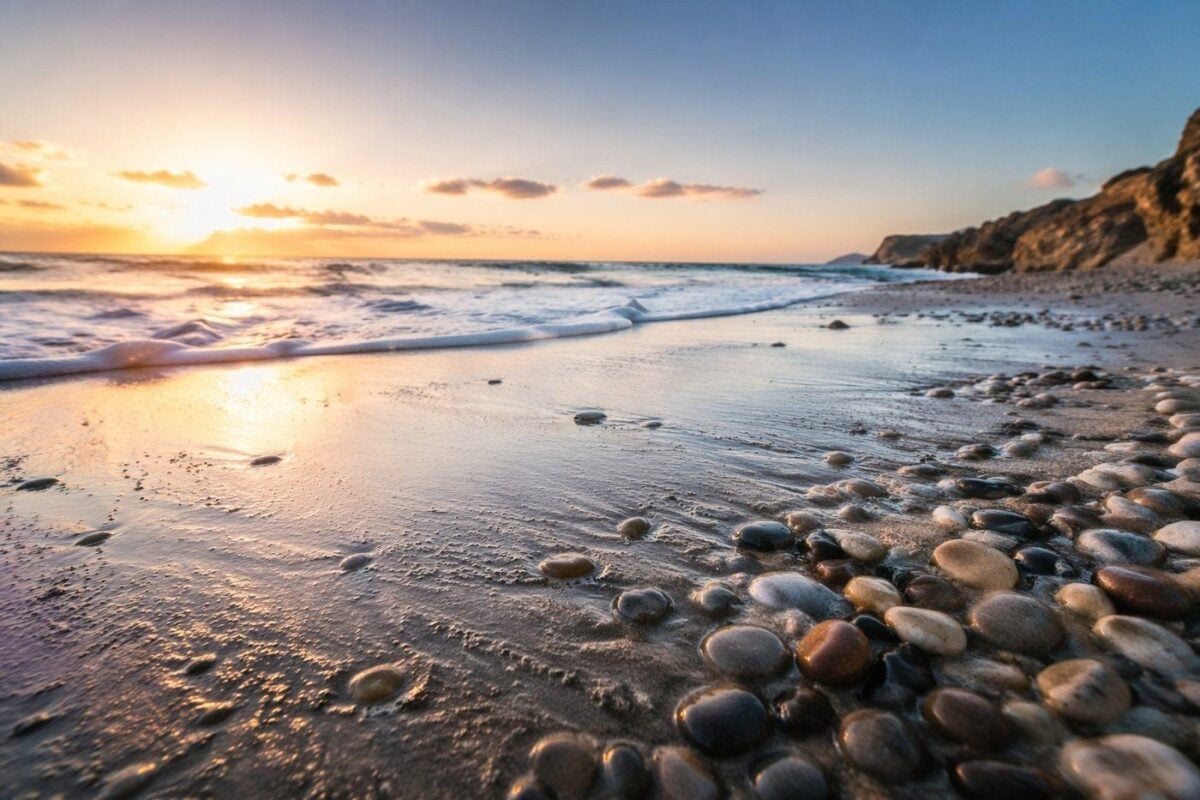
A wide-angle lens makes foreground texture feel bigger. Get low — but stay aware of waves and spray. If the foreground feels messy, step back or simplify. You’re not trying to fill the bottom of the frame with random stuff. You’re giving viewers a path into the image.
Flat beaches can be powerful if you use small patterns well.
Foam lines, wet sand, and gentle curves often work better than a dramatic sky — as long as they lead the eye clearly.
Pick A Shutter Speed For The Waves
Beach photography is usually water photography. That means shutter speed is a creative choice — not just a technical setting.
Fast shutter speed = impact.
Use it for crashing waves, splashes on rocks, surfers, kids running in shallow water, and birds over the surf. You want sharp detail. Start around 1/500s for people and action; go faster for heavy spray or sports.
Slower shutter speed = motion. Around 1/4s to 1s turns receding waves into soft streaks that pull attention through the frame. Longer exposures smooth out choppy water for a calm, dreamy seascape.
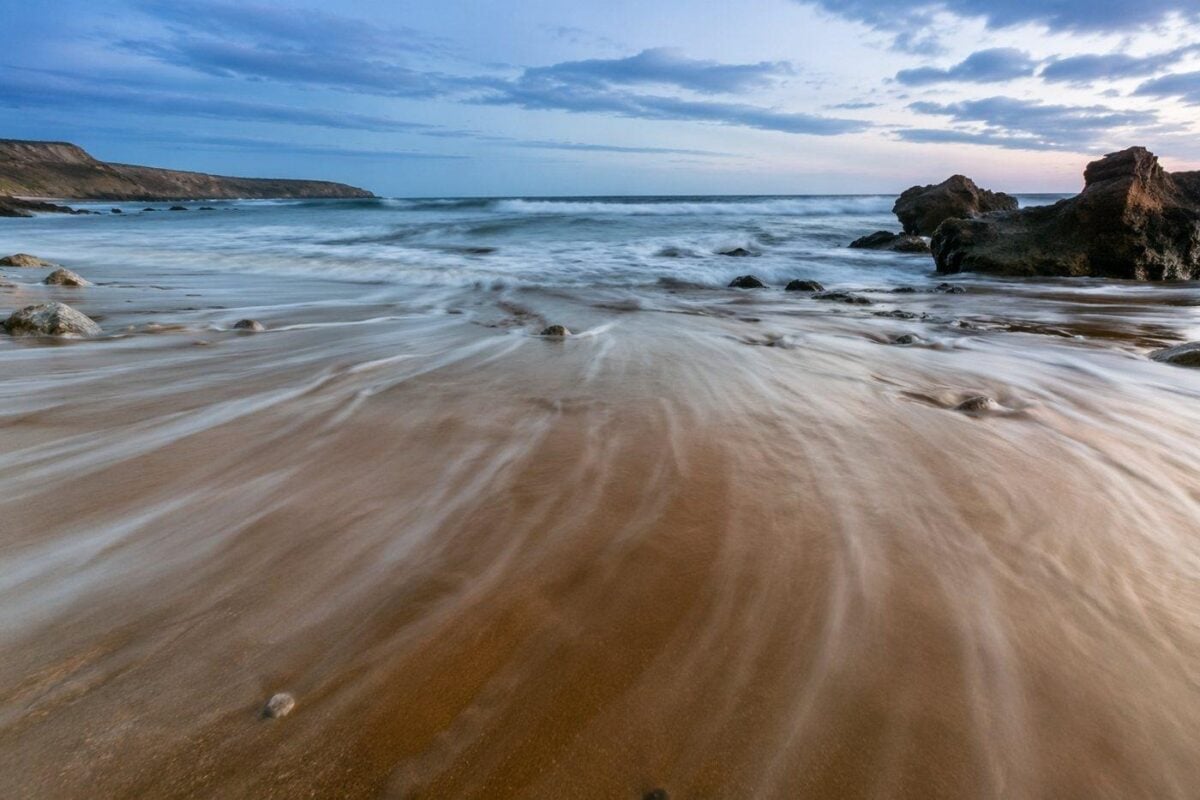
Just remember: slower shutter speeds almost always need a tripod.
Even the steadiest hand can’t hold sharpness for multiple seconds in wind and salt air.
Shoot Beach Portraits That Feel Natural, Not Forced
Beach portraits look best when they feel like a day at the beach, not a studio setup.
The biggest enemy is squinty direct sun. Move your subject into open shade — under a beach umbrella, near dunes, by a rock, or under a pier overhang — if you want soft, even light.
If you can’t find shade, use backlight.
Position the sun behind your subject. It creates a nice glow around hair and keeps faces from squinting. Just watch your exposure so the person doesn’t turn into a dark silhouette unless you want that.
Give people real things to do:
- walk along the water
- step over small waves
- fix their hair in the wind
- hold a hat, towel, or sunglasses
- sit in wet sand and look toward the water

Stiff posing looks fake on the beach. Candid, small movements look real. And watch the background.
Crowds, trash cans, random chairs, and bright signs can ruin an otherwise great portrait. Take two steps left or right to clean up the frame. It takes two seconds and makes a huge difference.
Protect Your Gear — Because The Beach Is Brutal
Salt, sand, and water are death to cameras.
A few simple habits will save you a lot of money:
- Keep your camera in a bag when you’re not shooting
- Avoid changing lenses on the open sand
- Use a lens hood to block spray and sun
- Wipe gear down with a clean, dry cloth after the shoot
- Never leave your camera unattended — wind or waves can hit fast
You don’t need a waterproof camera to shoot at the beach. You just need to be careful.
Edit Beach Photos So They Look Real, Not Filtered
Editing is where beach photos often go wrong.
Blues turn neon. Sunsets turn orange. Skin gets over-smoothed. Water looks fake. The whole set feels like a cheap filter instead of a real day at the shore.


Powerful AI Photo Editor
Keep your editing simple and consistent:
- Start with white balance: make sure water and sky feel natural, not too cyan or yellow
- Lower highlights to bring back detail in water and sky
- Add a little contrast to fight haze, but don’t overdo it
- Use a polarizer fix or dehaze slightly to cut glare
- For portraits: protect skin tones above all. Keep texture real.
- Clean small distractions: trash, people, ropes, signs, and random debris
- Match colors across your whole set so morning, midday, and golden hour shots don’t clash
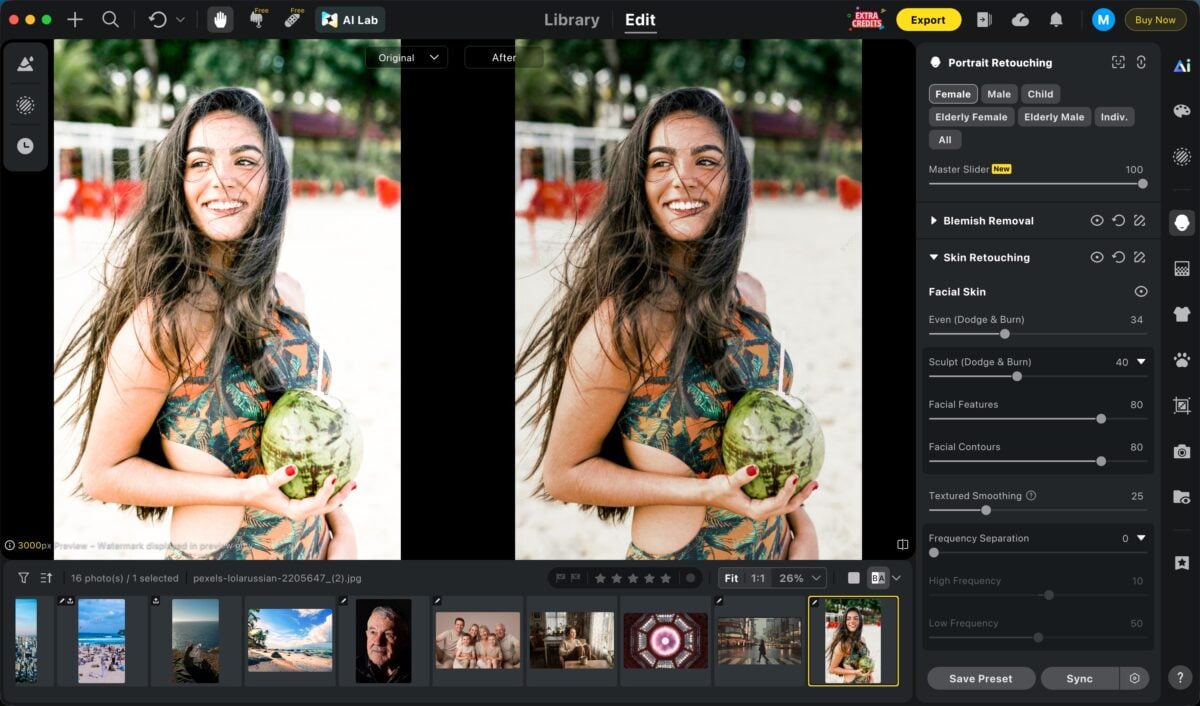
The goal is to enhance the beach mood, not replace it.
Final Thoughts
Great beach photography isn’t about chasing perfect waves or perfect sunsets.
It’s about working with the conditions you get.
Read the tide. Respect the ocean. Match your subject to the light. Keep your composition clean. Protect your gear. Shoot files you can actually edit.
The beach doesn’t need to be dramatic to look beautiful.
It just needs to be captured like it really is: wild, bright, moving, and real.
The best beach photos don’t just show a place.
They show the feeling of being there.
Try Evoto AI Photo Editor
Retouch photos with Evoto AI and make your photos best! Available on Windows, MacOS and iPadOS.



