

Color bit depth sounds technical, but the real question is simple: how smoothly can an image hold color and tone before the file starts breaking apart? That is why bit depth matters most when you see skies banding, skin tones getting rough, or gradients falling apart under heavier editing.
This guide explains what color bit depth actually changes, how 8-bit vs 10-bit looks different in real images, when the difference is obvious, when it barely matters, and how to treat bit depth as a practical image-quality issue instead of a spec-sheet lesson.
What Is Color Bit Depth?
Color bit depth describes how much tonal and color information an image can hold between one value and the next. In practical terms, it affects how smoothly one tone can transition into another before the image starts showing visible steps or breaks.
That is why bit depth matters most when smooth tones start breaking. If the image has to hold a sky gradient, a soft background, or gentle skin transitions, bit depth becomes much easier to notice.
This is not mainly a theory problem. It is a visible image problem. When the file can hold transitions more smoothly, the image stays cleaner. When it cannot, the tones can start looking rougher, more separated, or more fragile under editing.
8-Bit vs 10-Bit: What Is the Real Difference?
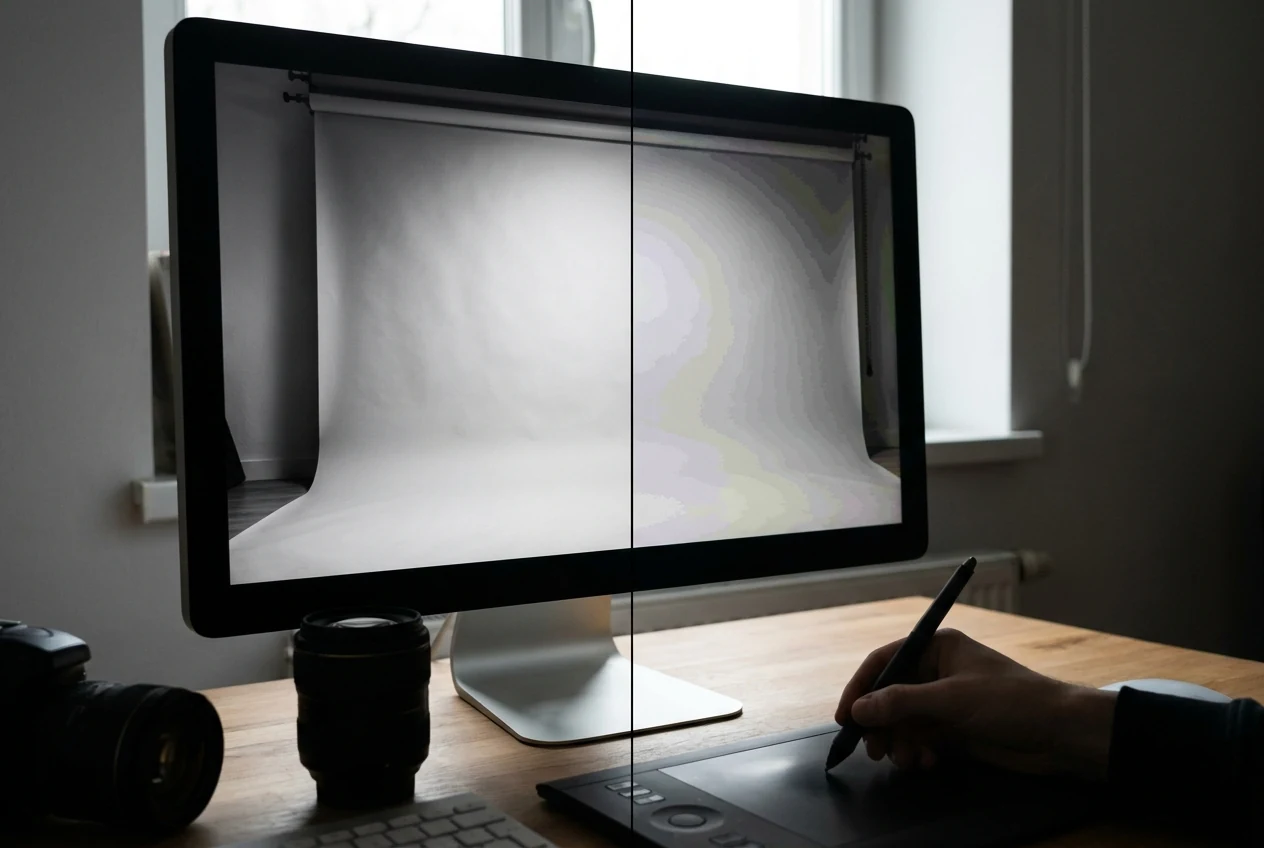
In normal viewing, 8-bit can still look completely fine. Many photos do not immediately show a clear problem, especially if the tonal transitions are simple and the image is not being pushed hard.
The difference becomes more visible when the image contains large smooth gradients or when the edit is stronger. This is where 10-bit usually holds together better. It gives smoother tonal transitions and more room before the image starts showing visible steps, banding, or rough color shifts.
That is the real difference between 8-bit and 10-bit in practice. It is not about whether one image magically looks cinematic and the other does not. It is about how well the file holds smooth changes in tone and color when the image is under pressure. If you want a nearby guide to how tonal decisions feel once contrast and color separation start changing, High Contrast Images vs Low Contrast Images is the closest follow-up.

Where Bit Depth Shows Up in Real Photos and Images
Bit depth becomes easier to see in skies because skies often depend on broad smooth transitions. If the file cannot hold that transition cleanly, banding becomes easier to notice.
Skin tones are another common place where bit depth matters. Skin usually looks best when tone changes stay smooth and gentle. If the file starts breaking under editing, those transitions can feel rough or unnatural.
Heavy color grading and stronger contrast pushes also reveal bit depth limits more quickly. The harder you push a file, the more likely it is that weak transitions will start showing.
That is why the issue often appears later in editing, not just in the untouched original image. The source may look acceptable at first, then fall apart once the grading gets more aggressive.

When the Difference Is Easy to See and When It Is Not
The difference between 8-bit and 10-bit is easiest to see when the image contains smooth gradients, soft color transitions, or edits that push the tones harder. Skies, studio-style backgrounds, beauty work, and heavily graded images often make the gap more obvious.
It is harder to see when the scene already has lots of detail, texture, or visual noise. In a busy frame, the eye may not notice the difference nearly as quickly.
That is why not every image needs higher bit depth to look good. A file with strong texture, mixed detail, or lighter editing may still look completely acceptable without showing visible problems.
The useful question is not whether higher bit depth always matters. It is whether this image is asking for the kind of smooth tonal control that makes the difference visible.
How to Tell If Bit Depth Is Becoming a Problem
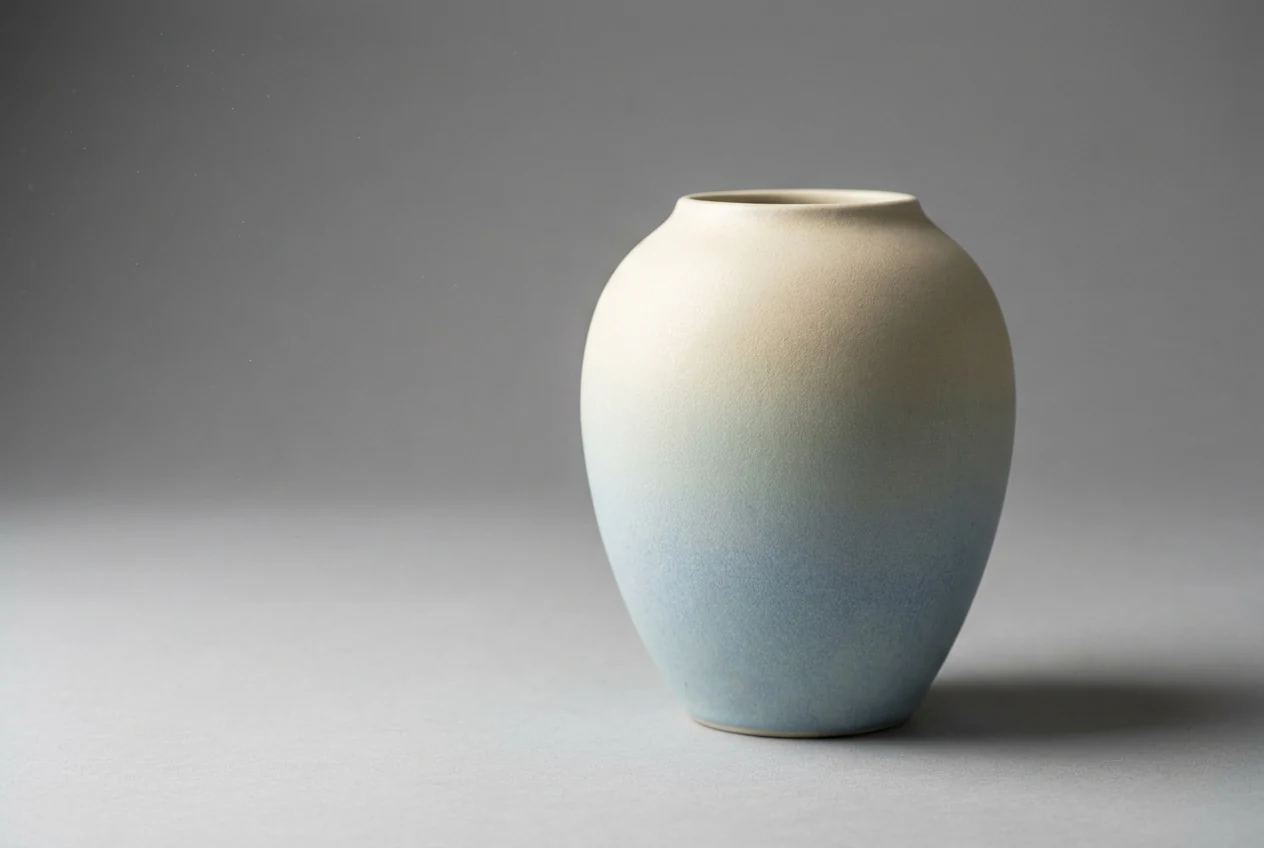
One of the clearest warning signs is banding. If a sky, background, or smooth wall starts showing visible steps instead of a gradual transition, bit depth may be part of the problem.
Another sign is roughness in skin or shadows after editing. If the transitions start looking jumpy, brittle, or less natural, the file may not be holding enough tonal smoothness for the direction you are pushing it.
Color can also start falling apart after heavier edits. Instead of staying smooth, it can begin to look uneven, dirty, or overly separated in places that should feel gradual.
This is different from blur, noise, or focus error. Blur comes from lost sharpness. Noise comes from rough grain or signal issues. Bit depth problems usually show up as broken transitions in tone or color. If the file is already unstable because the original light or color mix is weak, stronger photography lighting tips and cleaner color decisions will matter before bit depth theory helps much.
How to Work More Safely With Bit Depth
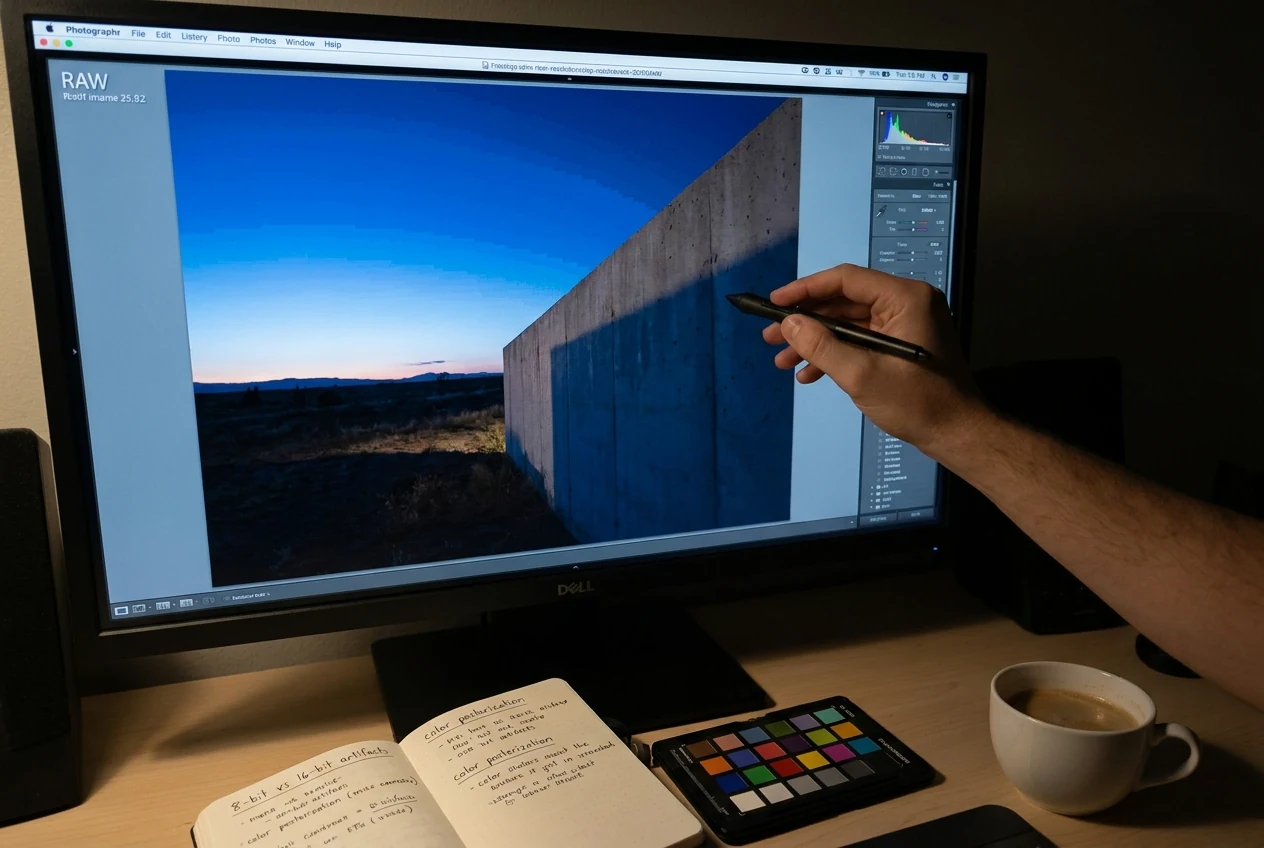
The safest starting point is to keep the source file as strong as possible before heavy editing begins. A file that already has clean tonal information will usually tolerate stronger changes more gracefully.
When you know the image depends on smooth transitions, be more careful with skies, skin, shadows, and soft backgrounds. Those are the places where aggressive editing tends to reveal weaknesses first.
It also helps to understand when the file can handle more and when it cannot. Some images can take stronger contrast and stronger color shaping without obvious damage. Others start falling apart quickly. The fastest way to work safely is to watch the transitions while you edit, not just the overall look. If your file is already drifting in color from frame to frame, Color Matcher is a more useful related read than pushing tone harder and hoping the transitions survive.
How to Finish a Cleaner Image in Evoto
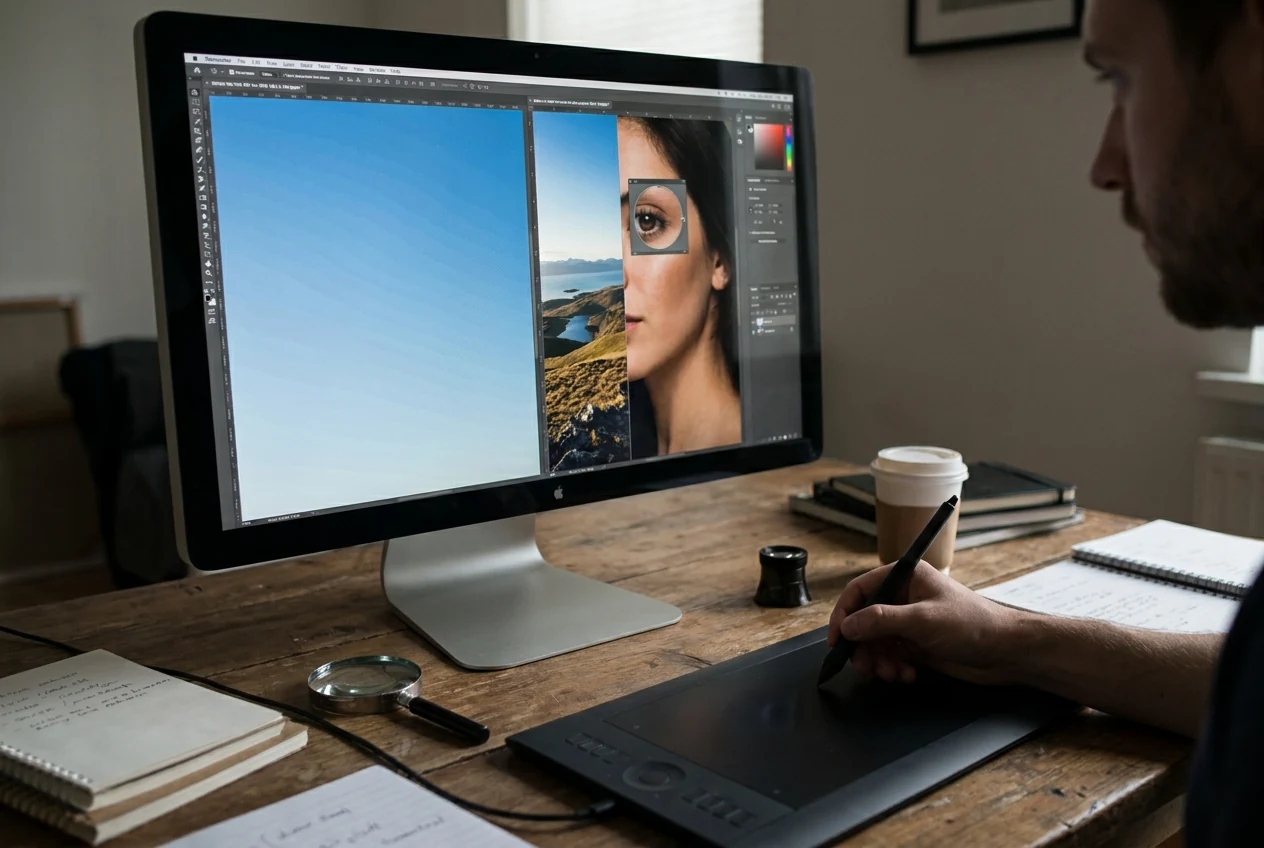
Start by judging whether the image can handle the edit you want. If the file already shows weak gradients or fragile skin transitions, pushing harder will usually make the problem more visible instead of solving it.
From there, shape color and tone carefully. The goal is not to flatten the image out of fear, but to push it only as far as the file can hold cleanly.
Watch the transitions in skies, skin, and shadows before you move on. These are the places where banding or rough tonal breaks usually show up first, so they tell you quickly whether the image is still holding together. If you notice banding or uneven transitions in the sky, using Evoto’s AI Sky Replacement can be a quick and effective way to restore a smoother, more natural gradient without overworking the tones.
Once the tonal structure still looks clean, finish with any consistency work or small cleanup the image still needs. Evoto works best here as part of a careful image-editing workflow, not as a shortcut that can force smooth tone into a file that is already falling apart. In practice, that can mean using AI Color Looks with restraint, checking set-to-set consistency with AI Color Match. If the file also includes delicate skin transitions, Portrait Retouching should come only after the tonal smoothness is already holding together.


Powerful AI Photo Editor
Final Thoughts
Color bit depth matters because it changes how well an image holds smooth tone and color when the file is pushed. That is why the issue becomes most visible in skies, skin, gradients, and stronger edits.
If you can recognize when the difference is obvious, when it is minor, and when the image is actually starting to break, bit depth becomes much easier to understand in practical terms.
The best workflow is simple: judge the file first, shape the tone carefully, and keep checking the smooth transitions that show whether the image is still holding together.
Try Evoto AI Photo Editor
Retouch photos with Evoto AI and make your photos best! Available on Windows, MacOS and iPadOS.



