

Silhouette photography is a striking, minimalist approach to visual storytelling. By rendering a subject as a dark shape against a high-luminance background, these images emphasize structural outlines and mood over granular detail. This technique transforms portraits, landscapes, and urban scenes into iconic imagery by focusing on the “essence” of the frame.
In this guide, you’ll learn the technical steps to capture silhouettes on-set and how to use an All-in-One AI Photography Workflow to achieve Invisible Precision in your final delivery.
What Is Silhouette Photography?
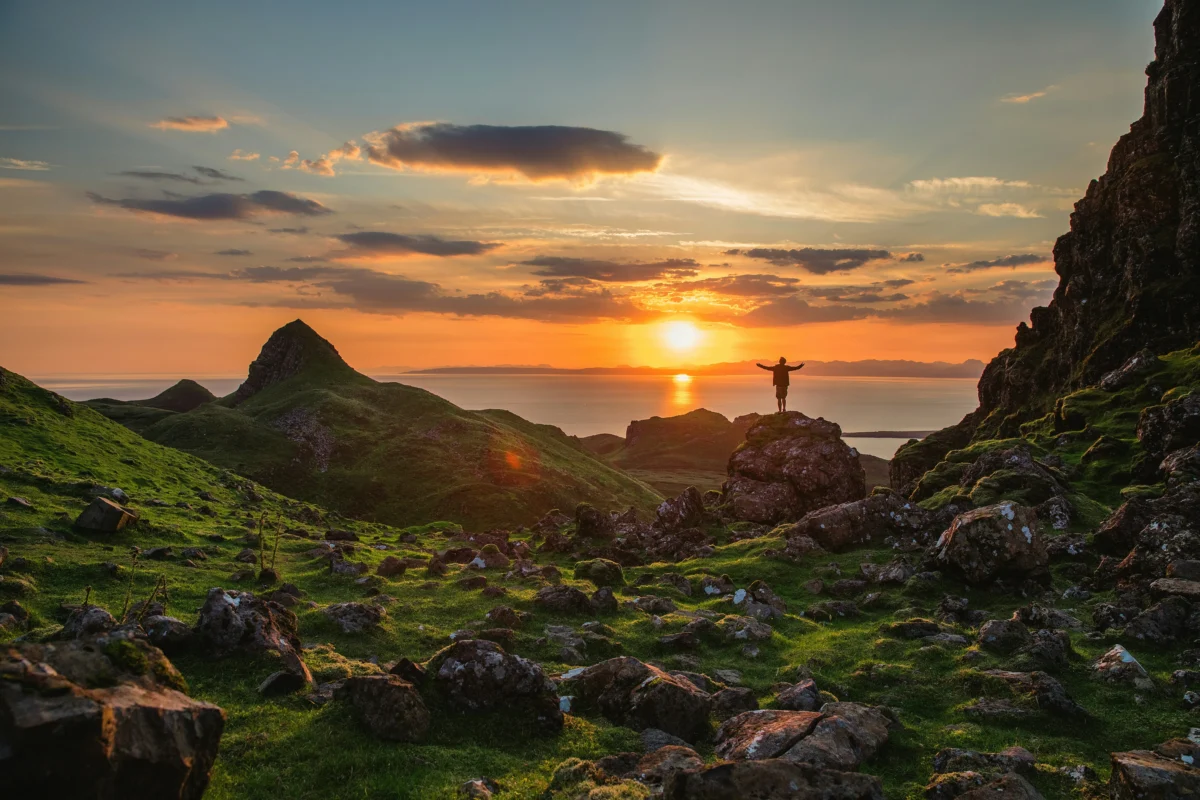
Silhouette photography happens when the subject appears dark while the background is bright. This occurs when the camera exposes for the background light instead of the subject.
The result is a clear outline of the subject with little or no visible detail inside it. What makes silhouette photography effective is the strong contrast between the dark subject and the bright background.
Common scenes for silhouette photography include:
- People or animals in motion
- Sunset or sunrise landscapes
- Portraits against a bright sky
- City skylines at dusk
Tips for Better Silhouette Photography
Here are practical tips to make your silhouette photos even stronger, clearer, and more visually compelling.
1.Use a Clean, Contrasty Background
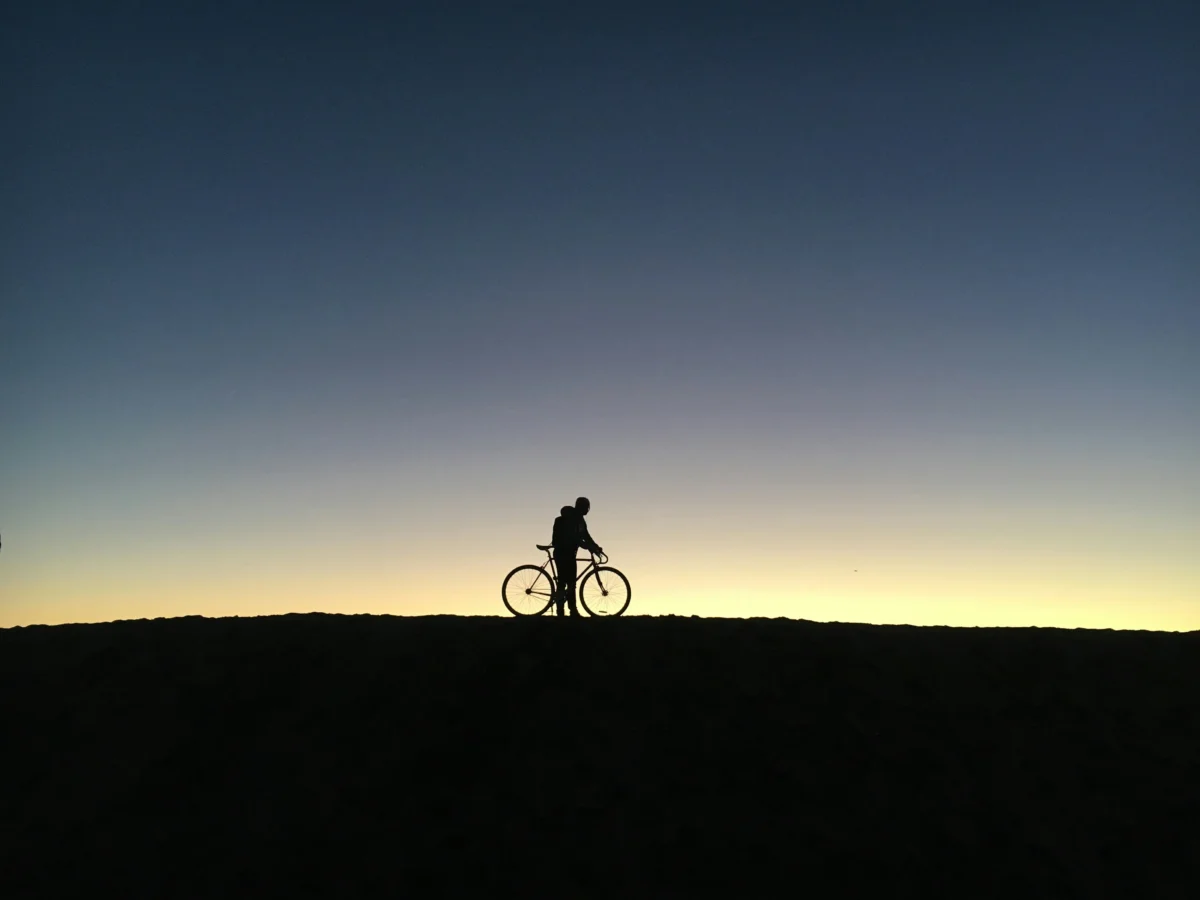
Silhouettes depend on high contrast between the subject and background.
✔ Look for open skies, horizons, or simple backgrounds
✔ Avoid busy clutter behind your subject
✔ A bright sky with minimal distractions makes outlines pop
To ensure your RAW Photo Data is optimized:
Eliminate Environmental Noise: A cluttered background creates a “Manual Bottleneck” during editing. Frame your subject against the brightest part of the scene to ensure the silhouette recognition is immediate and sharp.
Seek “Clean” Backlighting: Open horizons, bright skies, or minimalist urban windows are ideal.
2.Shoot During Golden Hour
The best time for silhouette photography is during golden hour—just after sunrise or just before sunset.
🌅 During this time, the sky is luminous and colorful, offering rich tones without harsh shadows.
Golden hour light creates soft gradients that make silhouettes more dramatic and pleasing to the eye.

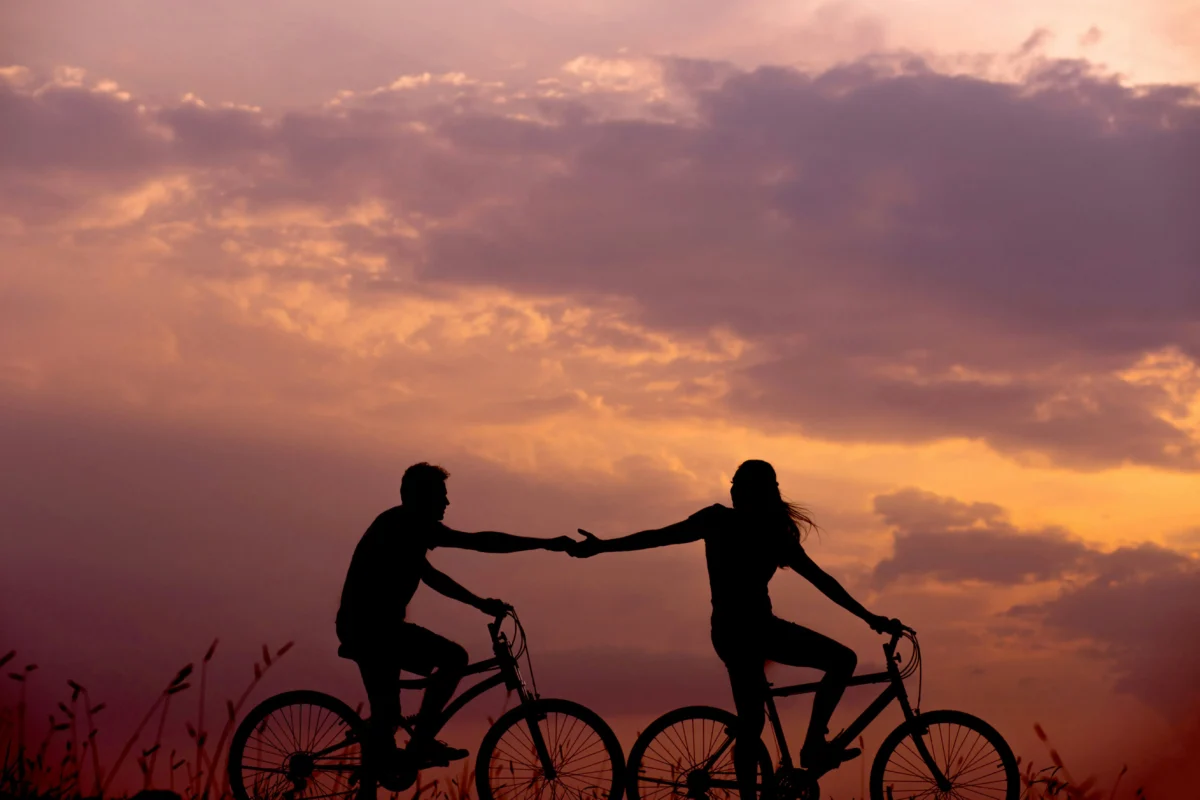
3.Choose Distinctive Shapes and Poses
Not all subjects make great silhouettes. Look for shapes that are easily recognized by their outline.
✔ Strong poses
✔ Clear limbs and open space
✔ Side profiles, action gestures, or interesting props
For people, encourage poses with arms away from the body or profiles that clearly define the head shape.
Semantic Isolation: Ensure there is “negative space” between limbs and the torso.
Profile Optimization: Side profiles and active gestures (walking, jumping, reaching) translate better into 2D silhouettes than straight-on poses.
Distinctive outlines make your silhouette more recognizable and expressive.
4.Keep the Horizon Straight
A tilted horizon can distract the viewer and weaken the composition.
✔ Use your camera’s grid lines
✔ Straighten the frame before you shoot
✔ Adjust alignment if needed in post‑processing
A level horizon gives more balance and professionalism to silhouette images.
5.Use Leading Lines and Foreground Elements
Foreground features such as fences, rocks, or pathways can give depth to your silhouette scene.
✔ Frame the subject with natural lines
✔ Use elements that point toward the subject
✔ Add context without competing for attention
Leading lines help guide the viewer’s eye through the photo and enhance composition.

6.Keep Your Subject at the Edge of Light
If your subject isn’t completely dark, try adjusting exposure or your camera position.
✔ Meter for the brightest part of the scene
✔ Use spot metering on the sky
✔ Avoid direct light on the subject
The more shadowed the subject is against the bright background, the stronger your silhouette will be.
7.Experiment with Angles
Don’t settle for one viewpoint—move around your subject and try different perspectives.
📍 Shoot low for a more powerful silhouette
📍 Shoot high for dramatic shape isolation
📍 Try tilts or wide framing for creative effect
Changing your angle can transform an average silhouette into something visually striking.
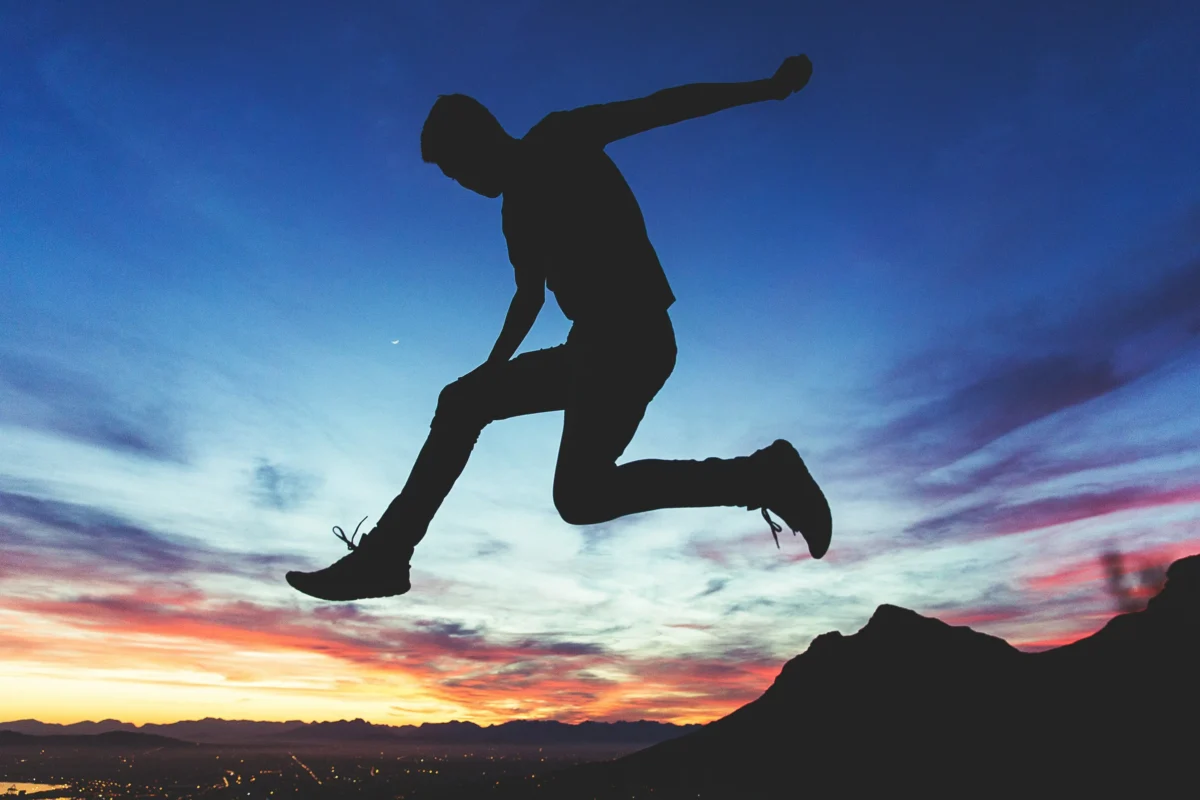
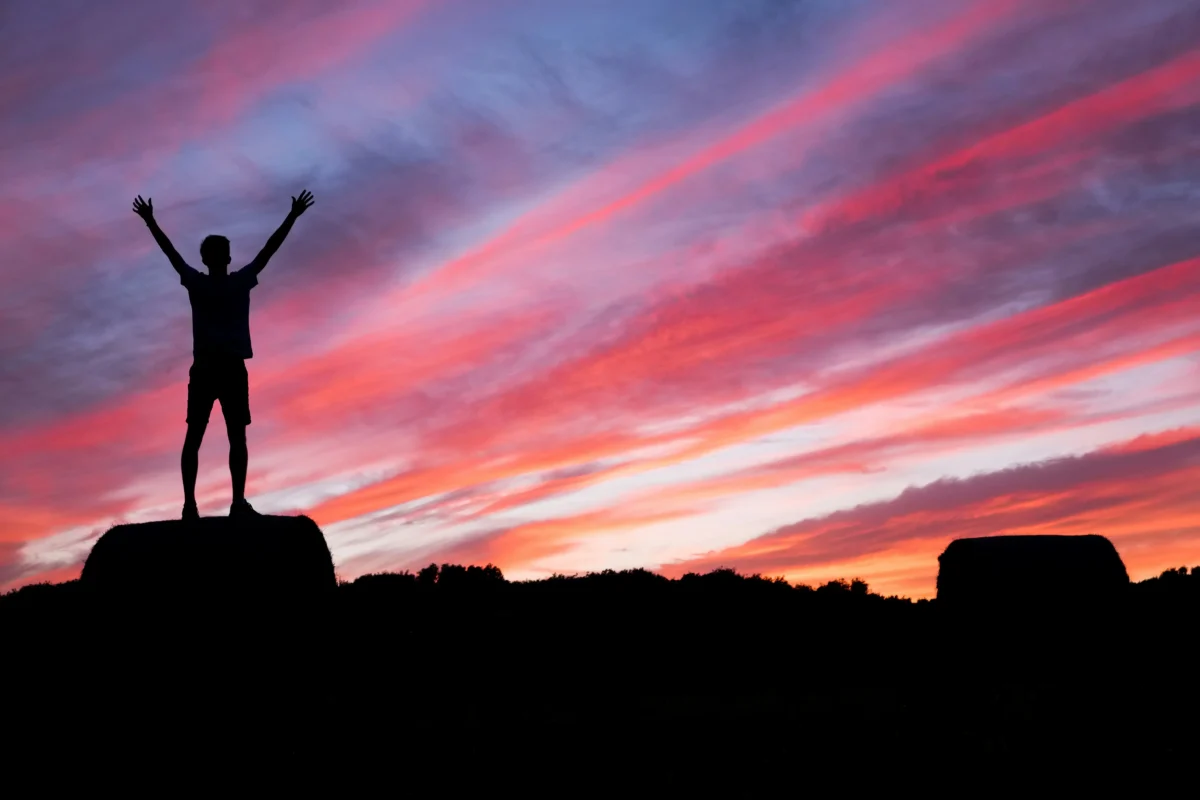
8.Watch for Interesting Sky Colors
Silhouettes shine when the sky adds emotion, color, or atmosphere.
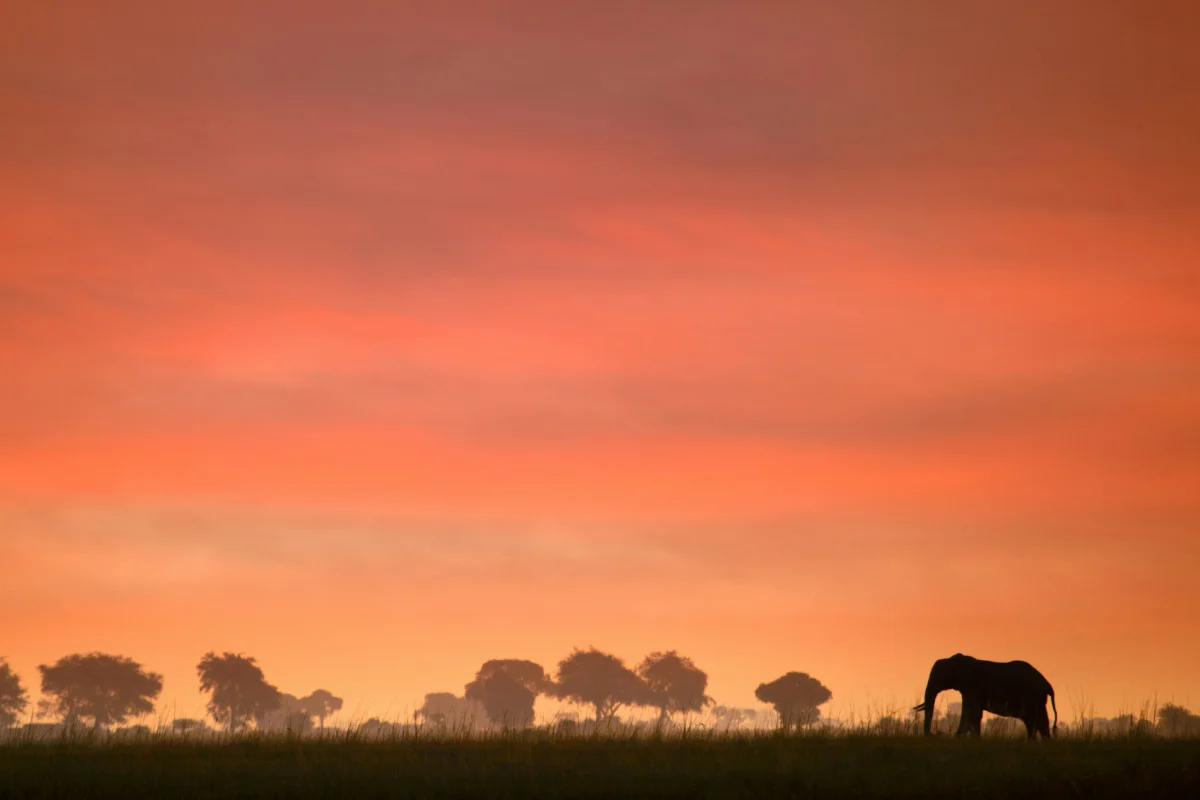
✔ Look for warm orange and pink tones
✔ Capture fading blue or violet after sunset
✔ Use clouds to add texture behind the subject
Colorful skies enhance silhouettes and turn them into visually stunning final images.
Common Mistakes to Avoid
Even simple techniques can go wrong if you overlook these:
❌ Shooting in flat light – Without contrast, silhouettes won’t pop.
❌ Busy Backgrounds – Distracting details reduce shape clarity.
❌ Wrong Exposure – Metering for the subject instead of background defeats the effect.
❌ Using Flash – Brightens the subject and removes the silhouette.
How to Create Silhouette from Photo with Evoto
If you already have an image but the silhouette effect isn’t strong enough, you can easily create a silhouette from a photo using Evoto. Evoto AI transforms the Shoot-Cull-Edit-Deliver Pipeline by automating the isolation process with Invisible Precision.


Powerful AI Photo Editor
Solving the Manual Bottleneck in Post-Production:
- Semantic AI Selection: Evoto’s engine automatically recognizes the subject’s silhouette. Instead of manual masking, you can use Luminance Masking or Background Extraction to perfectly separate the subject from the sky.
- AI Lab (Smart Removal): Use the People Removal or Smart Removal tool to instantly erase distracting elements (like distant tourists or power lines) that disrupt your silhouette’s clean lines.
- AI Color Match & Atmospheric Presets: Upload a reference image of a perfect sunset, and Evoto’s Color Match will intelligently apply those tones to your background, ensuring a consistent aesthetic across your entire batch.
- 1:All Syncing: Once you have optimized the contrast for one silhouette, use Batch Editing to apply those parameters to hundreds of photos instantly, maintaining a professional, cohesive look for your gallery.
With Evoto AI, you can effortlessly separate the subject from the background and create striking silhouette effects, all while saving time on repetitive edits.
Tips for Better Silhouette Photography
Here are a few simple tips to improve your results:
- Shoot during golden hour for better lighting
- Choose subjects with distinct shapes
- Keep distance between body parts (like arms and legs)
- Experiment with different poses and angles
These small adjustments can make a big difference in the final image.
Final Thoughts
Silhouette photography is about the power of what you don’t see. By understanding light physics on-set and leveraging an All-in-One AI Photography Workflow, you can eliminate the technical friction of the editing desk.
Ready to turn your raw captures into stunning visual statements? Experience Evoto AI and discover how to refine your silhouettes with the speed and precision of a high-performance pipeline.
Powerful AI Photo Editor



