

A great image should not become unusable just because it is too small. Maybe it is an old family photo, a product shot supplied by a client, a cropped social image, or a favorite mobile photo that now needs to fill a bigger space. In each case, a free image enlarger can help you make a photo bigger without the blocky pixels and soft edges that traditional resizing often creates.
The important word is help. No tool can recover detail that was never captured perfectly. But modern AI image enlargers can analyze an image, build believable detail around edges and textures, and deliver a noticeably cleaner large file. That makes them useful for website graphics, marketplace listings, presentations, social media, and many print projects.
Below are 15 of the best free image enlargers to try in 2026. Most offer a free tier, credits, a trial, or a no-cost export option; limits, watermarks, and maximum output sizes can change, so check the current terms before committing to a workflow.
What to look for in a free image enlarger
Before picking a tool, consider more than the maximum enlargement number. A good AI photo enlarger should preserve faces, typography, product edges, and natural texture. It should also let you compare the result at 100% zoom, because a file can look impressive in a small preview but artificial when opened full size.
Also look at file limits, export formats, batch capability, privacy, and whether the tool gives you editing controls after upscaling. A quick online upscaler is excellent for one image. A professional editor is often the better choice when every image needs color correction, retouching, and consistent delivery.
1. Evoto — best for an all-in-one professional photo workflow
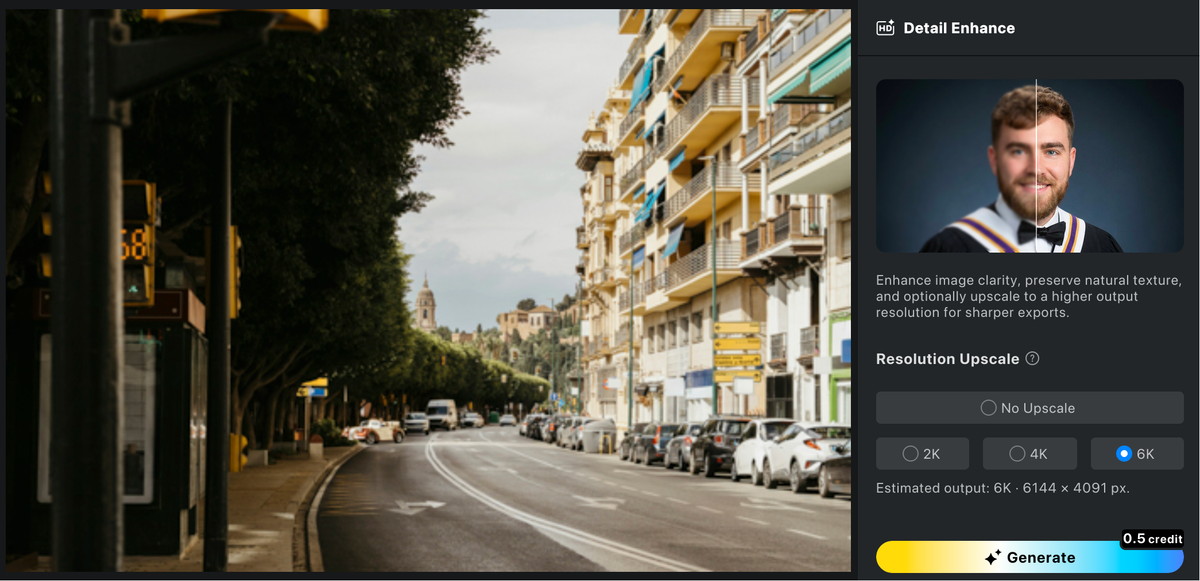
Evoto is a strong choice when enlarging is only one part of the job. Its AI-powered editing workflow is built for photographers and visual teams that also need to refine portraits, adjust color, remove distractions, and maintain a polished, consistent look. Instead of moving a photo through several disconnected tools, you can prepare the image and export a high-quality final version from one workspace.
For professional portraits, weddings, e-commerce images, and client work, that streamlined workflow can matter more than a one-click enlargement alone. Review the result at full resolution and use the accompanying editing controls to make sure sharpening and texture still look natural.
2. Upscale.media — best for a fast, simple online upscale
Upscale.media keeps the process straightforward: upload an image, choose an enlargement option, and inspect the AI-enhanced result. It is a convenient starting point for casual users who need a larger JPG or PNG without learning an advanced editor. Its clean interface makes it especially friendly for quick web and social assets.
3. Adobe Express — best for creators already using Adobe tools
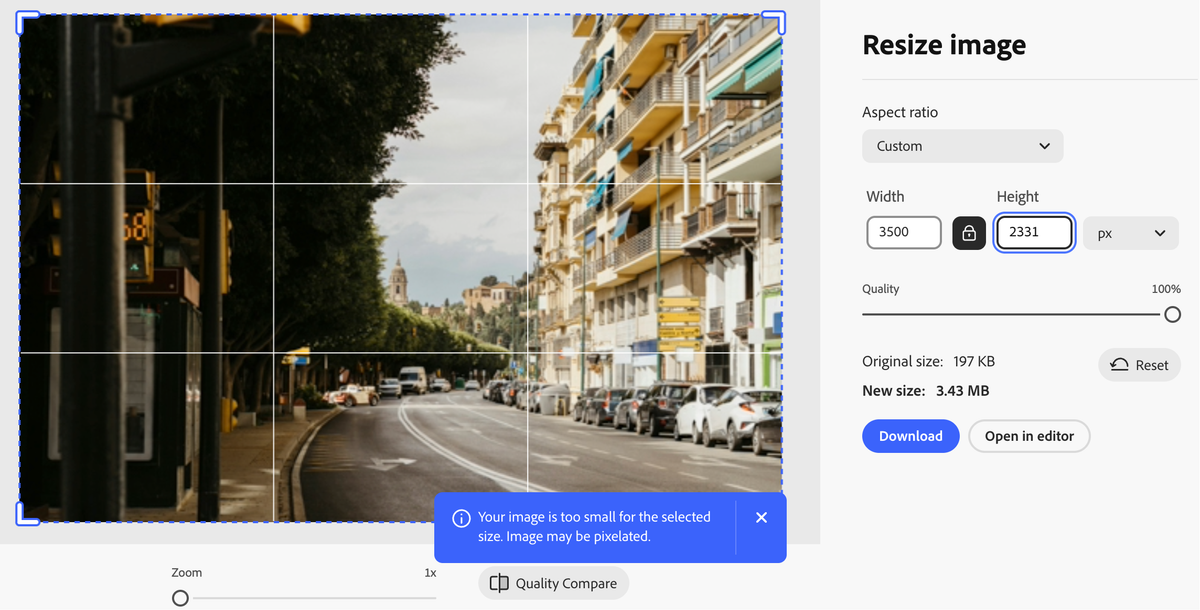
Adobe Express offers browser-based creative tools that can fit naturally into a wider design process. It is useful when you want to enhance an image and then add copy, resize a social layout, or create a branded graphic in the same session. The free plan is practical for occasional work, while heavier users may encounter plan-related limits.


Powerful AI Photo Editor
4. Canva — best for social posts and simple designs
Canva is not just an image enlarger; it is a design platform. That is its advantage for marketers and small businesses. After improving an image, you can immediately place it in a post, ad, flyer, or presentation. Use it when layout and brand templates are as important as the enlarged photo itself.
5. Fotor — best for beginner-friendly AI edits
Fotor combines AI enhancement with accessible photo-editing tools. Its online workflow is easy to understand, making it a useful option for creators who want to brighten, crop, or touch up an image along with increasing its size. Check free-export conditions for the feature and output size you need.
6. Picsart — best for creative mobile-first content
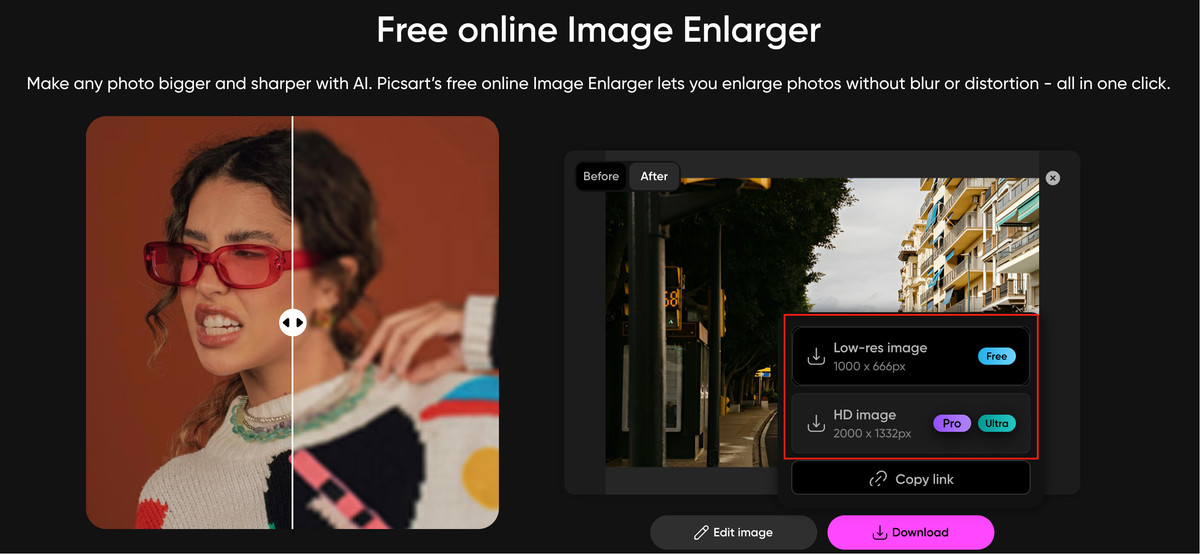
Picsart is popular with creators who want more than technical image cleanup. Along with enhancement features, it offers effects, backgrounds, stickers, and creative editing options. It can be a good fit for bold social content, though a more restrained workflow may be preferable for natural-looking professional photography.
7. Pixelcut — best for product images
Pixelcut focuses on fast visual production for sellers and small businesses. Its image tools are especially handy when a product shot needs a cleaner, larger presence on a marketplace, storefront, or ad. Pair enlargement with background cleanup and a careful crop for the most useful product listing result.
8. Img2Go — best for utility-focused image tasks
Img2Go is helpful when you need a broad set of browser utilities in one place. In addition to resizing and conversion, it provides tools for common image tasks that can come up during content production. It is a practical choice for a quick file job, although it offers fewer photo-specific refinement controls than a dedicated AI editor.
Powerful AI Photo Editor
9. VanceAI — best for AI enhancement experiments
VanceAI offers several AI-led image tools, including enlargement and sharpening-oriented options. It is useful for testing what different enhancement approaches do to a particular picture. Try a small crop first, especially with portraits or detailed product labels, to see whether the generated detail suits your brand standards.
10. waifu2x — best for illustrations and anime-style art
waifu2x earned its following by helping reduce noise and scale illustrations, particularly anime-style artwork. It can also be worth testing on some simple graphics. For photographs with subtle skin texture or complex natural scenes, compare it with a photo-focused AI enlarger before deciding.
11. Bigjpg — best for artwork with clean lines
Bigjpg is another familiar option for enlarging illustrations and graphics. Clean lines, flat color areas, and digital artwork are where its style of processing can be most appealing. It may not be the first choice for a headshot, but it is useful to keep in your toolkit for artwork that needs a larger canvas.
12. Let’s Enhance — best for polished web visuals
Let’s Enhance is designed around AI image enhancement and resizing. Its tools can be useful for website imagery, digital campaigns, and real-estate-style visuals where a clean larger file matters. The service’s free access and output allowances may vary, so confirm the export option before building it into a recurring process.
13. PhotoRoom — best for marketplace-ready photos
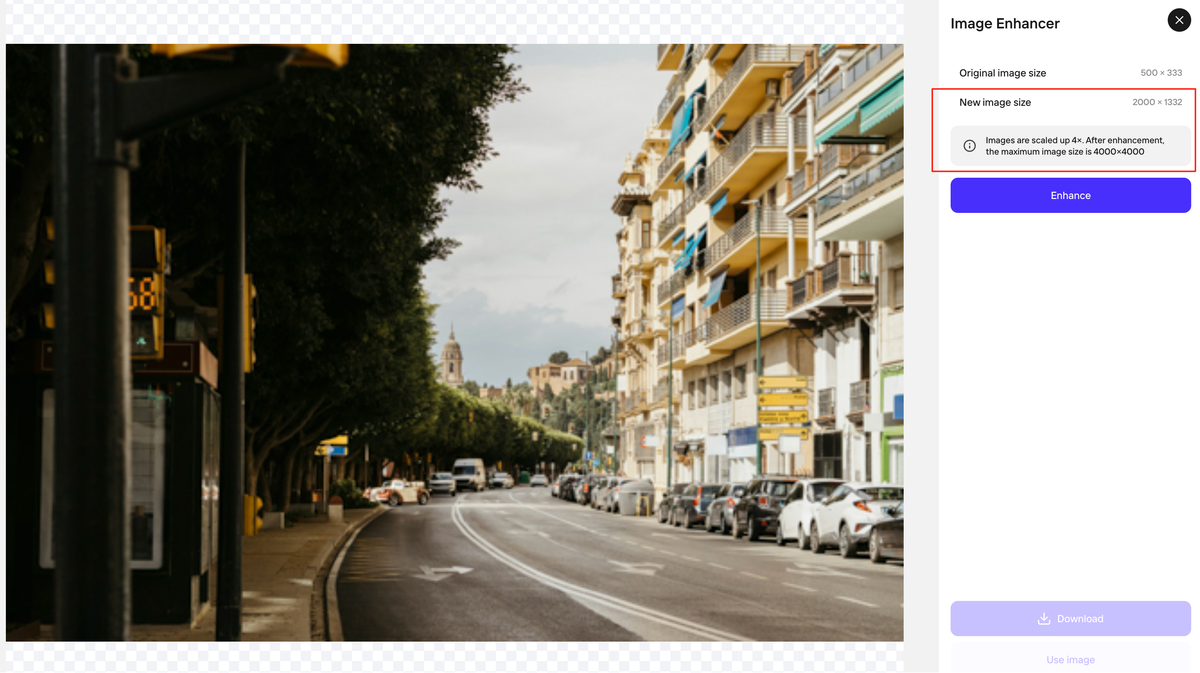
PhotoRoom is particularly useful for sellers, entrepreneurs, and teams creating product-centric visuals. Its strength is the combination of image editing and presentation-ready output. When the goal is an Amazon-style listing image or a clean promotional graphic, enlargement is more valuable when it supports the overall product presentation.
14. DeepImage — best for straightforward photo enhancement
DeepImage provides an AI-driven path to upscale and enhance images. It is a sensible tool to test when you want a focused interface and a result that does not require a lot of manual setup. As with every AI enlarger, inspect fine details such as eyelashes, jewelry, text, and building lines.
15. Media.io — best for occasional browser-based work
Media.io brings several media utilities together in a web-based environment. It can work well for a one-off task or for a creator who already handles video, audio, and graphics in the browser. Use the preview to make sure the enlarged image retains the natural look you want before downloading.
Powerful AI Photo Editor
How to enlarge an image without losing quality
Start with the best source file you can find. An original photo will always give an AI model more useful information than a screenshot, a repeatedly compressed social download, or a tiny thumbnail. Then enlarge only as much as the destination requires. A 2x upscale may look more realistic than pushing a poor source to 8x.
After processing, check the photo at full size. Watch for waxy skin, repeated texture, warped lettering, strange hair, and halos around high-contrast edges. If you are printing, make a small proof first. You may also get a better result by correcting exposure and white balance before upscaling, then applying modest sharpening after it.
For recurring professional work, Evoto is a particularly practical option because the enlargement decision can live within a broader editing workflow. You can refine the image deliberately rather than accepting a single automated output, which is valuable when your name or brand is attached to the final photo.
Free image enlarger FAQ
Can I enlarge an image for free?
Yes. Many image upscalers provide some free processing, credits, or limited exports. The tradeoff is commonly a cap on file size, resolution, speed, or commercial-use options. Always read the current license and plan details if the image will be used for a client or business.
Is an image enlarger the same as an AI upscaler?
Not always. A basic enlarger may simply add pixels through interpolation. An AI upscaler attempts to create plausible additional detail and can produce a sharper-looking result. The terms are often used interchangeably in marketing, so judge by the actual output rather than the label.
What is the best size for printing?
For high-quality prints, a common target is 300 pixels per inch (PPI). Multiply the print width and height in inches by 300 to estimate the pixel dimensions you need. For example, an 8-by-10-inch print ideally starts around 2400 by 3000 pixels. Viewing distance and paper type also affect what looks good.
Will AI make a blurry image perfectly sharp?
No. AI can improve perceived detail, but it cannot guarantee an accurate reconstruction of a heavily blurred or severely compressed photo. Use it to improve usability, not as a substitute for a well-focused original.
The right enlarger is the one that fits the final use
The best free image enlarger depends on what you are making. Choose a fast browser tool for an occasional web image, an illustration-focused tool for line art, or a design platform when the image needs to become a social post immediately. For photography where quality, consistency, and finishing controls matter, choose an editing workflow such as Evoto that lets you do more than simply make the file bigger.
Test two or three options on the same image, inspect the details, and keep the original safe. That small amount of comparison is the fastest way to find an upscale workflow that looks genuinely good to real people—not just in a before-and-after thumbnail.
Powerful AI Photo Editor



