

RAW files are known for capturing the most detailed image data, providing photographers with greater control during post-processing. However, RAW images are large and often incompatible with basic photo editors or applications. That’s where online RAW converters come in. These tools allow you to quickly convert RAW files into universally compatible formats like JPG, PNG, and TIFF. In this blog, we will look at the top RAW converters online, highlighting their features to help you choose the right one for your needs.
What is a RAW Converter and Why Do You Need It?
A RAW converter is a tool that allows you to convert RAW image files into other formats such as JPG, PNG, or TIFF. RAW images are typically uncompressed and store the most amount of image data captured by a camera sensor, giving photographers full control over the image quality during editing.
However, RAW files are not universally supported by all applications and devices. Therefore, using a RAW converter to convert your RAW files to JPG or PNG makes them easier to manage, share, and use across various platforms. Whether you’re looking to reduce file size or maintain high image quality, these converters make the process quick and simple.
6 Best Online RAW Converters for Quick Image Conversion
Here are six of the best online RAW converters that offer quick, easy, and effective image conversion. Each tool has its own set of features, and we’ll start by introducing Evoto, an ideal choice for both professional photographers and casual users.
1. Evoto
Evoto is a highly powerful photo editing application that now offers an intuitive online RAW converter. What sets it apart is its perfect balance of simplicity, lightning-fast processing, and a full suite of advanced photo editing tools. Ideal for users who need quick and high-quality RAW to JPG or RAW to PNG conversions, Evoto ensures that image quality is never compromised, all while delivering an effortless user experience.


Powerful AI Photo Editor
Features:
1.Convenient and Clean Interface: No ads, intuitive design, making it easy for users to navigate.
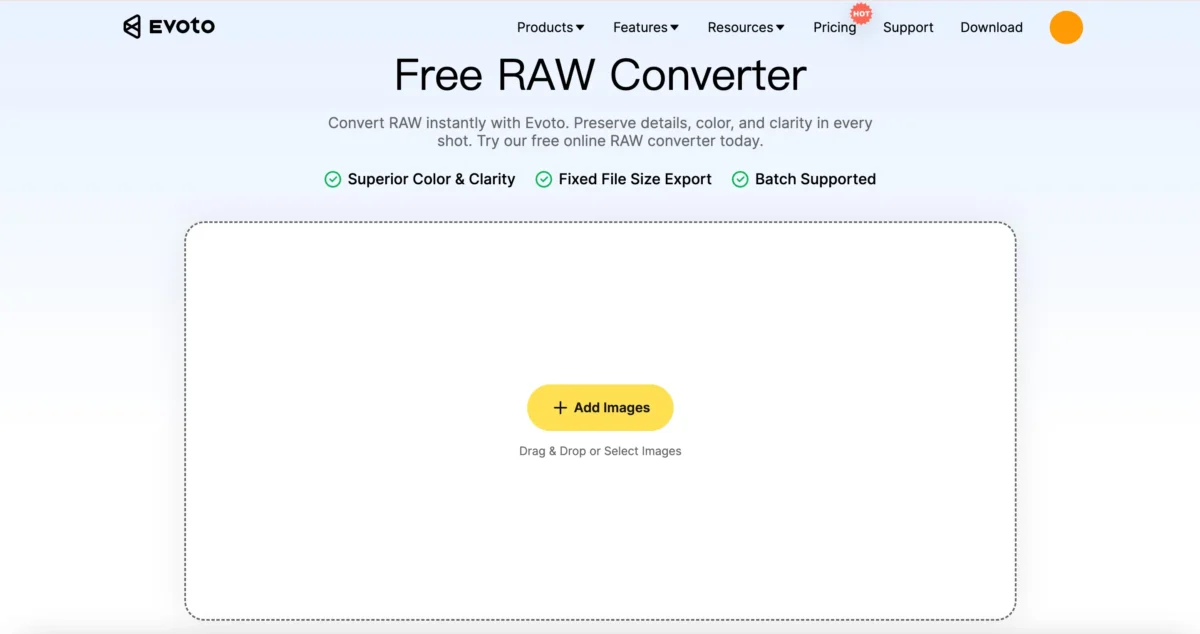
2.Fast Conversion: Evoto allows for quick conversion of RAW files with a preview option,, with support for batch processing in website and software, ideal for photographers who need to handle multiple images.
3.Multiple Format Support: You can convert RAW files to JPG, PNG, TIFF, and more.
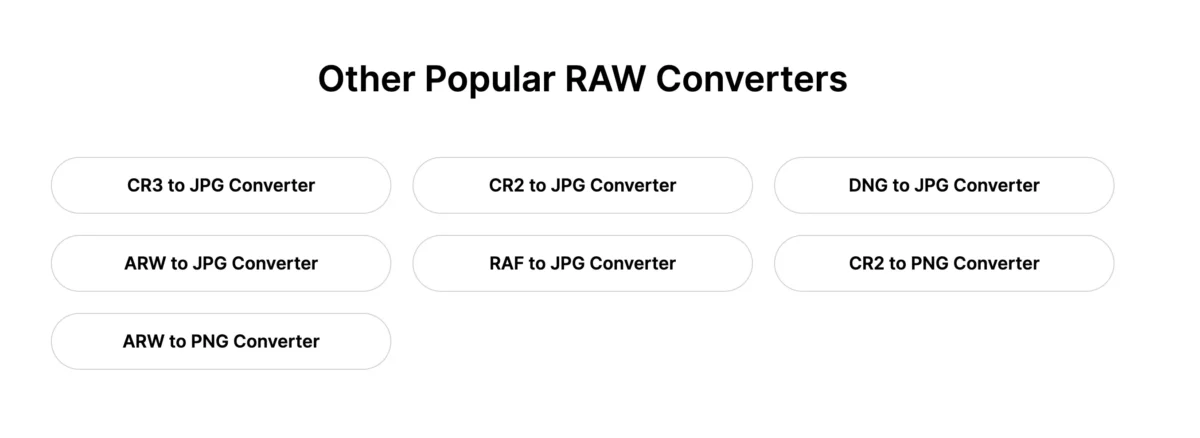
4.High-Quality Conversion: The tool ensures high-quality output with properly balanced colors and sizes that are optimized for easy sharing.
5.Completely Free: Evoto is a free raw converter free for basic features, making it accessible for all users.
6.Powerful photo editing tools: Beyond conversion capabilities, Evoto’s software platform offers advanced Camera Raw Photo Editor to perfect your images. Within the software, you can utilise various specialised features such as AI Color Match, Body Editor, and AI Background Removal.
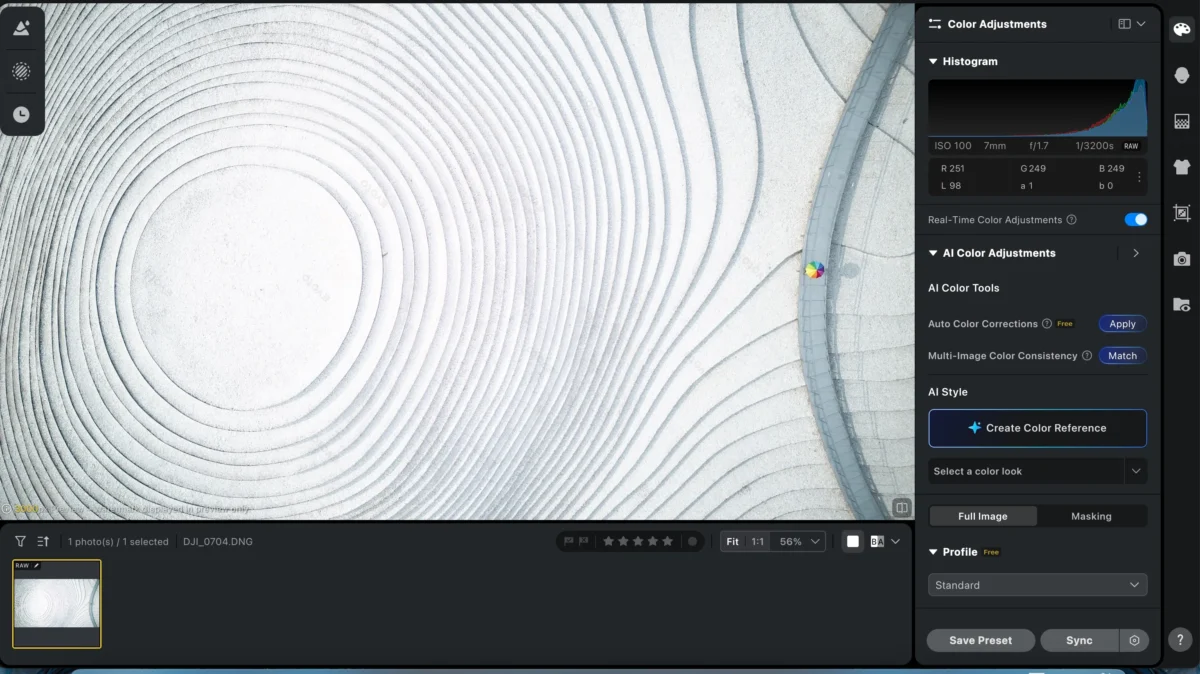
Why Choose Evoto: For those looking for a fast, easy-to-use, and RAW converter free with added functionality like photo editing tools, Evoto is the best choice. It provides excellent image quality, and the option to batch process makes it ideal for handling large volumes of images.
2. I Love IMG
I Love IMG is another online RAW converter that is widely used for converting RAW files to JPG quickly. It provides a clean, straightforward interface, and is designed for those looking for a simple conversion solution.
Features:
- Clean, Ad-Free Interface: The user interface is simple, with no distractions, ensuring a smooth user experience.
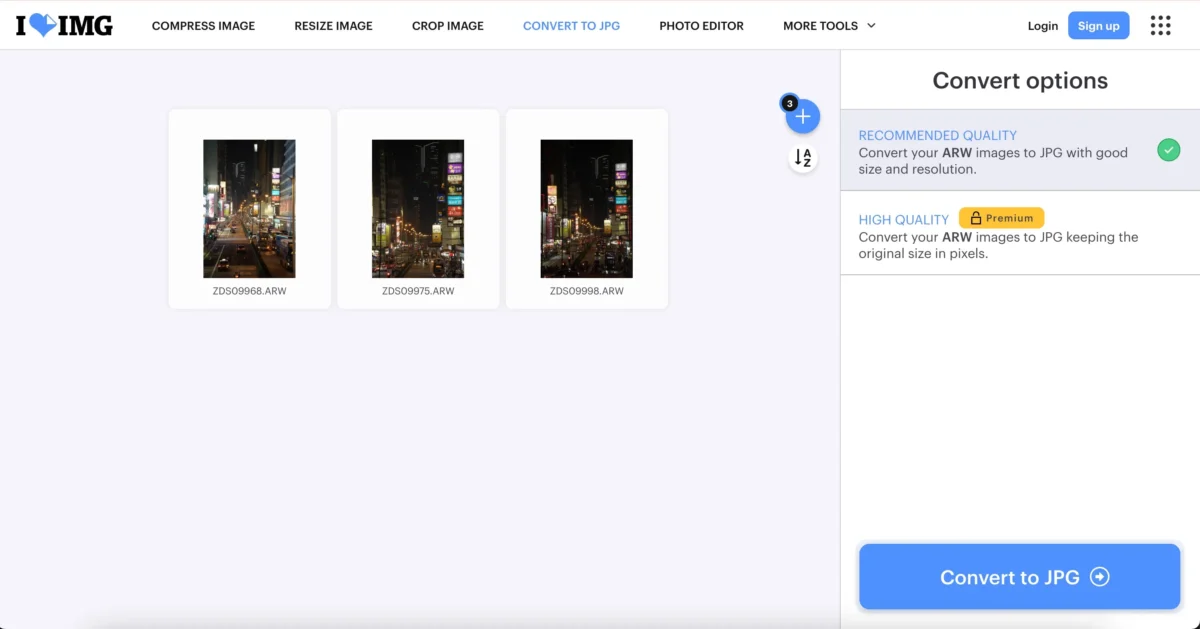
- Fast Conversion: Quick RAW to JPG conversion with a preview option, and the ability to process multiple images in a batch.
- Limited Format Support: Converts only to JPG, offers two quality settings: low and high.
- Free Low-Quality Downloads: The free version offers lower-quality downloads, but high-quality outputs require a paid plan.
Why Choose I Love IMG: I Love IMG is a solid choice for those who need a RAW converter to JPG for quick, no-fuss conversions. However, if you need high-quality output, you will need to pay for the premium version.
3. Picflow
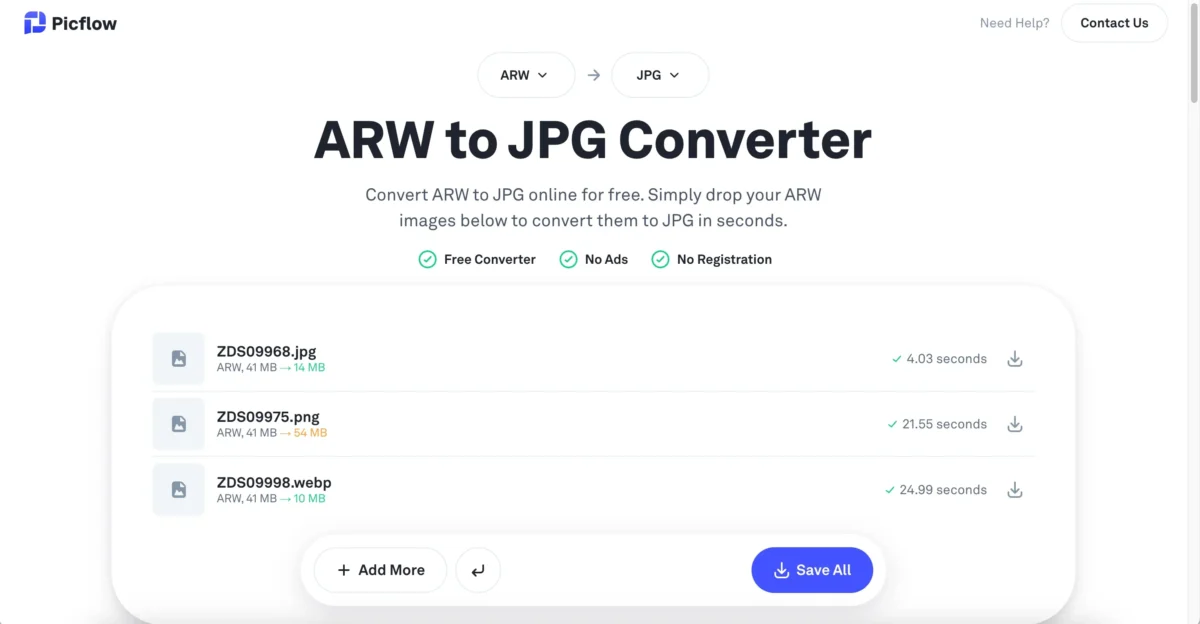
Picflow is another popular online RAW converter, offering a simple and fast way to convert RAW files into common formats such as JPG and PNG. It supports batch processing, making it a good option for photographers with a lot of images to convert.
Features:
- Convenient and Fast: With a clean design and no ads, Picflow offers a user-friendly experience for quick conversions.
- Supports Multiple Formats: Convert RAW files to various formats, including JPG, PNG, and TIFF.
- High Image Quality: Delivers high-quality conversions, although the file sizes tend to be larger than other converters, which can make storage and sharing more challenging.
- Free to Use: The tool is completely free with no hidden costs.
Why Choose Picflow: If image quality is a priority and you don’t mind handling large files, Picflow is an excellent choice. However, be aware that file sizes can become an issue for sharing and storage.
4. Framebird
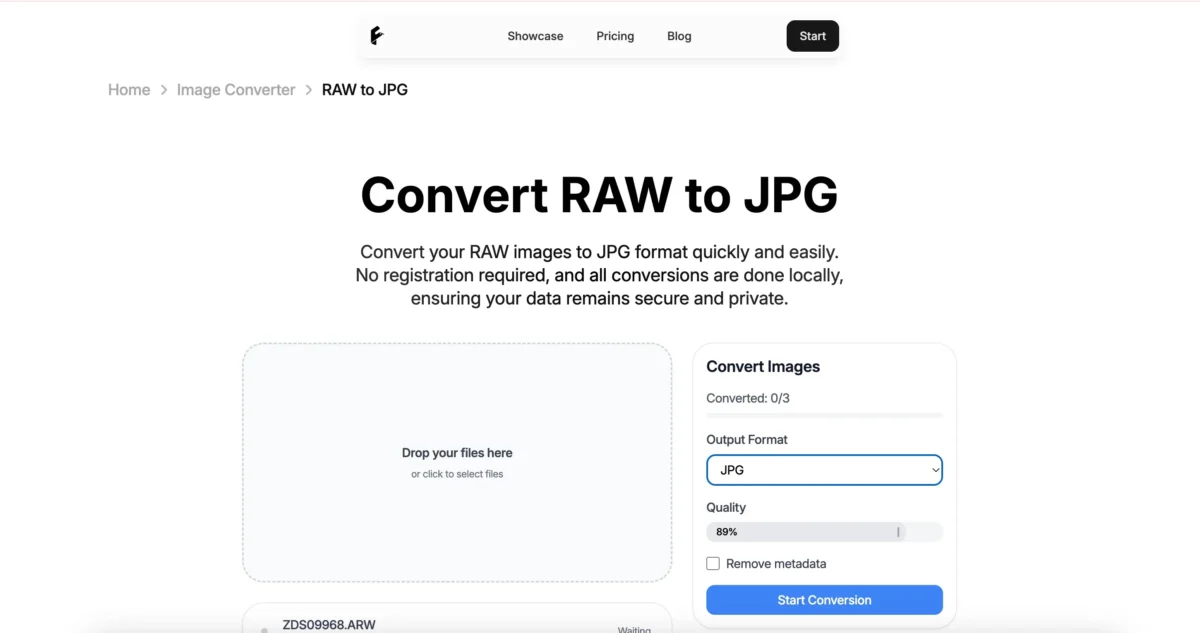
Framebird offers a quick and effective RAW to JPG conversion tool with a clean, ad-free interface. It provides users with the option to preview images and batch convert multiple files at once.
Features:
- User-Friendly Interface: Clean and easy to navigate, providing a seamless experience.
- Fast Conversion: Batch processing is available, and a preview is shown before the final conversion.
- Supports Multiple Formats: Like Picflow, Framebird supports a variety of formats for conversion.
- High-Quality Output: Although the quality is excellent, file sizes tend to be large, which may pose storage challenges.
Why Choose Framebird: Framebird is a great choice for those who need to convert RAW files into multiple formats quickly, but like Picflow, users should be mindful of the large file sizes.
5. Raw.pics.io
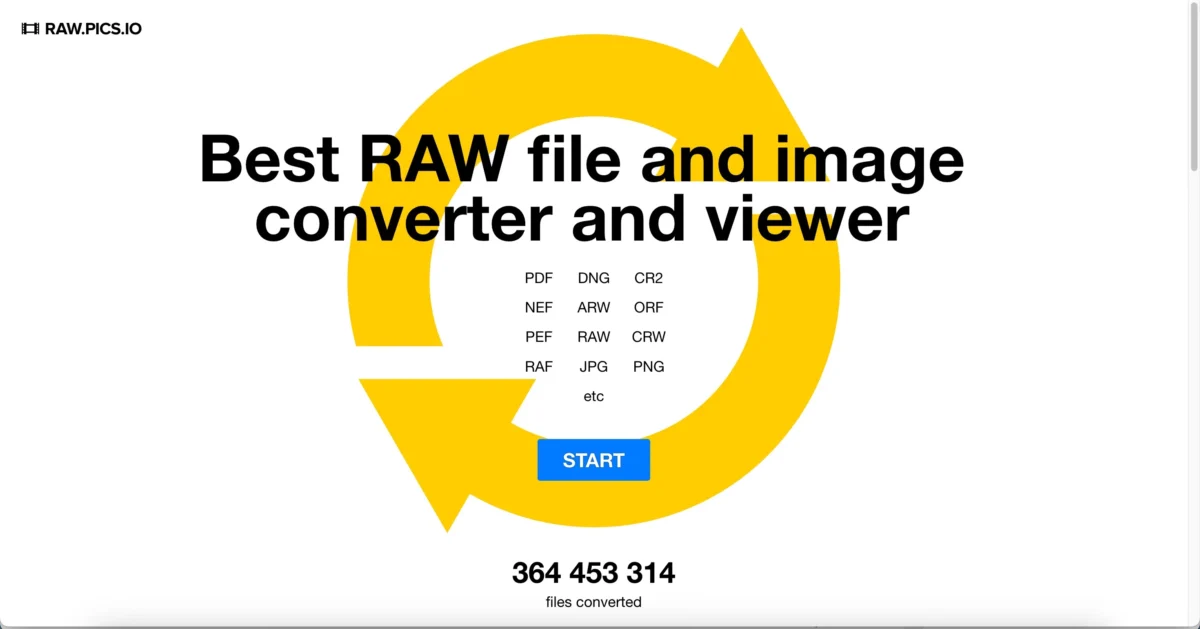
Raw.pics.io is an online RAW converter that lets you convert RAW files directly from your browser. It has an easy-to-use interface, though you will need to navigate to an additional page to begin the conversion process.
Features:
- Simple Interface: A clean, no-ads interface, though users need to navigate through an extra webpage.
- Fast Conversion: Supports RAW to JPG conversion with batch processing and preview options.
- Multiple Format Support: Allows conversions to various formats, including JPG, PNG, and TIFF.
- Export Options: Offers multiple quality settings, giving users more control over the output.
Why Choose Raw.pics.io: If you need flexibility in your RAW to JPG conversions, especially when it comes to quality settings, Raw.pics.io offers a great balance of features. However, the added step to start the conversion might be a small inconvenience for some users.
6. Zamzar
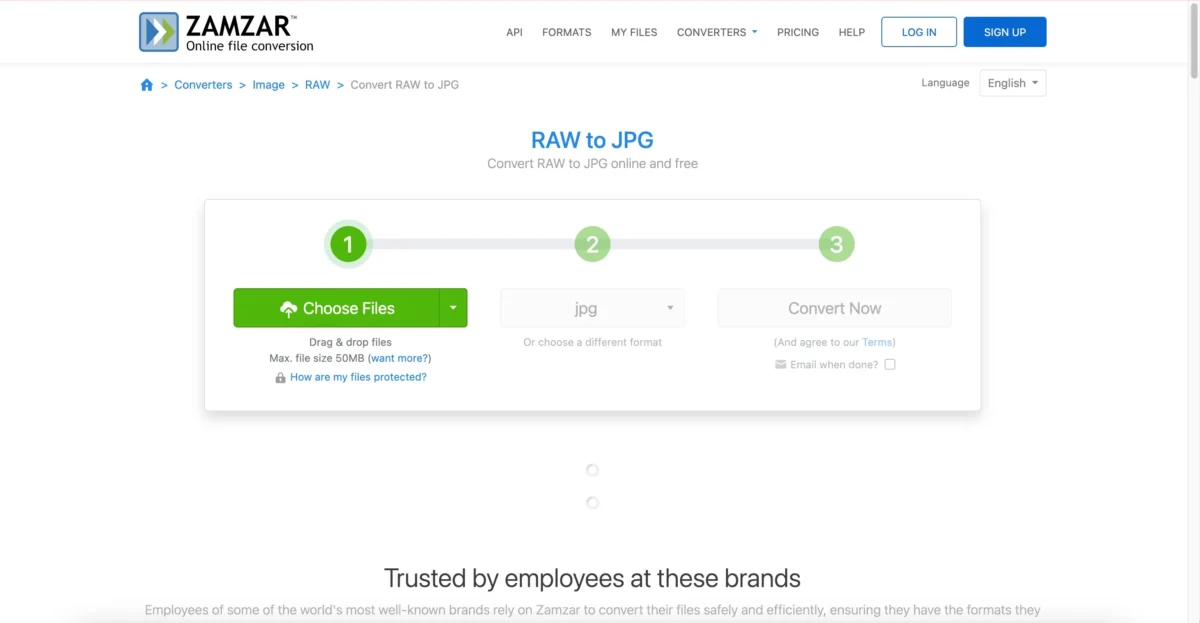
Zamzar is a well-known online file conversion tool that supports a wide range of formats, including RAW to JPG conversion. Its simple interface makes it accessible to everyone, though the conversion process requires navigating away from the main page.
Features:
- Easy-to-Use Interface: Simple design, with no ads, making it quick and easy to use.
- Moderate Conversion Speed: The conversion process is decent in terms of speed, and batch processing is available.
- Multiple Format Support: Supports various file formats, including JPG, PNG, and TIFF.
- Free and Paid Versions: The free version has limitations on file size and speed, but the paid version offers more features.
Why Choose Zamzar: Zamzar is suitable for those who need to convert RAW files to JPG or other formats, but be aware that the process can be a bit slower and involves additional steps.
How to Choose the Best Online RAW Converter for Your Needs
Selecting the right online RAW converter depends on your specific requirements. Here’s a guide to help you choose:
- For Speed and Simplicity: If you need a fast, hassle-free converter with high-quality outputs, Evoto is the ideal choice. It combines quick conversions with a user-friendly interface and offers photo editing tools for any additional adjustments.
- For High-Quality Conversion: If your primary concern is image quality and you’re okay with larger file sizes, Picflow and Framebird are excellent options. Both provide superior conversions but tend to produce larger files, which can be cumbersome for storage and sharing.
- For Flexibility: If you want more control over the output quality and multiple export options, Raw.pics.io is the best fit. It allows you to fine-tune your conversions and choose from a variety of formats and quality settings.
Conclusion
When it comes to converting RAW files, there are plenty of online RAW converters available. If you want a RAW converter free that provides high-quality conversions along with the ability to batch process and edit your images, Evoto is the best option. With its intuitive interface and powerful photo editing tools, Evoto makes converting your RAW images to JPG or PNG effortless.
Try Evoto AI Photo Editor
Retouch photos with Evoto AI and make your photos best! Available on Windows, MacOS and iPadOS.



