

A low-resolution photo can look fine on a phone and fall apart the moment you crop, print, or deliver it for a larger screen. That is the gap an image upscaler is supposed to close.
Traditional enlargement just stretches pixels. Modern AI upscalers try to rebuild edges, texture, and readability as they enlarge the file. Some stay close to the original. Some invent detail aggressively. Some are built for portraits. Others are better for anime, product listings, or one-off free browser jobs.
This roundup compares the best image upscaler options in 2026 for real creative work, with a special look at Evoto for photographers who need clean 2K, 4K, or 6K delivery inside an editing workflow.
What Makes a Good Image Upscaler
Before ranking tools, it helps to know what actually matters.
A bigger file is not automatically a better file. The useful tests are whether edges stay clean, whether faces still look like people, whether texture stays believable, and whether the result holds up for the final use case.
Judge an AI image upscaler on:
- Detail reconstruction: Does it rebuild useful structure, or just sharpen noise?
- Face handling: Does skin stay natural, or turn plastic?
- Fidelity vs invention: Does it preserve the original, or rewrite it?
- Resolution options: Can you choose practical targets like 2K, 4K, or 6K?
- Speed and batching: Can it handle more than one file without friction?
- Workflow fit: Does it live alone, or fit into an editing suite?
- Pricing: Subscription, credits, free tier, or one-time purchase?
Different jobs need different answers. A product listing and a wedding portrait should not be judged the same way.
Best Image Upscaler Tools at a Glance
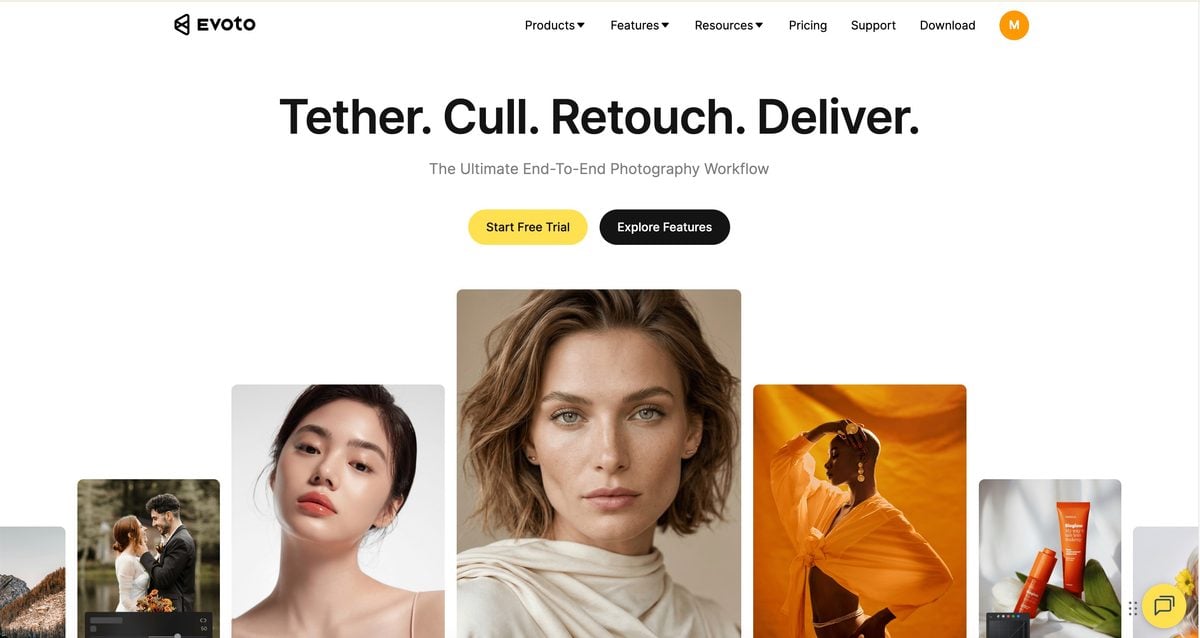
1. Evoto — Best Image Upscaler for Photographer Workflows
Evoto is the strongest pick in this list when upscaling is not a one-off trick, but part of finishing real photos.


Powerful AI Photo Editor
Photographers rarely need enlargement alone. They need cleaner detail, believable skin, controlled color, and an export size that matches delivery. Evoto’s image upscaler sits inside that workflow. In AI Lab Detail Enhance, you can keep the original size or push the output to 2K, 4K, or 6K while improving clarity.
Why it earns a top spot:
- Resolution targets that match real delivery needs: 2K / 4K / 6K
- Detail enhancement that pairs with portrait finishing
- Practical for low-res sources, tighter crops, and larger exports
- Fits into a broader photo editing flow instead of living as a disconnected utility
Best for: Portrait, family, event, and commercial photographers who want upscaling inside the same edit-and-export process.
2. Topaz Gigapixel — Best Pro Desktop Standard
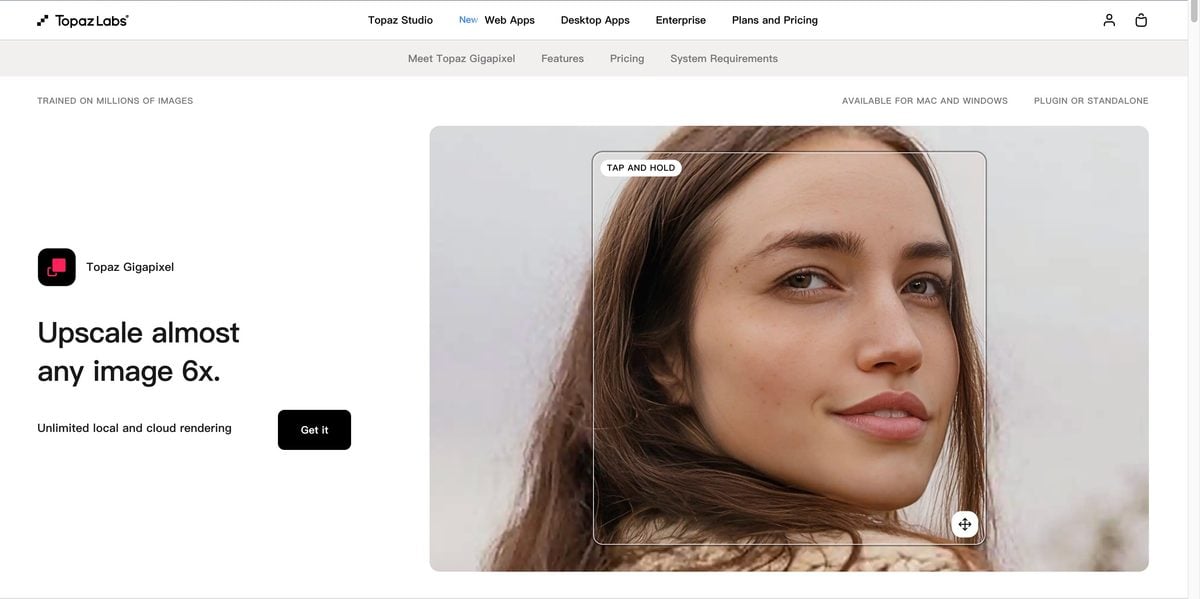
Topaz Gigapixel is still one of the first names people mean when they say “pro AI upscaler.”
It is built around dedicated enlargement models, local GPU processing, and photographer-facing use cases. Across recent 2026 roundups, it keeps showing up as the default high-end desktop choice for print work, archive enlargement, and Adobe-adjacent workflows.
Strengths:
- Strong detail recovery for photographs
- Multiple models for different source types
- Local processing for client privacy
- Mature ecosystem and Photoshop / Lightroom adjacency
Best for: Working photographers who need predictable desktop enlargement and already have the hardware for local rendering.
3. Magnific AI — Best for Generative Enhancement
Magnific is less about careful pixel stretching and more about AI reconstruction.
That is why creative and AI-image workflows love it. It can improve visual fidelity aggressively and often looks impressive in head-to-head creative tests.
Strengths:
- High overall visual impact
- Strong for AI-generated images and creative stills
- Can repair weak fidelity while enlarging
Best for: Creatives who want dramatic enhancement, not just a clean size bump.

4. Let’s Enhance — Best Clean Browser Upscaler
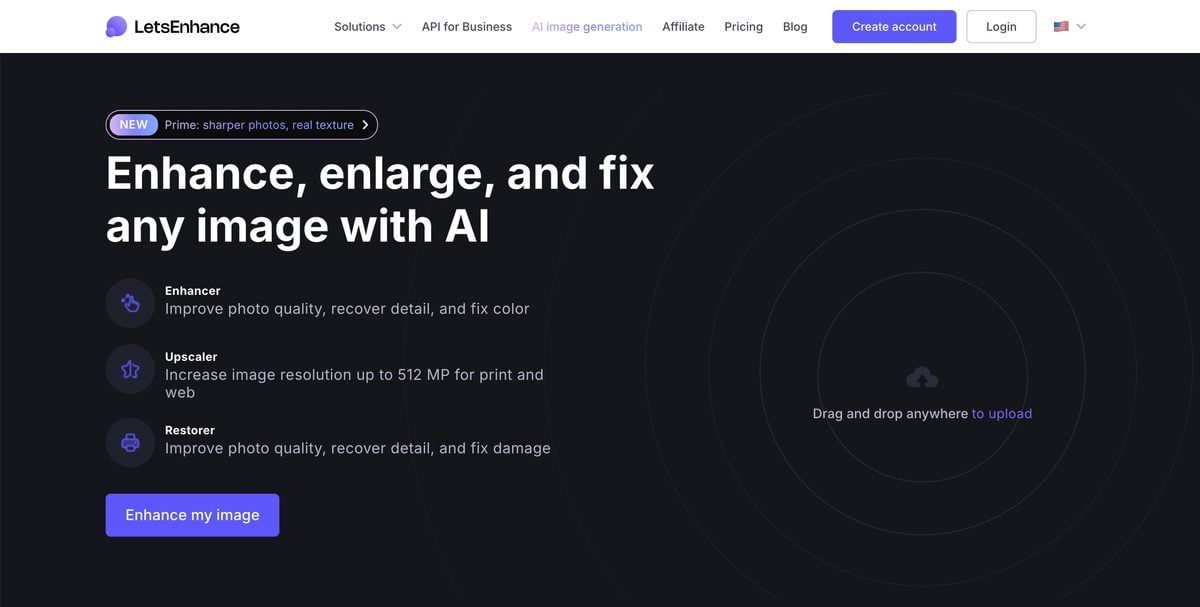
Let’s Enhance is one of the better answers when you want a browser tool that keeps images looking like themselves.
It is often recommended for marketers, small businesses, and quick professional-looking enlargements where installing desktop software is more trouble than it is worth.
Strengths:
- Clean, relatively natural output
- Simple web workflow
- Good for social, web, and light print needs
Best for: Teams that need reliable online enlargement without a heavy install.
5. Upscayl — Best Free Offline Option
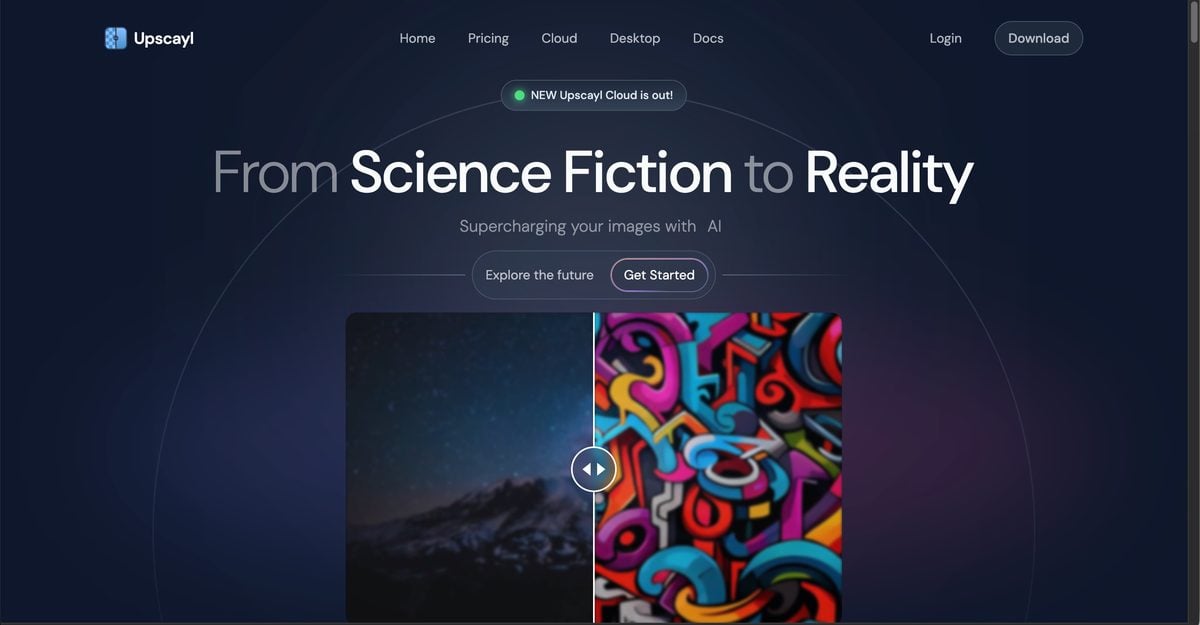
Upscayl is the practical free desktop pick.
It is open-source, runs offline, and uses Real-ESRGAN-style models that remain competitive for many everyday jobs.
Strengths:
- Free and offline
- No watermark wall
- Batch-friendly for local work
Best for: Budget users, privacy-conscious creators, and offline workflows.
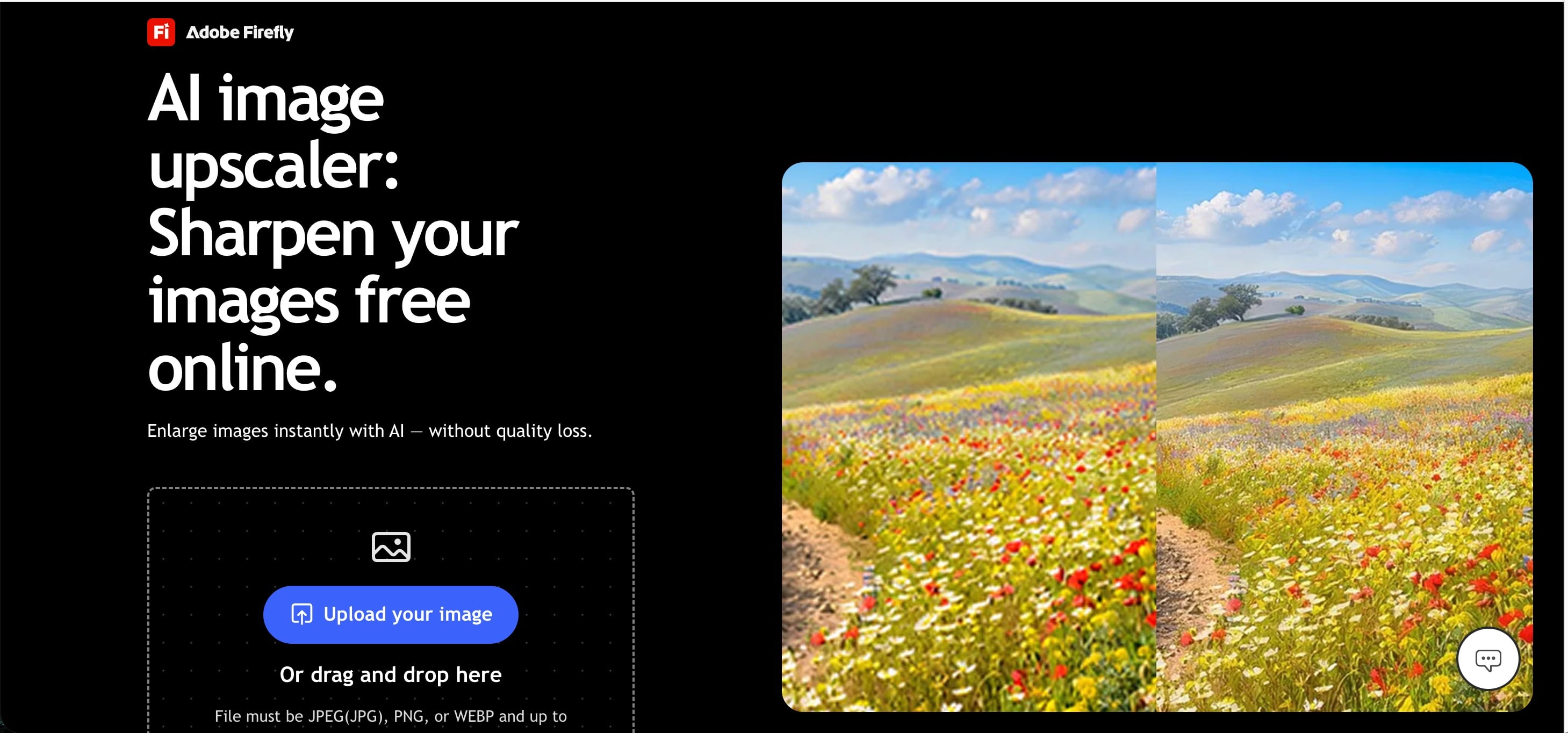
6. Adobe Photoshop (Firefly Upscaler) — Best If You Already Pay for Adobe
If you already live in Photoshop, Adobe’s Firefly upscaler is the path of least resistance.
Recent tests show it performing better than many creatives expected, especially for users who also keep Topaz available inside Photoshop. The catch is simple: it makes the most sense when Adobe is already part of your stack.
Strengths:
- No separate app if you already subscribe
- Strong original-image preservation
- Useful inside an existing Photoshop pipeline
Best for: Creative Cloud users who want enlargement without leaving Photoshop.
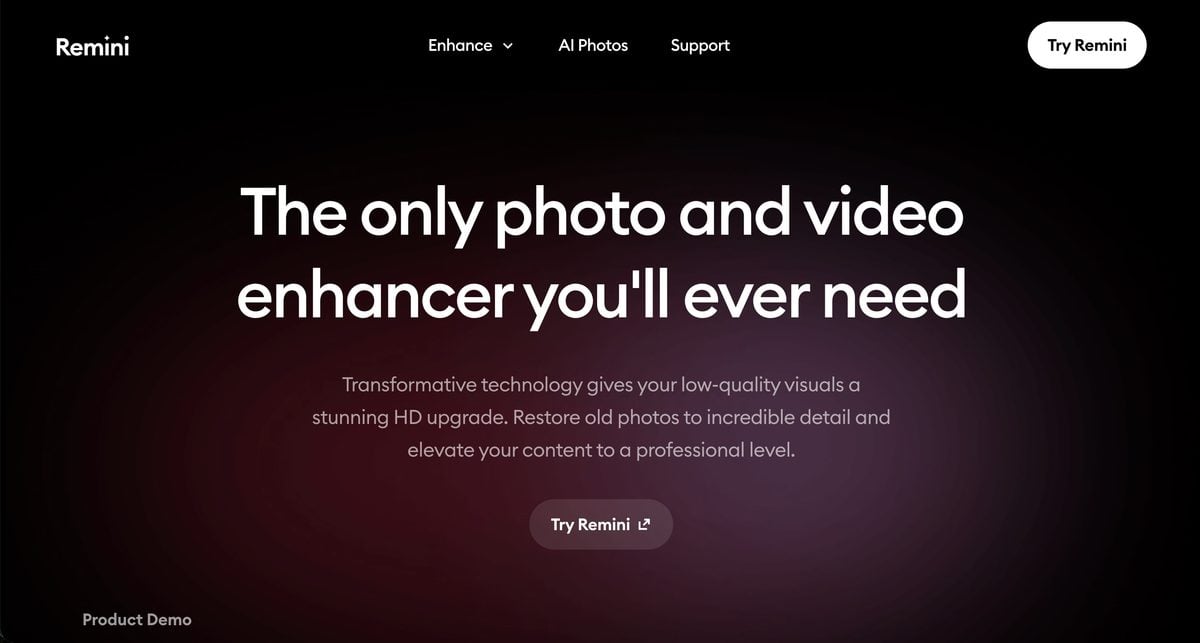
7. Remini — Best for Faces on Mobile
Remini remains the mobile-first answer for faces, old photos, and casual restoration.
It is not the most precise pro print tool, but it is often the fastest way to make a weak portrait look clearer on a phone. That convenience is why it keeps appearing in “best image upscaler” lists even when dedicated desktop tools win on fidelity.
Strengths:
- Excellent for faces and old personal photos
- Easy mobile workflow
- Fast visible improvement
Best for: Personal photo rescue and face-first mobile enhancement.
8. Bigjpg — Best for Anime and Illustration
Bigjpg is not the best image upscaler for portraits. It is one of the best for line art.
Photo-first tools often smear flat color and soft edges in anime or illustration files. Bigjpg is tuned for cleaner lines and less mush in those cases.
Strengths:
- Strong on anime, manga, and illustration
- Simple scale options
- Better line preservation than many photo upscalers
Limitations:
- Not built as a portrait delivery tool
- Free tier is limited
- Less useful for natural skin and photographic texture
Best for: Illustrators and anime-style assets.
How to Use Evoto Image Upscaler
Evoto keeps the upscale path short. You upload, choose the resolution target, generate, then export.
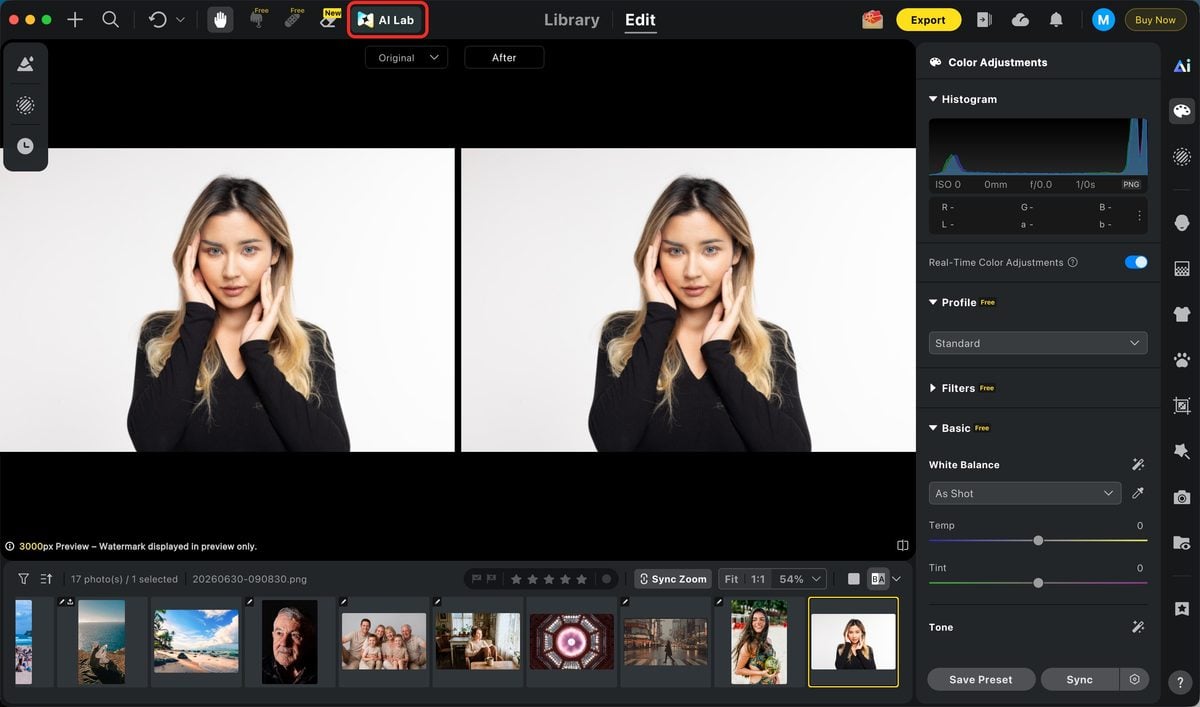
1. Upload your image
Open Evoto and bring in the photo you want to enlarge. Low-resolution exports, tighter crops, older files, and delivery images that need more size are the usual candidates. And click Al Lab.
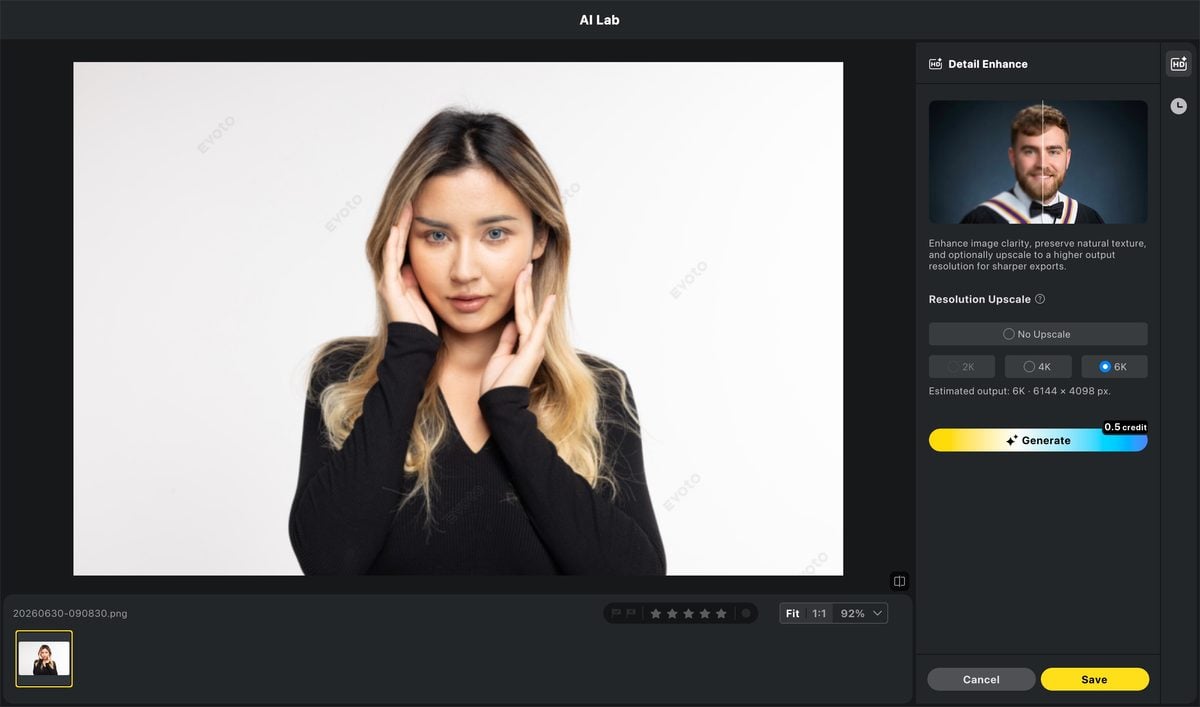
2. Choose 2K / 4K / 6K, then generate
Go to the Detail Enhance flow and pick the resolution you need:
- 2K for cleaner web or lighter delivery
- 4K for most high-quality digital and print-ready needs
- 6K when you want more room for cropping or larger output
Then generate the result and compare it against the original before you commit.
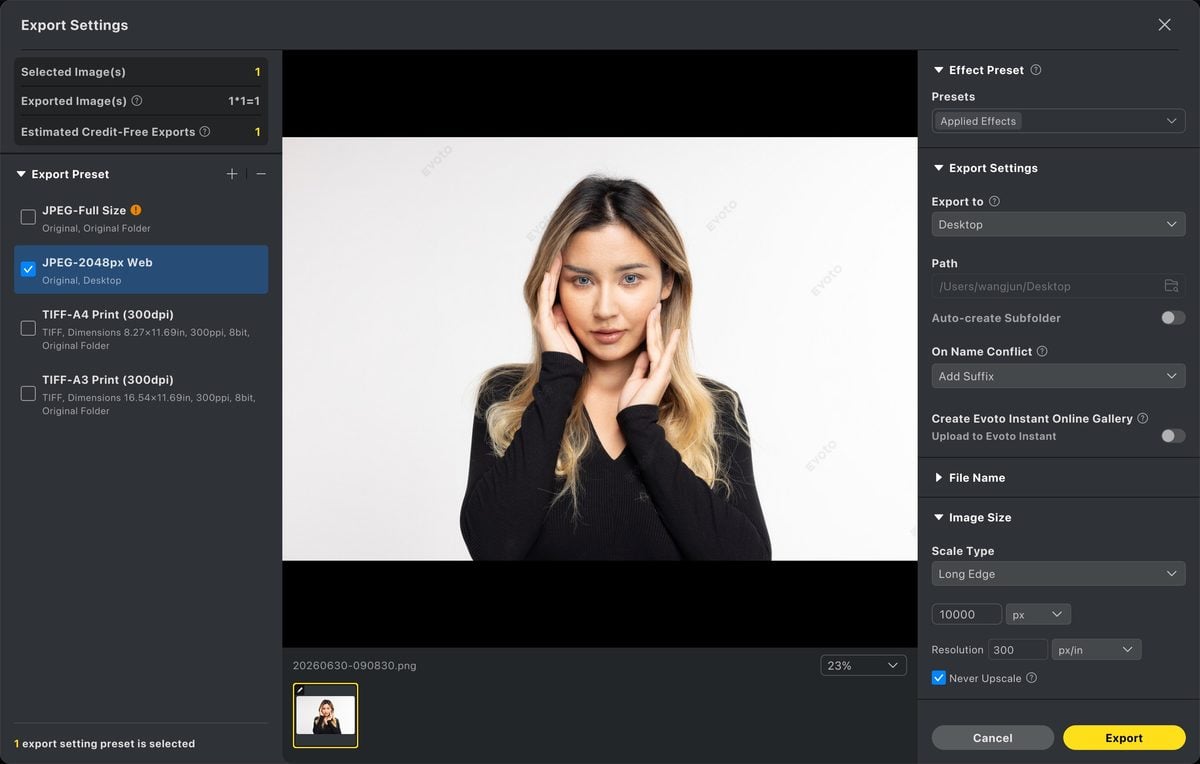
3. Export the final file
Once the upscaled version looks clean, export it. Check faces, edges, and texture at 100% before delivery. If the image also needs color consistency or light retouching, finish those steps before you send the file out.
For a direct product entry point, see Evoto’s AI Photo Enhancer.
Common Upscaling Mistakes
The first mistake is enlarging a bad file before cleaning it. Heavy noise, compression blocks, and blur all get louder when you upscale.
The second mistake is chasing the biggest number. 8x or 16x sounds impressive, but many real jobs only need a controlled move to 2K, 4K, or 6K.
The third mistake is ignoring faces. If skin turns waxy or eyes get rewritten, the enlargement failed even if the pixel count went up.
The fourth mistake is treating every upscaler like the same tool. A free browser utility, a generative enhancer, and a photographer editing suite solve different problems.
Final Thoughts
The best image upscaler in 2026 depends on the job in front of you.
Topaz still anchors high-end desktop photo enlargement. Magnific leads when generative enhancement matters. Let’s Enhance and Upscayl cover clean browser and free offline needs. Remini, VanceAI, and Bigjpg each win narrower lanes.
For photographers who need enlargement inside a real editing workflow, Evoto is one of the most practical answers: upload the image, choose 2K / 4K / 6K, generate, and export. That is usually more useful than collecting another disconnected utility that only makes the file bigger.
Try Evoto AI Photo Editor
Retouch photos with Evoto AI and make your photos best! Available on Windows, MacOS and iPadOS.



