

Changing the color of clothes in your photos has become a popular tool for photographers, designers, and fashion enthusiasts alike. Whether you’re looking to experiment with new outfits, visualize how a particular color will look, or simply edit your photos for social media, an online clothes color changer can make the process quick and easy. In this post, we’ll take a look at the top 5 online clothes color changers.
What is a Clothes Color Changer?
A clothes color changer is a photo editing tool designed to alter the color of clothing items in digital images. It allows users to:
- Change the color of clothes in a picture without needing to physically alter the clothing.
- Experiment with different colors for outfits, providing a virtual try-on experience.
- Enhance images by adjusting clothing colors for a more cohesive or aesthetically pleasing look.
Such tools are ideal for fashion designers, photographers, influencers, and anyone requiring swift, efficient alterations to clothing colours in photographs—particularly e-commerce professionals. Next, let us explore five essential online clothing colour replacement tools.
Top 5 Tools for Changing Clothes Colors Online
1. Evoto
Evoto offers an exceptional, AI-powered clothes color changer that provides an intuitive, fast, and user-friendly experience for changing clothes color in photos.
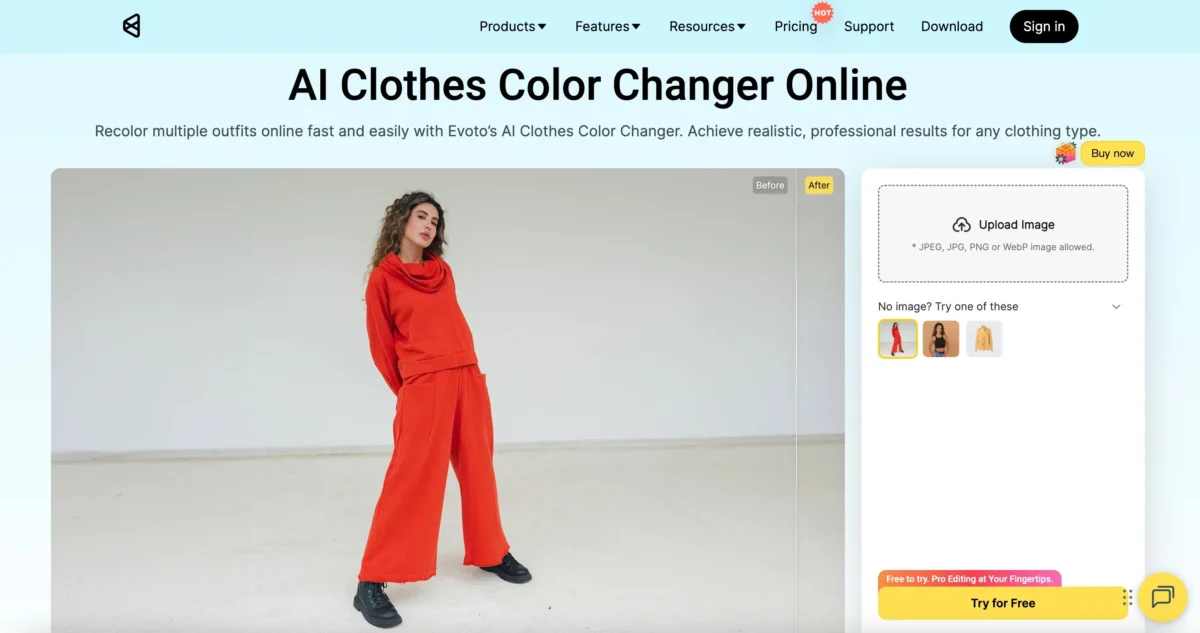
User Experience:
- Customizable clothing colors: You can change the color of clothes in a picture and even adjust specific parts of the outfit independently, offering great flexibility for precise edits.
- Add patterns and designs: Evoto allows you to not only change colors but also add custom prints, textures, and designs. The AI can analyze sample images to preserve the fabric’s texture and look.
- Advanced editing tools: Beyond colour adjustments, specific edits can be executed via text commands.
- Quick and smooth interface: The platform is easy to navigate, and edits are processed quickly, making it ideal for both beginners and professionals.
- Free trial & credits system: Users gain complimentary access to edit three images upon registration, with subsequent credit purchases available as needed for flexible, cost-effective use.
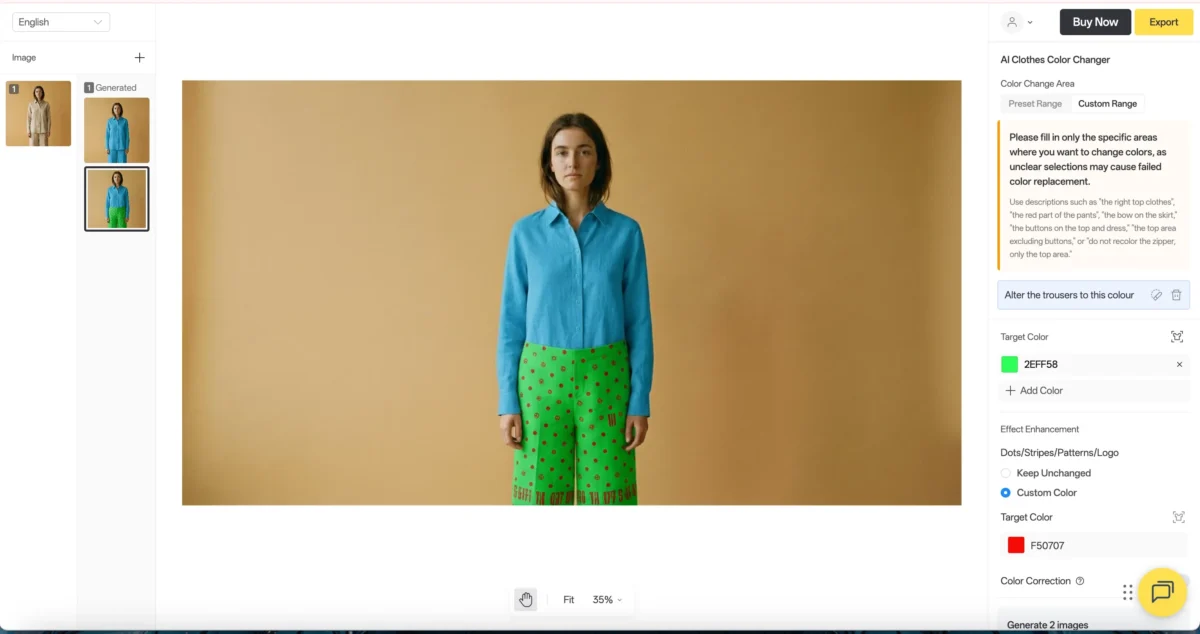
Why Choose Evoto?
- Fast, AI-powered color changes that preserve texture and fabric details.
- Multiple customisation options to achieve optimal results.
- Intuitive and simple interface for quick edits.
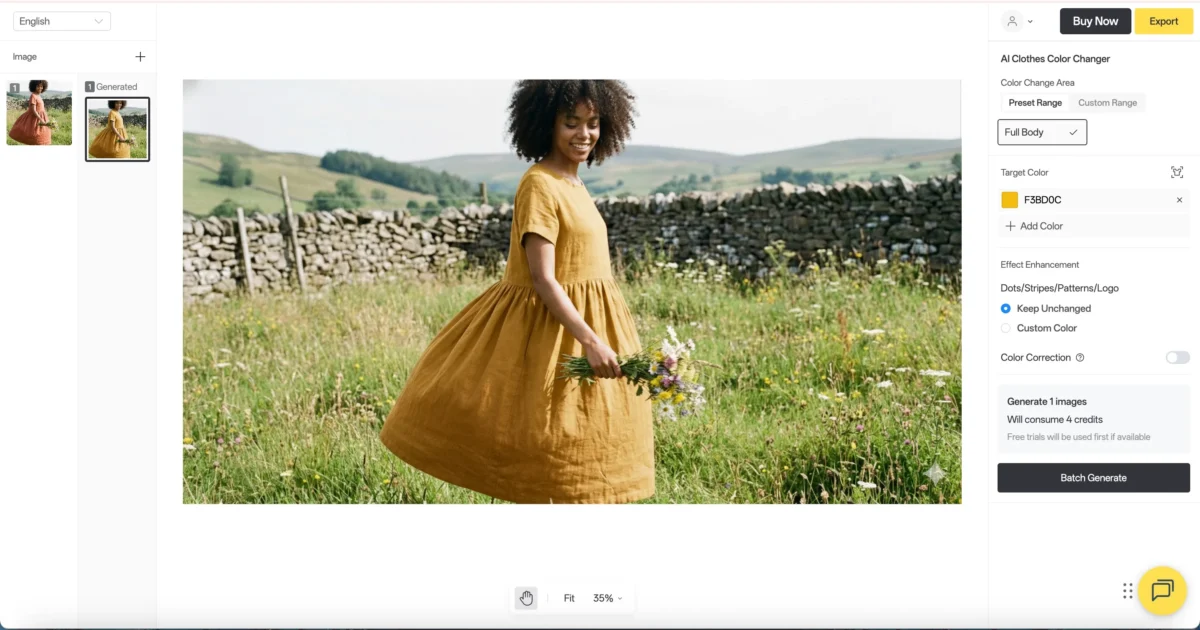


Powerful AI Photo Editor
2. Pixelcut
Pixelcut is another great option for changing clothes color in photo, offering flexibility in how you edit clothing.
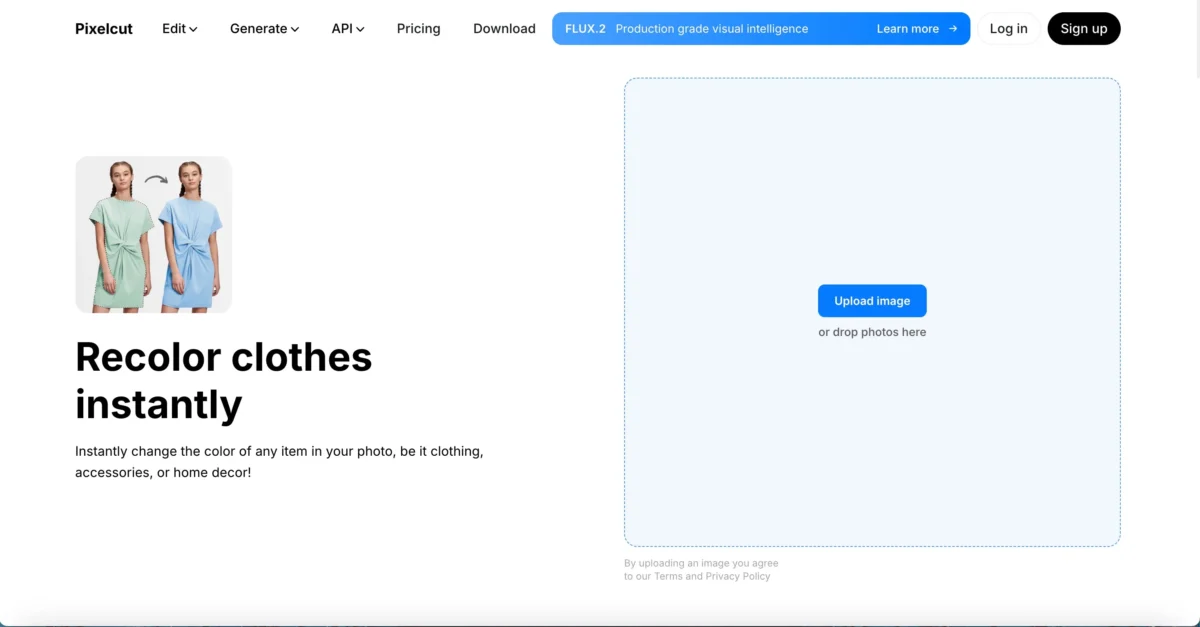
User Experience:
- Separate upper and lower body editing: Allows users to change the color of dress in photo or other clothing items by editing the upper and lower body independently.
- Limited color options: Pixelcut offers a variety of preset color changes but does not allow for fully customizable colors, limiting your choices somewhat.
- Exposure adjustments: In addition to color change, you can tweak basic settings like exposure, contrast, and saturation.
Free and paid options: The basic export is free, but high-resolution downloads require a paid plan.
Why Choose Pixelcut?
- Allows for separate edits of the upper and lower parts of clothing, perfect for detailed adjustments.
- Straightforward interface and quick processing.
3. iFoto
iFoto is another tool that offers clothes color changing features, but with a more complex user flow.
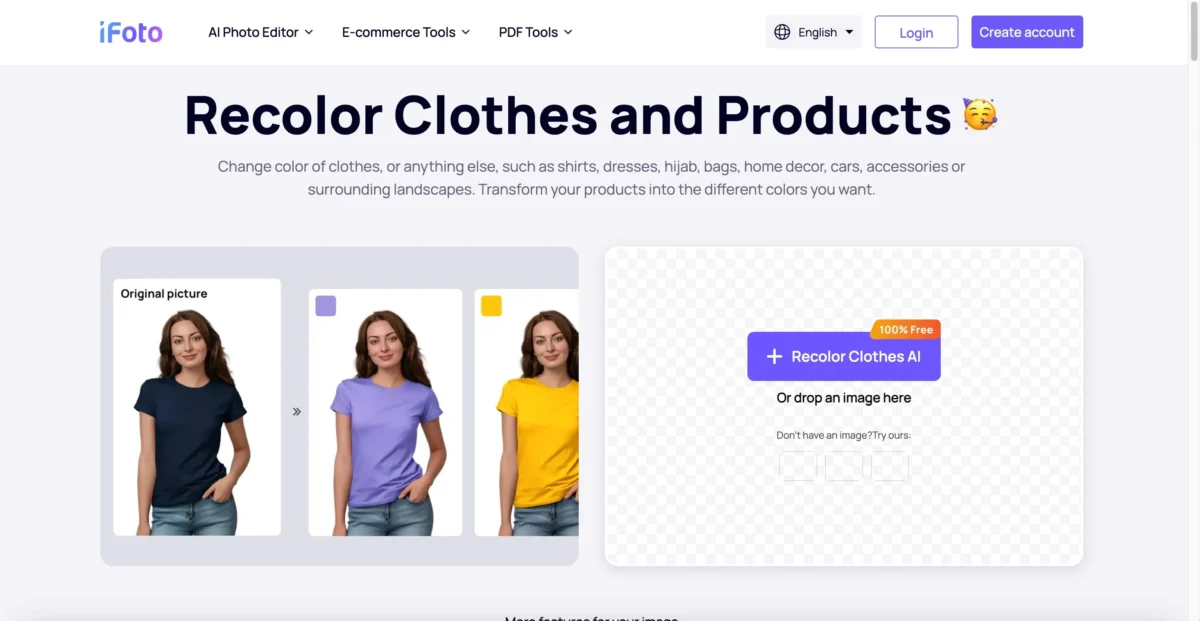
User Experience:
- Clothing color range options: Provides users with the ability to change color of clothes in photo, though you must choose from a preset range of colors.
- Long process: The process involves multiple steps, requiring you to jump between different pages, which may be inconvenient for users looking for a quick edit.
- Color customization: Users can customize the colors within the given range, but it’s limited compared to other tools.
- Frequent login pop-ups: You need to log in repeatedly, which can interrupt the editing process.
- More features: iFoto offers other photo editing options, but the need to navigate through tutorials and several clicks may deter some users.
Why Choose iFoto?
- Ideal if you want to customize color choices, but the process is longer and less intuitive than other tools.
- More suited to advanced users with patience for multiple steps.
4. InsMind
InsMind uses AI to automatically detect and edit clothing, making it a good option for those looking for a quicker, smarter way to change color of clothes in photo.
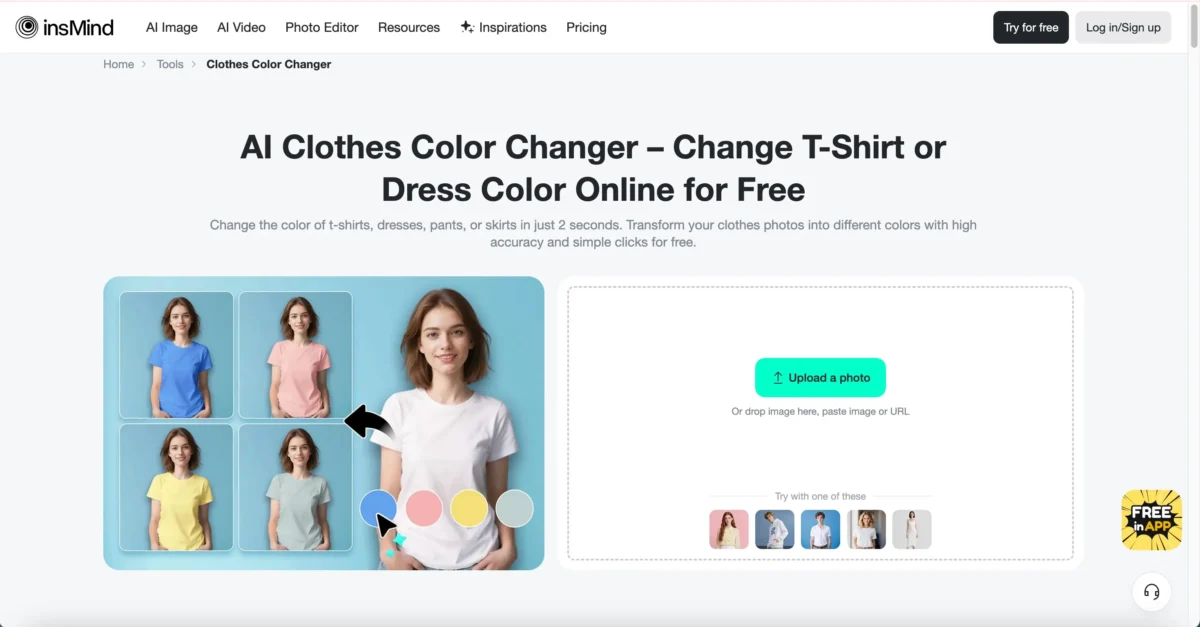
User Experience:
- AI analysis: InsMind offers AI-based analysis to detect clothing items and apply color changes accurately.
- Customizable color choices: You can choose the exact color you want to apply, though it lacks the pattern editing capabilities found in more advanced tools like Evoto.
- Comprehensive editing options: The platform offers a range of editing tools for basic image adjustments, though it’s less feature-rich compared to Evoto.
- Free exports with limited options: You can export photos for free, but high-quality outputs require a paid plan.
Why Choose InsMind?
- Great if you want a fast AI-based solution for changing clothes color in photo without complex editing steps.
- Offers precise color changes with ease, though with fewer customization options than Evoto.
5. Bylo
Bylo is a straightforward photo editing tool for changing color of clothes in a photo, though it comes with certain limitations.
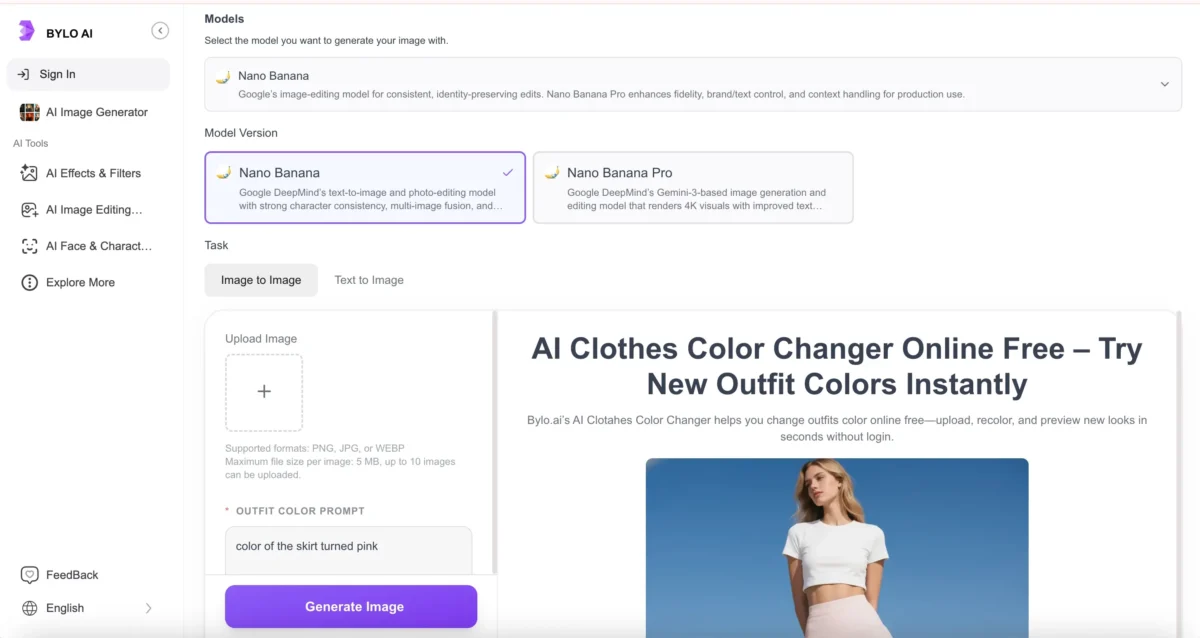
User Experience:
- File size limitation: You can only upload images smaller than 5MB, which may restrict users working with high-resolution photos.
- No color customization: You cannot define custom colors or select a specific range for the clothing; changes are based on simple descriptions.
- Quick but imprecise edits: The tool is easy to use, but it lacks accuracy in color application, which may lead to unrealistic results.
- Basic edits: The platform is suitable for quick, basic edits but not for those looking for detailed, professional work.
Why Choose Bylo?Great for quick, simple edits with minimal effort, though not suitable for those needing precise control over the color changes.
Which Online Clothes Color Changer Should You Choose?
When it comes to selecting the best clothes color changer, it depends on your specific needs:
- Best for Customization and Precision: Evoto offers the most advanced features, including AI-powered color changes, texture preservation, and cloud-based saving, making it the best overall option.
- Best for Quick and Simple Edits: Pixelcut and InsMind provide easy-to-use platforms with decent results, especially for those who need fast edits without too many complex options.
- Best for Detailed Control: If you want a more involved editing process with the ability to customize color choices, iFoto is a good option, though it requires patience.
Conclusion
When it comes to changing the color of clothes in photos, choosing the right tool depends on your needs. While there are several options available, Evoto stands out as the best overall option, offering a powerful combination of speed, precision, and ease of use. Whether you’re a photographer, designer, or casual user looking to enhance your images, Evoto provides the most comprehensive and flexible clothes color changing experience.
Try Evoto today and take your photo editing skills to the next level!
Try Evoto AI Photo Editor
Retouch photos with Evoto AI and make your photos best! Available on Windows, MacOS and iPadOS.



