

Quick answer
- camera metering modes set which parts of the frame vote when the camera recommends exposure—wide (matrix/evaluative), center-biased, small-area (spot/partial), sometimes highlight-priority.
- Fast gains come from priority + mode + histogram, not one mode forever.
- After capture, keep sets cohesive with Evoto. The closing section covers color match, presets, and install links.
Why do readings shift when shutter, aperture, and ISO stay fixed? You are seeing weighting change. The meter still reads light through the lens. It simply trusts different samples.
Two photographers in one spot can get two “correct” readings. Priorities differ. This guide turns labels into outcomes: a table, scene habits, and a field loop for weddings, travel, and concerts.
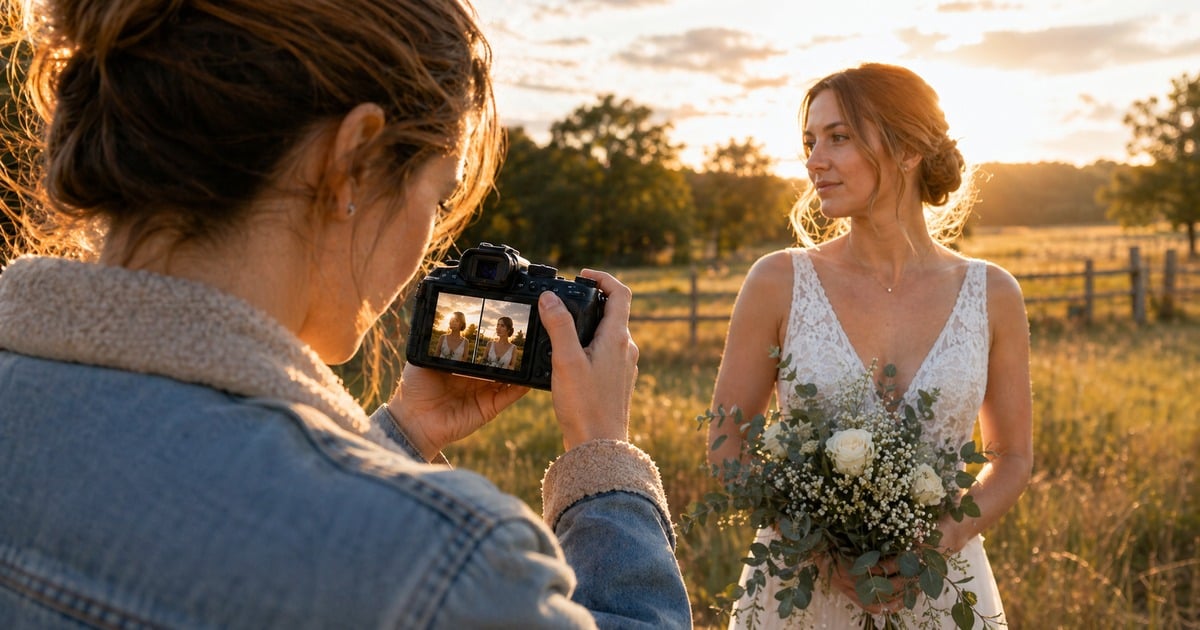
How Metering Modes Weight the Frame
Start With the Map, Not the Slogan
Brand brochures love slogans. Photographers need weighting maps. For a plain-language foundation, read this metering guide from the ground up first. Then return here for cross-brand decisions.
When these metering modes meet skin-first delivery, best metering mode for portraits names the same contrast wars in portrait terms.
When you match finals in software, AI Photo Editor rewards files shot with intent. No slider replaces highlights you never recorded.
What “Metering Mode” Really Changes
Metering reads scene brightness. It guesses an exposure target. That guess often anchors to midtone (middle gray in many tutorials). Real scenes are not average. Snow, black suits, LED stages, and bright skies each pull the meter.
Metering modes do not break physics. They change the weighting map:
- Wide pattern (matrix / evaluative / multi) — more of the frame votes.
- Center-weighted — the middle shouts louder.
- Spot / partial — a small patch can win.
- Specialty (highlight-weighted, face-priority on some bodies) — the body guards specific failures when it can.
The same backlight portrait can look fine in one mode and too dark in another. Neither answer is always wrong. They simply reward different priorities.
Camera Metering Modes: Quick Reference Table
Use this as a ladder. Names vary; jobs overlap.
| Mode (common names) | What it prioritizes | Fast real-world use | Main risk |
|---|---|---|---|
| Evaluative / matrix / multi-pattern | Balanced whole-frame analysis | General shooting, moderate contrast, fast composition changes | Small subject can lose in extreme contrast |
| Center-weighted average | Center of frame | Classic portraits when subject stays near middle | Drifts if subject moves off-center |
| Partial | Larger center circle than spot | Backlit subject centered in frame | Less precise than spot for tiny targets |
| Spot | Tiny area (often linked to AF point) | Stage, cheek tone, small subject in big scene | Aim error swings exposure hard |
For how tone stacks on the graph, see Histogram (photography). Still shopping bodies for wedding season? Best Cameras for Wedding Photography: How to Choose the Right Body for Real Wedding Work shapes how often you lean on matrix versus spot.
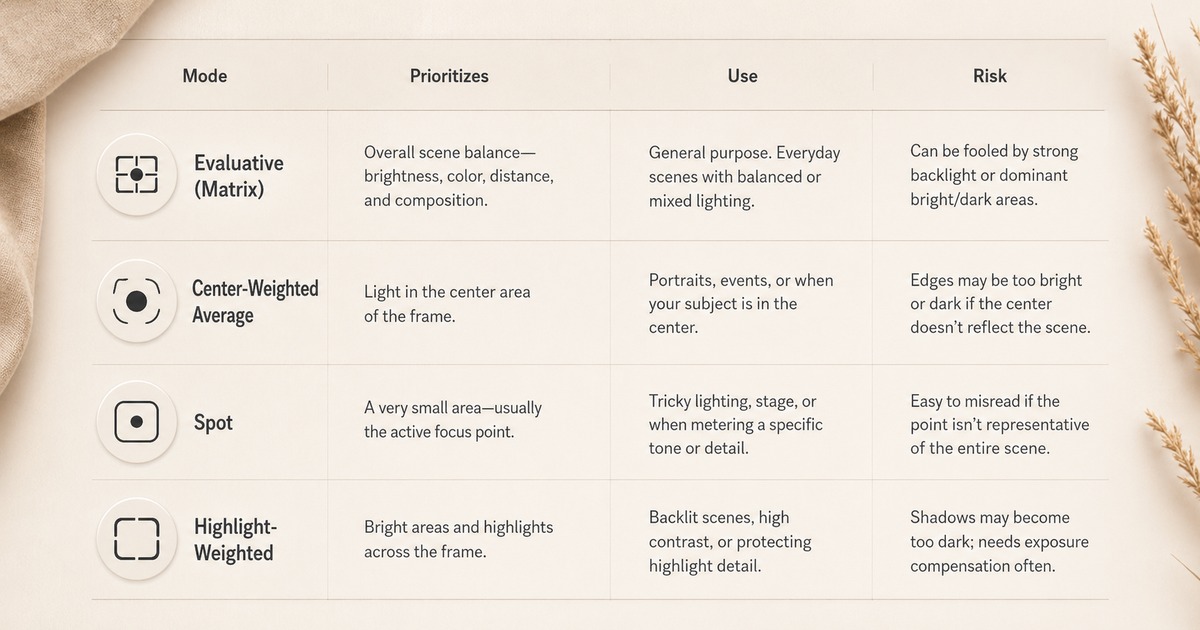
You have the ladder. The sections below unpack each row for real scenes and motion.
Wide Pattern: Matrix, Evaluative, Multi
This is the default when contrast is moderate and pace matters. The body samples many zones. It chases a whole-frame compromise. Think street on an overcast day. Think reception coverage when composition changes every beat.
- Tiny field anchor: cloudy afternoon, 35mm, candid subject in dappled shade. Here the meter chases stability—not perfect cheeks on every stride.
- Where it bites: harsh backlight. The sky still votes. Faces can read dark. That is not “broken matrix.” It is a priority fight.
Center-Weighted: When the Middle Leads
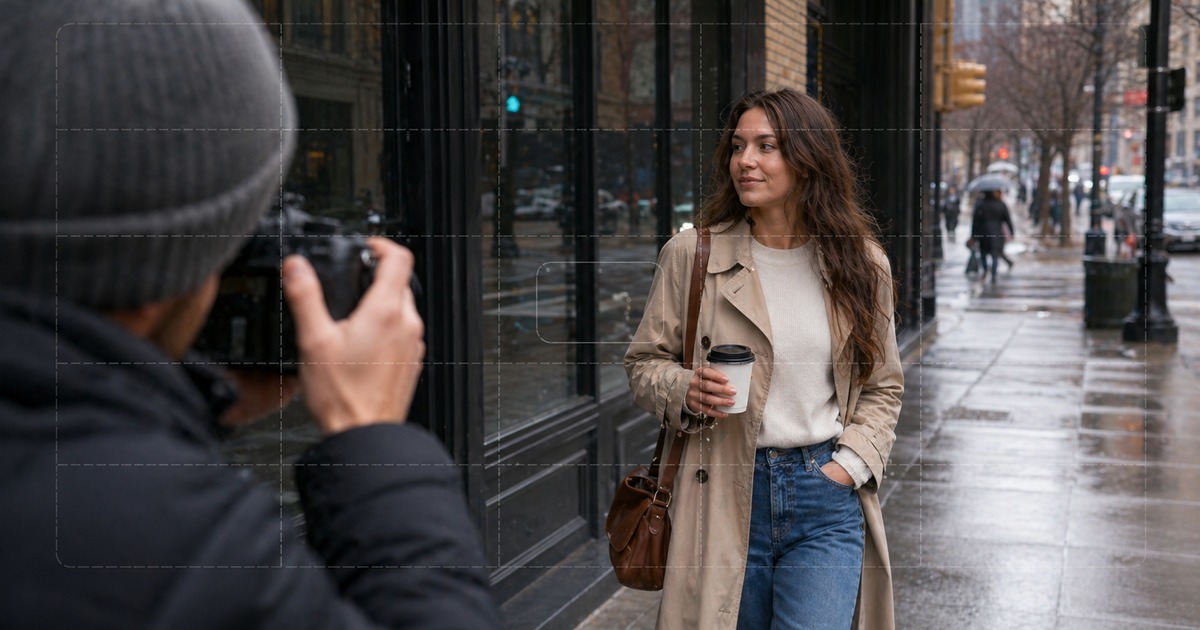
Center-weighted still reads the frame. It simply boosts the center. Use it for straight-on headshots, podium speakers, and centered couples in steady light. Edges matter less. Think gray seamless, dim ballroom corners, dark stage wings.
Reach for it when:
- The face owns the center third. The background is messy.
- You want less sky voting than matrix allows. You are not ready for spot.
- You recompose in small arcs. You are not jumping thirds every frame.
Where it drifts: the subject sits on a hard third. A bright strip lives on the far edge. The map no longer matches your story.

Spot and Partial: Precision When You Can Aim
Spot reads a tiny area. On some bodies it can follow your active AF point; on others it stays central or depends on a menu setting. Partial is a wider circle when the body offers it. It is less twitchy than spot. It is less sky-forgiving than matrix.
- Field story: one speaker under a hard spotlight. Spot a stable cheek midtone to keep skin texture. The background goes dark on purpose. Miss the aim—black lapel, not skin—and exposure jumps. Partial helps when the subject is centered on bright sky but pin-point spot is shaky.
- Habit: spot stability tracks aim and AF discipline. A small reframe moves the sample.

Step-by-Step Field Workflow
These steps work across brands. Menu paths live in shooting menus, Fn / Q screens, or dials. Assign them before the job.
Metering states what the camera recommends. Shutter speed still rules motion blur. It still pushes ISO. If the histogram looks fine but hands blur, fix motion with Shutter Speed: How It Changes Motion and Exposure in Real Photos. Do not just spin through matrix.
If you want steadier delivery after capture, Evoto can help you keep color and exposure interpretation consistent across mixed scenes.


Powerful AI Photo Editor
Step 1: Name the Failure You Refuse to Ship
Before you touch a dial, finish this line: “If I lose _____, this frame is dead.” Gray skin? Blown satin? Dead sky? Camera metering modes only help after that line is real.
Stealable lines: “Cheeks stay printable—sky can go.” “Lace cannot clip.” “We lift shadows in post—we do not invent cheek highlights.”
Step 2: Tag Contrast in Two Seconds, Then Pick a Lane
Low / moderate: soft light, fog, open shade → start wide pattern. High: hard sun, spotlight, window rim → consider center-weighted, partial, or spot before you stack +2 EV.
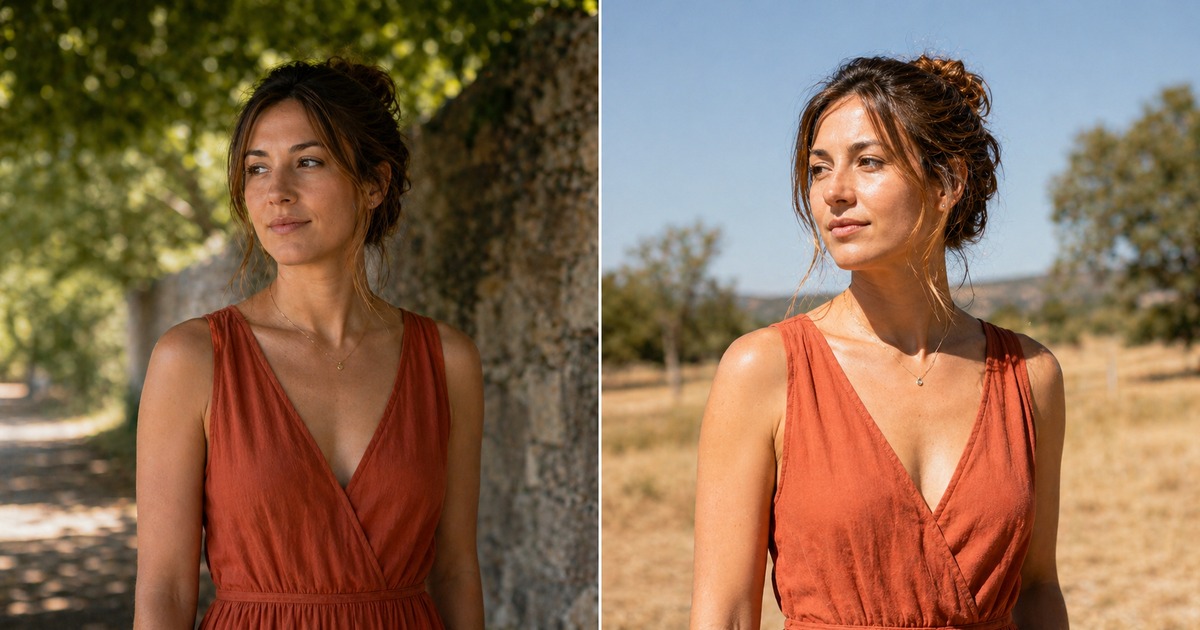
Step 3: Pick a Mode, Test Once, Read the Histogram
Check the right edge for clipping. Check your priority tone. Outdoors, LCD brightness lies. Trust the RGB histogram. Trust highlight warnings when your body offers them.
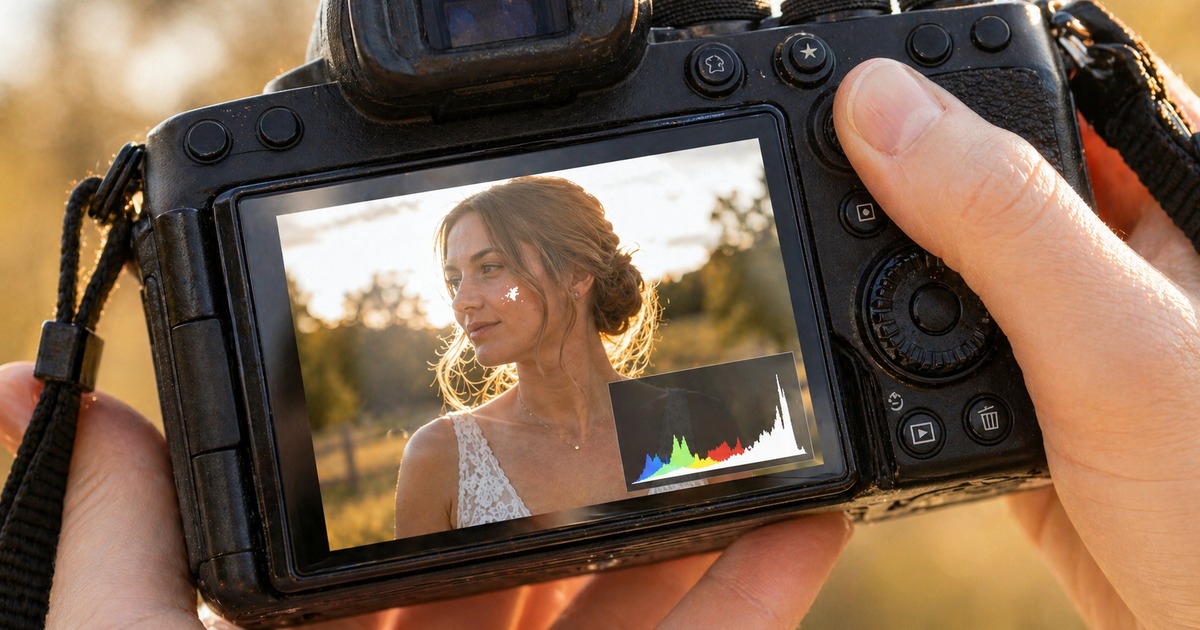
Step 4: Nudge Compensation in 1/3-Stop Clicks
Backlight often needs +0.3 to +0.7 EV under wide pattern. Retest after each nudge. Full-stop jumps on a paid job ask “which frame is real?” in the edit.
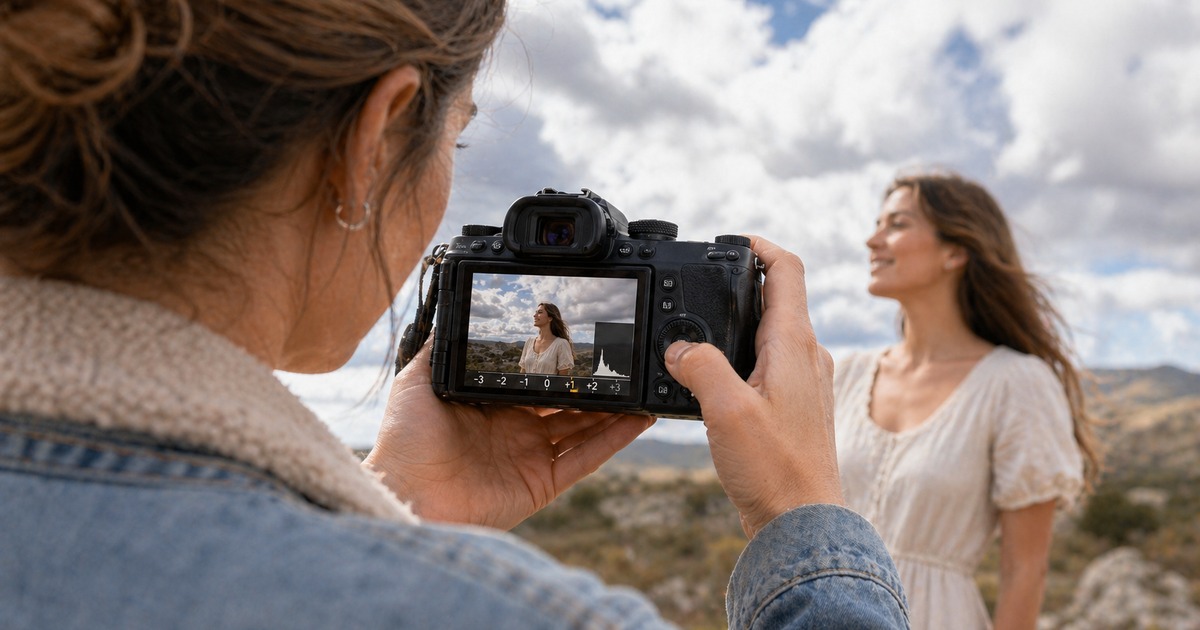
Step 5: Hold the Lane Until Light Changes
Ceremony shade, sun formals, reception LED—each block earns one mode + one compensation habit. Reset when you cross indoor/outdoor, sun to shade, or a big wardrobe reflectance jump (white dress to black tux).
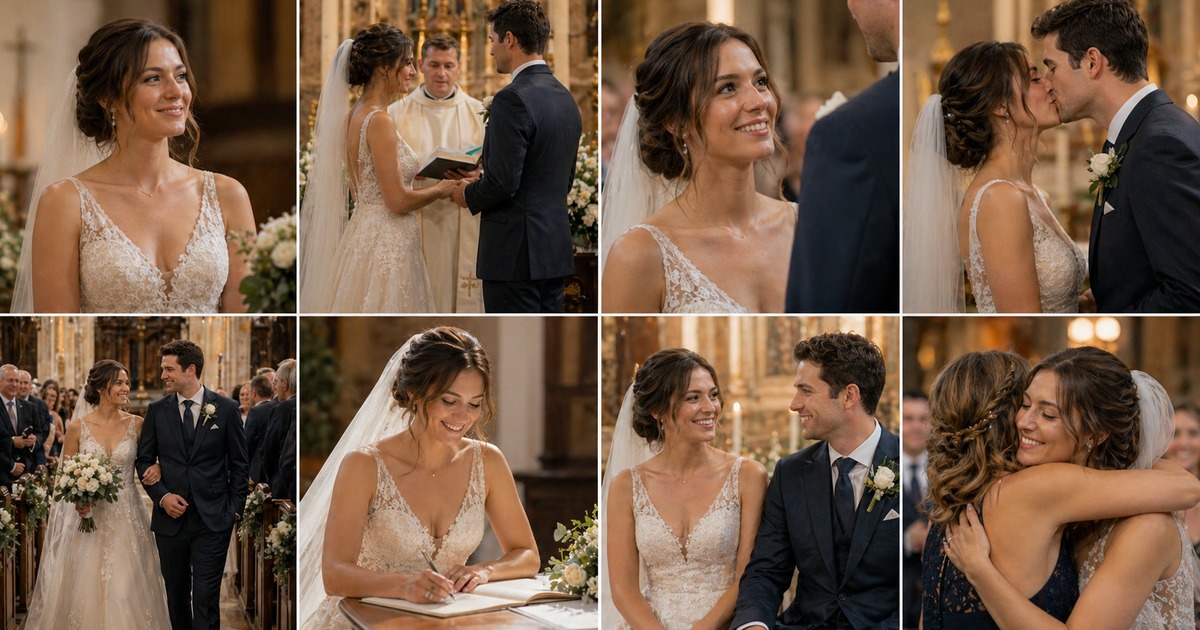
Common Mistakes (Rhythm, Not Bad Gear)
The spot you never park. Spot wins in hard light only when aim + AF area stay stable. Run-and-gun? Stay on wide pattern until subjects bunch.
- LCD hero, histogram zero. Sun on the rear screen lies about midtones. Trust the graph. Trust blinkies.
- Chasing meter zero. Expose for the priority tone. Then verify.
- Ignoring AF–meter links. On some bodies, spot follows the focus point; on others it stays central or depends on setup. Read the manual once with coffee—not during a toast.
Powerful AI Photo Editor
Final Takeaway
Keep the field rule simple when dealing with camera metering modes:
- Let wide pattern lead when contrast is moderate and the frame is balanced.
- Move to center-weighted, partial, or spot when your priority subject loses the vote.
- Verify with one test frame, the histogram, and small compensation changes before you trust a run of images.
Metering is exposure politics: who gets the vote. Learn the table, run the five-step loop, and you will move faster than memorizing brand slogans.
FAQ
1. Do All Cameras Use the Same Metering Mode Names?
No. Canon often says “evaluative,” Nikon often says “matrix,” and Sony uses “multi.” The jobs overlap even when labels differ.
2. Is Matrix Metering Always Best for Beginners?
It is a strong default for moderate contrast. It is not always best for extreme backlight or stage spotlights.
3. Should I Meter Faces With Spot Metering?
Often yes in high contrast, if you can place the spot reliably on a stable skin midtone or a bright non-specular cheek patch.
4. Does Metering Matter in Manual Exposure?
Yes. Manual sets the parameters, but the meter still informs your baseline and adjustments.
5. What Is the Fastest Way to Learn My Kit?
Shoot one static scene, cycle modes, and compare histograms. The differences become obvious within minutes.
6. Can Editing Fix Clipped Highlights From Bad Metering?
Sometimes a little. Severe clipping is often unrecoverable. Protect highlights in camera when priority subjects are bright.



