

Quick answer
- sony metering modes on the a9 III (ILCE-9M3), per Sony’s Help Guide: Multi, Center, Spot (Standard or Large), Entire Screen Avg., Highlight—unpacked below with sports context.
- Multi for whole-frame pace. Spot when a bright background bullies the subject. Entire Screen Avg. when composition drifts. Highlight when speculars clip first.
- After long bursts, keep palettes cohesive with Evoto. The closing section covers culling, color match, and installs.
The a9 III is built for speed. That is why sony metering modes matter in burst and reframe moments. You do not want the meter voting for the wrong slice of the frame. Most metering modes sony searches land here. The menu runs Multi through Highlight. Theory alone will not save a drive.
Sony’s Metering Mode states what each option measures. This article keeps that honest. It then turns it into sideline habits.
If what metering mode still feels abstract, read What Is Metering Mode on a Camera? once. The sections below assume basic histogram literacy.
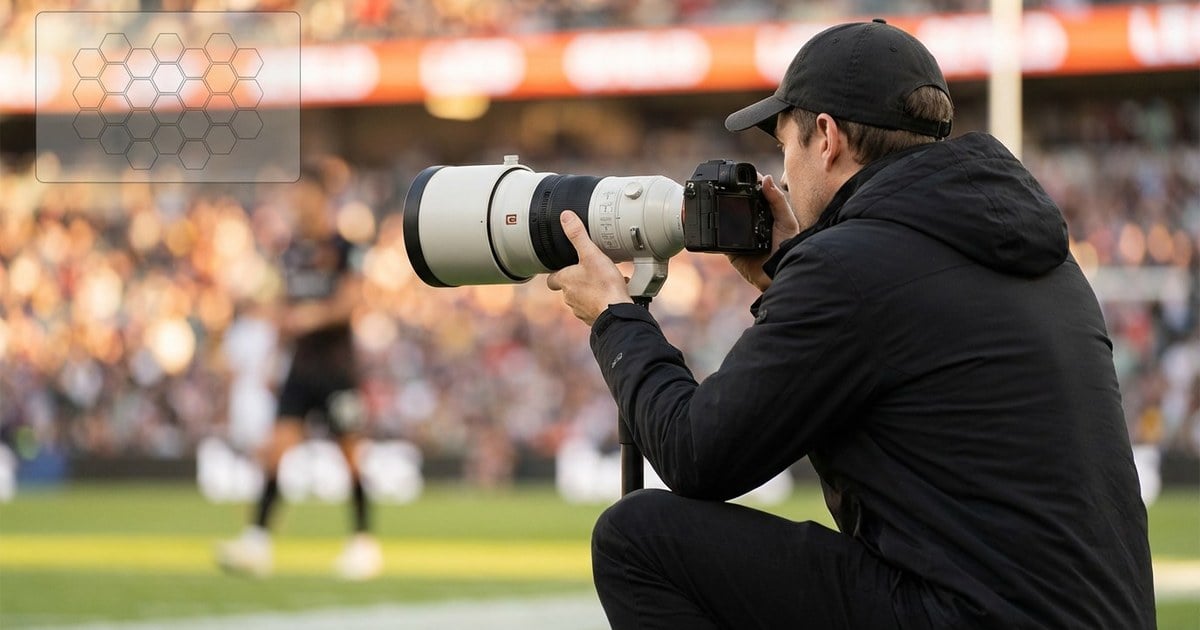
Sony a9 III Metering: How the Five Modes Behave
Labels help only when you know what the camera optimizes. On ILCE-9M3, these metering modes answer one question: which brightness samples win when the scene disagrees? This is not ad copy. For other brands’ names (evaluative, matrix, multi), see camera metering modes when you swap bodies mid-season.
Below tracks Sony’s documented behaviors: Multi (multi-pattern), Center (center-weighted), Spot (Standard/Large), Entire Screen Avg. (full-frame average), Highlight (bright-area emphasis to limit overexposure).
For fast sports coverage, sony metering modes become easier to trust when each mode is tied to one repeatable lighting failure instead of menu trivia.
Multi Metering
Sony describes Multi as measuring light in multiple divided areas and setting exposure for the entire screen—classic multi-pattern thinking. For outdoor sports with changing composition, this is often home base: the body reads many zones and chases a whole-frame compromise.
With Face Priority in Multi Metering set to On, Sony notes the camera can meter based on detected faces—valuable when athletes cut through mixed shade and LED signage. Test ON/OFF on your own sideline so you know whether face detection steers exposure the way your eye does. Face-first framing language (rim light, backlight) also maps cleanly from best metering mode for portraits back to Multi + Face Priority or Spot on Alpha.
Tiny field anchor: wide soccer or track frame, subject moving through patchy sun; Multi chases stability while you worry about focus and timing, not every meter twitch.

Center Metering
Center mode still considers the full frame, but Sony defines it as emphasizing the central area—center-weighted metering in plain English. Reach for it when action stays middle-dominant: net sports, straight-on coverage, or any sequence where the athlete owns the center and edges are bright but secondary.
Where it drifts: hard third-based framing with a bright strip on the opposite edge—the “center wins” map no longer matches your story.
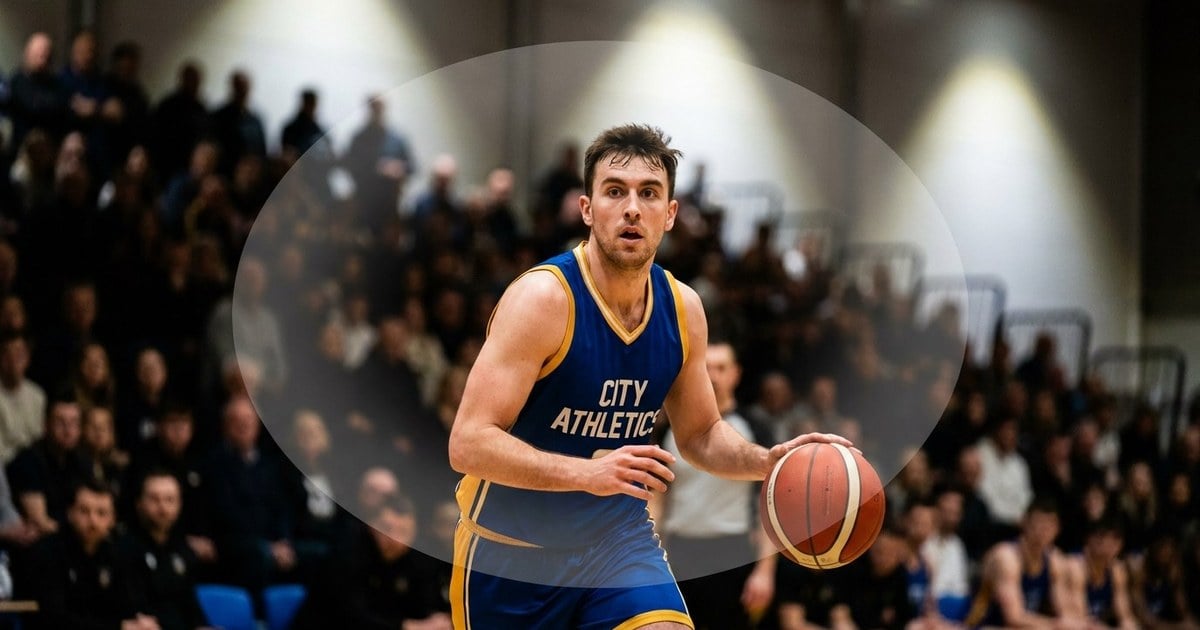
Spot Metering (Standard / Large)
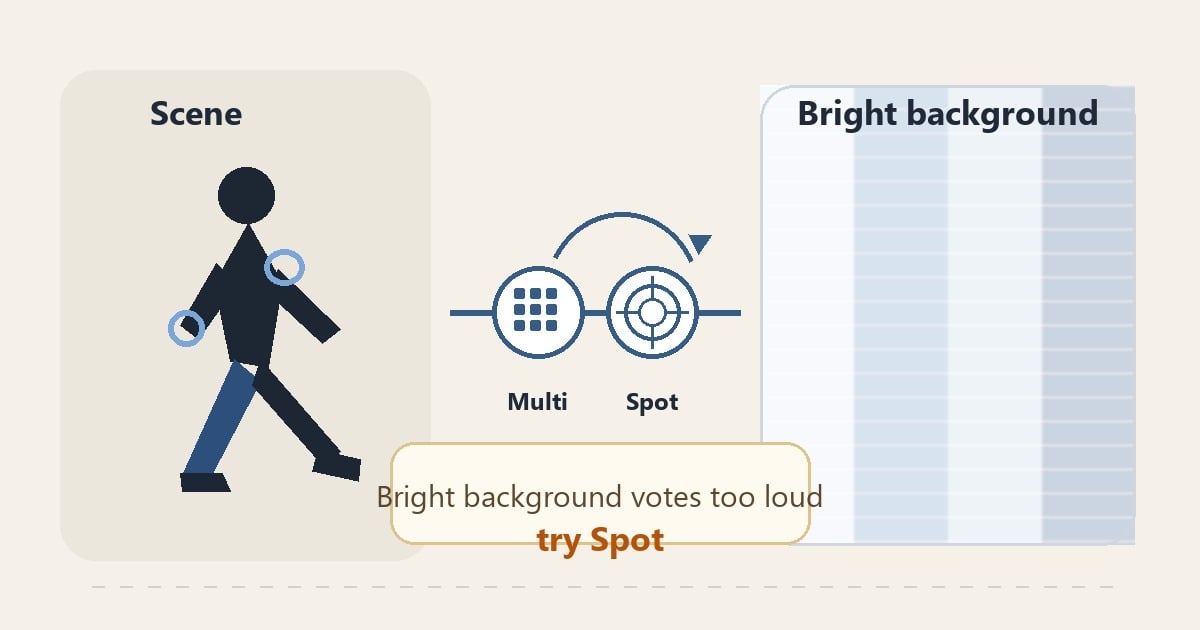
Spot measures only inside the metering circle; Sony documents Standard and Large sizes, with position tied to Spot Metering Point settings. That is precision: a small sample can overrule a loud background—think athlete in a beam with LED boards screaming behind them.
Risk: the circle lands on a white jersey number or chrome facemask instead of skin—exposure jumps. Spot rewards stable aim and a configured Focus Point Link when you want the spot to follow your AF area.
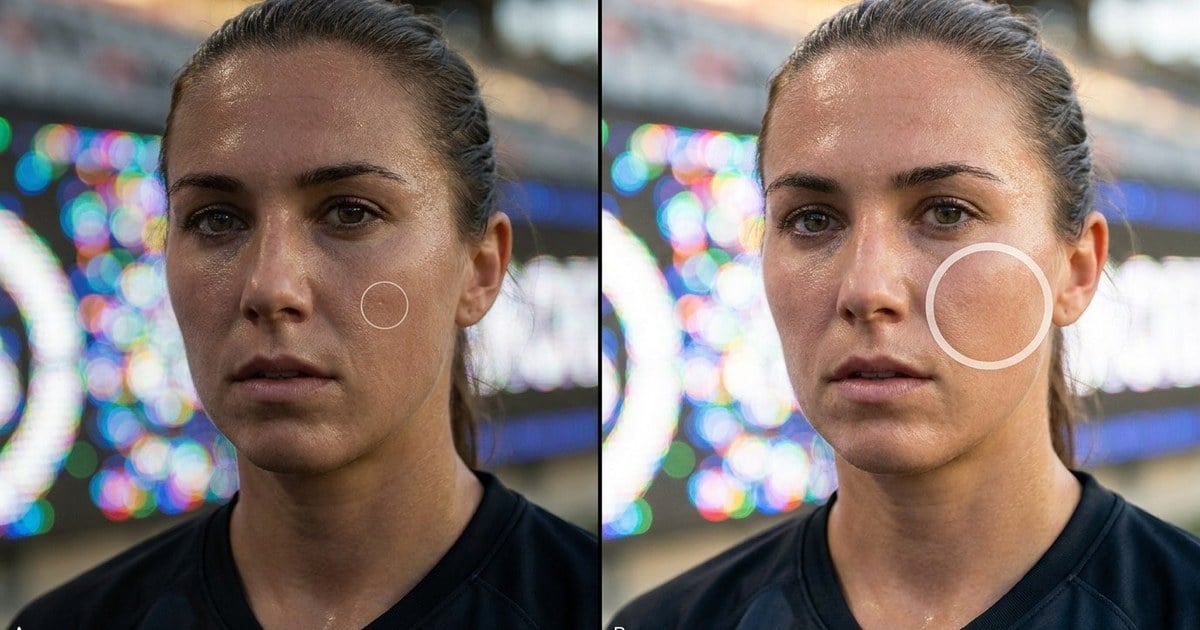
Entire Screen Avg.
Sony defines this mode as measuring average brightness of the entire screen so exposure stays more stable when composition or subject position changes. Remote cameras, loose framing, or sequences where the subject wanders across the frame are natural homes—fewer swings between compositions than modes that chase a moving center of interest.
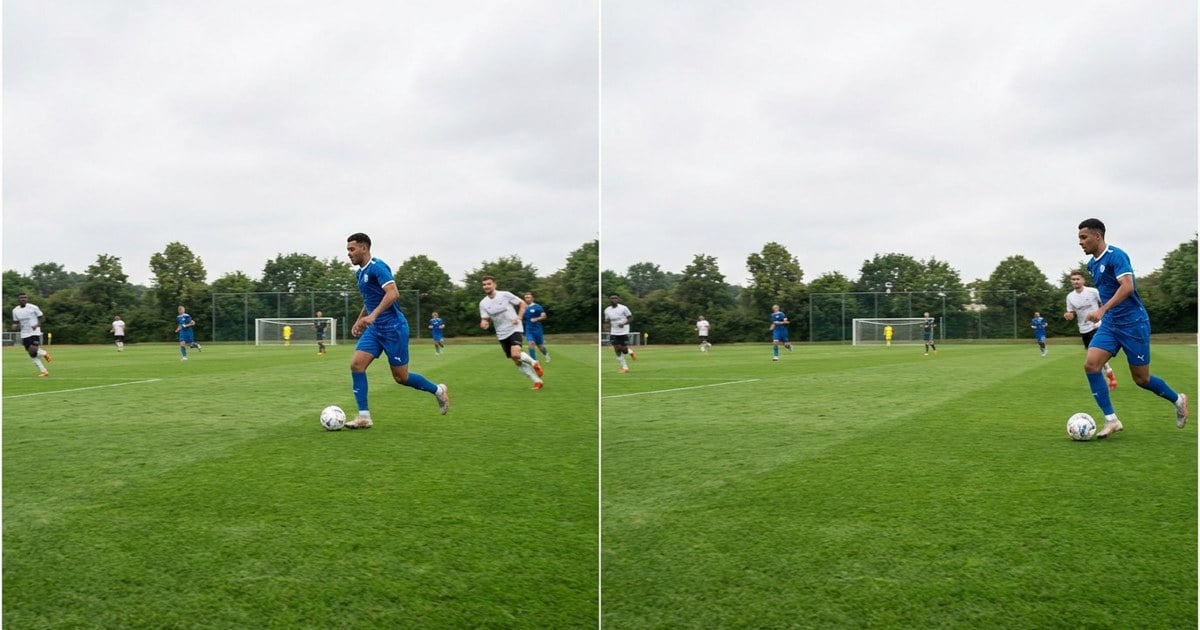
Highlight Metering
Highlight mode measures while emphasizing highlighted areas; Sony positions it for avoiding overexposure. Shiny helmets, water spray, hard rim light on gear—when specular retention is the headline risk, Highlight joins your short list.
Sony also notes that with Highlight selected and D-Range Optimizer active, tone and contrast may be adjusted by analyzing local contrast—test both stills and your typical picture profile before paid work so the full rendering chain does not surprise you. When contrast is intentional in the frame—not just a metering accident—High Contrast Images: What Makes Them Strong, and How to Keep Them Clean helps you separate creative contrast from exposure mistakes.

Comparison Table (a9 III)
The section above builds recognition. On a sideline you need speed. The table folds sony metering modes into situation → default → escalate. Pick a lane before the next drive. It stays text-only for fast phone scans in the tunnel.
In burst-heavy coverage, sony metering modes stay more consistent when you decide the lane before the play enters the frame.
| Scene pressure | First choice | When to escalate |
|---|---|---|
| Fast outdoor sports | Multi | Spot if background sky or LEDs dominate |
| Center-locked action | Center | Multi if subject wanders strong thirds |
| Spotlight athlete | Spot (start Standard) | Large spot if the target is hard to keep |
| Remote / drifting composition | Entire Screen Avg. | Highlight if speculars clip |
| Faces in mixed light | Multi + Face Priority (if enabled) | Spot if faces still lose |
Once you know which row matches your light, use the Sony-specific habits next, then the step-by-step workflow turns the choice into a repeatable habit.
Habits Worth Setting Once (Sony-Specific)
Spot Metering Point + Focus Point Link: learn how your body links spot position to the focus area before game day—when the marriage helps, spot follows the play; when it fights your muscle memory, reconfigure.
Auto limitations: Sony states Multi is locked in Intelligent Auto and when using certain non-optical zoom functions—confirm drive mode and zoom path before you rely on a menu plan.
For tone literacy, pair meter feedback with Histogram (photography) and your body’s highlight tools.
Step-by-Step: a9 III Metering Workflow You Can Repeat
These steps assume ILCE-9M3 (or equivalent Alpha behavior). Assign Fn, My Menu, and metering shortcuts before kickoff—not during a breakaway.
Step 1: Write the Failure You Refuse to Ship
Finish the line: “If I lose _____, this sequence is dead.” Helmet chrome? Cheek midtone? Sky behind a banner? Sony metering modes only help once that priority is explicit.

Step 2: Map the Scene to Multi, Center, Spot, Entire Screen Avg., or Highlight
Whole-frame pace under moderate contrast → Multi. Center-dominant action → Center. Tiny critical tone in a bright world → Spot (once aim is honest). Drifting composition or remote rig → Entire Screen Avg. Specular war on gear or water → Highlight.
Step 3: Align Spot Metering Point and AF Before the Burst
For Spot, Spot Metering Point and Focus Point Link behavior are part of exposure. Confirm where the circle lives relative to your focus area before 120 fps—half-press, breathe, verify the sample sits on skin or your chosen midtone, not a lucky white patch.
Step 4: Confirm on the Histogram, Then Nudge Compensation in 1/3-Stop Clicks
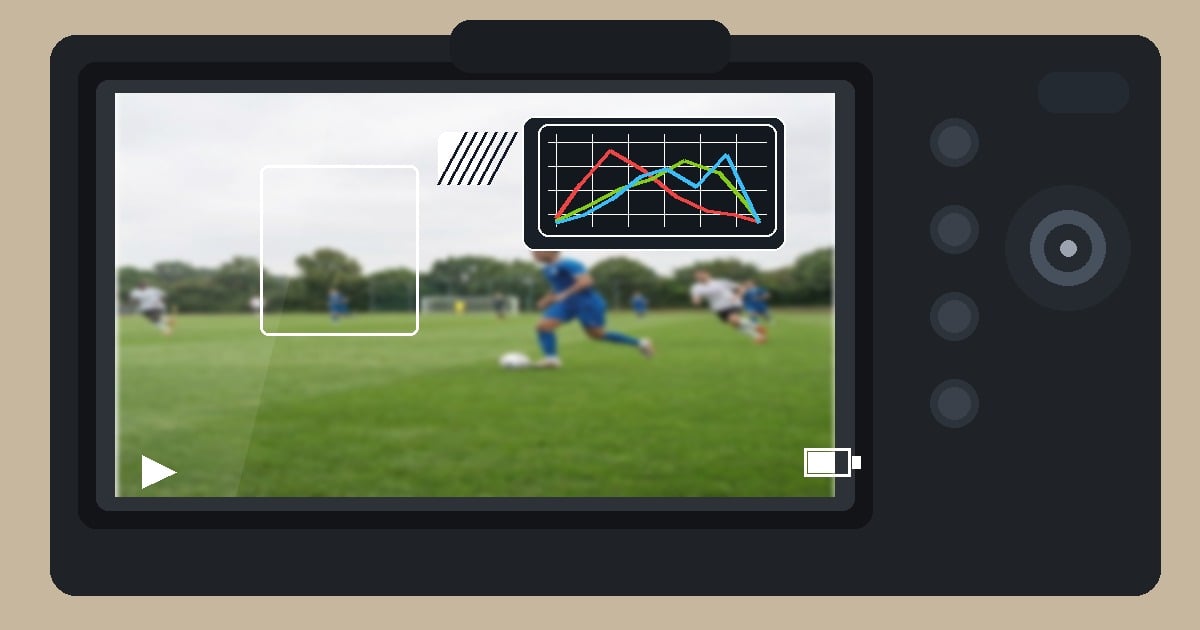
Locker room, tunnel, field, and podium light are different jobs. Open the RGB histogram when available; trust blinkies on speculars more than a sun-baked LCD. Ride exposure compensation in 1/3-stop steps while the graph moves—especially when Multi keeps “happy” averages that still cost faces.
Step 5: Hold One Lane per Lighting Block
Sideline sun, tunnel shade, and tungsten locker rooms each get one metering habit and one compensation bias until geometry changes. Constant mode-hopping mid-drive reads as three different photographers in the edit.
Common Sony Metering Mistakes (Rhythm, Not “Bad Gear”)
Spot without aim discipline. Spot saves hard light when the circle stays on the right tone. Until then, Multi buys time.
- Face Priority left mysterious. Test Face Priority in Multi on your sport; sometimes it is the silent assist, sometimes it steers toward the wrong helmet.
- Highlight + DRO surprise. Highlight with D-Range Optimizer can reshape local contrast—validate the pair on your recipe card, not on a client invoice.
- Forgetting Auto locks Multi. Intelligent Auto and some zoom paths limit which modes you can pick. Scout the menu when the truck pack changes.
After the Burst: Post Workflow and the Bottom Line
Long bursts need a tight loop: cull, match color, then local fixes. Evoto stresses efficient batch work, privacy-aware handling, and consistent looks. It does not replace your choices.
Use AI Photo Editor as the hub. Add AI photo culling before you grade. Add AI Color Match so sideline, tunnel, and locker light read as one photographer.
Install: Download Evoto. Desktop installers: Mac and Windows builds on evoto.ai. Stack context: Top Photo Editing Software for Professionals in 2026: Complete Comparison Guide.


Powerful AI Photo Editor
Bottom line: sony metering modes on the a9 III are a partnership, not a slogan. Multi covers whole-frame pace. Center favors middle-owned action. Spot tames bullying backgrounds. Entire Screen Avg. steadies drift. Highlight guards speculars. Add histogram discipline and tiny compensation shifts so bursts stay deliverable.
FAQ
1. Where Does Sony Document These Modes?
ILCE-9M3 Help Guide: Metering Mode.
2. Is Multi the Same as “Evaluative”?
Conceptually similar as a wide multi-area pattern; brand names differ. For a cross-brand ladder, see camera metering modes.
3. Should I Use Highlight for Every Outdoor Game?
No. Use Highlight when highlight retention is the primary risk—not whenever you dislike midday contrast.
4. Does Spot Size Matter on the a9 III?
Yes. Sony offers Standard and Large spot circles; choose based on how precisely you can keep the sample on the tone you care about.
5. Can I Link Spot Metering to My Focus Point?
Sony documents Focus Point Link behavior—configure Spot Metering Point so the circle follows (or ignores) your AF area the way you intend.
6. Is Metering the Only Tool for Specular Highlights?
No. Angle, lens hood, and exposure compensation still matter; metering chooses how the camera weights the scene, not physics.



