

Color grading vs color correction are often used like they mean the same thing, but in photo editing they solve different problems. Color correction fixes what feels off in the image first, like white balance, exposure balance, skin tone, or unwanted color casts. Color grading comes after that and shapes how the finished photo should look once the image already feels clean enough to carry a style.
That order matters more than most beginners expect. If you apply a look before the image is properly corrected, the result often feels muddy, harsh, or unnatural because the underlying problems are still there.
A cleaner workflow is simple: fix the image first, then shape the look.
What Is Color Correction and What Is Color Grading?
Color correction is the stage that fixes the photo so it looks balanced, believable, and easier to judge. If a portrait looks too warm, too green, too dark in the shadows, too washed in the highlights, or uneven from one part of the frame to another, correction is where you deal with that.
Color grading is different. It does not solve those basic problems. It shapes the final look after the image already feels right enough to work with. That might mean making the final photo slightly warmer, cooler, softer, cleaner, richer, or more muted, but only after the photo stops fighting you.
In simple terms: correction makes the image usable, grading makes it intentional.
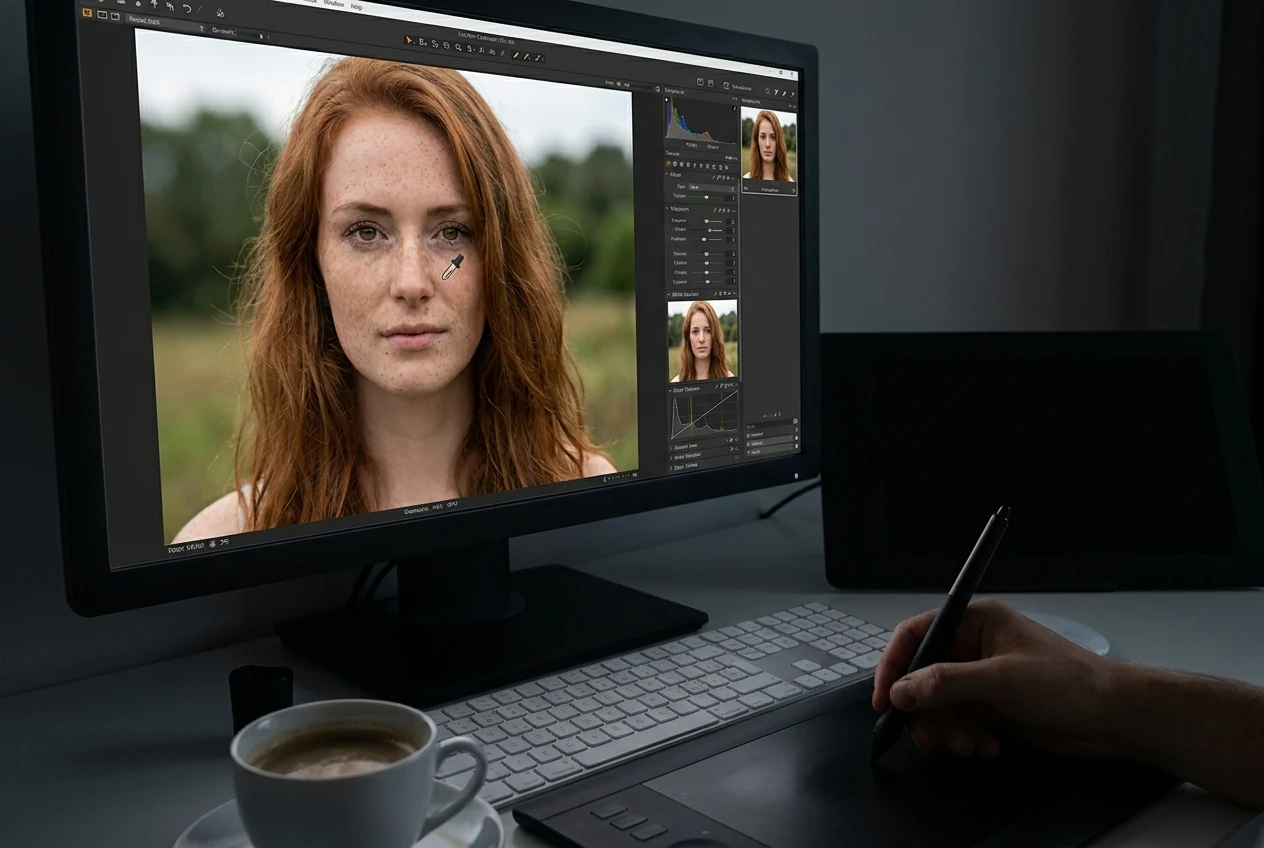
Color Correction vs Color Grading: What Does the Before and After Actually Look Like?
Before correction, a photo often feels wrong in ways that are easy to notice even if they are hard to name. Skin may look gray or orange. The whole image may lean too yellow or too blue. Highlights may feel too harsh while the shadows feel blocked and heavy. Even a strong composition can feel harder to trust if the color and tone are off.
After correction, the image becomes stable and easier to read. Skin tones look more natural, white balance feels neutral, and the tonal range no longer distracts from the subject.
After grading, the photo should still feel balanced, but now it carries a clearer finished direction. The image may feel warmer, cooler, cleaner, softer, or more restrained, but it should not feel broken underneath the style. That is the difference many beginners miss. Correction removes distractions. Grading adds intention.
The key difference is simple: correction removes problems, grading adds style.
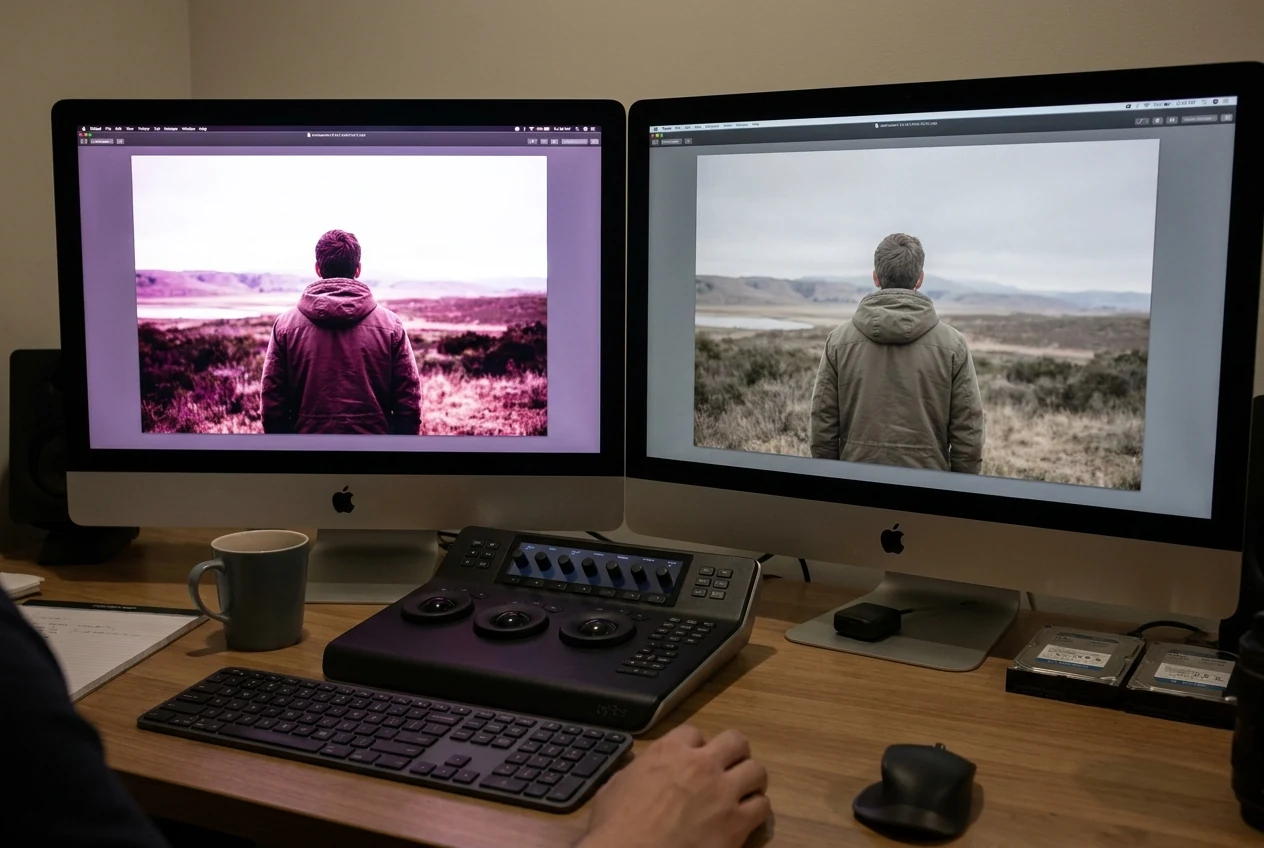
Color Correction and Color Grading Steps and Techniques
Color Correction and Color Grading Steps and Techniques
A clean still-image workflow starts with correction.
First, fix white balance and the most obvious color cast. If the image feels too warm, too cool, too green, or too magenta, grading on top of that will only make it harder to control.
Second, correct the tonal balance. Look at highlights, shadows, and midtones together. If the highlights are too aggressive or the shadows too dense, the image is not ready for grading yet.
Third, check skin tone and overall color realism. If the base color still looks unnatural, stay in correction.
Only after the image feels stable should you move into grading. At that point, grading becomes lighter and more controlled instead of corrective.
A useful rule is simple:
correct until the image stops distracting you, then grade until the final look feels deliberate.
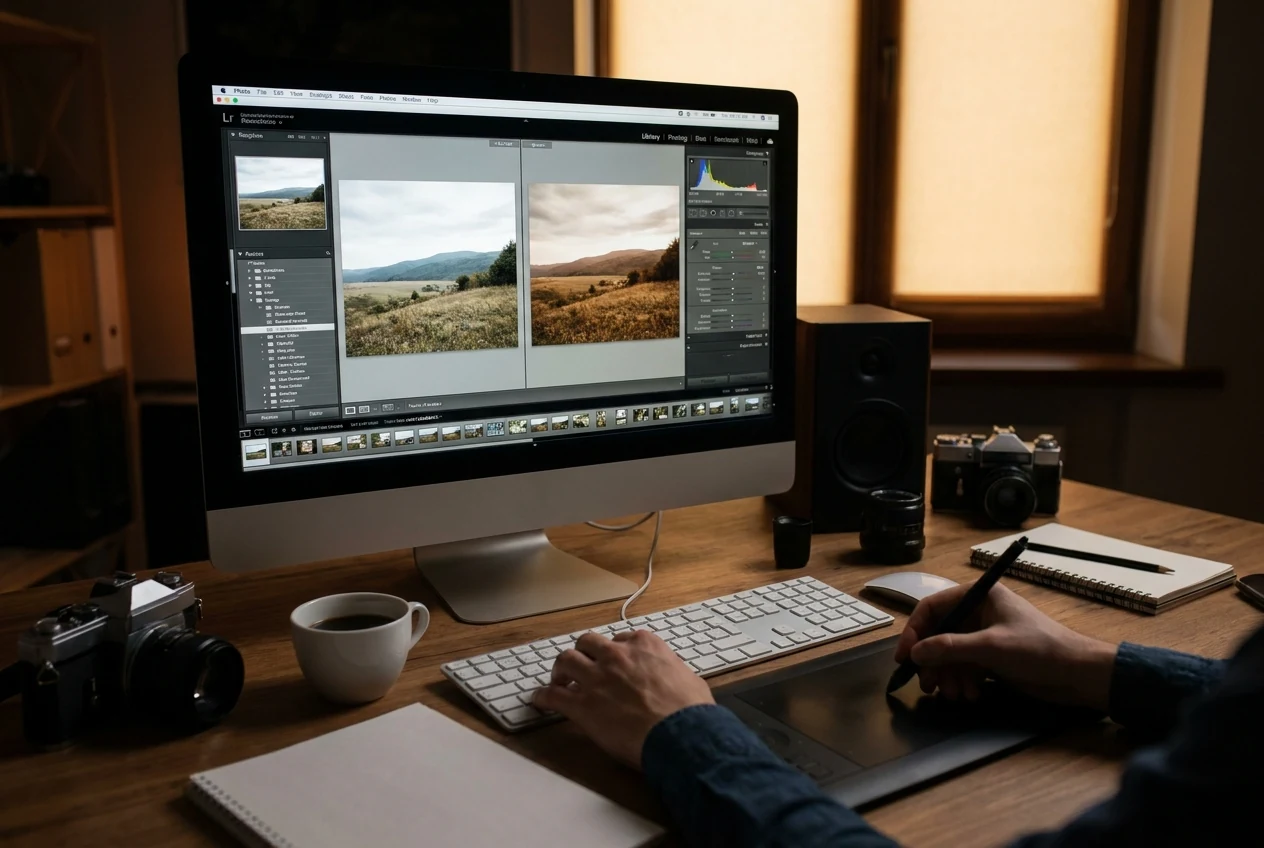
How to Move from Color Correction to Color Grading in Evoto
Evoto fits best once the workflow order is clear. Correct first, grade second, then unify the final result.


Powerful AI Photo Editor
During the correction stage, AI can help automatically and quickly fix color issues such as white balance, exposure balance, and overall tone, making the image usable much faster without manual trial and error.
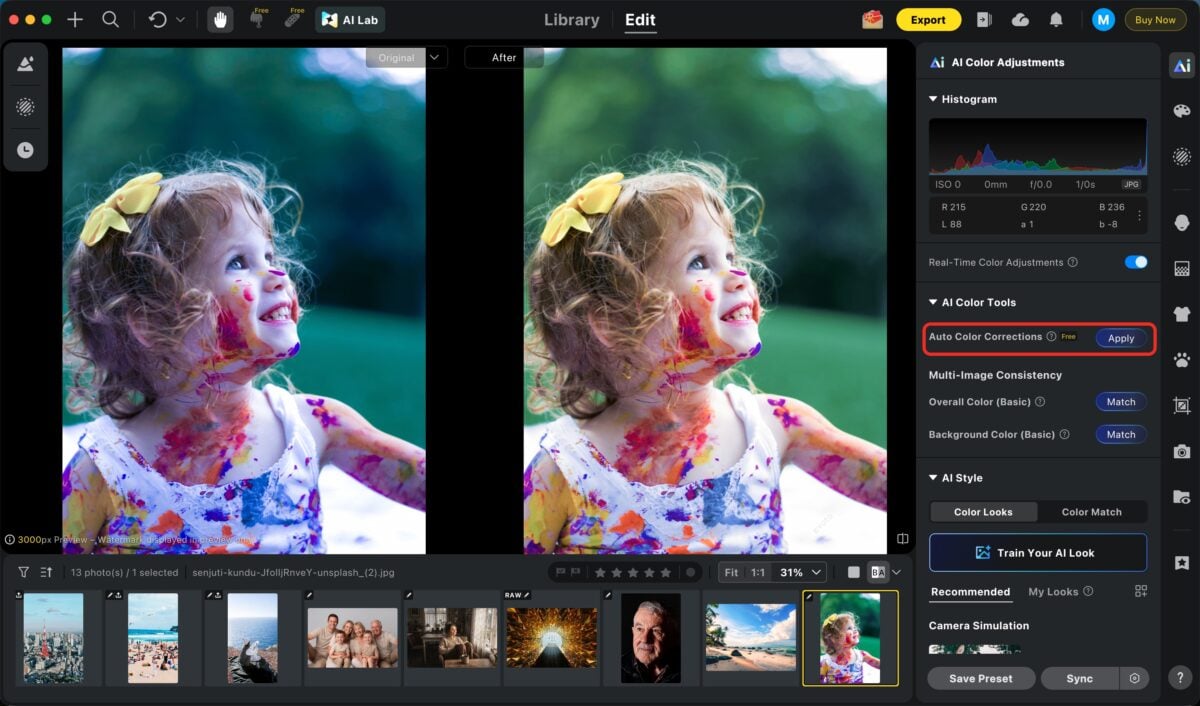
Once the image is clean, you can move into color grading using a wide range of built-in filters and presets to quickly establish a visual style without starting from scratch.
AI Color Match can further help by analyzing a reference image and applying that color style across your photos, keeping the look consistent with one click. If you are working with a set, this is where matching color across images becomes important.
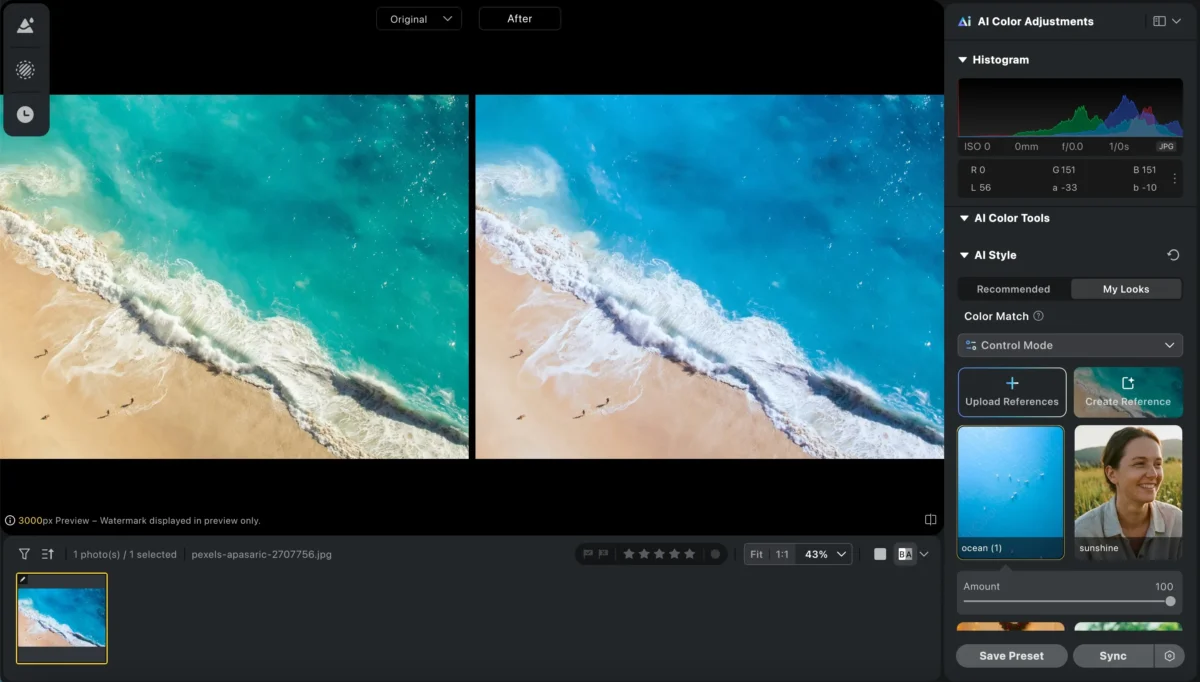
For larger batches, combining color grading with batch editing allows you to sync the same look across multiple photos instantly, ensuring both speed and consistency.
Conclusion
Color correction and color grading belong in the same workflow, but they are not the same job. Correction fixes the photo so it becomes workable. Grading shapes the corrected image so the final result feels intentional.
If you keep that order clear, editing becomes much easier and more predictable. Fix what is wrong first, then decide how the image should look.
Try Evoto AI Photo Editor
Retouch photos with Evoto AI and make your photos best! Available on Windows, MacOS and iPadOS.



