

Capture the Spirit of Halloween — Creatively
Need Halloween photo ideas? Halloween is one of the most photogenic times of the year. Between the costumes, dramatic lighting, and eerie autumn backdrops, it’s the perfect chance to experiment with creative portrait photography. Whether you’re shooting for clients, friends, or your portfolio, a Halloween session lets you push beyond standard portraits into something more cinematic and imaginative.
Here are a few professional yet accessible photo ideas to inspire your next shoot — and how to refine them effortlessly when editing.
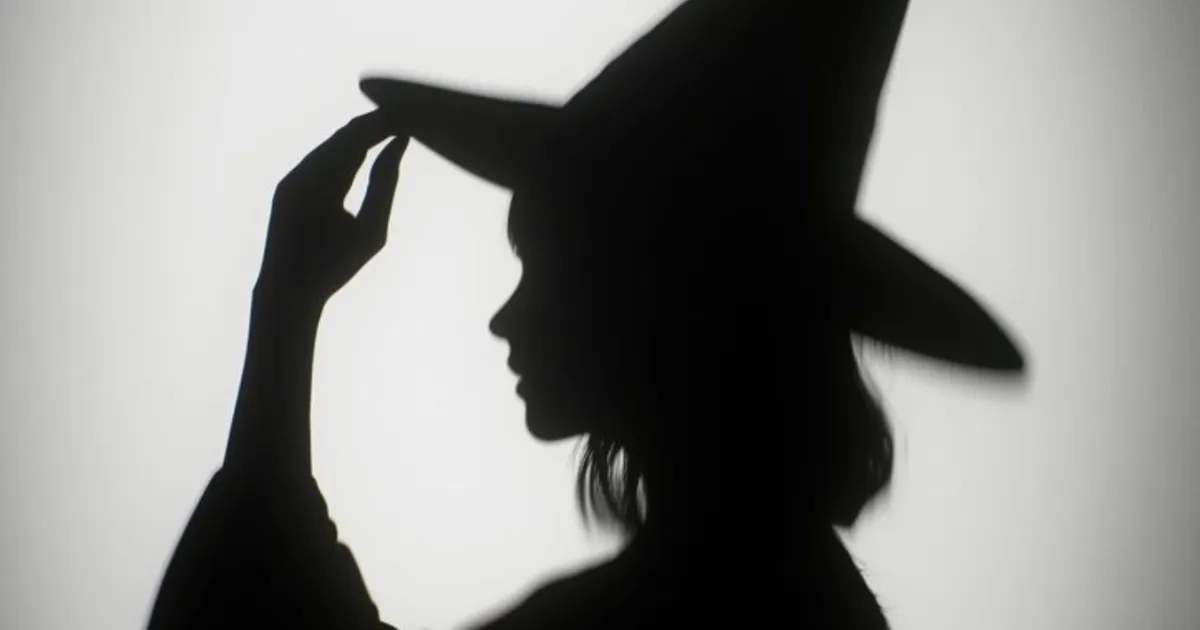
1. Play with Shadows and Silhouettes
Halloween is all about mystery. Try using shadows or silhouettes to add depth and intrigue. A subject holding a lantern, framed against a foggy night sky, or backlit by a window can create a haunting mood.
Pro tip: Set your key light behind the subject and expose for the highlights to deepen the shadows naturally.
When editing later, use Evoto’s tone and exposure tools to subtly recover details in dark areas without losing the atmosphere.
2. Use Colored Lighting for Drama
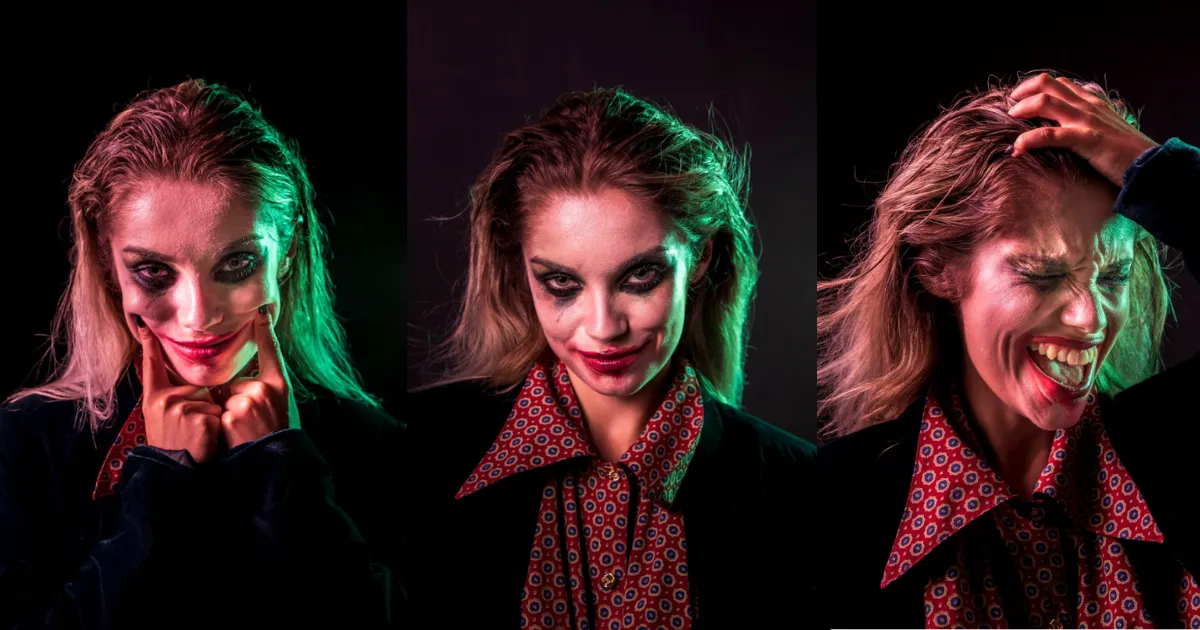
Colored gels or smart RGB lights can instantly transform a simple setup. Deep red, eerie green, or purple lighting gives your shots that cinematic “Halloween movie” vibe.
Try mixing complementary colors: a cool blue background with warm candlelight on the face often works beautifully.
If the lighting feels uneven or the color balance shifts during the shoot, Evoto’s color balance and HSL adjustments can fine-tune hues while keeping skin tones natural.
3. Highlight the Costume Details
Costumes are the visual star of any Halloween portrait. Focus on texture — lace, velvet, glitter, or face paint — by using soft directional lighting and shallow depth of field.
After the shoot, you can sharpen key details and correct color shifts in Evoto, especially if makeup tones or fabrics looked dull under mixed lighting.


Powerful AI Photo Editor
4. Capture Motion and Energy
Not all Halloween photos need to be static portraits. Movement — swirling capes, hair tosses, or fog effects — brings a cinematic touch to your work. Try dragging the shutter slightly while using a flash to freeze motion and blur ambient light for a ghostly trail.
5. Tell a Story
Halloween is the perfect excuse to build a visual narrative — a witch’s ritual, a haunted forest, or a group of trick-or-treaters caught in the moonlight.
Think of your composition like a movie still. Use props and posing to suggest what happens before or after the shot.
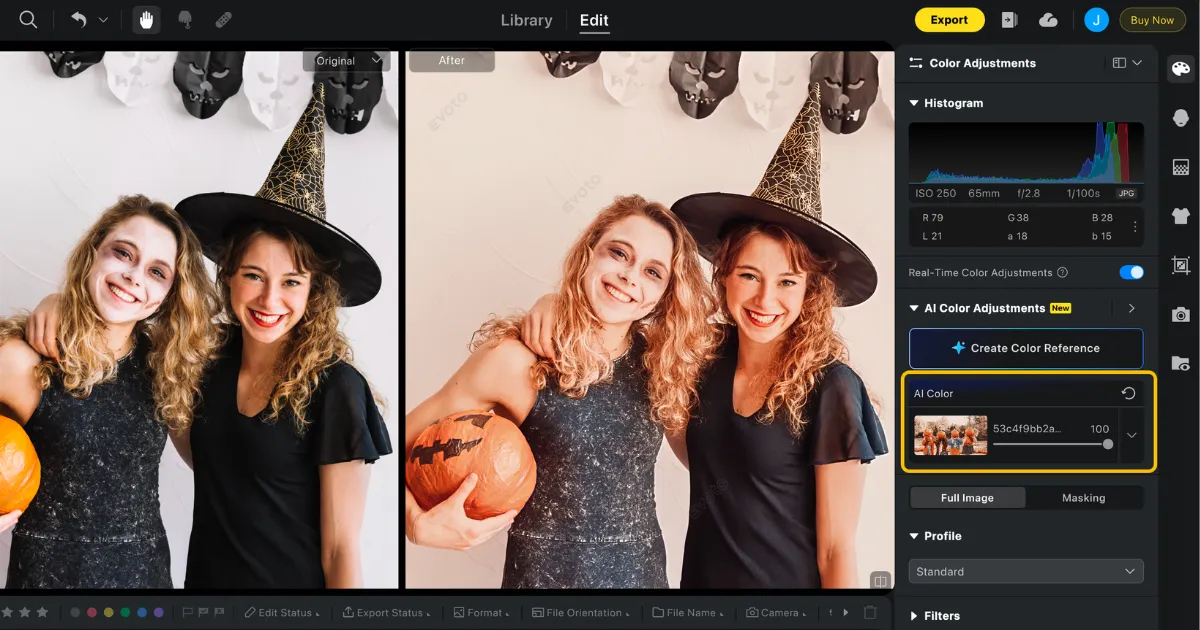
When editing, Evoto’s color grading tools help unify your series with a consistent tone — whether you prefer cold, moody desaturation or warm, candlelit glow.
6. Edit with Intention
Even the best Halloween shoot benefits from thoughtful post-processing. Avoid over-editing — you still want your subject’s expressions and details to feel authentic beneath the costume and makeup.
Start with exposure and tone recovery, correct color shifts from artificial lights, then move into selective retouching. Evoto’s AI-powered workflow speeds up repetitive edits while keeping full manual control for photographers who like to fine-tune their style.
Final Touches Before You Share
Once your edits are complete, export a few versions: high-resolution for prints, and lighter web-ready ones for sharing online. If you’ve shot a full session, Evoto’s batch editing can save significant time while keeping every image consistent.
Evoto AI Photo Editor – Faster Edits, Finer Control
Try Evoto for Your Halloween Edits
This Halloween, focus on creativity — not time-consuming post-work. Evoto helps you manage color, tone, and retouching with professional precision and AI-assisted speed. Whether you’re crafting eerie portraits or playful costume shots, it’s the easiest way to bring your Halloween vision to life.



