

Most people think cropping is just a quick fix — cutting out distractions, fixing framing mistakes, or zooming in after the fact.
But professional photographers see cropping very differently.
Cropping is your second chance at composition. It’s where you decide what the photo is really about. A cluttered wide shot can become a powerful portrait. A boring frame can suddenly feel intentional — all by adjusting the edges.
So before you “just eyeball it,” let’s break down how to crop photos properly, and how modern AI tools like Evoto can turn cropping from a time sink into a streamlined workflow.
Step 1: Always Straighten Before You Crop
If you want to crop photos like a pro, remember the golden rule:
Straighten first. Crop second.
A tilted horizon or crooked vertical line instantly makes a photo feel amateur — even if everything else is perfect.
- Landscapes: Make sure the horizon is perfectly level.
- Architecture & Interiors: Focus on verticals — door frames, walls, columns.
Most editors have auto-straighten, but your eye is still the ultimate judge. If the ocean looks like it’s sliding downhill, fix it.
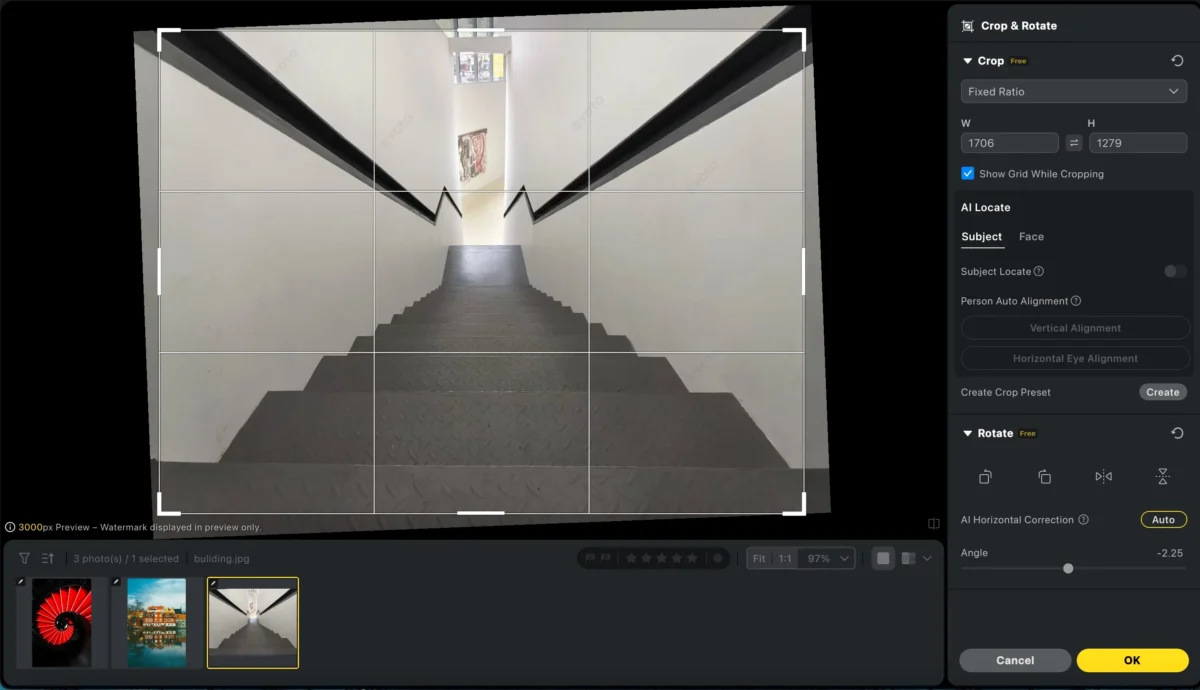
👉 Evoto Advantage:
Evoto’s AI horizon correction automatically detects and straightens tilted images — from landscapes to portraits — before cropping, ensuring every photo is perfectly aligned. No manual adjustments needed, and batch processing keeps all your shots consistent and professional.nment during batch processing, straightening portraits and scenes consistently before applying crops — no manual correction needed.
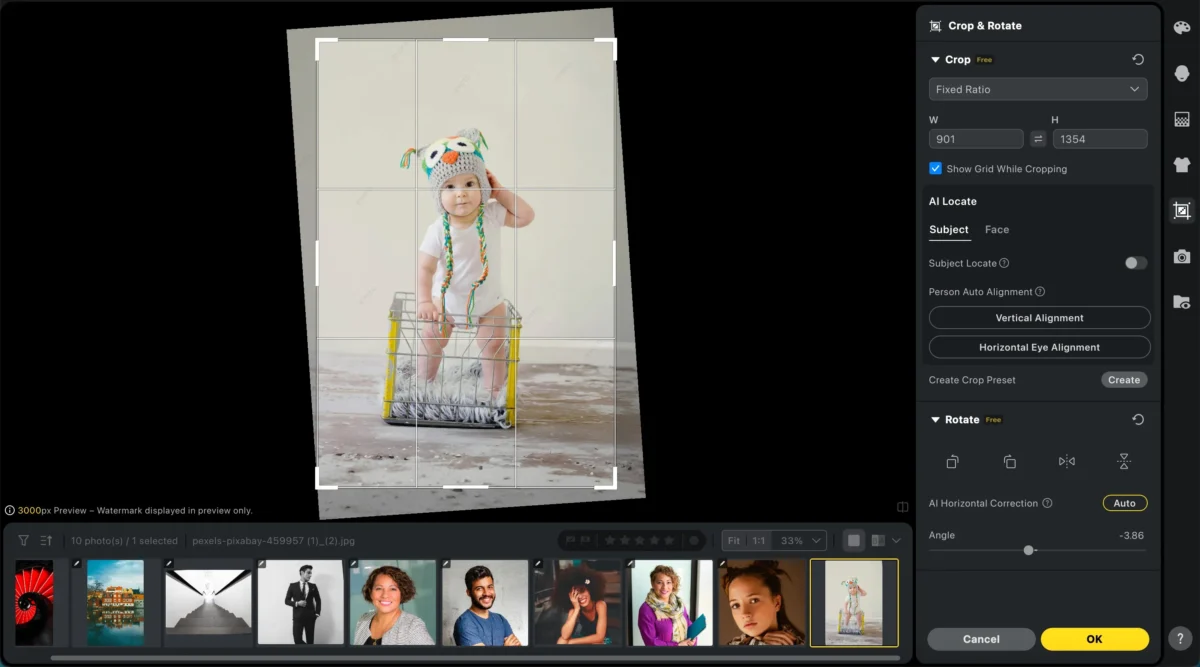
Composition Rules That Matter When Cropping
Cropping is subtraction. Every cut should strengthen what remains.
1. Never Crop at Joints
A classic mistake when learning how to crop photos:
❌ Bad: Cropping exactly at knees, elbows, or ankles
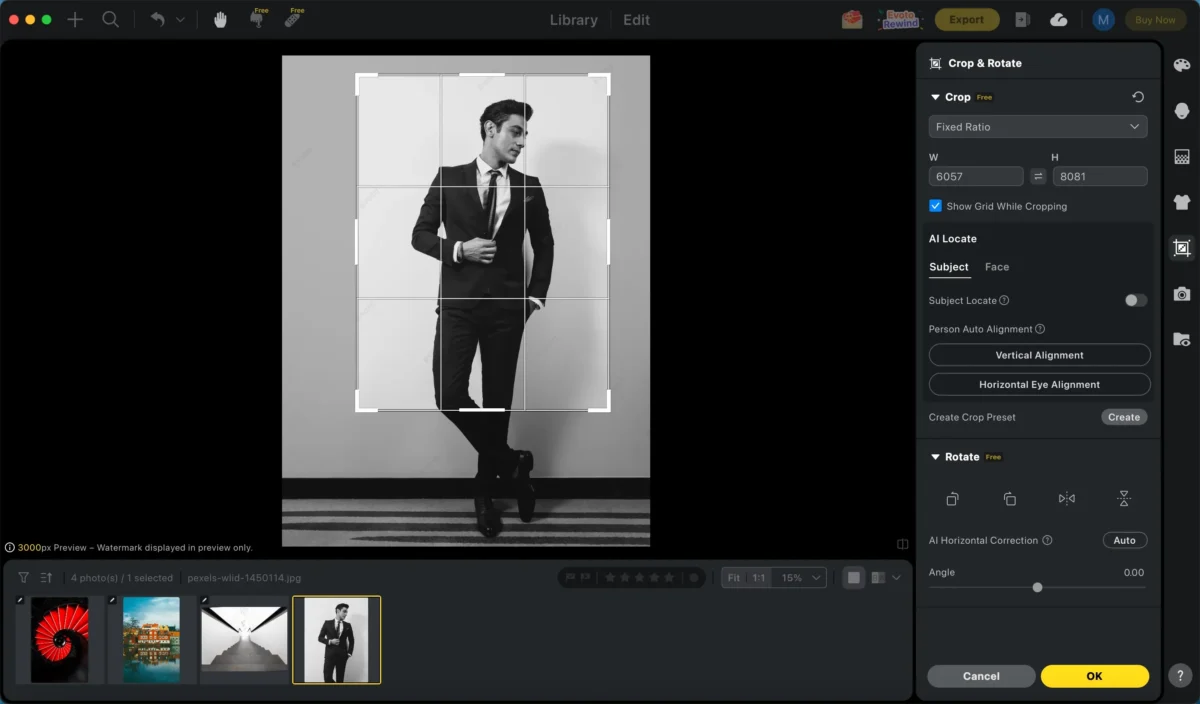
✅ Good: Crop mid-thigh, mid-waist, or mid-chest
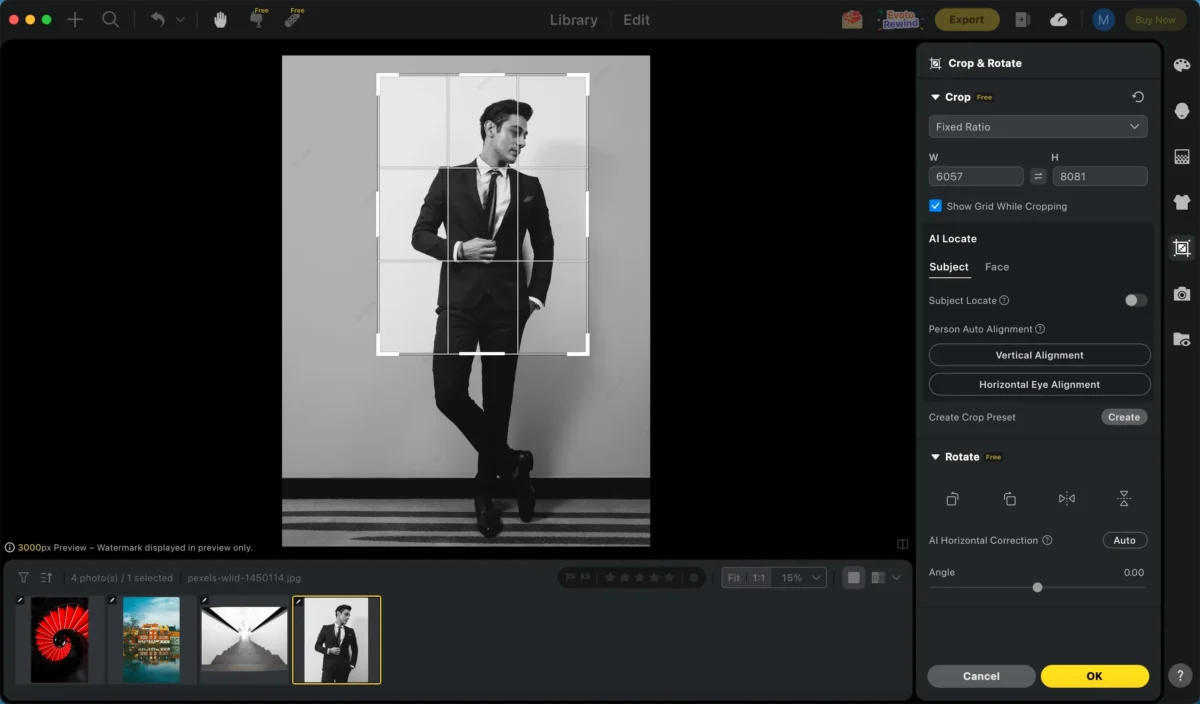
This keeps the subject feeling whole and natural.
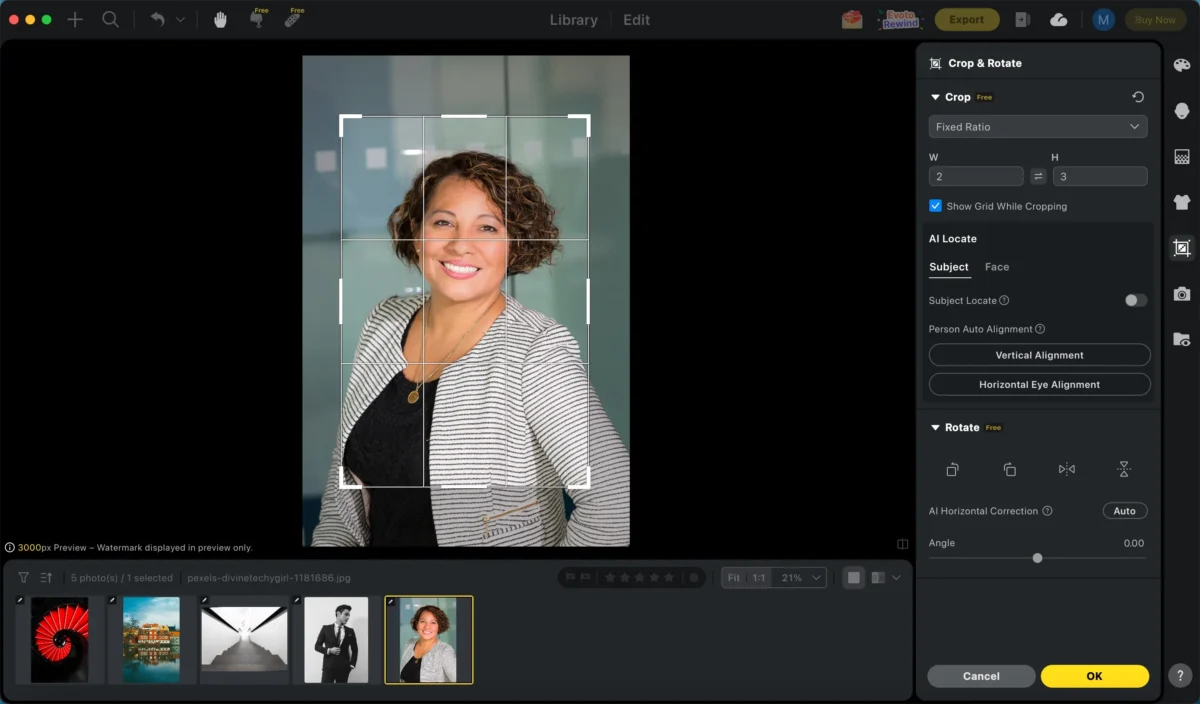
2. Watch the Headroom Trap
Too much space above the head makes the subject feel small and lost.
Too little (or cutting the skull) feels aggressive unless intentional.
Aim for balanced breathing room — especially in portraits and headshots.
3. Leave “Look Room”
If your subject is looking right, leave space on the right.
Cropping too tight in front of their face feels claustrophobic.
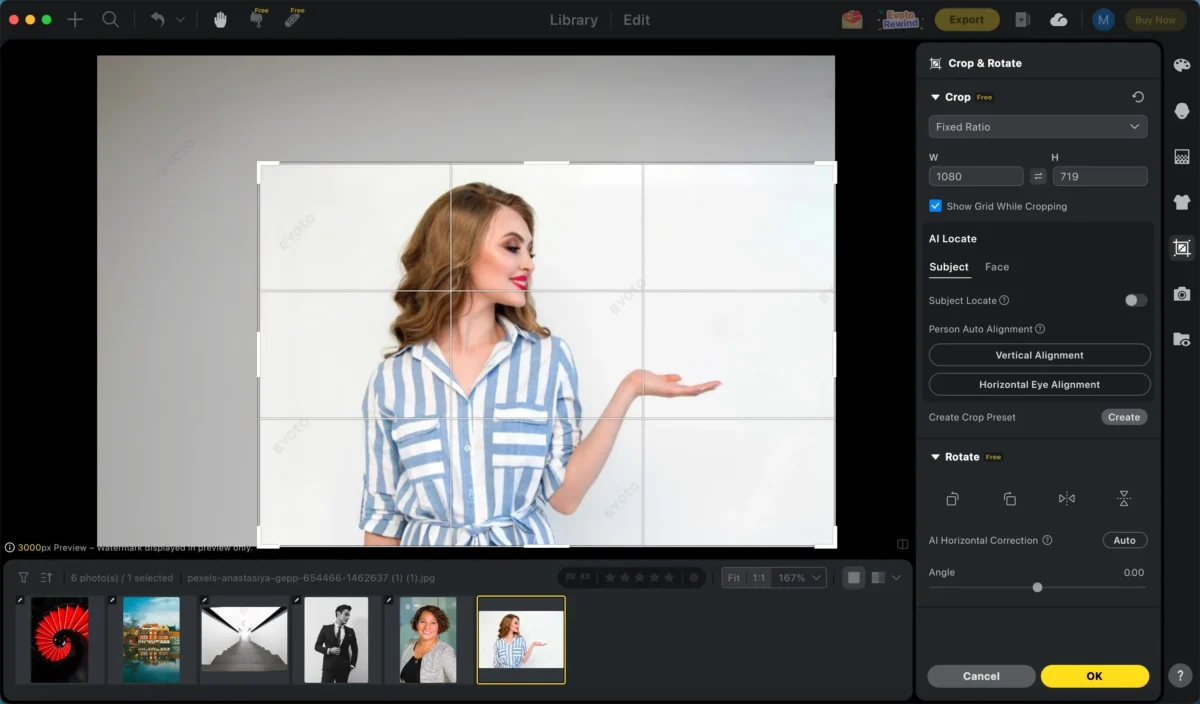
Good cropping supports the direction of attention.
Aspect Ratios: Don’t Freehand It
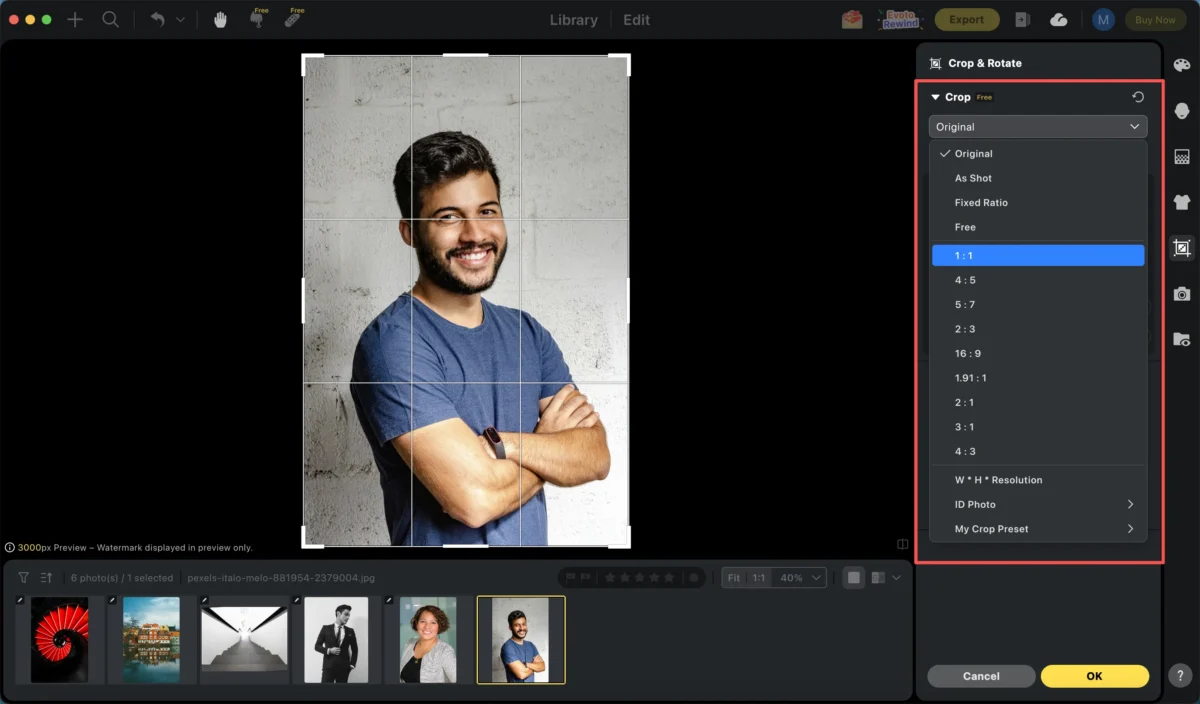
One of the most overlooked parts of how to crop photos is choosing the right aspect ratio.
Freehand crops often cause problems later — awkward borders, mismatched feeds, or printing issues.
Stick to standard ratios:
- 4:5 (Vertical): Best for Instagram feeds
- 9:16: Stories, Reels, TikTok
- 2:3: Native camera ratio, classic prints
- 1:1: Profile photos and grids
👉 Evoto advantage:
Evoto lets you define a crop ratio once and apply it consistently across hundreds of photos — perfect for social media, school portraits, or client galleries.
Does Cropping Reduce Image Quality?
Technically, yes — you’re removing pixels.
But here’s the reality:
- A 4K screen shows ~8MP
- Instagram compresses images to ~1–2MP
Unless you’re cropping away most of the image, quality loss is rarely visible — especially online.
The real risk isn’t quality.
It’s inconsistent framing across a set of photos.
When Cropping Becomes a Workflow Problem
Cropping one photo is creative.
Cropping 500 photos is a nightmare.
Wedding photographers, school portrait studios, corporate headshots — they all face the same problem:
- Every face needs to align
- Eye level must be consistent
- Output ratios must match
Doing this manually is slow, boring, and error-prone.
This Is Where Evoto Changes How You Crop Photos
Evoto uses AI face detection to understand who is in the photo — not just where the edges are.


Powerful AI Photo Editor
You can define rules like:
- “4:5 crop”
- “Subject centered”
Evoto then:
- Straightens
- Centers
- Adjusts for height differences
- Applies the crop consistently across the entire batch
What used to take hours becomes a single click.
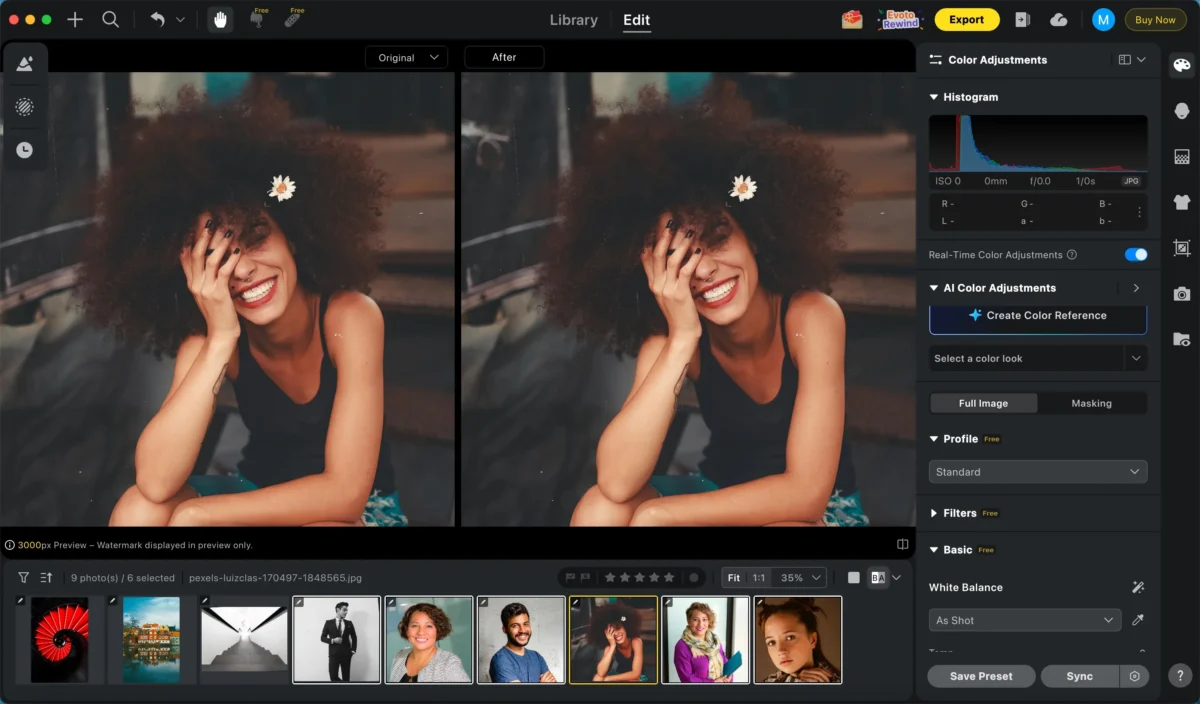
This is not just cropping — it’s workflow automation.
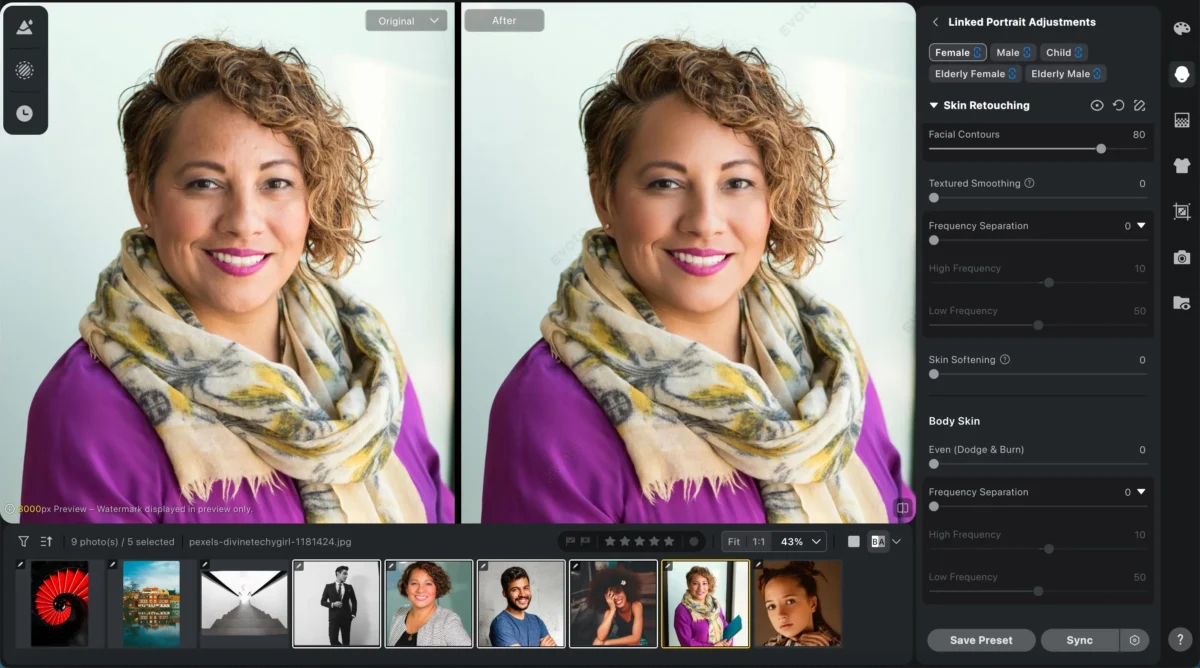
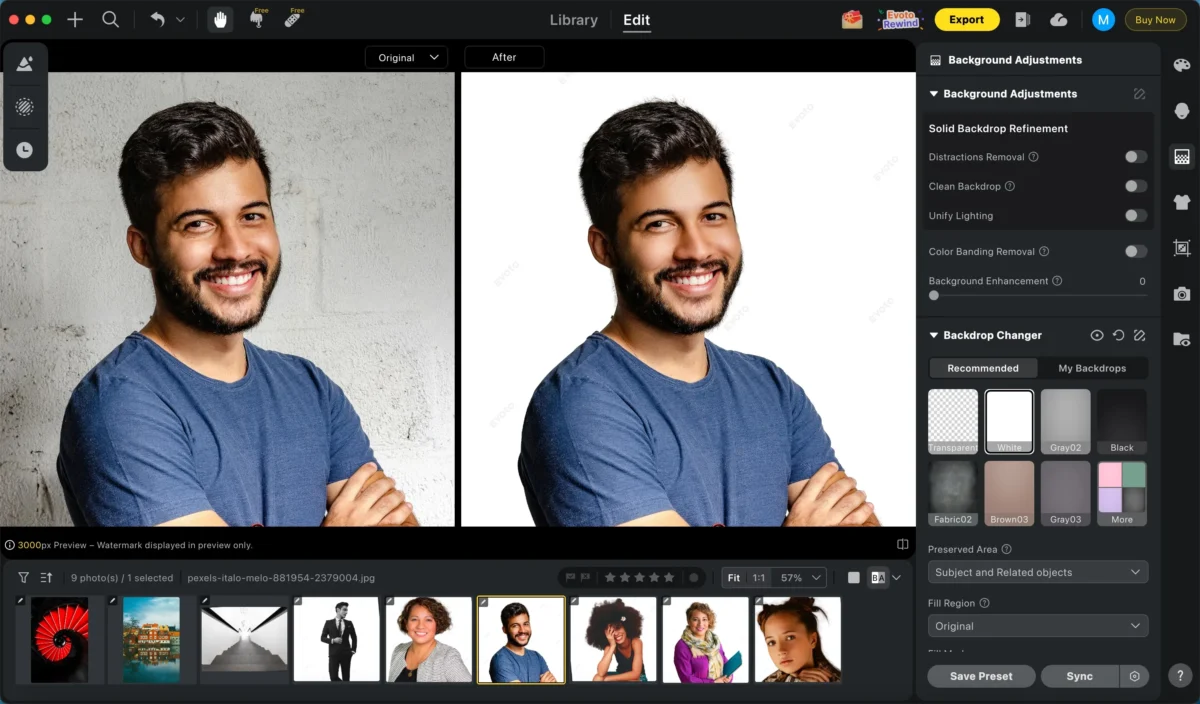
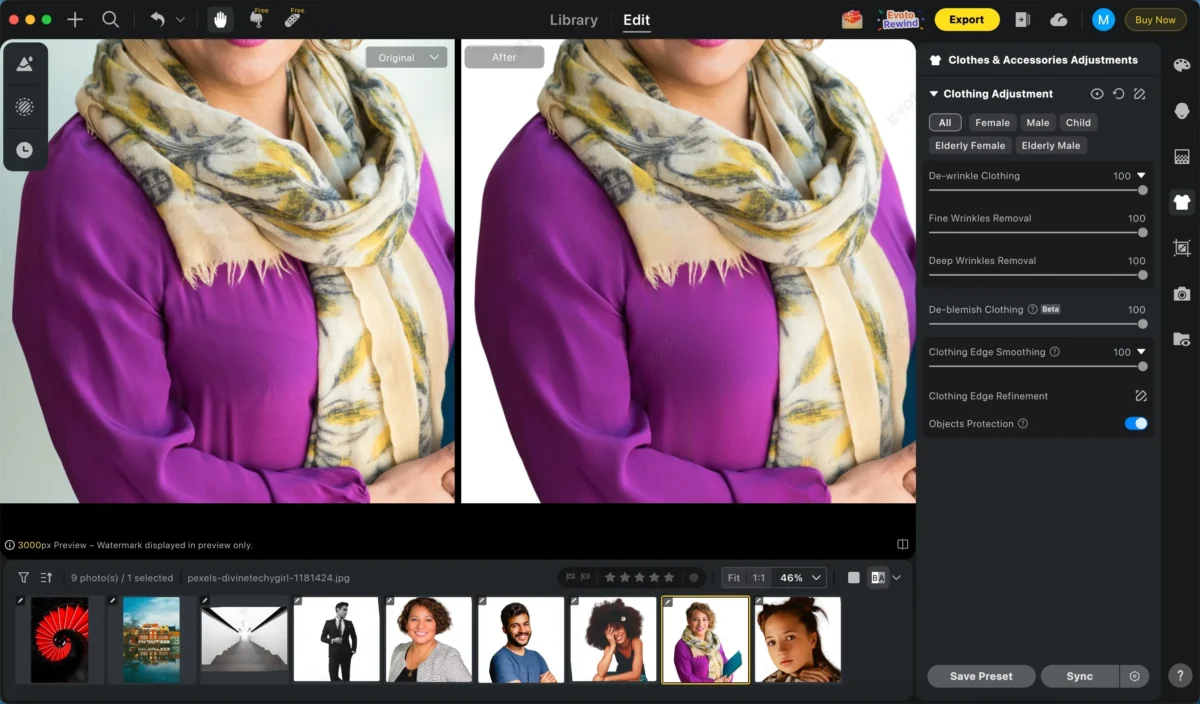
While cropping, Evoto also allows batch editing of other functions, such as portrait retouching,
Manual Cropping vs AI Cropping: When to Use Each
- One hero image?
Take your time. Crop manually. Refine composition. - Dozens or hundreds of photos?
Let AI handle the repetitive work so you can focus on creative decisions.
Learning how to crop photos isn’t about choosing between art and efficiency — it’s about knowing when each matters.
Powerful AI Photo Editor
Final Thoughts
Cropping isn’t just about removing what you don’t want.
It’s about strengthening what you do want.
Straighten first.
Respect the body.
Choose the right ratio.
And when volume demands consistency, let AI do the heavy lifting.
If you’re working with large batches of portraits or need perfectly aligned results, Evoto turns cropping from a chore into a scalable workflow — without sacrificing visual quality or intent.
Try Evoto AI Photo Editor
Retouch photos with Evoto AI and make your photos best! Available on Windows, MacOS and iPadOS.



