

We all love taking photos, whether it’s a birthday, a holiday, or just a fun day with friends. But as the number of pictures grows, they often get scattered across phones, computers, or cloud accounts. Finding the right photo later can feel like searching through a messy drawer.
That is where a photo album app can help. These apps bring all your photos together in one safe place. You can sort them by date, event, or even create a digital album to share with family. Some apps also offer editing tools and automatic backups, making photo management stress-free.
In this guide, we’ll look at the top 7 photo album apps for mobile and desktop that make storing, organizing, and photo sharing simple for everyone.
What Is a Photo Album App and Why Do You Need One?
A photo album app is a tool that helps you keep all your pictures in one place, safe and easy to find. Instead of having photos scattered across phones, computers, and memory cards, the app stores them neatly in albums. It works like a modern version of the old photo book, but smarter and digital.
You need one because it saves time when looking for a picture, and it protects your memories with cloud backup. Many apps also let you create a digital album for events or trips, making it easy to enjoy and share with loved ones. For families, it’s also a handy option for long-term family photo storage.
Key Features to Look for in a Photo Album App
Not all apps are the same, so it’s smart to look at their features before picking one. Here are some important points to check:
- Storage capacity: Some apps offer free space, while others require a paid plan for larger collections.
- Cross-device support: Make sure the app works on both mobile and desktop so you can access your albums anywhere.
- Organization tools: Look for auto-tagging, face recognition, and custom folders for easy sorting.
- Backup options: An app with cloud storage helps protect your images if you lose your device.
- Sharing functions: Features like private links, group albums, or password protection help when sharing with friends and family.
- Editing tools: Some apps allow basic edits like cropping, filters, and color adjustments.
Top 7 Photo Album Apps to Organize Memories
1. Evoto

Evoto is an AI-powered photo app built for editing and organizing. It allows users to create clean albums with easy sorting features. Beginners love it because it simplifies advanced editing without complicated steps.
Pros:
- AI-powered editing tools make photos look professional.
- Works on both mobile(iPad) and desktop.
- Easy for beginners to use.
Cons:
- Requires a good internet connection for cloud functions.
Compatibility: Windows, macOS, iOS
2. Amazon Photos
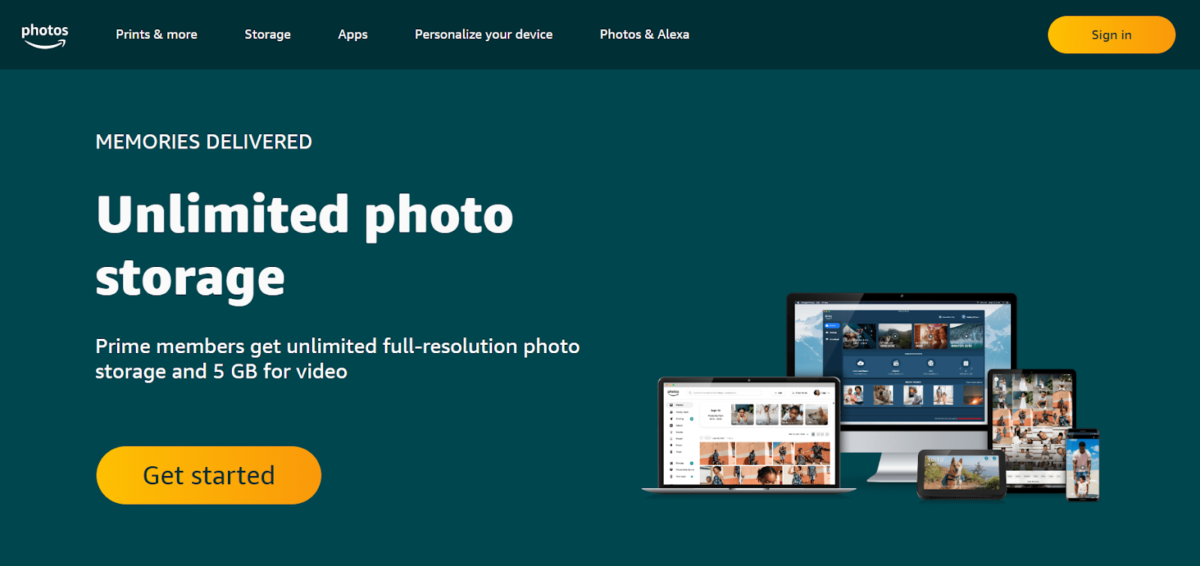
Amazon Photos offers unlimited full-resolution photo storage for Prime members. It is simple to use, safe, and perfect for families who already use Amazon Prime.
Pros:
- Unlimited storage for Prime members.
- Automatic backup.
- Simple family sharing features.
Cons:
- Not ideal if you don’t have Prime.
- Some features are basic compared to rivals.
Compatibility: Windows, macOS, iOS, Android
3. Apple Photos
Apple Photos comes pre-installed on iPhones, iPads, and Macs. It organizes photos by date, event, and location, with smooth iCloud syncing.
Pros:
- Built-in for Apple users.
- Smart search and sorting tools.
- Shared albums with family and friends.
Cons:
- Only works well within Apple devices.
- Limited free iCloud storage (5 GB).
Compatibility: iOS, macOS
4. Cluster
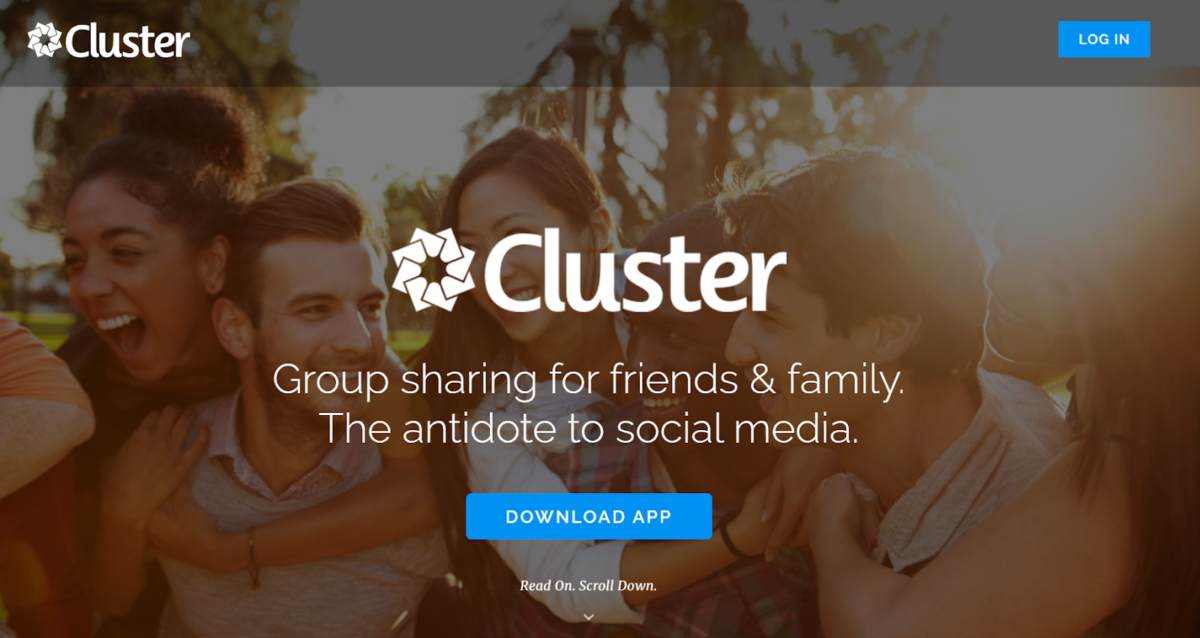
Cluster focuses on private group sharing. It is ideal for families or close friends who want private spaces instead of public social media.
Pros:
- Private and secure group albums.
- Easy to invite family or friends.
- Clean and simple design.
Cons:
- Limited editing options.
- Free plan has storage limits.
Compatibility: Windows, macOS, iOS, Android
5. Dropbox

Dropbox is mainly known as a cloud storage app, but it works great for photo albums too. You can create folders, share them, and keep everything safe.
Pros:
- Reliable file backup system.
- Easy to organize photos in folders.
- Access across all devices.
Cons:
- Limited free storage (2 GB).
- Lacks built-in advanced photo editing.
Compatibility: Windows, macOS, iOS, Android
6. Google Drive
Google Drive is more than just file storage; it also works as a digital album when paired with Google Photos. It uses AI tagging and face recognition to help you find old pictures quickly.
Pros:
- Free 15 GB storage shared across Google apps.
- Smart auto-tagging and search.
- Easy to share albums and folders.
Cons:
- Shared space with Gmail and Docs may fill up fast.
- Paid plans are needed for larger collections.
Compatibility: Windows, macOS, iOS, Android
7. Flickr

Flickr is one of the oldest apps for photo lovers. It offers strong community features and is great for people who like sharing their images publicly.
Pros:
- Good for building photo collections.
- Large community of photographers.
- Albums can be public or private.
Cons:
- Free version has limited uploads per month.
- Interface feels a little outdated.
Compatibility: Windows, macOS, iOS, Android
Comparison Table of Top 7 Apps
| App | Best For | Storage Options | Sharing Style | Works On | Special Feature |
| Evoto | Editing + Organizing | Free + Paid Plans | Private sharing | Mobile + Desktop | AI-powered editing tools |
| Amazon Photos | Prime members | Unlimited (with Prime) | Family sharing | Mobile + Desktop | Full-resolution backup |
| Apple Photos | iOS + Mac users | Free + iCloud plans | Shared albums | iOS + macOS | Automatic smart sorting |
| Cluster | Private groups | Free + Paid Plans | Invite-only sharing | Mobile + Desktop | Secure private albums |
| Dropbox | Backup & storage | Free + Paid Plans | Folder sharing | Mobile + Desktop | Reliable cloud system |
| Google Drive | Everyday users | Free + Paid Plans | Links + shared folders | Mobile + Desktop | Smart search & tagging |
| Flickr | Community + sharing | Free + Paid Plans | Public + private albums | Mobile + Desktop | Strong photo community |
Other Useful Photo Album Apps Worth Trying
- 23snaps – A private photo sharing app for families. Parents can safely share baby and child photos with only close relatives.
- Canon Irista – A cloud-based photo storage service from Canon. It offers simple tools for organizing and keeping images in high quality.
- dropevent.com – Best for collecting event photos. Guests can upload pictures to a shared album without creating accounts.
- eFamily – A secure app made for family communication. It allows sharing photos, videos, and updates with relatives privately.
- Facebook – Popular for social sharing, it lets you create albums, tag people, and share memories with friends worldwide.
- Family Album – A free app for parents. It helps organize children’s photos and videos in a private family-only space.
- Google Photos – Offers smart search, editing tools, and unlimited photo storage (high quality). Easy to sync across all devices.
- The Guest – Great for weddings and parties. Guests’ photos are uploaded automatically into one album for everyone to enjoy.
- Lifebox – A cloud storage app that keeps photos safe with backup and sharing options, available on multiple devices.
- OneDrive – Microsoft’s cloud storage app. It organizes photos, syncs across devices, and works well with Windows PCs.
Tips for Choosing the Right Photo Album App
When picking an app, think about your own needs first. If you want easy editing, Evoto is a good choice. For families who already use Amazon Prime, Amazon Photos gives you great value. Apple users may prefer Apple Photos for smooth syncing, while Google Drive works well if you’re already in the Google ecosystem. For group sharing, Cluster is perfect, and if you need a large community, Flickr fits better.
Here are a few extra tips:
- Start with the free version before paying for a plan.
- Check how easy it is to share albums with your family.
- See if the app has enough space for your growing collection.
- Think about whether you need editing features or just safe storage.
Final Thoughts
Organizing photos doesn’t need to be stressful. With the right photo album app, you can keep your memories safe, share them easily, and enjoy them for years to come. These apps offer different benefits, from simple family photo storage to smart tools for editing and photo sharing. Choosing one depends on your personal needs, but any of the seven listed here will make it easier to manage your memories on both mobile and desktop.


Powerful AI Photo Editor



