

Have you ever taken a photo only to find yourself thinking, “Why do I look ugly in pictures?” You’re not alone. Many people struggle with how they appear on camera—even when they look great in person.
The truth is: photos can be misleading. But understanding the reasons behind unflattering photos and learning how to fix them can make a huge difference—not just in how you look, but in how confident you feel.
In this guide, we’ll explore common reasons why people think they look ugly in pictures and share practical solutions, including smart ways to quickly enhance your photos using Evoto.
Common Reasons You Think You Look Ugly in Pictures
1. Harsh or Unflattering Lighting
Lighting can make or break a photo. Bright overhead lights, shadows from strong sunlight, and inconsistent indoor lighting can emphasize imperfections, create unflattering shadows, and wash out your features.

2. Camera Angle and Perspective
Photos taken from too low or too high an angle can distort your facial features and body proportions. A slight tilt or the wrong lens can make even attractive features appear strange.
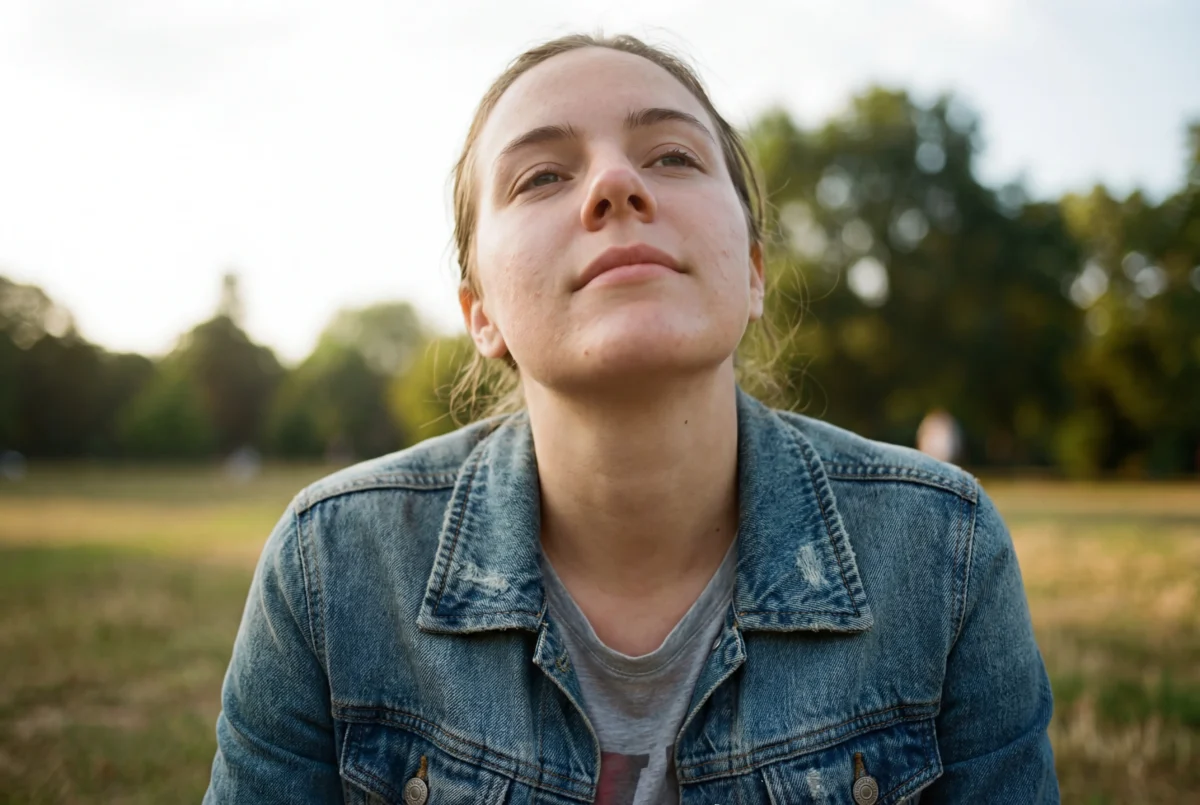
3. Poor Posture and Tension
Slouching shoulders, tense neck muscles, or a stiff smile can make you appear unnatural or uncomfortable in photos—even if you feel fine in real life.
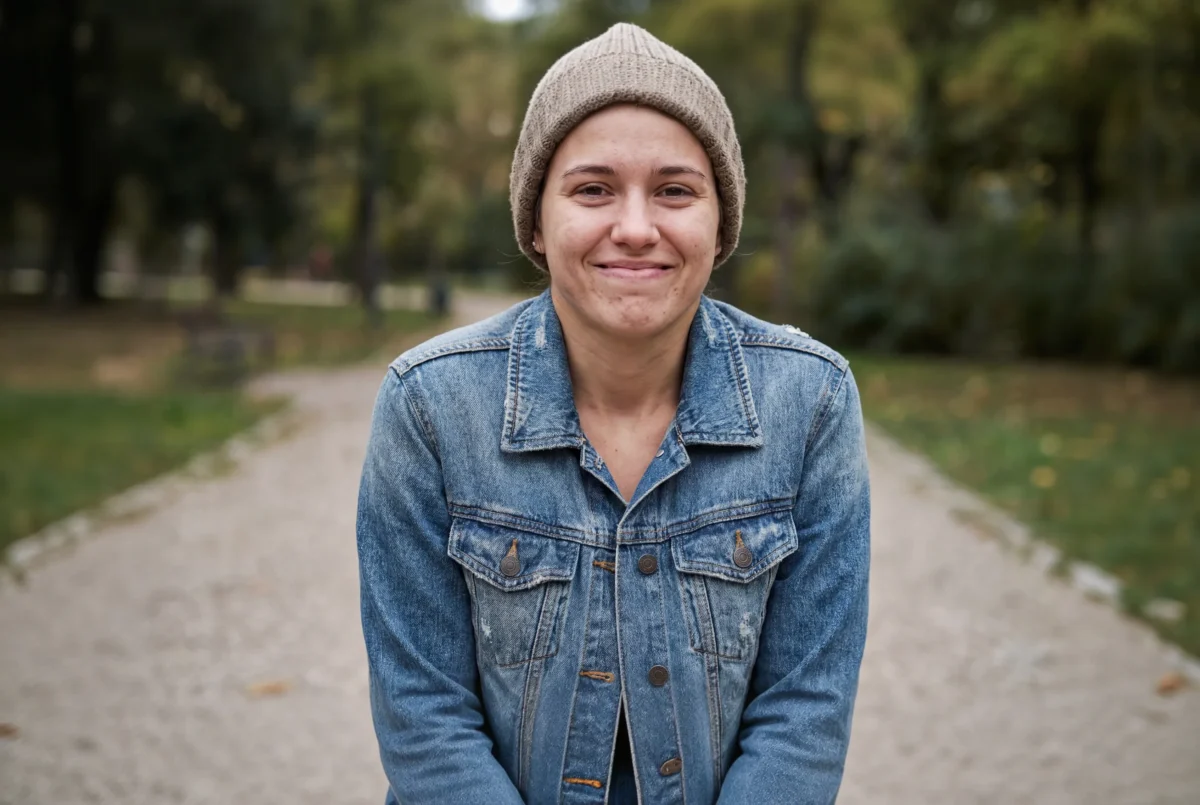
4. Lens Distortion
Wide-angle lenses, especially on smartphones, can exaggerate the size of your nose, forehead, or cheeks, making your proportions look off.
5. Expectations vs Reality
Social comparison, idealized beauty standards, and unrealistic expectations (like posed magazine shots) can make even good photos seem “ugly” by comparison.
Pro Tips to Look Better in Photos
These techniques can help you look more natural and confident before even opening an editor:
👉 Find Better Light
Use soft, diffused light—like early morning sun, shade, or indoor light near a window—to minimize harsh shadows.

👉 Adjust Your Angle
Hold the camera slightly above eye level and lean your chin forward for a more flattering perspective.
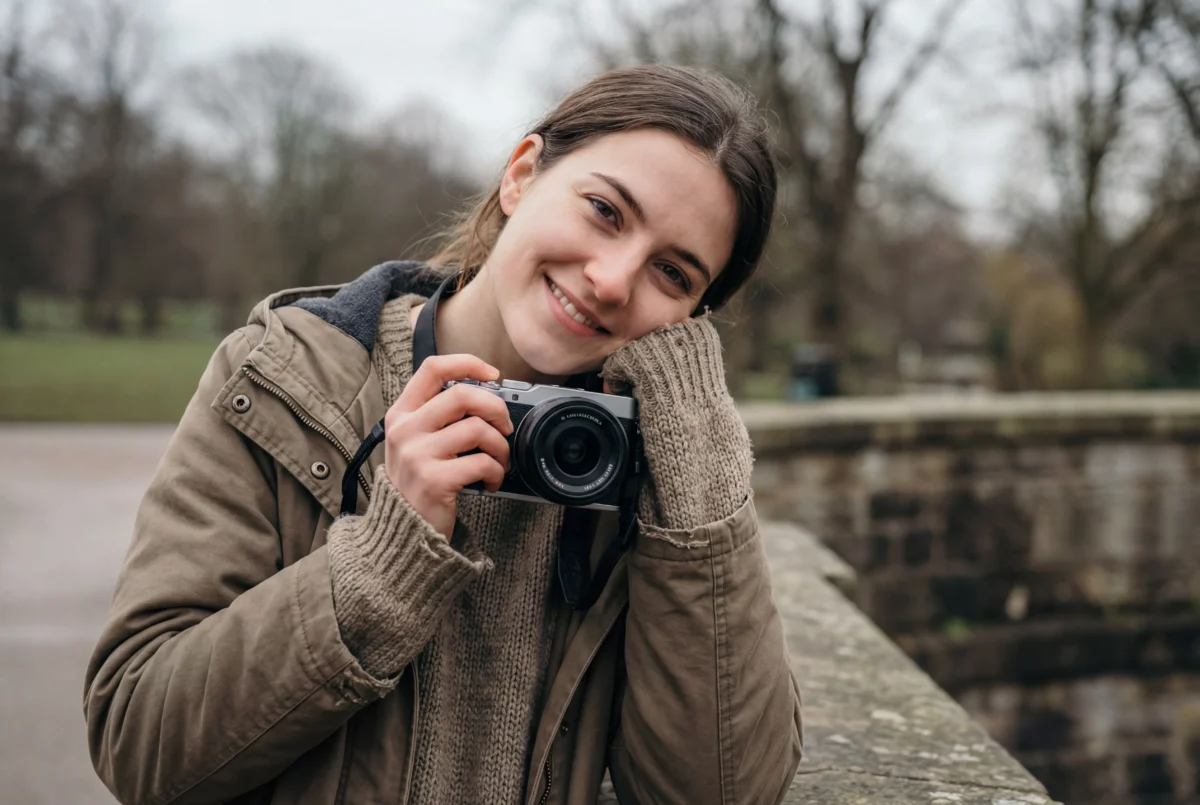
👉 Relax and Move Naturally
A loose, relaxed posture and a natural expression often look better than forced poses.

When It’s Not Just the Angle: How to Fix Ugly Pictures
Even with great lighting and posture, sometimes the photo still doesn’t reflect how you felt in real life. That’s where photo editing comes in.
Traditional Editing Tools (Like Photoshop)
Tools like Photoshop offer advanced editing capabilities—but they require time, skill, and technical know-how. Manual adjustments for features, lighting, and proportions are precise but can be complicated and time-consuming.
The Easier Way: Fix Ugly Pictures with Evoto
If you want a faster and more user-friendly solution, Evoto can help you enhance your photos with a few easy steps—no technical skills required.


Powerful AI Photo Editor
Key Features of Evoto
- Smart AI Detection: Automatically identifies facial features and body structure.
- One-Click Enhancements: Sharpen features, correct lighting, remove blemishes, and refine details with minimal effort.
- Balanced Results: Enhances your best features while keeping the image natural and authentic.
Here’s how simple it is:
Step-by-Step: Using Evoto to Fix Ugly Photos
Step 1: Upload Your Photo
Open Evoto and import the image you want to improve.
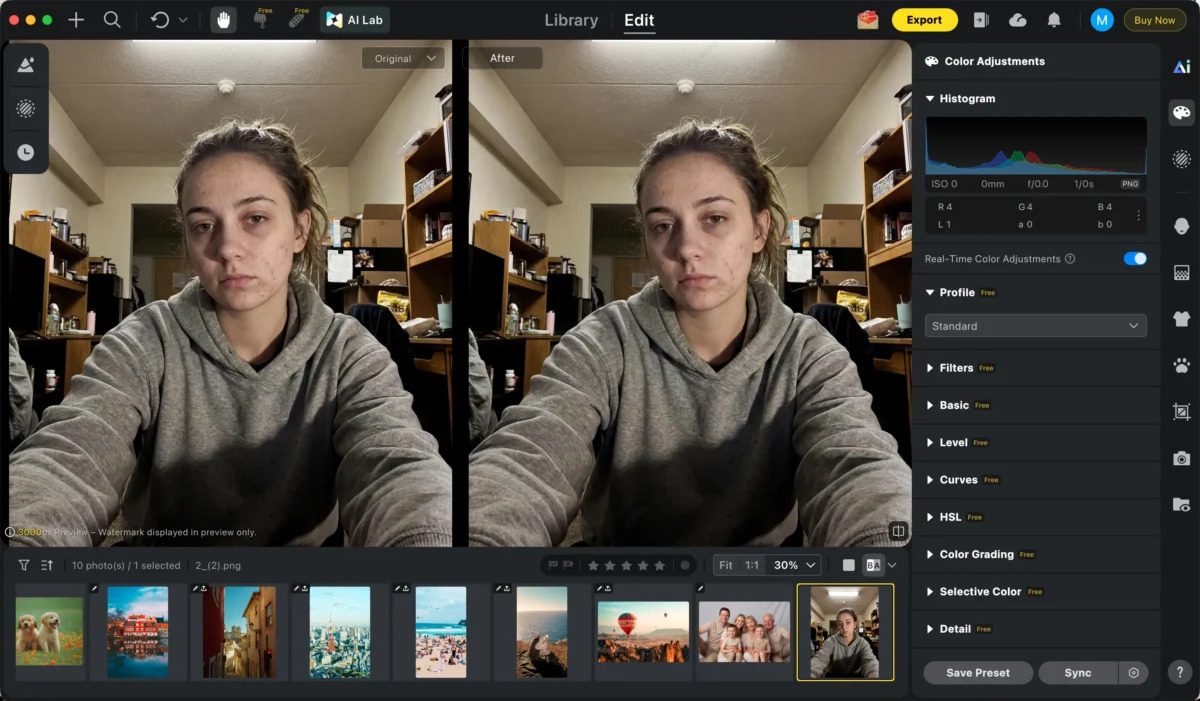
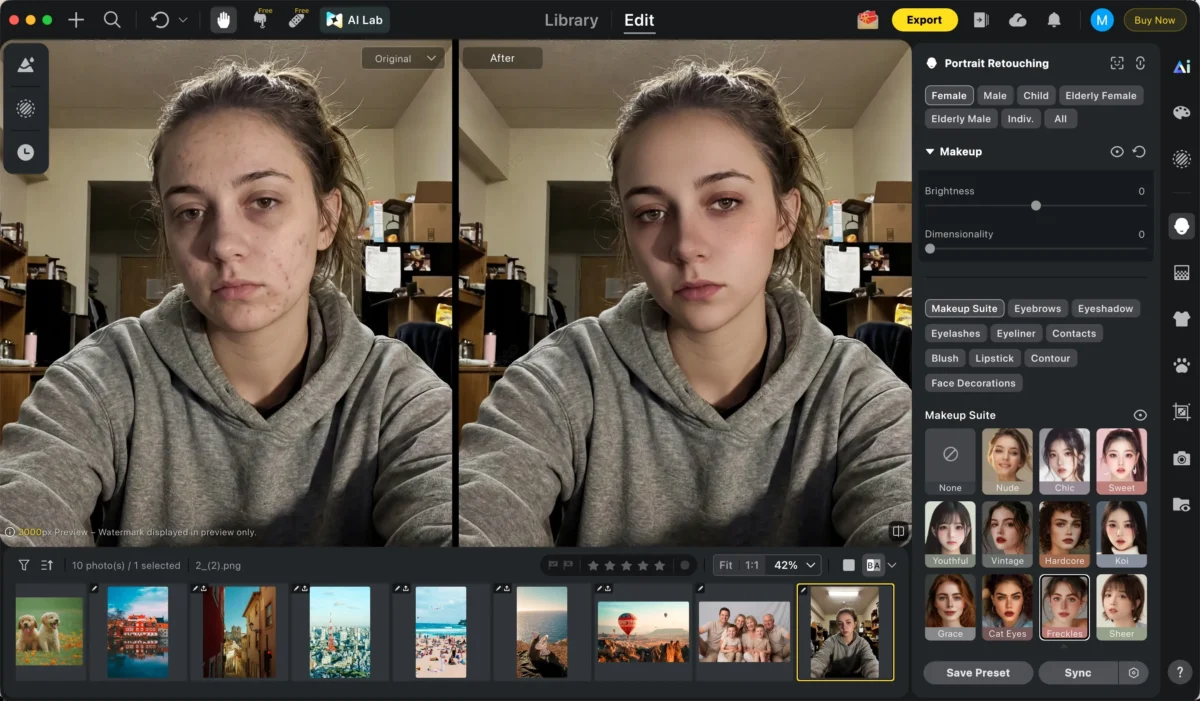
Step 2: Apply Smart Enhancements
Choose from AI-powered tools such as:
Blemish Removal – Removes spots, pimples, and imperfections while preserving your skin’s natural texture.
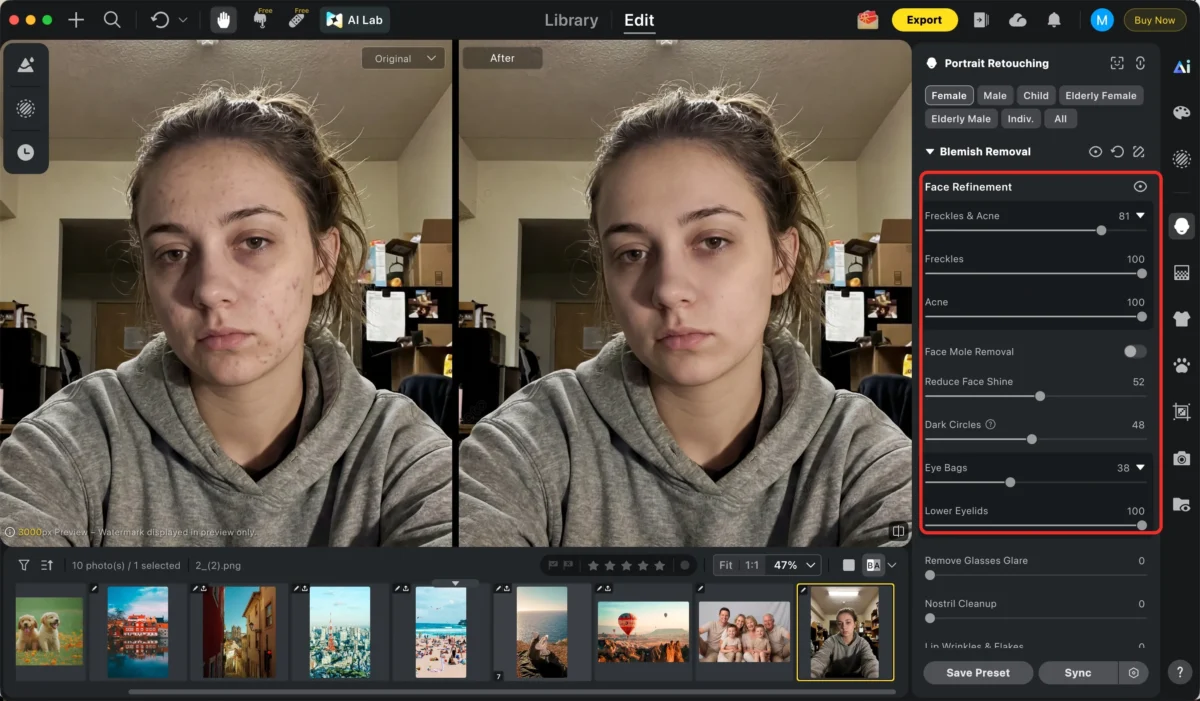
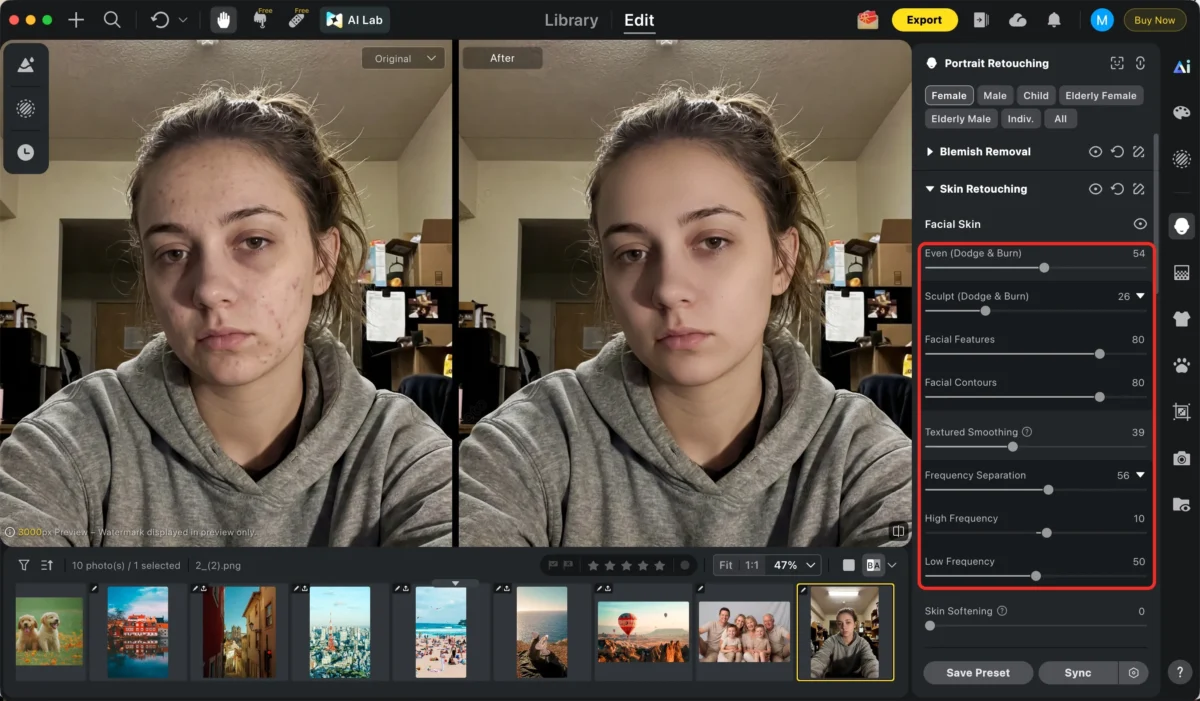
Skin Retouching – Smooths complexion while keeping natural texture.
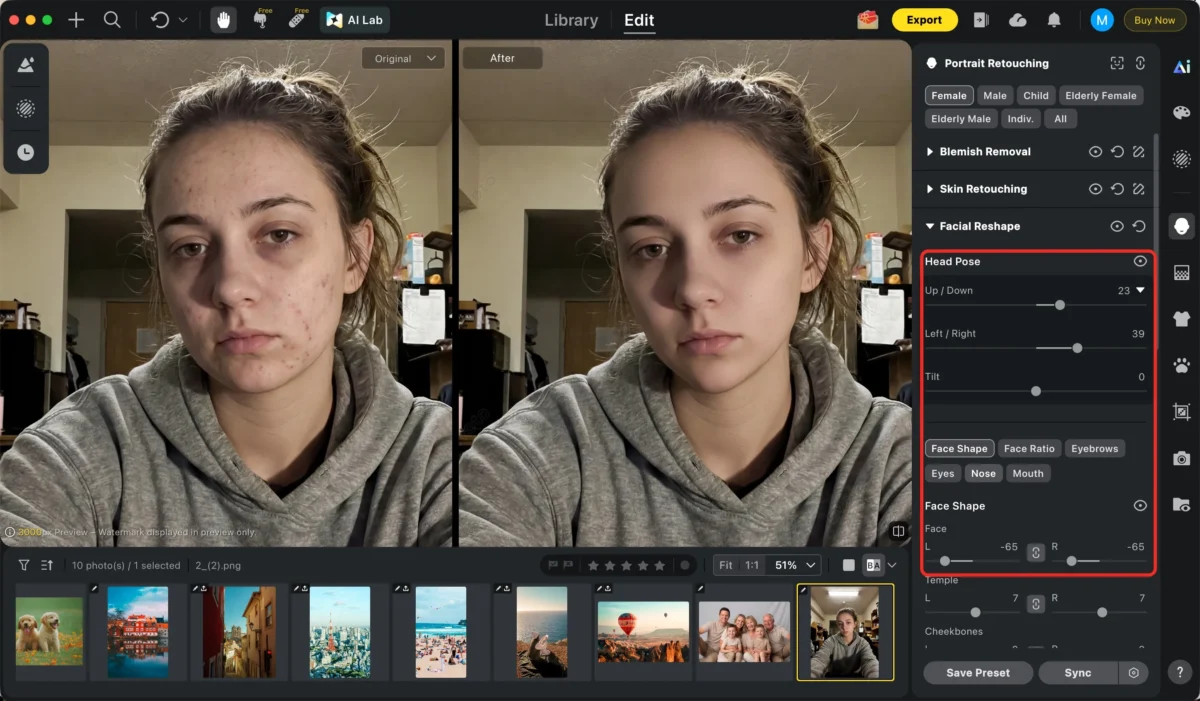
Facial Refinement – Subtle adjustments that highlight your best features.
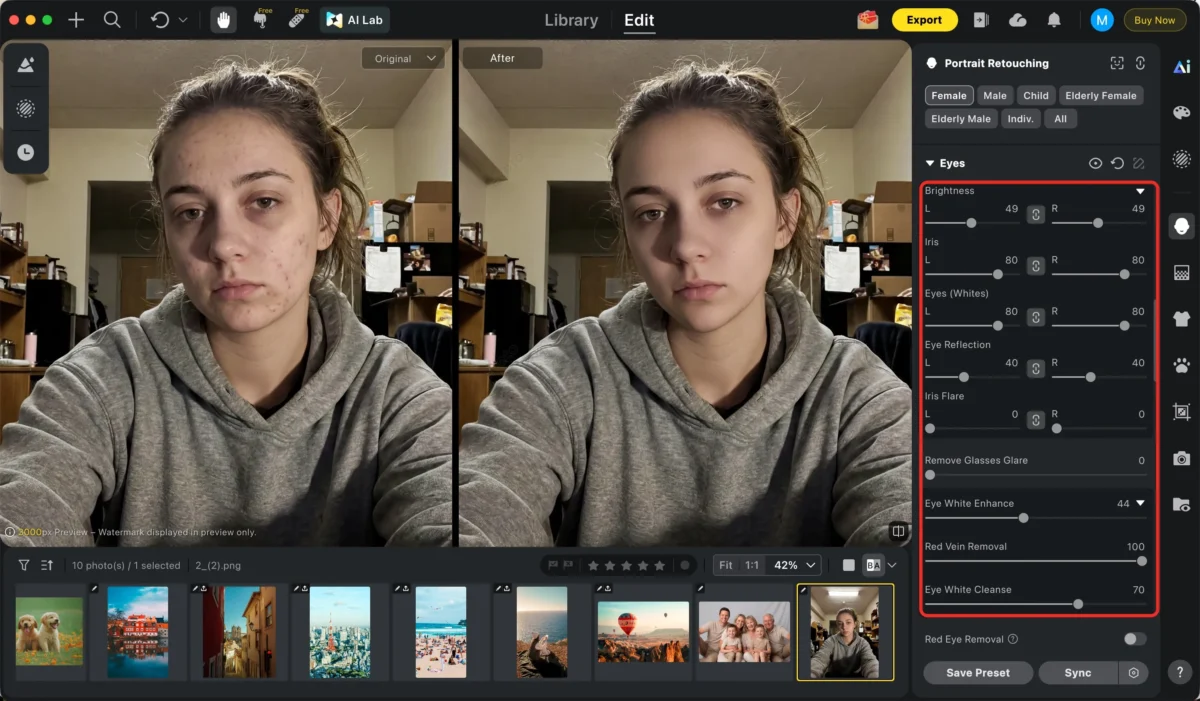
Enhance Eyes – Brightens and sharpens the eyes to make them more expressive while keeping a natural look.
Add Makeup – Applies subtle, realistic makeup to enhance features without looking artificial.
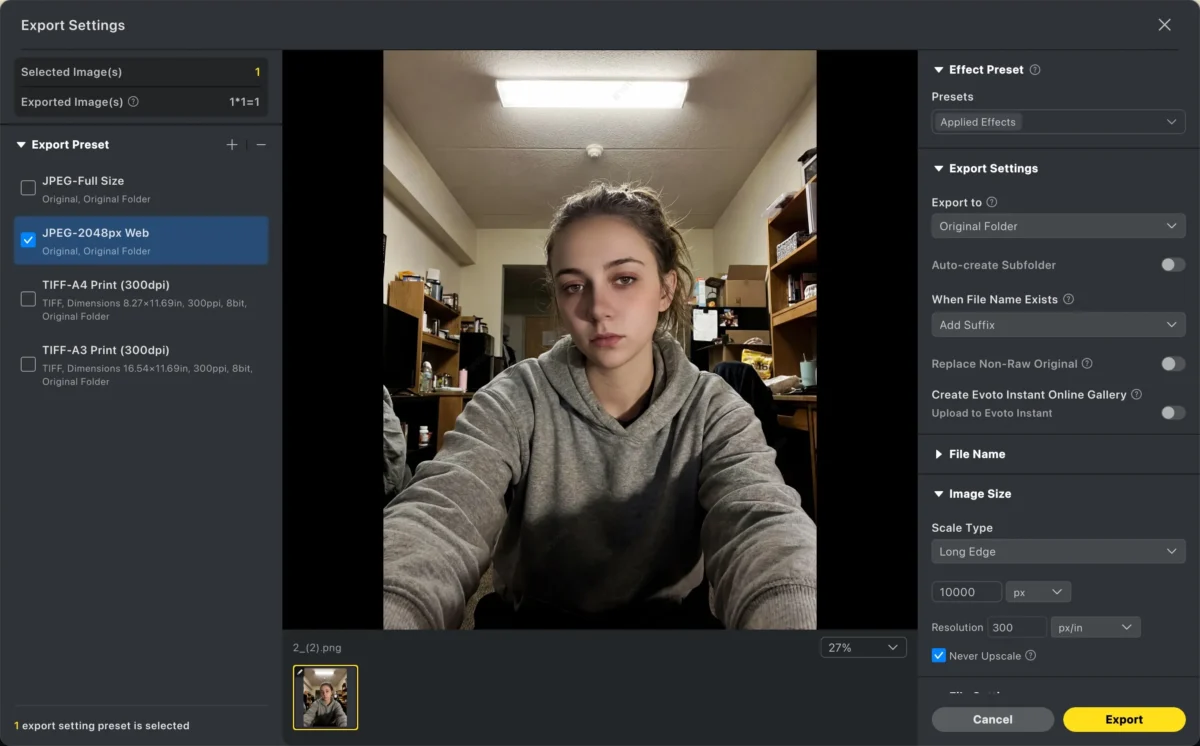
Step 3: Export and Share
Save your improved photo in high resolution and share with confidence.
With Evoto, fixing photos that once made you feel insecure becomes quick, intuitive, and fun.
How Evoto Compares to Manual Editing
| Feature | Manual Editing | Evoto AI |
|---|---|---|
| Ease of Use | Difficult / Requires Skill | Simple / Beginner-Friendly |
| Speed | Slow | Fast (seconds) |
| Results | Precise but Demanding | Natural + Polished |
| Automation | Manual Selection Needed | AI-Driven |
| Best For | Advanced Editors | Everyday Users and Creators |
Even experienced editors can benefit from Evoto’s time-saving automation, especially when working with many photos or on tight deadlines.
Real People, Real Confidence
Remember: a photo is just a moment in time, not a measure of your worth. But with the right tools and techniques, you can make images that reflect the real you—confident, natural, and comfortable.
Whether you care about social media photos, vacation memories, or professional portraits, knowing how to overcome those “ugly photo” moments makes a difference.
Final Thoughts
So the next time you ask, “Why do I look ugly in pictures?” remember: it’s usually a combination of lighting, angle, posture, and camera limitations—not you. By understanding the why, and combining good habits with tools like Evoto, you can improve your photos easily and beautifully.
Don’t let a photo define you—make your photos reflect the real you.
Try Evoto AI Photo Editor
Retouch photos with Evoto AI and make your photos best! Available on Windows, MacOS and iPadOS.



