

You can love your clients and still want to make kickoff.
That is the honest problem for a lot of photographers.
Your public work may be wedding photography, family portraits, studio portraits, newborn sessions, or events. Your homepage may have nothing to do with football. But in real life, you might still be the person checking match times between gallery exports, following a club all season, or planning your Sunday around a big fixture.
The problem is not that you watch football. The problem is that post-production expands until it eats every free evening.
One wedding turns into thousands of images. One portrait session becomes a pile of small retouching decisions. One event gallery needs culling, color, cleanup, export, upload, and client delivery. By the time the work is done, the match is already over, the highlights are spoiled, and you are too tired to enjoy them anyway.
This guide is about building a photo editing workflow for photographers who want both things: client work delivered properly, and enough time left to live like a person who has a life outside the editing chair.
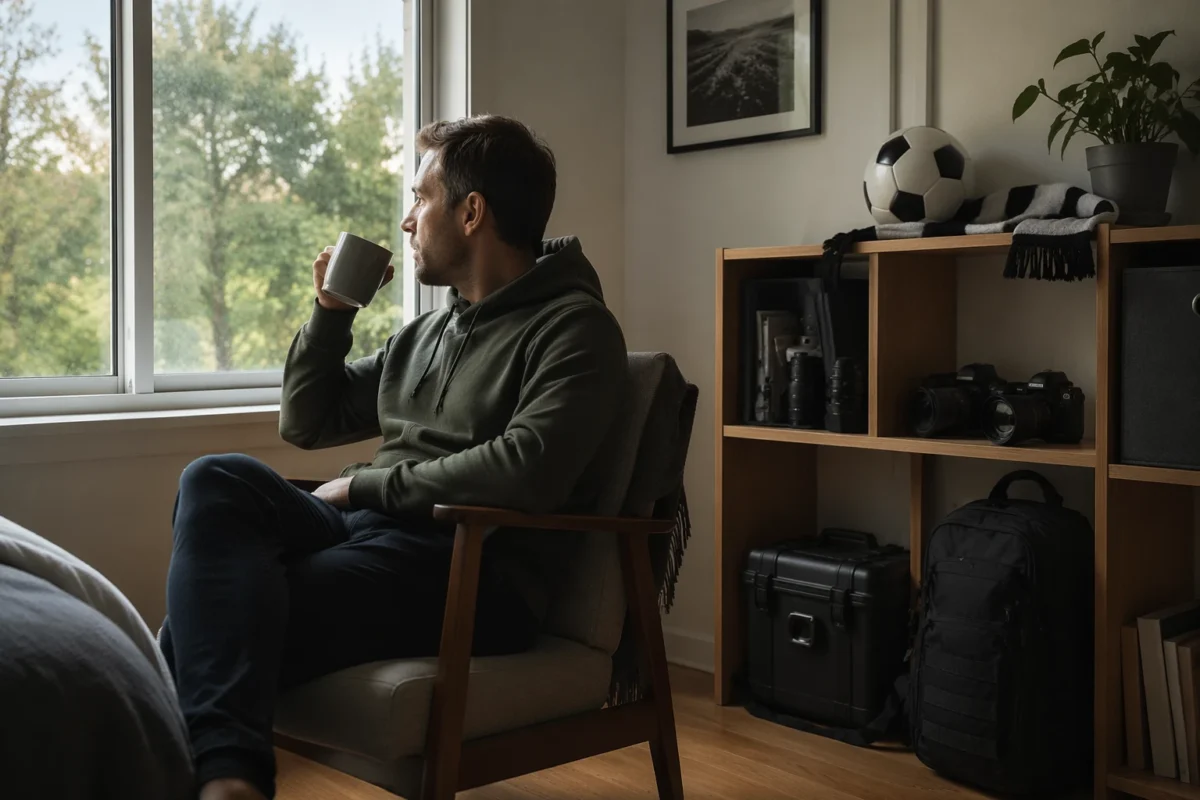
The Real Goal Is Not to Edit Faster. It Is to Protect Your Time.
A faster workflow is not just about speed.
It is about protecting attention.
If you photograph weddings or portraits, your job already takes weekends. You are on your feet during ceremonies, reception entrances, family formals, golden-hour portraits, studio sessions, client calls, gallery delivery, and follow-up emails. Then post-production moves into the evenings.
That is where burnout starts.
You are not only losing work hours. You are losing the small personal rituals that make the week feel like yours. For some photographers, that is dinner with family. For others, it is a quiet morning. For a football fan, it might be a Champions League night, a derby, a World Cup match, or a weekend Premier League fixture.
The workflow should respect that.
Finishing faster does not mean lowering the standard. It means building a system where repeated decisions do not drain the same energy every time.
Plan the Match Before the Shoot Week Gets Crowded
Start with the calendar.
This sounds too simple, but many editing backlogs are really planning problems. You accept the shoot, work the weekend, promise delivery, then hope you can somehow clear the gallery before the next personal commitment.
If there is a match you care about, put it on the calendar before the week fills.
Then plan backward:
- when the shoot ends
- when cards will be backed up
- when the first culling pass happens
- when the base edit gets built
- when batch edits run
- when manual retouching happens
- when the gallery exports
- when the client gets the final delivery
This is not about being unserious. It is the opposite.
A photographer who protects time is more likely to deliver on time because the workflow has boundaries. The match gives the day a real finish line. Instead of “I will edit until I am done,” the schedule becomes “I need the gallery export running before 7:30.”
That kind of deadline can make the workflow cleaner.

Shoot With the Edit in Mind
The fastest editing workflow starts before you open the editing software.
If you shoot every scene with different white balance, exposure, crop logic, and lighting direction, the edit becomes harder later. The computer cannot fix a gallery that has no rhythm. Neither can an AI tool. The best workflow tools work better when the source files have some consistency.
During a wedding, portrait session, or event, think in editing groups.
Group the day by light:
- getting ready near a window
- ceremony in open shade
- family portraits with flash
- couple portraits at sunset
- reception under mixed lighting
- dance floor with high ISO and color shifts
When each group has consistent exposure and white balance, batch editing becomes much easier.
You do not have to shoot robotically. You just need to avoid making every frame a separate problem.
The same idea applies to composition and overshooting.
Do not photograph ten versions when three strong versions will do. Do not hold burst mode through moments that do not need it. Do not keep shooting after the expression has disappeared. Every extra file is another decision later.
Future you wants to watch the match.
Shoot in a way that helps future you.
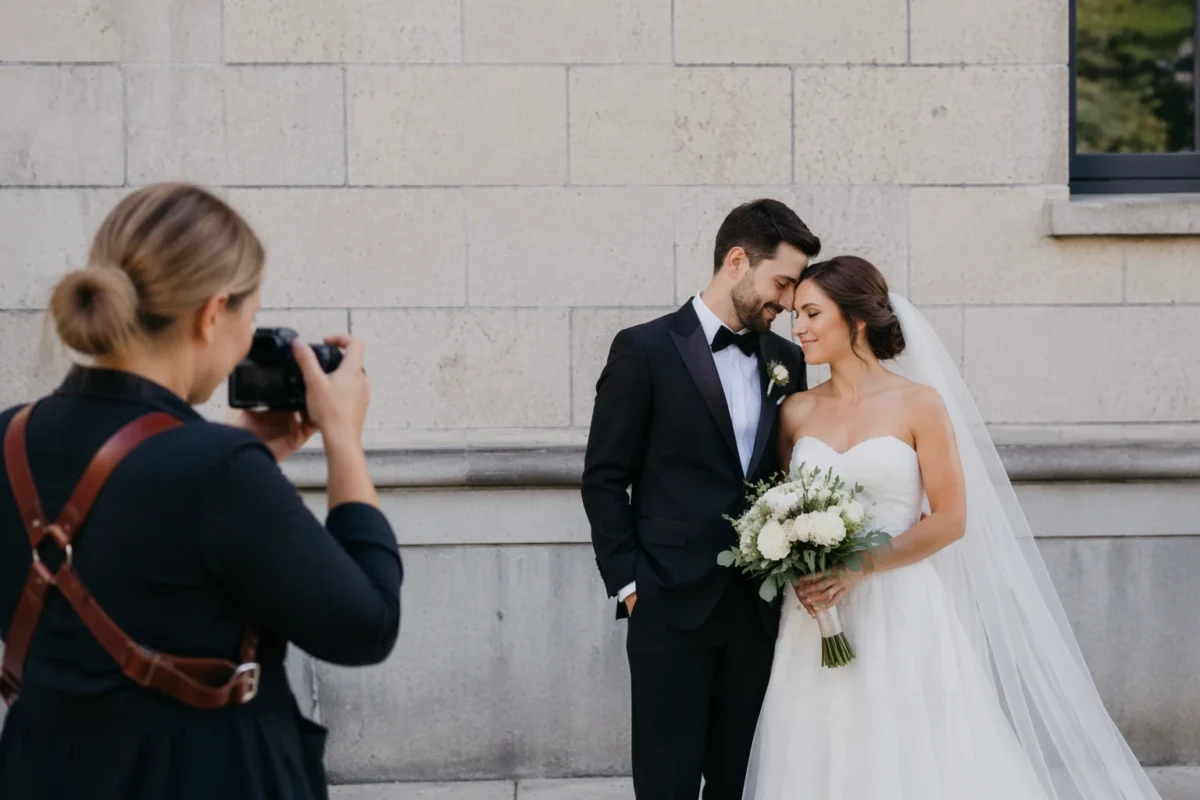
Cull Before You Touch the Edit
Culling is where many photographers lose the first half of the match.
The temptation is to open a good-looking image, edit it, feel productive, then jump to another image. That feels like progress, but it usually creates wasted work. You may spend time adjusting files that will never make the final gallery.
Cull first.
Edit second.
A practical culling pass should remove:
- obvious blinks
- missed focus
- duplicate expressions
- repeated burst frames
- test shots
- flash misfires
- awkward transitions
- images that do not move the story forward
For weddings and events, this step matters because the numbers get large quickly. A full wedding can easily produce thousands of files. A portrait session may have fewer images, but the differences between expressions can still slow you down.
Start with technical rejects. Then move into taste.
The technical pass should be fast. The taste pass can be slower because it is where your judgment matters: expression, gesture, emotion, body language, story, and client expectations.
Do not ask software to decide what love looks like.
Use software to reduce the noise so you have more energy for the real decisions.
Build One Hero Edit Before You Batch Anything
Once the selects are clean, do not start editing randomly.
Choose one representative image from a group and build the look there first.
This is the hero edit.
It should represent the lighting, skin tone, exposure, contrast, and color direction for the rest of that group. If you are editing wedding portraits, choose a frame where the faces are clear and the light is typical. If you are editing a studio portrait set, choose a file that shows the skin, background, clothing, and overall tone well.
Do not build the hero edit on the weirdest frame.
Do not build it on the darkest frame.
Do not build it on the most dramatic frame if the rest of the group is normal.
The hero edit is not the portfolio image. It is the anchor image.
Once the anchor is right, the rest of the group becomes easier. You are no longer inventing the edit again and again. You are applying a decision you already trust.
That is the difference between editing a gallery and fighting a gallery.
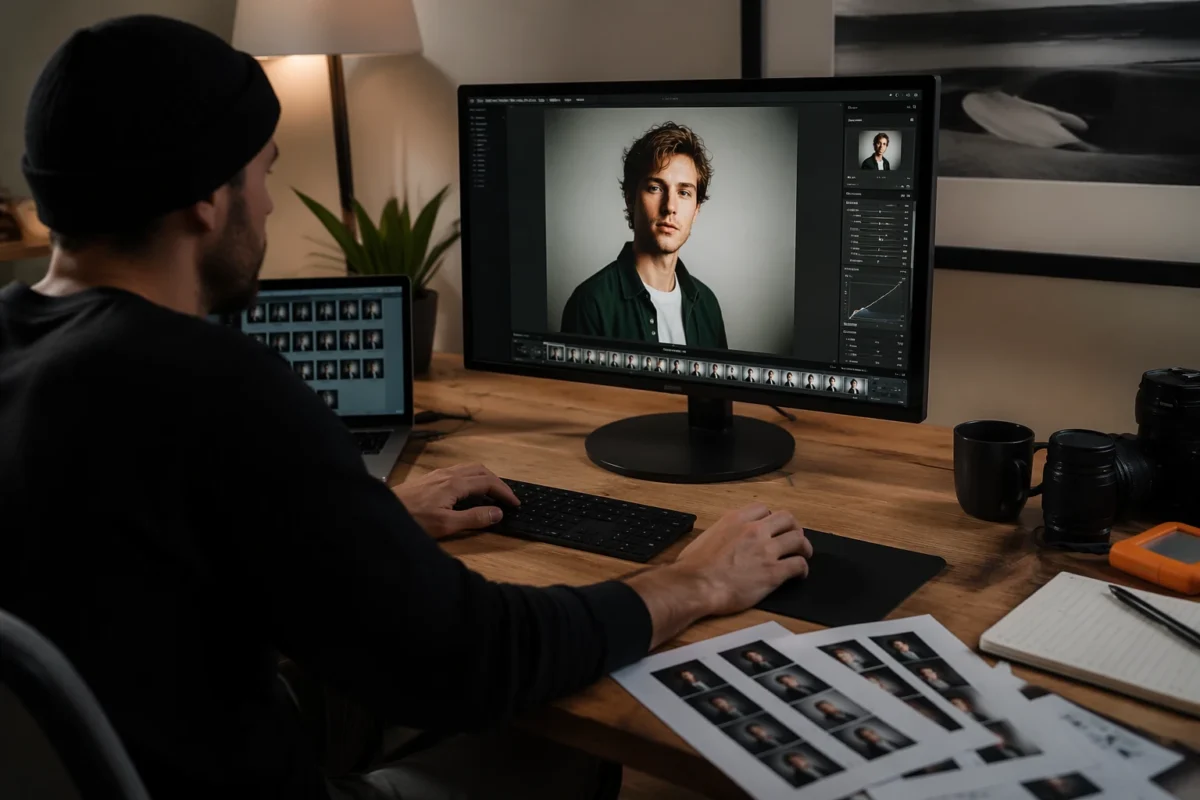
Batch Similar Images, Not Everything
Batch editing saves time only when the images actually belong together.
This is where many photographers go too far.
They sync one look across an entire wedding, then spend more time fixing mismatched files than they saved. A ceremony in open shade, a reception under tungsten light, and flash portraits on a dance floor do not need the same exact settings.
Batch by honest groups.
Good batch groups can include:
- same location
- same lighting direction
- same camera settings
- same skin tone challenges
- same background color
- same crop family
- same retouching needs
Once the group is honest, batching becomes powerful.
Edit one strong anchor. Sync the base direction. Review the group. Make small local corrections only where needed.
This is how you finish before kickoff without making the gallery look rushed.
Keep Manual Retouching for the Images That Deserve It
Not every photo needs the same level of retouching.
This is especially true for wedding and portrait photographers. A hero bridal portrait may deserve careful skin work, flyaway cleanup, fabric attention, and background control. A candid dance floor frame may only need exposure, color, and basic cleanup. A family formal may need eye checks and small distractions removed, but not high-end beauty retouching.
Use a tiered retouching approach:
- Tier 1: hero images, album spreads, website-level portraits
- Tier 2: important client images that need clean polish
- Tier 3: documentary and story images that need consistency, not perfection
This keeps the edit realistic.
Clients do not need every image to look like a magazine cover. They need the gallery to feel complete, consistent, and flattering.
You save time by matching the retouching level to the image’s role.
That is also how you avoid spending 40 minutes on a photo that will be viewed for two seconds in a gallery scroll.
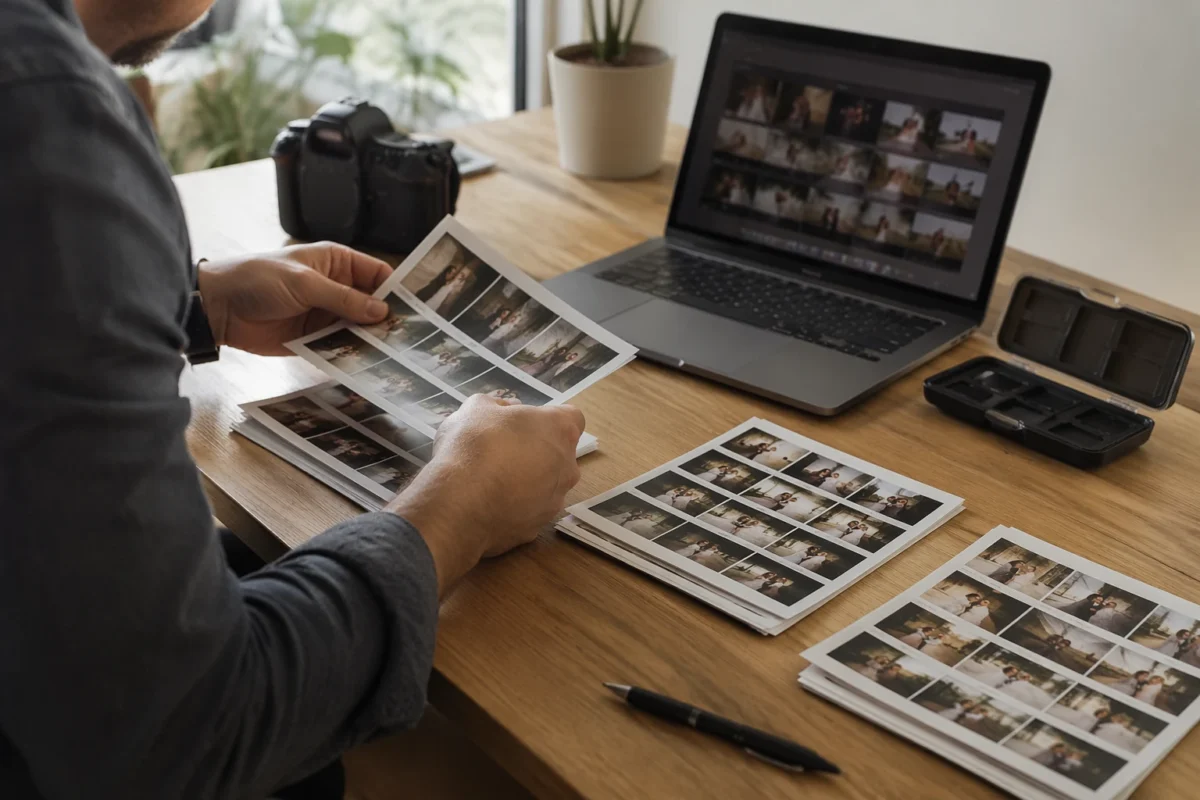
Use Evoto as the Workflow Support Layer After the Creative Decisions
The bottleneck is not usually one hard edit.
The bottleneck is repetition.
You repeat culling decisions. You repeat skin cleanup. You repeat background fixes. You repeat color refinements. You repeat export checks. That is the work that eats the evening before the match.
This is where Evoto fits naturally into a photographer’s back-half workflow.
If you need to reduce the file pile before editing, Evoto AI Culling can help narrow technical misses, duplicates, and weaker frames so you are not manually reviewing every file with the same level of attention. You still make the final call, but the first pass becomes lighter.
For wedding and portrait galleries, Evoto Portrait Retouching can help with natural skin polish, blemish cleanup, facial details, and portrait finishing without sending every image into a long manual retouching process.
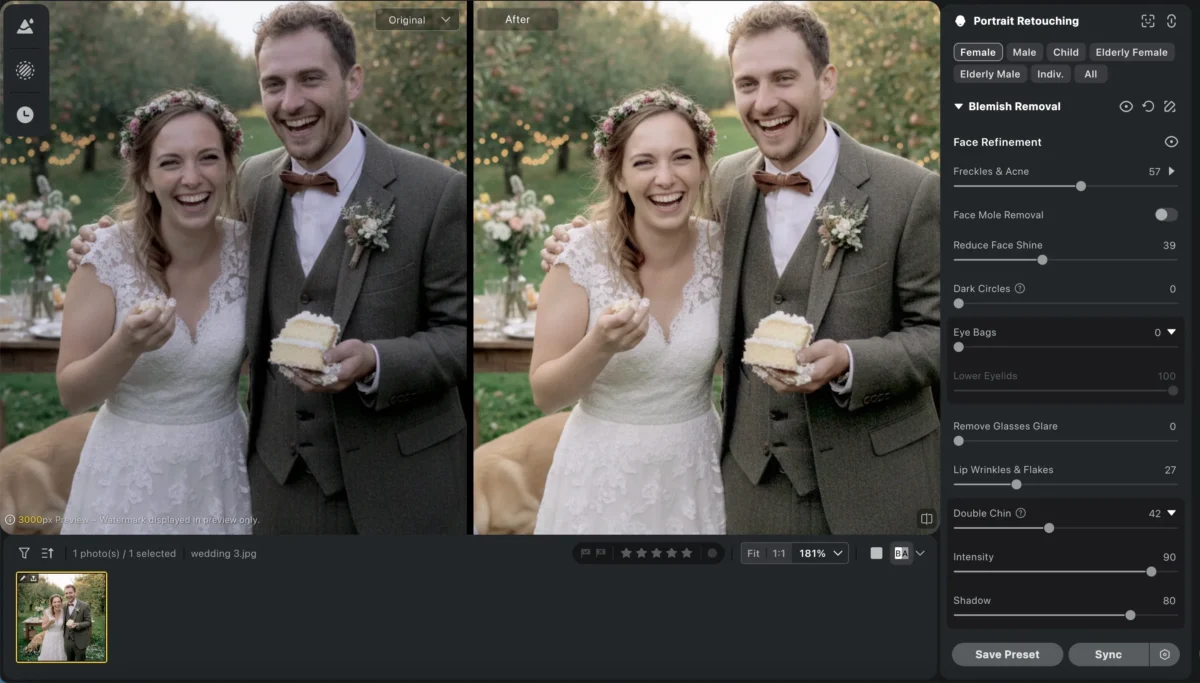
When the problem is not the face but the frame, Evoto Object removal can support cleanup around distracting edges, messy studio backdrops, or small background issues that pull attention away from the subject.
For gallery consistency, Evoto AI Color Looks can help create a coherent visual direction across related images.
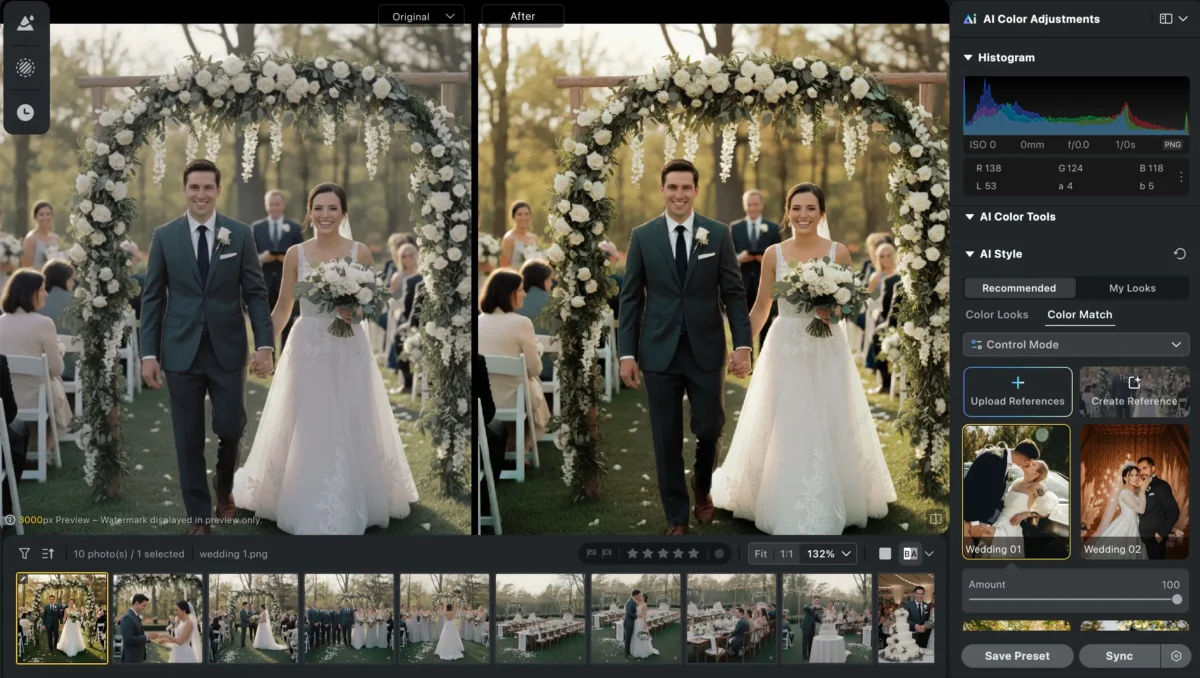
Evoto Batch Edits can carry those adjustments across honest groups instead of forcing you to repeat the same sliders one file at a time.
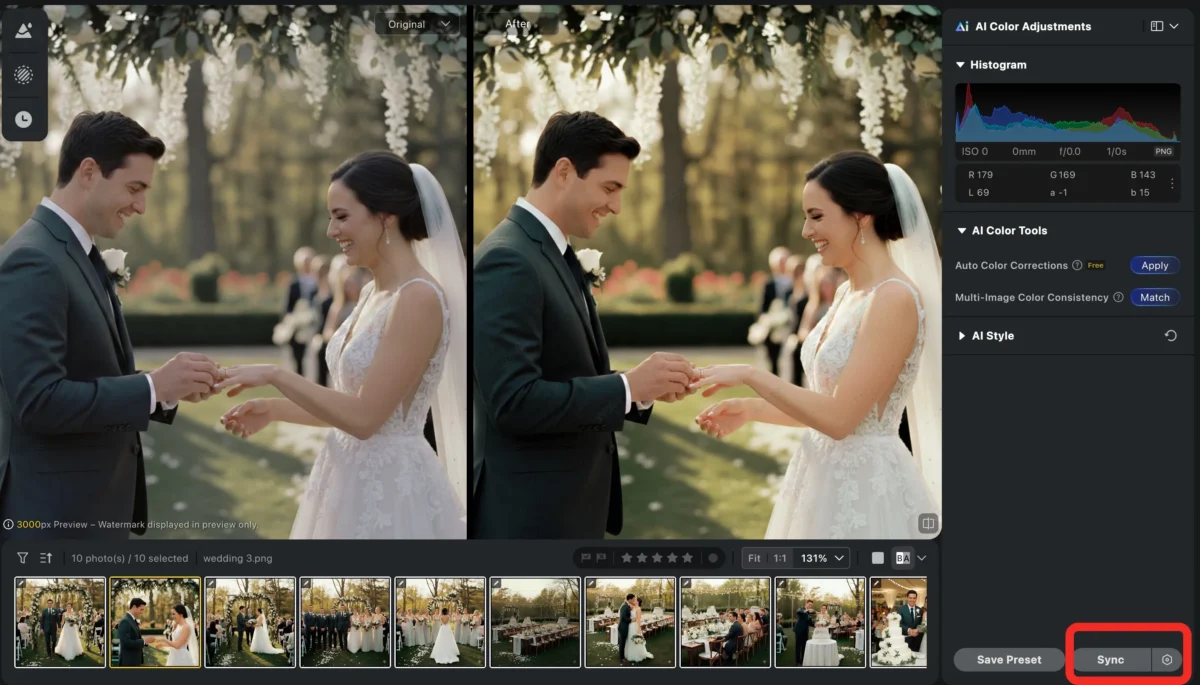
Evoto also has a practical guide to batch editing photos if you want a deeper look at applying edits across a full set, and its article on an all-in-one photo workflow connects this kind of workflow directly to photographer burnout.
The point is not to let a tool take over your taste.
The point is to use the tool where repetition is stealing time from the rest of your life.
A Match-Day Editing Workflow You Can Actually Repeat
Here is a practical workflow for a photographer who wants to finish work before a football match.
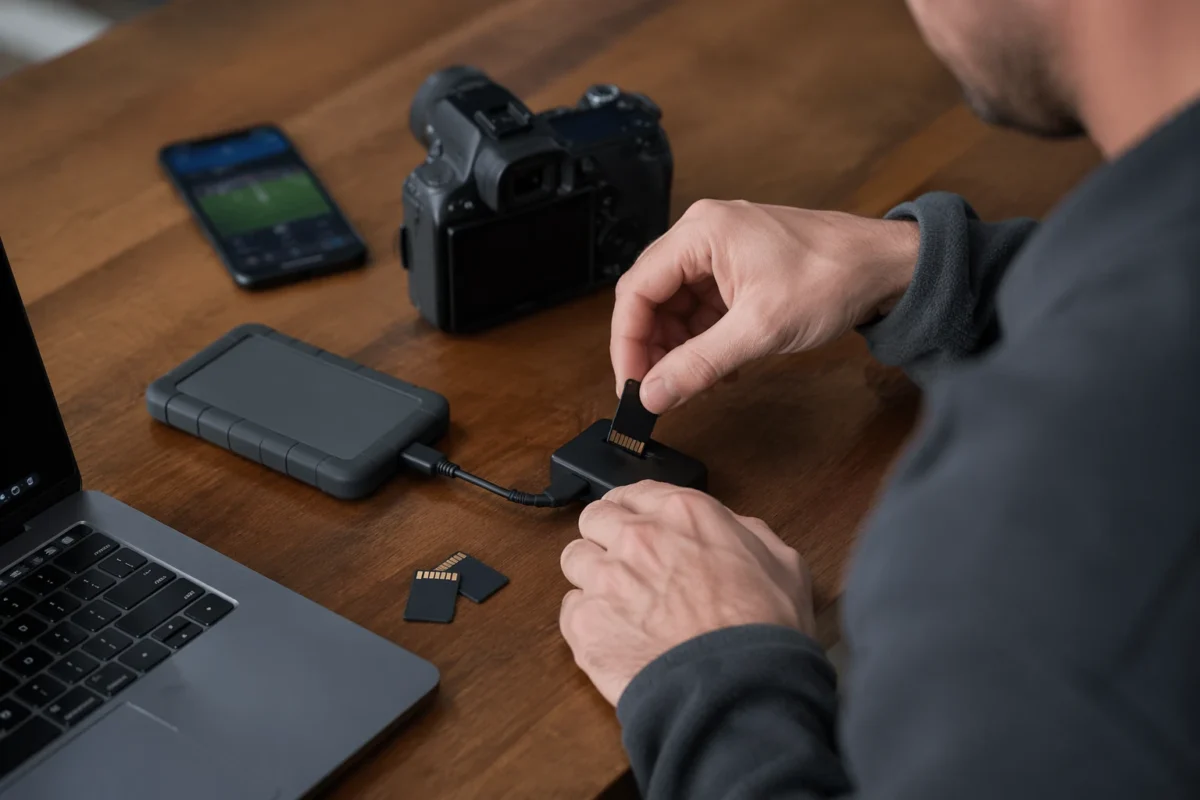
1. Back Up Before Anything Else
Copy the cards. Confirm the files. Keep the folder structure clean.Do not start editing before the shoot is safe.
2. Sort the Job Into Lighting Groups
Separate the gallery into real working sections. For a wedding, that might be getting ready, ceremony, family formals, couple portraits, reception details, speeches, and dancing. For portraits, it might be look one, look two, indoor setup, outdoor setup, and close-up selects.
3. Run a Fast Technical Cull
Remove the easy rejects first. Blinks, missed focus, duplicates, empty frames, test shots, and expression misses should not travel into the edit.
4. Pick the Final Selects With Human Judgment
Now slow down slightly. Choose the frames that carry expression, story, client priority, and emotional value.
5. Build One Hero Edit Per Group
Choose one representative frame from each group and make it right. This becomes the editing anchor.
6. Batch the Group
Apply the look across similar images. Then review. Do not assume every frame survived perfectly.
7. Retouch Only Where It Matters
Give hero images more care. Give documentary images clean consistency. Do not give every frame the same amount of labor if the gallery does not need it.
8. Export Before Kickoff
Set the export destination, naming, size, and gallery upload process before the end of the edit. The goal is not to sit down at kickoff with 200 images still processing in your head. The goal is to have the export running, the client delivery on track, and the match ready.
What This Looks Like in Real Life
Imagine a wedding photographer who supports Arsenal, Barcelona, Inter Miami, or any club that regularly ruins weekend plans.
They shoot a Saturday wedding.
On Sunday morning, they back up the cards and run the first cull. By lunch, the technical rejects are gone. By afternoon, they have selects grouped by lighting. They build a hero edit for ceremony, portraits, reception details, and dance floor. They batch each group, review the results, then spend manual time only on the hero portraits and important family images.
By early evening, the gallery is not necessarily fully delivered, but the hardest part is under control.
Sneak peeks can go out.
The full workflow has direction. The match can start without that heavy feeling that the gallery is still sitting untouched.
That is a better version of work-life balance than pretending photographers should not care about anything outside work.
Common Mistakes That Steal Match Time
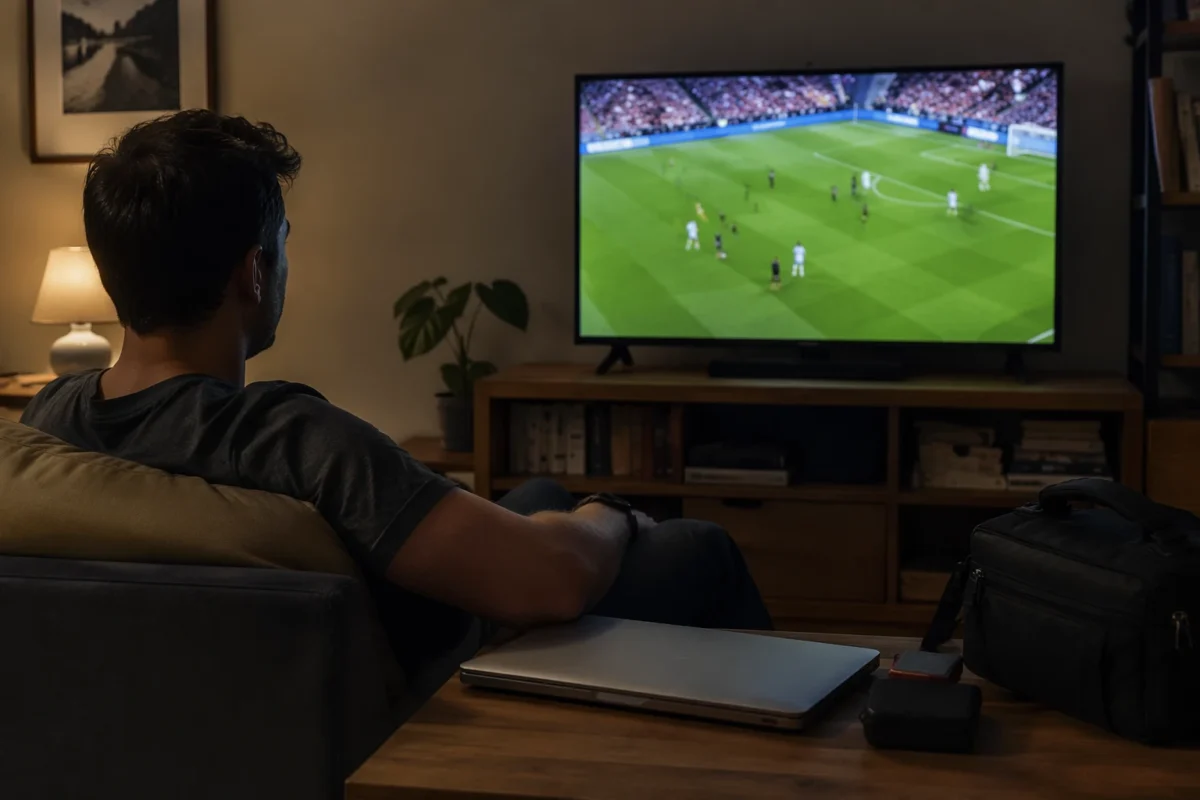
The first mistake is editing before culling. This is the fastest way to waste energy on images that will never be delivered.
The second mistake is treating every image like a hero image. That destroys time and makes the gallery less efficient.
The third mistake is batching unrelated images. If the light changes, the batch group should change.
The fourth mistake is relying on motivation. Motivation disappears after a long shoot. A repeatable workflow keeps moving even when your brain is tired.
The fifth mistake is feeling guilty for wanting time back. You are allowed to deliver strong work and still want to watch football.
Final Thoughts
A good photo editing workflow for photographers is not about becoming a machine.
It is about removing the work that does not need to be manually rebuilt every time.
If you are a wedding, portrait, or event photographer who also loves football, the match is not the enemy of your business. It can be a useful boundary. It reminds you that your workflow needs an ending, your energy has limits, and your life outside photography matters.
Shoot with the edit in mind. Cull before you edit. Build one hero edit. Batch the right groups. Retouch where it matters. Use tools like Evoto to reduce repeated labor. Then close the laptop, open the match, and enjoy the part of the day you worked hard to protect.
Try Evoto AI Photo Editor
Retouch photos with Evoto AI and make your photos best! Available on Windows, MacOS and iPadOS.



