

Some photos look flat even when the subject is good. The exposure is usable. The focus is sharp. The scene has potential. But the viewer does not know where to look, the subject blends into the background, and the image has no clear visual pull.
Often, the missing piece is contrast.
Contrast in photography is the difference between elements in a frame. It can be light against dark, warm against cool, smooth against rough, large against small, still against active, or old against new. Contrast controls how strongly the subject separates, how much depth the frame has, how dramatic or soft the mood feels, and how quickly the viewer reads the image.
For working photographers, contrast is not only an editing slider. It is a shooting decision. It starts with light direction, time of day, subject placement, background choice, exposure, color, texture, lens distance, and what you allow into the frame. Post-production can refine contrast, but it should support the contrast that already makes sense for the photo.
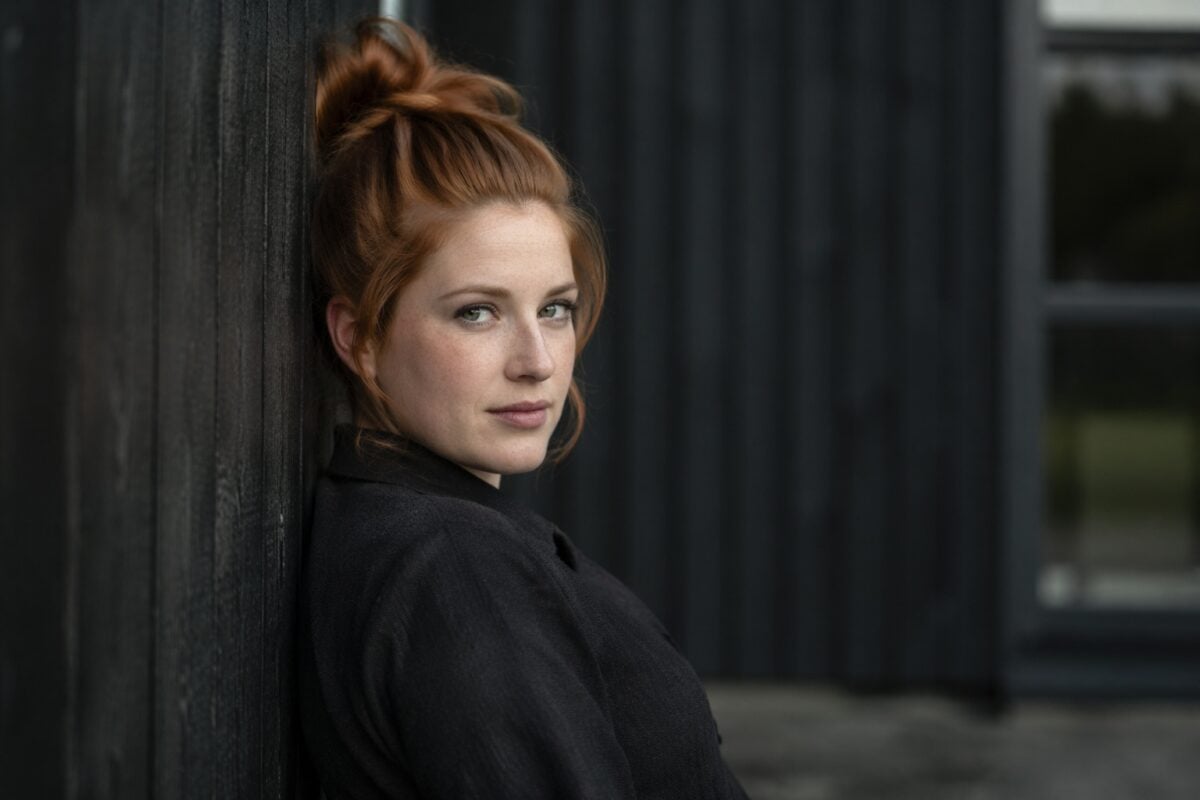
What Is Contrast in Photography?
Contrast in photography is the difference between visual elements. Most photographers first think of tonal contrast: the difference between bright highlights and dark shadows. That is important, but contrast is broader than light and dark.
A photo can also use contrast through:
- color
- texture
- scale
- shape
- sharpness
- mood
- movement
- subject meaning
- background separation
The job of contrast is to create distinction. It helps the viewer understand what matters in the frame. A subject with strong contrast against the background reads faster. A low contrast scene can feel soft, quiet, or atmospheric. A high contrast scene can feel bold, graphic, or dramatic.
Neither high contrast nor low contrast is automatically better.
The better question is: Does the contrast support the subject and mood?
If yes, it is working. If no, it may be making the image harsh, flat, noisy, or visually confused.
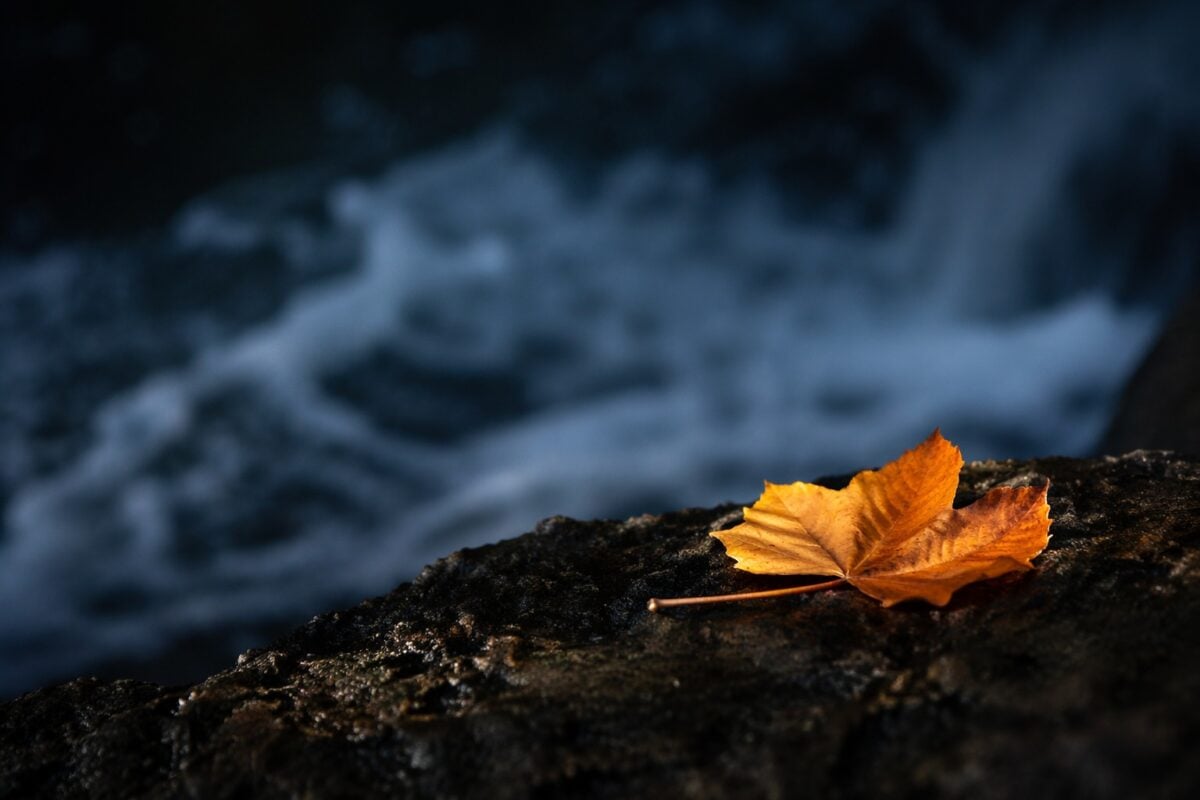
Why Contrast Matters in Composition
Contrast controls attention. The eye usually goes first to the area with the strongest visual difference. That might be a bright face against a dark wall, a red coat in a gray street, a sharp subject against a soft background, or a rough foreground against smooth water.
This makes contrast closely tied to composition. If the highest contrast sits on the subject, the photo usually feels clearer. If the highest contrast sits on a background sign, a bright corner, a white shirt near the edge, or a random patch of sunlight, the viewer may leave the subject.
Contrast also creates depth. A darker foreground against a lighter background can make a landscape feel layered. Side light across texture can make stone, skin, fabric, or architecture feel more dimensional. Warm light against cool shadow can separate planes inside the frame.
For photographers working under time pressure, contrast gives fast decisions:
- Is the subject separating from the background?
- Is the brightest area helping the frame?
- Is the shadow adding depth or blocking information?
- Is color contrast supporting the subject or competing with it?
- Is the texture useful or distracting?
Contrast is not decoration. It is visual hierarchy.
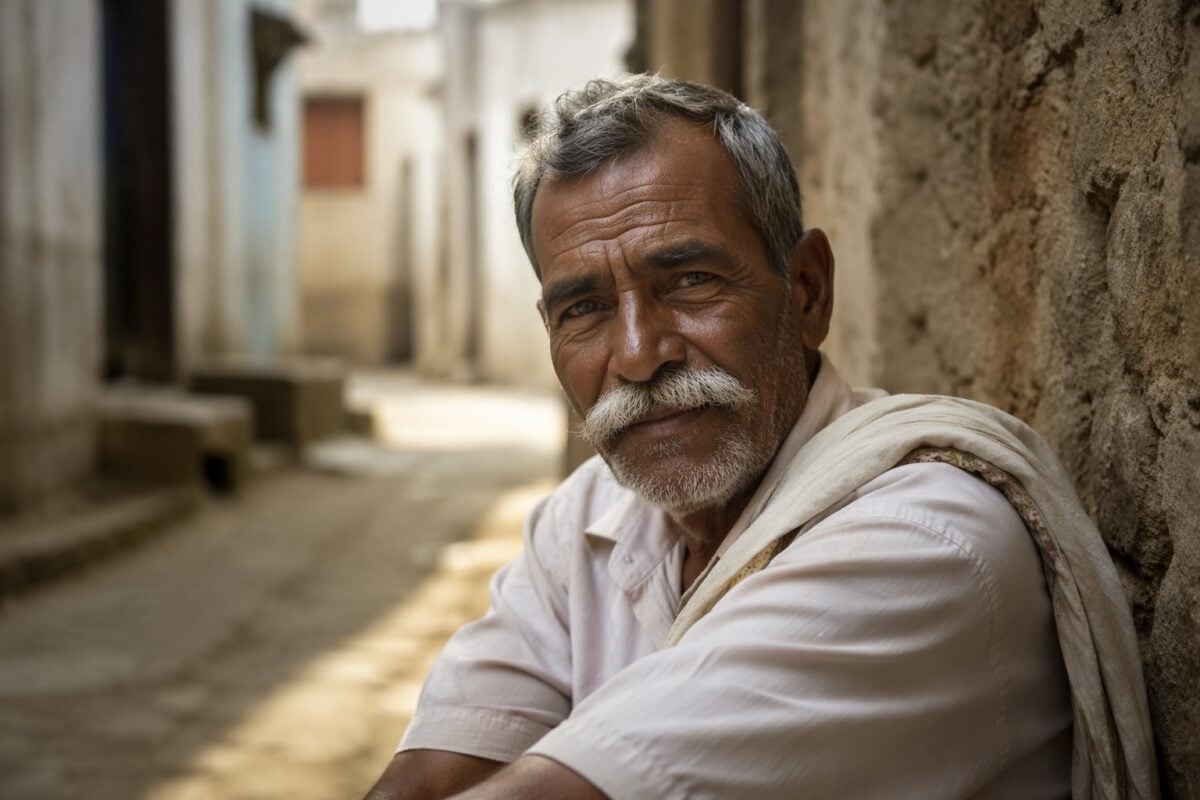
Tonal Contrast: Light Against Dark
Tonal contrast is the difference between light and dark areas in a photo.
High tonal contrast means the bright and dark areas feel strongly separated. Shadows may be deep, highlights may be bright, and shapes may feel more graphic. This can work well for street photography, architecture, dramatic portraits, silhouettes, black-and-white images, and scenes with strong light patterns.
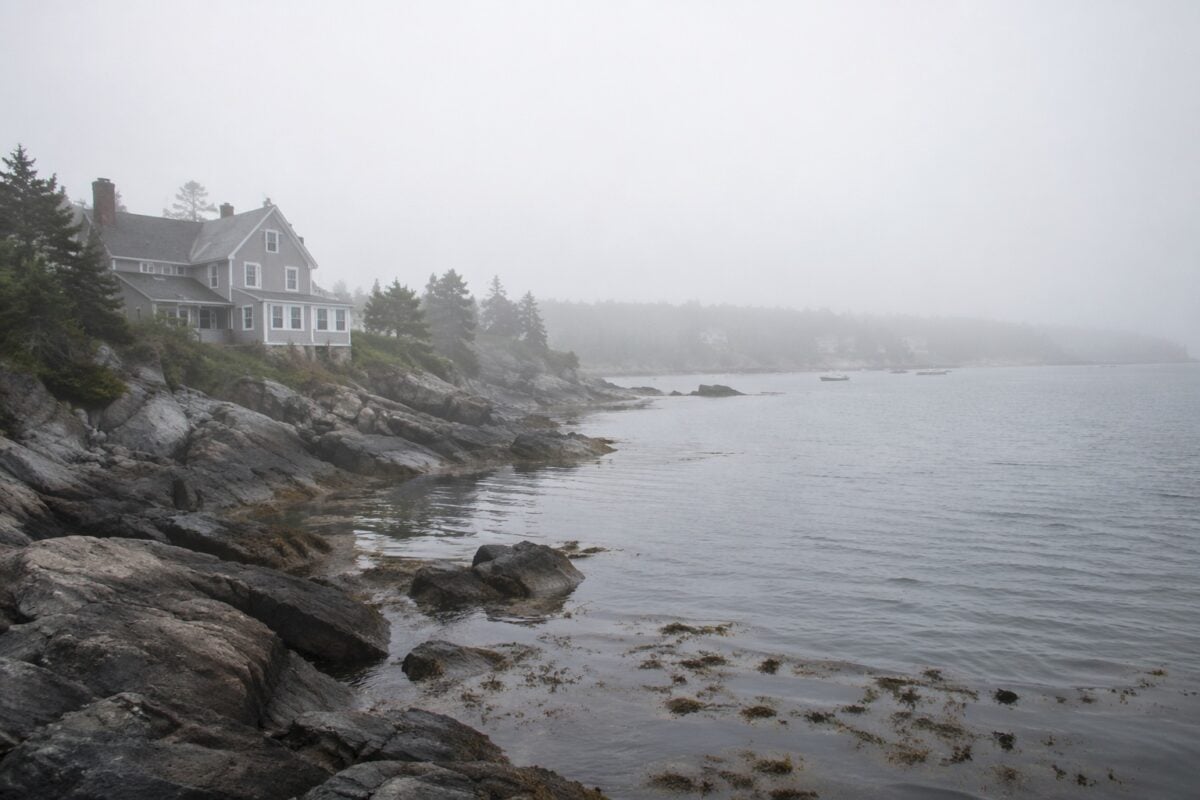
Low tonal contrast means the tones sit closer together. Shadows are softer, highlights are gentler, and transitions feel more gradual. This can work well for fog, overcast portraits, soft editorials, quiet landscapes, lifestyle images, and scenes where the mood should feel calm rather than forceful.
The important part is not whether contrast is high or low. The important part is whether the tonal structure gives the subject enough separation.
In a portrait, too much tonal contrast can make skin texture look harsh. Too little can make the face disappear into the background. In a landscape, too much contrast can block shadows and clip highlights. Too little can make the scene feel gray and unfinished.
Use tonal contrast to decide how strongly the image should speak.
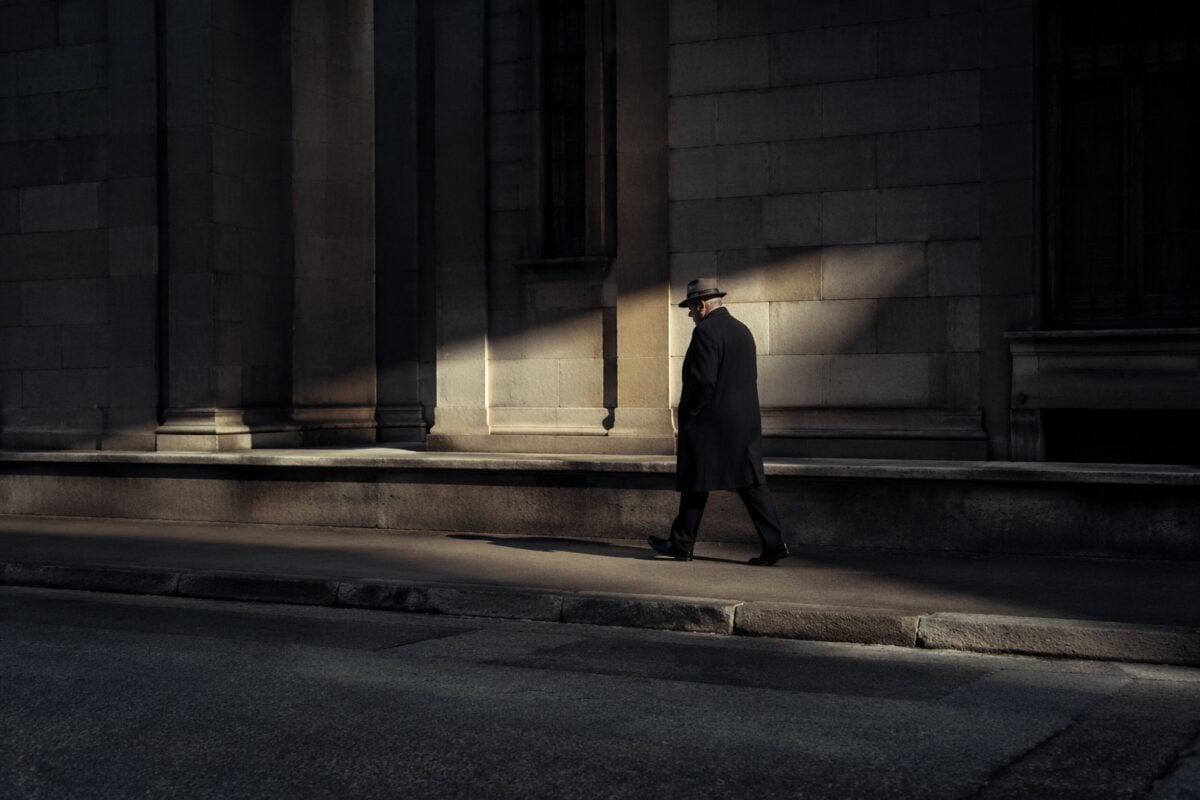
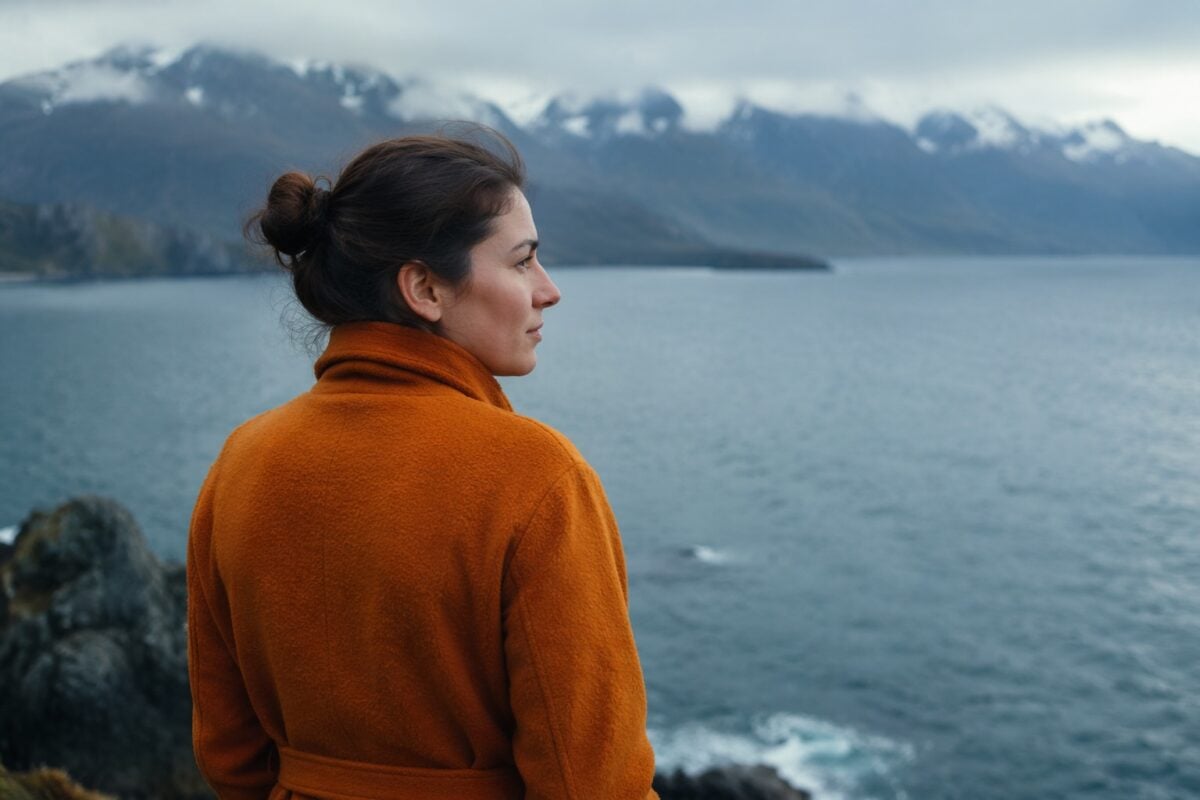
Color Contrast: Warm Against Cool
Color contrast happens when different hues create visual separation. The strongest examples often come from complementary colors: blue and orange, red and green, yellow and purple. Warm vs cool contrast is also powerful. A warm subject against a cool background can stand out quickly. A blue shadow beside orange sunlight can make a scene feel more alive.
Color contrast is useful because it can separate the subject without relying only on brightness.
Examples:
- a red jacket in a gray street scene
- warm skin against a blue-green background
- orange sunset against deep blue water
- yellow flowers against green foliage
- cool window light beside warm interior light
Color contrast can also become too loud. If a background color is stronger than the subject, it can steal attention. If the edit pushes saturation too far, the photo may feel artificial. If skin tone shifts too warm or too green, the viewer may notice the edit before the person.
Use color contrast to support the eye path. Do not let every color fight for first place.
Texture Contrast: Smooth Against Rough
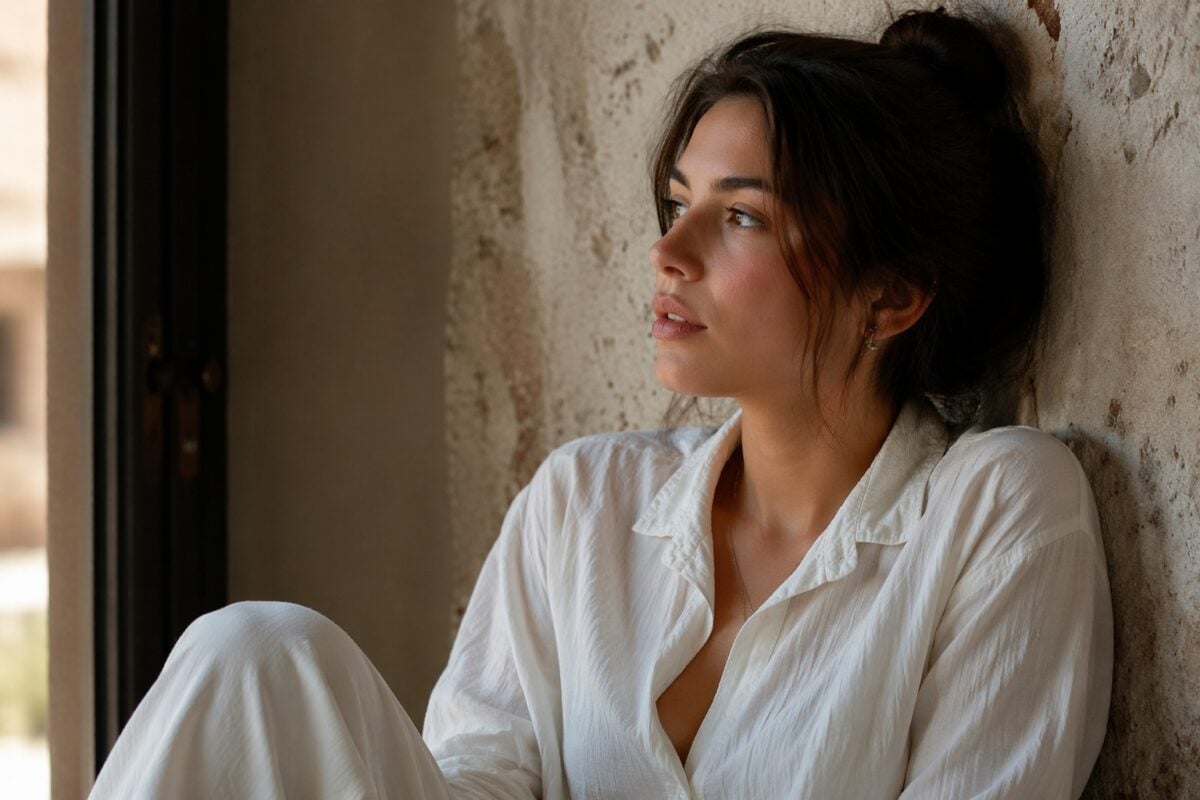
Texture contrast comes from differences in surface detail. Smooth skin against rough stone. Glossy petals against bark. Soft fabric beside metal. Calm water against jagged rocks. Clean product packaging on a textured surface.
Texture contrast adds depth because it gives the viewer something tactile to read.
It is especially useful in:
- portraits
- product photography
- macro work
- nature details
- architecture
- food photography
- fashion and editorial images
Light direction matters here. Side light reveals texture because it creates small shadows across the surface. Front light often flattens texture because it reduces shadows. Back light can separate edges and create a stronger outline, but it may hide detail if exposure is not controlled.
Texture contrast should be intentional. If the rough background is more interesting than the subject, it may become the real focal point. If skin texture becomes too strong, the portrait may feel harsh. If a product surface is too busy, the product can lose priority.
Use texture contrast where detail matters. Quiet it where detail competes.
Conceptual Contrast: Ideas Inside the Frame
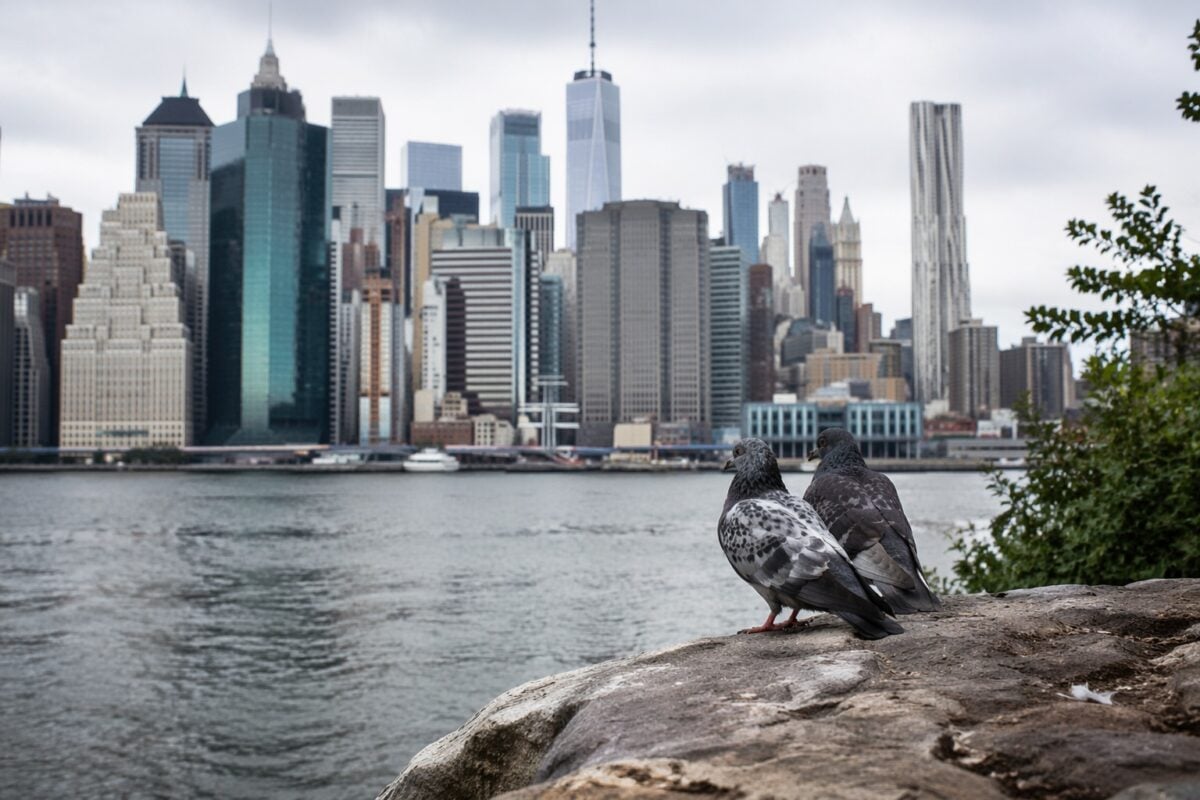
Conceptual contrast is the difference between meanings. It is not only visual. It is narrative.
Examples:
- old architecture beside a modern building
- one wildflower growing through concrete
- calm water beside a crowded street
- a small person in a huge landscape
- formal clothing in a rough location
- nature against man-made structure
Conceptual contrast can make a photo feel more memorable because the viewer reads a relationship, not just a subject. This works well in documentary, street, travel, fine art, editorial, and environmental portrait photography. It can also help commercial images when the contrast supports the story of the product or brand.
The risk is being too clever. If the idea is stronger than the image, the photo can feel forced. If the contrast is unclear, the viewer may not understand the relationship. The best conceptual contrast usually still has strong visual structure: clean composition, readable subject, controlled light, and enough separation.
Let the idea add depth. Do not let it replace photographic clarity.
High Contrast vs Low Contrast
High contrast and low contrast create different feelings.
High contrast often feels:
- bold
- dramatic
- graphic
- tense
- sharp
- energetic
- immediate
Low contrast often feels:
- soft
- calm
- airy
- quiet
- muted
- gentle
- atmospheric
Neither is more professional by itself. A high contrast street image can feel powerful because the light and shadow create strong shapes. A low contrast foggy landscape can feel strong because the softness supports the mood. A high contrast portrait can feel sculpted and intense. A low contrast portrait can feel more natural and flattering.
The mistake is applying the same contrast style to every image. Decide the mood first. Then choose the contrast level that supports that mood.
Contrast vs Tonal Range
Contrast and tonal range are related, but they are not the same.
Contrast is the difference between tones. Tonal range is how much information and transition exists from dark to light.
A photo can have strong contrast but still hold detail in the shadows and highlights. It can also have high contrast that destroys detail. A photo can have low contrast but still feel rich if the midtones are separated carefully. It can also be low contrast and simply look flat.
This distinction matters in editing. Do not judge contrast only by how punchy the image looks. Check whether the image still has usable detail, clean transitions, believable skin, and a clear subject.
Good contrast has control. Bad contrast only has force.
How Light Direction Changes Contrast
Light direction is one of the fastest ways to change contrast before editing.
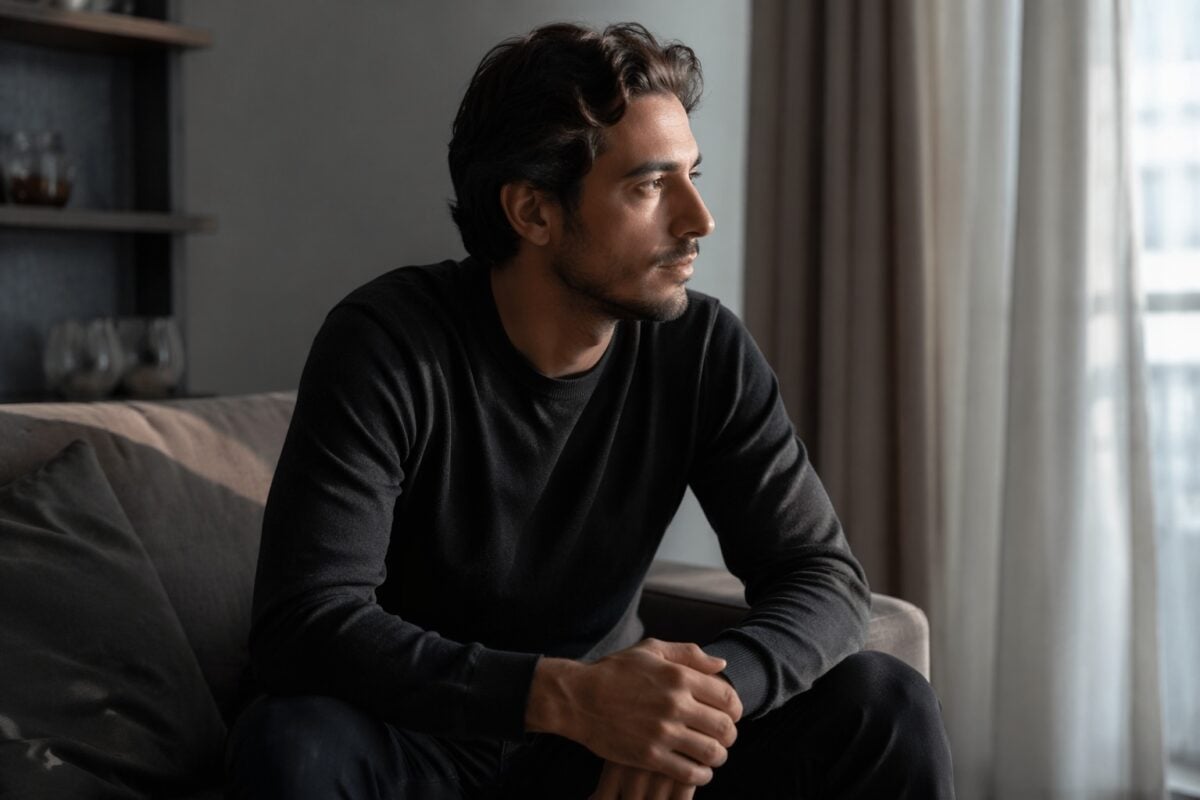
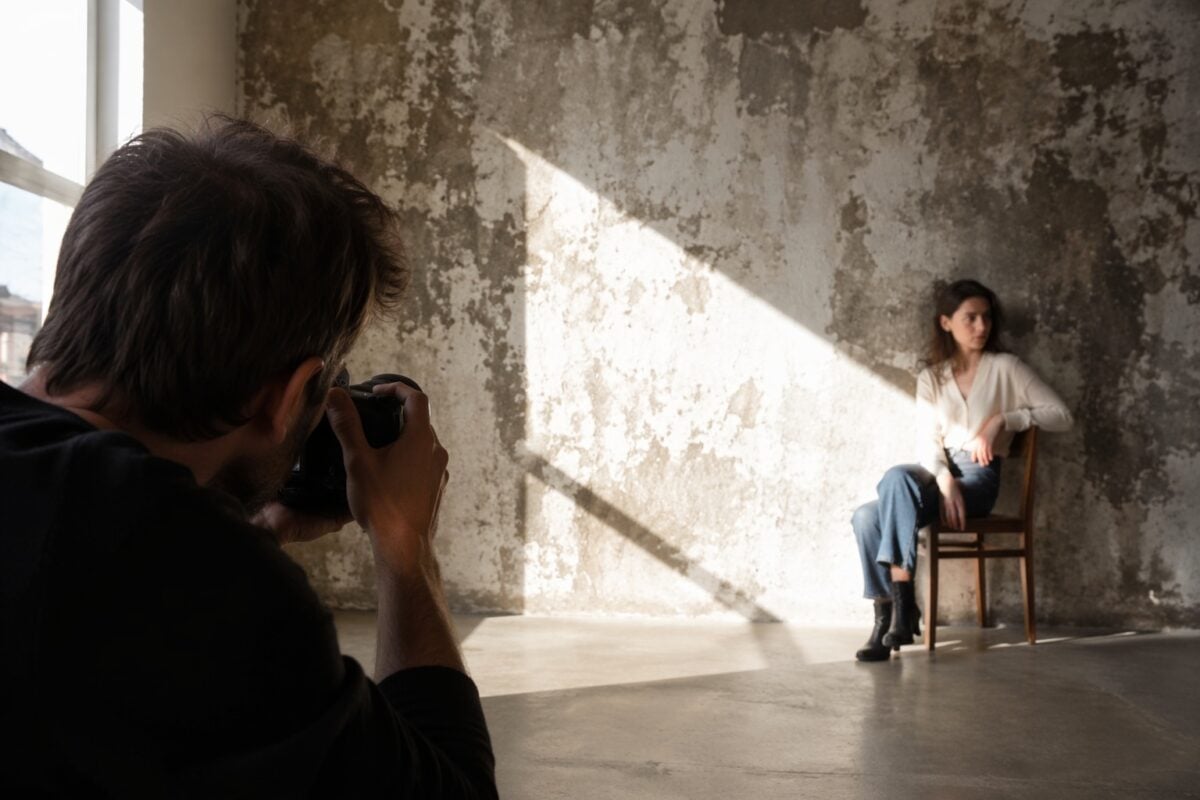
Front light usually creates lower contrast on the subject because it fills shadows. It can reveal detail, but it may also make the image feel flatter. Side light creates more contrast because one side of the subject receives light while the other falls into shadow. This can add shape, texture, and depth. It works well for portraits, architecture, products, and landscapes where form matters.
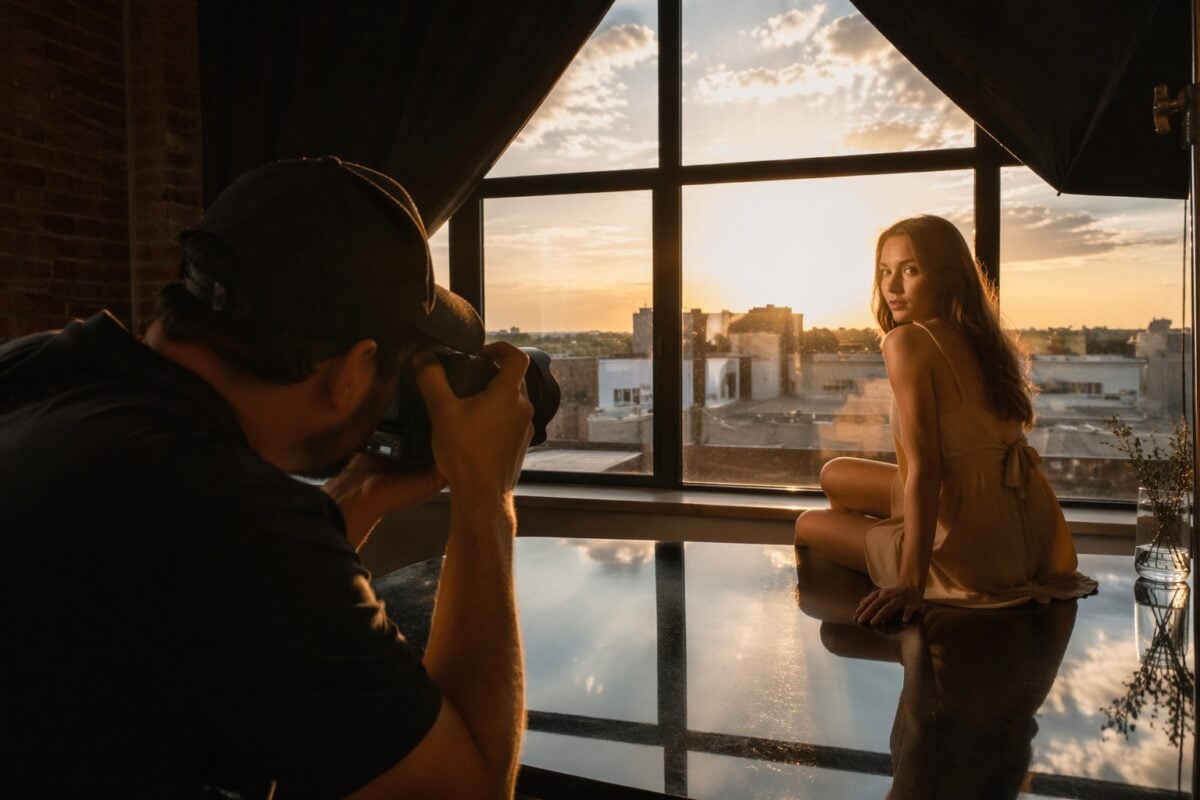
Back light creates edge separation and silhouettes. It can be dramatic, but it requires exposure control. If the subject is too dark, detail may disappear. If the background is too bright, highlights may clip.
Hard light creates stronger contrast. Soft light creates gentler contrast.
When you arrive at a scene, do not only ask whether the light is beautiful. Ask what contrast it creates.
Time of Day and Weather
Time of day changes contrast.
Midday sun often creates hard shadows, bright highlights, and strong tonal separation. This can work for graphic street photography, architecture, and harsh, intentional shadow shapes. It can be difficult for portraits unless you control direction, shade, or fill.
Early morning and late afternoon usually create more directional but manageable contrast. Golden hour can give warm color contrast and long shadows. Blue hour can create cool tonal separation between sky, lights, and silhouettes.
Overcast light lowers contrast. This can be useful for portraits, product details, soft landscapes, and scenes where you want gentle skin, subtle color, or reduced shadow depth.
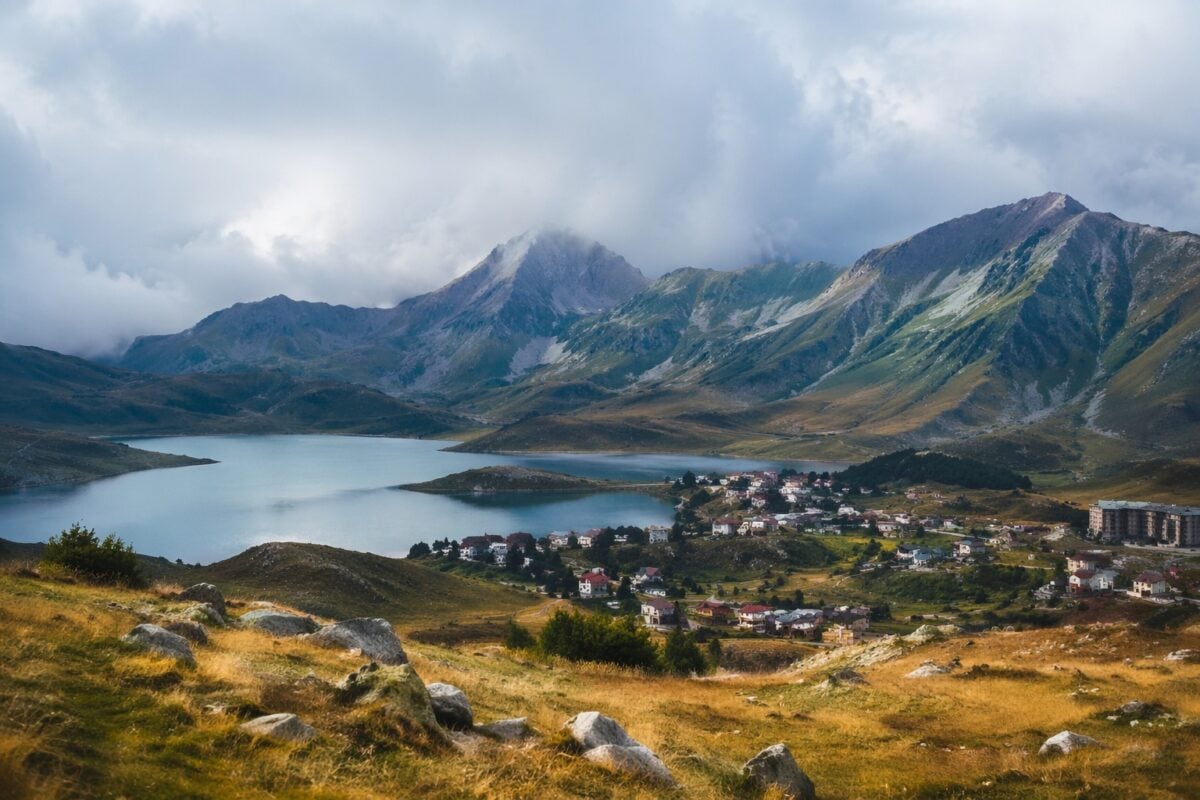
Fog, mist, rain, and haze reduce contrast even more. That can make an image feel atmospheric, but it can also weaken subject separation. In low contrast weather, look for shape, color, scale, or texture to keep the frame from becoming flat.
Exposure Decisions for Contrast
Exposure changes contrast in practical ways.
In high contrast scenes, protect the highlights first. A blown highlight often pulls attention and is hard to recover. This is especially important with backlight, white clothing, reflective surfaces, windows, clouds, and stage or street lights.
Use exposure compensation when needed. If the scene has strong highlights, slightly reducing exposure can protect detail and deepen the mood. If the subject is falling too dark, lifting exposure or adding fill may keep the image usable.
For RAW shooting, protect important information. RAW files give more room to refine shadows and highlights later, but they do not fix everything. A crushed shadow with no detail or a clipped highlight with no texture can limit the edit.
Shoot for the contrast you want to refine. Not for a file you hope to rescue.
Use Contrast in Portraits
Portrait contrast needs restraint.
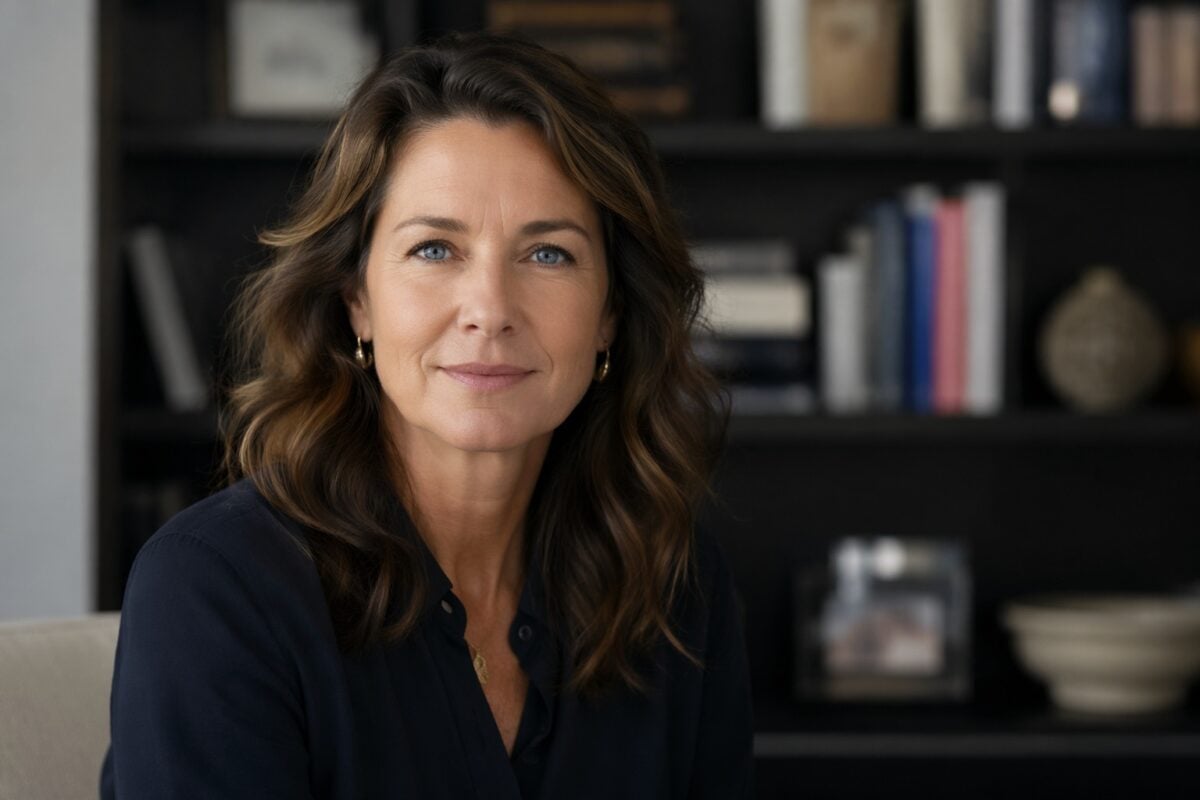
The viewer usually reads the face first. That means contrast should support the face, not attack it.
Soft contrast can be flattering because it keeps skin transitions smooth. Window light, open shade, overcast skies, and gentle reflectors can all help maintain shape without making texture too harsh.
Stronger contrast can work when the portrait needs drama. Side light can sculpt the face. Back light can separate hair and shoulders from the background. A darker wall can make a face stand out. But strong contrast also makes small skin texture, shine, and uneven transitions more visible.
Before shooting, check:
- Is the face the strongest read?
- Are shadows shaping the face or hiding it?
- Is the background brighter than the subject?
- Is clothing or color stealing attention?
- Does the contrast fit the person and purpose?
Portrait contrast should feel intentional. Not accidental.
Use Contrast in Landscapes and Travel Photos
Landscape contrast creates depth. A darker foreground against a lighter background can move the eye into the frame. Warm sunlight against cool shadow can separate planes. Mist can lower contrast and create atmosphere. Backlight can create silhouettes and stronger edge definition.
Travel photography adds another challenge: clutter. Markets, streets, beaches, buildings, and landmarks often contain strong colors, signs, highlights, and shadows. Contrast can make a subject stand out, but it can also make background distractions louder.
Use contrast to organize the scene:
- place the subject against a cleaner tone
- wait for light to separate the subject
- use shadow as a quiet background
- avoid bright edges that pull attention out
- use color contrast only where it supports the subject
In travel and landscape work, contrast should help the viewer feel space. Not just make the edit punchier.
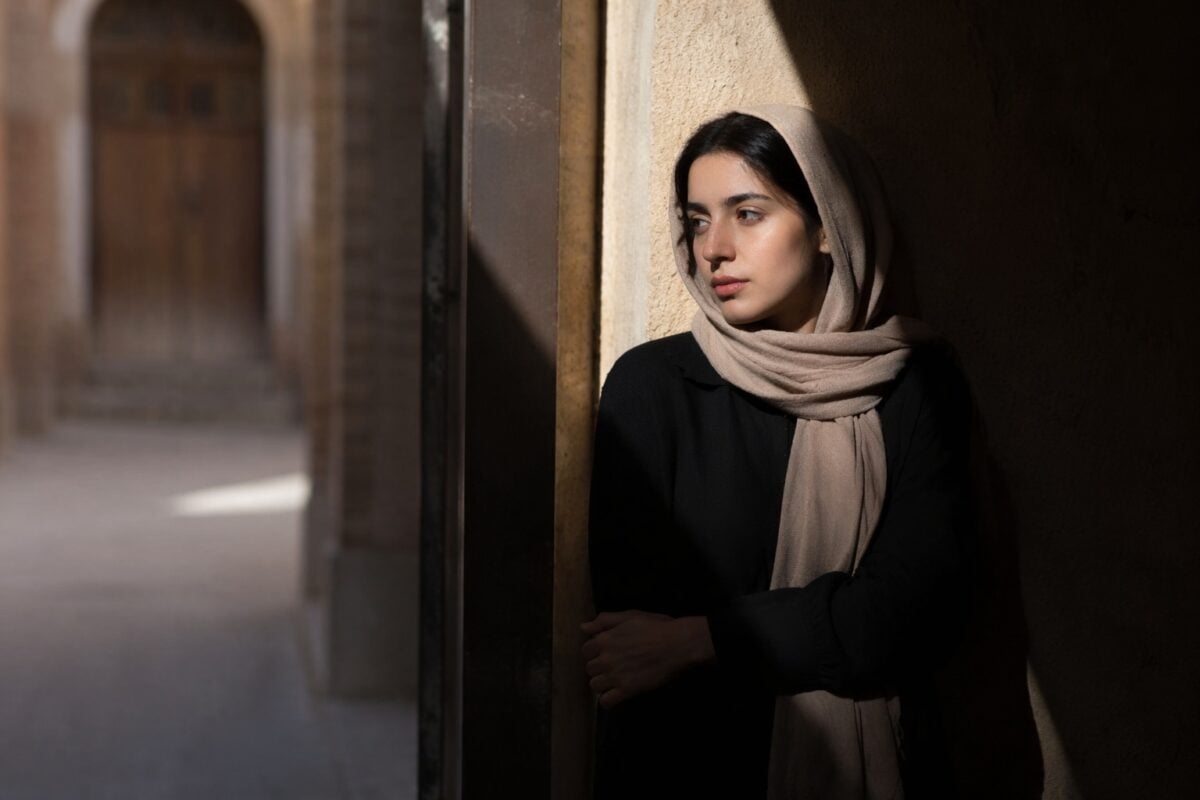
Use Contrast in Street and Documentary Photography
Street photography often depends on contrast. Hard light between buildings creates shadow patterns. Bright patches isolate people. Silhouettes turn ordinary scenes into graphic shapes. Old and new, calm and chaos, movement and stillness can all create conceptual contrast.
The challenge is timing. You may find the light first, then wait for the right subject to enter it. A person crossing a bright patch against a dark wall can create strong separation. A gesture inside a shadow pattern can make the frame feel more intentional.
But street contrast can get messy fast. Signs, cars, windows, reflections, and clothing can all carry too much visual weight. The frame may feel energetic, but not clear.
Use contrast to build the moment. Do not confuse visual noise with visual strength.
Use Contrast in Product and Commercial Photos
Product contrast needs precision.
The product should usually be the strongest read. Contrast can separate the product from the background, show material, reveal shape, and make the image feel more premium.
Use tonal contrast to define edges;Use texture contrast to show material;Use color contrast to connect the product with the mood or brand direction.
The danger is over-styling. If props are more colorful than the product, the product loses priority. If the surface texture is too strong, it may compete. If the background is too bright, the product shape may weaken.
Commercial contrast should be controlled. It should make the product easier to understand.
Common Contrast Mistakes
The first mistake is making contrast too global. A global contrast push can make the whole image punchier, but it can also make skin harsh, shadows blocked, colors dirty, and backgrounds too loud.
The second mistake is confusing high contrast with good contrast. High contrast is a style. Good contrast is control.
The third mistake is making low contrast too flat. Soft images still need structure. If the subject does not separate, the photo may feel unfinished.
The fourth mistake is ignoring color contrast. Even when tonal contrast looks good, a strong background color can steal attention from the subject.
The fifth mistake is over-sharpening texture. Texture contrast can add depth, but too much clarity or texture can make skin, fabric, grass, or stone feel harsh.
How to Refine Contrast in Post-Production
Post-production should refine contrast, not force it.
Start with exposure and white balance. If the base exposure is too far off, contrast adjustments become harder to control. If white balance is wrong, color contrast may feel dirty or unnatural.
Then shape the tonal range. Use highlights, shadows, whites, blacks, curves, and midtone contrast with intention. Protect important highlight detail. Keep shadow detail where the story needs it. Do not crush blacks just to make the image look bold.
Use local contrast instead of pushing everything. Lift the subject. Lower a bright corner. Add contrast to texture that matters. Reduce contrast in a distracting background. Keep skin believable.
Control color separately. Reduce a competing color. Strengthen a color contrast that supports the subject. Keep skin, product colors, and brand colors accurate when accuracy matters.
Finish by checking the eye path. Where does the viewer look first? If the answer is not the subject, the contrast still needs work.
Where Evoto Fits in a Contrast Workflow
Contrast problems often show up after the shoot.
You may notice that the subject does not separate enough, the shadows are too heavy, the highlights are too loud, a background color is stealing attention, or a high ISO file becomes noisy once contrast is added.
This is where editing should become selective.
For RAW files, Evoto Camera RAW Photo Editor can support highlight recovery, shadow control, and cleaner tonal shaping before you commit to the final contrast direction.
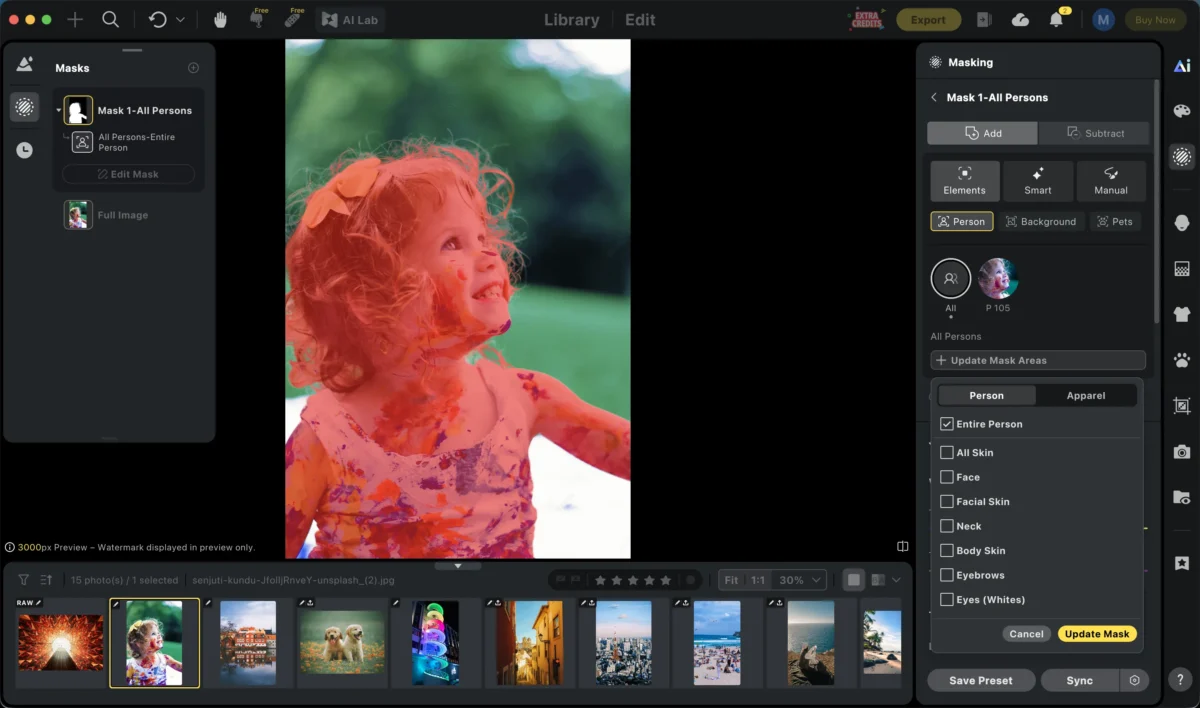
When contrast needs to be local, Evoto AI Masking Editor can help isolate a subject, background, clothing area, or detail so you can adjust the visual weight without changing the whole image.
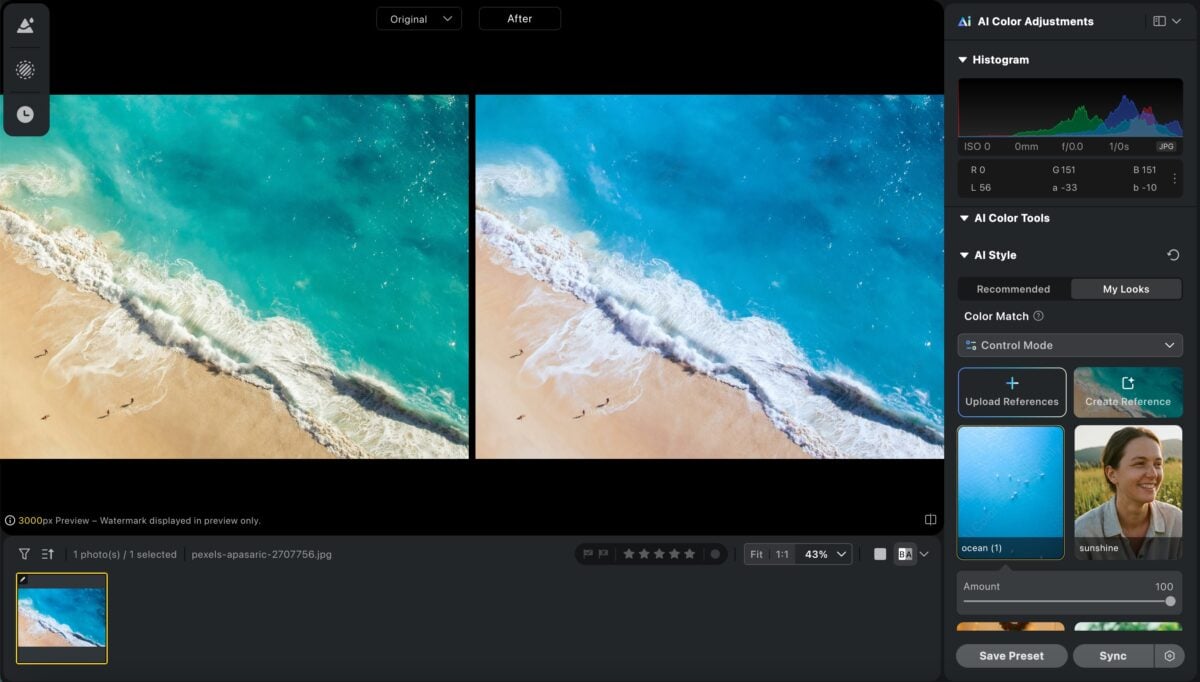
For color contrast across a set, Evoto AI Color Match can help align color direction from one image to another while still leaving room to fine-tune skin, background, and local color relationships.
For low-light or high-contrast files where shadow cleanup creates visible grain, Evoto AI Image Denoiser can help reduce noise while preserving a natural look. This matters because contrast should add structure, not make the file look brittle.
Evoto’s guide to local adjustment is also useful when the fix is small: one bright edge, one dull subject, one heavy shadow, or one color patch that needs less pull.
The goal is not to make every photo more contrasty.
The goal is to put contrast where it helps the image read.
A Field Checklist for Contrast
Before shooting, ask:
- What should the viewer see first?
- Is the subject separated from the background?
- Is the strongest contrast on the subject or a distraction?
- Is the light hard, soft, side, front, or backlit?
- Are highlights protected?
- Are shadows adding depth or hiding information?
- Is color contrast supporting the subject?
- Is texture useful or distracting?
- Does the contrast match the mood?
After shooting, ask:
- Does the photo need high contrast, low contrast, or controlled mid-contrast?
- Are shadows blocked?
- Are highlights clipped?
- Is skin still believable?
- Is the subject clear at first glance?
- Is any background color too loud?
- Does local contrast help more than global contrast?
- Does the final image fit the rest of the delivery?
This checklist keeps contrast practical. It turns contrast from a slider into a repeatable visual decision.
Final Thoughts
Contrast in photography is the difference that makes a photo readable.
It can come from light and dark, warm and cool colors, smooth and rough textures, sharp and soft areas, or opposing ideas inside the frame. It affects mood, depth, subject separation, and composition.
High contrast can feel bold and dramatic. Low contrast can feel quiet and atmospheric. Both can work when they support the subject.
Start with the mood and the focal point. Read the light. Control the background. Use color and texture with intention. Then refine contrast in post with local adjustments, careful tone control, and believable color.
The best contrast does not just make an image pop. It tells the viewer where to look and how the photo should feel.
FAQ
What is contrast in photography?
Contrast in photography is the visible difference between elements in an image. It often refers to light and dark tones, but it can also include color, texture, scale, sharpness, and conceptual differences.
What are the main types of contrast in photography?
The main types are tonal contrast, color contrast, texture contrast, and conceptual contrast. Tonal contrast is light vs dark. Color contrast is hue separation. Texture contrast is smooth vs rough. Conceptual contrast is contrast in meaning or subject matter.
What is tonal contrast in photography?
Tonal contrast is the difference between bright and dark areas in a photo. Strong tonal contrast creates a bold, graphic look, while softer tonal contrast creates a gentler and calmer image.
What is color contrast in photography?
Color contrast is created when different colors separate visually. Complementary colors, such as blue and orange or red and green, can create strong color contrast. Warm vs cool color relationships are also common.
Is high contrast better than low contrast?
No. High contrast is not automatically better. High contrast works when the image needs drama, structure, or strong separation. Low contrast works when the image needs softness, calm, or atmosphere.
How do you improve contrast in a photo?
Start with good light and subject separation. In editing, adjust exposure, highlights, shadows, curves, color, and local contrast carefully. Avoid pushing global contrast so far that shadows block, highlights clip, or skin becomes harsh.



