

Reception files are where wedding galleries often fall apart.
Ceremony looked clean. Portraits looked warm. Then the toast photos swing orange, the dance-floor frames go blue-white on faces and yellow on walls, and one entrance sequence looks like three different venues. The moments are strong. The color is not.
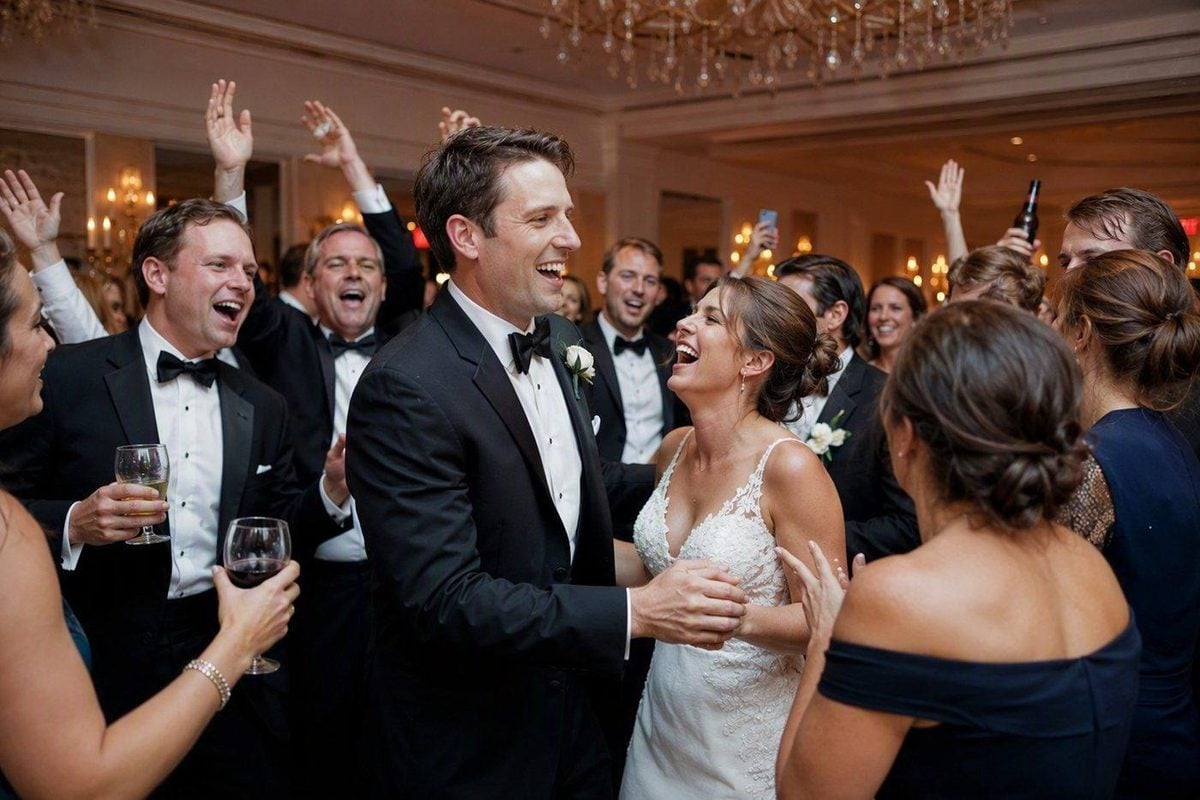
Mixed flash and ambient reception photos are not one white-balance problem. They are a delivery problem: different light sources, different ratios, high ISO, and hundreds of near-duplicate frames competing for attention. The edit has to protect skin, preserve the room’s atmosphere, and keep the gallery coherent without flattening every image into the same flat flash look.
What “Mixed Flash and Ambient” Really Means at a Reception
In wedding reception work, mixed light usually means:
- Flash on the subject for usable skin and catchlights
- Ambient from the room for candles, string lights, uplights, windows, and dance-floor haze
- Two or more color temperatures fighting in the same frame
Typical combinations:
| Scene | What the camera sees |
| Speeches | Cooler on-camera or bounce flash + warm wall wash |
| First dance | Stronger flash on couple + colored uplights behind |
| Table candids | Weak flash fill + candle orange + tungsten practicals |
| Entrances | Direct flash + stage gel + moving LED |
| Late dancing | High ISO ambient + bounced flash + disco color |
Your eye blends those sources. The camera separates them. If you correct only for the flash, the room dies. If you correct only for the ambient, the faces turn orange or green.
The goal is not perfect neutrality. The goal is believable faces inside a believable room.
Start With Grouping, Not Global White Balance
Do not open the reception folder and sync one white balance across everything.
That is the fastest way to make speeches, dances, and candlelit tables fight each other.
Cull first. Then sort keepers into light groups:
- Speeches / toasts — faces matter most; room can stay warmer
- Entrances / party moments — energy first; color can be bolder
- Table candids — protect skin near candles and lamp spill
- Couple dances — flash/ambient ratio is the whole story
- Open dancing — accept more atmosphere; keep faces readable
- Details and décor — often ambient-only; do not force flash skin logic onto them
Reject technical failures early: flash misfires, closed eyes in every burst frame, crushed faces, unusable motion blur. Keep emotional near-duplicates only when expression, gesture, or background story changes.
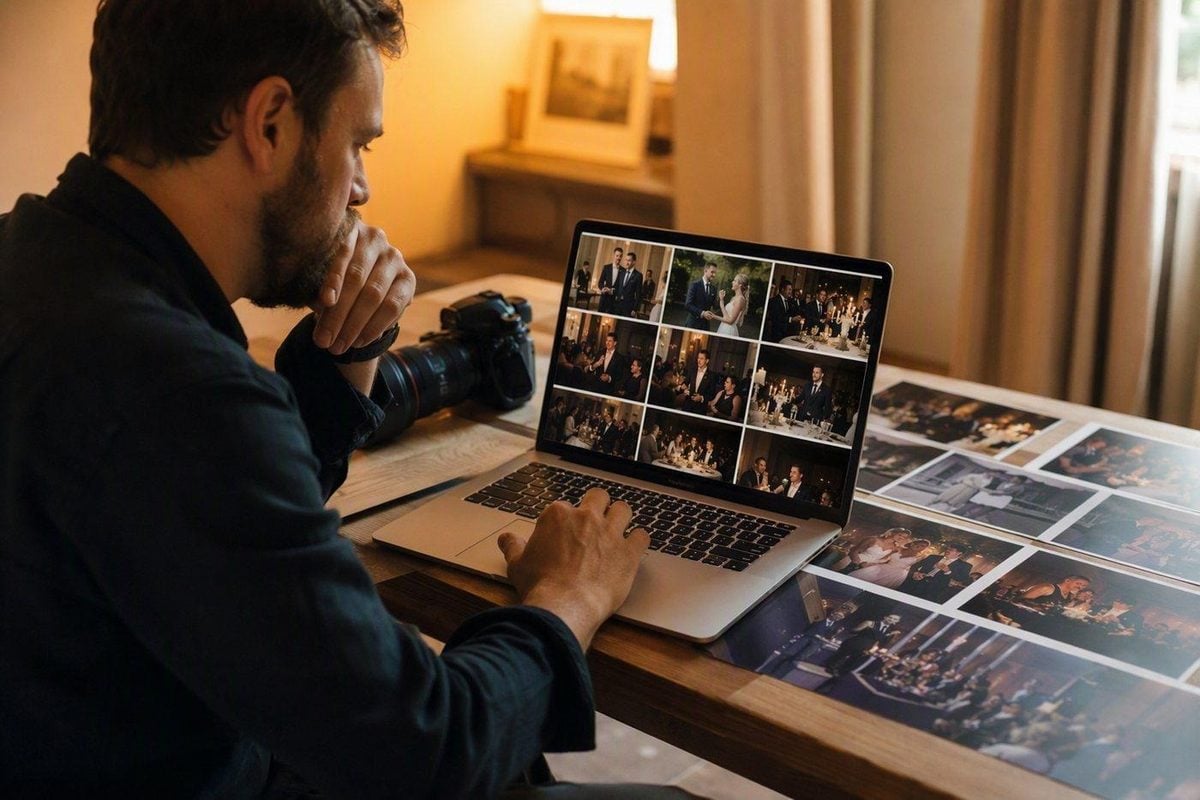
The Editing Order That Protects Skin and Room Light
Use the same sequence inside each light group.
1. Lock a hero frame
Pick one image where:
- faces are exposed correctly
- flash did not blow the forehead or dress
- ambient color still shows what the room felt like
- noise is typical for the set, not the worst file
That hero becomes the color and ratio reference for the group.
2. Correct white balance for faces first
Start with skin, teeth, and eye whites—not with the LED wall.
Ask:
- Do faces look human under this flash?
- Are shadows under the chin swinging green or magenta?
- Does a white shirt or napkin look believable next to skin?
If faces are right and the background is still warm, that is often correct for reception work. Candlelight and tungsten wash are part of the night. Neutralizing them into a gray hotel ballroom can make the gallery feel colder than the day was.
3. Balance flash against ambient
After white balance, check the ratio.
Too much flash look:
- faces look pasted on
- background goes black too fast
- room energy disappears
Too much ambient look:
- faces go muddy
- motion blur hides expressions
- color cast eats skin
In post, this usually means:
- lift or recover subject exposure carefully
- hold ambient brightness so string lights and uplights still read
- avoid global contrast that crushes the room into a black void behind bright faces
A good reception edit keeps both layers: usable people and alive venue.
4. Recover hot spots before you grade creatively
Reception flash creates predictable problem areas:
- foreheads
- shiny T-zone skin
- white dresses and shirts near the light
- champagne glasses and metallic décor
- bald heads and bald spots under direct flash
Recover those first. Creative warmth on top of clipped flash highlights only makes the damage louder.
5. Control noise after color is stable
High ISO reception files need denoise, but not before white balance and ratio are set. Denoising a wrong color cast just gives you a smoother wrong color cast.
Protect eyes, hair edges, fabric texture, and background lights. A dance floor that turns into plastic smear looks worse than controlled grain.
How to Handle the Hardest Reception Scenarios
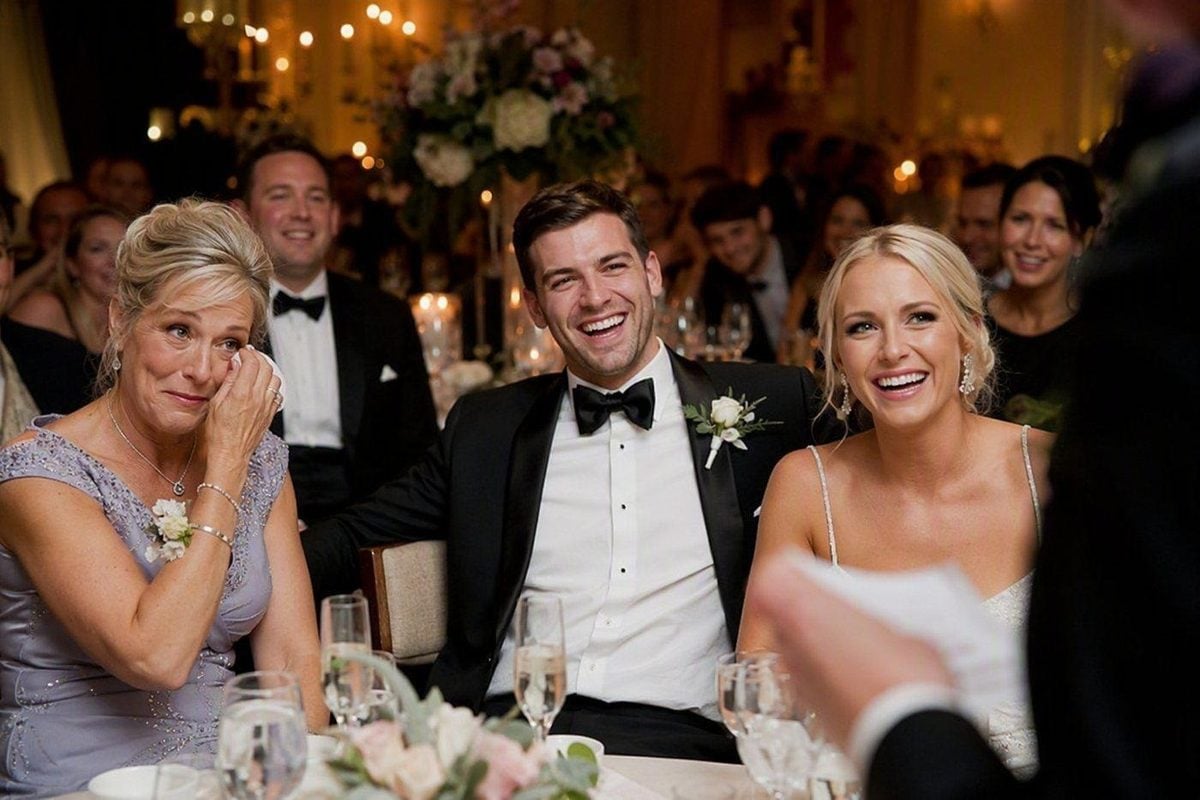
Speeches and emotional reactions
Prioritize faces in every row you can see. Keep the speaker readable. Let the room stay warmer than the flash-lit skin if that matches the venue. Do not let one orange wall force every guest face into the same cast.
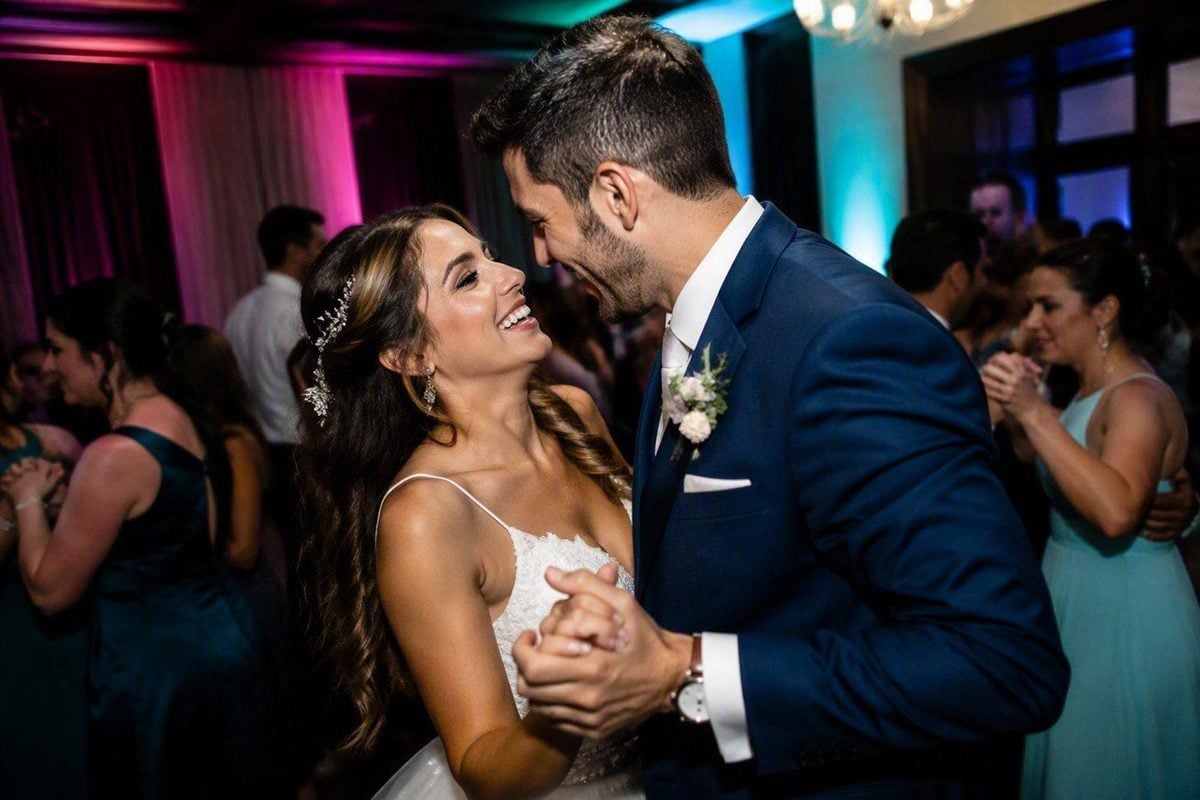
First dance and parent dances
These frames sell emotion and atmosphere together. Keep enough ambient to show the lighting design. Keep enough flash so tears, eye contact, and fabric detail survive. If colored uplights stain the couple green or magenta, correct locally on skin rather than killing the whole stage look.
Table candids near candles
Candles are beautiful and dangerous. They push orange into cheeks, necks, and white shirts. Correct skin with local white balance or selective HSL. Leave the flame warm. If you neutralize the candle completely, the photo loses the reason it felt intimate.
Open dance floor
Accept more color chaos. Disco lights, gels, and phone screens will never grade into a studio portrait set. Aim for:
- recognizable faces
- controlled hotspots
- consistent warmth across the dance set
- enough ambient that the night still feels like a party
Ambient-only details
Cake tables, florals, signage, and room reveals often have no flash. Edit them as their own group. Do not force speech white balance onto décor frames or the gallery will look patched together.
Common Mistakes That Make Reception Galleries Look Cheap
- Syncing one white balance across speeches, dances, and candle tables
- Neutralizing every warm practical until the room feels dead
- Leaving flash hotspots on foreheads and white dresses
- Over-denoising until eyes and fabric turn plastic
- Matching reception files to outdoor portrait color so aggressively that the night loses identity
- Delivering every burst frame instead of choosing the expression that carries the moment
- Pushing teal-orange styling over already mixed LED color
Reception editing should feel intentional, not “corrected into nowhere.”
A Faster Finishing Workflow for Reception Volume
Reception is where volume hurts. One hour of dancing can create more files than the entire ceremony. The bottleneck is not finding a pretty grade. It is repeating good decisions across similar light without rebuilding every slider.
After selects are locked and light groups are clear:
Clean the base file first
Use a RAW-friendly pass for exposure, white balance, highlight recovery, and basic contrast before creative color. Camera RAW Editor fits that first stage when reception files need room to recover flash hotspots and mixed color without baking a look in too early.


Powerful AI Photo Editor
Match color inside each light group
Once one speech hero or dance hero looks right, carry that direction through the similar set. AI Color Match helps keep faces and room tone closer across bursts that share the same light, instead of letting one orange toast frame and one cooler bounce-flash frame fight in the final gallery.
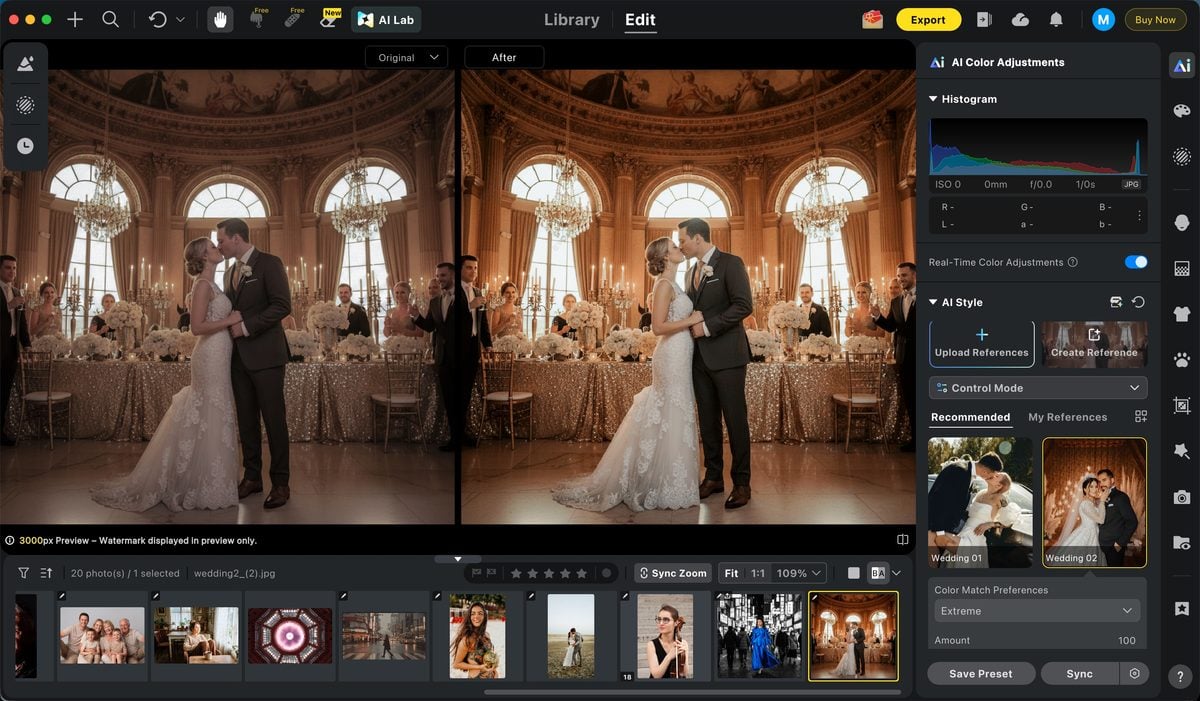
Do not match dance-floor gel light to outdoor sunset portraits. Match within the reception group that shares the same sources.
Clean high ISO without erasing the night
Late reception files often need noise control after color is stable. AI Image Denoiser belongs here: reduce grain on faces and jackets while leaving enough texture that the room still feels photographed, not smoothed into a phone filter.
Batch the repetitive work, hand-finish the story frames
When a run of dancing or reaction frames shares light and camera position, Batch Edits can carry the approved adjustment across the group. Then spend manual time on the toast reactions, first dance peak frames, and key family moments.
Keep close portraits restrained
For tighter reception portraits—parents crying during speeches, couple frames between dances—finish with restrained Portrait Retouching after color is locked. Clean temporary shine or distractions. Do not rebuild faces that already survived a long wedding day.
If the reception set is huge before editing even starts, AI Culling can help trim closed eyes, near-duplicates, and weak burst frames so you are grading the story instead of every misfire.
For broader wedding portrait pressure earlier in the day, see Wedding Portrait Photography.
Final Thoughts
Editing mixed flash and ambient reception photos is less about finding one perfect white balance and more about managing ratios under pressure.
Group by light. Protect faces first. Keep enough room atmosphere to tell the truth of the night. Recover hotspots. Denoise after color. Batch only what shares the same sources. Hand-finish the frames that carry the story.
When that sequence is solid, reception files stop being the weak half of the wedding gallery—and start reading like the energy clients remember.
Try Evoto AI Photo Editor
Retouch photos with Evoto AI and make your photos best! Available on Windows, MacOS and iPadOS.



