

If you’re searching for a Mac photo editor, you’re probably facing a familiar problem: too many options, and most articles just list tools without helping you decide. The truth is, the “best” Mac photo editor depends on what you want to achieve—and how much time you want to spend learning.
Here’s the quick version: if you need something fast and free, Mac’s built-in tools work for basic edits. But if you’re editing portraits professionally or handling hundreds of images, you need something smarter. That’s where Evoto comes in—an AI-powered Mac photo editor designed to save time while delivering professional, natural results.
What Mac Offers Out of the Box
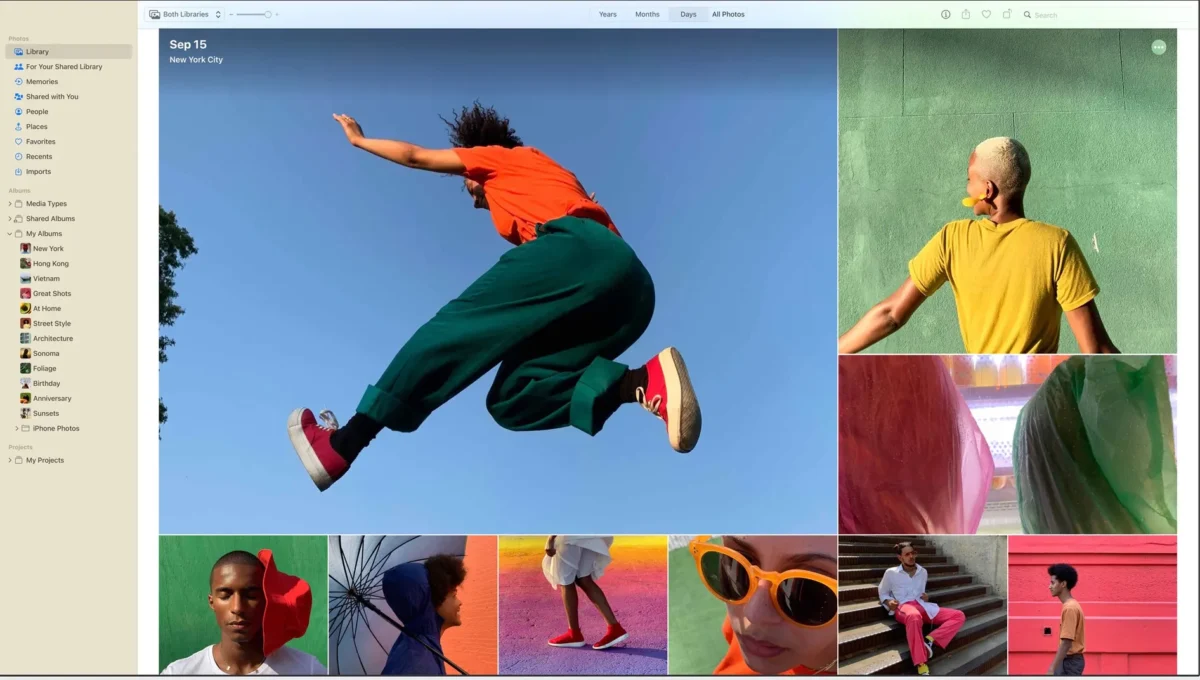
Every Mac comes with two built-in options: Photos and Preview.
Photos App
- Basic adjustments (exposure, contrast, saturation)
- Cropping and straightening
- Simple filters
- RAW support
Preview
- Quick exposure and color adjustments
- Crop and resize
- Annotate images
- Convert formats
While convenient for quick fixes, these tools fall short if you need:
- Professional skin retouching
- Batch processing for hundreds of photos
- Consistent color grading
- Workflow automation
Top Mac Photo Editors in 2026: Quick Overview
Choosing the right Mac photo editor can be overwhelming, so here’s a quick snapshot of the top options in 2026:
Evoto: AI-powered editor designed specifically for portrait workflows, delivering fast batch retouching and natural results with minimal learning curve.
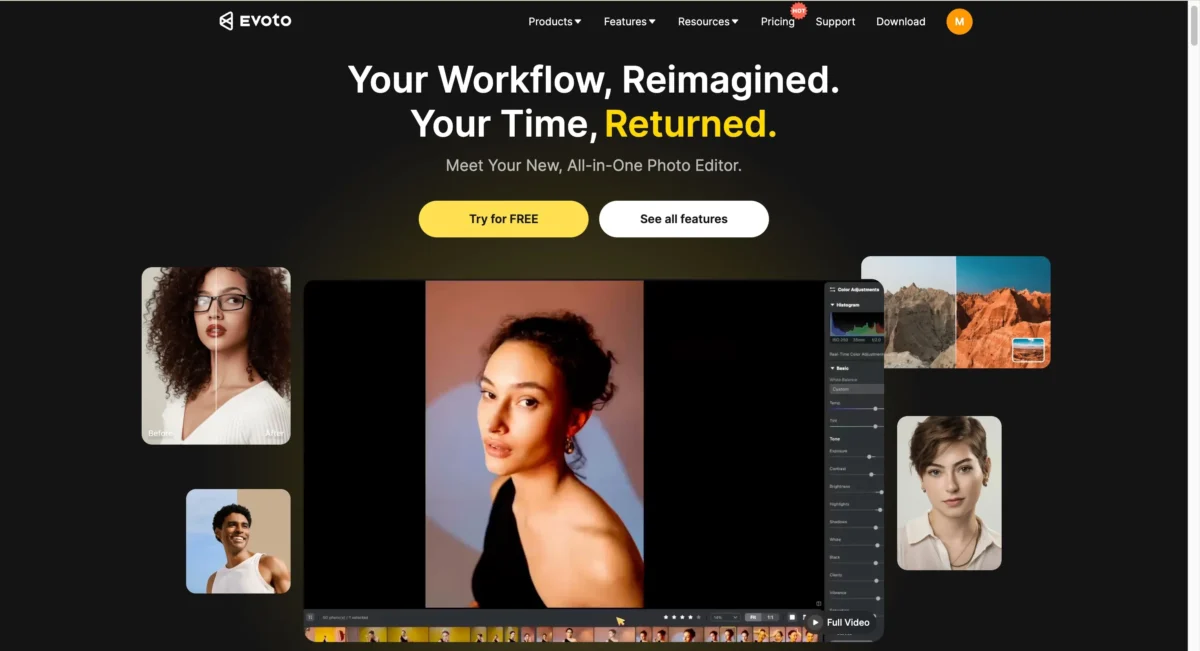


Powerful AI Photo Editor
Photos (Built-In): Free and simple, ideal for casual edits and social media posts.
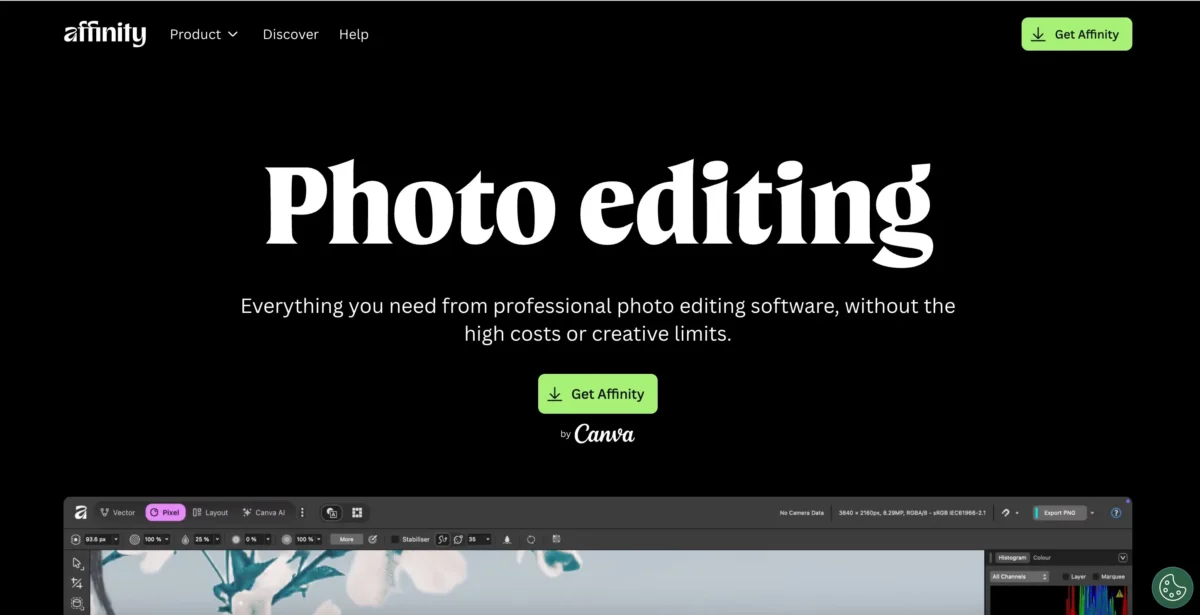
Affinity Photo: One-time purchase, Photoshop-like features, layer-based editing, great for advanced edits without subscription fees.
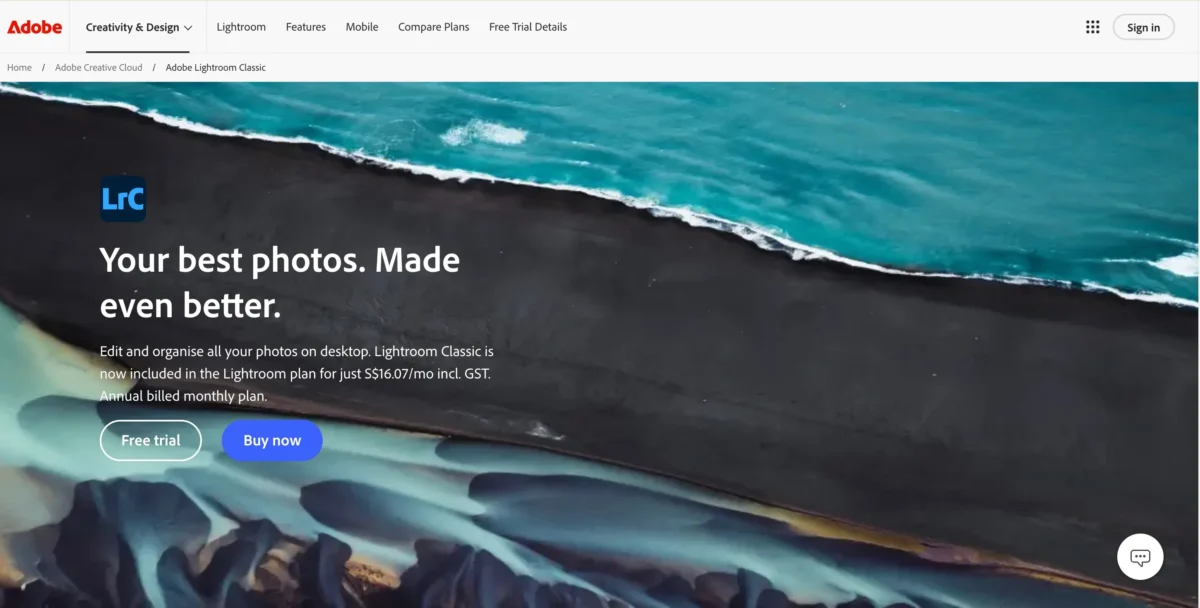
Adobe Lightroom Classic: Industry-standard for professional photographers, excellent for batch processing and color grading.
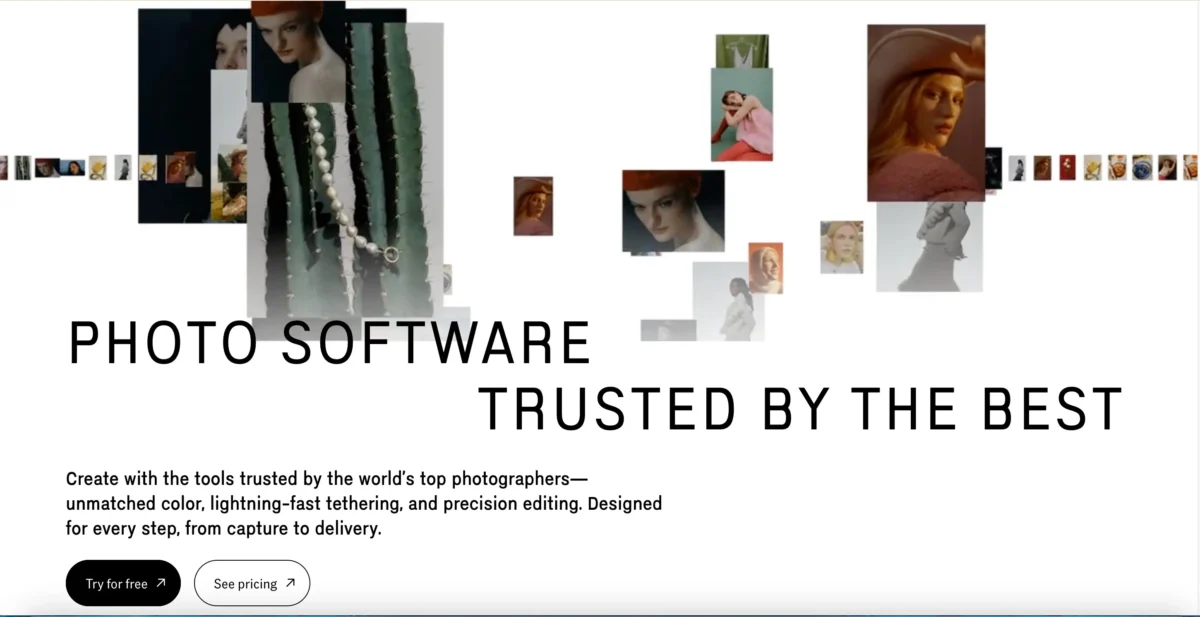
Capture One: Focused on studio photographers who need superior RAW quality and tethered shooting.
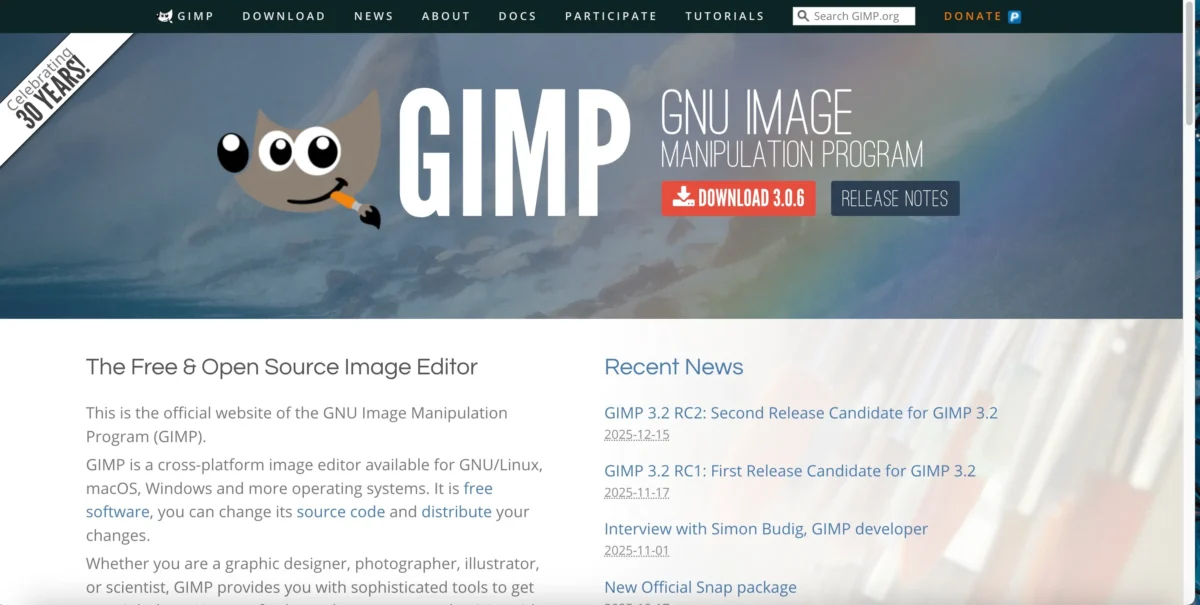
GIMP: Free, open-source, feature-rich, but less optimized for Mac and has a steep learning curve.
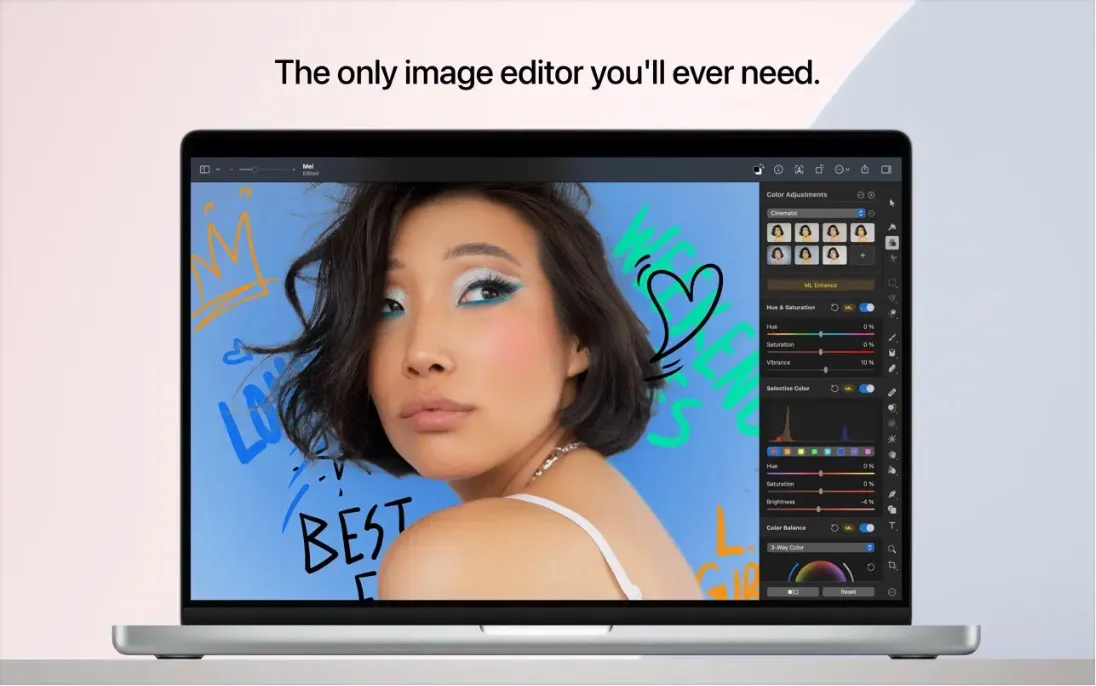
Pixelmator Pro: User-friendly with a balance of power and ease, good for beginners and casual photographers.
Each of these tools has its strengths and target users, but for photographers focused on portrait editing efficiency and consistent results, Evoto stands out.
Why Evoto Excels
If you’re serious about portrait editing on Mac, Evoto is built for you:
AI-Powered Batch Edit: Edit hundreds of portraits quickly without losing natural skin tones.
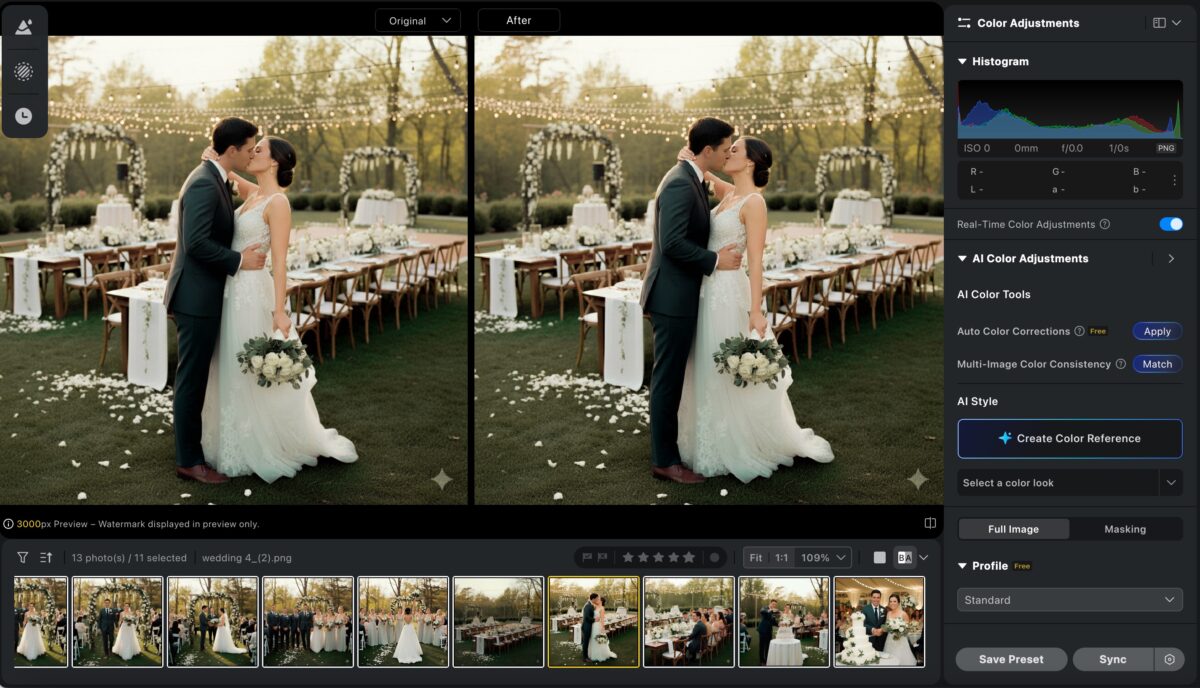
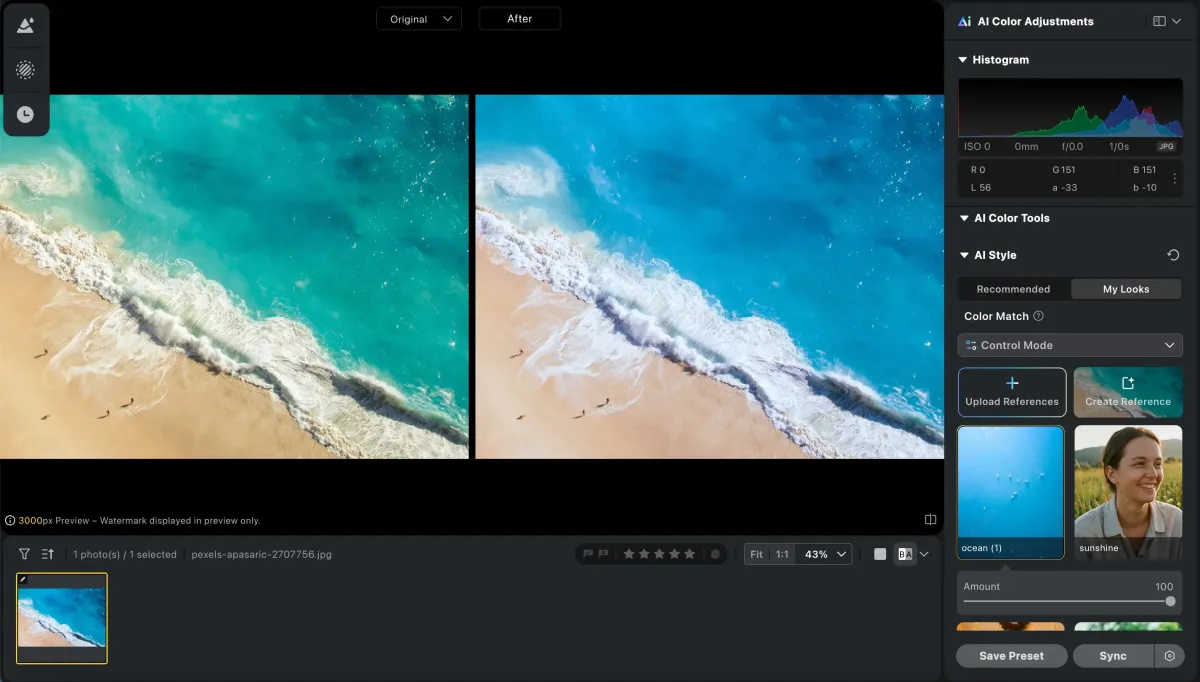
Consistent Results: Color matching, presets, filters, and other functions can be used to achieve color consistency.
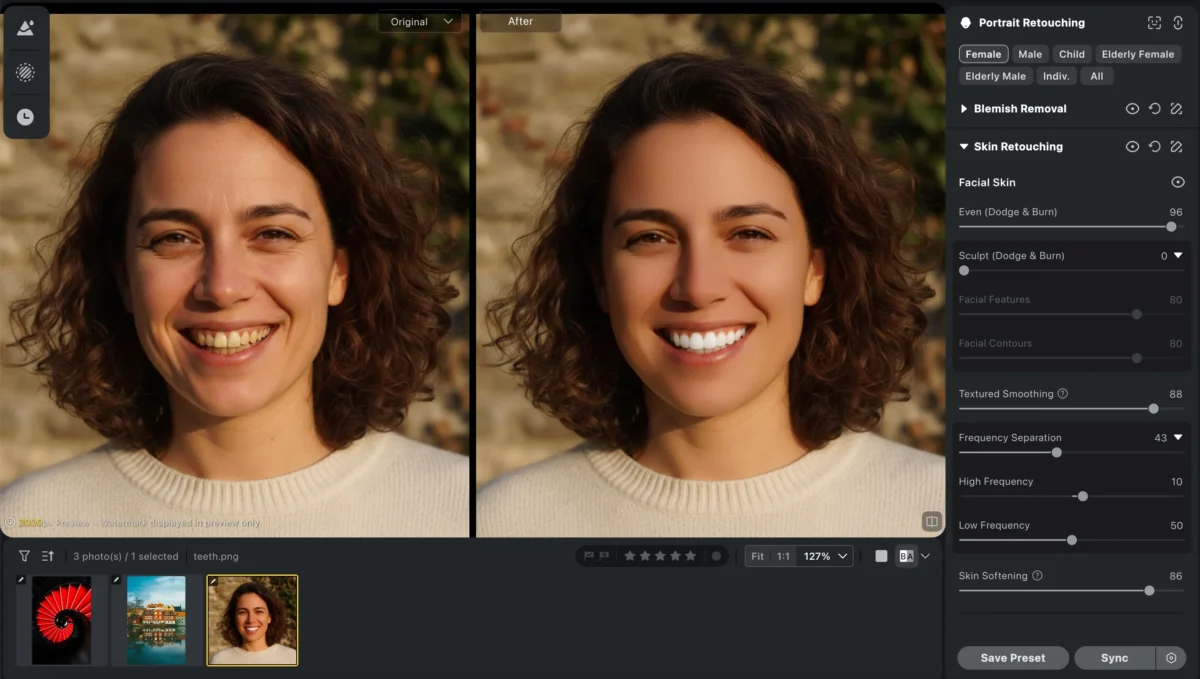
Portrait-Focused Workflow: A full suite of professional and fast portrait retouching functions, such as skin retouching, body editing, and blemish removal.
Fast and Efficient: Turn what used to be a 20-hour editing job into 5 hours.
Easy to Use: Minimal learning curve, even for photographers transitioning from Photoshop or Lightroom.
Top Mac Photo Editors in 2026 (and Why Evoto Stands Out)
| Editor | Best For | Strengths | Weaknesses |
|---|---|---|---|
| Adobe Lightroom Classic | Professional batch + organization | Powerful batch tools, color grading, RAW support | Subscription-based, learning curve |
| Capture One | Studio photographers | Superior RAW processing, tethered shooting | Expensive, complex interface |
| Evoto | Portrait photographers | AI batch retouching, consistent skin tones, fast results | Focused on portraits, smaller community |
| Affinity Photo | Photoshop alternative | Layer-based editing, one-time purchase | Learning curve, less batch-focused |
| Pixelmator Pro | Balanced power & ease | Intuitive, Mac-optimized | Limited advanced features |
| GIMP | Budget-conscious users | Free, open-source | Steep learning curve, not Mac-optimized |
| Photos (Built-In) | Casual editing | Free, easy | Limited features, no batch |
Powerful AI Photo Editor
5 Things to Consider When Choosing a Mac Photo Editor
- Workflow: One photo at a time or 50–500 images? Batch capabilities matter.
- Skill Level: Evoto is beginner-friendly but professional-grade.
- Budget: Evoto offers subscription or credit-based options—saving hours often outweighs subscription costs.
- File Format Support: RAW support is essential for quality edits; Evoto handles this seamlessly.
- Workflow Integration: Evoto works with your camera workflow and export needs.
How to Set Up Your Mac Photo Editing Workflow with Evoto
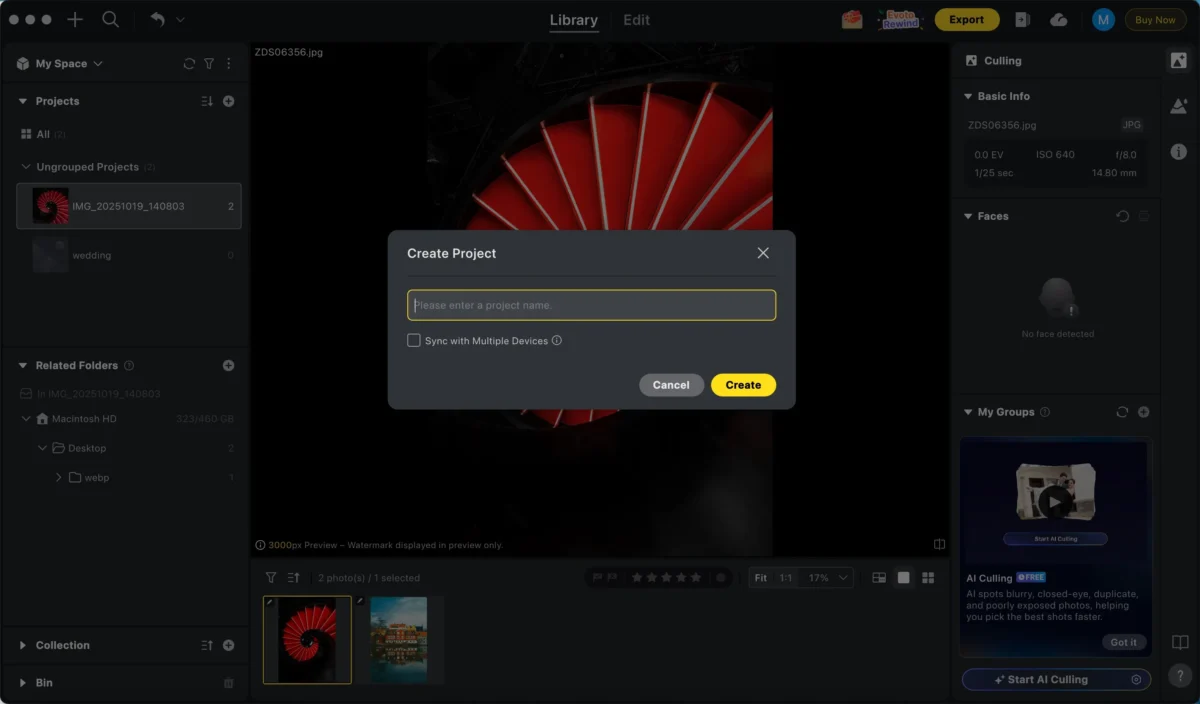
1.Organize Your Files: Use consistent folders for quick import, and create a project to place these photos.
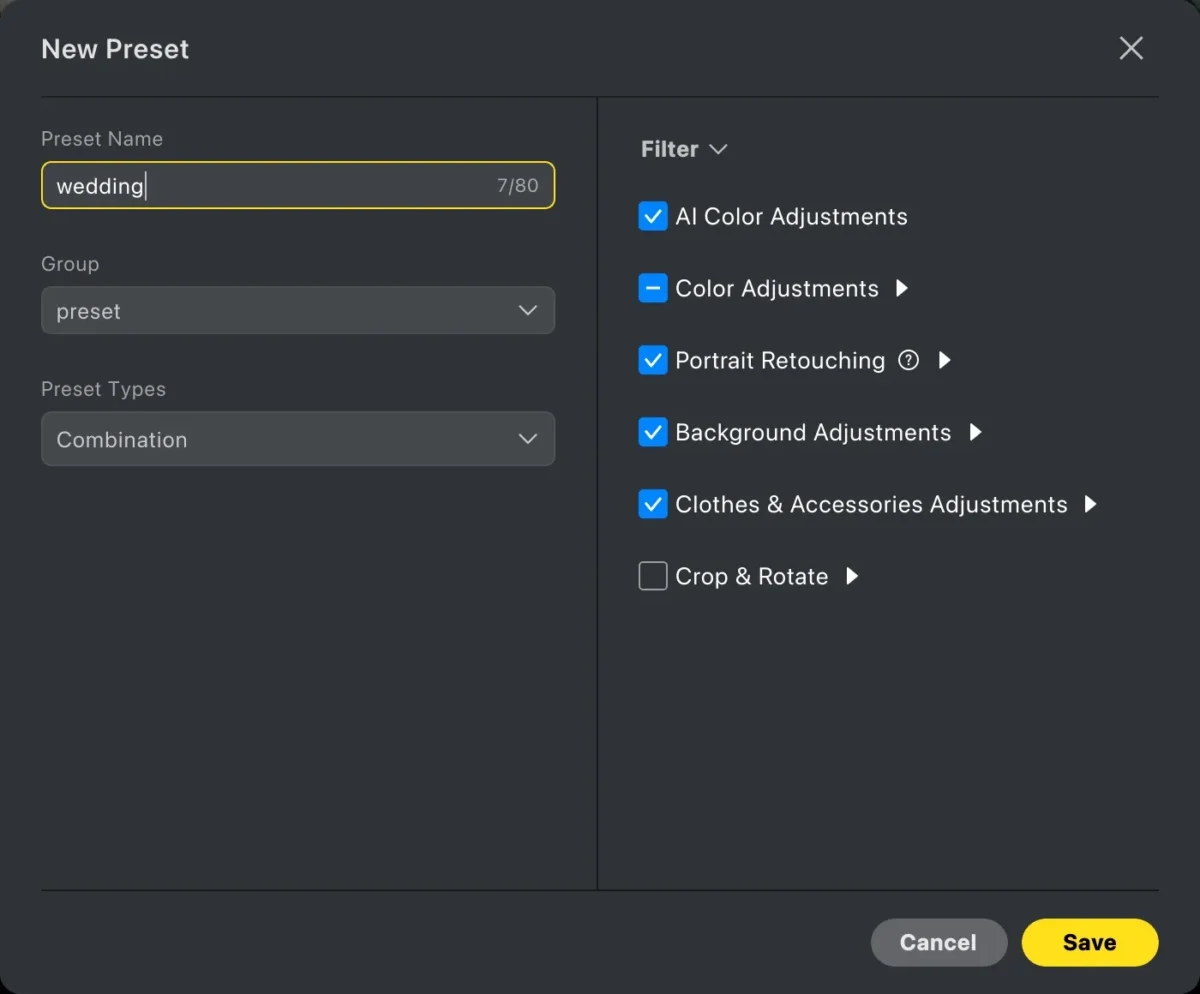
2.Create Presets or Looks: Apply consistent adjustments across shoots.
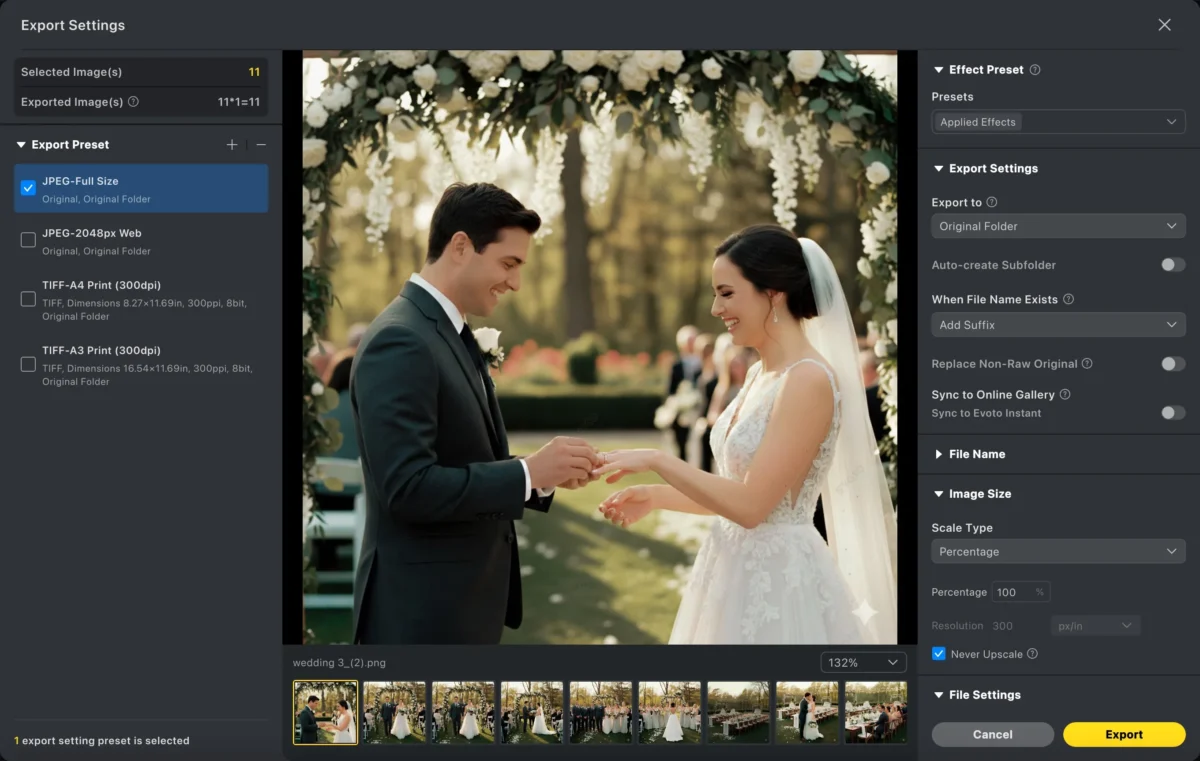
3.Configure Export Settings: Save presets for web, print, or social media.
4.Backup Your Work: Protect your files before editing.
Powerful AI Photo Editor
FAQ: Photo Editing on Mac
What’s the best free photo editor?
Photos app works for basic edits; GIMP is free but has a steeper learning curve.
Can I use Photoshop on Mac?
Yes, fully optimized via Creative Cloud.
Best Mac editor for beginners?
Photos (built-in) or Pixelmator Pro. Evoto is beginner-friendly but offers professional results.
Need a powerful Mac?
For batch RAW editing, more RAM (16GB+) helps, but modern Macs handle most workflows.
Best Mac editor for portraits?
Evoto—its AI ensures skin tones and batch consistency, perfect for professional portraits.
A Practical Workflow Recommendation
For professional portrait editing on Mac:
- Start with Evoto for batch processing and consistent skin tone adjustments.
- Fine-tune individual images with Evoto’s AI tools for retouching, background adjustment, and exposure fixes.
- Export high-quality images efficiently for web, print, or client delivery.
Evoto is designed for photographers who need speed, consistency, and natural results without the complexity of Adobe’s full suite. Whether you’re editing 10 or 500 photos a month, Evoto optimizes workflow and keeps portraits looking professional.
Try Evoto AI Photo Editor
Retouch photos with Evoto AI and make your photos best! Available on Windows, MacOS and iPadOS.



