

You don’t need a Ferrari to drive to the grocery store—and you don’t need Photoshop just to crop a JPEG.
When it comes to photo cropping software, the “best” tool isn’t the one with the most features. It’s the one that fits your workflow. Cropping a single image for a website banner is a completely different task from cropping 500 portraits so every face aligns perfectly.
Most articles simply list software. This guide does something more useful: it helps you choose the right photo cropping software based on volume, consistency, and workflow efficiency—and shows why AI-powered tools like Evoto AI are changing how professionals crop images at scale.
The Real Question: How Many Photos Are You Cropping?
Before choosing any photo cropping software, ask yourself:
- Are you cropping one image?
- A photoshoot of 50 images?
- Or hundreds of portraits or product photos that must look identical?
These scenarios demand very different tools.
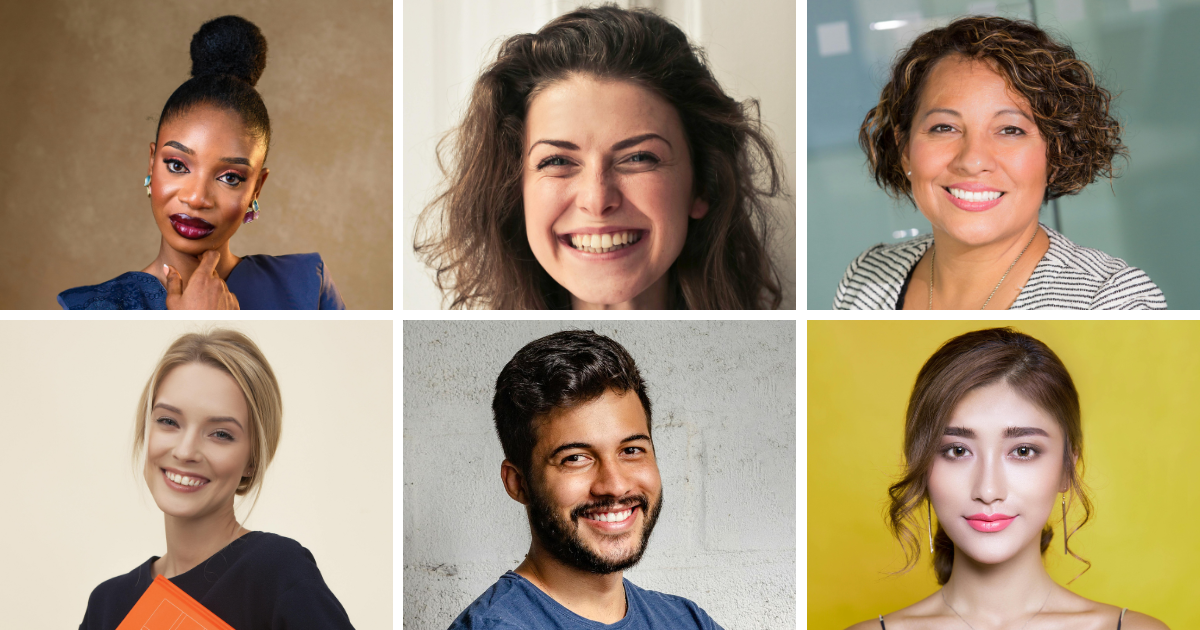
Traditional Photo Cropping Software: Manual but Precise
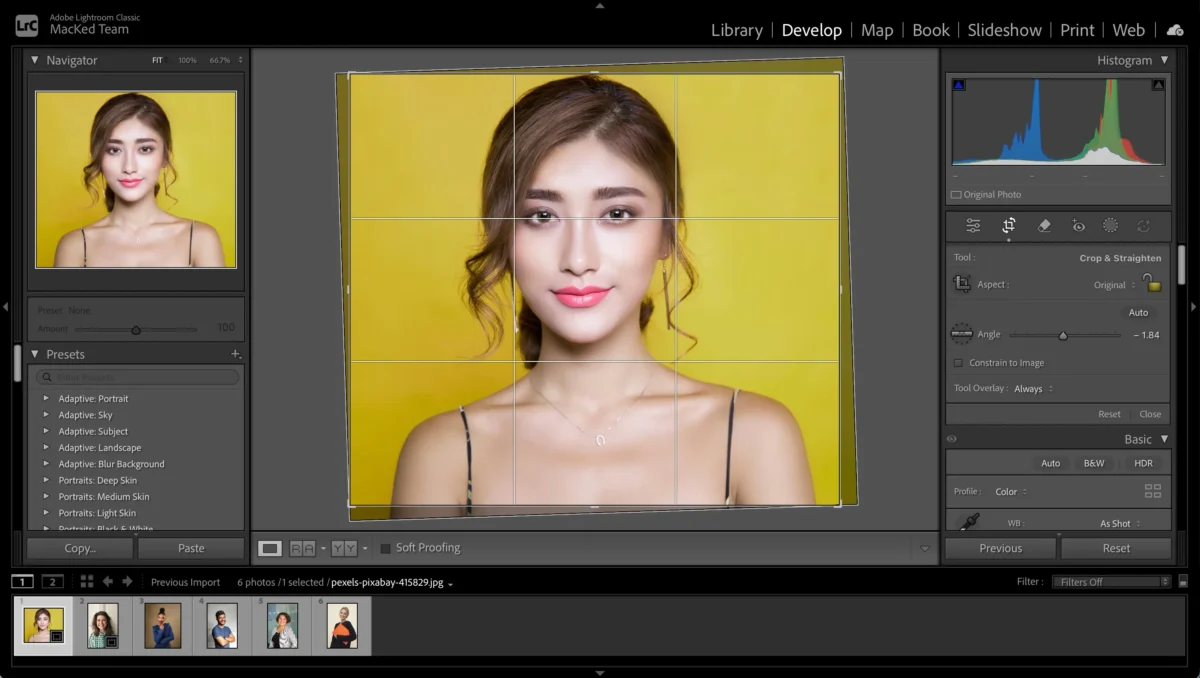
Adobe Lightroom (Professional Editing Software)
Lightroom is one of the most widely used photo cropping software options for photographers.
What it’s good at
- Non-destructive cropping
- Aspect ratio presets
- Straightening and perspective correction
- Syncing crops across a small set of images
Limitations
- Still manual
- Syncing works only when subjects are framed similarly
- Not intelligent—Lightroom doesn’t understand faces or subjects
Best for:
Photographers editing a single session where the camera position barely changes.
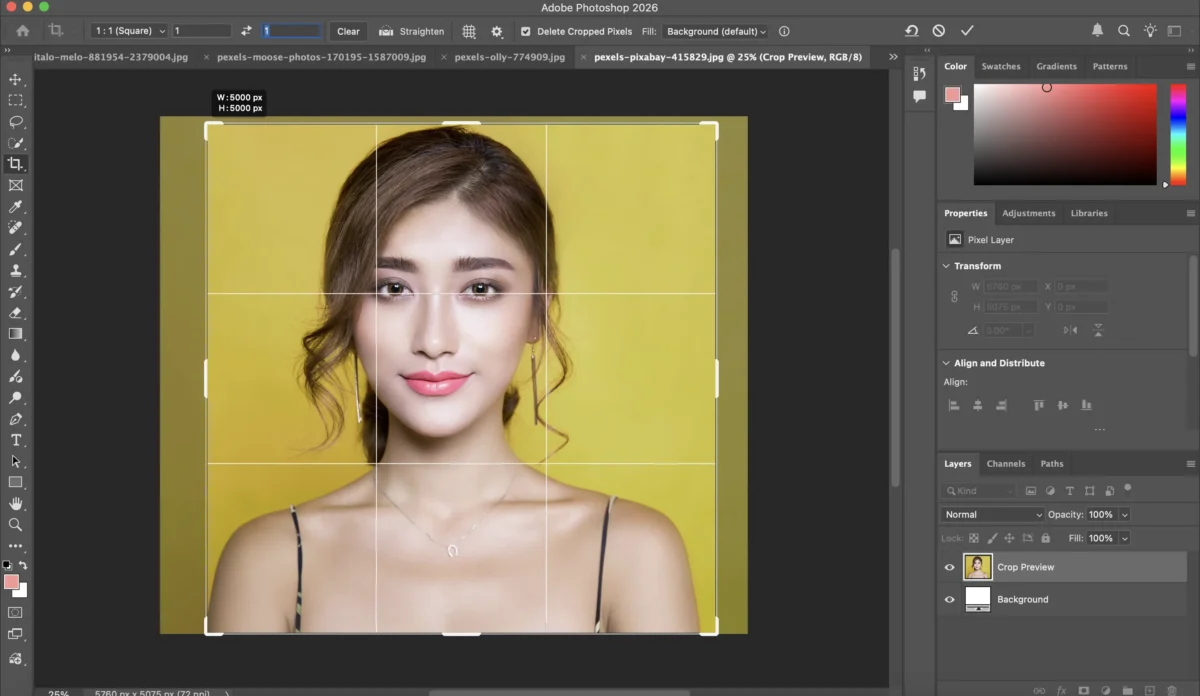
Adobe Photoshop (Advanced Cropping Software)
Photoshop offers extreme control, including Content-Aware Crop.
What it’s good at
- Extending canvas with AI
- Complex background reconstruction
- Creative resizing and compositing
Limitations
- Overkill for standard cropping
- Extremely time-consuming for batches
- Not designed for volume workflows
Best for:
Creative edge cases—not everyday production cropping.
The Problem with Traditional Photo Cropping Software
Manual cropping breaks down when:
- You need perfect alignment (eyes, head position, product center)
- Subjects vary in height, posture, or framing
- You’re processing hundreds of images
- Consistency matters more than creativity
This is where traditional photo cropping software hits a wall.
The Game Changer: AI Photo Cropping Software (Evoto AI)
This is where Evoto AI fundamentally changes the workflow.
Evoto isn’t just another photo cropping software—it’s an AI-driven cropping system designed for volume, consistency, and speed.


Powerful AI Photo Editor
Instead of cropping pixels, Evoto crops based on subject awareness.
How Evoto AI Photo Cropping Software Works (Real Workflow)
Step 1: Import Photos (Single or Batch)
Import your photo. Evoto is built for batch workflows from the start.
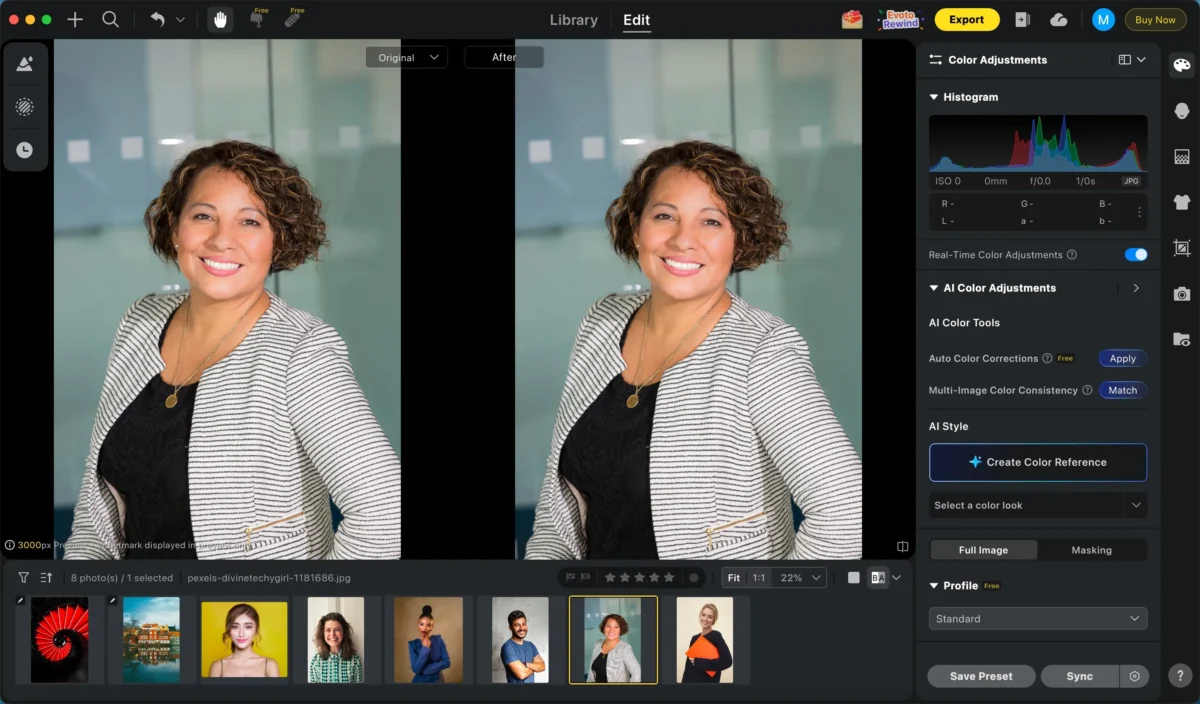
Step 2: Choose Crop Rules (Not Just Ratios)
Instead of dragging a crop box, you define rules:
- Aspect ratio (1:1, 4:5, 2:3, ID photo size, etc.)
- Subject positioning (face centered, eyes aligned on a guide line)
- Subject locate
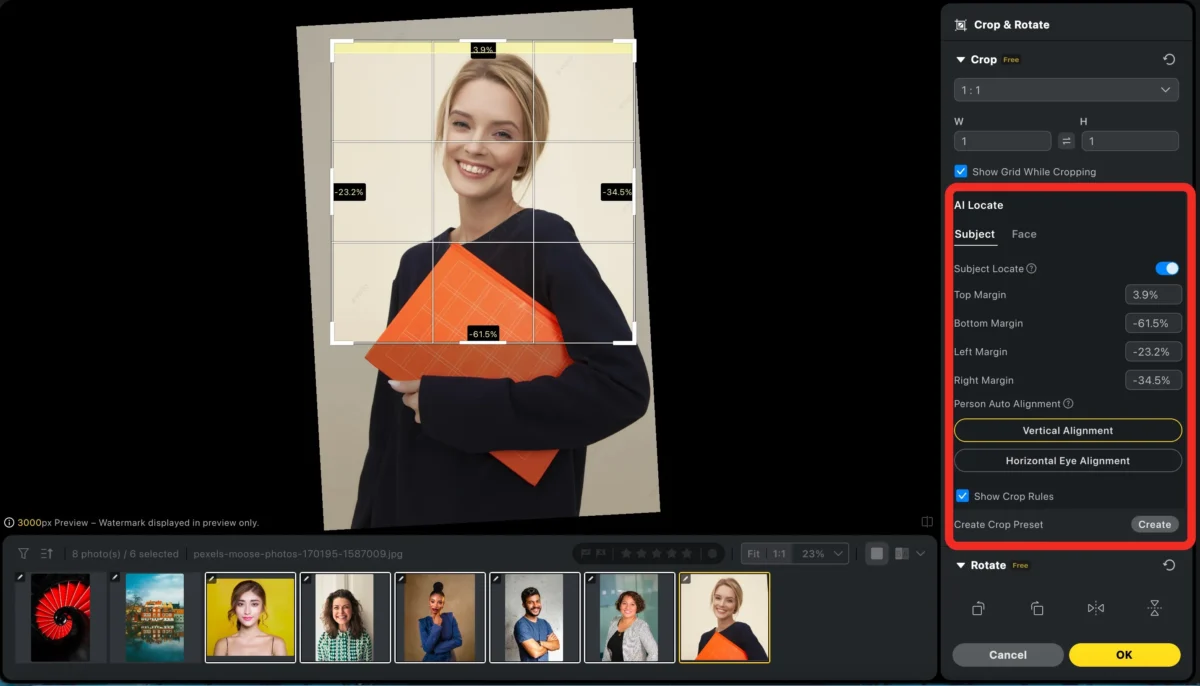
This is a key difference from traditional photo cropping software.
Step 3: Apply Batch Editing with AI Face Analysis
From the third step onward, Evoto truly shows how How to Crop Photos can be transformed from manual work into an intelligent batch workflow.
Select all the photos you want to crop, then click Sync and check Crop & Rotate.
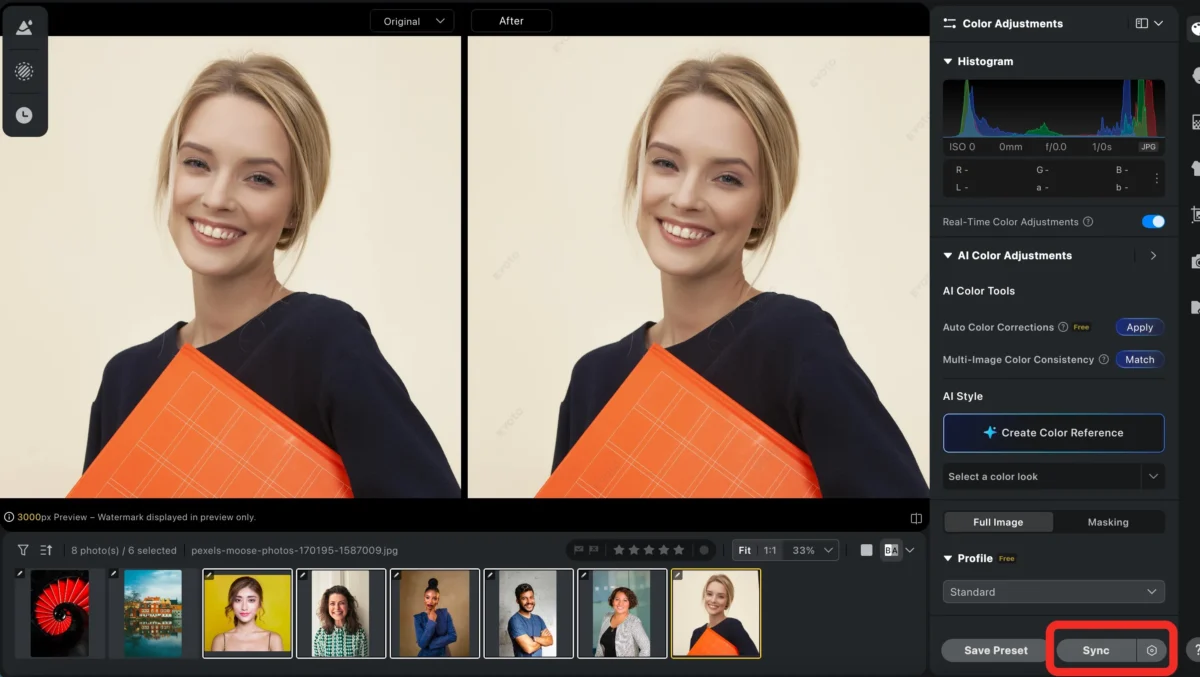
Once enabled, Evoto’s AI will automatically analyze each image:
- Detect faces accurately
- Identify head position, eye line, and body proportions
- Adjust cropping and rotation for each photo individually
Even if subjects vary in height, pose, or camera angle, Evoto recalculates the crop per image—no manual tweaking required.
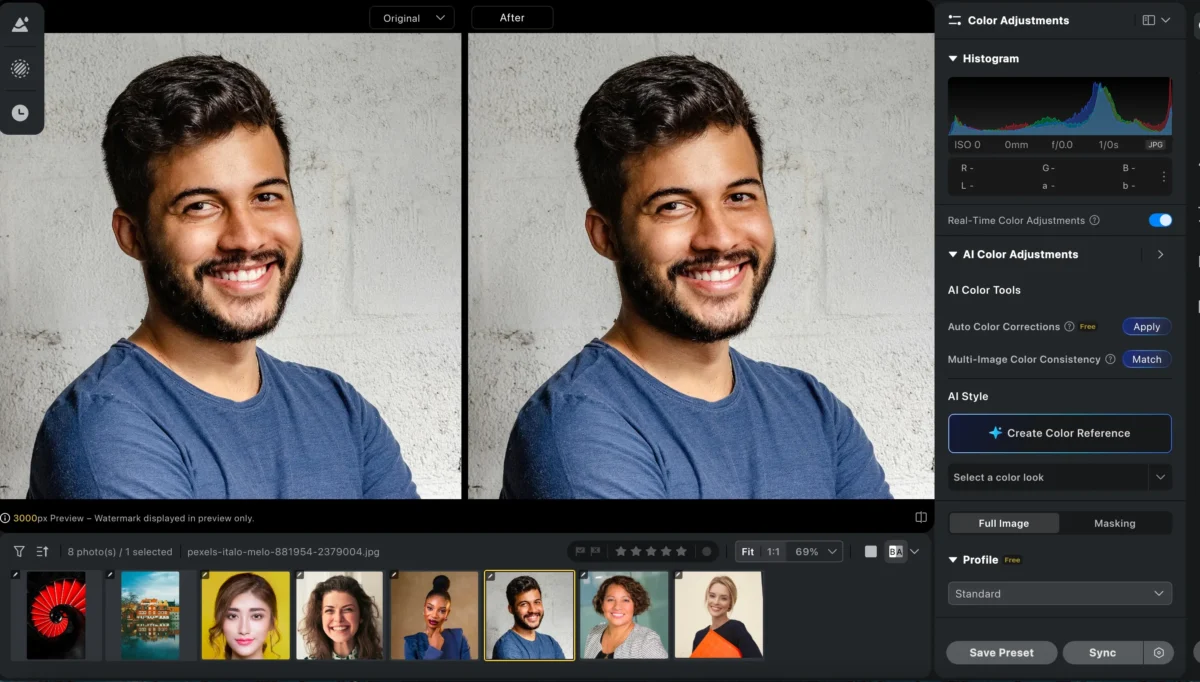
This means you’re not forcing one rigid crop onto every photo. Instead, AI ensures consistent composition while respecting each subject’s unique framing.
Step 4: Review, Enhance, and Batch Export
After the AI cropping is applied, you can quickly review the results. If needed, fine-tune individual images—but in most cases, the batch results are already production-ready.
Beyond cropping, Evoto offers powerful tools that can be synced across the same batch, making it especially efficient for portrait photographers:
AI Portrait Retouching (skin, eyes, facial details)
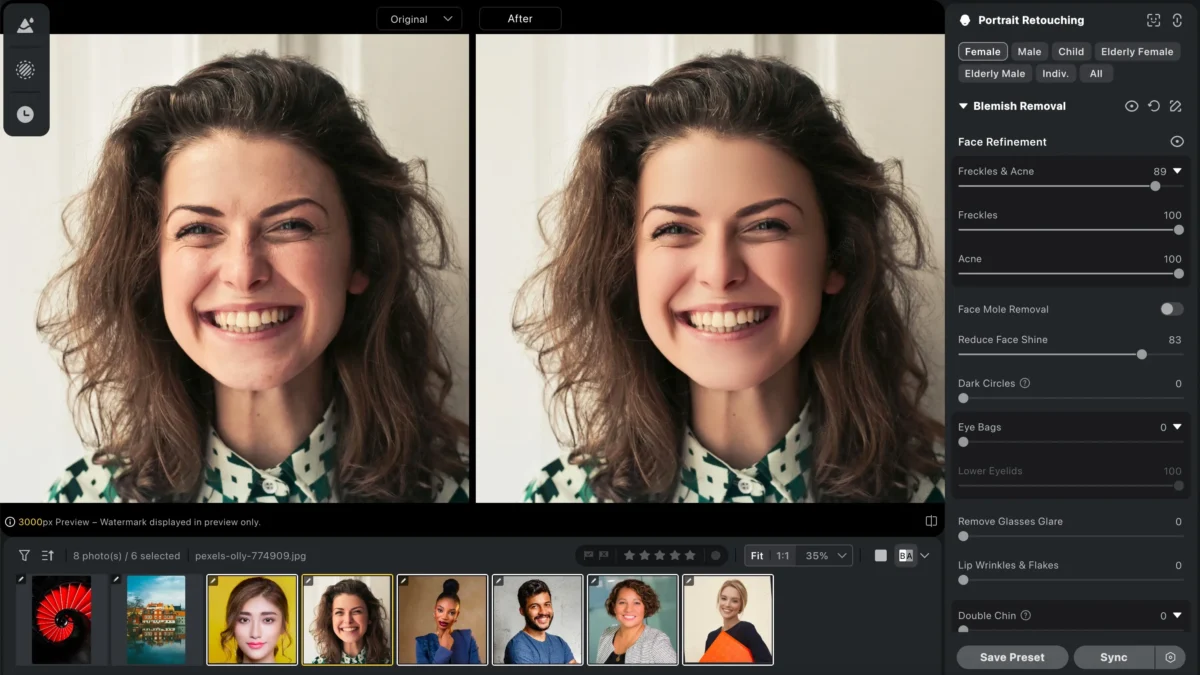
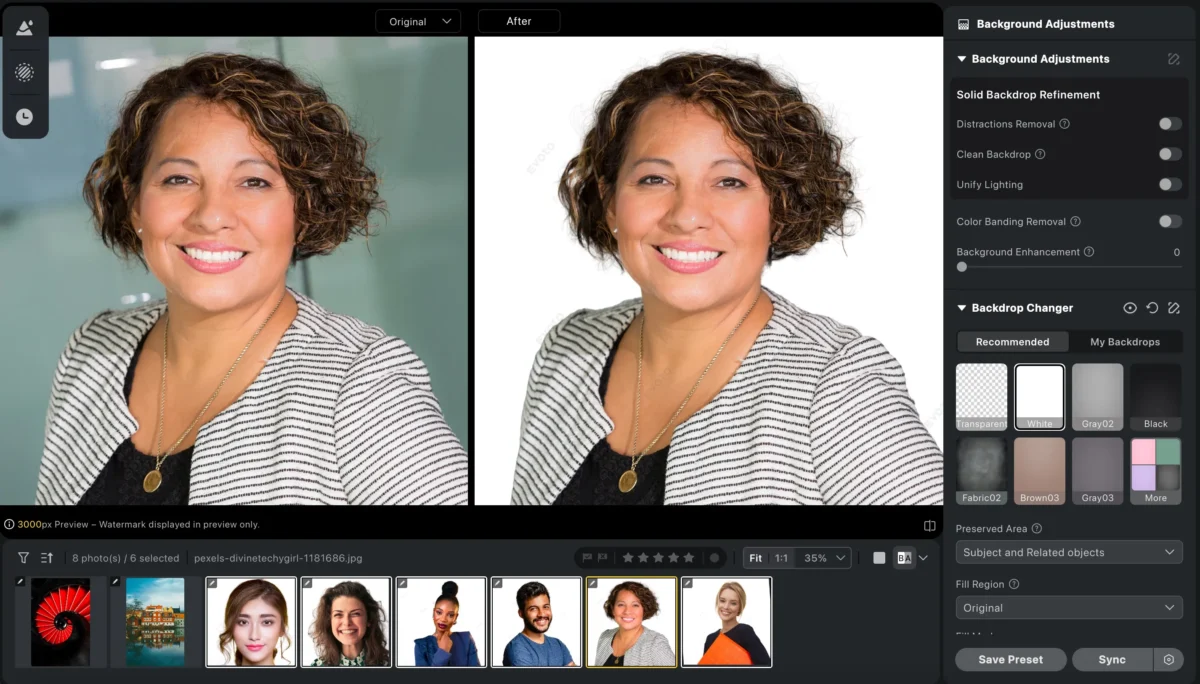
AI Background Replacement for clean or creative backdrops
Teeth Whitening and Adjustment
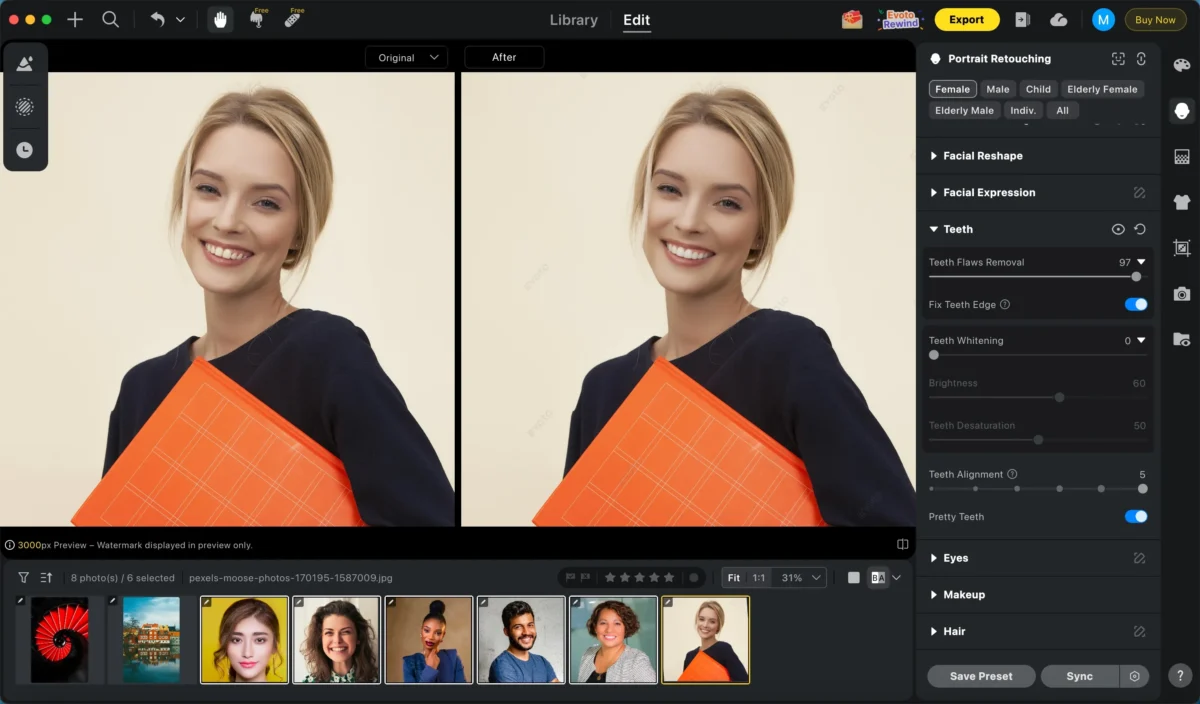
All of these adjustments can be synchronized just like cropping, keeping your workflow fast and consistent.
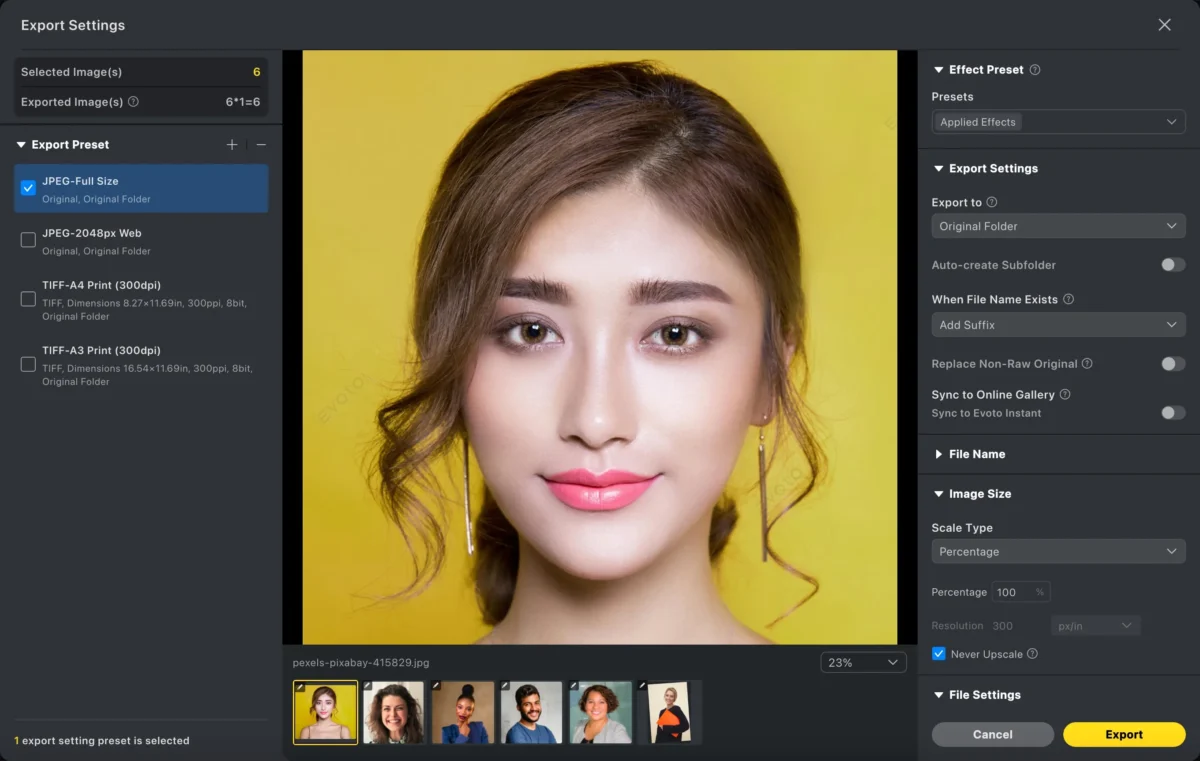
Once everything looks right, simply batch export your images in the required size and format—ready for delivery, publishing, or print.
Powerful AI Photo Editor
Why Evoto Is the Best Photo Cropping Software for High Volume
| Feature | Traditional Software | Evoto AI |
|---|---|---|
| Manual cropping | Required | Not needed |
| Face awareness | ❌ No | ✅ Yes |
| Batch consistency | Limited | Built-in |
| Speed at scale | Slow | Extremely fast |
| Headshot alignment | Manual guesswork | AI precision |
Best Use Cases for Evoto AI Photo Cropping Software
- School & graduation photography
- Corporate headshots
- E-commerce catalogs
- ID & passport photos
- Portrait studios handling volume
If consistency and speed matter, Evoto isn’t optional—it’s essential.
Summary: Choose Photo Cropping Software Based on Volume
- 1–5 photos: Any basic cropping software works
- 20–50 photos: Lightroom can handle it,but Evoto AI can save your time.
- 100–1000 photos:
Manual cropping becomes a bottleneck → Evoto AI is the clear winner
The biggest mistake professionals make is using creative tools for production problems.
Evoto exists to remove repetitive work, so you can focus on photography—not dragging crop boxes.
Try Evoto AI Photo Editor
Retouch photos with Evoto AI and make your photos best! Available on Windows, MacOS and iPadOS.



