TL;DR
- Cooling poverty describes people who cannot stay safely cool in heat—not only without AC, but sometimes trapped at a glowing laptop while a backlog keeps them indoors.
- The viral May 2026 editing vlog (30°C room, ~600 Lightroom frames, iced latte) is a workflow problem as much as a weather problem.
- Evoto helps via Lightroom Catalog + XMP import, AI Color Match, and Preset Sync so you spend fewer high-load hours in front of a hot machine.
You have probably seen the clip: a freelance photographer, 30°C in the room, iced latte sweating faster than they are, editing 600 photos while commenters joke the laptop is at 300 degrees and “about to cause global warming.”
It is funny until it is your Tuesday.
Cooling poverty entered public conversation in 2026 through reporting on hundreds of millions of people who cannot keep cool in cities (see Forbes on cooling poverty and hot cities). For photographers, cooling poverty has a second meaning: you cannot cool down because delivery will not let you leave the desk.
This article respects both layers—systemic heat inequality and the very personal math of culling, color, and export—then gives a practical path out of the longest hot nights.
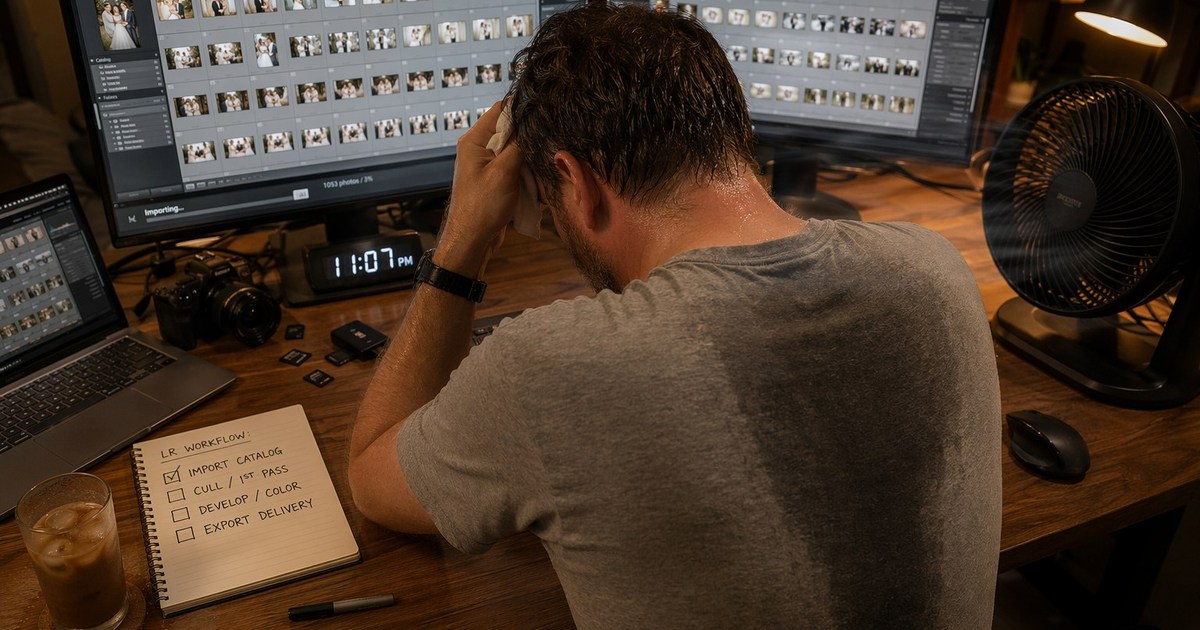
The Vlog Every Freelance Photographer Recognized This May
The @selinhatay May 2026 moment landed because it named three truths at once:
- Heat is ambient. No AC, or AC that loses after noon.
- Volume is absurd. ~600 frames before culling—not after.
- The machine is another heat source. Fan noise becomes the soundtrack.
Comment memes—“laptop 300°,” “about to explode”—are exaggeration, but the thermal reality is not. Sustained preview rendering in Lightroom (or any editor) keeps CPU/GPU duty cycles high. In a small room, you are heating your own microclimate.
That is cooling poverty at workflow scale: even if you can afford electricity, you may not afford the hours required to finish in a tool that keeps you grid-sitting.
Your Task Map: When the Problem Is Heat + Backlog
| Layer | Symptom | What you actually need | How you measure relief |
|---|---|---|---|
| Body | Sweat, fatigue, headaches | Shorter edit sessions | You stop before midnight |
| Machine | Fan roar, palm-hot chassis | Fewer GPU spikes | Lap/top exhaust not scorching |
| Business | Client waiting on gallery | Faster color + sync path | 600 → delivered without redo; less cooling poverty at the desk |
If an article only says “buy AC,” it fails the task. If it only says “use Evoto,” it fails credibility. The useful answer connects infrastructure context to import → match → sync → export decisions you can run tonight.
What Cooling Poverty Means Beyond Air Conditioning
Public definitions focus on access: cooling centers, insulated housing, urban shade, energy costs. Photographers operating in india heatwave 2026 headlines or US heat-dome weeks still feel the same physics—body heat + machine heat in a closed loop.
Two “cooling” deficits show up in studios:
- Environmental cooling: you cannot lower room temperature enough to work comfortably.
- Workflow cooling: you cannot exit the session because software choices keep you in high-load tasks for hours.
The second deficit is where Evoto enters—without pretending software fixes cooling poverty at the systemic level. Software shortens time-at-desk when used deliberately.
External reading that keeps the systemic frame honest: Forbes on urban heat and cooling access (linked above) and urban heat island desk heat in this series for the microclimate analogy.
600 Photos Before Culling: Where the Heat Really Starts
Clients say “we only need a few.” Cards say otherwise. Six hundred RAWs often means:
- 3–5 hours of culling in a hot room;
- repeated preview renders;
- color indecision on 40 near-duplicates;
- export tests “just to see.”
Each step is another furnace cycle. The vlog joke lands because culling in grid view feels infinite—you are making thousands of micro-decisions while the fan screams.
A saner heat-aware sequence:
- Cull hard first (outside the editor if possible—air-conditioned café, morning kitchen table).
- Import once into a workspace that will not rebuild the wheel.
- Color-match from a hero frame, not from frame 1.
- Sync presets across survivors.
- Export in one batch during the coolest hour you have.
You are not lazy for wanting fewer passes. You are thermally realistic—and that matters when cooling poverty keeps you indoors with a hot machine.
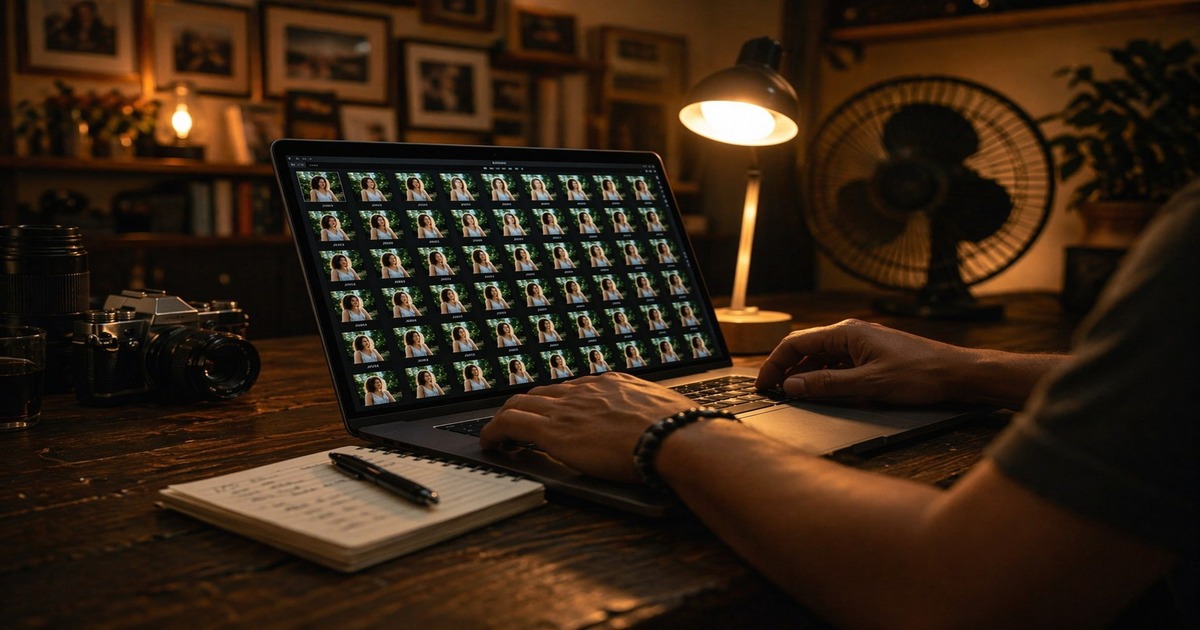
Import Your Catalog and Stop Rebuilding the Wheel
If your history lives in Lightroom, Evoto’s Lightroom Classic Collaboration (import .lrcat catalogs) is the anti-backlog move. Product documentation emphasizes:
- importing Lightroom Classic catalog structure with folder, collection, star, flag, and color-label filters;
- optional color parameters carried forward on supported import paths;
- round-trip photos back to Lightroom through Back to LR when you need hybrid studios.
Evoto also supports XMP preset import for use inside Evoto—important for teams with years of preset investment. Import into Evoto, deliver in Evoto.
Step 1 — Repair or duplicate .lrcat if needed
Evoto guidance notes damaged catalogs can sometimes be recovered from backup directories—document your path before drag-drop.
Step 2 — Import with intentional sync checkboxes
Decide whether LR color parameters should carry. Blind import can save time; selective import can save surprises.
Step 3 — Re-group inside Evoto
Folder by lighting, not by chronology. Heat season rewards boring folders.
Step 4 — Pick hero frame per group
This frame becomes your color reference—not the cutest smile, the most neutral exposure.
Example: 600 mini-session frames → 220 after Evoto’s AI Culling → 4 lighting groups → 4 hero frames. You just removed hundreds of future preview renders.


Powerful AI Photo Editor
Batch Color Match and Preset Sync: Fewer Hours, Cooler Laptop
Two features attack the “random slider” phase:
AI Color Match
Evoto’s AI Color Match transfers color character from a reference still to targets—useful when you need a client’s Pinterest board or a master frame to steer a messy set. Desktop notes also tie Color Match concepts to shareable reference presets with review safeguards.
Practical use after catalog import:
- Select group.
- Set reference (hero).
- Apply Color Match.
- QA skin neutrals and greens at 100% zoom.
Pair with Background Color Consistency when backgrounds must match across IDs (school, teams, corporate headshots).
Preset Sync
After color direction is right, Preset Sync pushes your preset package across selects. Document preset versions before peak weekends so teams stay aligned.
Why this cools the laptop metaphorically: you replace N manual develop sessions with 1 develop + sync + spot fixes. Fewer minutes at boost clock = fewer degrees on the keyboard.
Open the feature hub at AI Color Match when you are choosing panels for a 600-frame weekend.
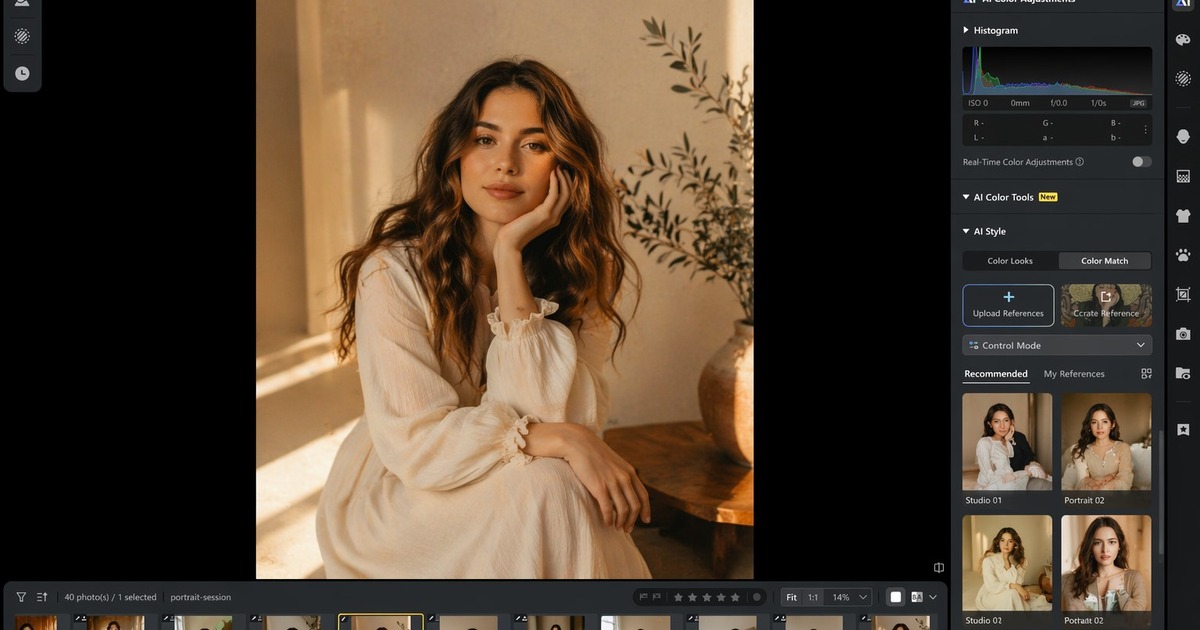
Sometimes you just gotta try it out for yourself. Import one .lrcat, color-match a culled folder, and preset-sync the keepers—then check whether you can close the laptop before midnight. To test on a real backlog folder, download Evoto.
Powerful AI Photo Editor
Common Mistakes When You Are Hot and Rushed
Mistake: color-matching before culling.
You will match frames you delete. Fix: final keeper set first.
Mistake: one reference for mixed lighting.
Reception tungsten and open shade should not share a profile. Fix: split groups, then match.
Mistake: exporting proofs repeatedly “just to check.”
Each export reheats the machine. Fix: use standardized preview zoom checkpoints.
Mistake: ignoring body breaks.
Software cannot fix heat illness. Fix: water, pause, move culling to cooler hours.
For tethered capture that avoids adding 600 surprises on the hottest day, see heat dome Europe workflow. For desk-side sync theory, see urban heat island editing desk.
| Symptom | Likely cause | Fast fix |
|---|---|---|
| Laptop palm-hot in 10 min | sustained 1:1 previews | batch sync + group edits |
| Skin tones drift mid-set | mixed light in one group | split folders |
| Fan at max, exports crawl | thermal throttle | export during coolest hour; lift laptop |
Get Back to Life (and Actual Shade)
Cooling poverty is not solved by a single app. It is eased when you reclaim hours—walk the dog, sit on a balcony at 9 p.m., sleep before the room heats again.
The vlog’s iced latte was a joke and a symbol: you are paying for comfort with time you do not have.
A better punchline: could be worse—unless you can close the laptop earlier.
Workflow summary for cooling poverty weeks when backlog and heat stack together:
- import catalog instead of rebuilding;
- cull before color;
- Color Match + Preset Sync in groups;
- export once;
- schedule retouch in cooler slices.
If you want broader tool context beyond color, read top photo editing software for professionals. When you are ready to test on a real backlog folder, use download Evoto. For the full environment, open AI Photo Editor.
Powerful AI Photo Editor
FAQ
1. Is cooling poverty only about poor countries?
No. Reporting focuses on global urban heat and unequal cooling access. Freelancers in expensive cities can still face workflow cooling poverty—AC on, but trapped by backlog.
2. Does importing Lightroom catalogs delete my LR library?
Import is a workflow bridge, not a replacement mandate. Keep backups; test on a duplicate .lrcat first.
3. Can AI Color Match fix bad exposure?
It helps color relationships, not blown highlights. Fix exposure on hero frames before matching.
4. How is this different from training AI Look?
AI Look (see super El Niño 2026 article) learns your long-term style. Color Match solves immediate set consistency—use both when appropriate.
5. Will Preset Sync work on team accounts?
Use Preset Sync with clear preset naming and versioning before peak weekends so teams stay aligned.