

Family photography is one of the most rewarding and meaningful genres of portraiture. It captures precious moments of connection, love, laughter, and generations. Whether you’re a parent taking photos at home or a photographer shooting a professional session, this guide will help you create timeless family photos that you—and your loved ones—will treasure forever.
In this article, we’ll walk through:
- Essential family photography tips
- Best locations and lighting scenarios
- Posing ideas for families of all sizes
- Shooting techniques for natural expressions
- Simple editing workflows
- How to enhance family photos with Evoto
Let’s dive in!
1. Plan Ahead: Know Your Goals
Before picking up your camera, think about the purpose of the session:
- Is it a holiday card photo?
- A family reunion?
- A candid lifestyle shoot at home?
- A milestone like a birthday or anniversary?
Understanding the goal helps you choose the right environment, outfits, and style. Touch base with your subjects so everyone is aligned on the vibe you’re going for—casual and relaxed, or formal and polished.
2. Choose the Right Location
The setting has a big impact on the final images.
📍 Outdoor Settings
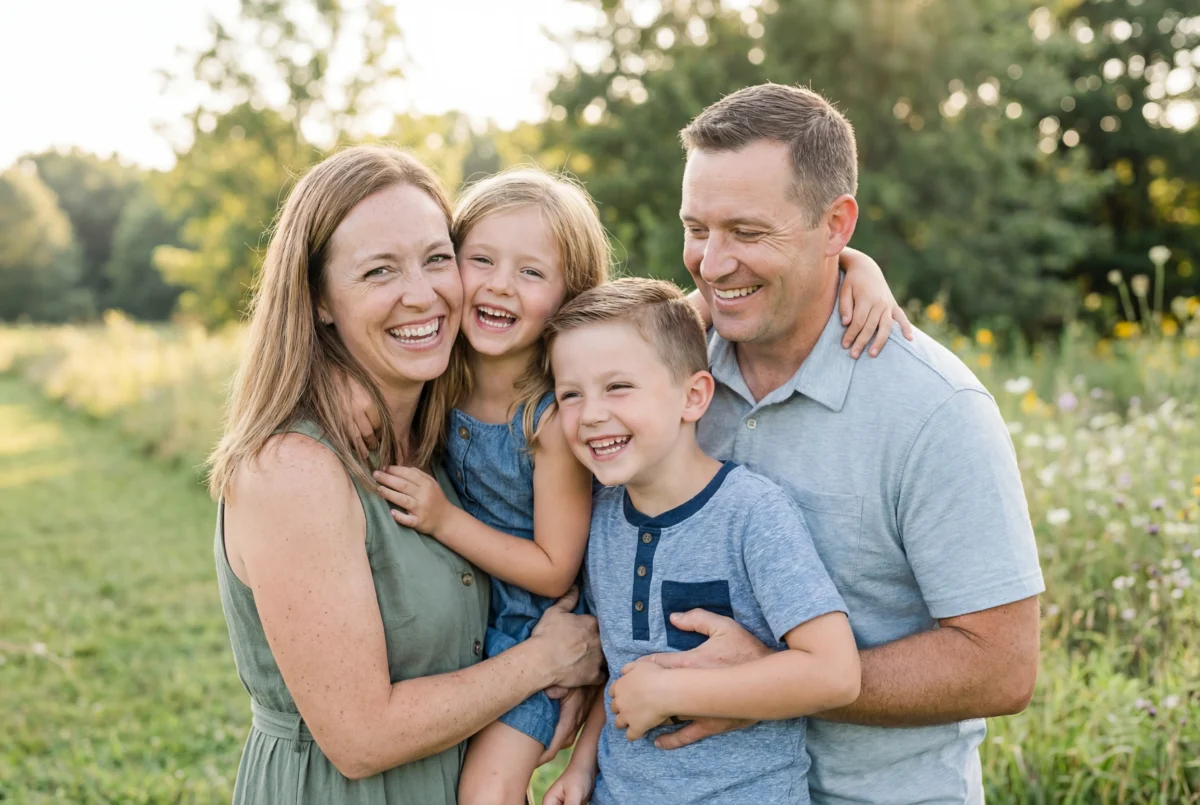
- Parks with soft shade and morning/evening light
- Beaches or lakesides
- Urban spaces with interesting backgrounds
- Backyards or gardens
🏠 Indoor Settings
- Living room with soft window light
- Kitchens or play areas full of natural activity
- Bedrooms or nurseries for intimate moments
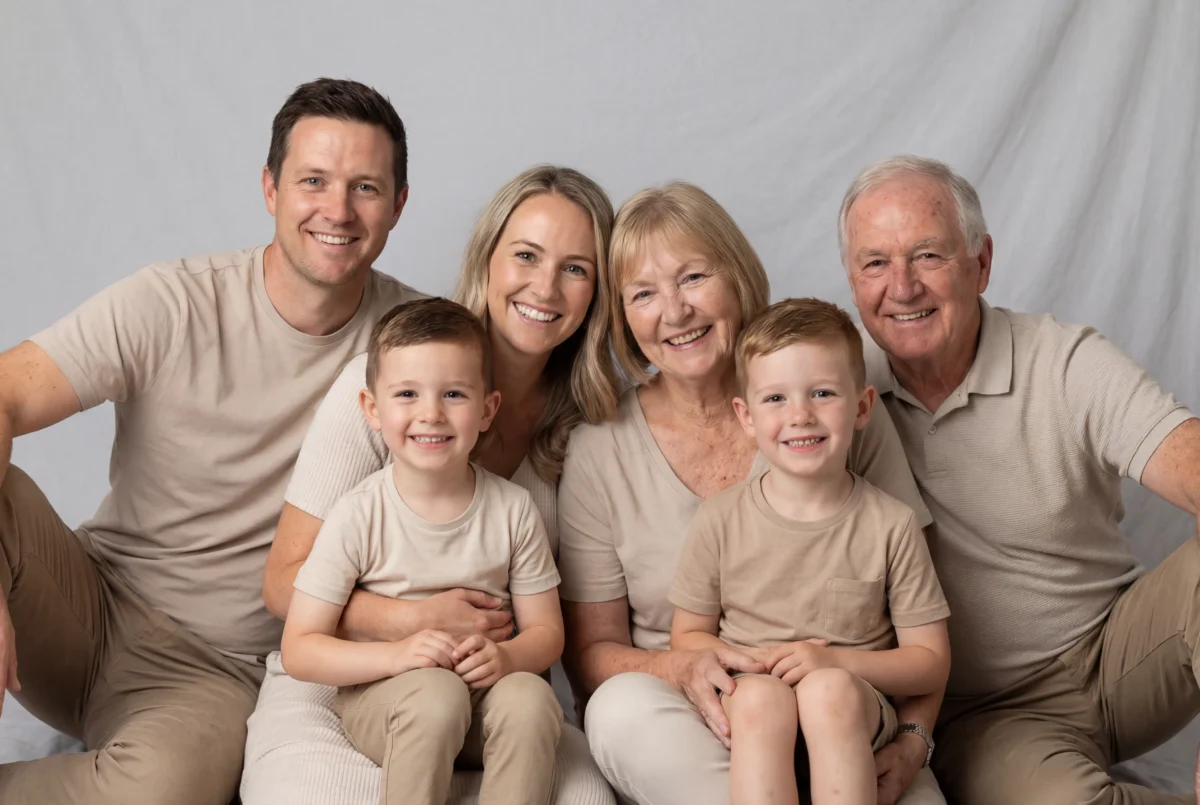
- Professional studio setting

Look for even, soft lighting and avoid direct overhead sun that casts harsh shadows.
3. Focus on Great Lighting
Light is the foundation of great photography.
✨ Golden Hour – Soft, warm light just after sunrise or before sunset will flatter every face.
☁️ Overcast Days – Cloudy weather acts like a giant diffuser and produces soft, even lighting.
🪟 Window Light Indoors – Position subjects near a window for natural, directional light. 💡 Studio Lighting – Use softboxes or strobes to create controlled, flattering light in any environment.
Always watch how the light falls on each face, and use reflectors or fill flash sparingly if needed.
4. Camera Settings for Family Portraits
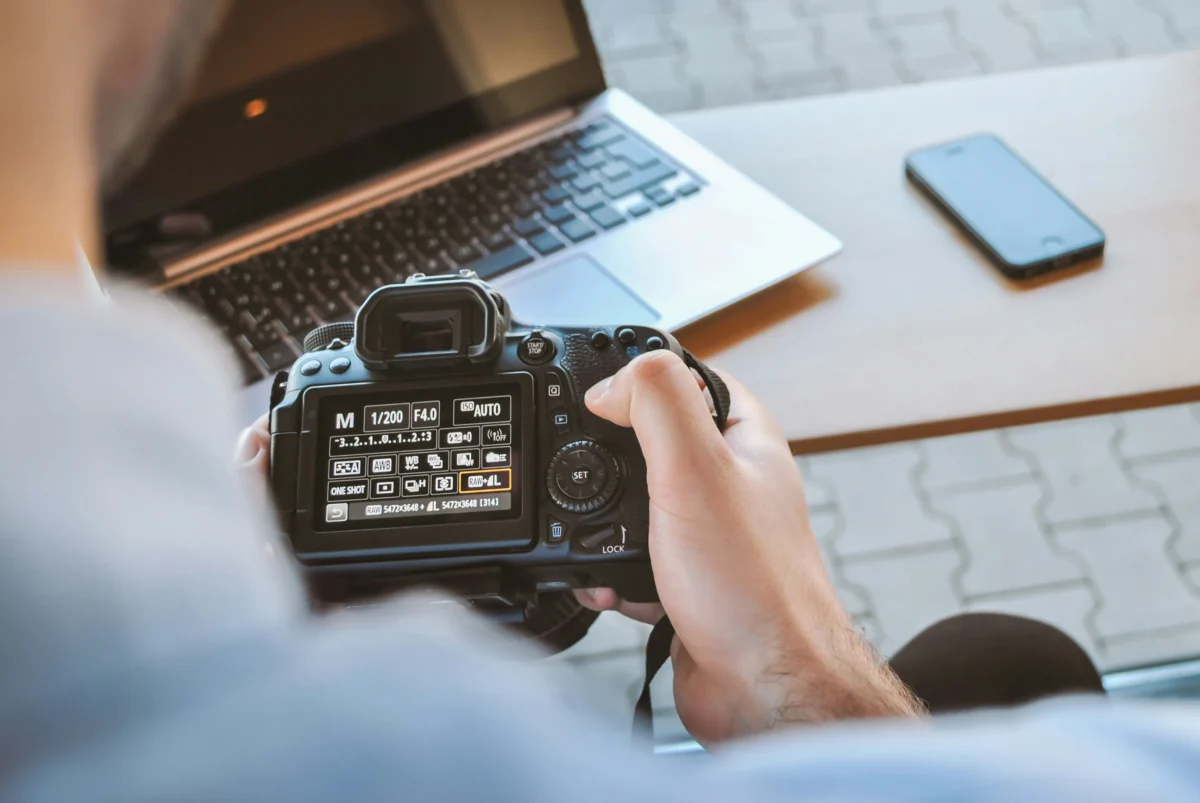
Here are some helpful starter settings to get sharp, beautiful images:
📌 Aperture:
- Outdoor group shots: f/4 – f/8 for enough depth of field
- Close portraits: f/2.8 – f/4 for background separation
📌 Shutter Speed:
- Keep at least 1/200s to avoid motion blur with kids
📌 ISO:
- Keep ISO low (100–400) in daylight
- Raise ISO in low light but avoid introducing too much noise
📌 Focus Mode:
- Use continuous autofocus (AF-C) for moving kids or pets
- Try single autofocus (AF-S) for static family portraits
5. Posing Ideas for Families
Good posing helps every member look natural and connected.
Classic Group Poses
- Everyone standing in a line with a slight stagger
- Sitting on a staircase or bench
- Close-knit circle with heads together
Interaction-Based Poses
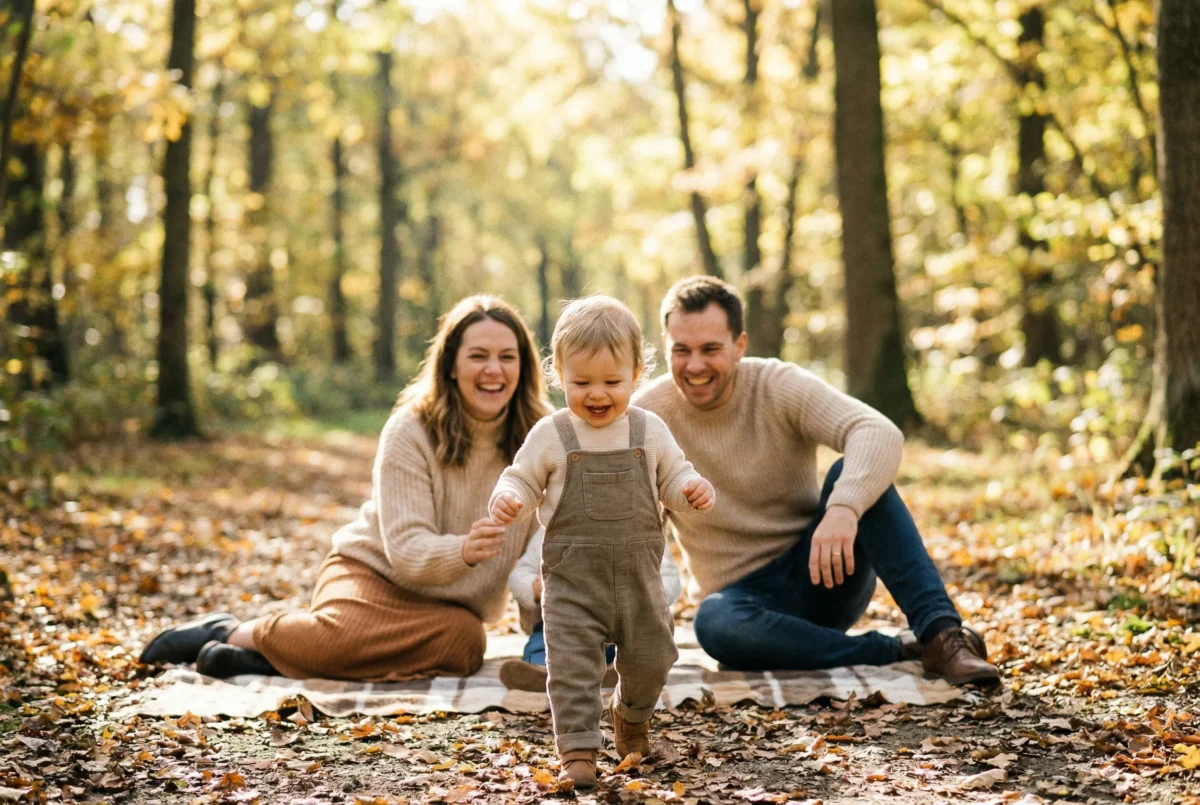
- Parents lifting kids in the air
- Walking hand-in-hand
- Whispering or shared laughter

Candid Moments
Don’t over-pose kids. Let them play, interact, and explore. The best laughs happen spontaneously!
6. Capture Genuine Expressions
Getting real smiles and emotions is key:
✔ Talk to your subjects
✔ Use prompts (“tickle time!”, “walk toward me”)
✔ Take lots of shots in burst mode
✔ Focus on connection, not perfection
Remember: sometimes the best photo isn’t everyone looking straight at the camera—it’s the genuine moment in between.
7. Editing and Retouching Workflow
Once you’ve captured your images, editing helps refine the final result.
Basic Adjustments
- Exposure & Contrast: Make sure every face is well-lit
- White Balance: Avoid unnatural skin tones
- Crop & Straighten: Clean up composition
Enhancing Faces and Details
Polish family photos by removing minor imperfections while keeping every face looking natural. Family portraits should feel authentic—not overdone.
But if you want effortless, high-quality edits without spending hours in software, tools like Evoto can help.


Powerful AI Photo Editor
8. Bonus Tip: Include Everyone
Large family sessions can be tricky. To make sure everyone gets a great shot:
- Take individual portraits
- Take small group photos (e.g. siblings only)
- Then take the full family image
This increases the likelihood that every photo is frame-worthy.
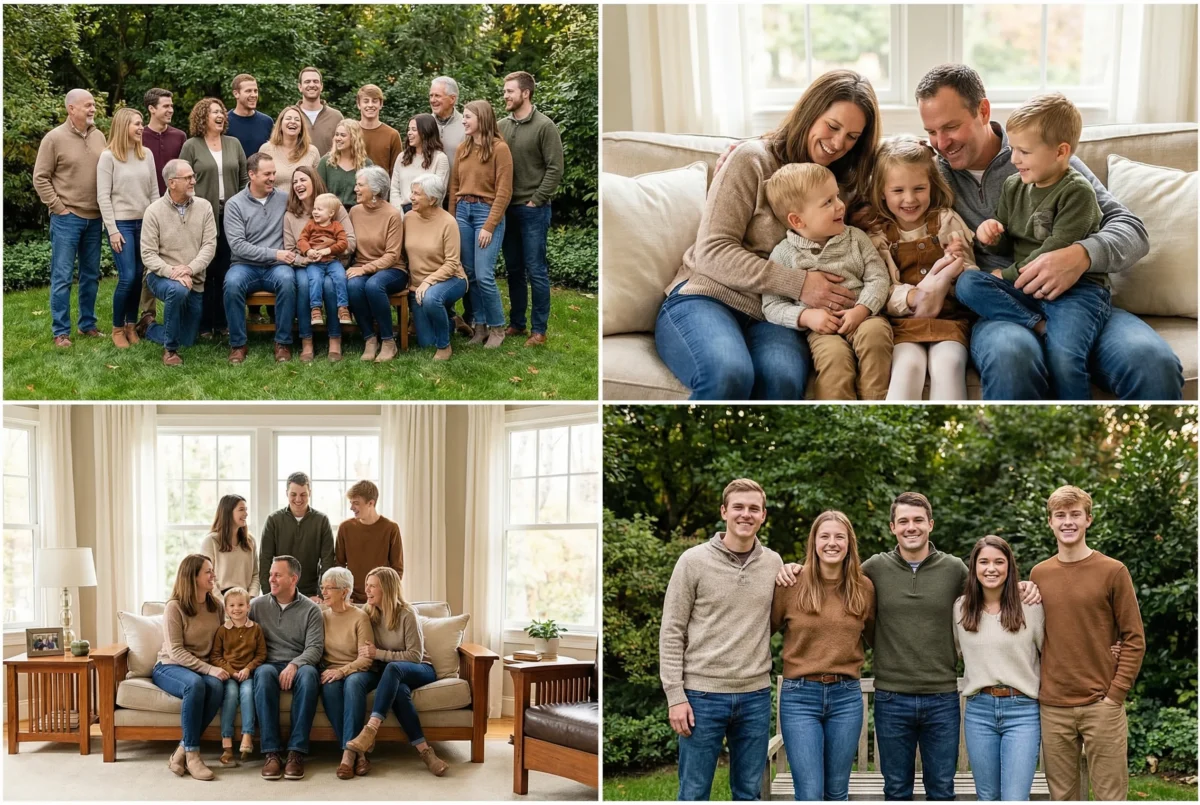
9. Output and Sharing
Once editing is done:
✔ Save images in high resolution
✔ Create digital albums or prints
✔ Make holiday cards
✔ Share online in galleries or social media

Family photos are meant to be cherished and shared — not hidden in folders.
How to Edit Family Photos with Evoto
If you want a faster and simpler way to polish your family portraits, Evoto is a smart choice. With intuitive features like:
Powerful AI Photo Editor
✨ Auto Enhance
Evoto’s smart filters automatically detect the content of your photo and match the selected tone. Upload your image and instantly apply a perfectly balanced color and lighting adjustment — no manual tweaking required.
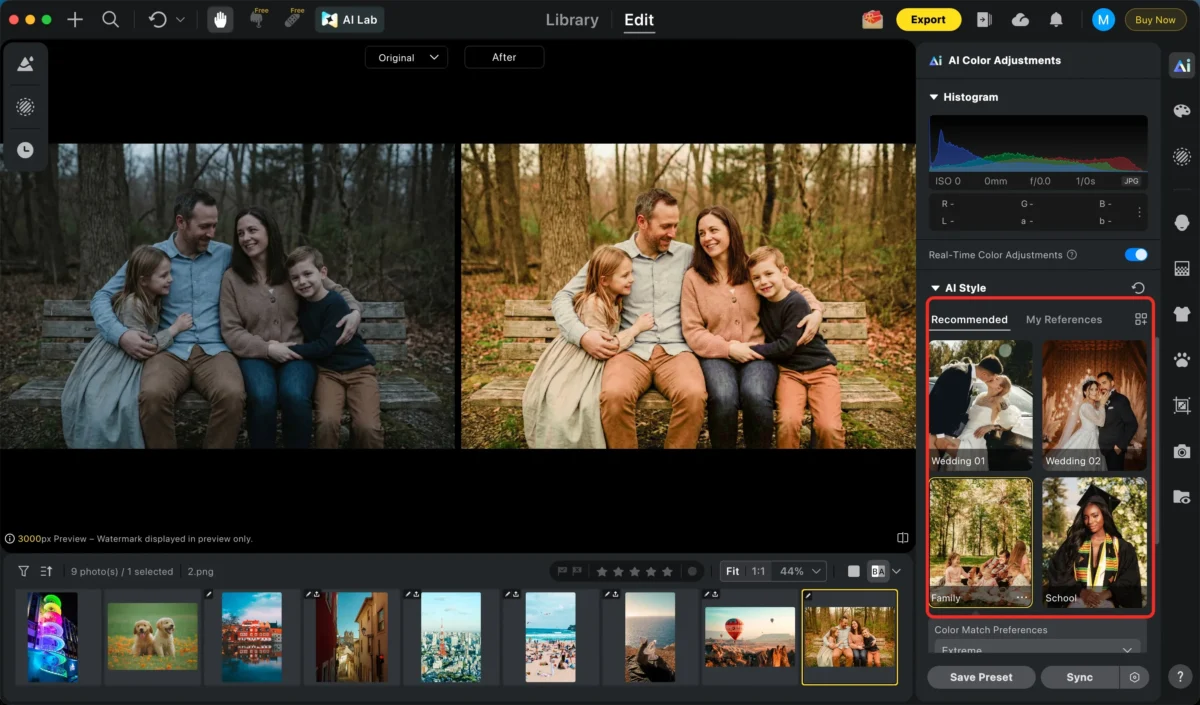
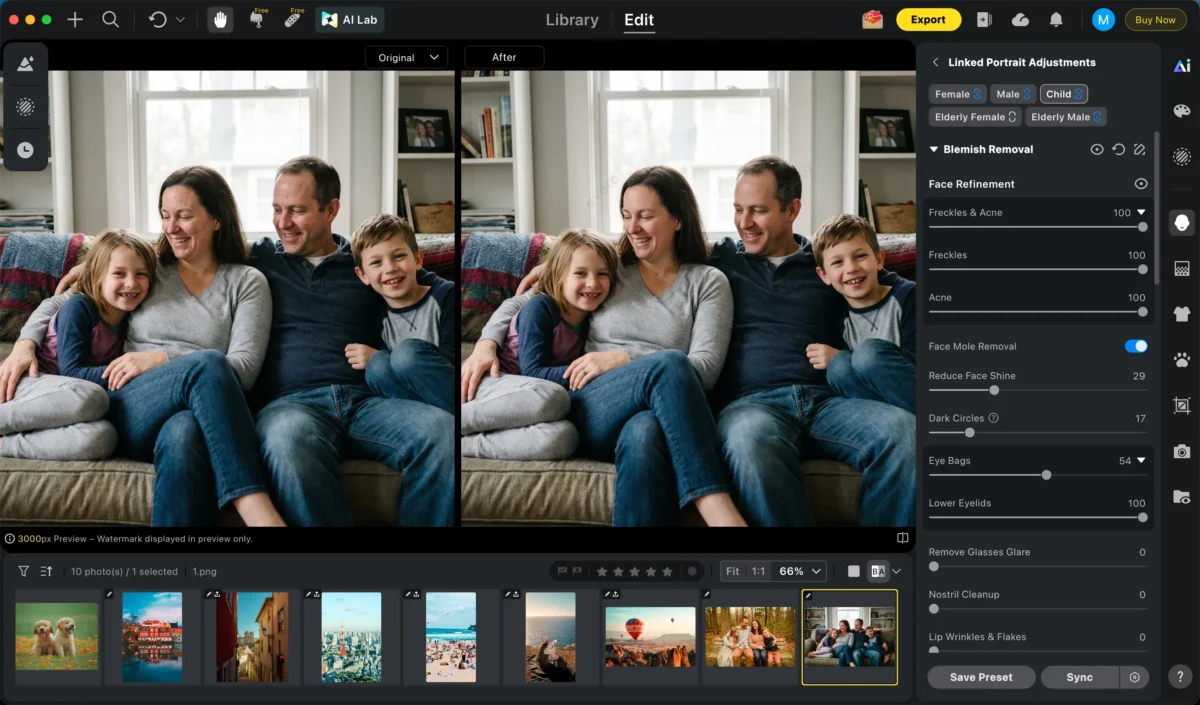
👨👩👧👦 Blemish Removal & Skin Retouching
Remove blemishes and smooth skin while keeping natural texture — perfect for group and family shots.
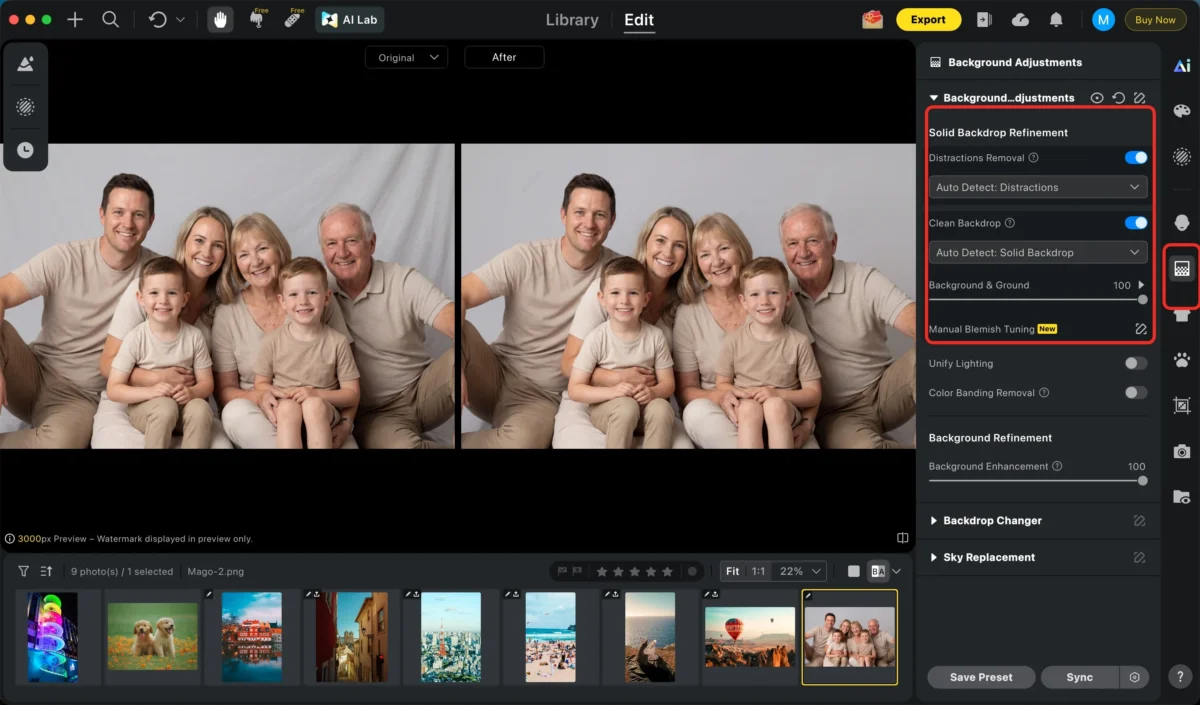
🖼️ Background & Cleanup
Remove distractions and clutter so the focus stays on the family, creating clean, polished photos ready to share.
🧩 Batch Edit
Apply the same enhancements to multiple photos at once. Save time by editing entire albums or sessions with consistent results for every image.
With this feature, you not only ensure consistent edits across all photos but also significantly reduce overall retouching time.
Best of all, you don’t need advanced editing skills—just upload your image, choose enhancements, and let the AI do the rest.
Final Thoughts in Family Photography
Family photography is about capturing connection, emotion, and timeless memories. Great photos come from thoughtful preparation, good lighting, genuine interaction, and thoughtful editing.
Whether you’re photographing your own family or helping others document their special moments, combining solid technique with smart tools like Evoto ensures your images look beautiful and authentic.
Now go capture some unforgettable memories!
Try Evoto AI Photo Editor
Retouch photos with Evoto AI and make your photos best! Available on Windows, MacOS and iPadOS.



