

Travel photography is a high-volume race against time. Whether you are a professional creator or a passionate storyteller, you face a constant Manual Bottleneck: navigating unpredictable lighting, removing swarms of tourists from landmarks, and the exhaustion of editing hundreds of photos across multiple devices.
The modern solution is the All-in-One AI Photography Workflow. By adopting a high-performance Shoot-Cull-Edit-Deliver Pipeline, you can transform a 10-hour post-trip editing marathon into a 30-minute automated victory.
In this guide, you’ll learn:
- Essential travel photography tips
- Creative travel photo ideas
- Camera settings and composition tricks
- How to edit travel photos efficiently with AI tools like Evoto
Let’s explore how to capture travel memories like a pro.
1. Tell the Story of a Place
The best travel photos do more than show a location—they tell a story.
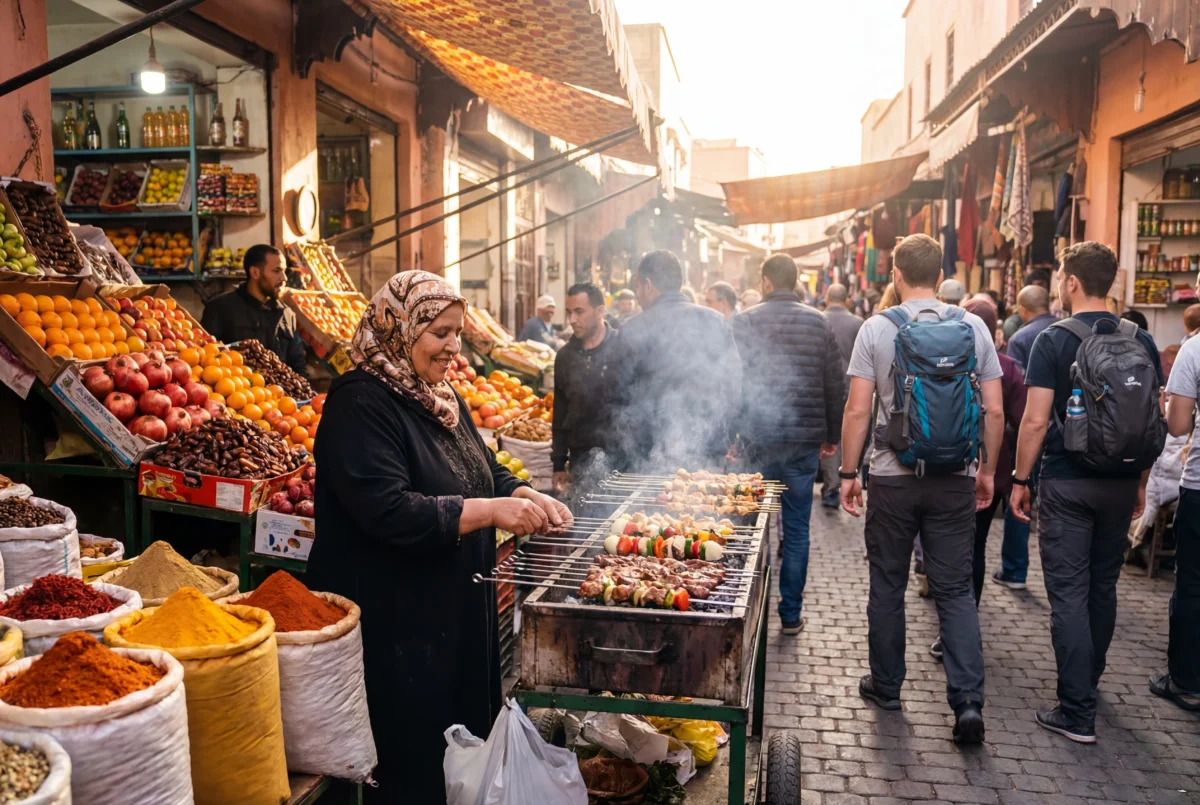
Instead of only photographing landmarks, try to capture elements that represent the culture of a place:
- Local markets
- Traditional food
- Street life
- Architecture
- Daily routines of locals
People, textures, and small details often reveal more about a destination than famous monuments. Strong travel photography usually focuses on the “sense of place” rather than just scenery.
📷 Example ideas:
- A street vendor preparing local food
- A fisherman working at sunrise
- A colorful market stall
These images help viewers feel like they’re actually there.
2. Look for Unique Angles and Perspectives
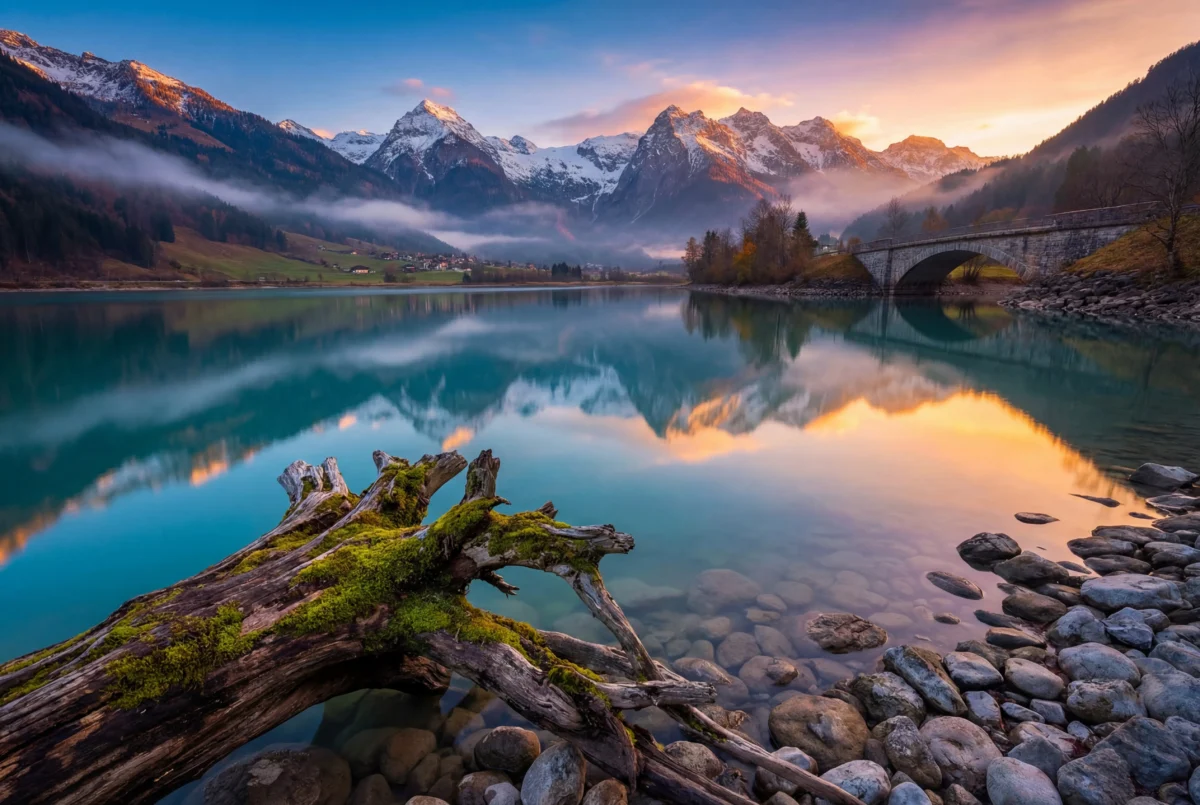
Many popular travel destinations have been photographed thousands of times. To make your photos stand out, look for a different perspective.
Try experimenting with:
- Shooting from ground level
- Climbing to higher viewpoints
- Including foreground objects
- Using reflections in water or glass
Changing your angle can transform an ordinary scene into something visually striking.
Creative perspectives help your images feel fresh and personal.
3. Use Light to Your Advantage
Lighting plays a huge role in travel photography.
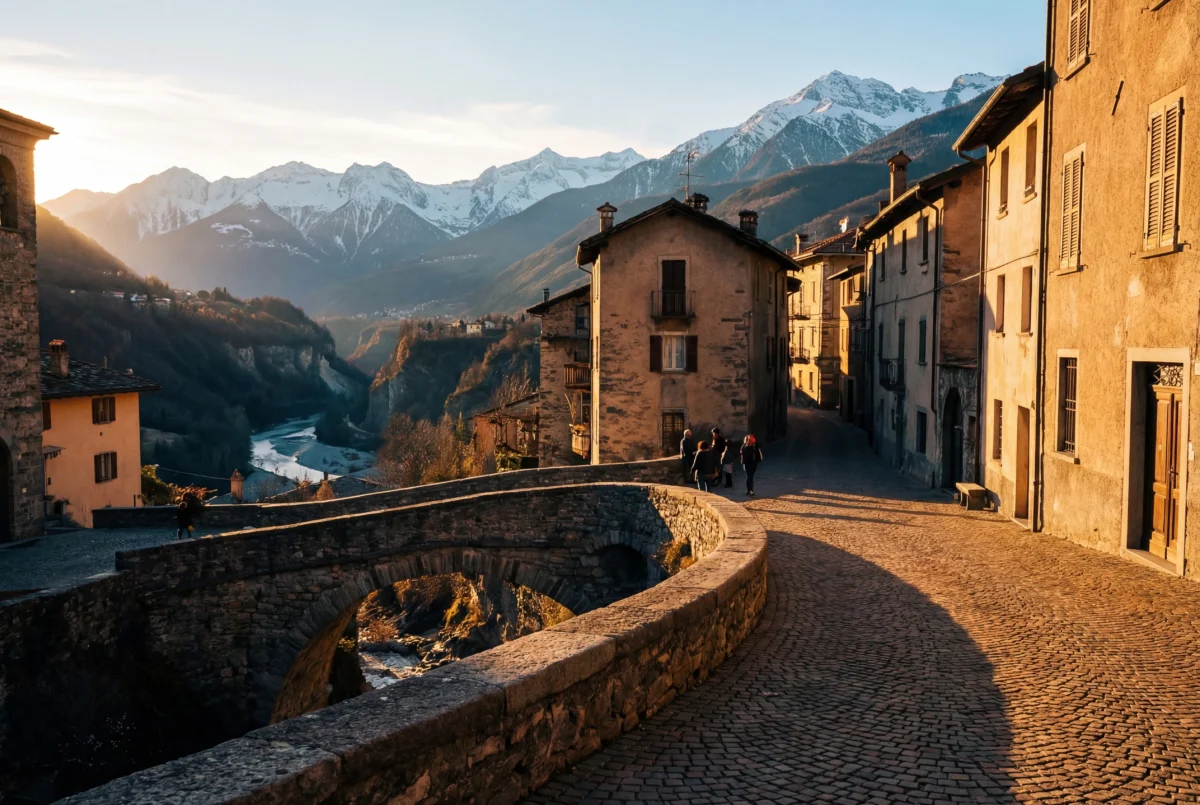
Golden Hour
The best time to shoot is usually:
- Just after sunrise
- Just before sunset
This soft, warm light flatters landscapes, architecture, and portraits.
Overcast Days
Cloudy skies act like a natural diffuser, creating soft and balanced lighting.
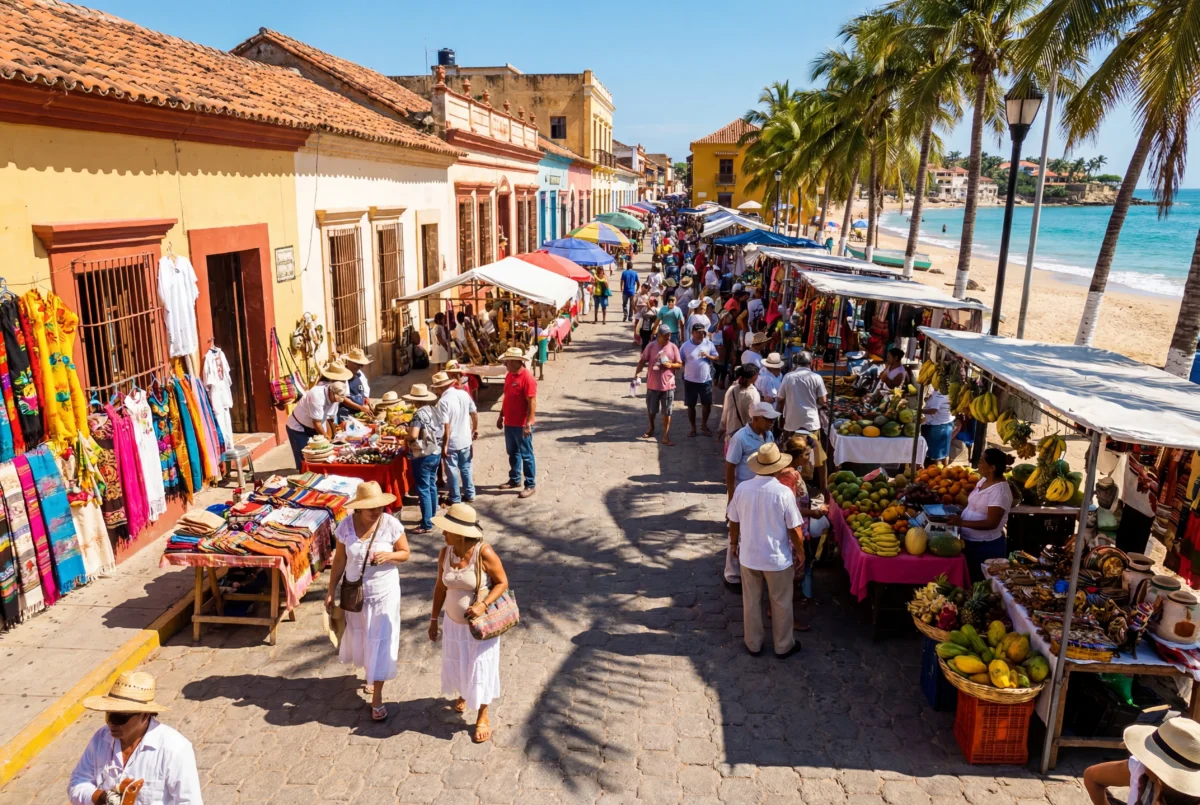
Midday Sun
Although harsh sunlight can be challenging, it works well for:
- Vibrant colors
- High-contrast street photography
- Beach and tropical scenes
Understanding light helps you capture more dynamic travel photos.
4. Simplify Your Photo
A common mistake beginners make is trying to include too much in a single frame.
Strong travel photos usually have:
✔ A clear subject
✔ Minimal distractions
✔ Clean composition
You can simplify your image by:
- Changing your shooting angle
- Using shallow depth of field
- Waiting for distractions to leave the frame
Removing clutter helps your subject stand out and improves visual storytelling.
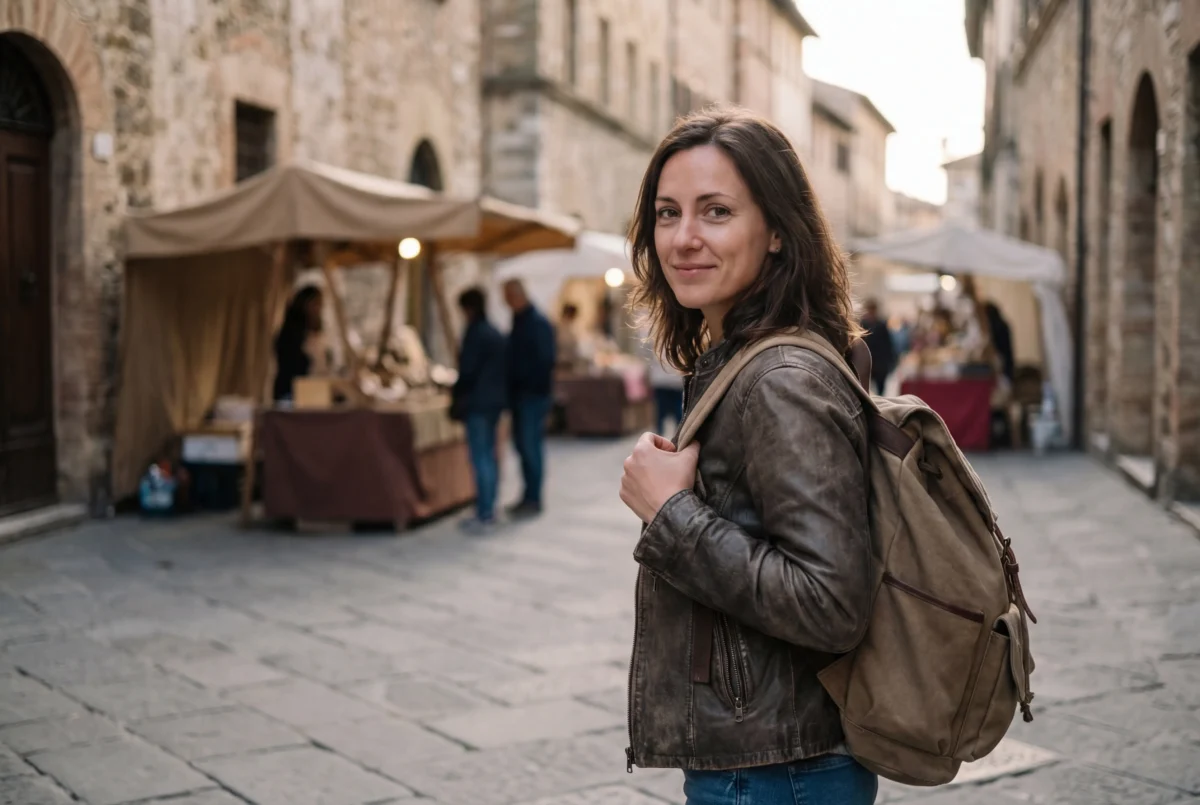
5. Include People in Your Photos
Travel photography becomes more engaging when people are part of the scene.
Photographing locals or travelers can add:
- Emotion
- Scale
- Cultural context
Examples include:
- A chef cooking street food
- Children playing in a village
- A traveler walking through a historic street
Human elements make travel photos feel alive and relatable.

6. Use Depth of Field Creatively
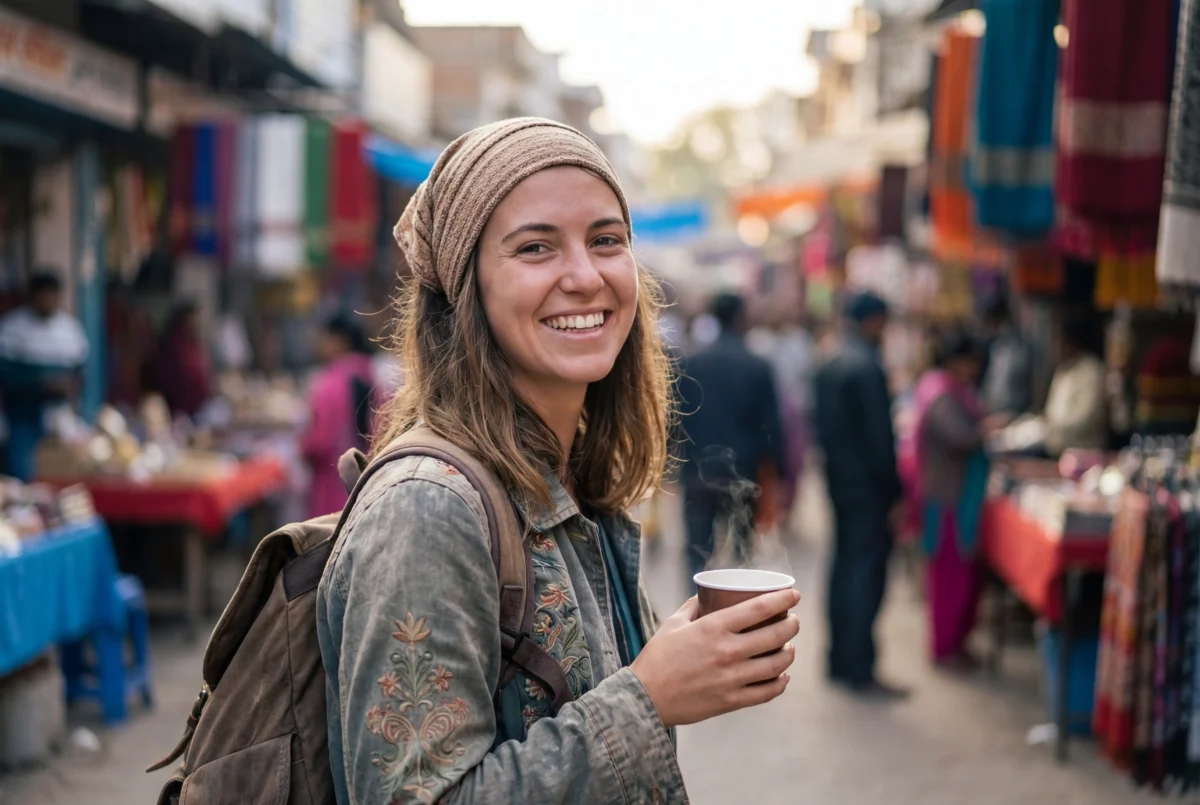
Depth of field helps guide the viewer’s attention.
Shallow Depth of Field (f/1.8 – f/2.8)
Perfect for:
- Portraits
- Food photography
- Street details
It blurs the background and isolates the subject.
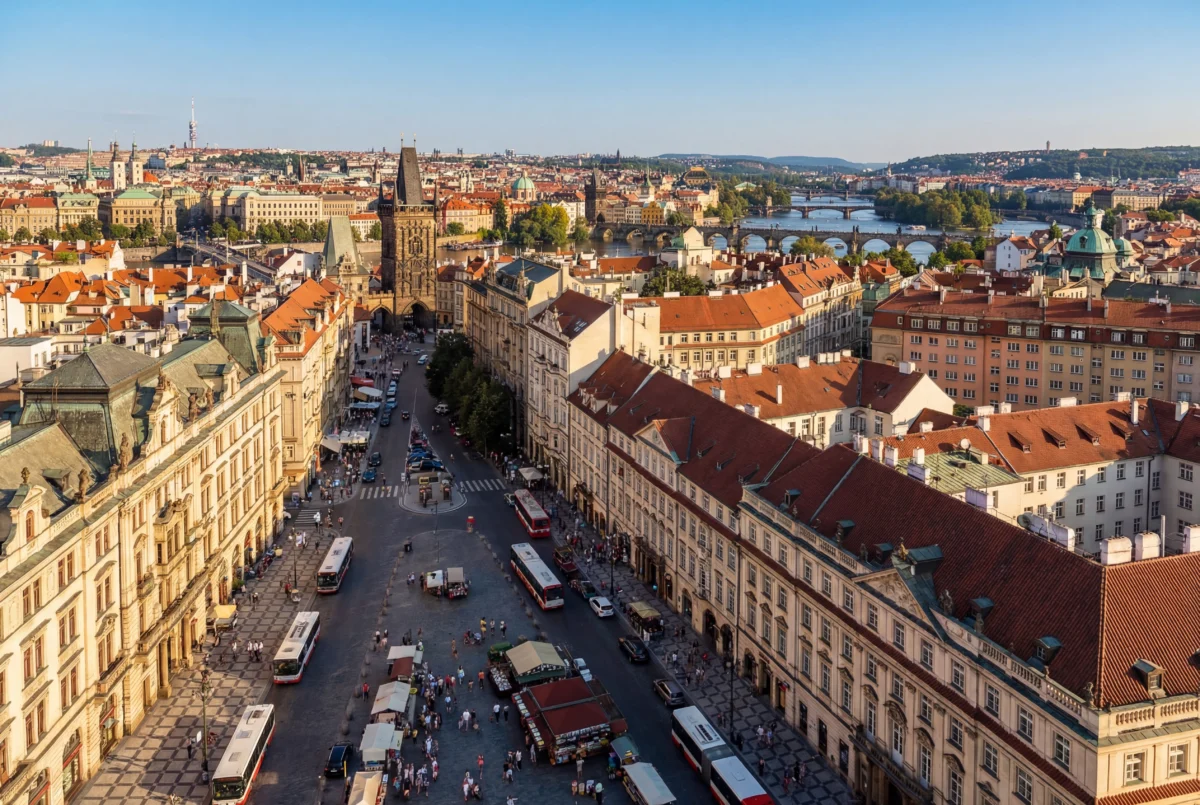
Deep Depth of Field (f/8 – f/16)
Best for:
- Landscapes
- Architecture
- Cityscapes
Everything in the scene remains sharp and detailed.
7. Editing Travel Photos for Maximum Impact
Even the best travel photos benefit from thoughtful editing.
Basic adjustments usually include:
- Exposure correction
- Color balance
- Contrast enhancement
- Cropping and straightening
Editing also helps maintain a consistent visual style across your travel album, which is especially important for blogs, portfolios, and social media.
While basic adjustments like exposure, contrast, and cropping can improve your travel photos, manually editing an entire album can be time-consuming and tricky—especially when you want to maintain a consistent style across all your shots. This is where AI-powered tools come in, helping you enhance your images faster without compromising quality.
8. Edit Travel Photos Faster with Evoto
If you want professional results without spending hours editing, AI tools like Evoto can simplify the process.The traditional travel workflow is fragmented. The All-in-One AI Workflow connects your journey from the first click to the final share.


Powerful AI Photo Editor
Here are a few features that make travel photo editing easier:
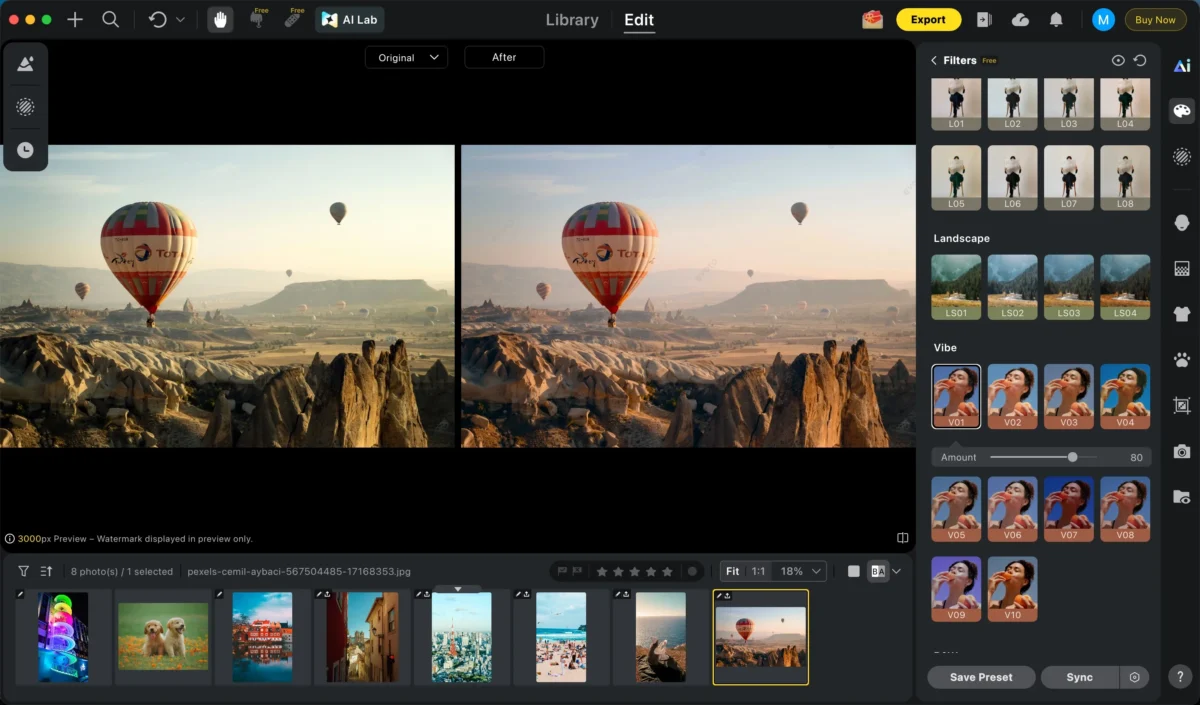
Filters
Apply beautiful filters instantly to give your travel photos a unique style and mood. Choose from a variety of looks to enhance colors and create stunning visuals in seconds.
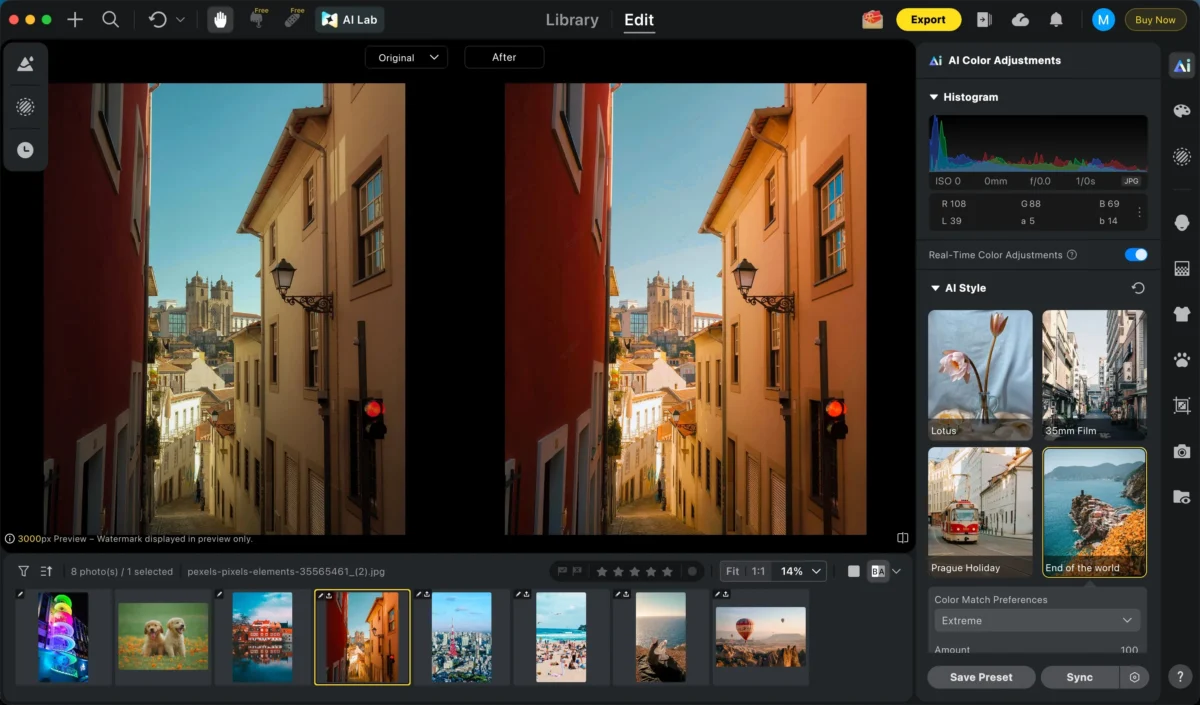
AI Color Match
Upload a reference image or use our references and instantly match the color tone across your entire travel photo set.
People or Object Removal
Remove unwanted people, objects, or distractions from your photos in seconds, keeping the focus exactly where it belongs.


Batch Editing
Apply the same adjustments to hundreds of travel photos at once, ensuring consistent style across your entire trip album while saving hours of editing time.
With Evoto, you can quickly transform raw travel shots into polished images ready for sharing.
Final Thoughts
Travel photography is about capturing memories, culture, and the unique atmosphere of a place.
By focusing on:
- Storytelling
- Creative perspectives
- Good lighting
- Clean composition
- Smart editing
you can turn simple travel snapshots into powerful visual stories.
And with AI editing tools like Evoto, creating professional-quality travel photos has never been easier.
Travel photography should be about the journey, not the screen time. By embracing an All-in-One AI Photography Workflow, you eliminate the technical friction of the “Manual Bottleneck.”
Stop retouching—start exploring. Use the Evoto pipeline to turn your raw travel data into polished, professional visual stories before your trip is even over.
Try Evoto AI Photo Editor
Retouch photos with Evoto AI and make your photos best! Available on Windows, MacOS and iPadOS.



